Search
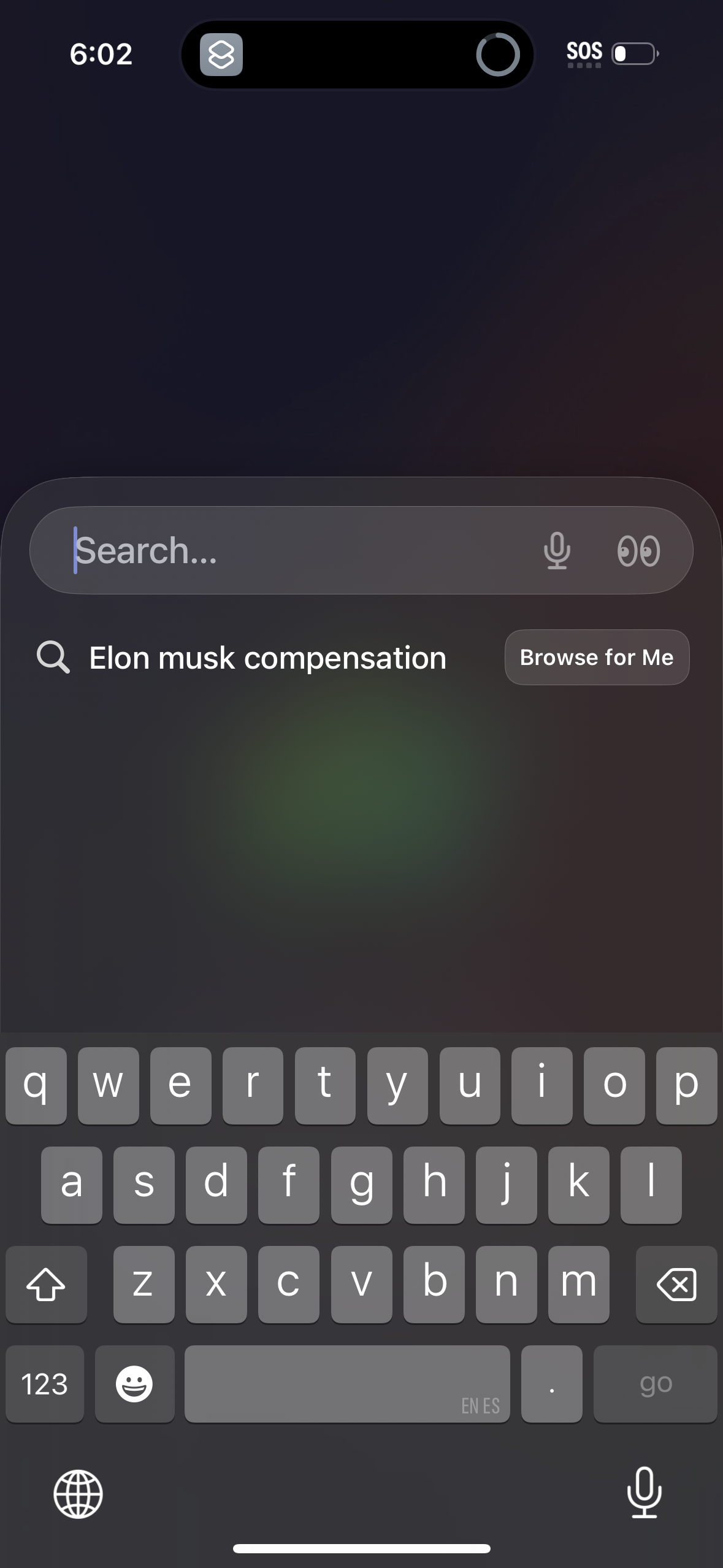
Mobile search overlay with a large search input supporting voice dictation and an option to browse personalized results (“Browse for Me”). Below the field it shows a recent/suggested query that can be tapped to run the search.
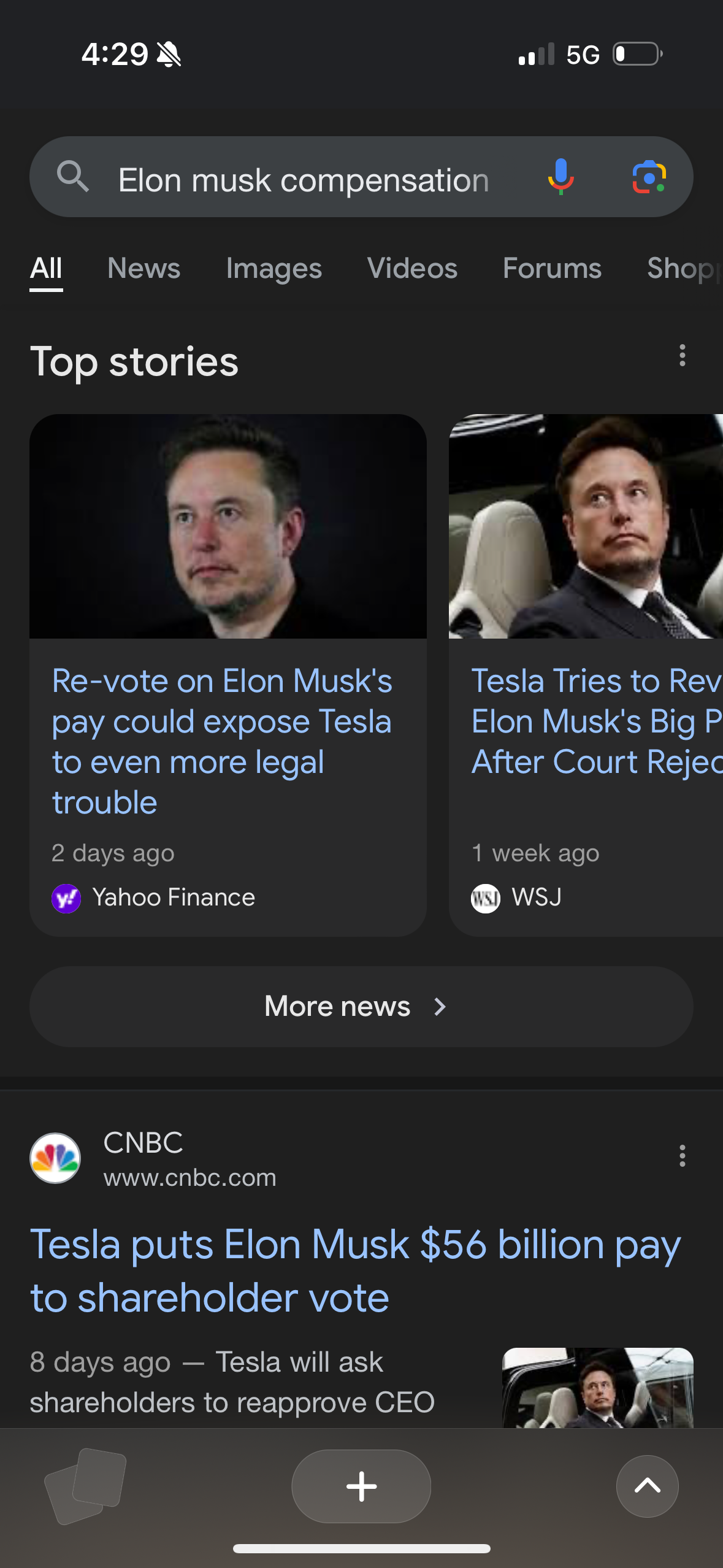
Mobile Google search results screen showing a query with category tabs (All, News, Images, Videos, Forums, Shopping) and a “Top stories” news carousel with article cards, source and time metadata. Includes a “More news” call-to-action and additional news result snippets below.
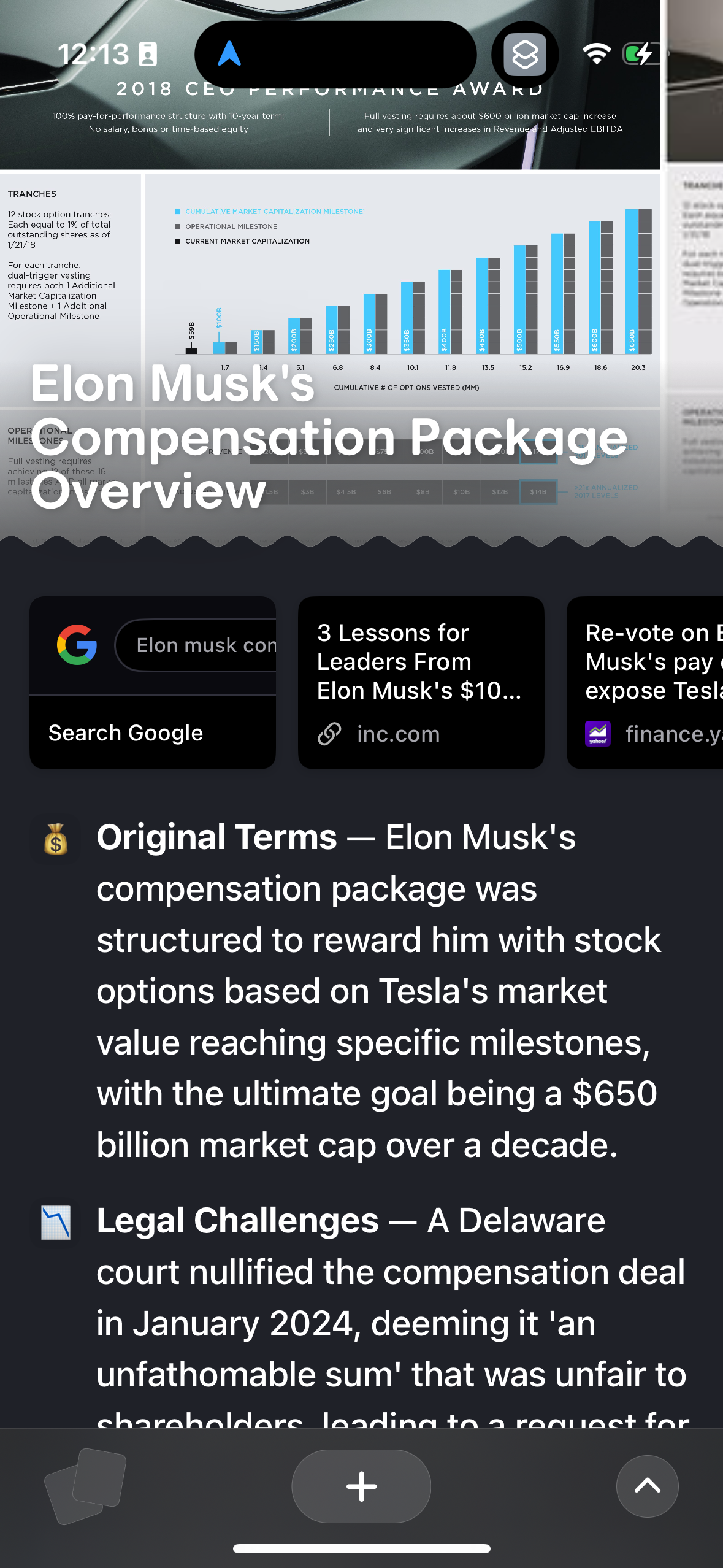
Mobile browser article summary view showing a headline and condensed sections of text about a topic, with tappable source cards/links to open related results and a “Search Google” option. The screen supports skimming key points and jumping to external sources from within the in-app/overlay reading panel.