Onboarding welcome splash screen with an app logo, a marketing tagline (“Get what you want twice as fast. ”), and a primary “Next” button to continue setup or onboarding.
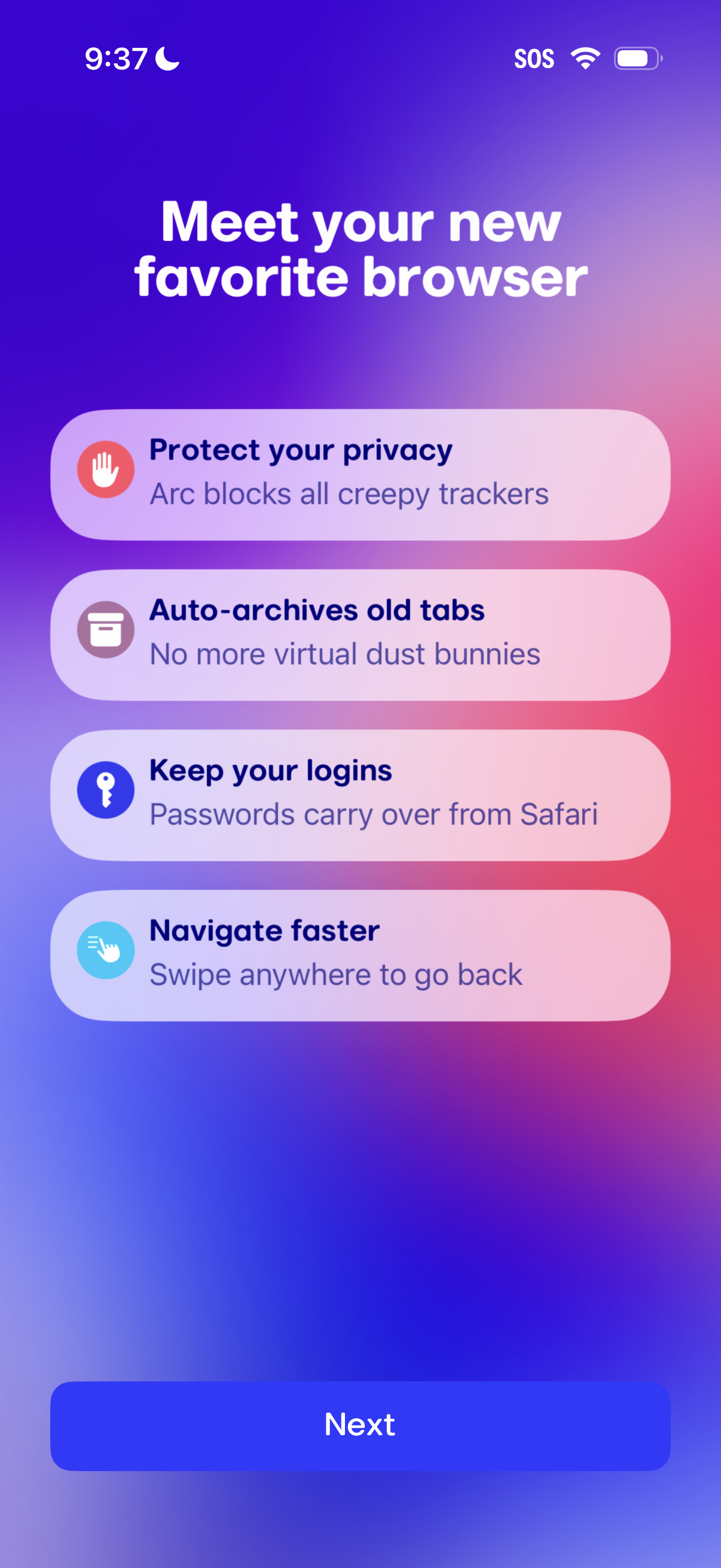
Onboarding feature-intro screen for a mobile web browser highlighting key benefits like privacy protection (tracker blocking), auto-archiving old tabs, importing saved logins from another browser, and faster gesture navigation. Includes a primary “Next” button to continue setup.
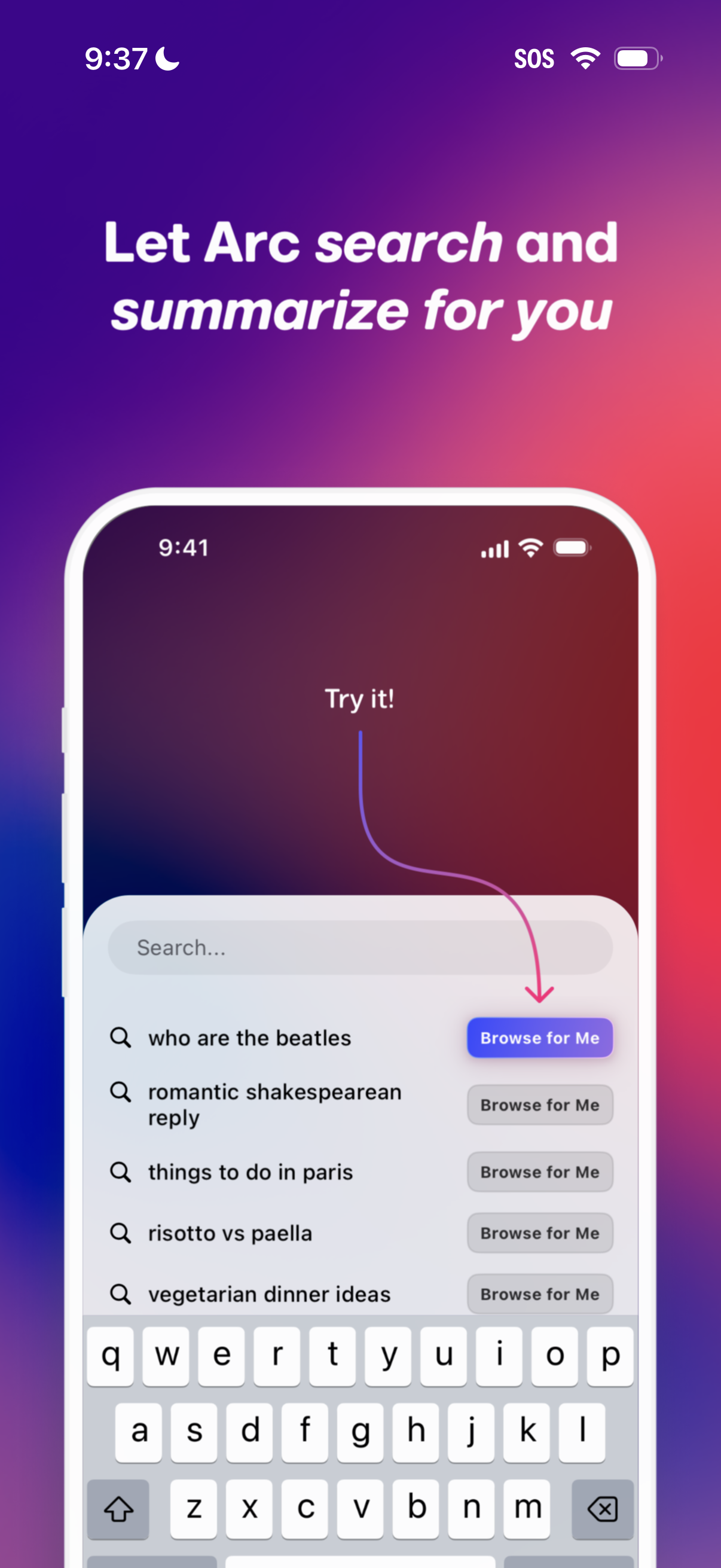
Onboarding/tutorial screen introducing an AI-powered browser feature that can search and summarize information for you. Shows a search field with suggested queries and a “Browse for Me” button to automatically browse the web on the user’s behalf.
A minimal onboarding or setup screen prompting the user with a text question (“who are the beatles”) and a primary “Next” button to proceed to the next step. The layout uses a simple confirmation/check icon and gradient background with a single forward navigation action.
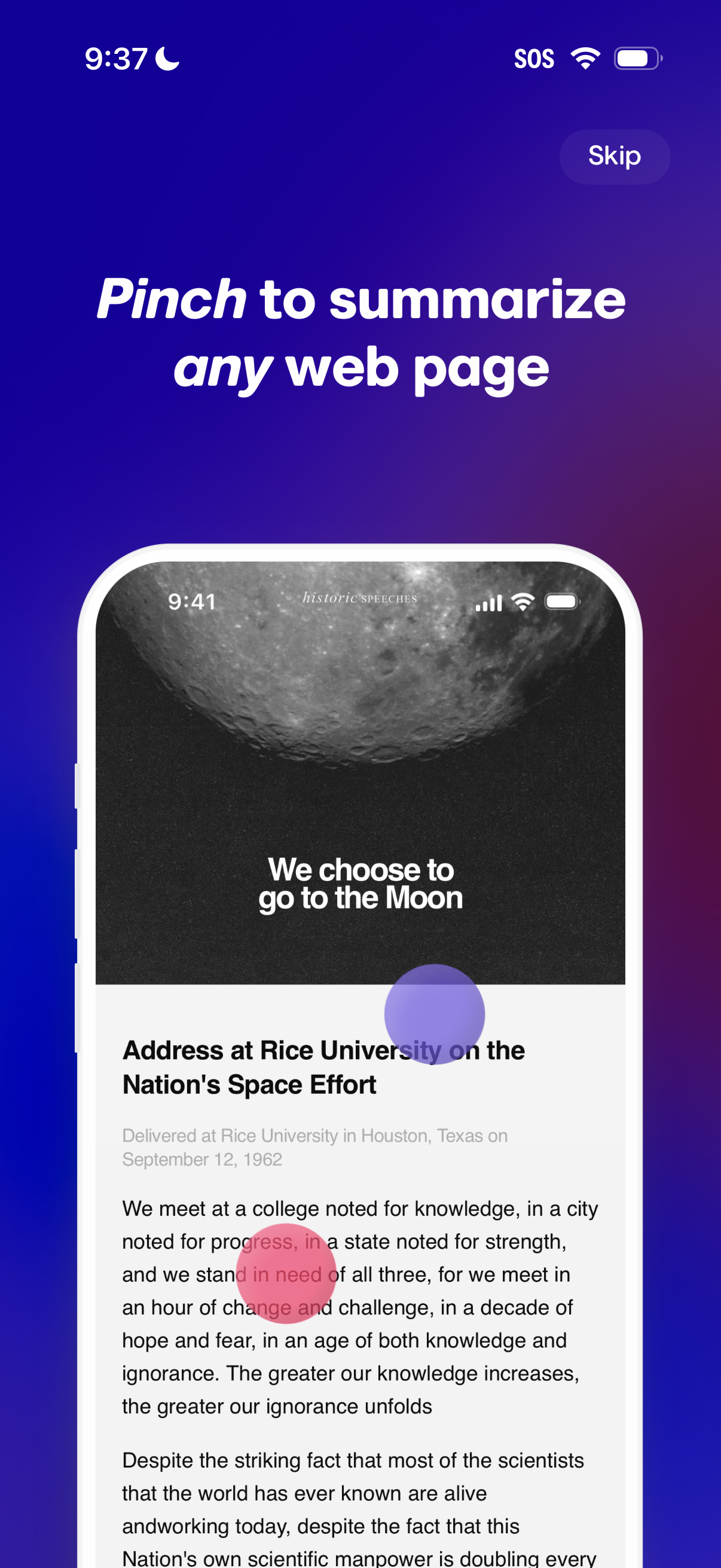
Onboarding/tutorial screen explaining a gesture feature that lets users pinch to summarize any web page, shown with an example article preview. Includes a prominent “Skip” button to bypass the walkthrough.
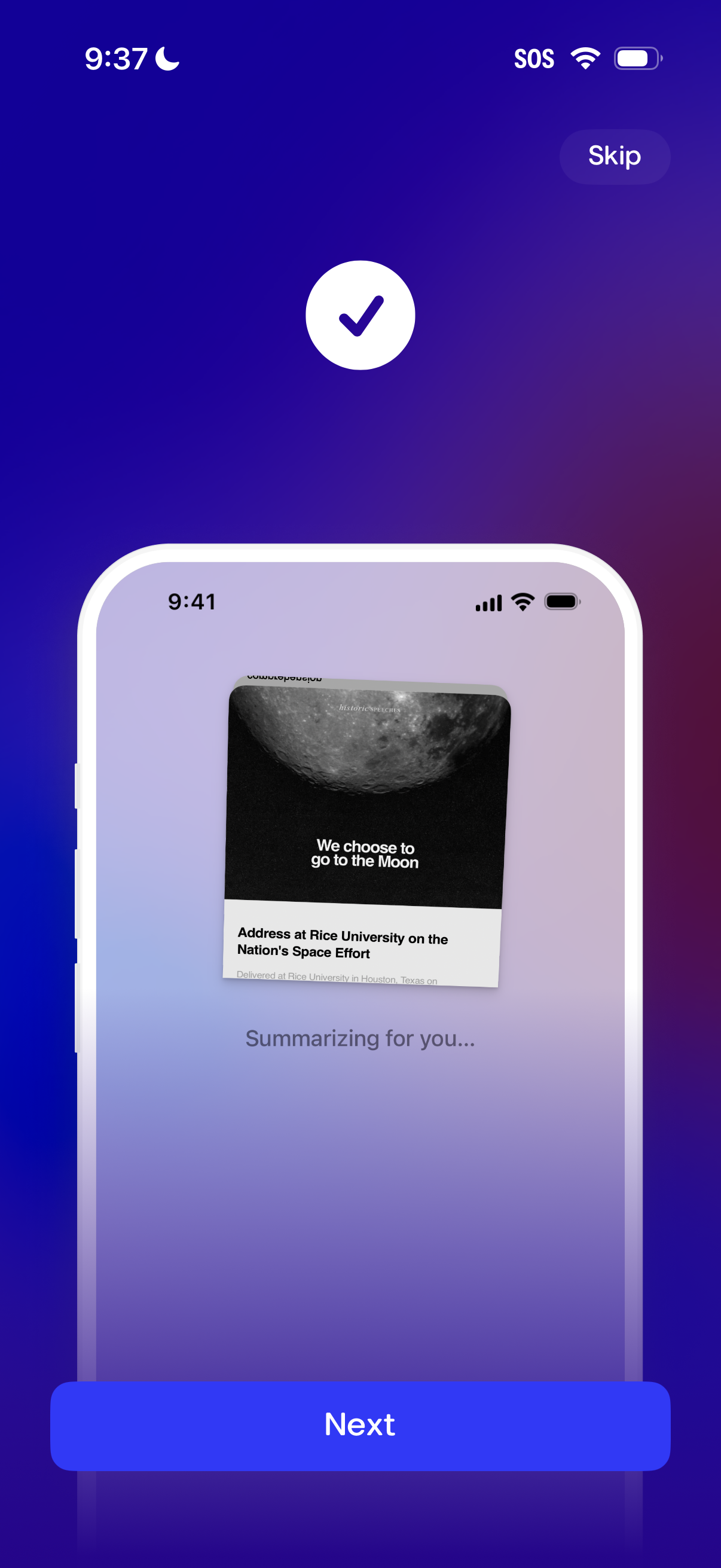
Onboarding/tutorial screen showing an AI summarization feature in progress with a preview card and the status text “Summarizing for you…”. Includes primary CTA “Next” and a “Skip” option to move forward or bypass the step.
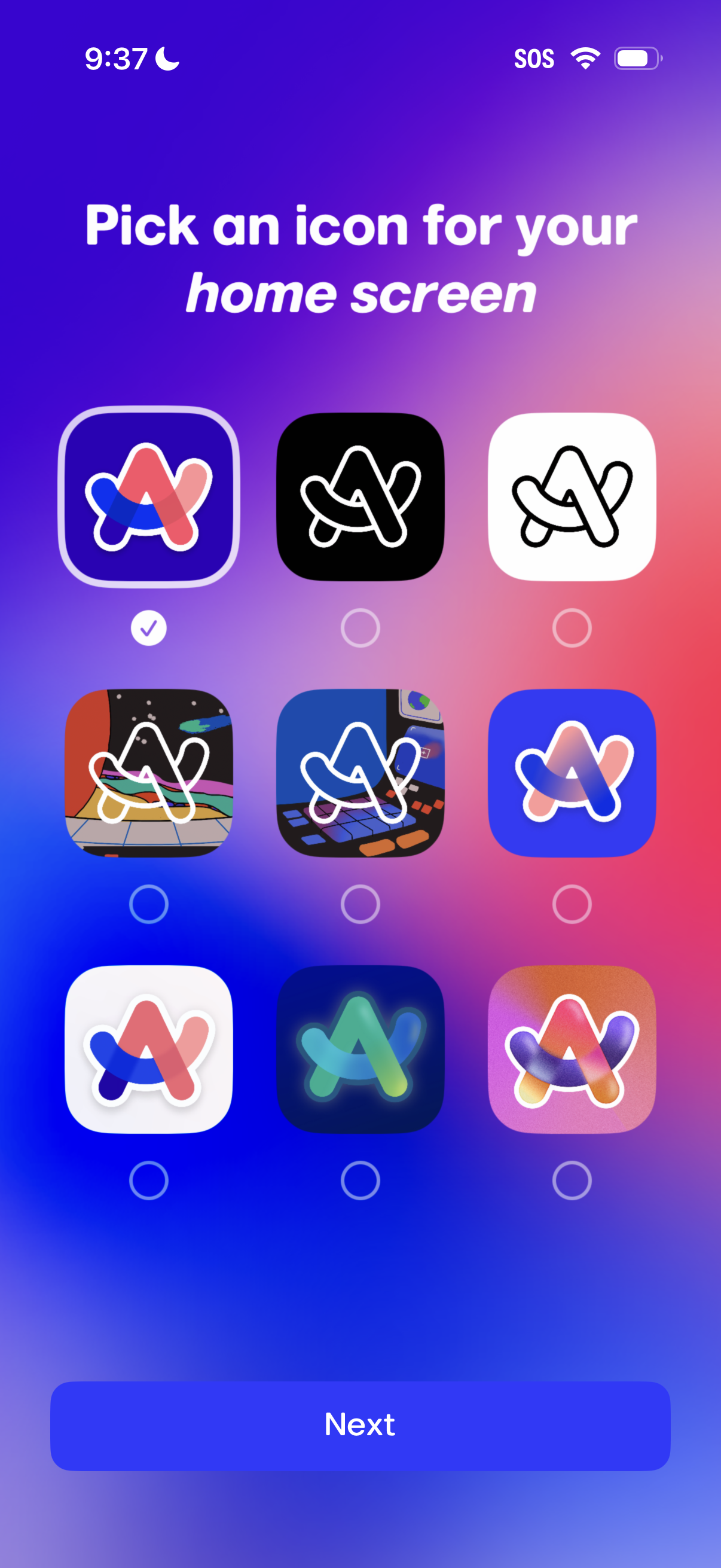
Onboarding customization screen prompting the user to pick an app icon for their home screen, showing a grid of icon style options with radio selection indicators. A primary “Next” button advances after choosing the preferred icon.
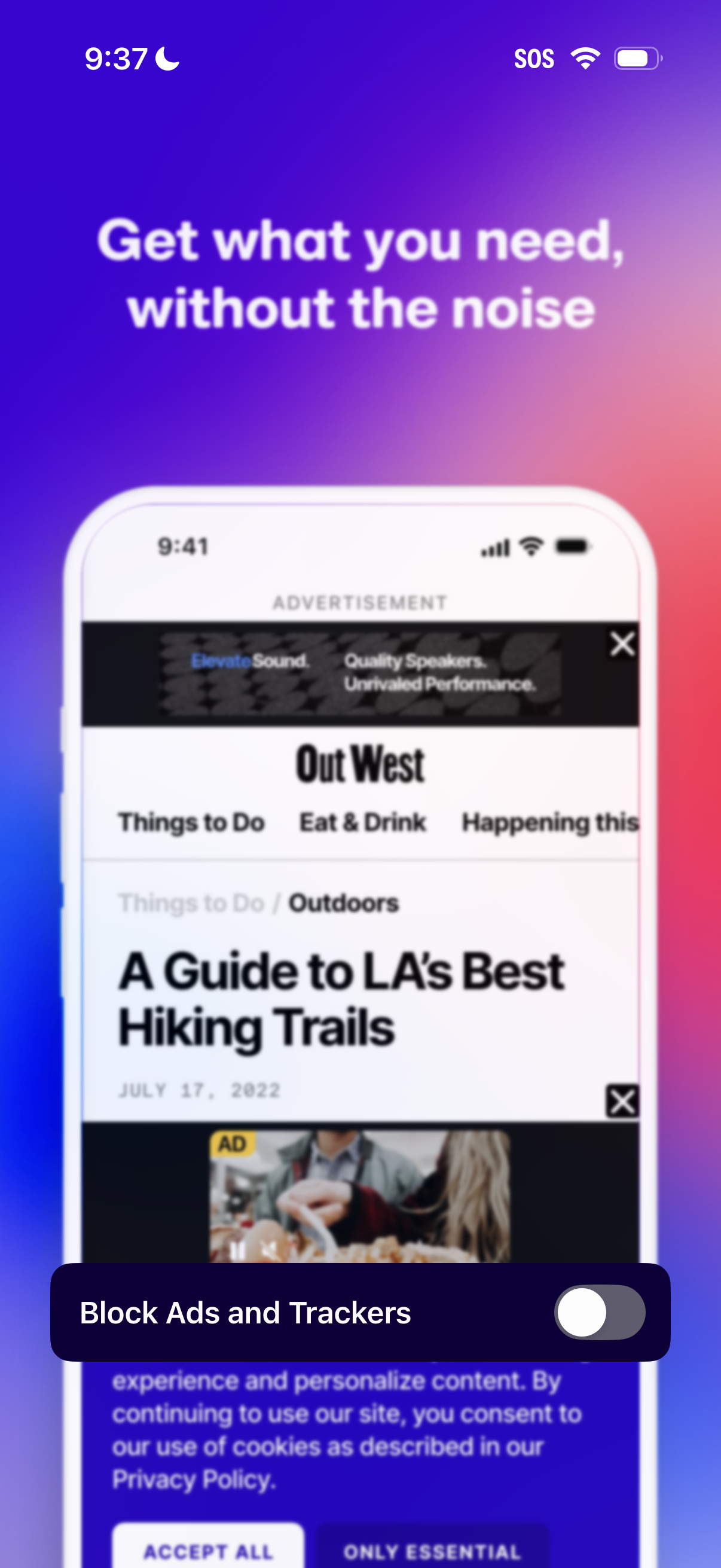
Onboarding or promo screen for an ad-blocking browser/app highlighting “Get what you need, without the noise” with a preview of a cluttered webpage showing ads. Includes a primary action to “Block Ads and Trackers” with a toggle switch to enable the feature.
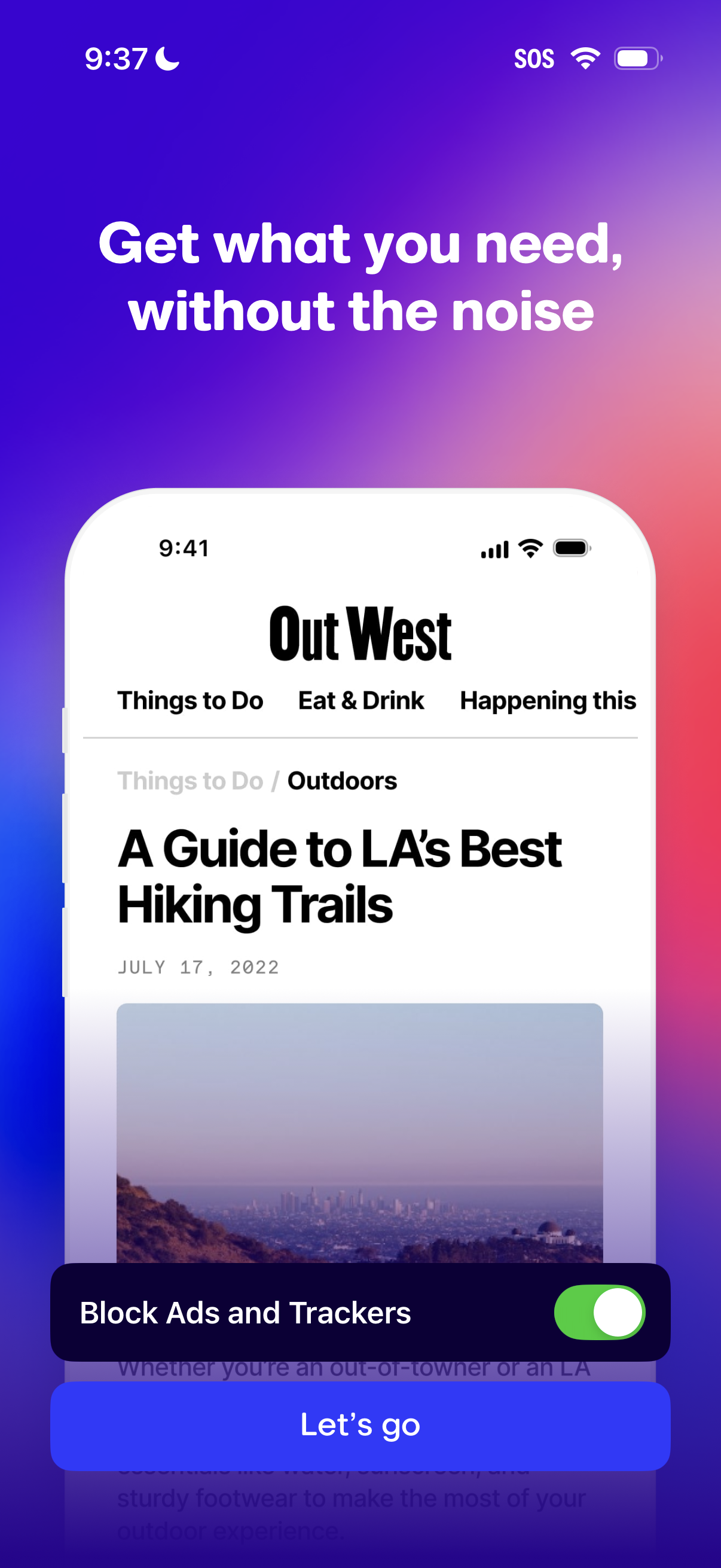
Onboarding/intro screen for a privacy-focused browser feature highlighting “Get what you need, without the noise,” with a preview of a webpage and a primary call to action to enable “Block Ads and Trackers” via a toggle and continue with a “Let’s go” button.
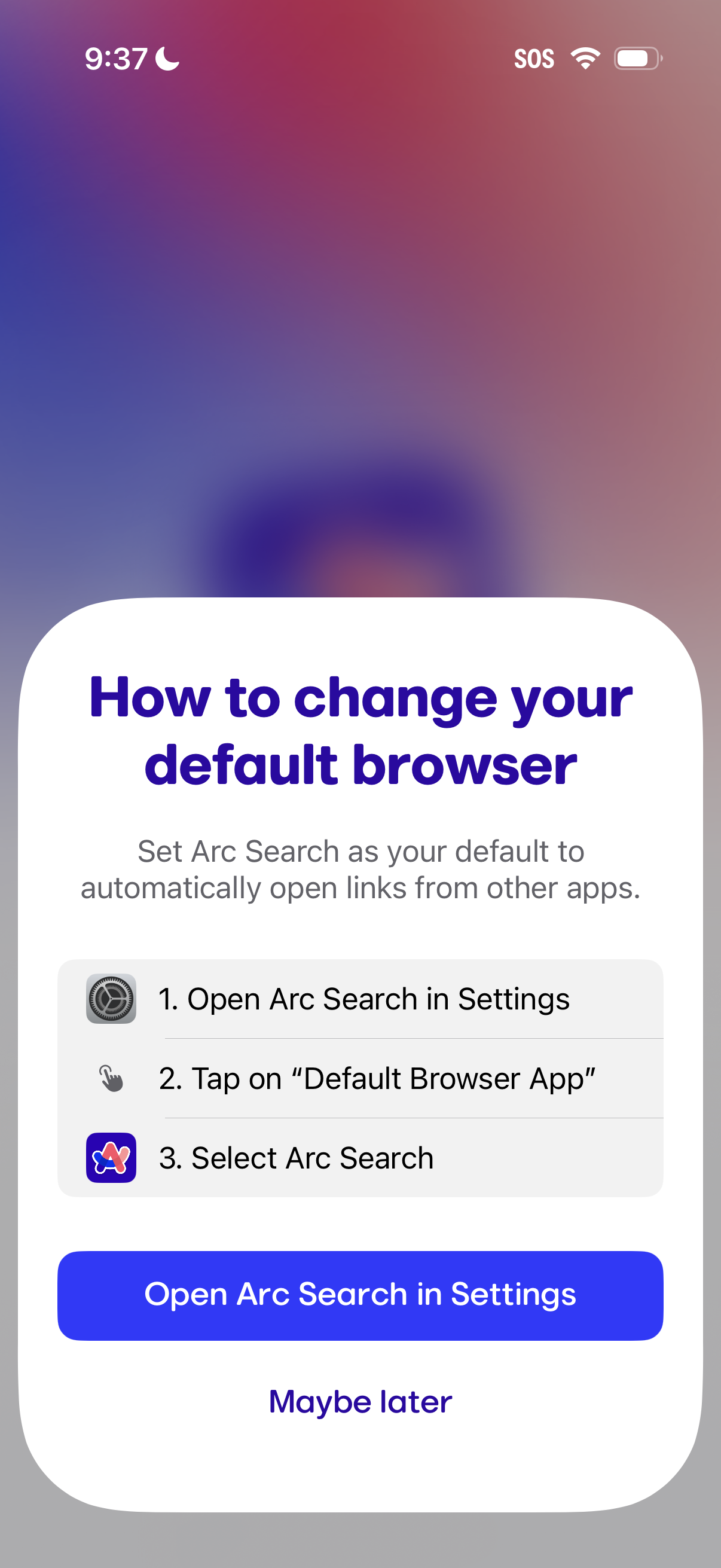
Modal onboarding prompt explaining how to change the iPhone default browser to the app, showing step-by-step instructions and a primary CTA to open the app’s Settings page. Includes a secondary “Maybe later” option to dismiss.
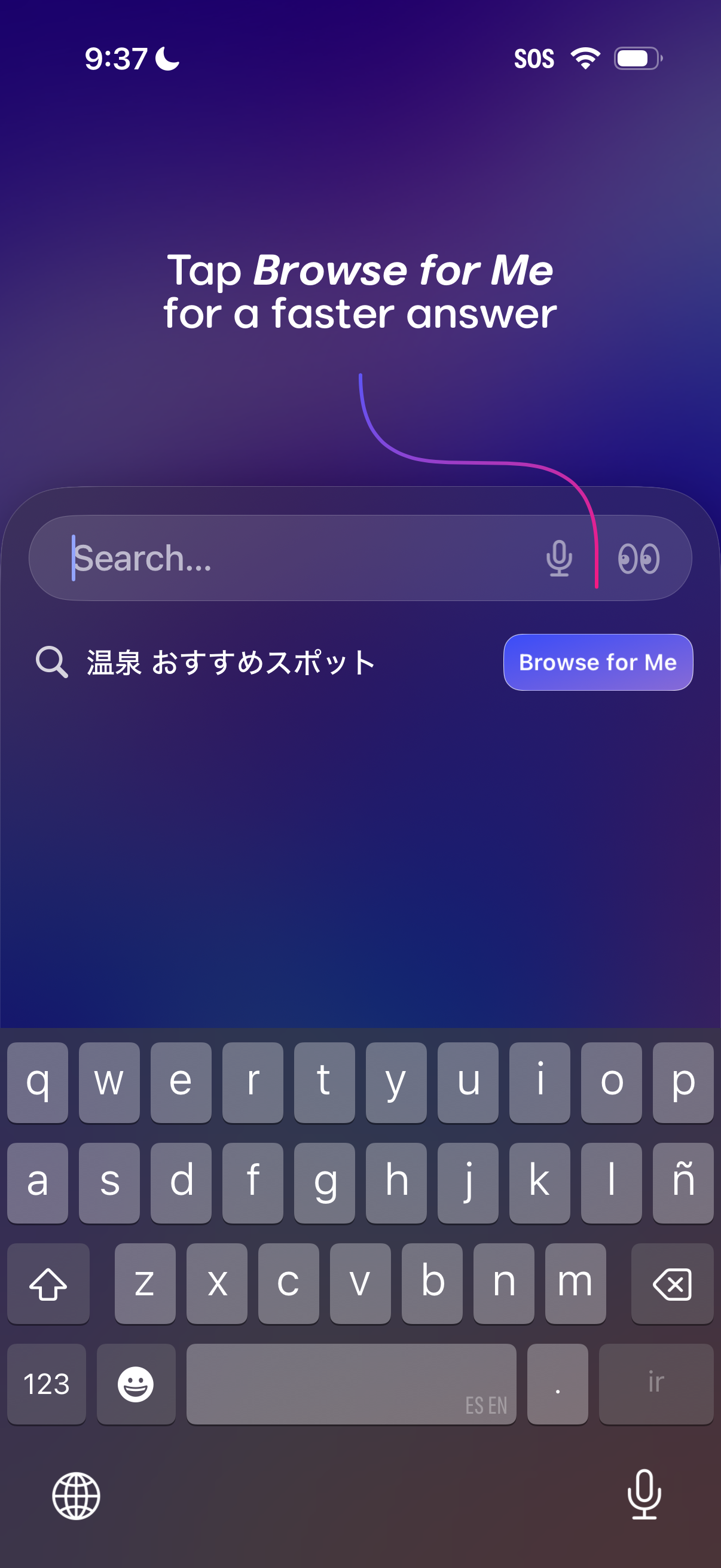
Search screen prompting users to “Browse for Me” for faster answers, featuring a search bar with text input, voice microphone, and an exploration/browse icon. Includes a suggested query result line and a prominent “Browse for Me” CTA button to trigger an assisted discovery flow.
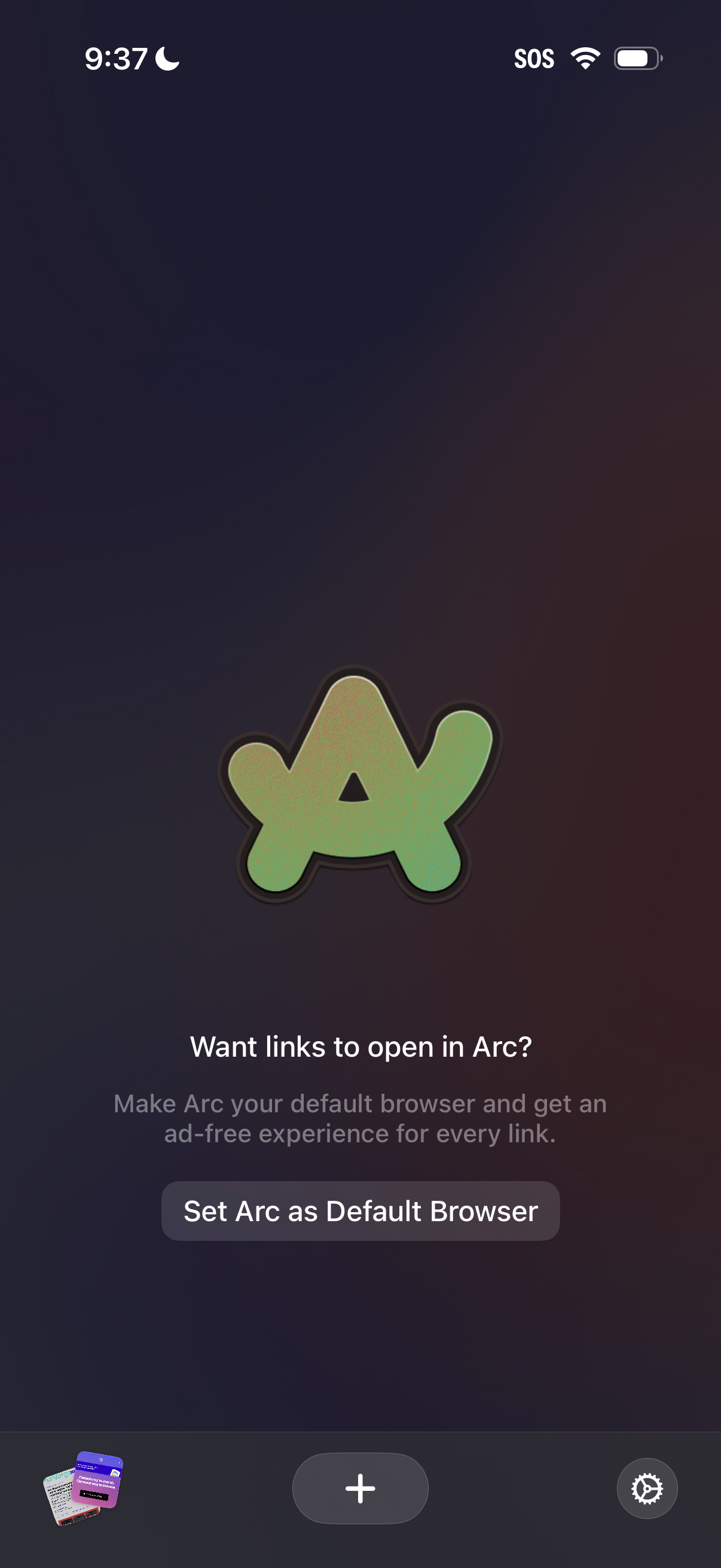
Prompt screen asking the user to make Arc the default browser so links open in Arc and provide an ad-free experience. Includes a primary CTA button to “Set Arc as Default Browser.
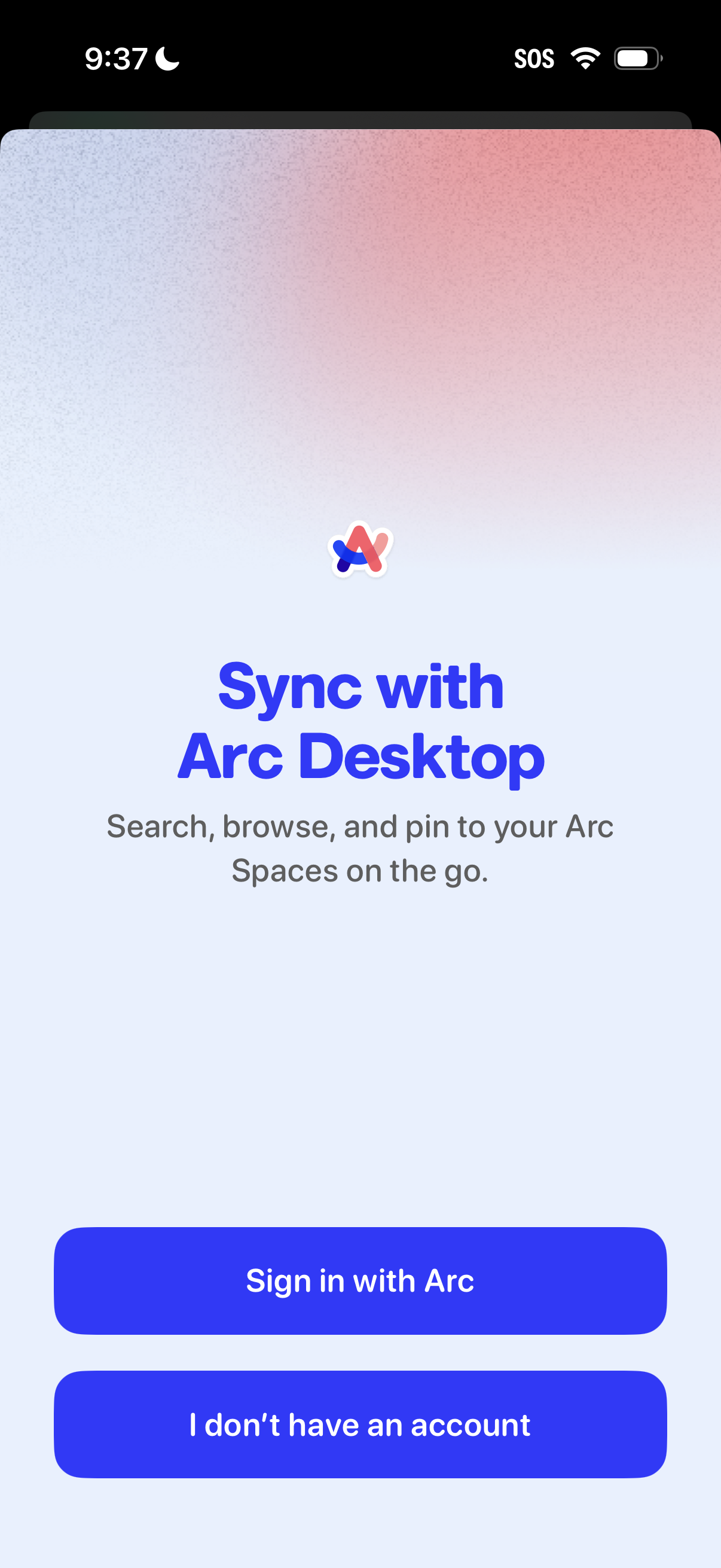
Onboarding sign-in screen prompting users to sync the mobile app with the Arc Desktop browser to access and manage Arc Spaces on the go. Primary actions include “Sign in with Arc” and an option for users who don’t have an account.