download shared document
1
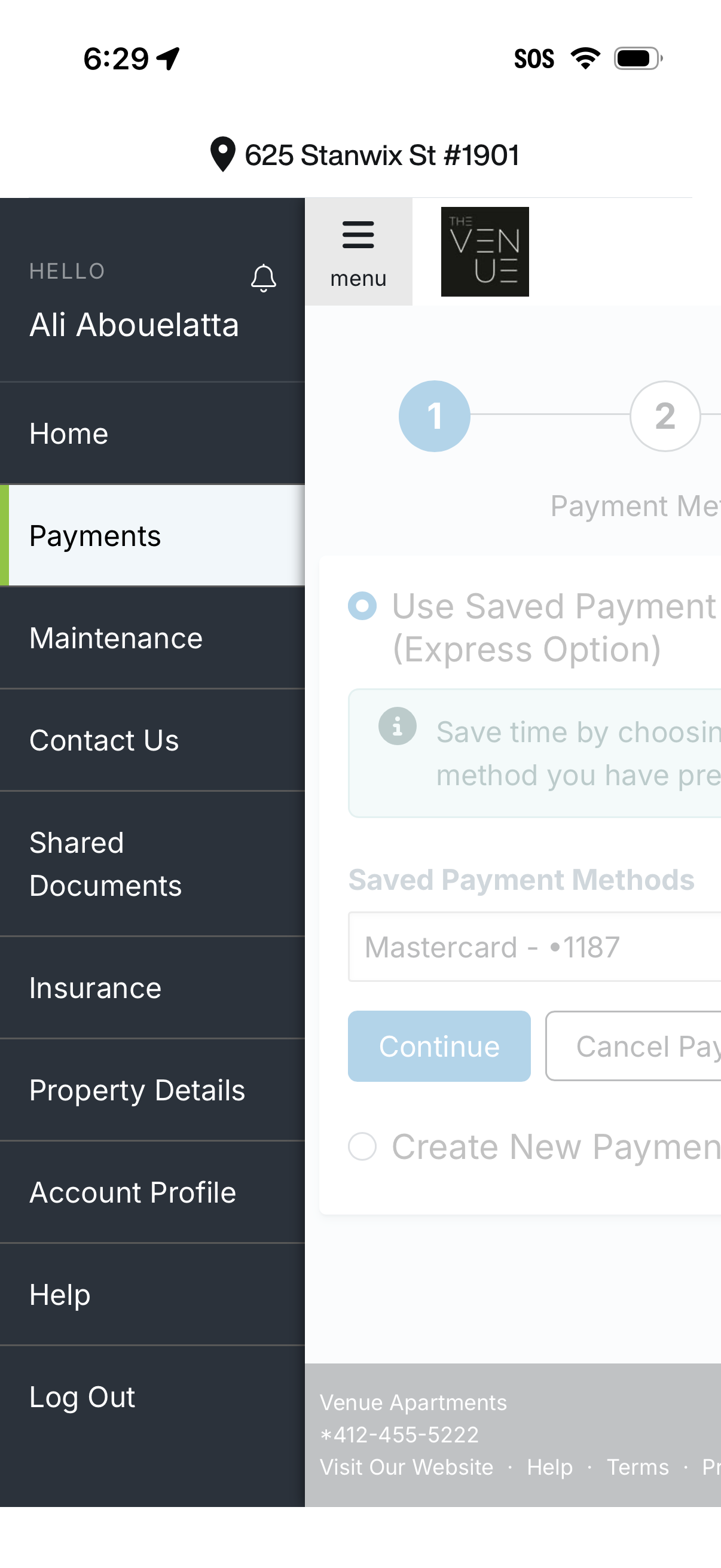
Resident portal screen with a slide-out navigation drawer where Payments is selected, alongside options like maintenance requests, contact support, shared documents, insurance, property details, account profile, help, and log out. The main content shows a multi-step payment flow to choose a saved payment method or create a new payment, with actions to continue or cancel.
2
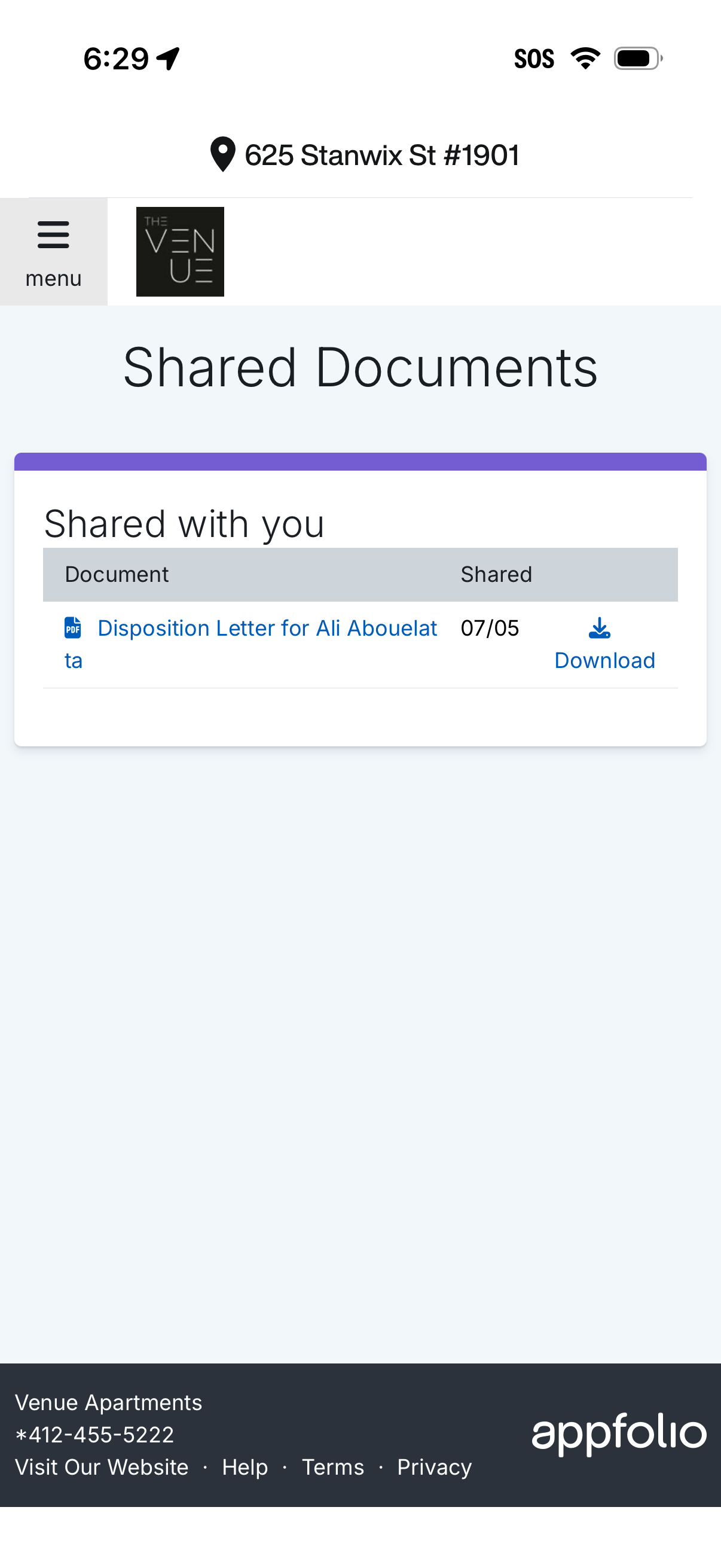
Shared Documents screen in a resident/tenant portal showing a list of documents shared with the user, including file type, document name, and shared date. Users can tap a document or use a download action to save the file, with access to a side menu for navigation.