1
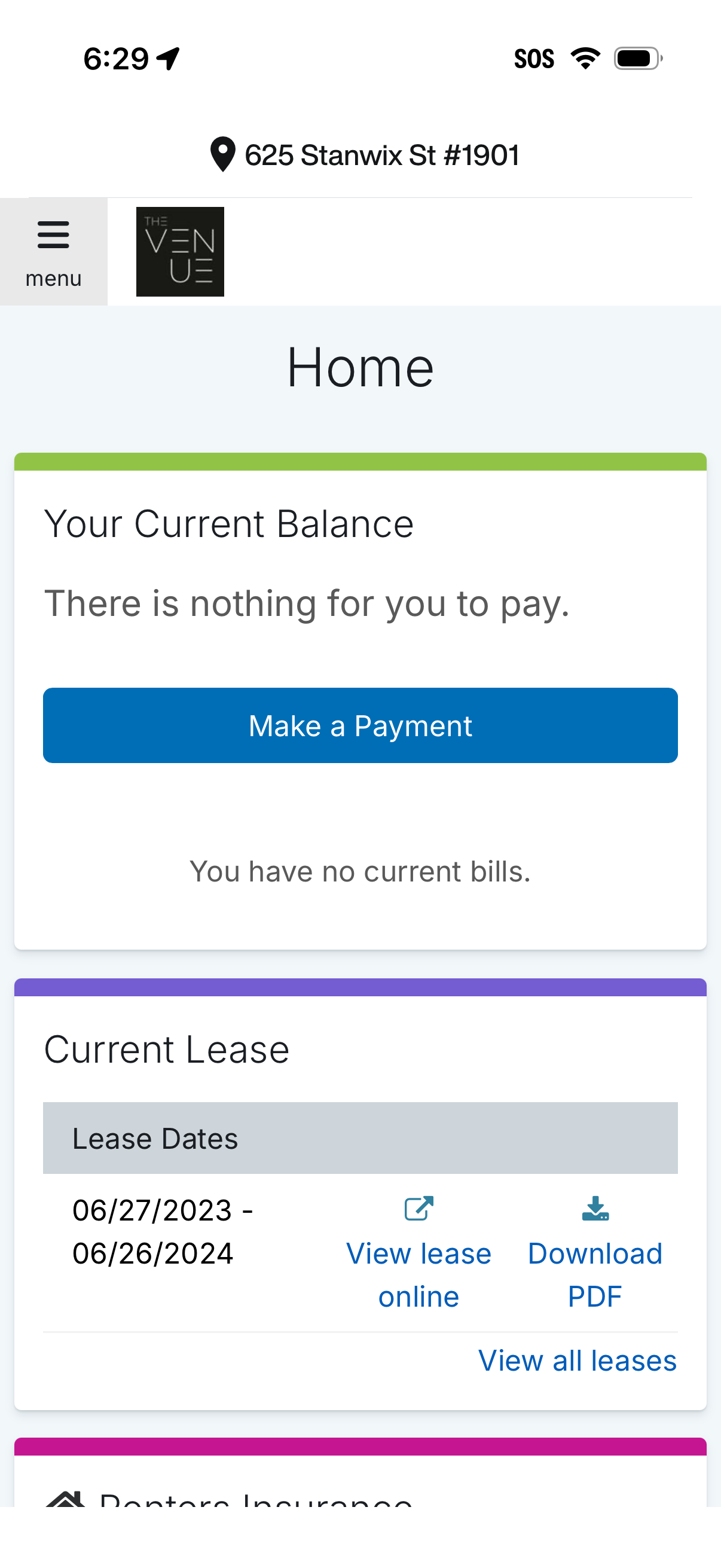
Home dashboard for a tenant/resident portal showing the current account balance and billing status with a primary “Make a Payment” CTA. Below, a “Current Lease” section displays lease dates and provides actions to view the lease online, download a PDF, and view all leases, with a menu icon and property address in the header.
2
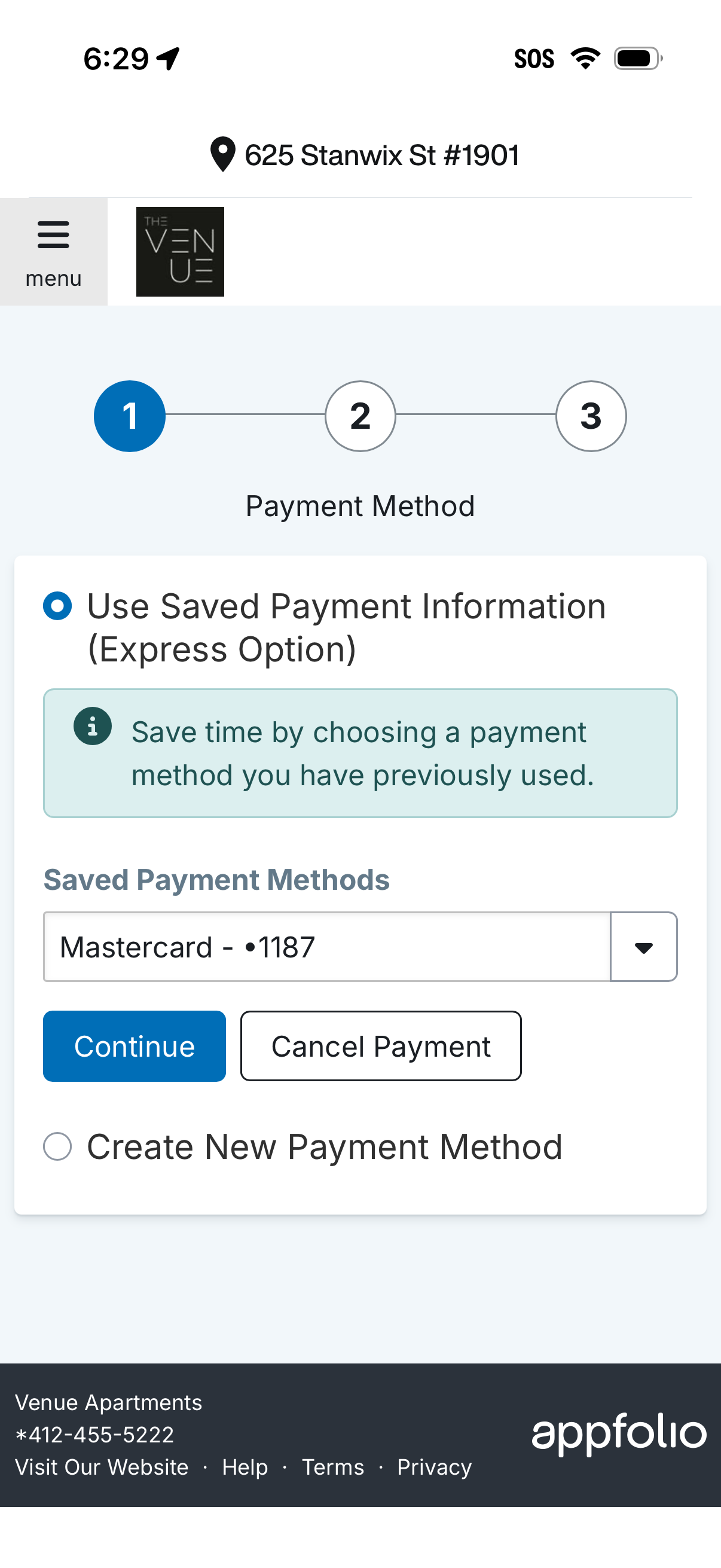
Checkout payment method step in a 3-step flow, letting users select a saved payment method from a dropdown (express option) or choose to create a new payment method. Primary actions include Continue to proceed or Cancel Payment, with an info banner explaining the saved payment option.