1
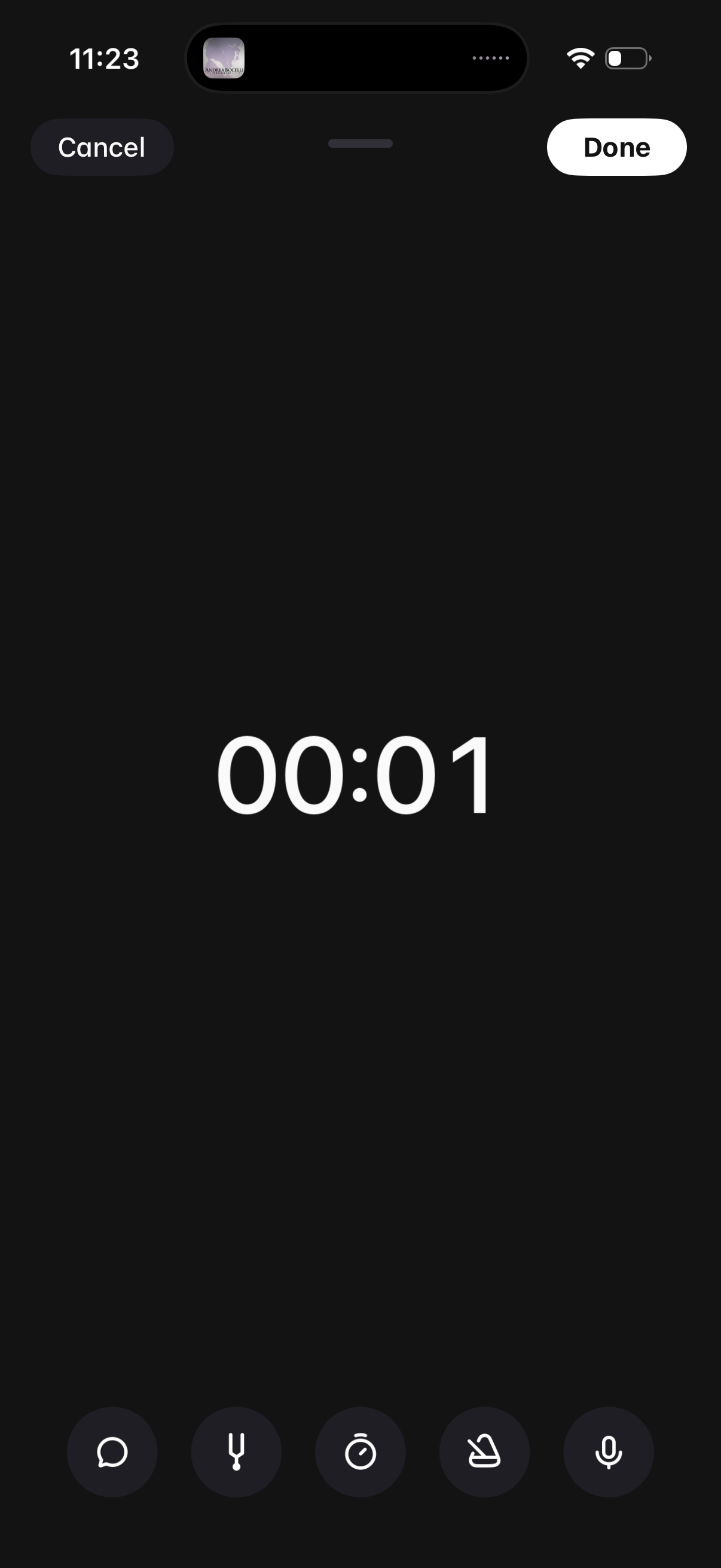
Audio voice recording screen with a large elapsed-time counter and quick controls for recording options like transcript, timer, and settings. Primary actions are Cancel to discard or Done to save and finish the recording.
2
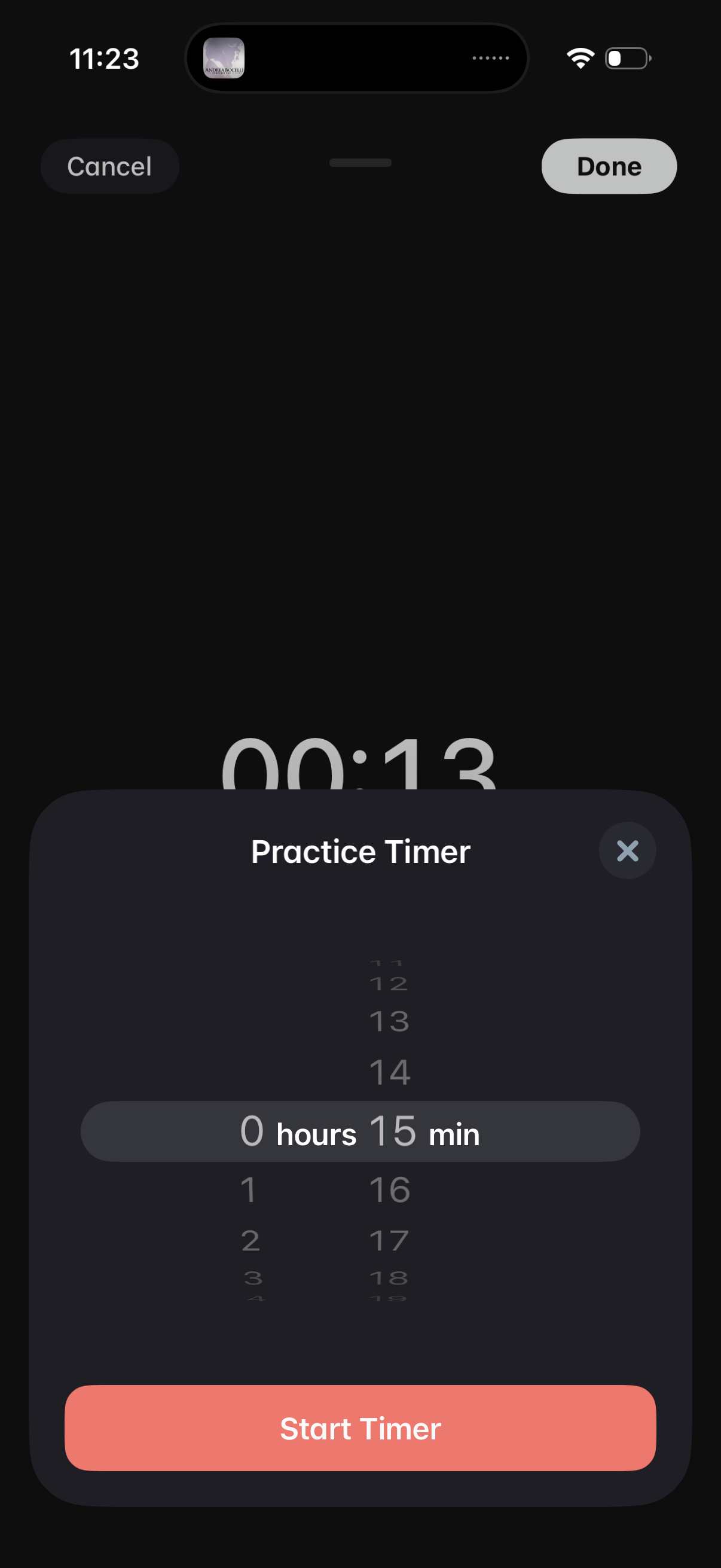
Modal bottom sheet for setting a practice timer duration using a wheel picker (hours and minutes), with options to cancel/close, confirm done, and start the timer. The overlay highlights the selected time (e.
3
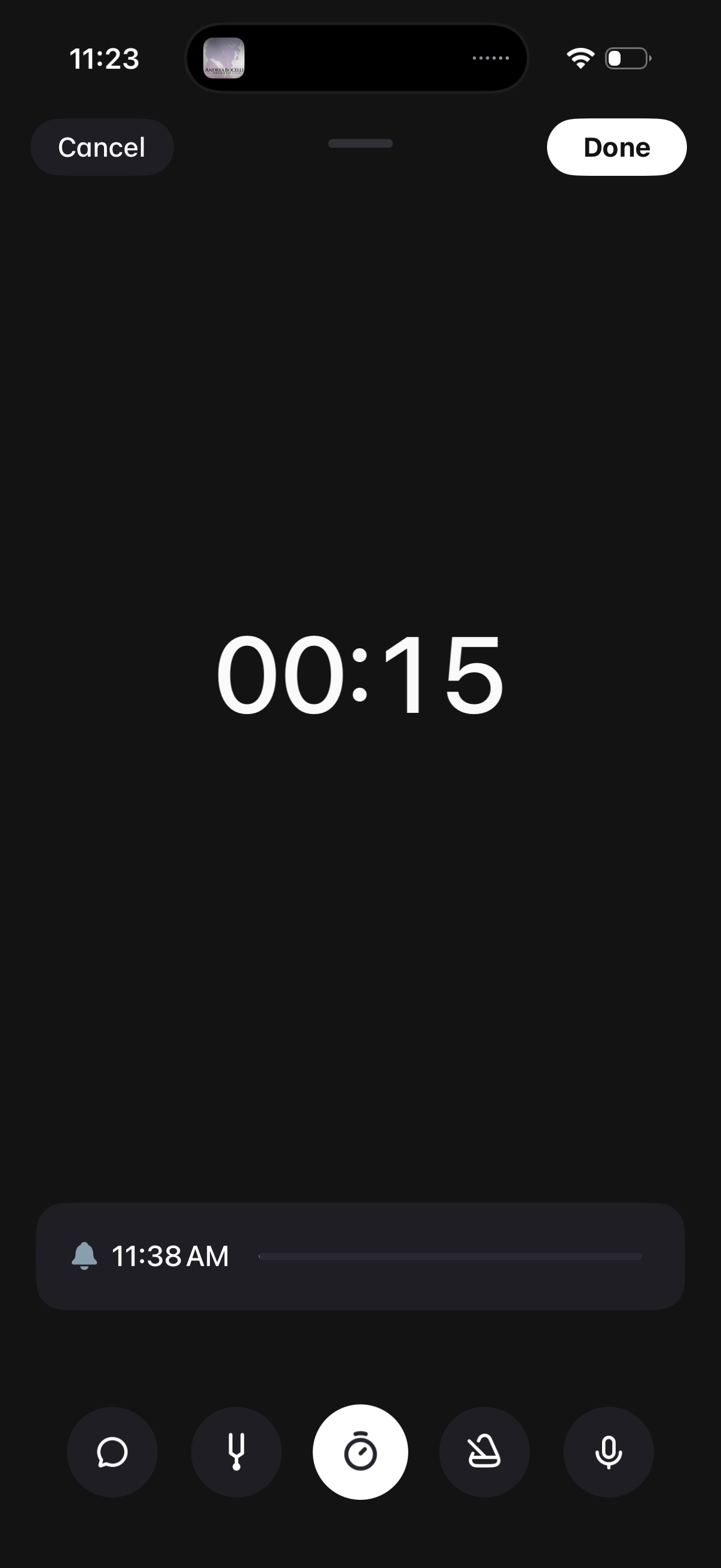
Minimalist voice memo/recording screen showing a large elapsed time counter with Cancel and Done actions. Includes controls to add an alarm/reminder time and quick action icons (e.