create a journal entry
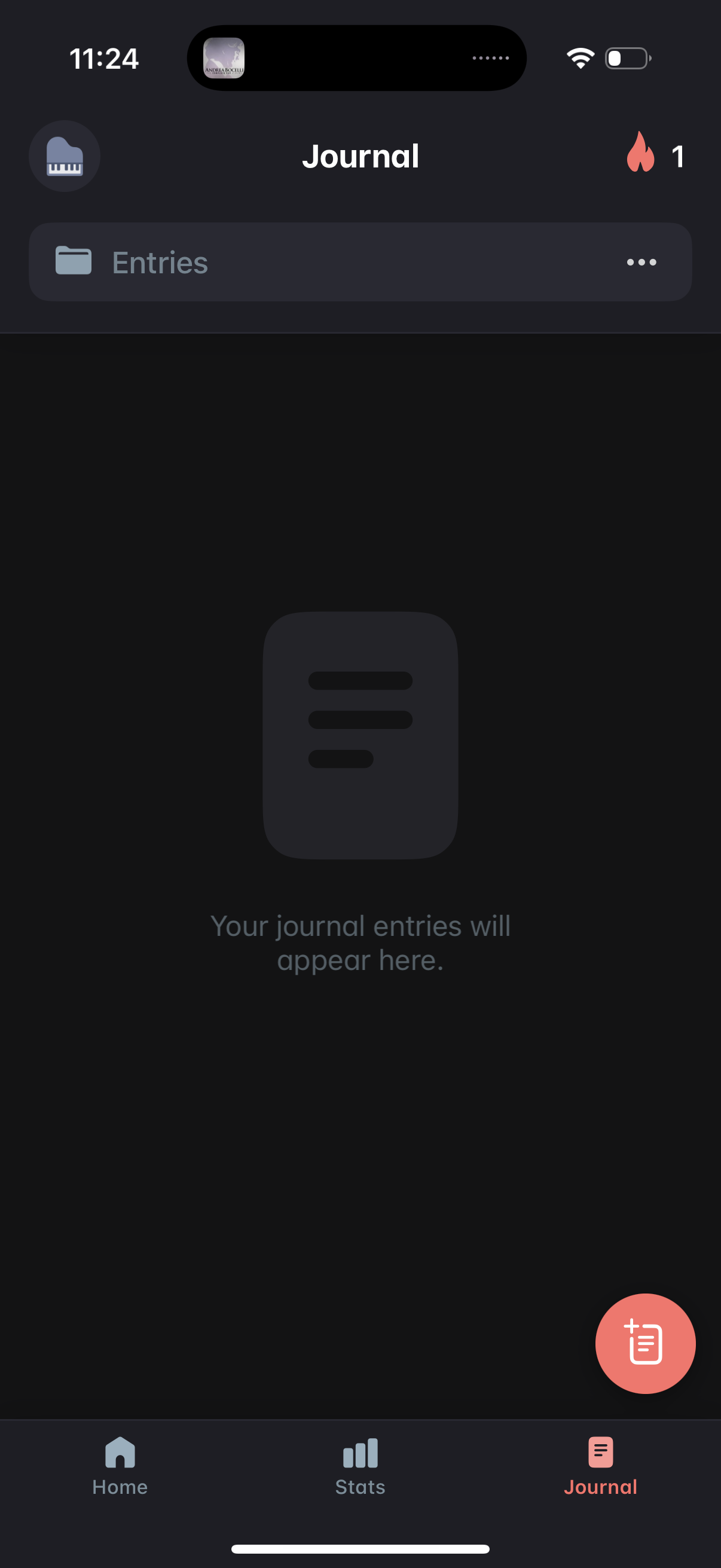
Empty state for a Journal tab showing an Entries list section with overflow options, indicating where journal entries will appear. Includes a floating action button to create a new journal entry and bottom navigation to switch between Home, Stats, and Journal.
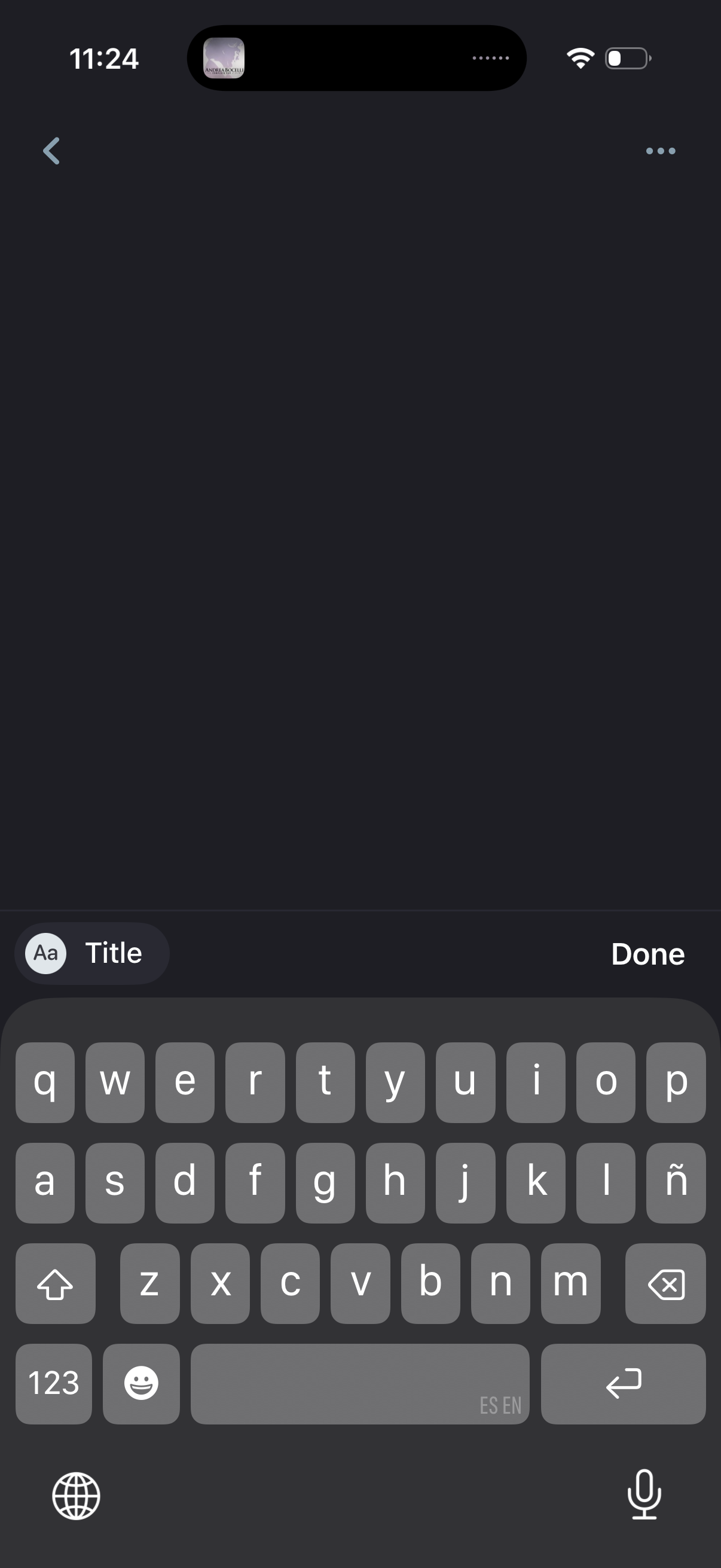
Dark-mode note creation/editing screen with a single text field for entering a note title, showing a back arrow for navigation and a “Done” action to save/finish. The on-screen keyboard is open for immediate text input, with an overflow menu available in the top-right.
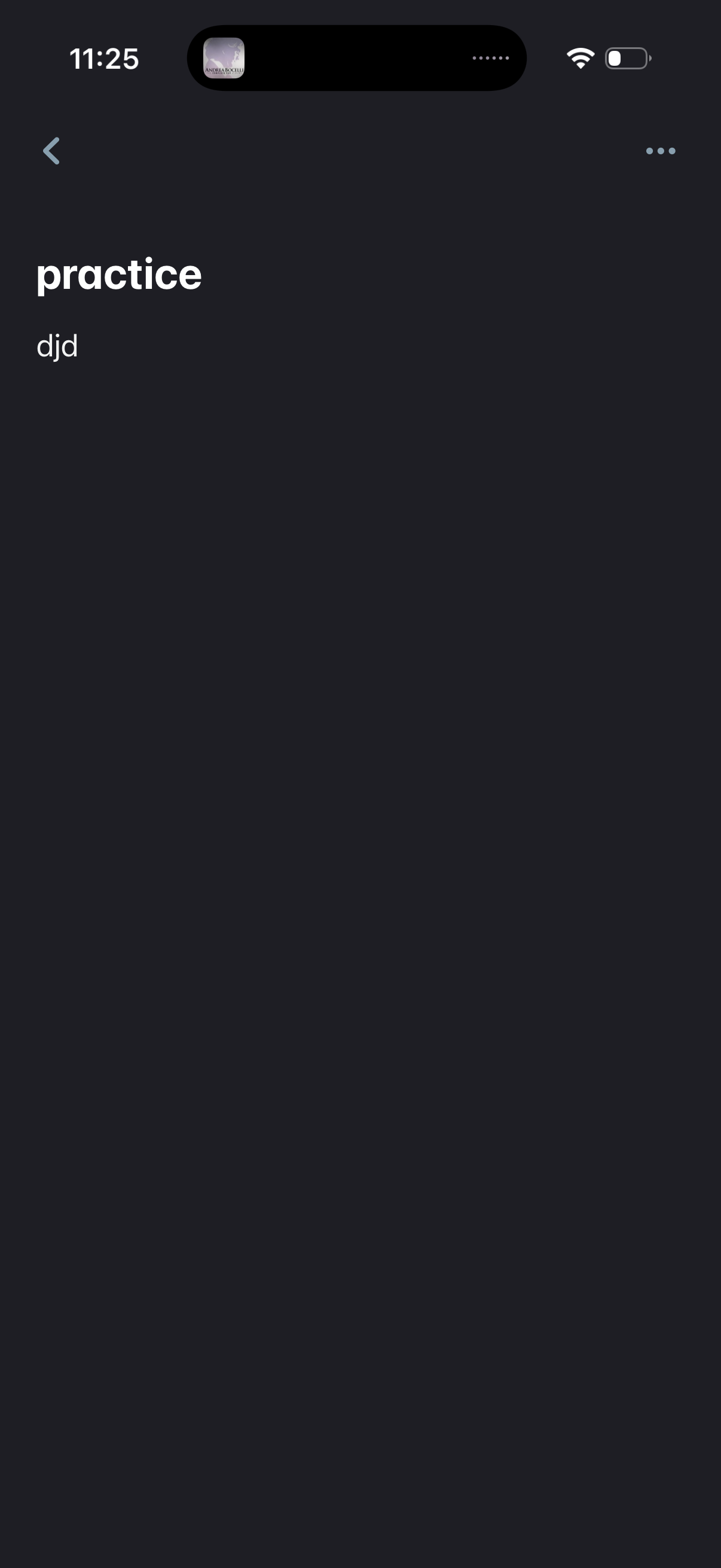
Minimal dark-themed detail screen for a note or task, displaying a title and short body text with a back navigation button and an overflow (more options) menu for actions like editing or deleting.
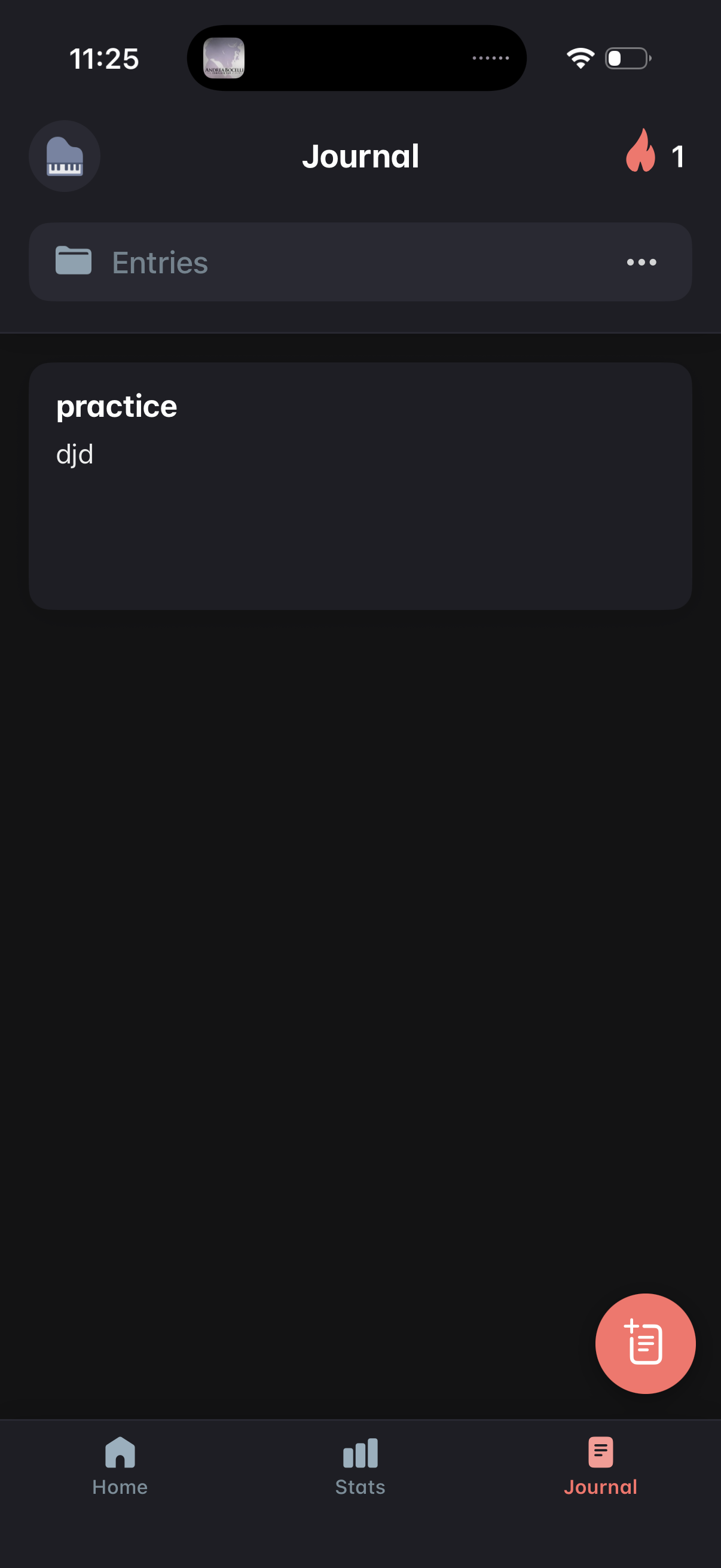
Journal tab showing a list of journal entries with a folder/filter row and an overflow menu for more actions. A floating action button lets the user create a new journal entry, with bottom navigation to switch between Home, Stats, and Journal.