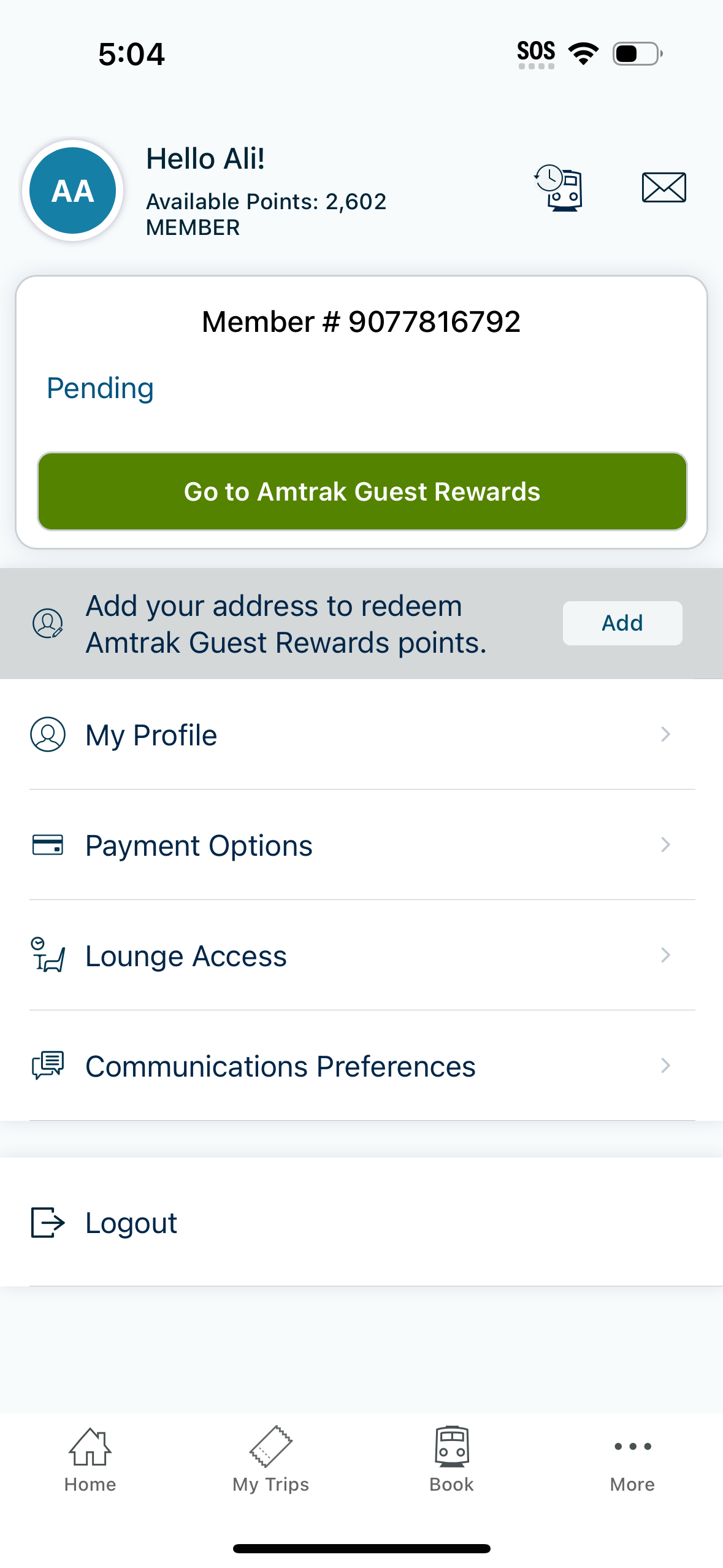
Account and loyalty profile screen showing membership status and available rewards points with a pending rewards section and primary CTA to access the rewards program. Includes actions to add an address for point redemption, manage profile details, payment options, lounge access, communication preferences, and log out.
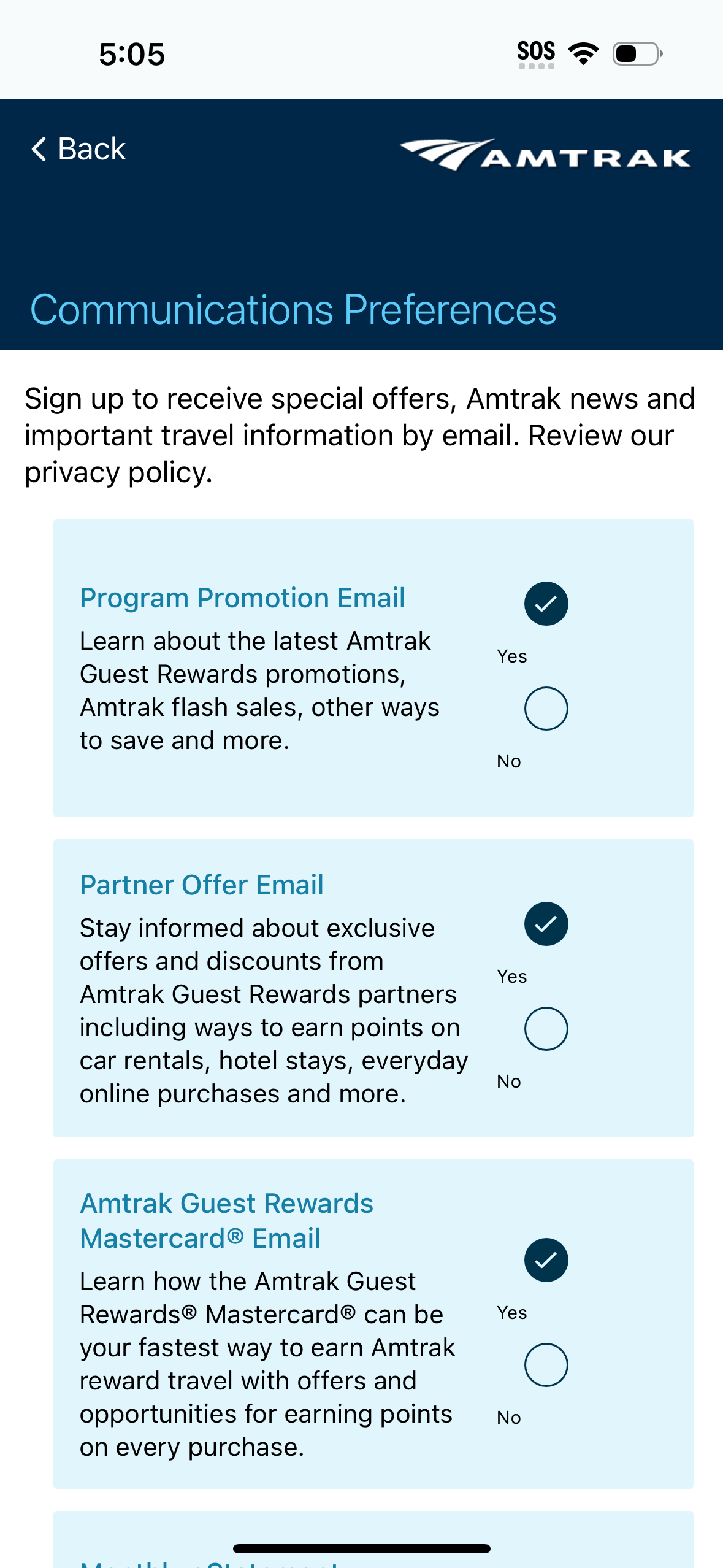
Communications preferences settings screen for a travel/rewards app where users opt in or out of different email categories like program promotions, partner offers, and credit card/rewards emails. Each subscription type is shown in a card with a description and Yes/No selection controls to manage marketing notifications and special offers.

Information page explaining how to redeem loyalty points for a single-visit lounge pass, including eligibility details, terms, and what the lounge access includes. Provides links to redeem points for a lounge pass and to view lounge locations, with a back button and bottom navigation.

Trips dashboard in a travel or transit app showing a “My Trips” screen with tabbed navigation for Active, Upcoming, and Past trips, currently on Past with an empty-state message indicating no past trips. The header includes a user greeting with available loyalty points and quick-access icons for notifications/messages, with bottom navigation to Home, My Trips, Book, and More.

Travel app “My Trips” screen with tabs for Active, Upcoming, and Past trips, showing an empty state when no active trips exist and a last-updated timestamp. Primary actions let users book a new trip or look up/add an existing reservation, with bottom navigation to Home, My Trips, Book, and More.