track a meal from
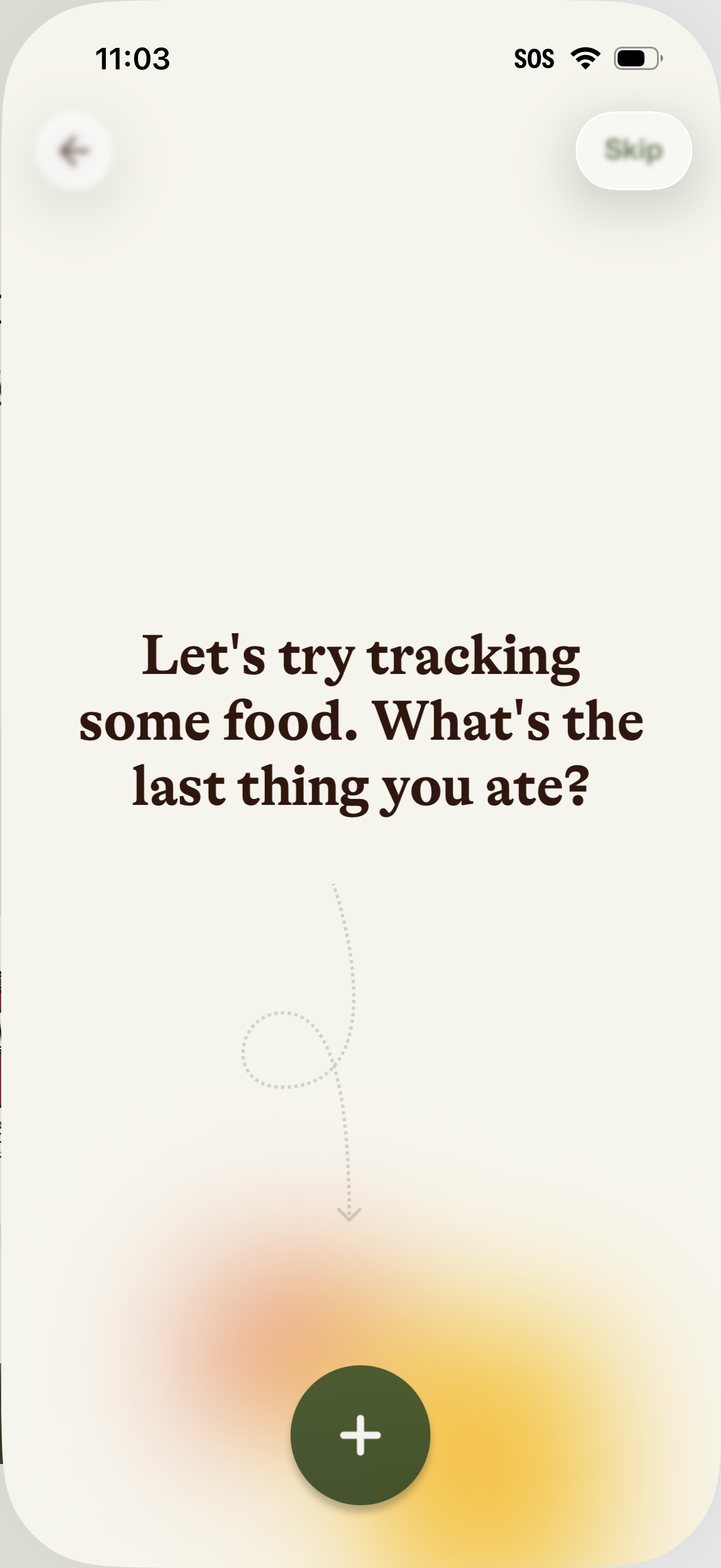
Onboarding prompt for a food tracking or nutrition app asking the user to log the last thing they ate. Includes a large plus button to add a food entry, with back navigation and an option to skip.
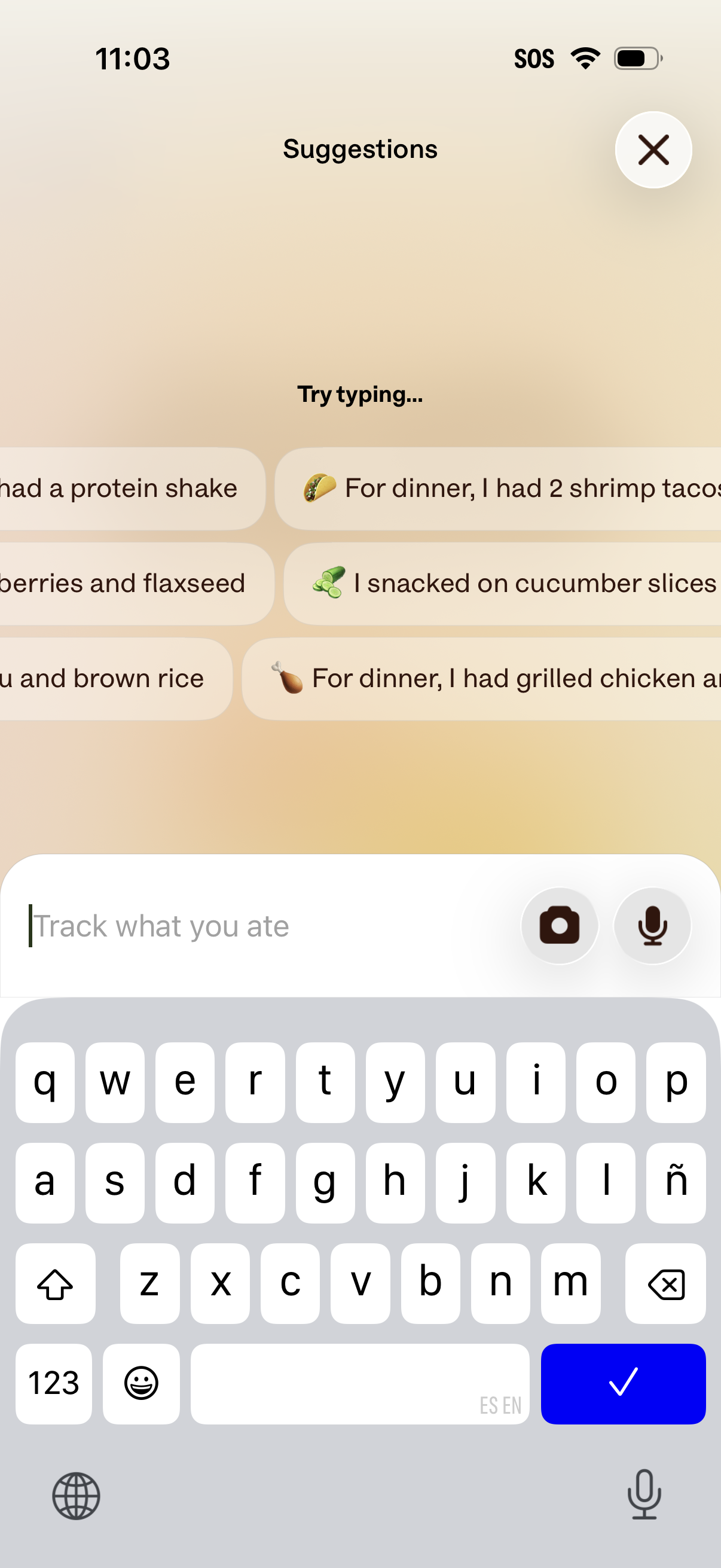
Food tracking suggestion screen that prompts the user to type what they ate, showing tappable preset meal/snack phrases to quickly log intake. Includes a text input field with camera and microphone buttons for photo or voice entry and a close button to exit.
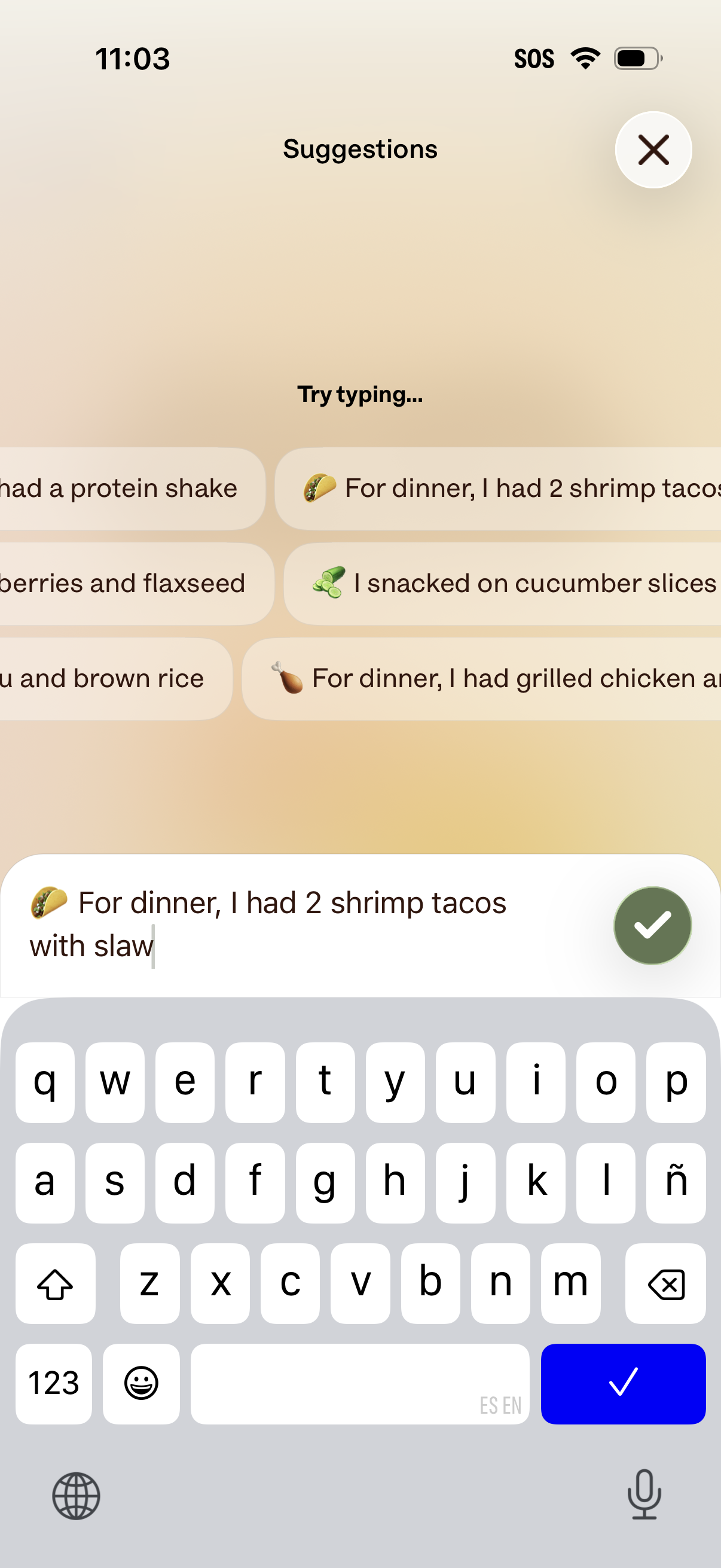
Food journaling suggestions screen that helps users log meals by typing a natural-language entry, showing auto-suggested phrases as tappable chips. Includes a text input with keyboard, a confirm/submit check button, and a close/dismiss icon.
Onboarding/loading progress screen showing an “Almost there…” message with a skeleton preview of a profile card, indicating the app is finalizing account setup or preparing user content. Minimal UI with no visible actions besides waiting for completion.
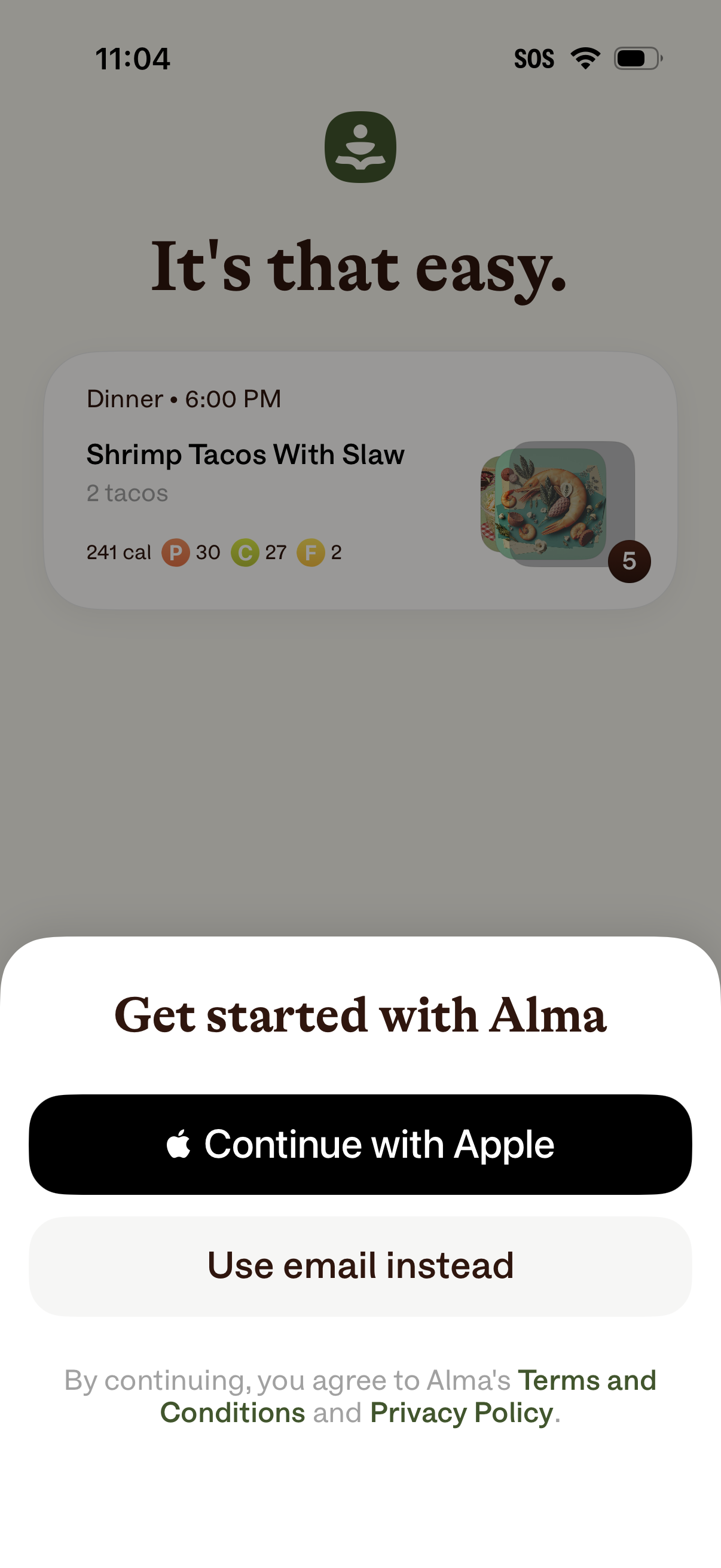
Onboarding sign-up modal prompting users to “Get started” with options to continue with Apple or use email instead, with links to Terms & Conditions and Privacy Policy. The background showcases a sample meal plan card with dinner time, recipe name, serving quantity, calories, and macro nutrients as a preview of the app’s food tracking features.