start onboarding
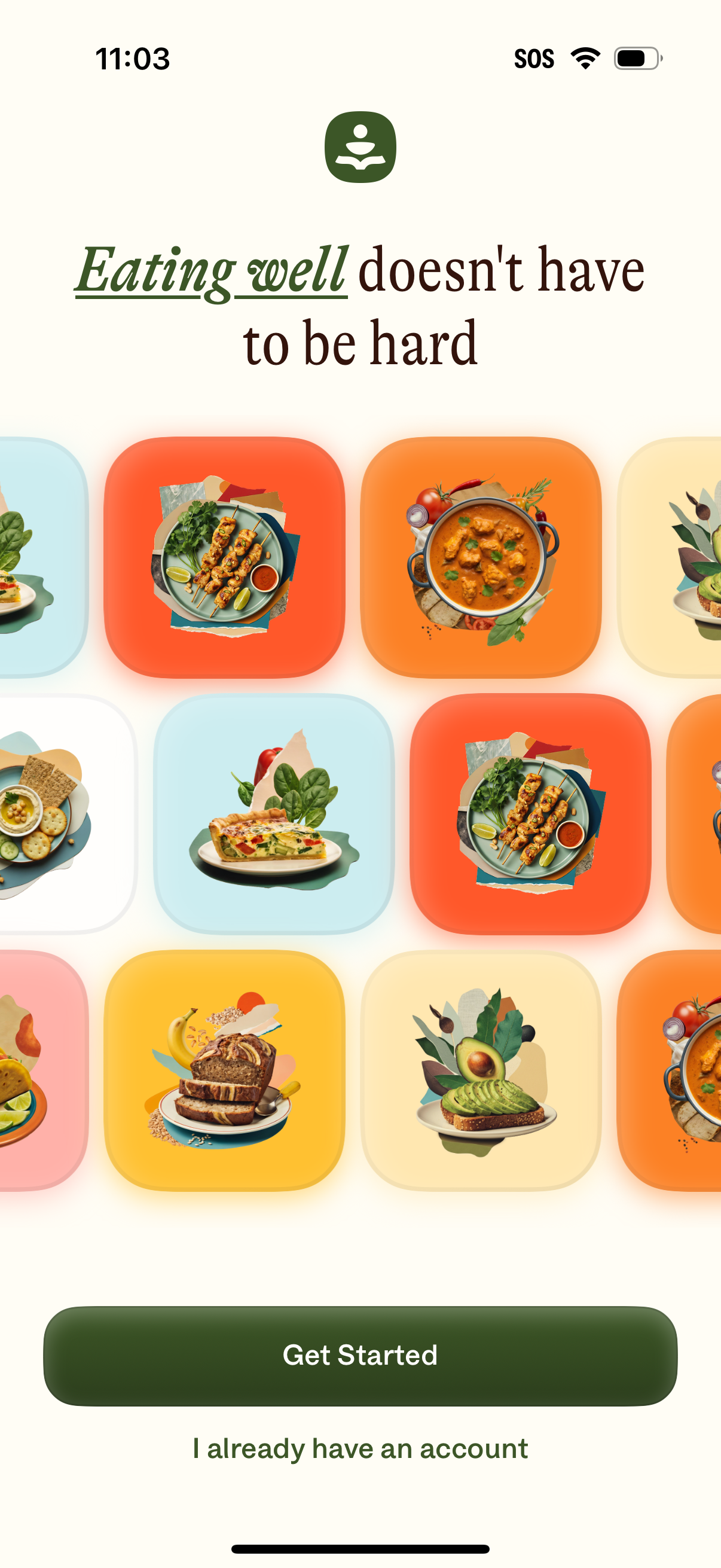
Food and nutrition app onboarding welcome screen with a headline about eating well, illustrated recipe tiles in a grid, and primary CTA buttons to Get Started (sign up) or log in for existing users.
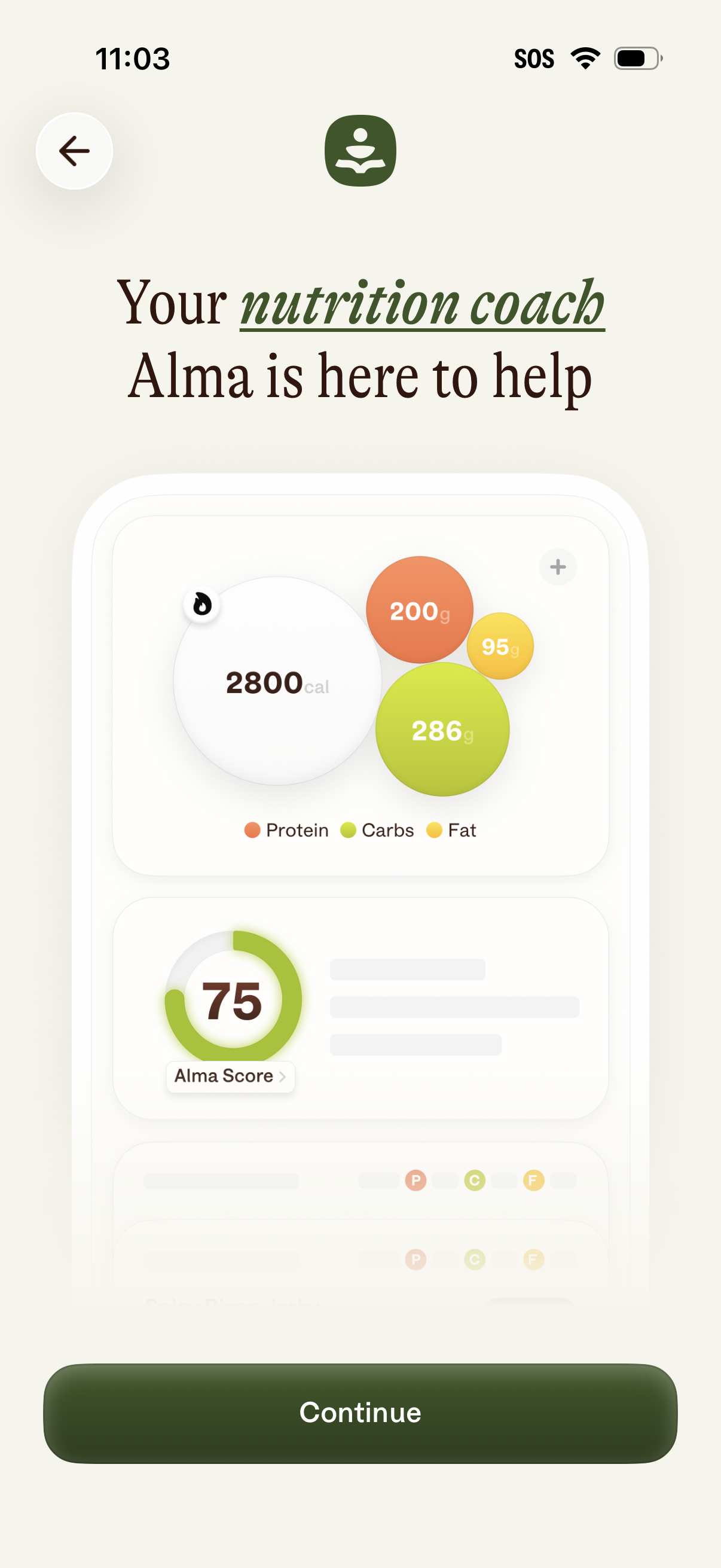
Onboarding intro screen for a nutrition coaching app introducing a personal coach and previewing a dashboard with daily calorie and macro targets (protein, carbs, fat) plus an overall nutrition score. Includes back navigation and a primary “Continue” button to proceed.
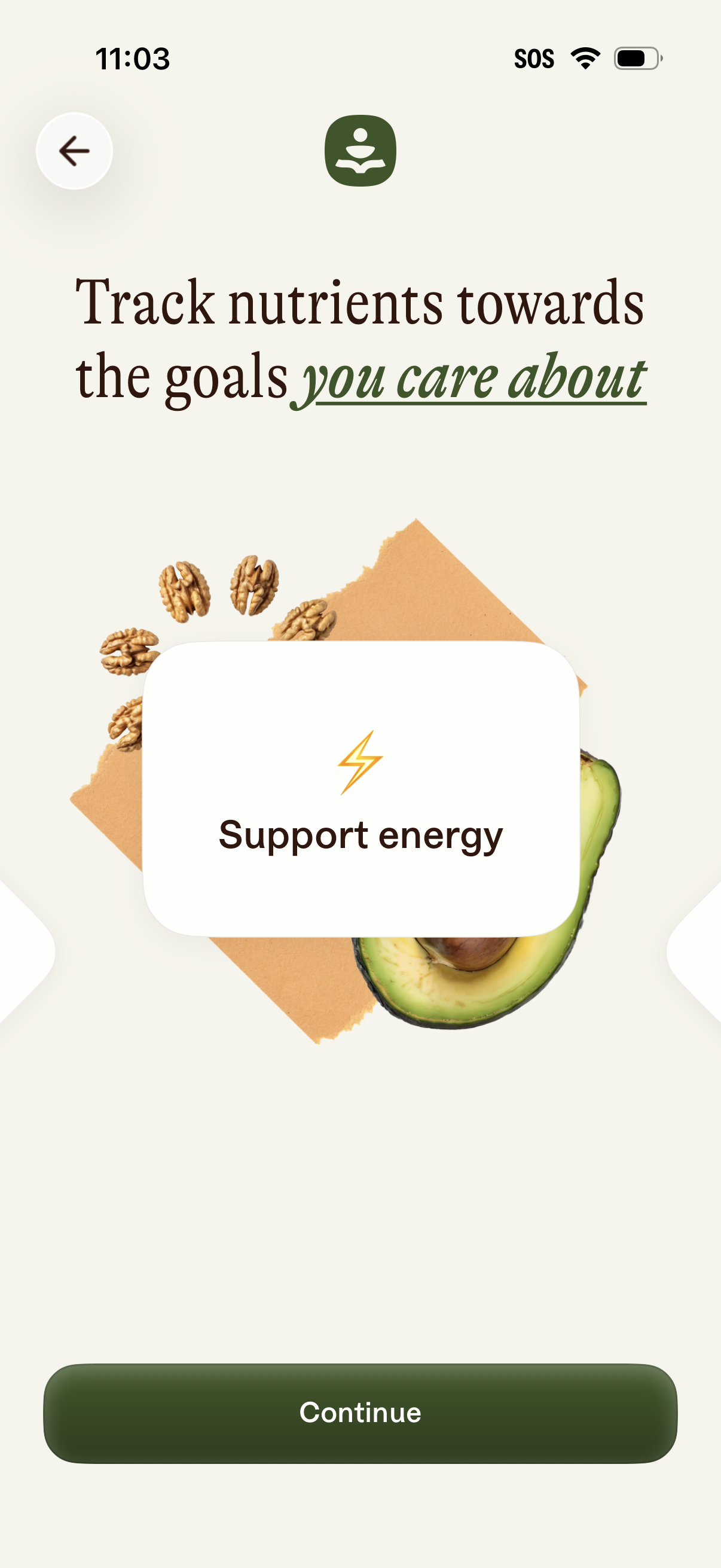
Onboarding carousel screen for a nutrition tracking app highlighting goal-based nutrient tracking, with a card describing the benefit “Support energy. ” Provides a back button, swipe navigation, and a primary “Continue” call to action to proceed.
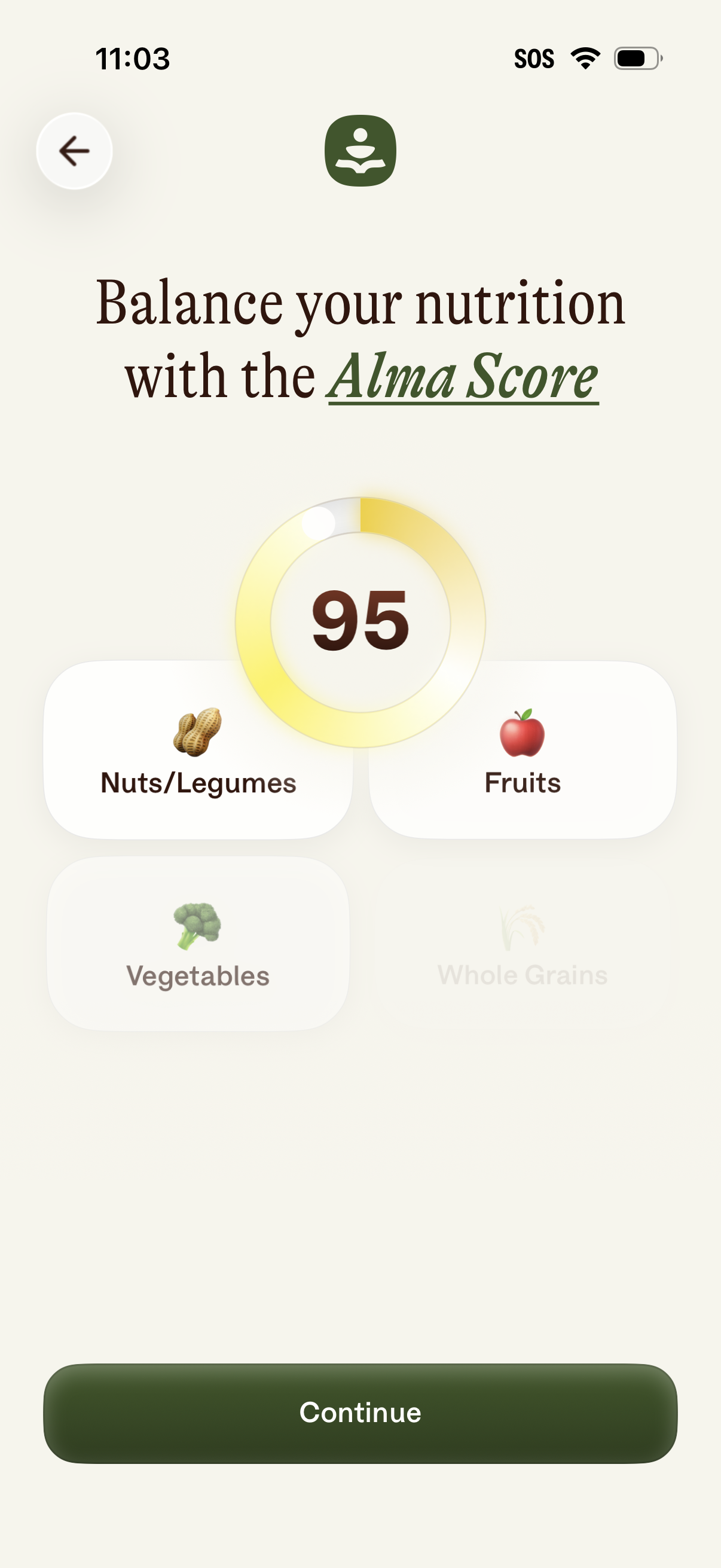
Nutrition tracking score screen showing an “Alma Score” gauge (score 95) with food group categories like nuts/legumes, fruits, vegetables, and whole grains to help balance diet. Includes a back button and a primary “Continue” call-to-action to proceed.
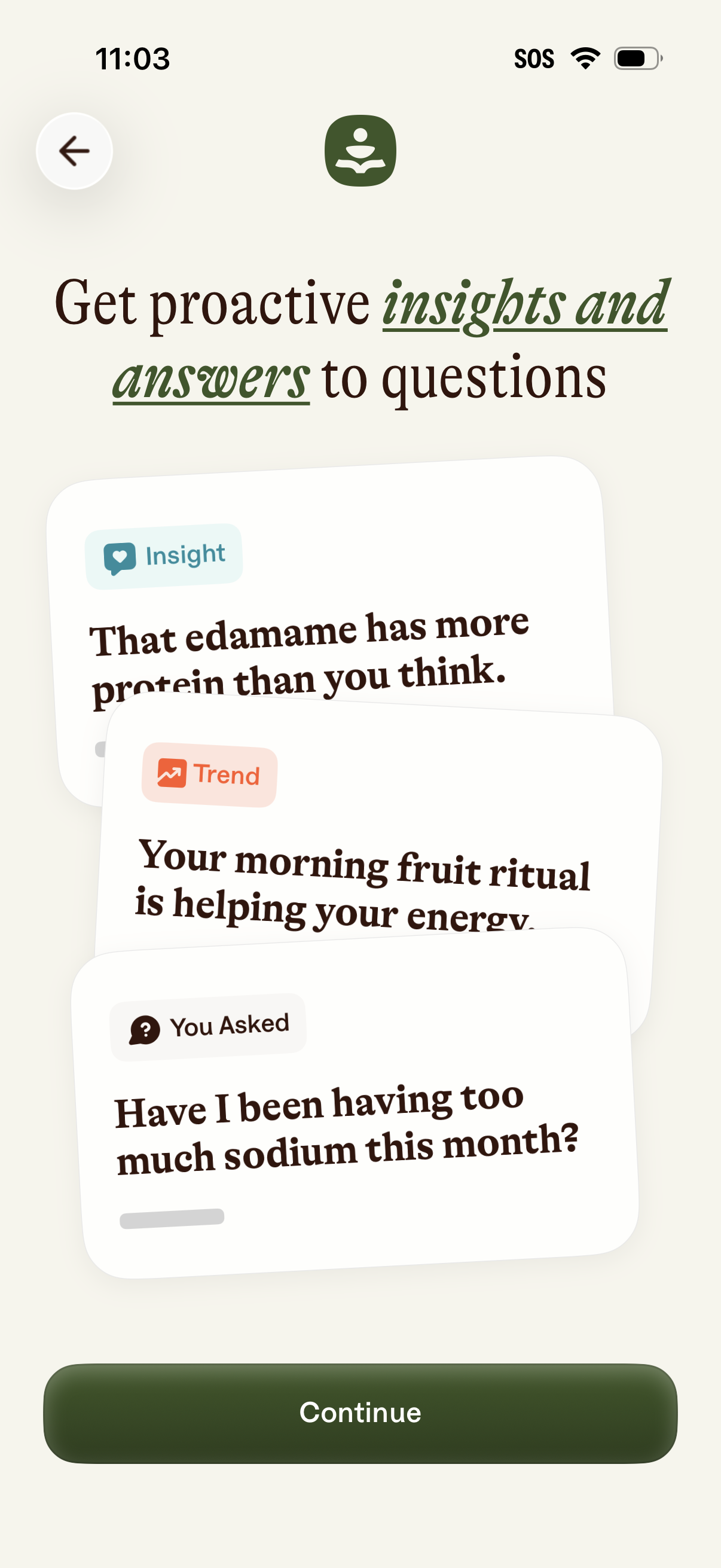
Onboarding explainer screen for a health/nutrition insights feature, introducing proactive insights, trends, and answers to user questions with preview cards. Includes a back button and a primary “Continue” CTA to proceed.
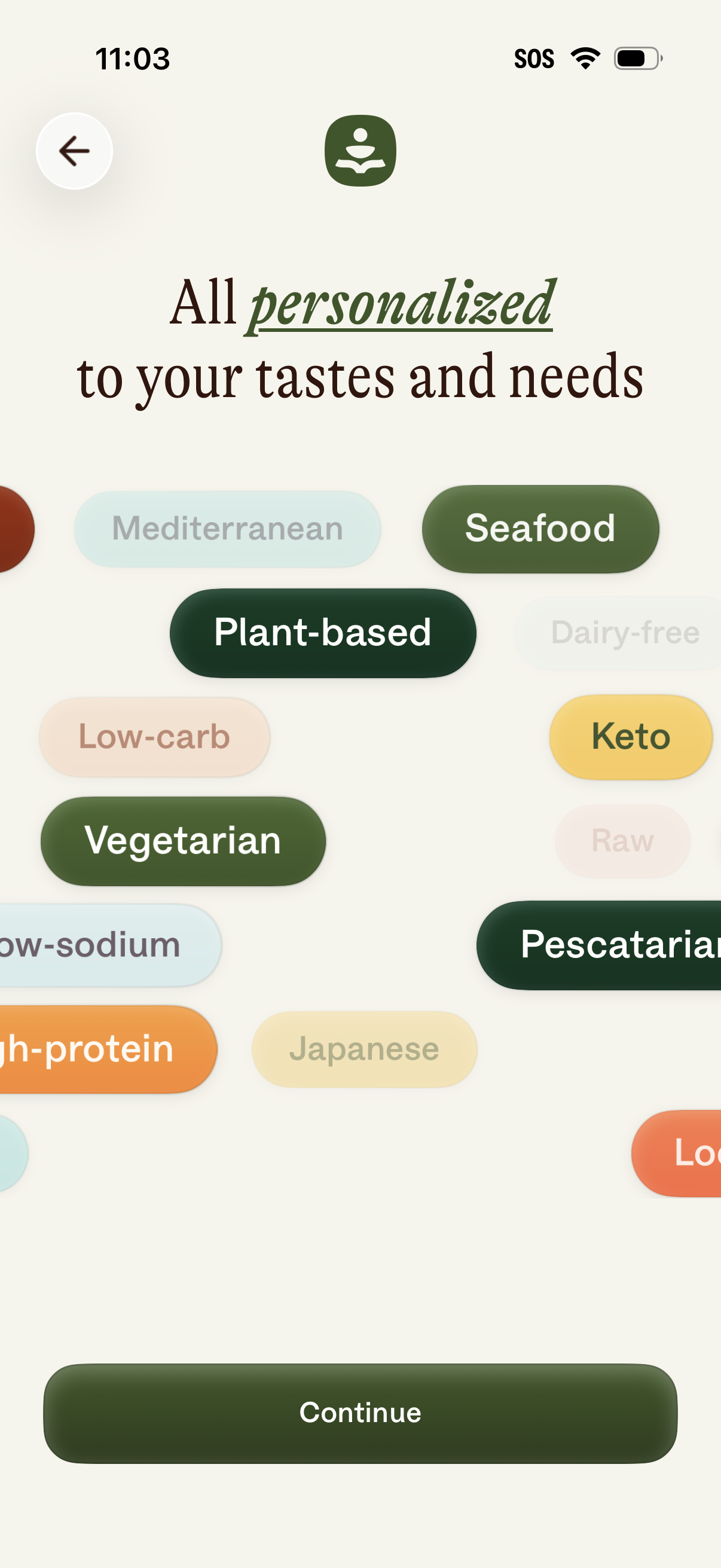
Onboarding preference selection screen for a food or recipe app that personalizes content based on dietary styles and cuisine tags (e. g.
Onboarding explainer screen emphasizing that the app’s information is backed by trusted sources, illustrated with reputable institution logos. Includes a back button and a primary “Continue” call-to-action to proceed.