sign in with email
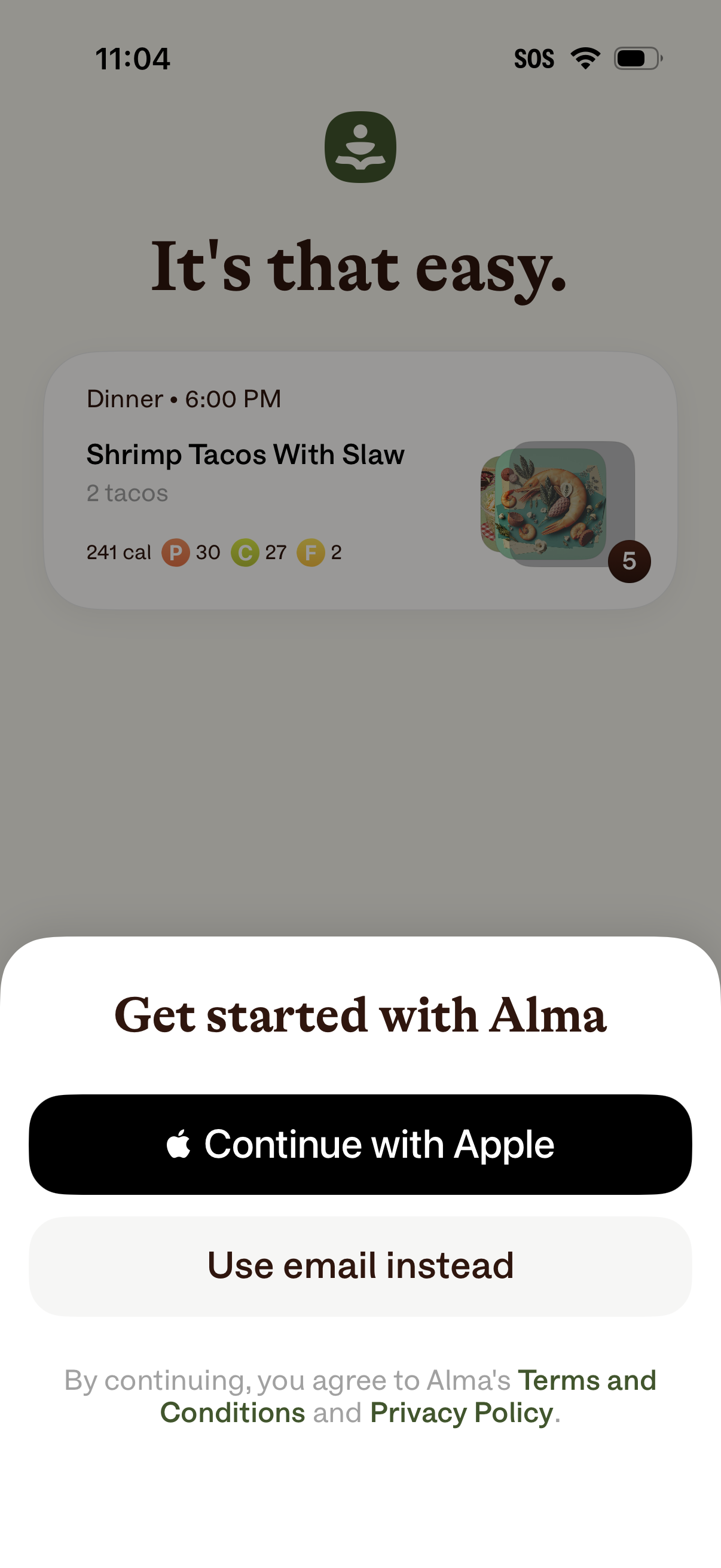
Onboarding sign-up modal prompting users to “Get started” with options to continue with Apple or use email instead, with links to Terms & Conditions and Privacy Policy. The background showcases a sample meal plan card with dinner time, recipe name, serving quantity, calories, and macro nutrients as a preview of the app’s food tracking features.
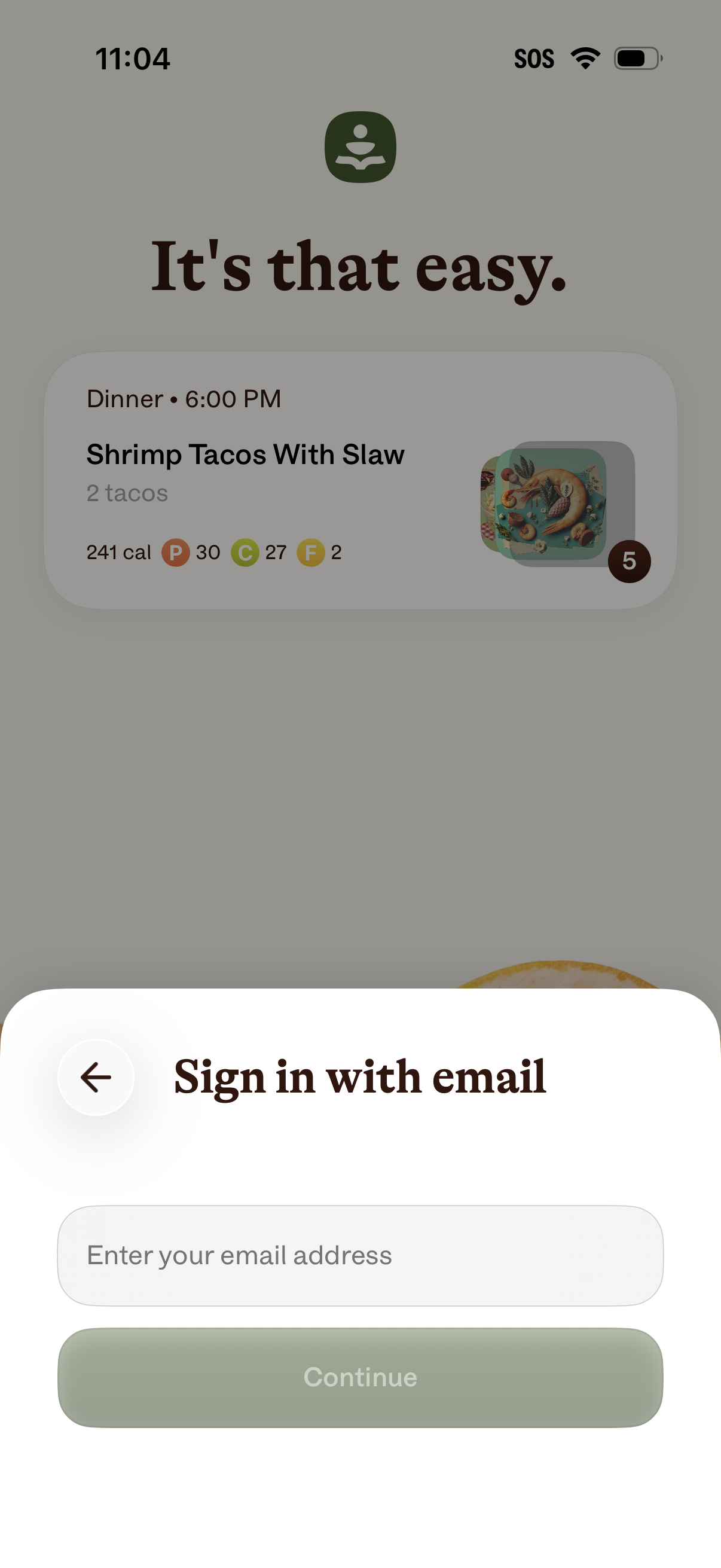
Email sign-in screen presented as a bottom sheet overlay, prompting the user to enter their email address and continue, with a back button to dismiss or navigate back. The background shows an app onboarding/preview card, but the primary action is starting authentication via email.
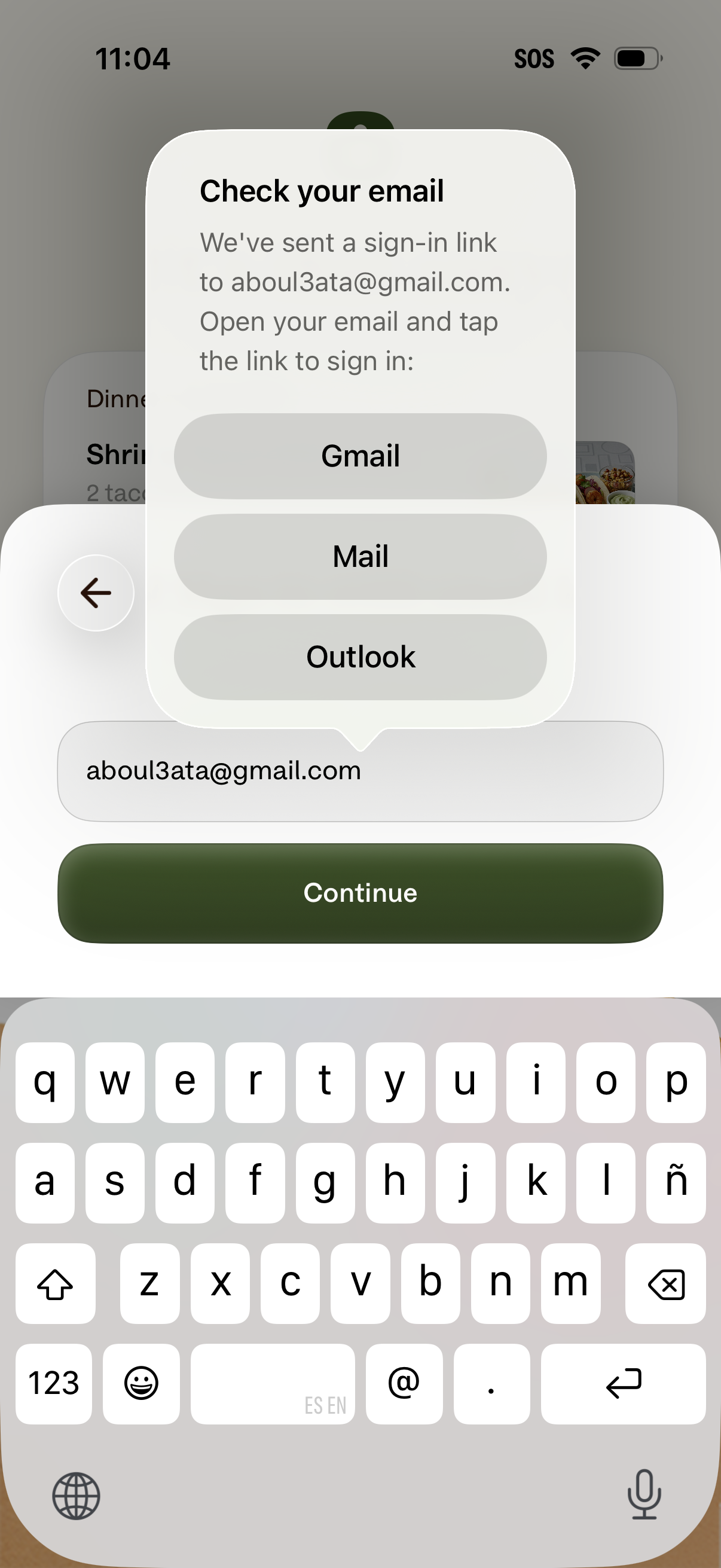
Email link sign-in screen prompting the user to check their inbox after sending a magic login link, with a pop-up to open the email in Gmail, Mail, or Outlook. The underlying form shows an email address field and a primary Continue button to proceed with authentication.
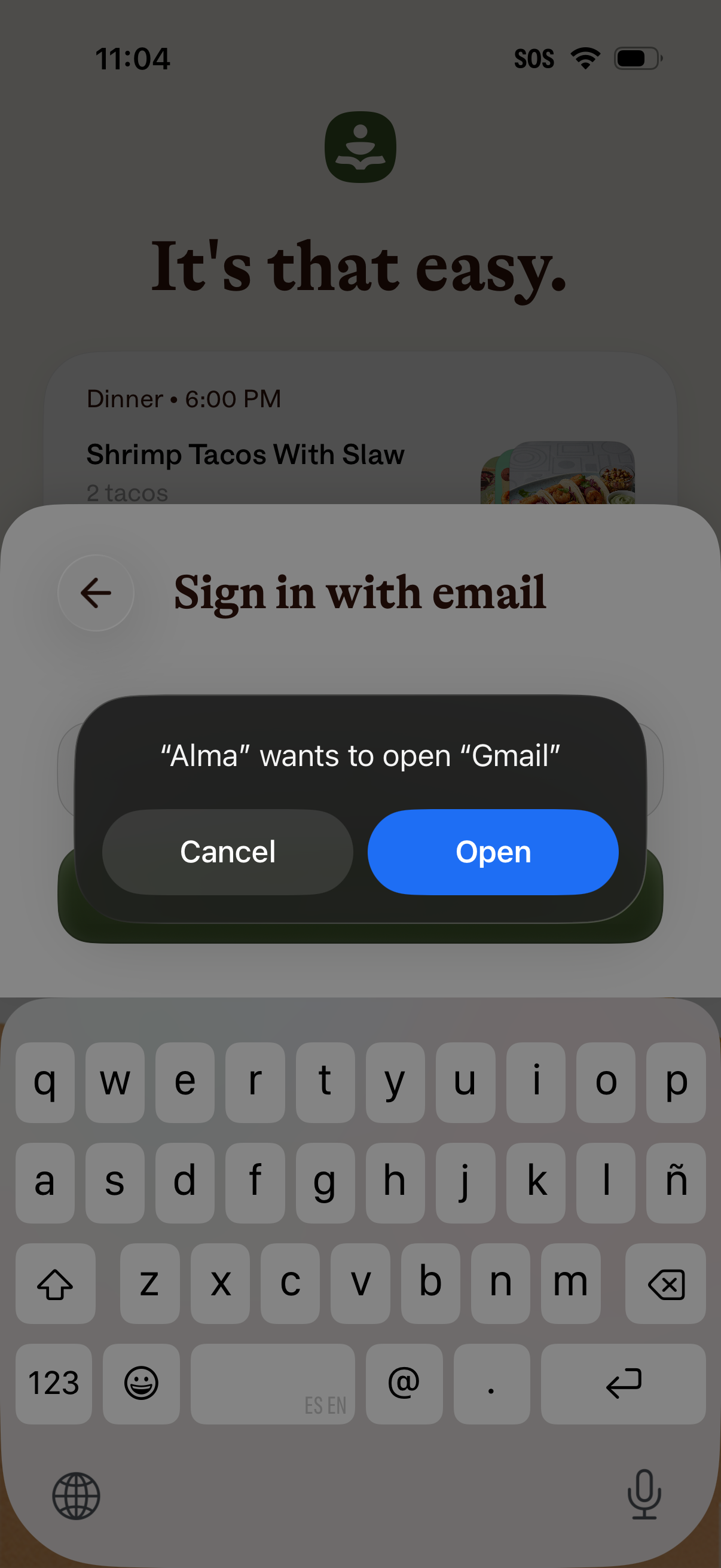
Email sign-in screen with an iOS system permission alert prompting to open the Gmail app, offering Cancel and Open actions. The background shows an onboarding/home view while the user is entering an email address with the keyboard visible and a back navigation button.
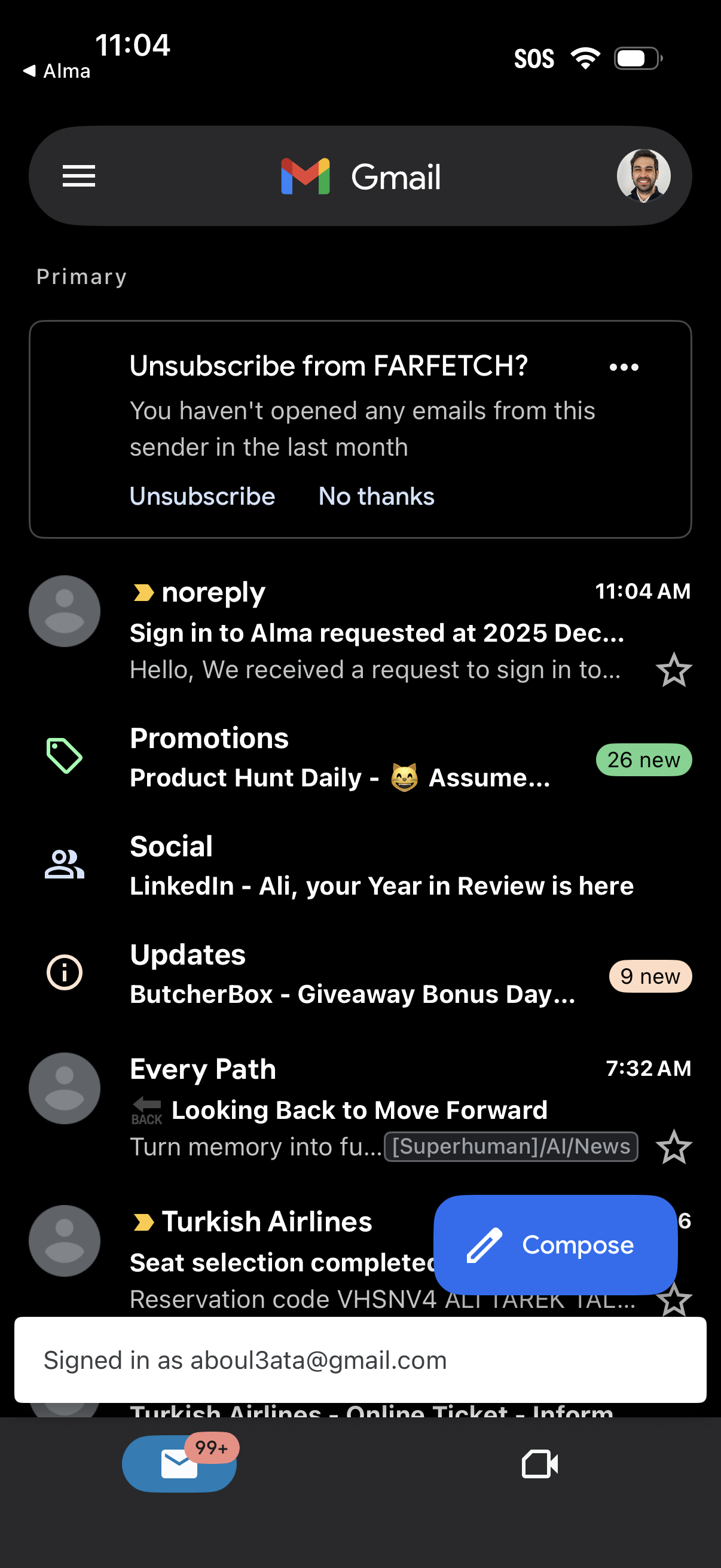
Gmail inbox home screen showing the Primary tab with a list of email threads, category shortcuts (Promotions, Social, Updates) with unread counts, and quick actions like starring messages. A prominent “Unsubscribe?
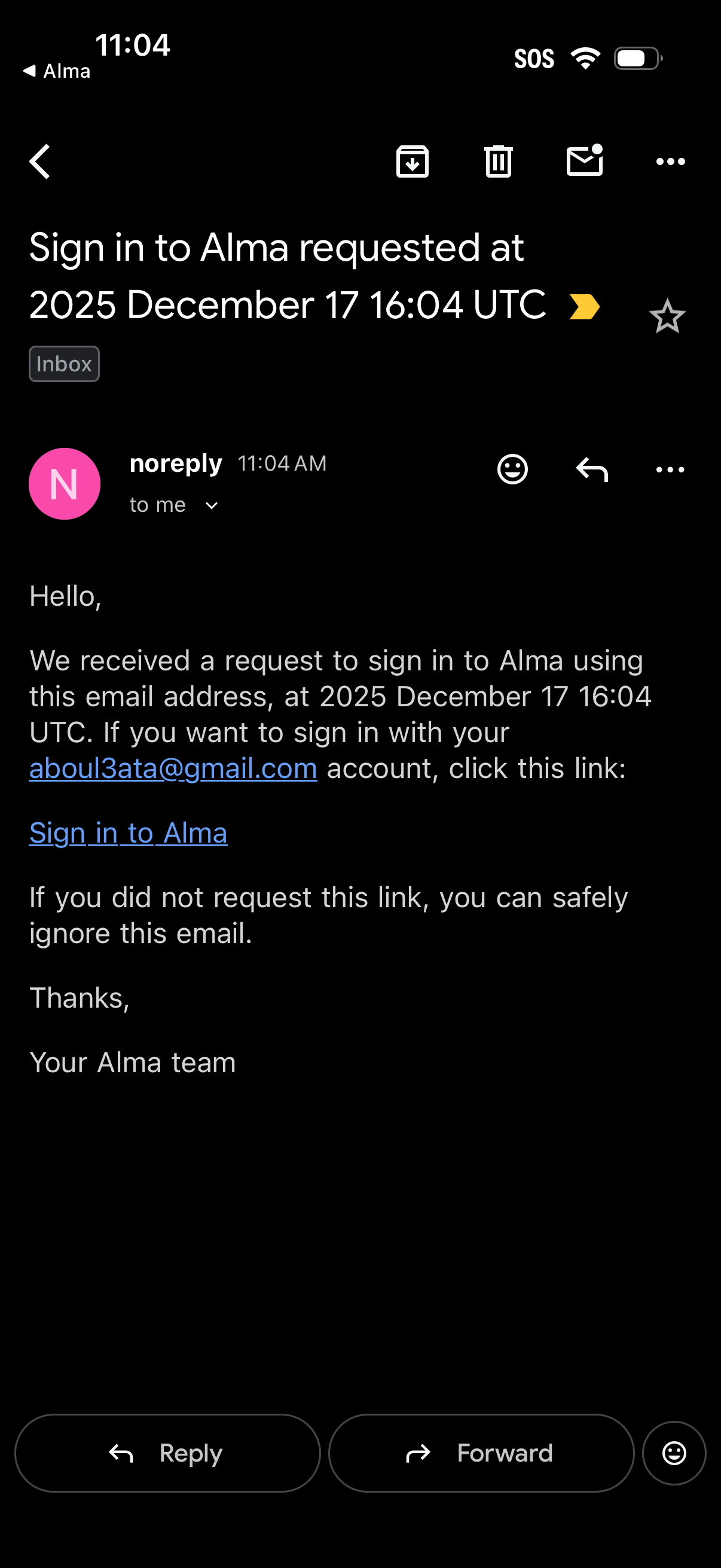
Email detail screen in a mobile inbox showing an account sign-in request/verification message with a timestamp and a “Sign in” link. The screen includes common email actions like reply, forward, archive/download, delete, mark as unread, star, and more options.
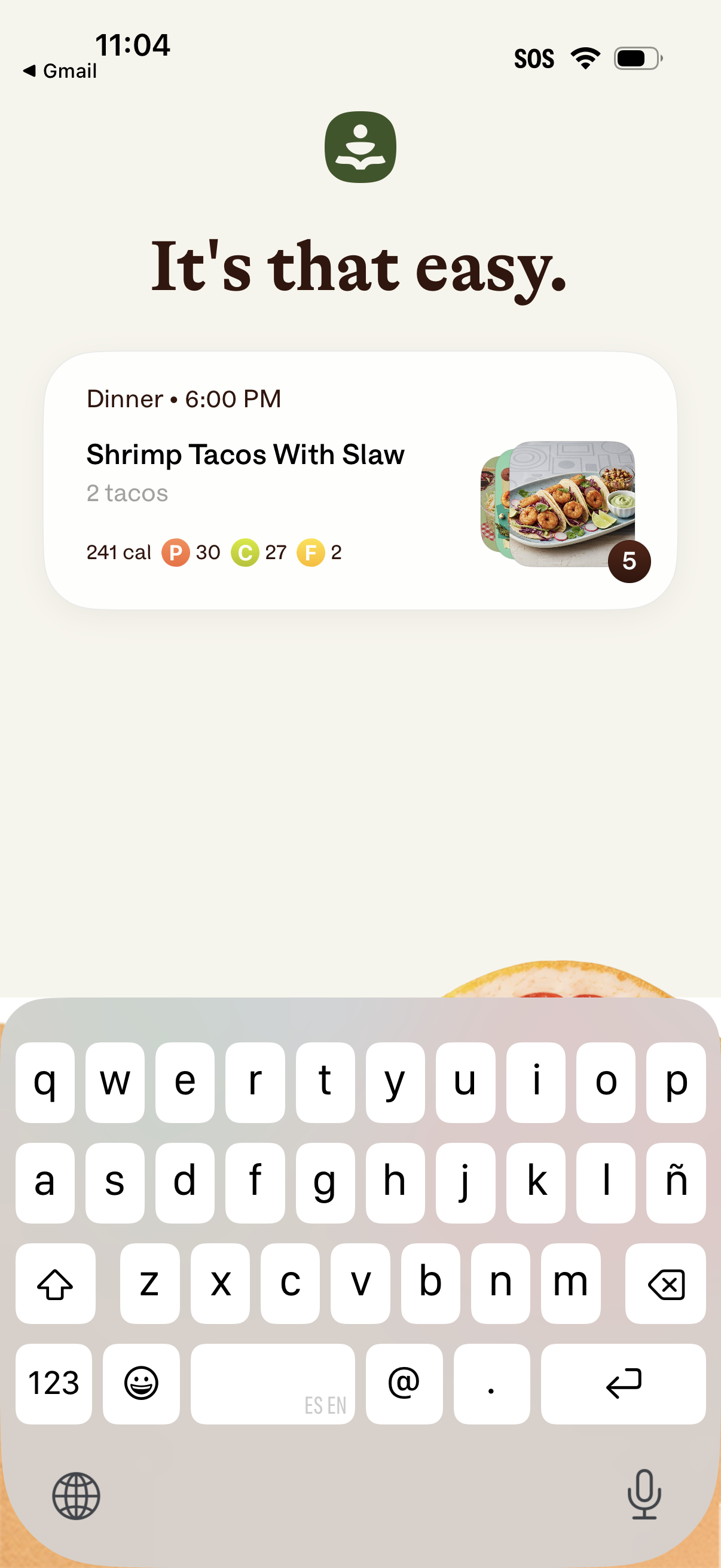
Meal planning screen showing a scheduled dinner recipe card with the dish name, serving size, calories and macro nutrients, plus a meal photo preview and a badge indicating more items/steps. This view helps users confirm an upcoming meal and its nutrition summary at a specific time.