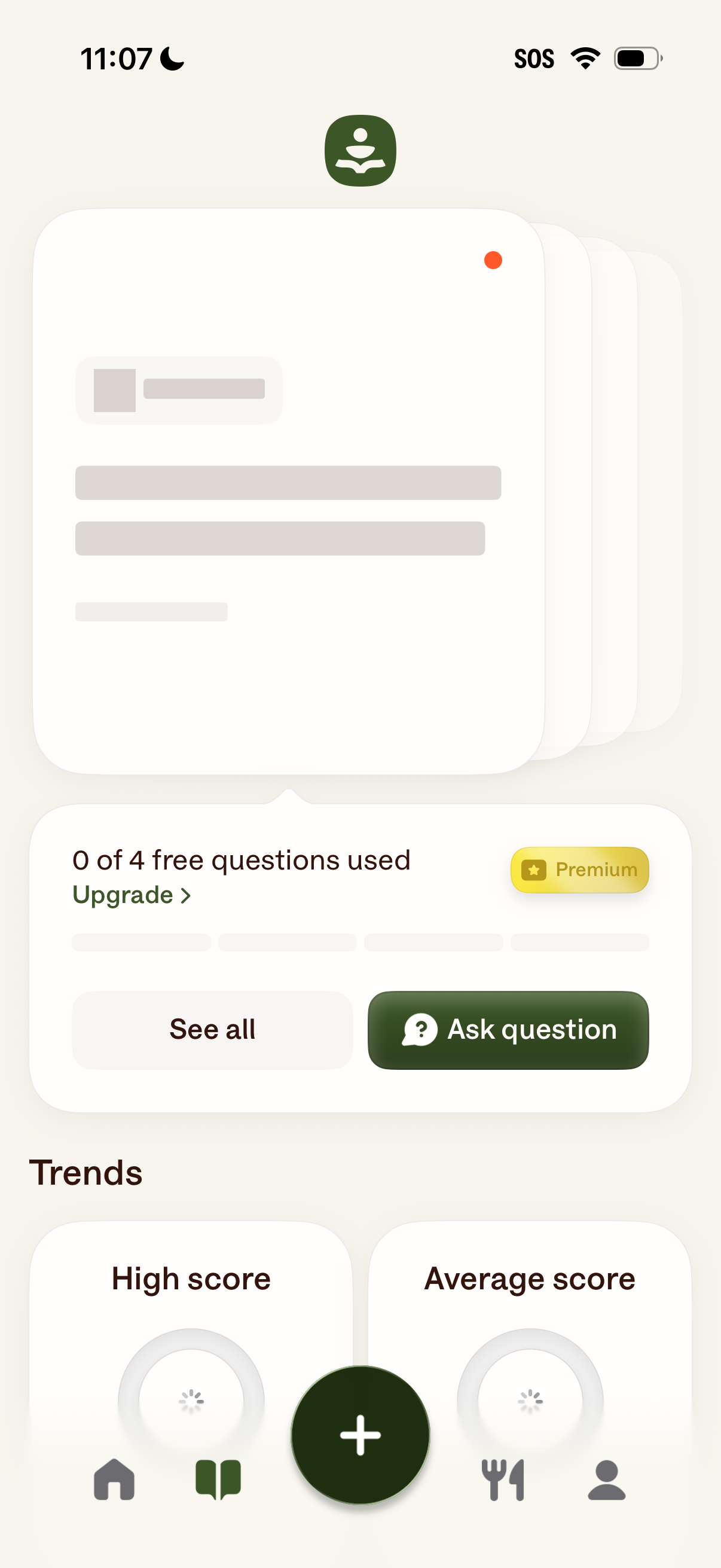
Home dashboard for an AI Q&A/coach app showing remaining free question quota with an upgrade-to-premium prompt, plus primary actions to “Ask question” or “See all” questions. The screen also previews trends/insights cards (e.
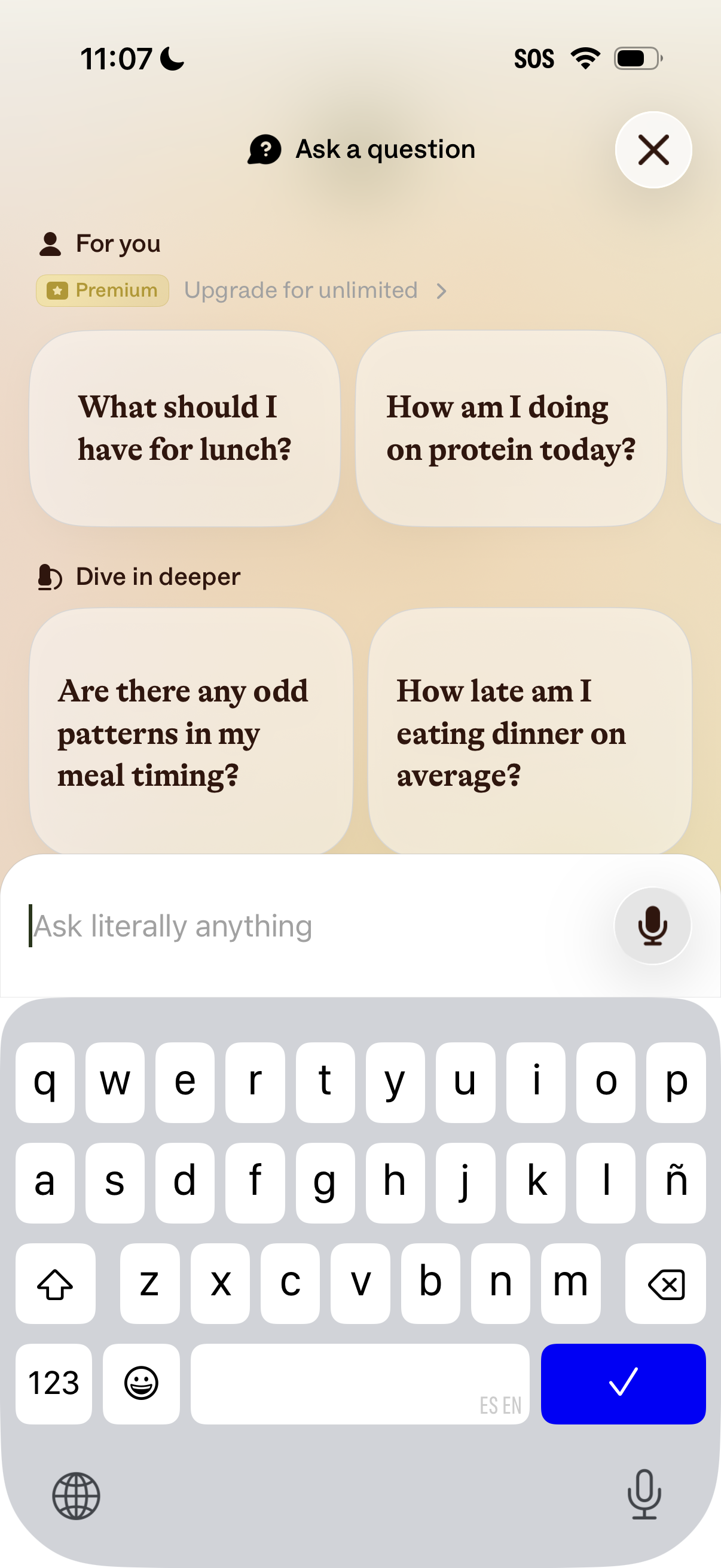
AI “Ask a question” screen in a nutrition/meal tracking app showing suggested prompts (e. g.

AI assistant loading screen showing a spinner and “On it…” status while processing a user’s natural-language question. Displays the submitted prompt example “What should I have for lunch?
AI assistant loading screen showing a “Thinking…” state while processing a user’s text prompt/question (“What should I have for lunch? ”), indicating an in-progress response generation.
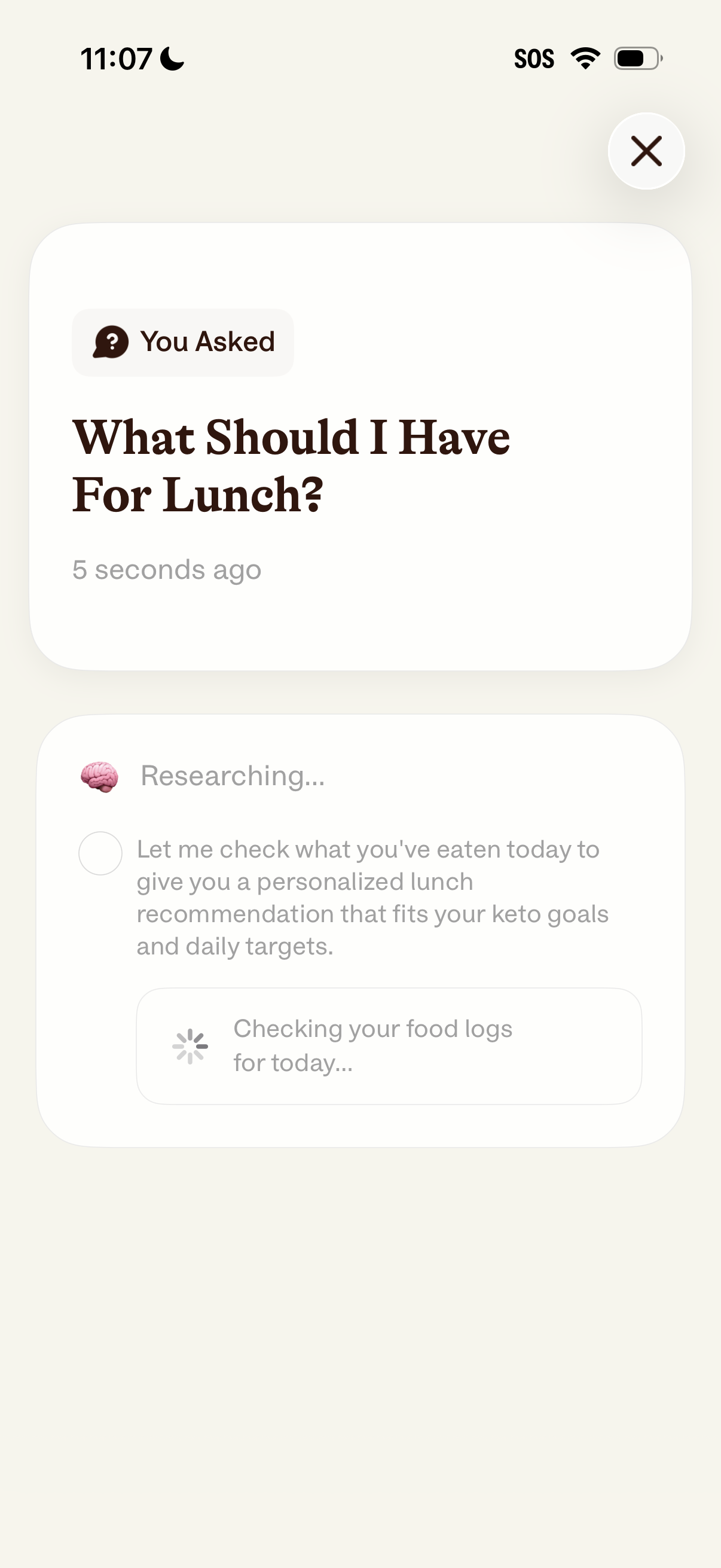
AI nutrition assistant chat screen showing the user’s question (“What should I have for lunch? ”) with a recent timestamp and a close button.
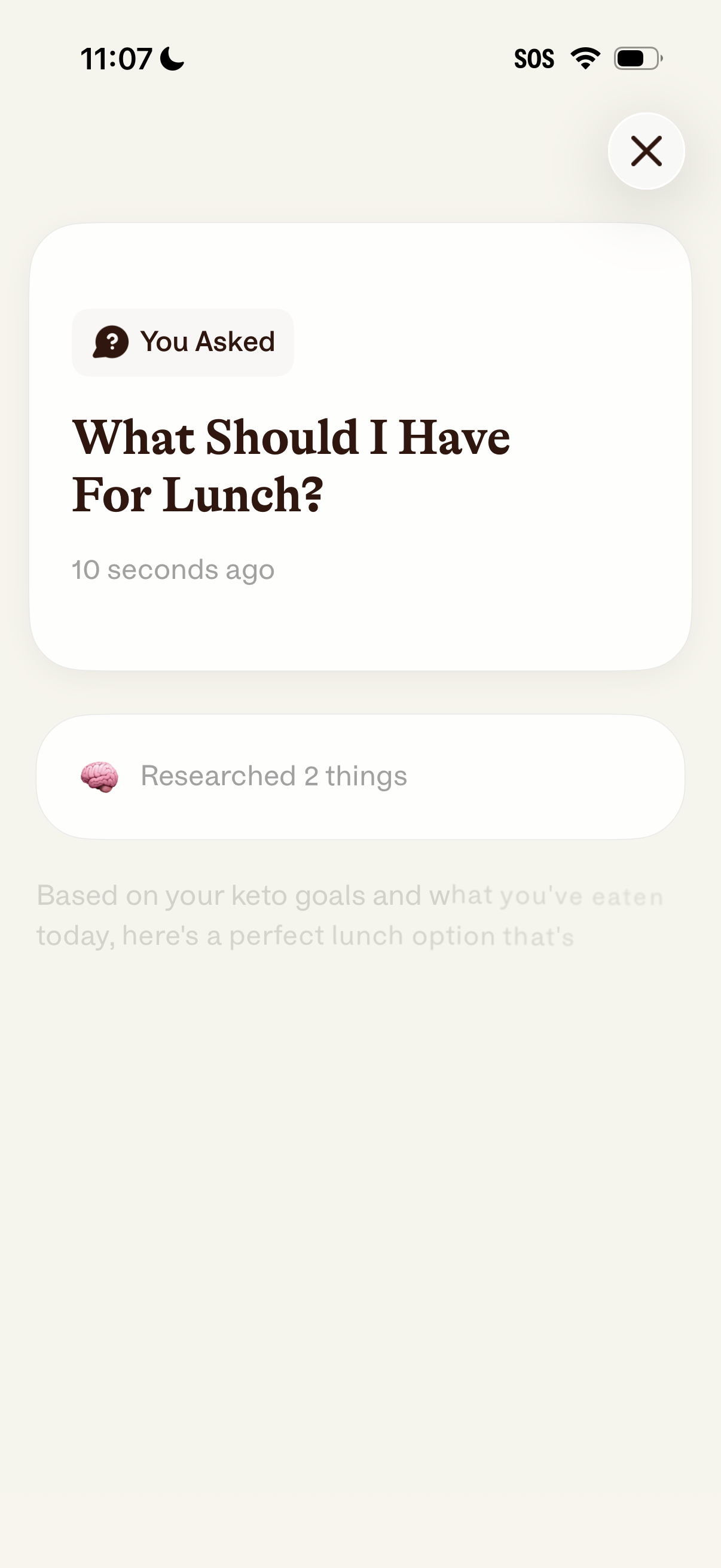
AI nutrition assistant results screen showing the user’s recent question (“What should I have for lunch? ”) with a timestamp and a progress/status indicator that it has researched information to generate a personalized meal recommendation.
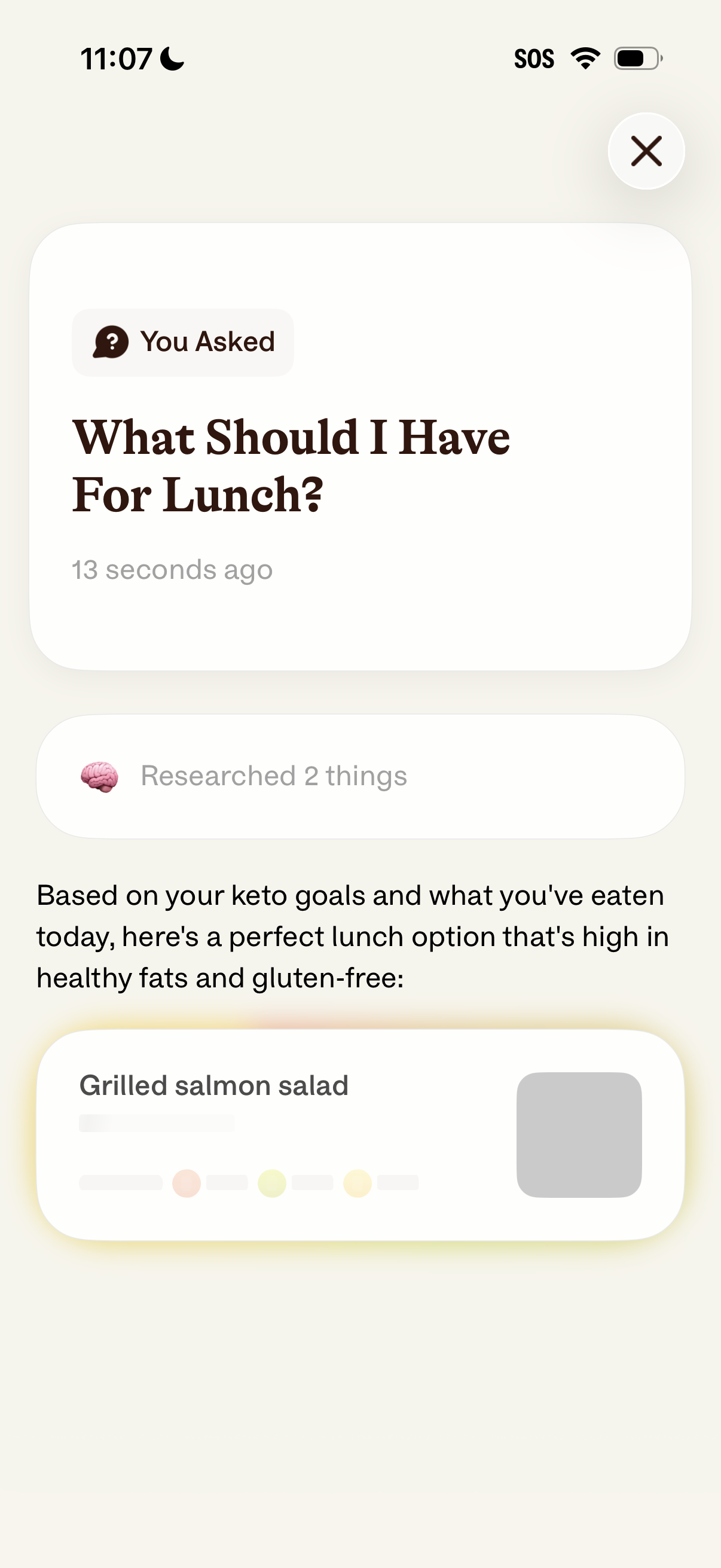
AI nutrition assistant results screen showing the user’s recent question (“What should I have for lunch? ”) with a timestamp and a “researched” indicator, then a personalized keto-friendly lunch recommendation.
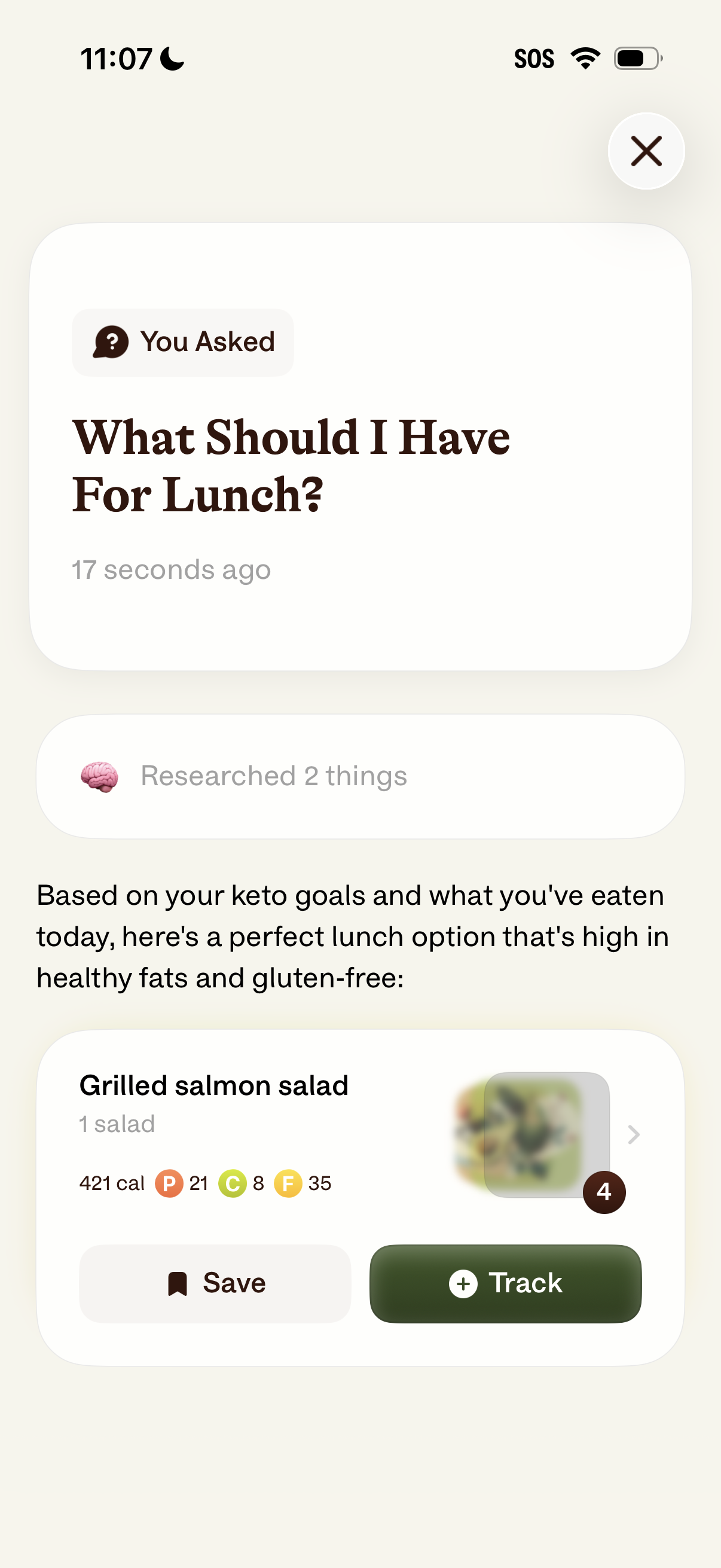
AI nutrition assistant response screen showing a user’s recent question (“What should I have for lunch? ”) and a personalized keto-friendly meal recommendation.
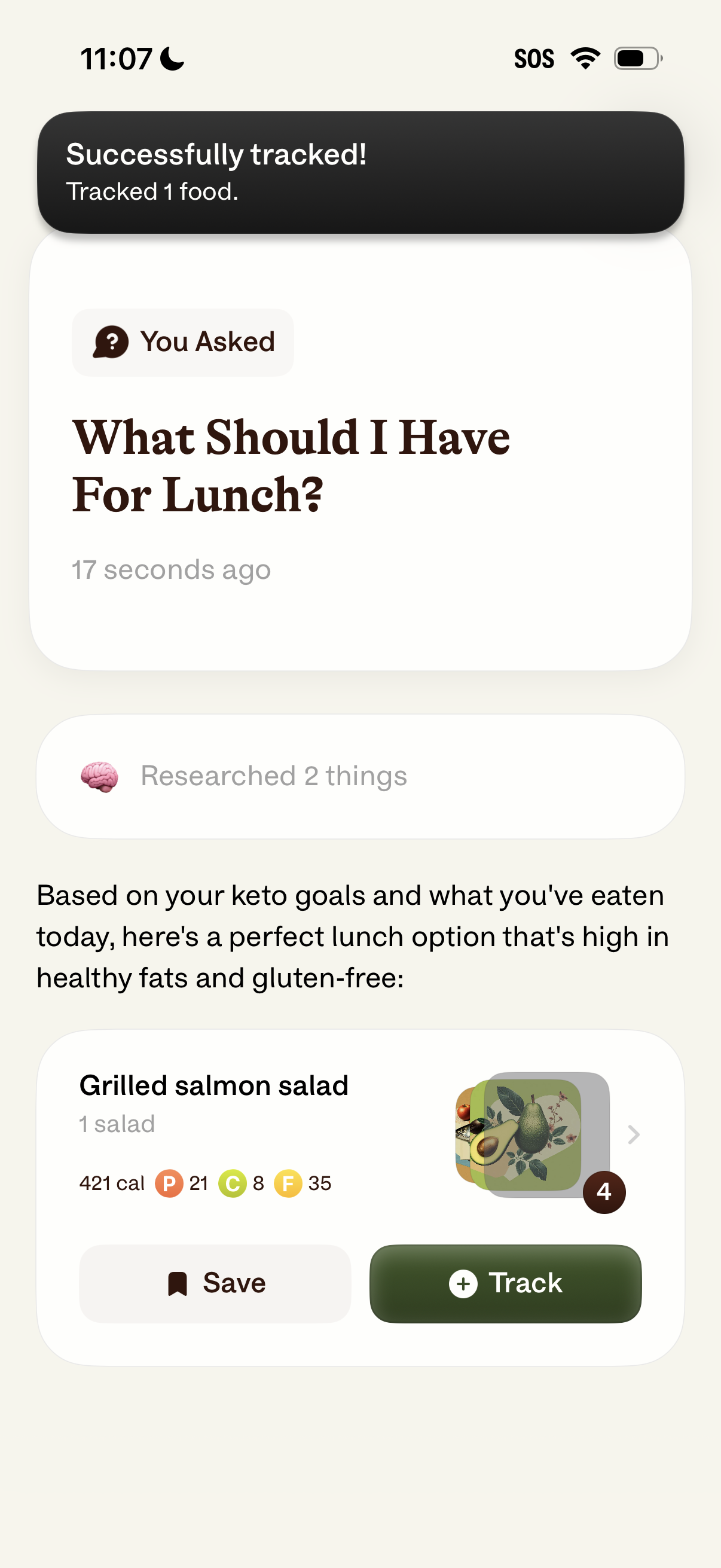
AI nutrition assistant results screen showing the user’s lunch question and a personalized keto-friendly meal recommendation based on goals and foods eaten, with calorie and macro breakdown. The suggested dish card includes actions to save the meal or track/log it, plus a success toast confirming a food was tracked.