send email feedback
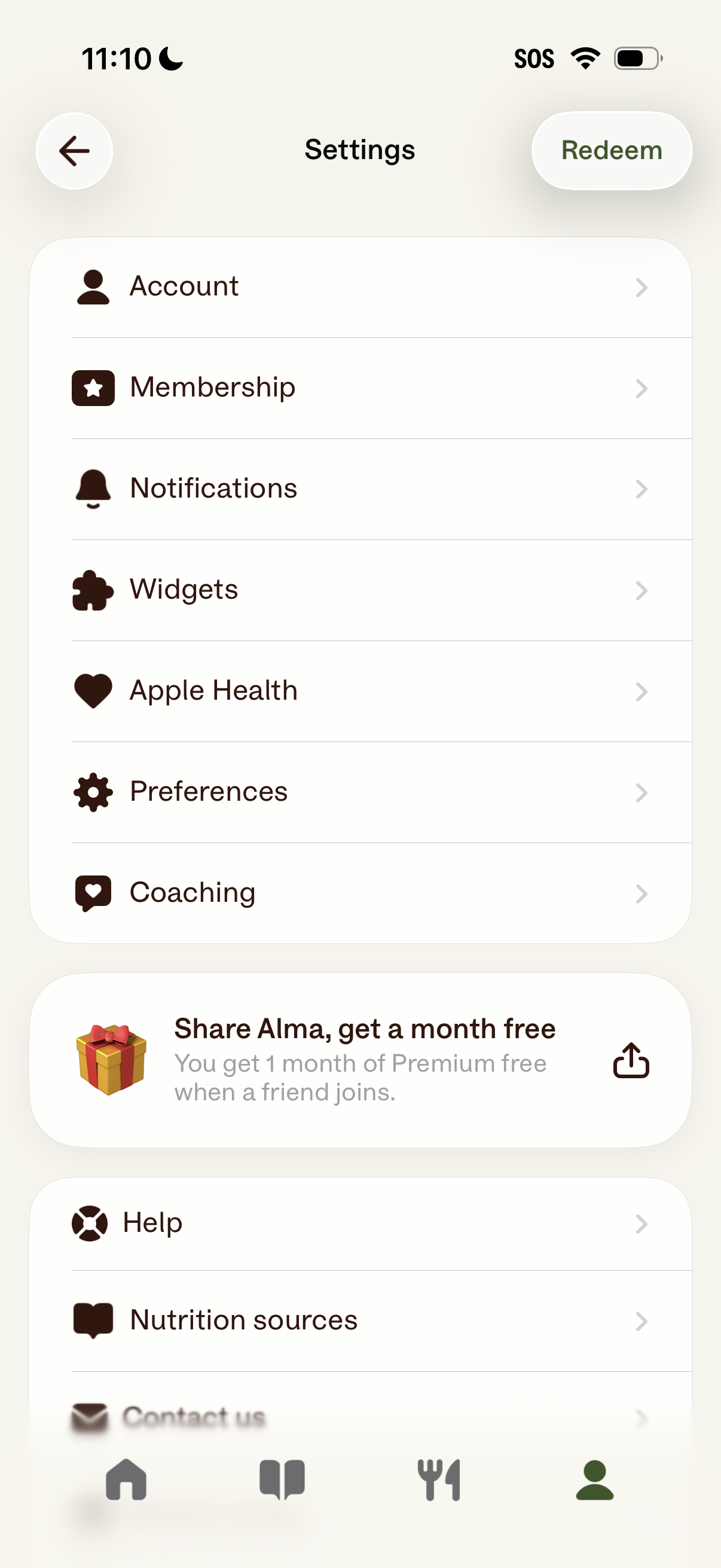
Settings screen for a health/nutrition app with a list of navigable options including Account, Membership, Notifications, Widgets, Apple Health integration, Preferences, and Coaching. Includes a referral/share banner to earn a free month of premium, a Redeem button in the header, and help/support links like Help and Nutrition sources.
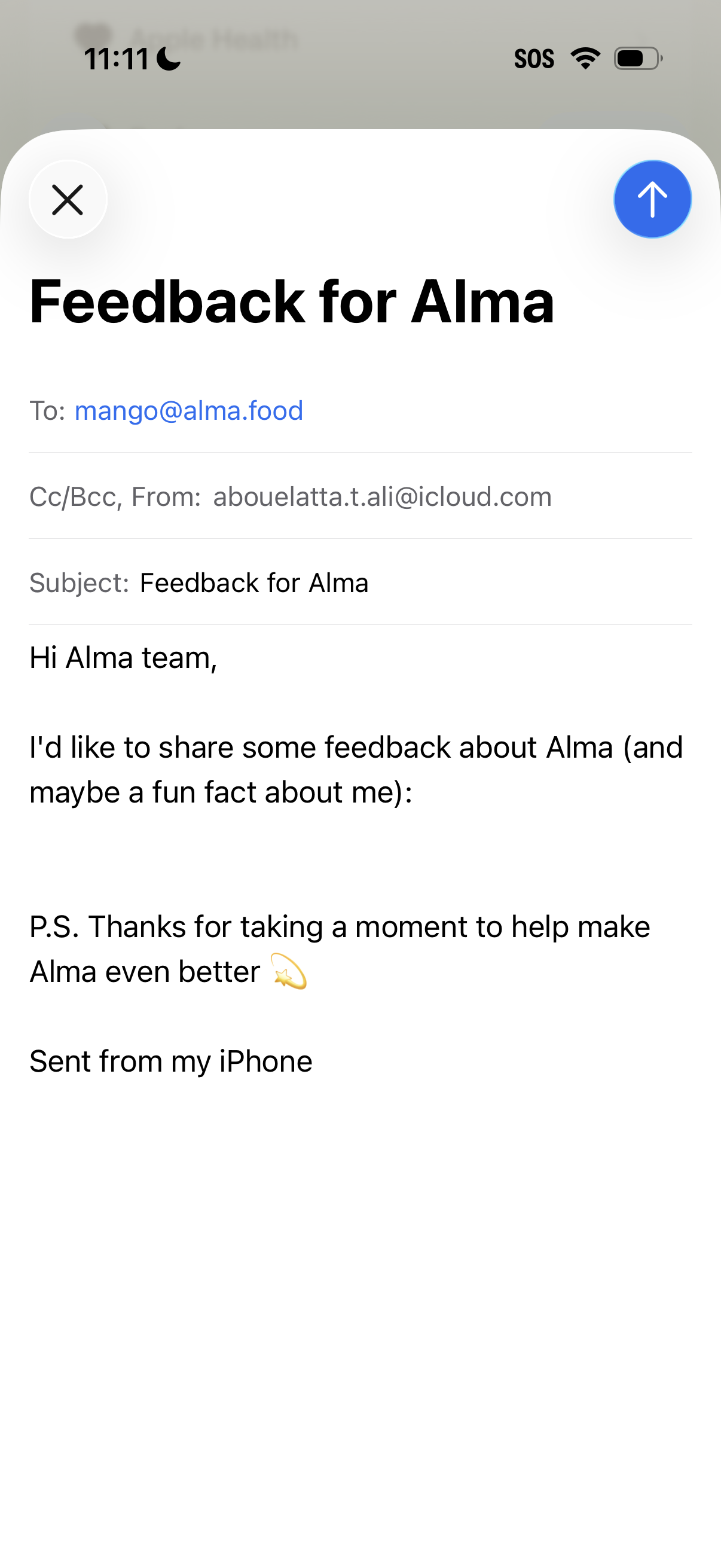
Mobile email compose screen for sending customer feedback, showing recipient, CC/BCC, and subject fields plus a message body editor. Primary actions include closing/discarding the draft and sending the email via a prominent send button.
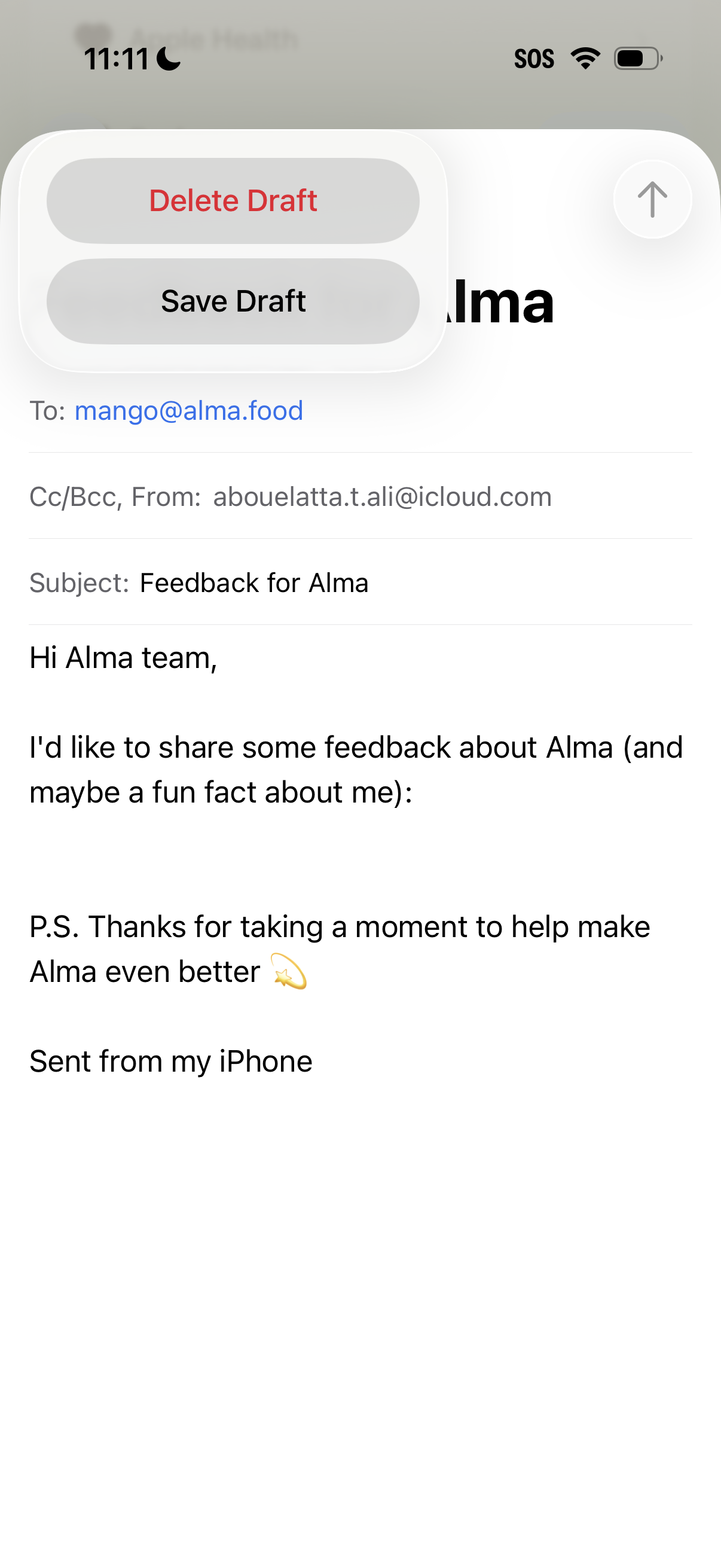
Email compose screen showing a draft message with To, Cc/Bcc, From, Subject, and body fields, plus a send button in the header. An iOS action sheet is open to manage the draft with options to Save Draft or Delete Draft.