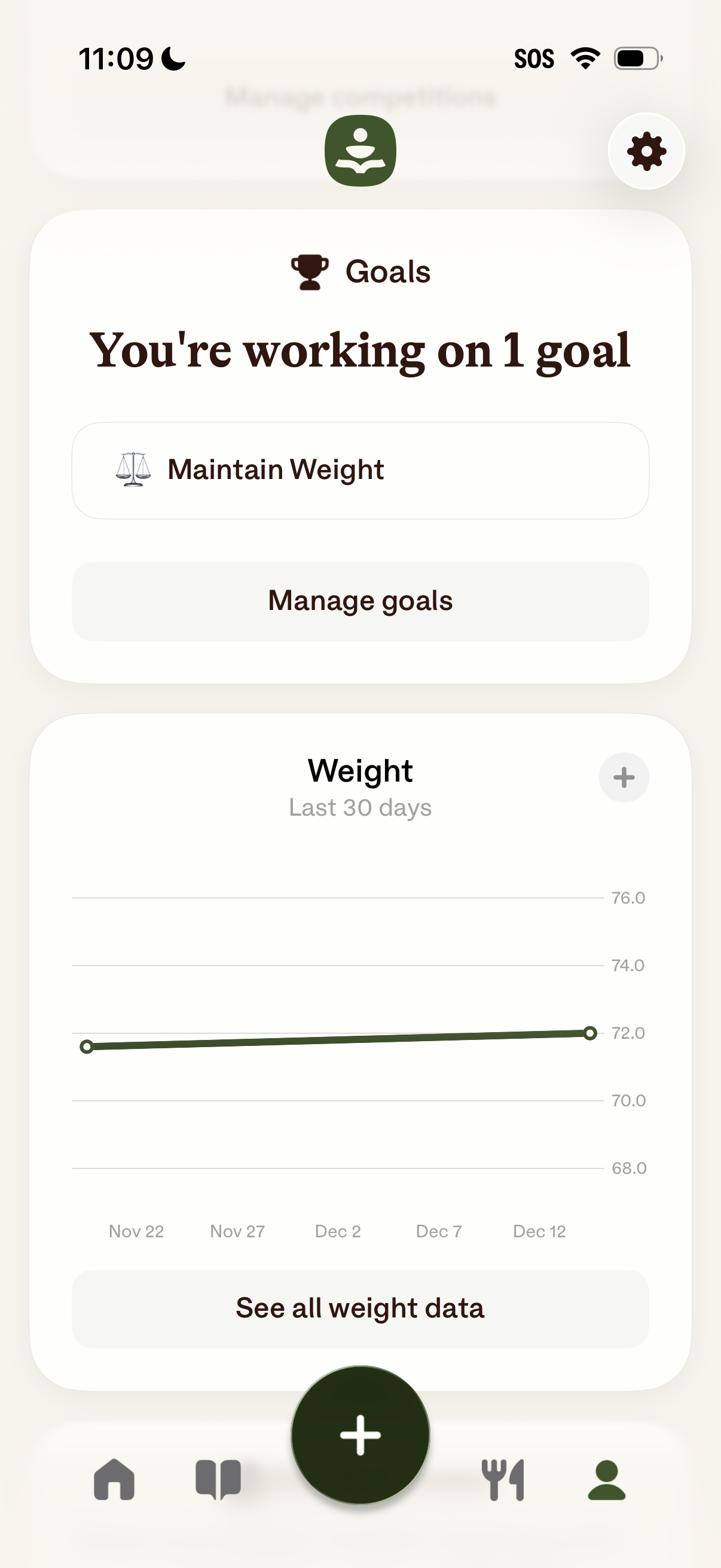
Health and fitness dashboard showing the user’s active goal (“Maintain Weight”) with a primary action to manage goals. Below, a weight tracking card displays a 30‑day line chart with a plus button to add a new weight entry and a link to see all weight data, alongside bottom navigation and a central add action.
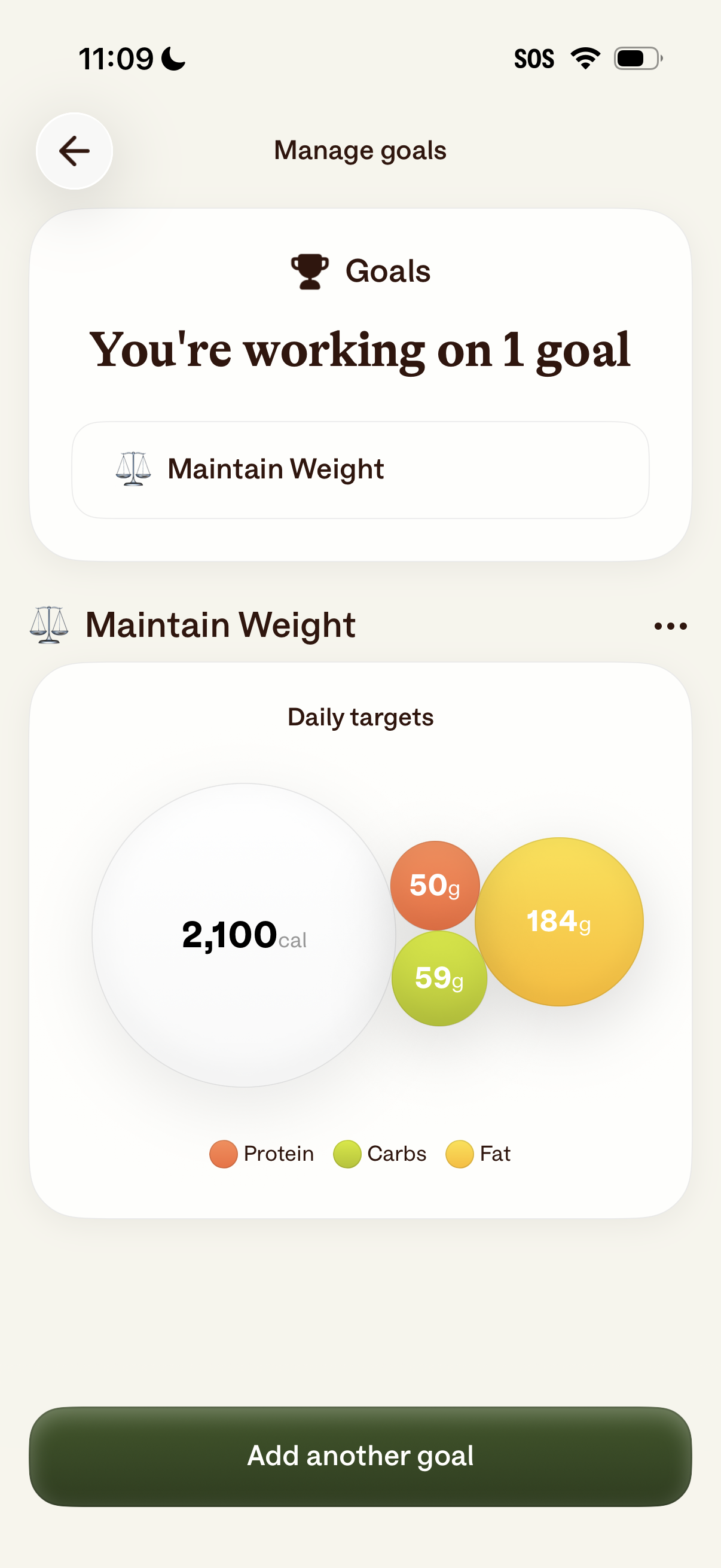
Goal management screen in a nutrition/fitness app showing the user’s active goal (e. g.
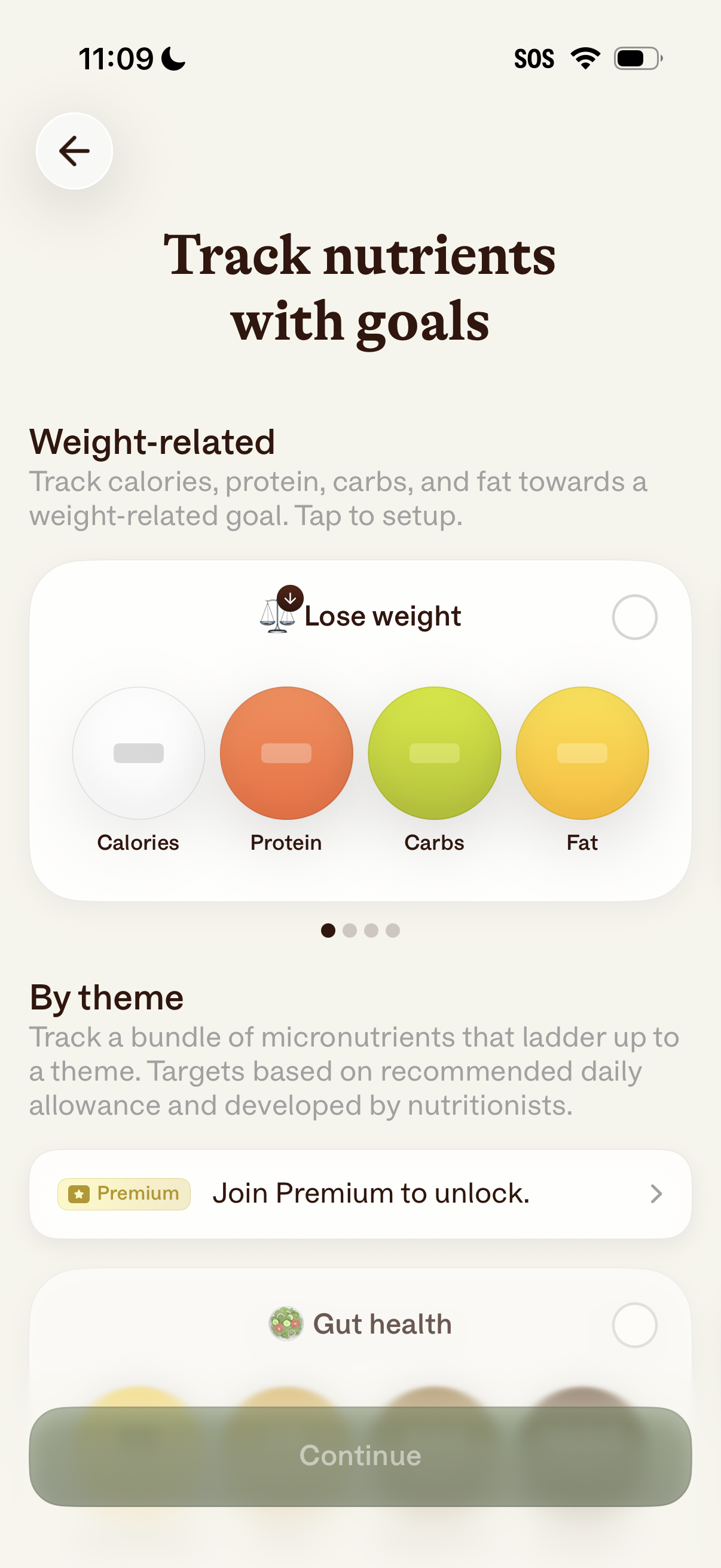
Nutrition goal setup screen for tracking nutrients with goals, letting users choose a weight-related objective like “Lose weight” and view macro targets for calories, protein, carbs, and fat. Also promotes themed micronutrient tracking as a Premium-locked feature and includes a Continue CTA after selecting a goal.
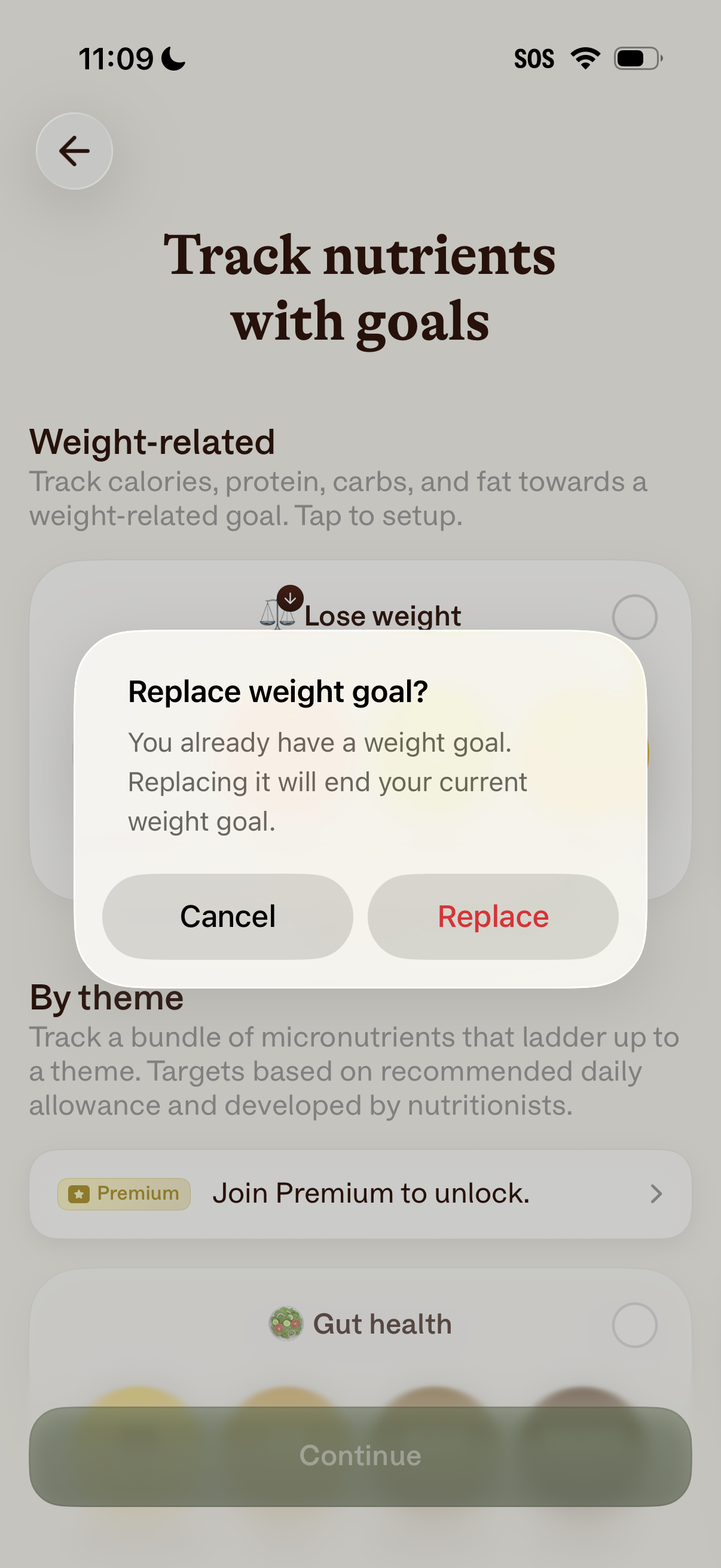
Nutrition goal setup screen for tracking nutrients toward weight-related goals, with options like “Lose weight” and premium-locked nutrient themes. A confirmation modal asks to replace an existing weight goal, offering Cancel or Replace actions.
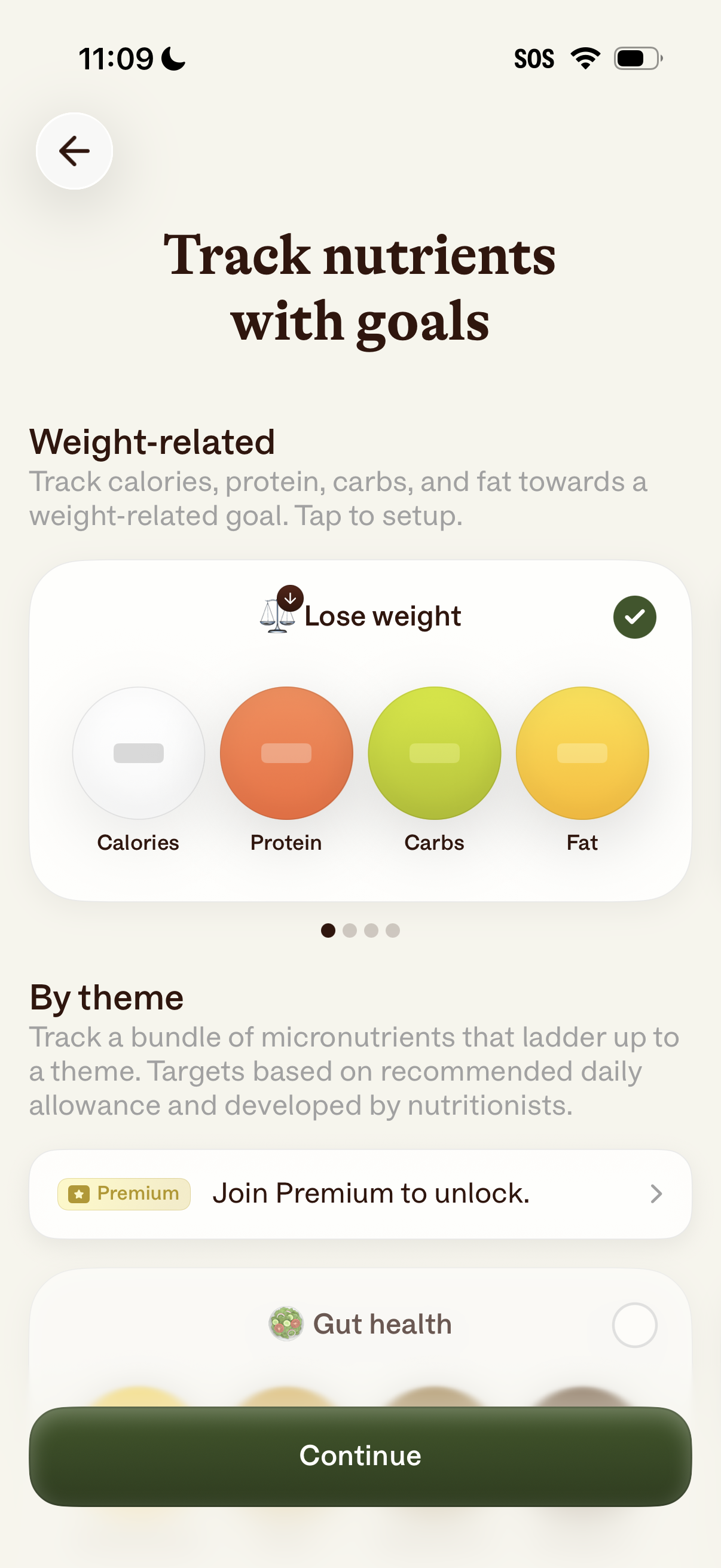
Goal setup screen for a nutrition tracking app where users choose a weight-related objective (e. g.