enable notifications
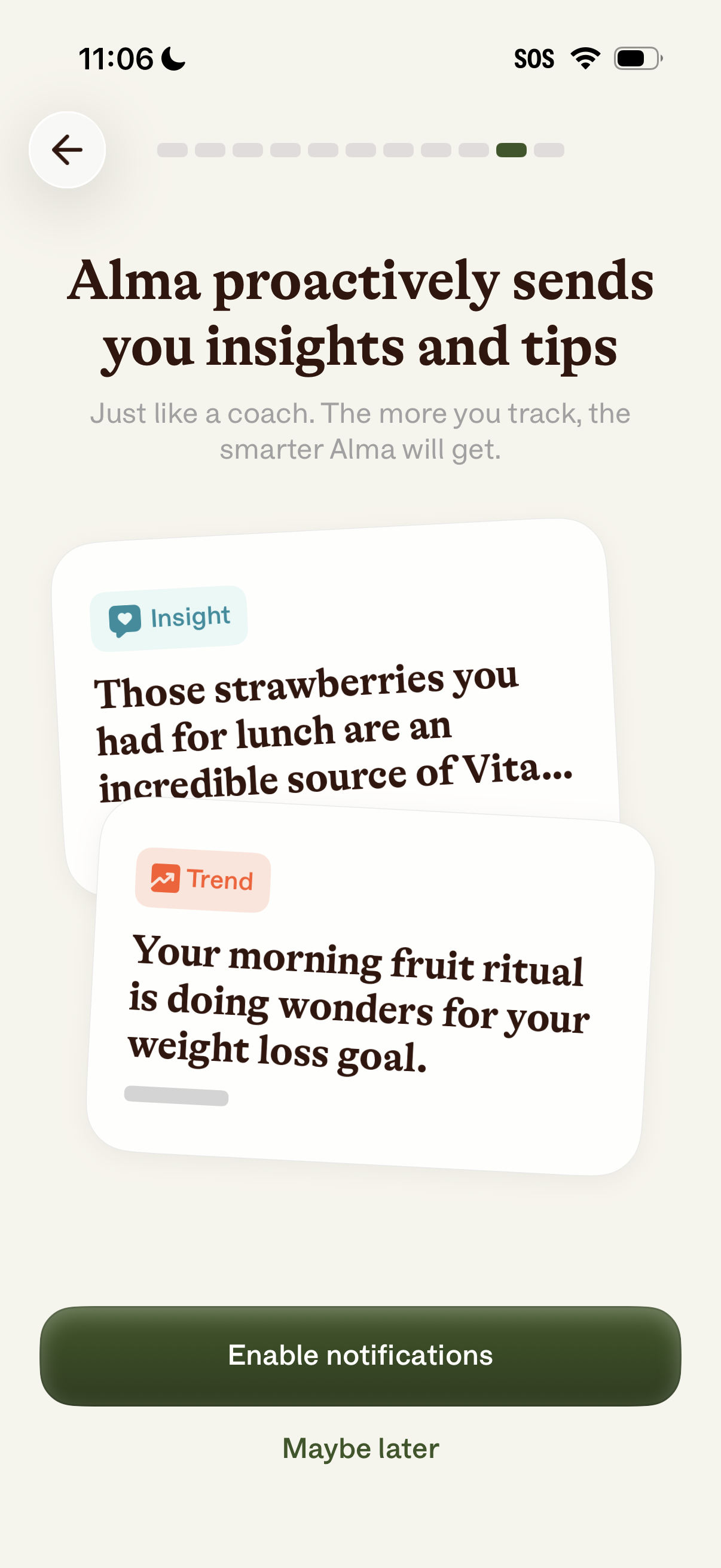
Onboarding screen for a health or nutrition coaching app explaining that the app will proactively send personalized insights and trend tips based on user tracking. Includes a notification permission prompt with primary action to enable notifications and a secondary “Maybe later” option.
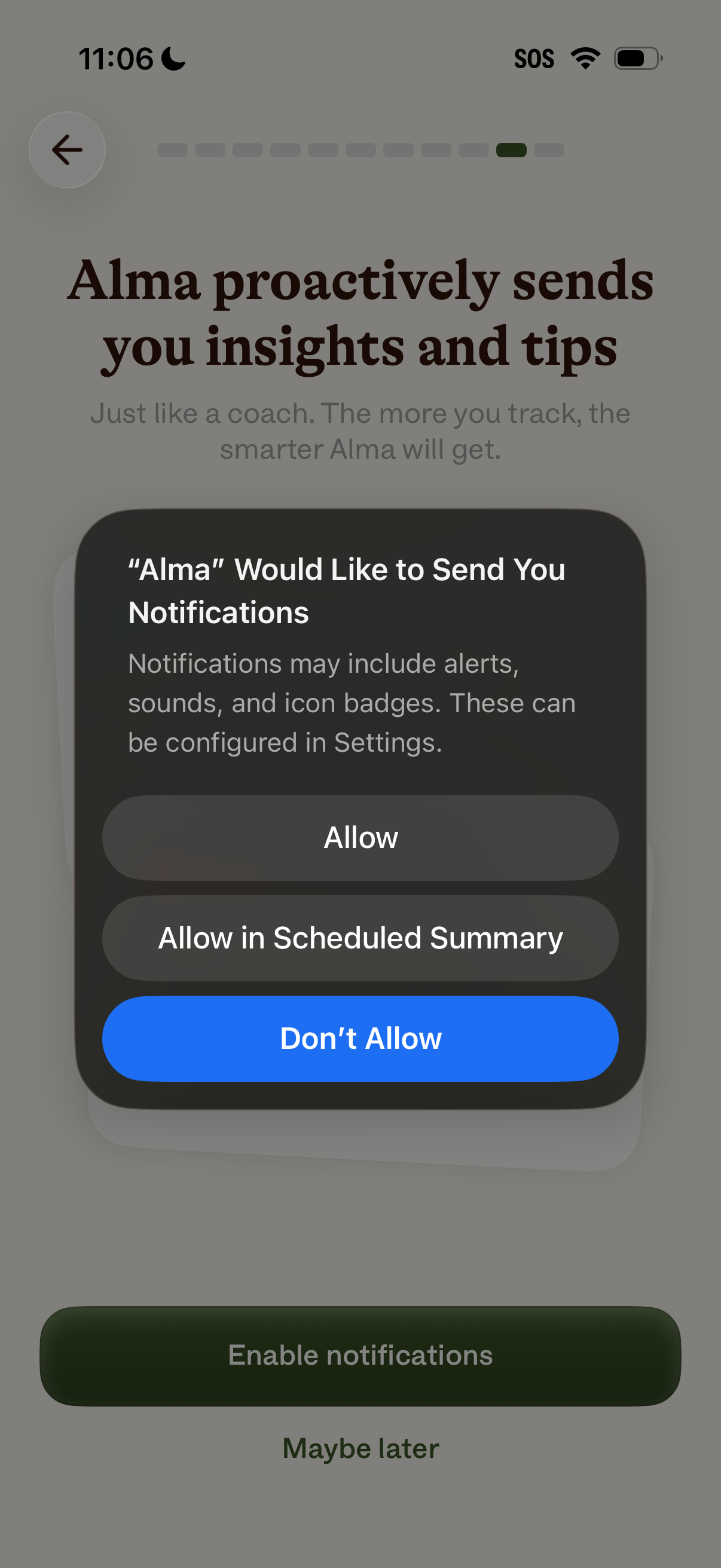
Onboarding screen encouraging users to enable push notifications so the app can proactively send coaching insights and tips, with an iOS system permission prompt offering Allow, Allow in Scheduled Summary, or Don’t Allow. Includes a primary “Enable notifications” call to action and an option to defer with “Maybe later,” plus back navigation and progress indicator.
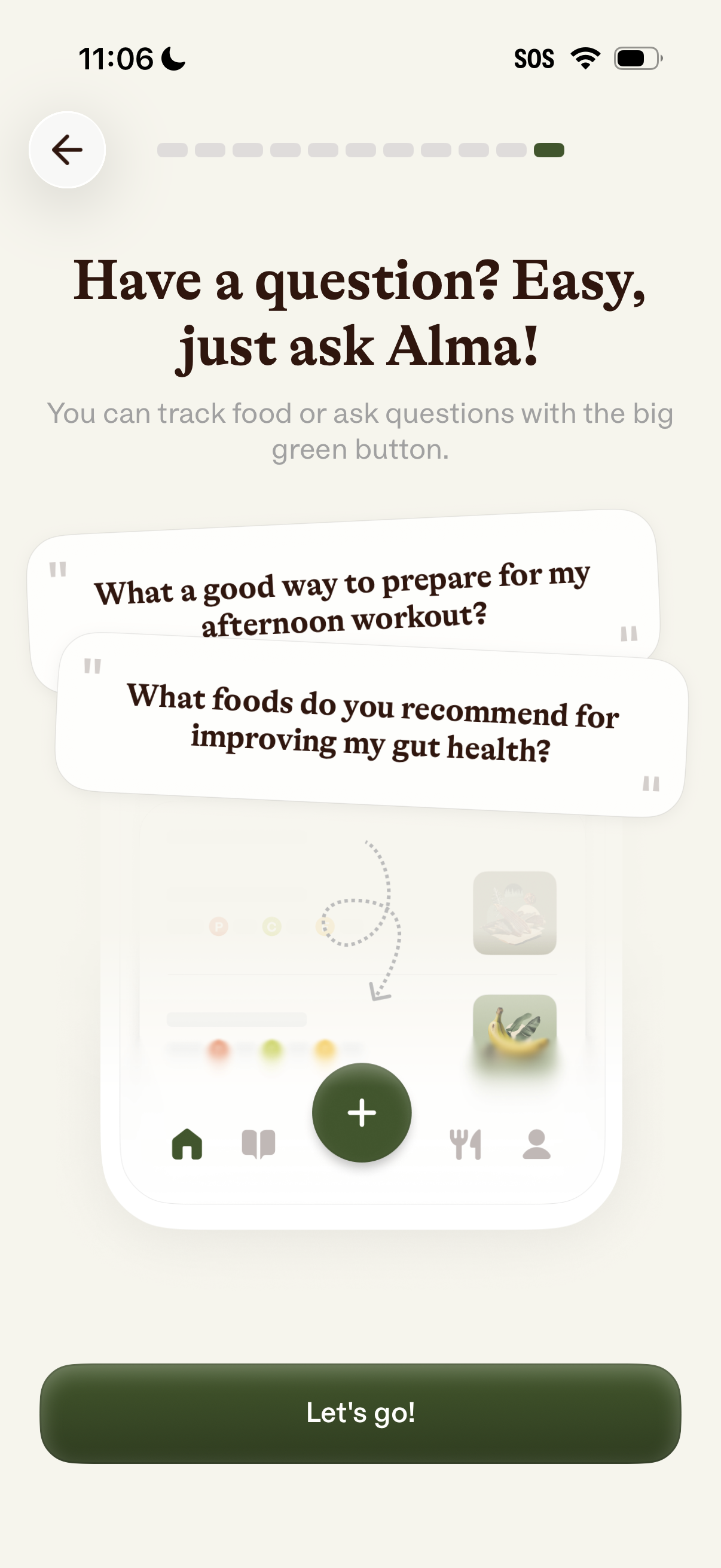
Onboarding tutorial screen introducing an in-app AI assistant for nutrition and wellness, explaining that users can track food or ask questions via a central green plus button. Shows example question prompts (workout prep, gut health) with a progress indicator, back navigation, and a “Let’s go!