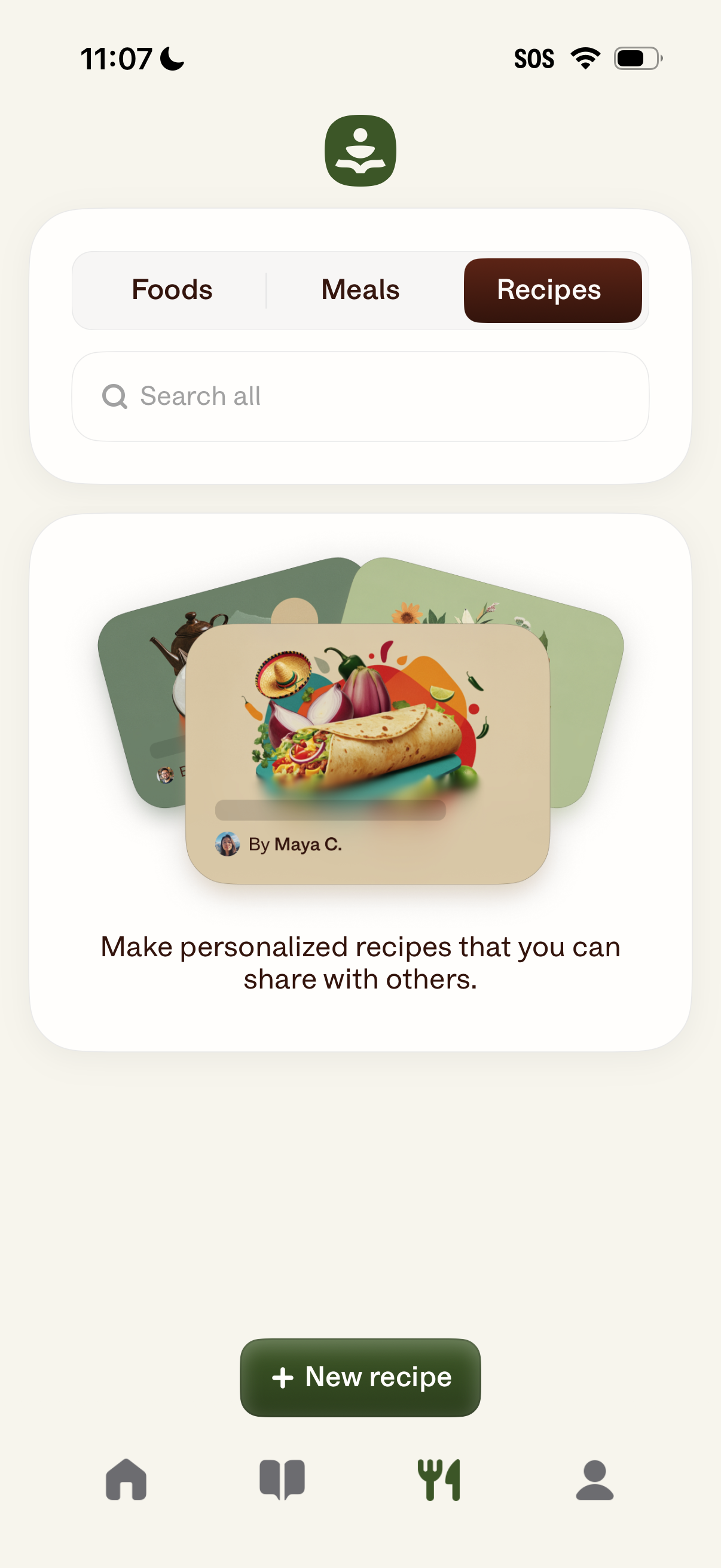
Recipe management screen in a food tracking app with tabs to switch between Foods, Meals, and Recipes, plus a search field to find items. Highlights creating and sharing personalized recipes and includes a primary “New recipe” button to add a recipe.
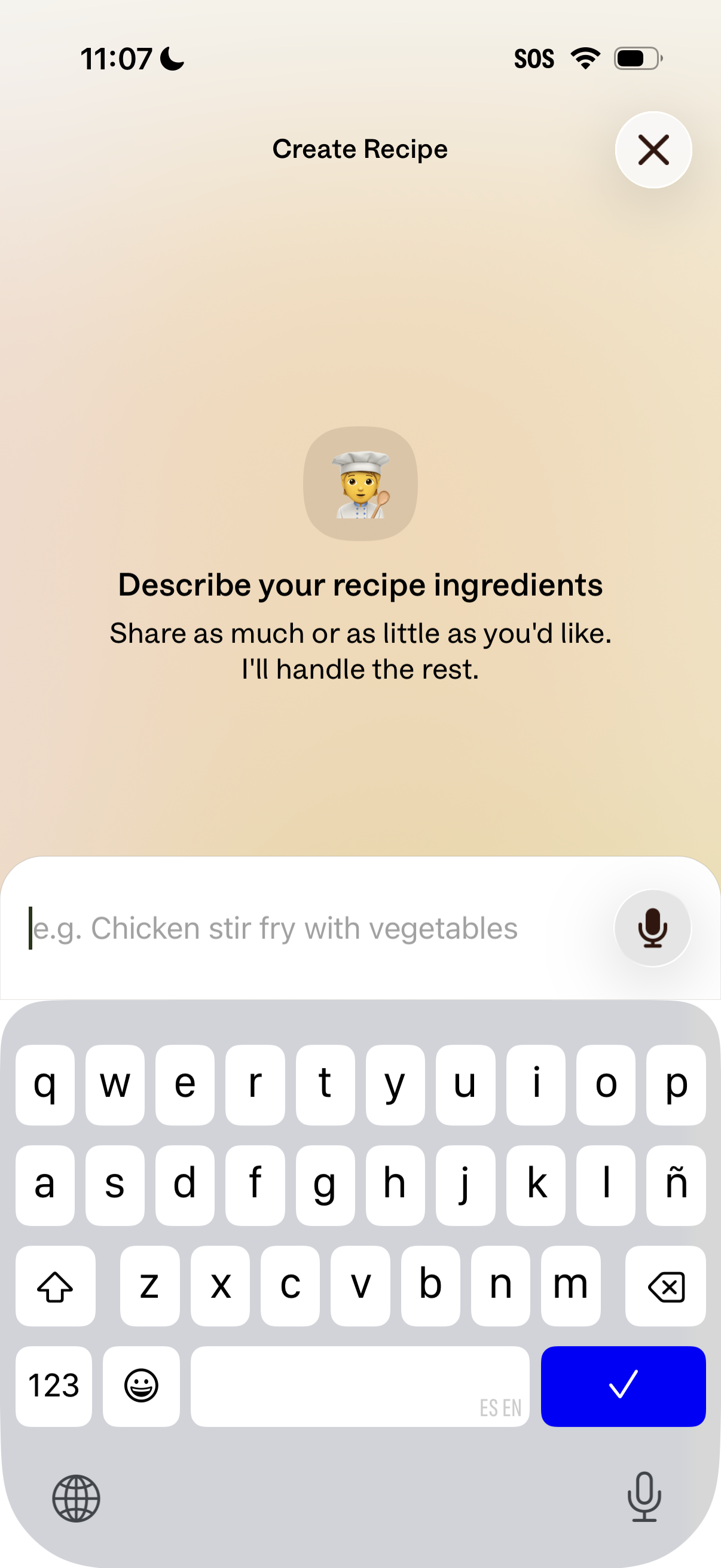
Recipe creation screen prompting the user to describe their recipe ingredients in a text input field, with an example placeholder and optional voice dictation via microphone icon. Includes a top header “Create Recipe” and a close (X) button to dismiss the flow.
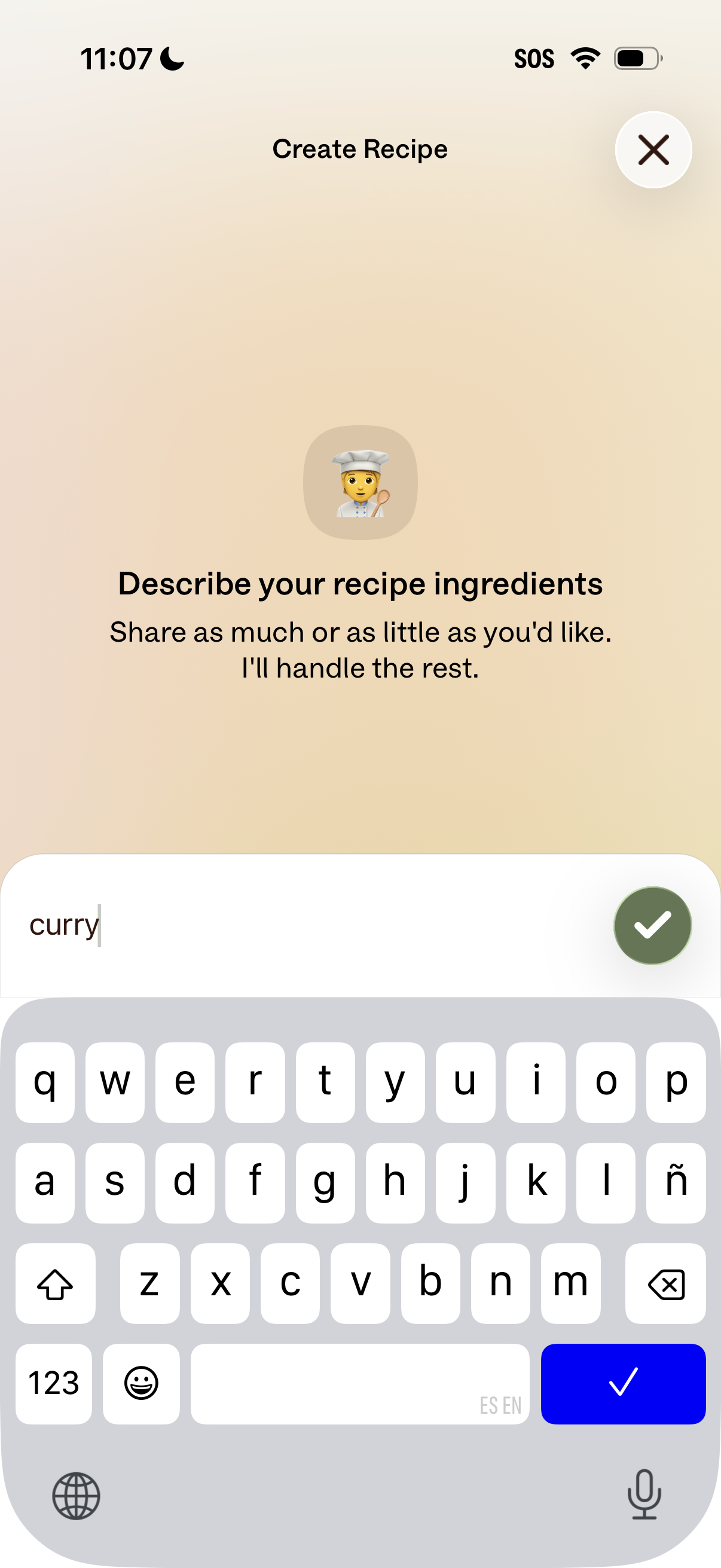
Recipe creation screen prompting the user to describe their recipe ingredients in a text field, with guidance that they can share as much or as little as they want and the app will handle the rest. Includes a submit checkmark button to confirm the ingredient entry and a close icon to exit.
Minimal loading/interstitial screen showing a centered spinner and the message “One second…” while the app processes a search or command. It indicates the query term “curry” being handled, likely during voice assistant or search results retrieval.
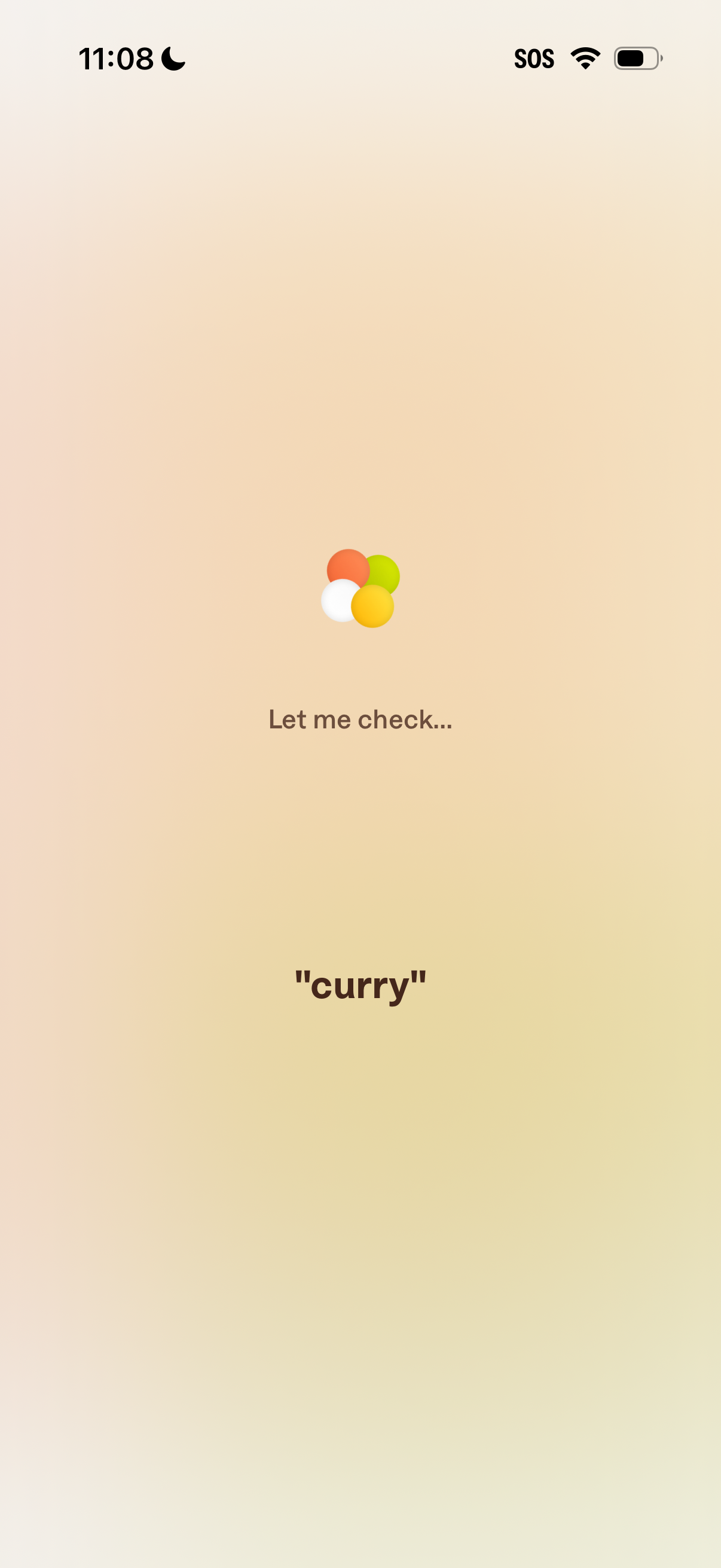
Loading/status screen for a voice assistant or search feature showing a spinner and the message “Let me check…” while it processes a query. The recognized input “curry” is displayed to indicate what is being searched or checked.
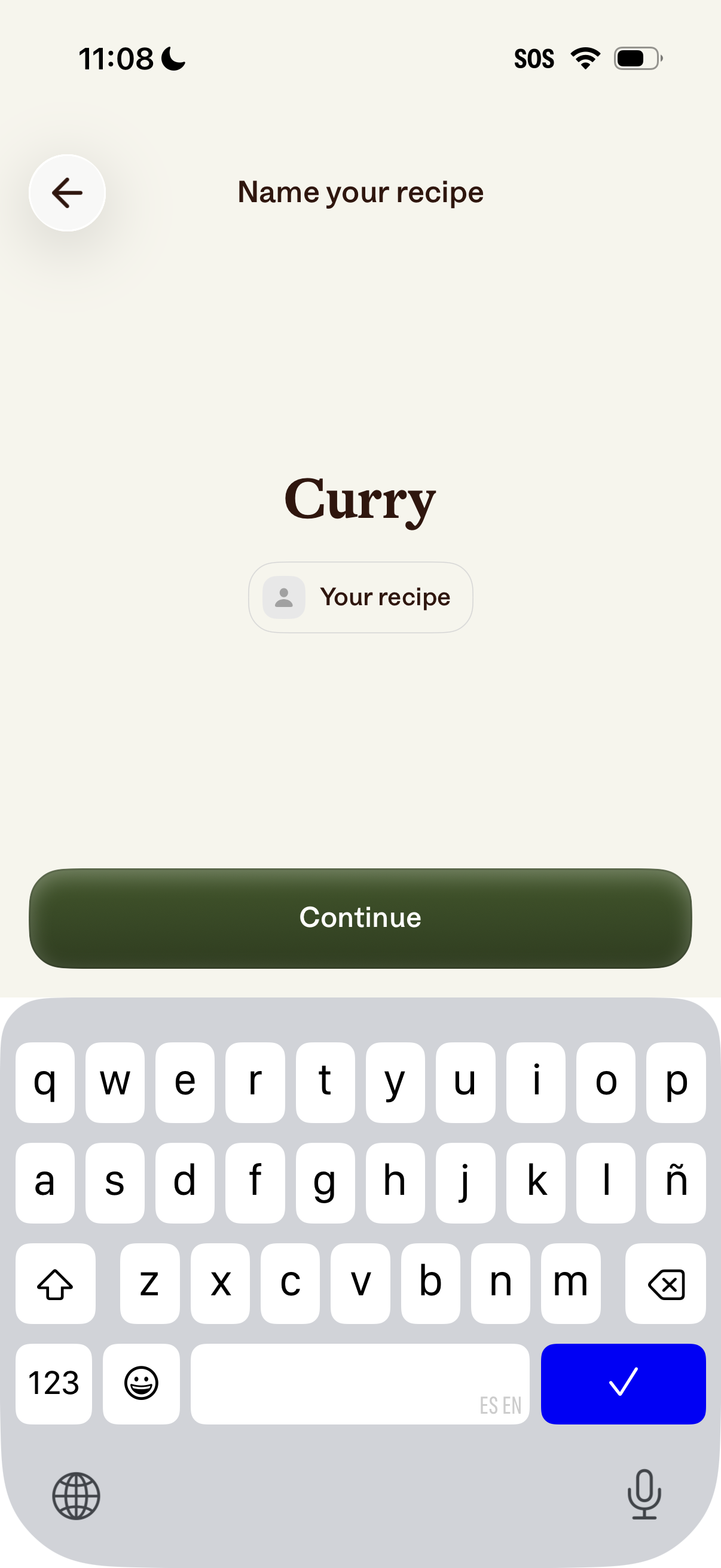
Recipe creation screen prompting the user to name their recipe with an editable title field and a “Continue” button to proceed. Includes a back navigation control and a small label indicating the recipe is personal (“Your recipe”).
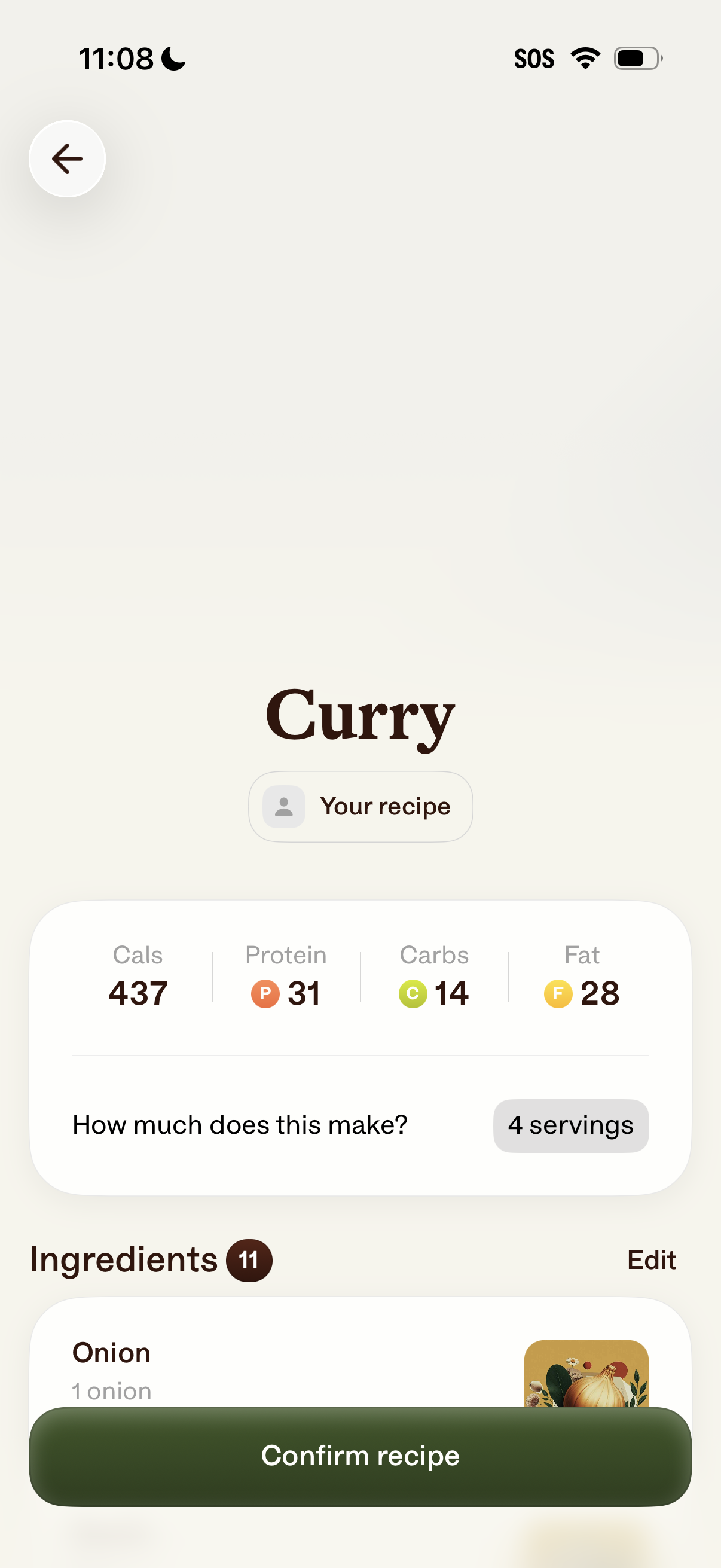
Recipe review screen for a dish showing nutrition macros (calories, protein, carbs, fat) and a servings selector for how much the recipe makes. Users can view and edit the ingredient list and confirm the recipe to save or log it.
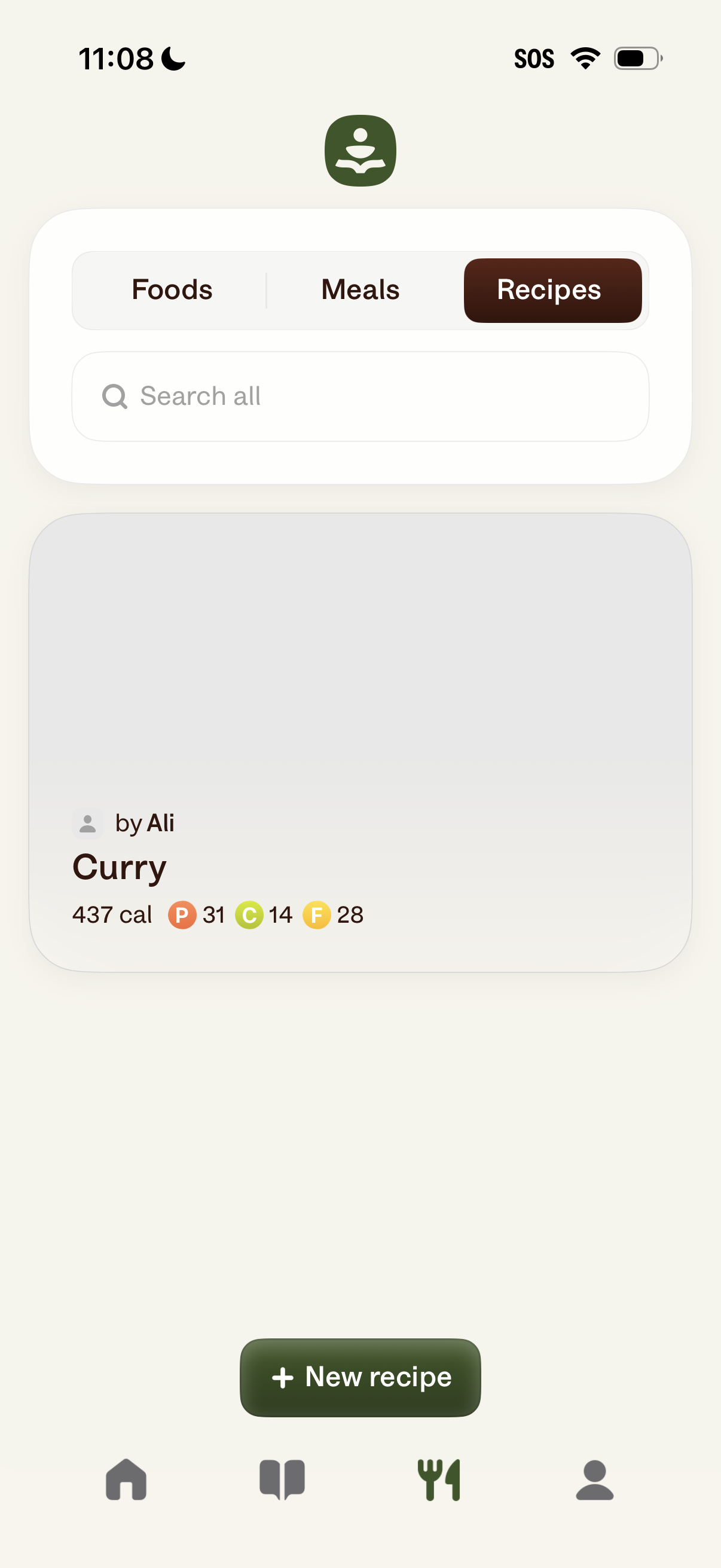
Recipe library screen in a nutrition/meal tracking app with tabs to switch between Foods, Meals, and Recipes, plus a search bar to find items. Displays a recipe card with calories and macro breakdown (protein, carbs, fat) and includes a primary “New recipe” button to create and save a recipe.