complete profile setup
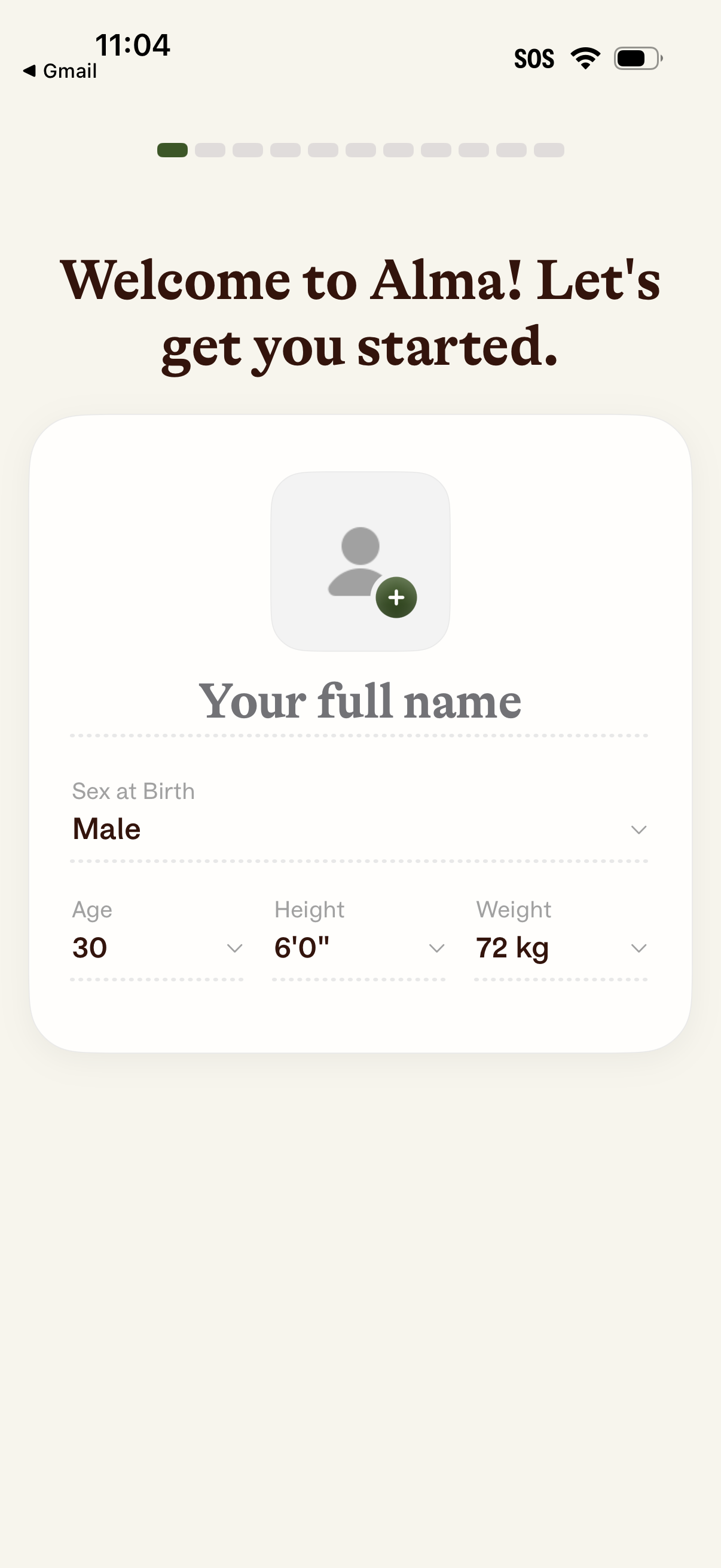
Onboarding profile setup screen prompting the user to enter their full name and upload a profile photo, with dropdown fields to select sex at birth, age, height, and weight. A progress indicator at the top shows this is one step in a multi-step sign-up flow.
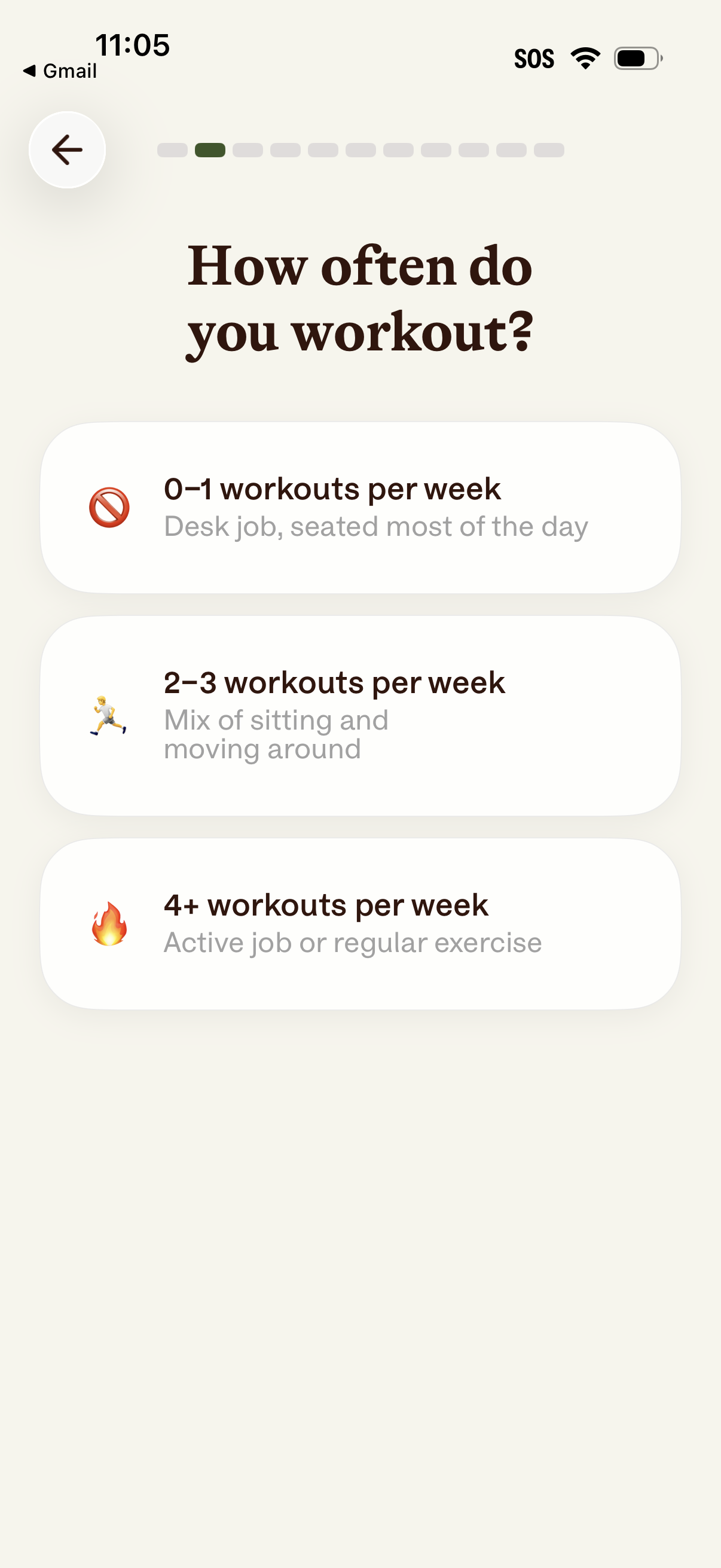
Onboarding questionnaire screen for a fitness/health app asking “How often do you workout? ” Users choose one of three activity-level options (0–1, 2–3, or 4+ workouts per week) with brief descriptions, with a back button and progress indicator for the multi-step setup flow.
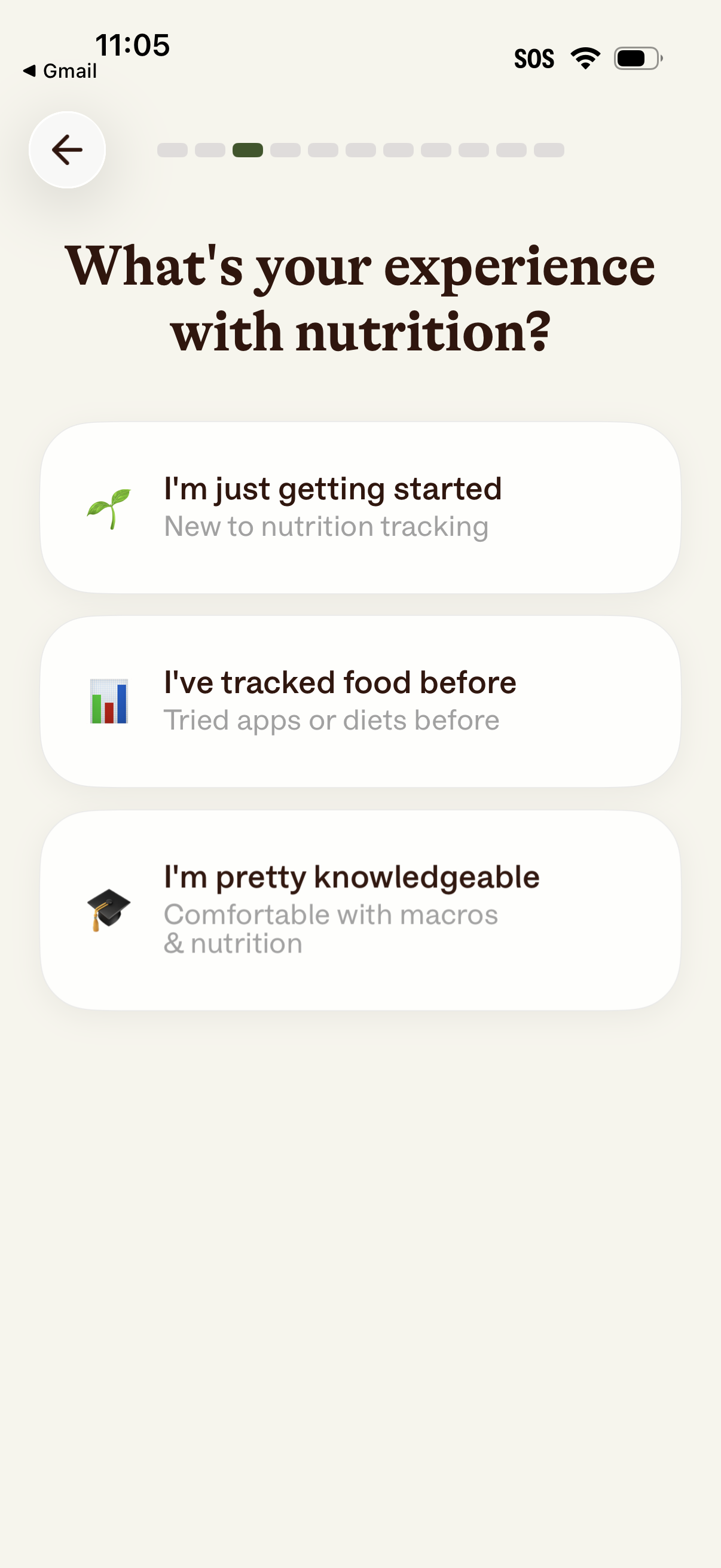
Onboarding survey screen for a nutrition tracking app asking the user to select their experience level with nutrition. Provides three selectable options (beginner, has tracked food before, knowledgeable about macros) with icons, plus a back button and progress indicator.
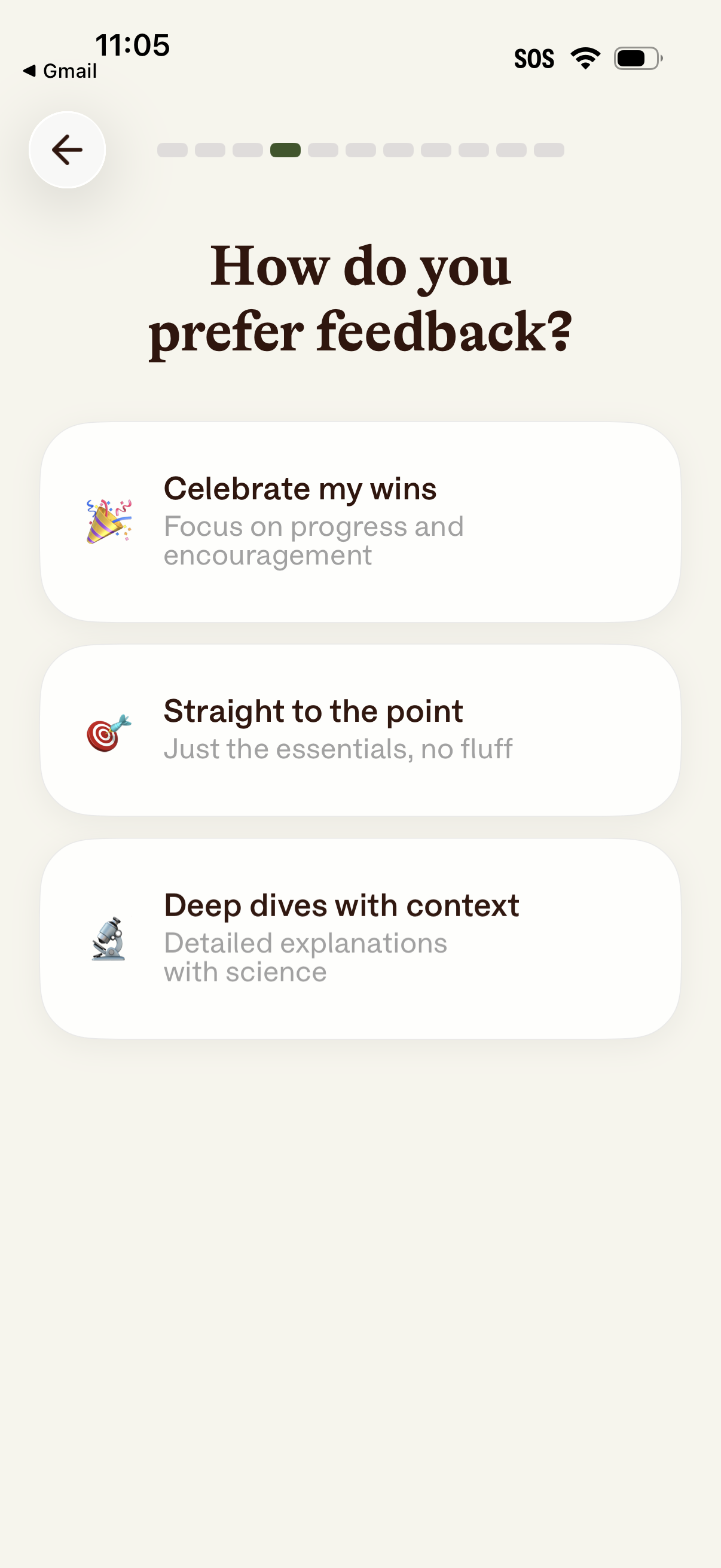
Onboarding preference screen asking “How do you prefer feedback? ” with selectable card options to customize coaching style: celebrate wins with encouragement, straight-to-the-point essentials, or deep dives with scientific context, including a back button and progress indicator.
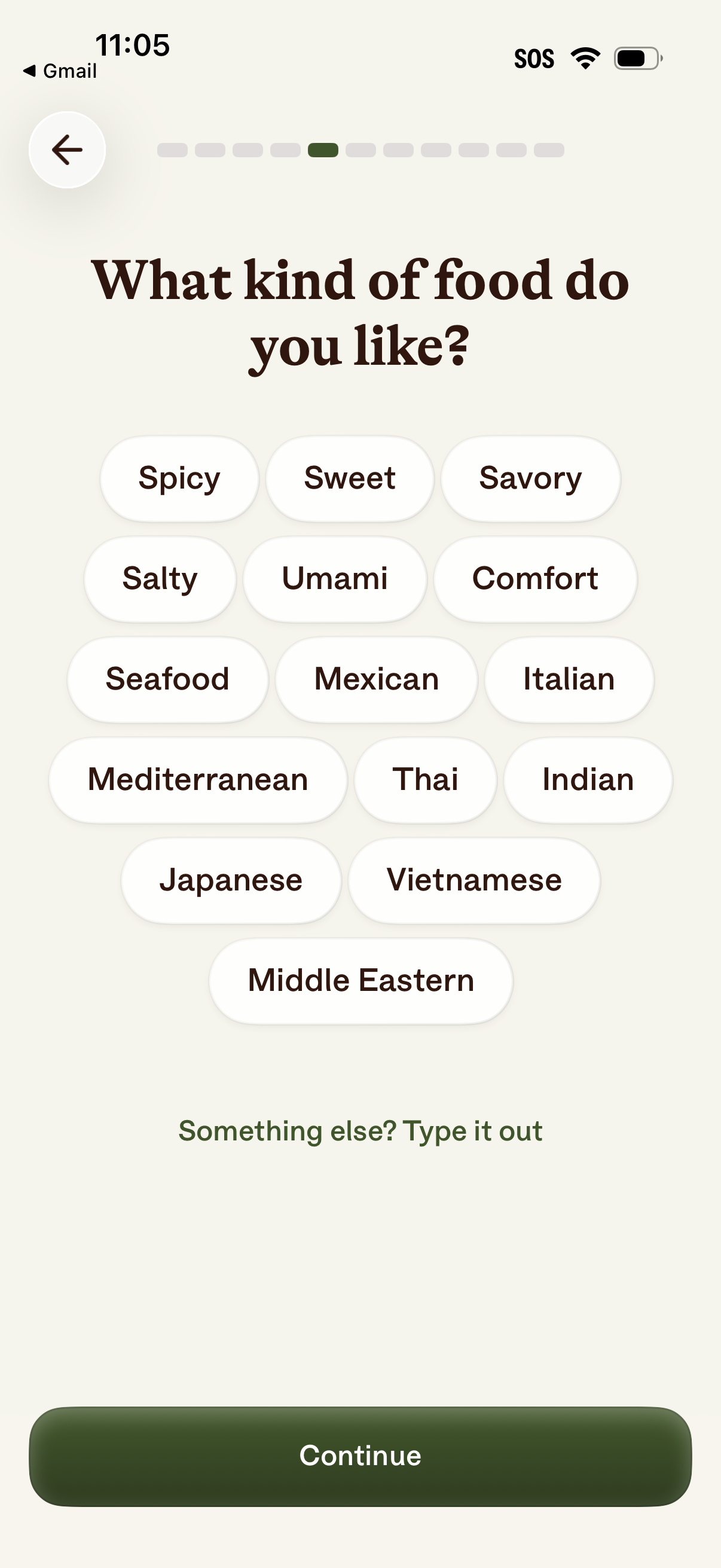
Onboarding preference selection screen asking “What kind of food do you like? ” with selectable pill tags for flavors and cuisines (e.
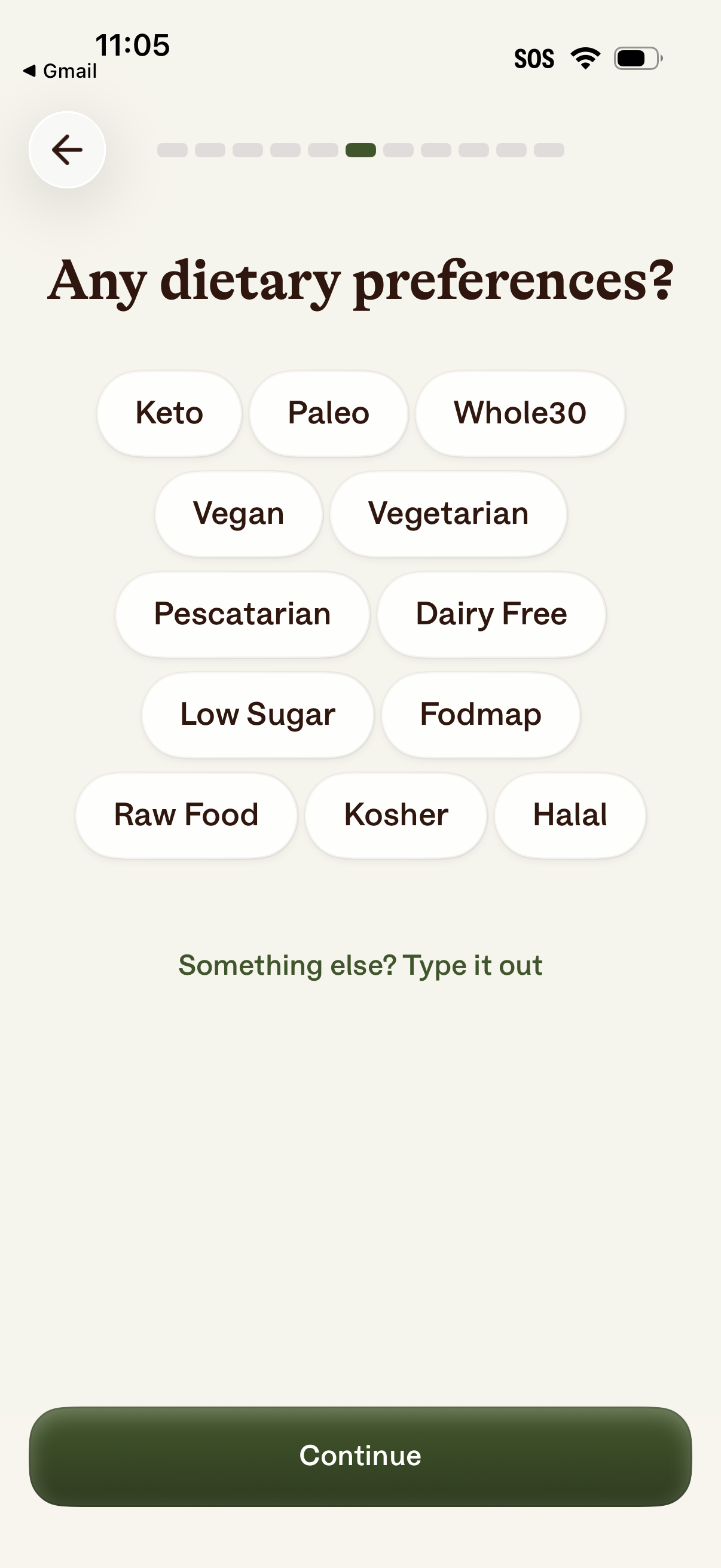
Onboarding preference screen asking users to select dietary preferences and restrictions using tappable pill options (e. g.
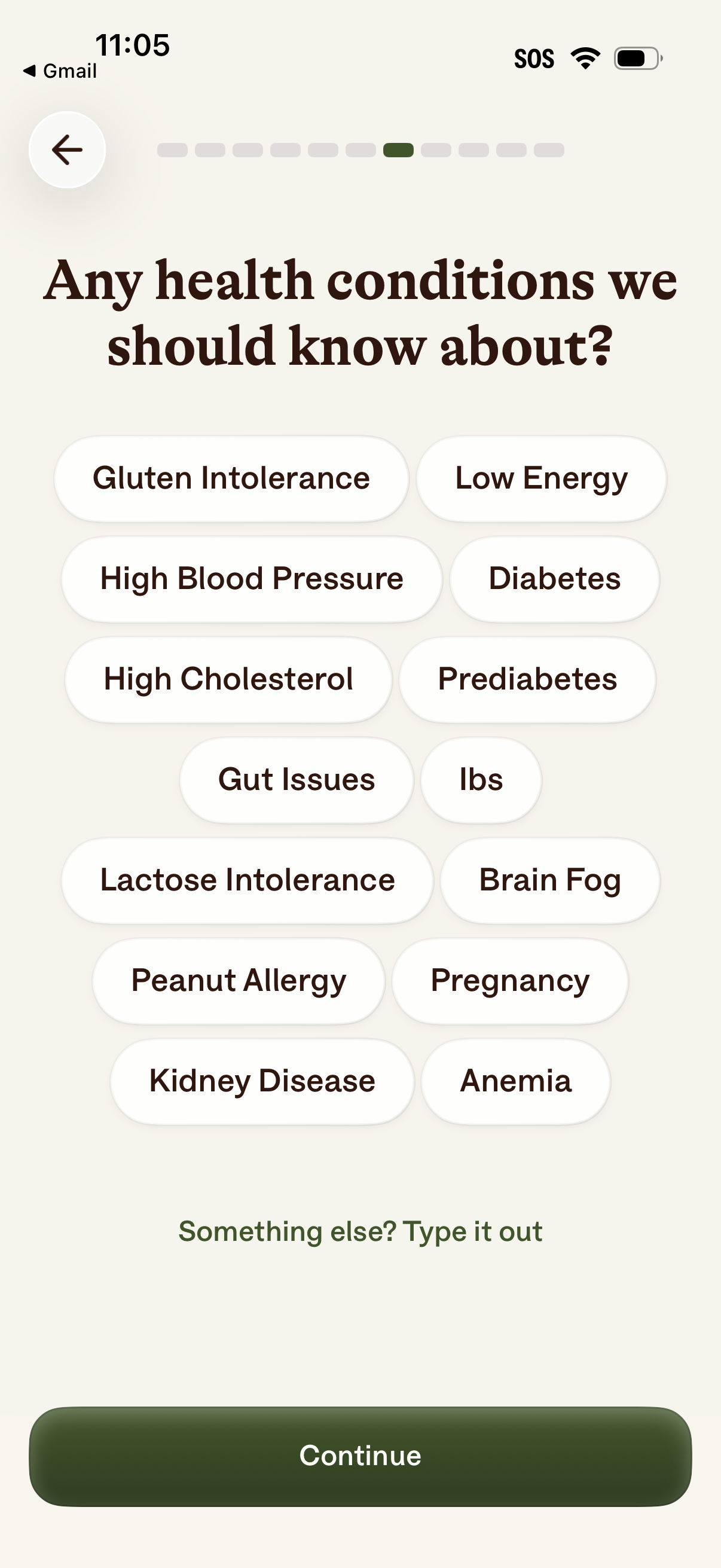
Onboarding health questionnaire screen asking users to select any relevant health conditions from a list of pill-shaped options (e. g.
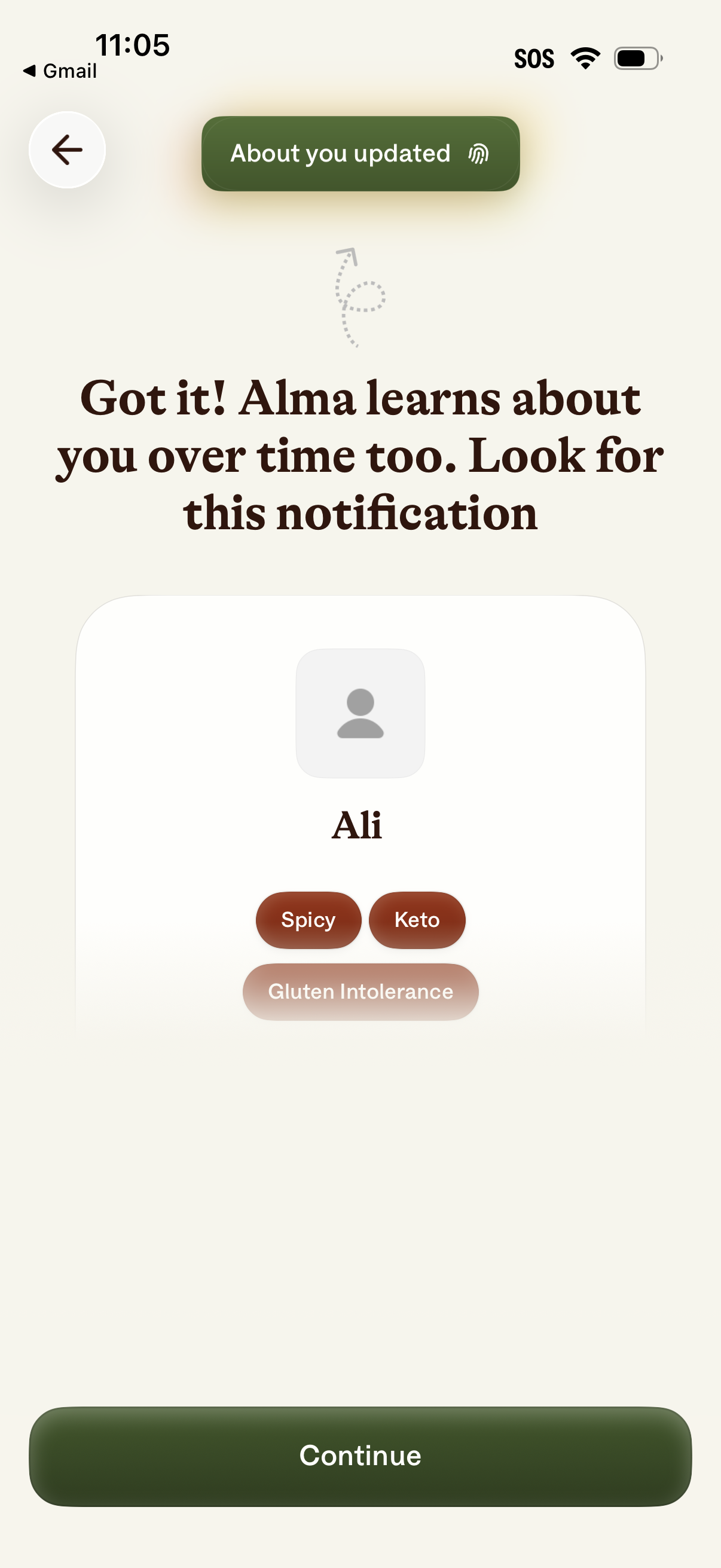
Onboarding confirmation screen for a food or health assistant showing an “About you updated” notification and a preview of the user profile with dietary preferences and restrictions tags. Includes a primary Continue button to proceed and a back navigation arrow.