browse saved items
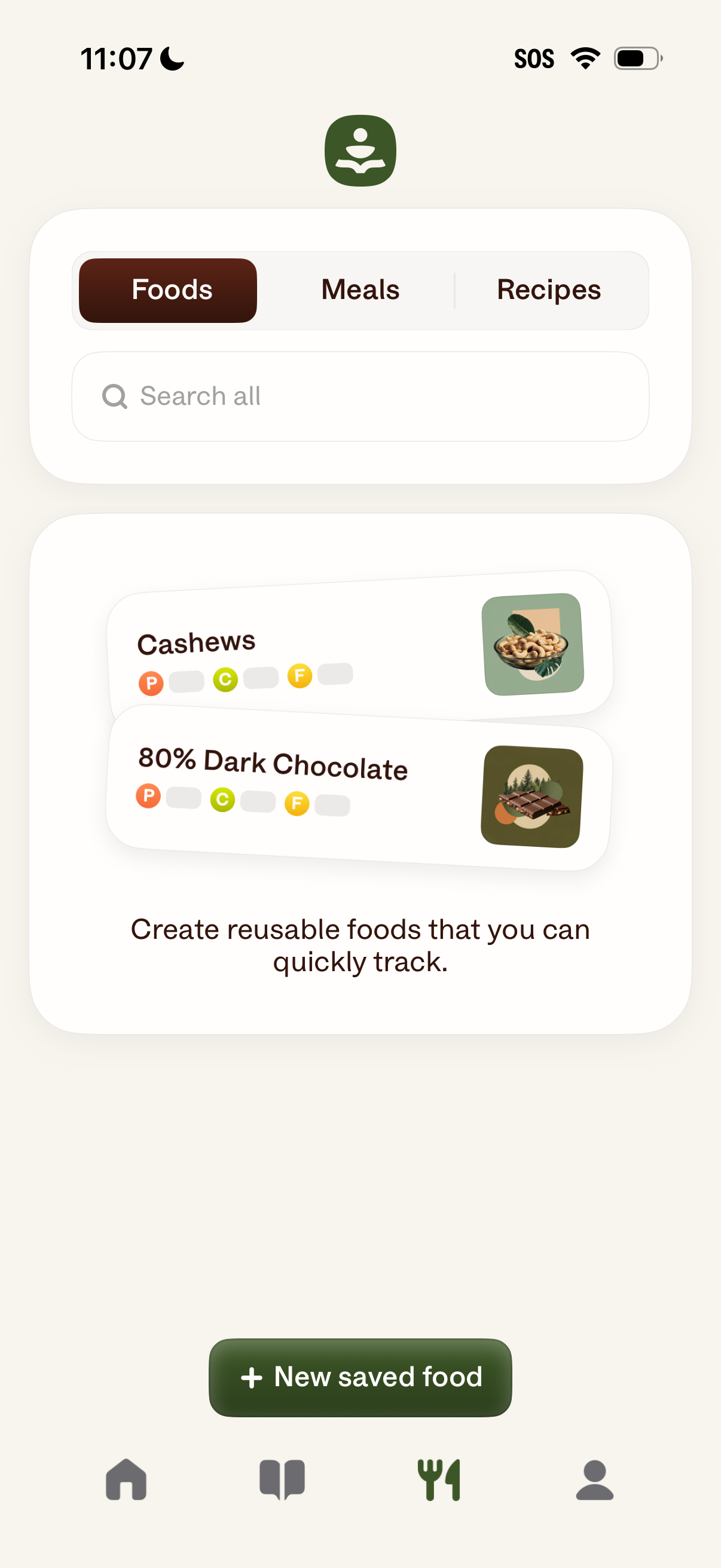
Food tracking library screen with segmented tabs for Foods, Meals, and Recipes plus a search bar to find saved items. Displays saved foods as list cards with thumbnails and macro indicators, and provides a primary “New saved food” button to create reusable foods for quick logging.
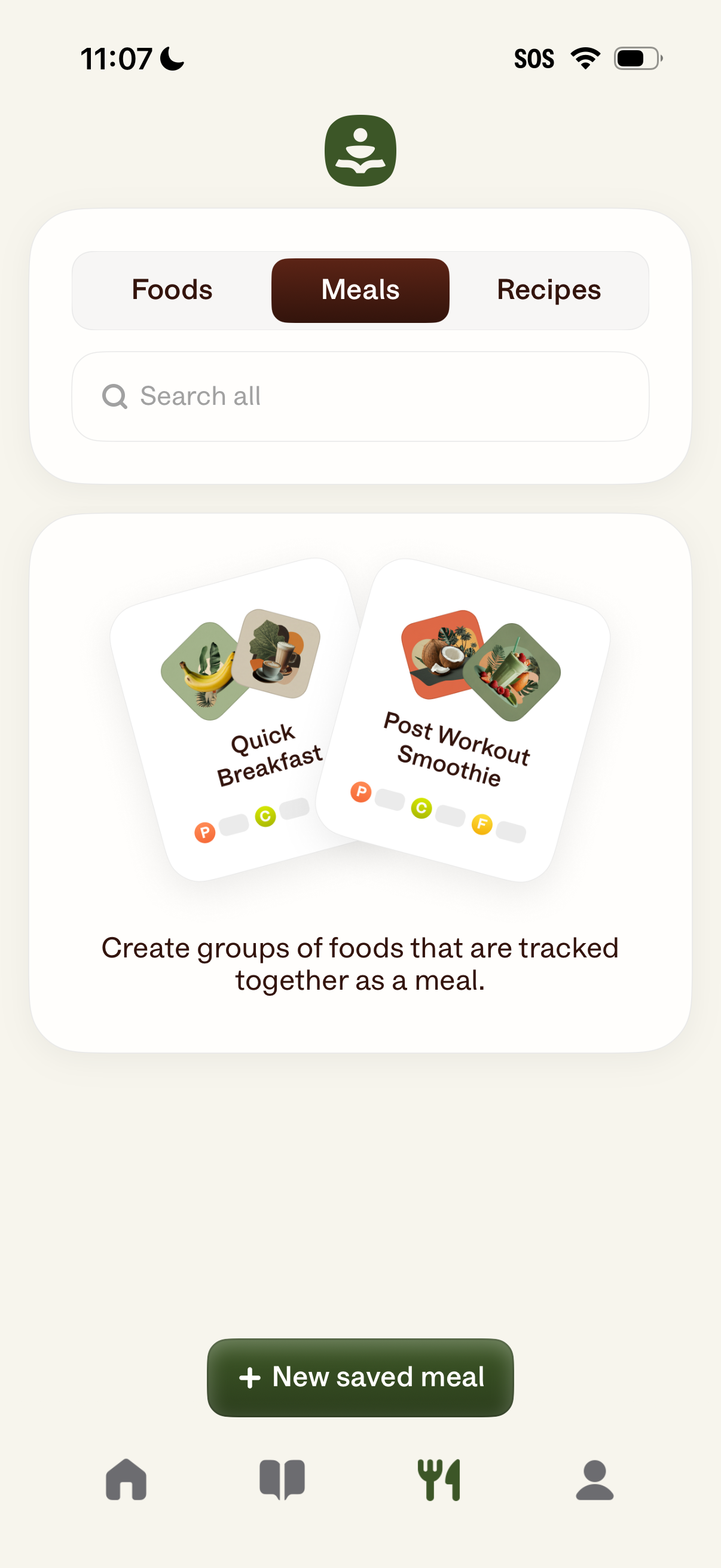
Nutrition tracking app screen for managing saved Meals, with tabs to switch between Foods, Meals, and Recipes and a search bar to find items. Includes an empty-state explainer about grouping foods into a meal and a primary CTA button to create a “New saved meal.
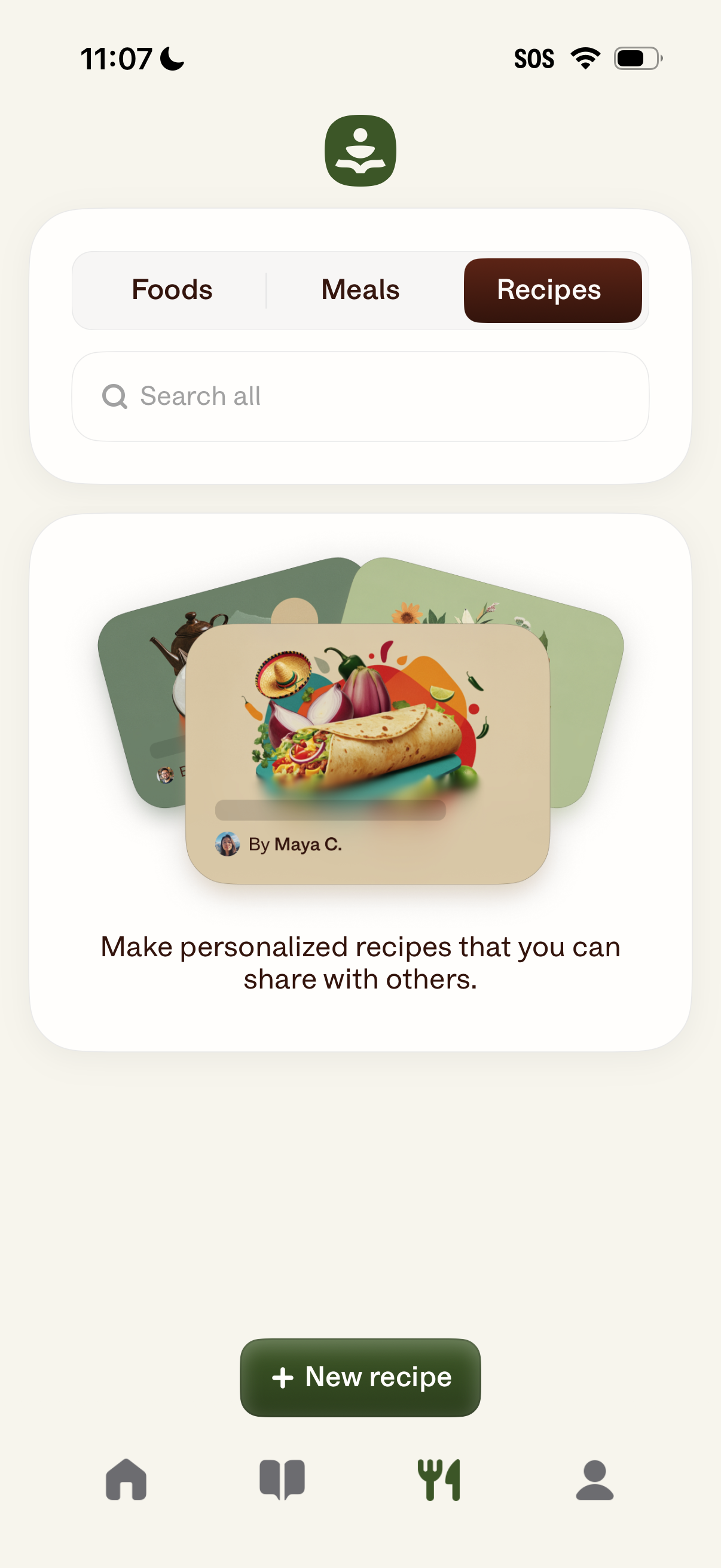
Recipe management screen in a food tracking app with tabs to switch between Foods, Meals, and Recipes, plus a search field to find items. Highlights creating and sharing personalized recipes and includes a primary “New recipe” button to add a recipe.
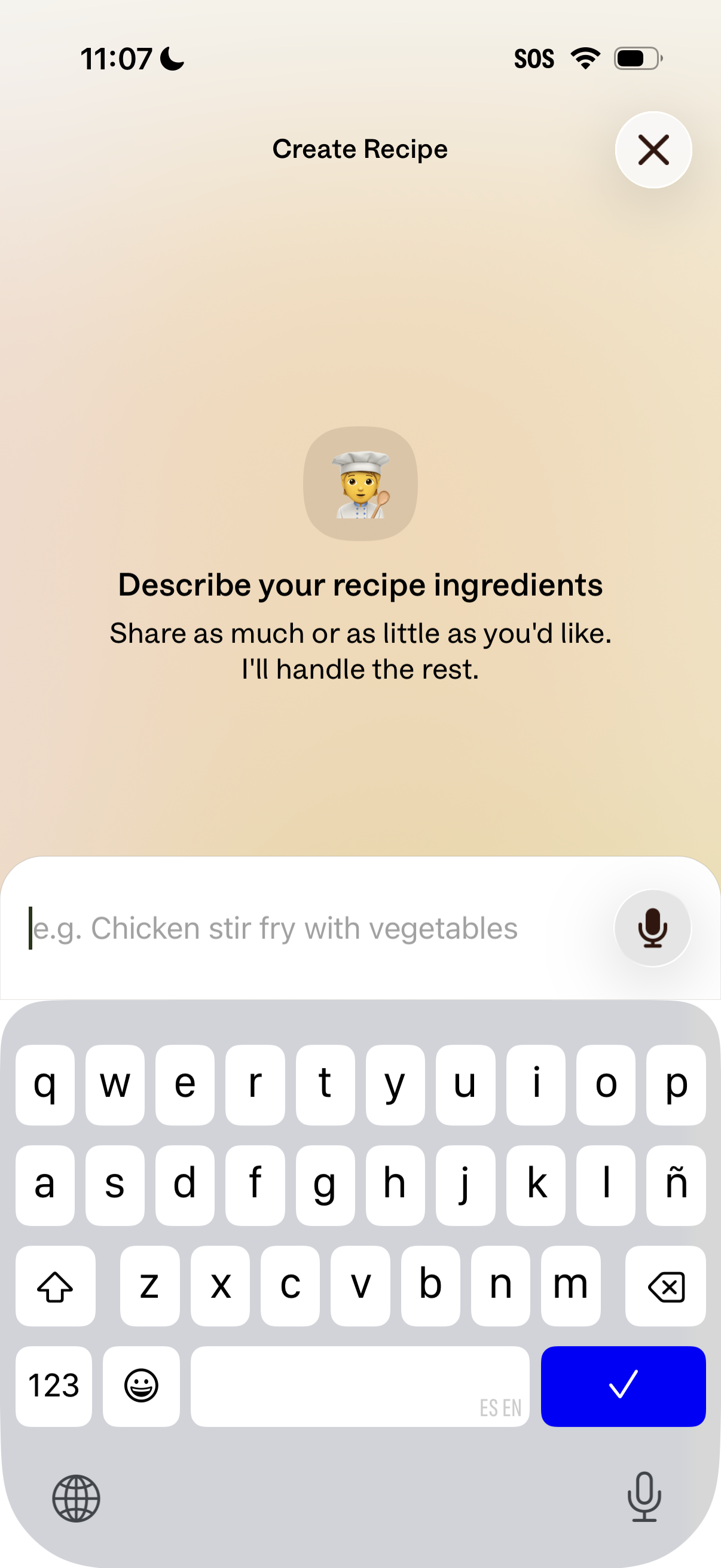
Recipe creation screen prompting the user to describe their recipe ingredients in a text input field, with an example placeholder and optional voice dictation via microphone icon. Includes a top header “Create Recipe” and a close (X) button to dismiss the flow.