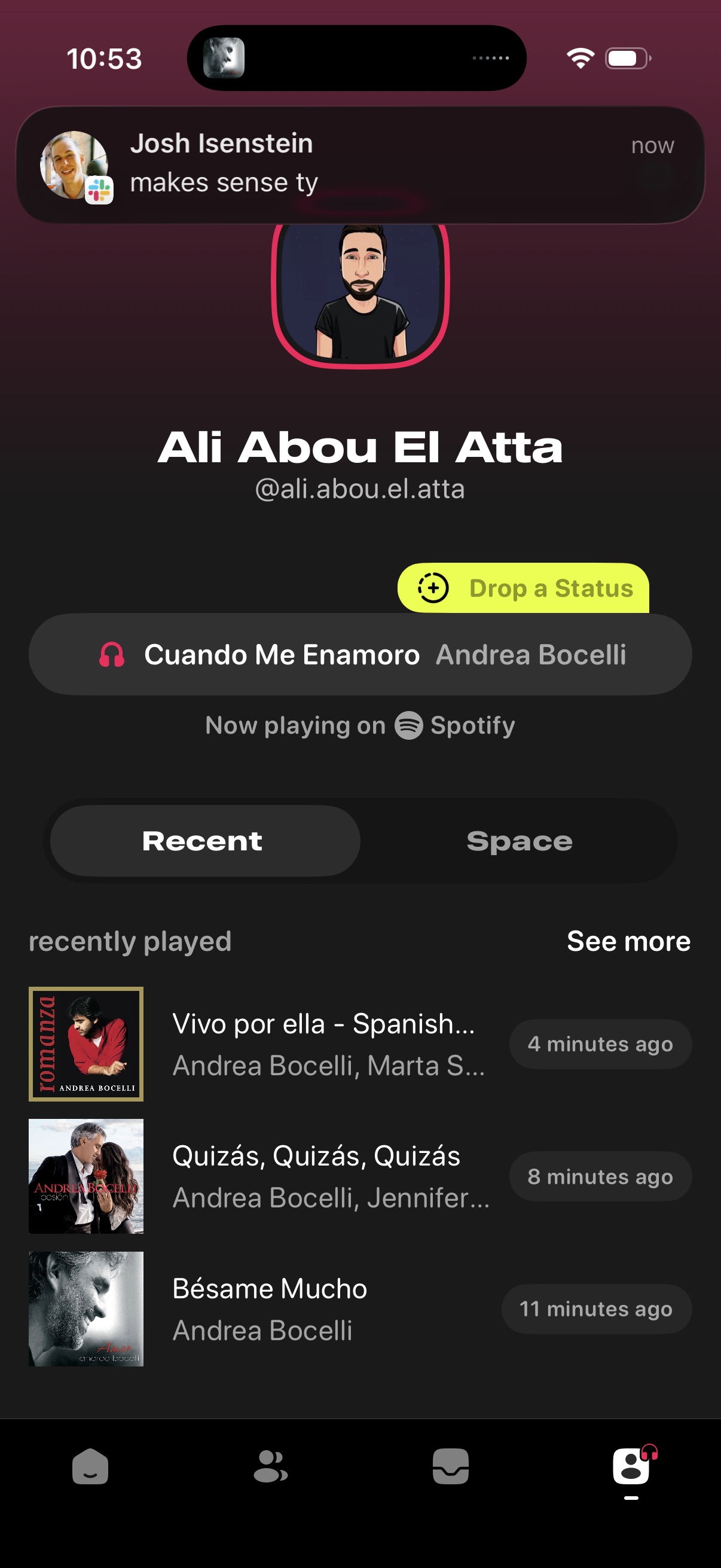
User profile screen with avatar and username that lets you post a new status update and shows the song currently playing on Spotify. Includes tabs for Recent vs Space activity and a recently played music list with album art, artist details, timestamps, and a “see more” link.
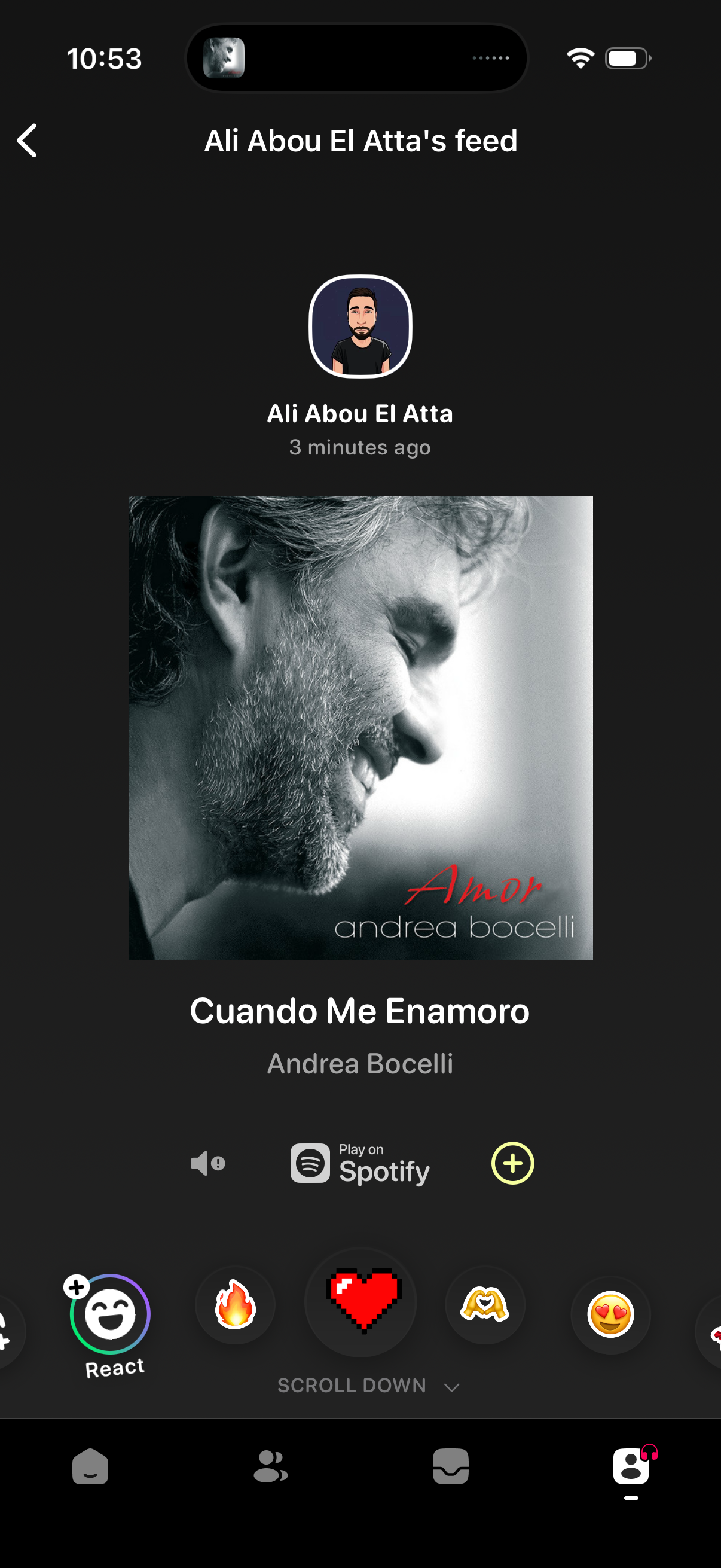
A social music feed post screen showing a friend’s recently shared song with album art, track and artist details, and a “Play on Spotify” action. Users can react with emojis, toggle sound, add the track with a plus button, and navigate back from the feed header.
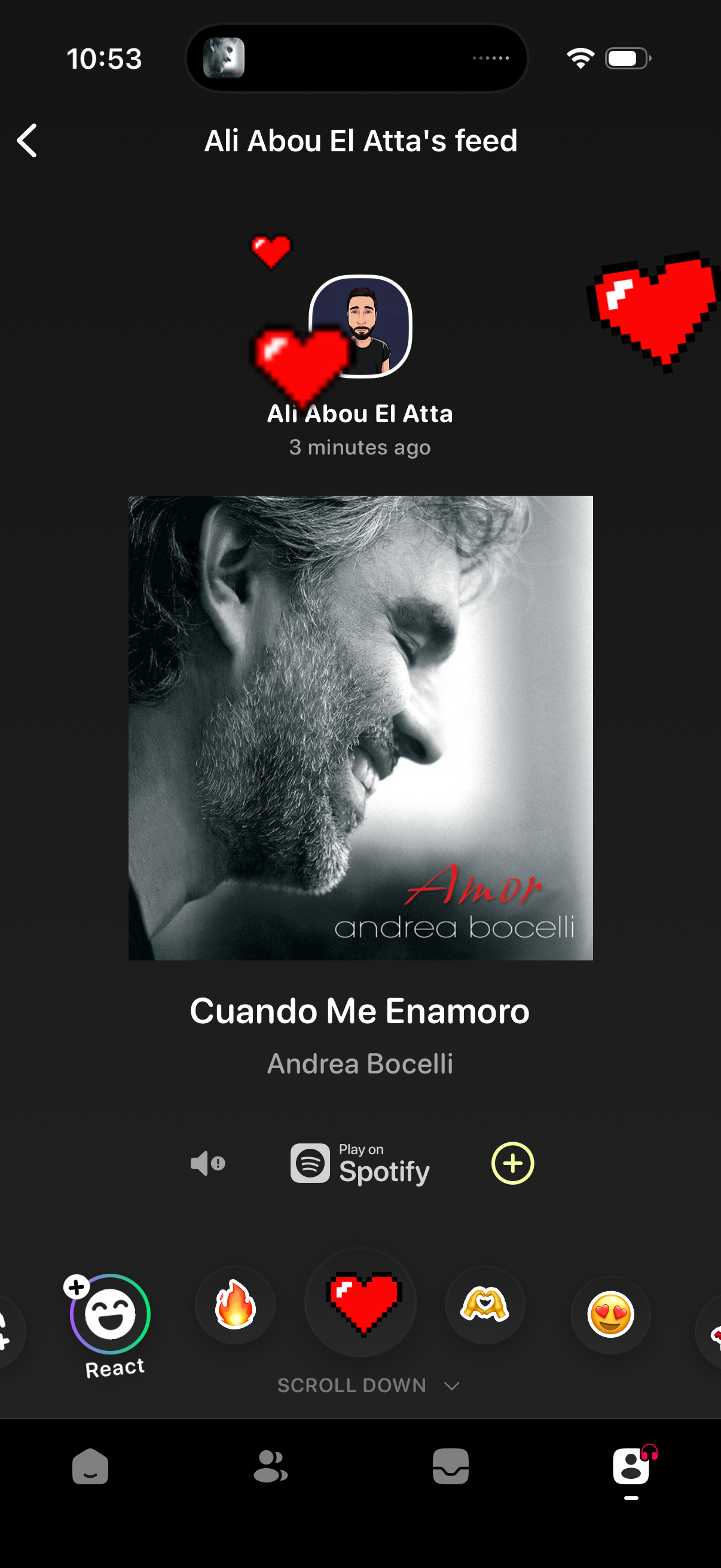
A social feed post screen showing a friend’s recently shared song with album art, track and artist details, and a “Play on Spotify” link. Users can react with emoji (including a heart animation) and tap an add/plus action, with a back button to return to the previous screen.
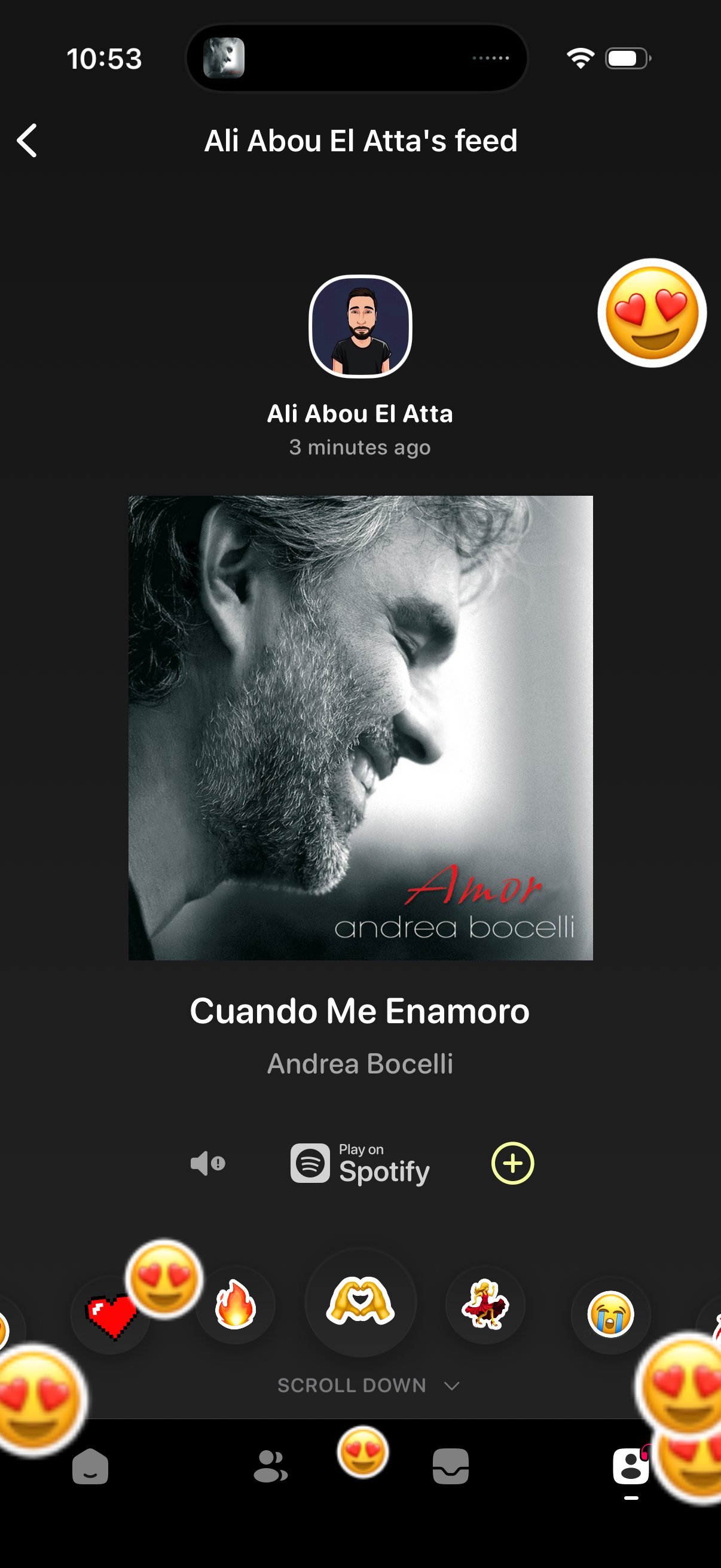
Social music feed screen showing a friend’s recent post with album artwork and track details, with actions to play the song on Spotify, add/save via a plus button, and react using emoji/reaction shortcuts while scrolling through the feed.
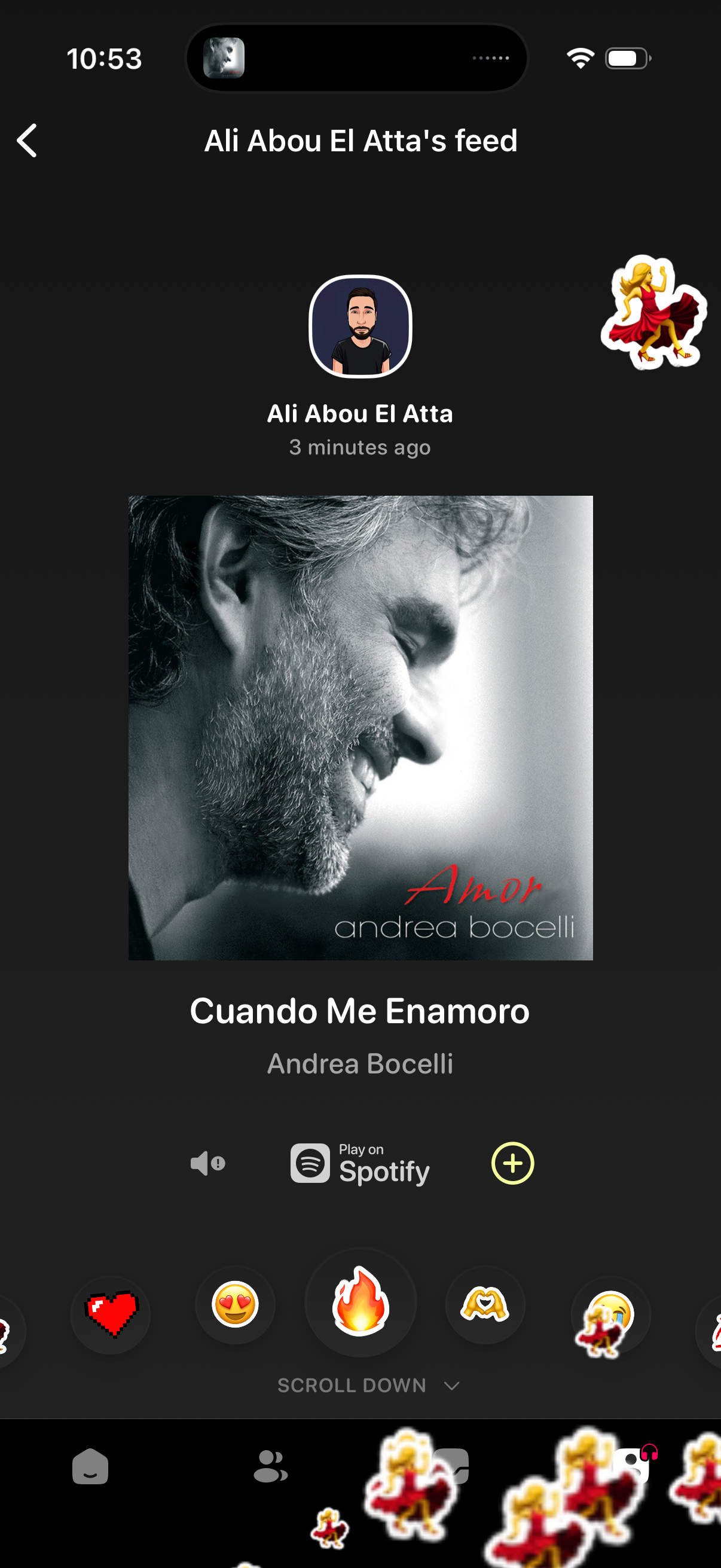
User feed screen in a social/music sharing app showing a recently posted song with album artwork, track title and artist, plus actions to play the track on Spotify, add it to a playlist/library, toggle sound, and react with emoji-style stickers. Includes profile header with avatar, name, timestamp, and a scroll-down prompt with navigation tabs at the bottom.
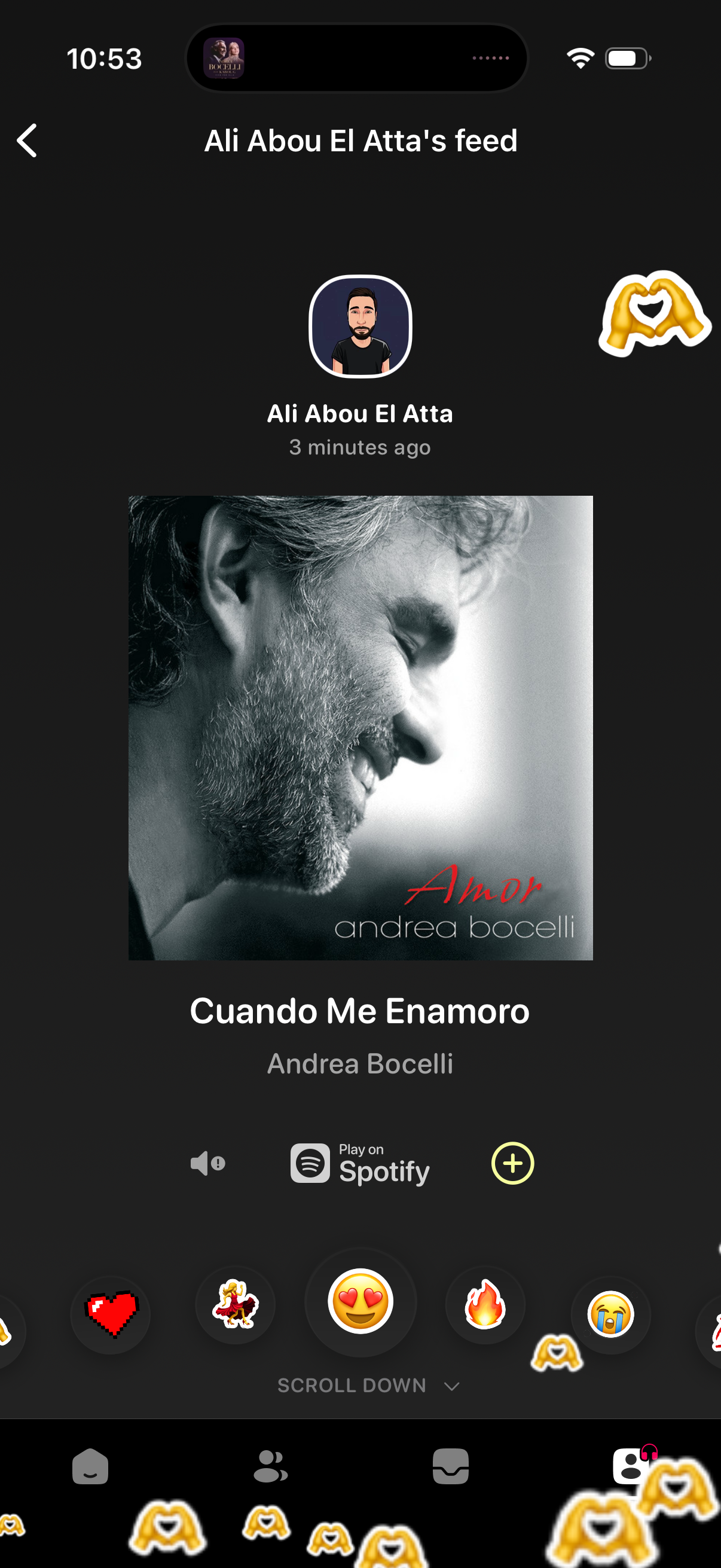
Social media friend feed screen showing a recent shared music card with album art, song title and artist, plus actions to play the track on Spotify and add it. The page includes a back button, timestamp, and quick reaction emojis/stickers with a prompt to scroll for more posts.
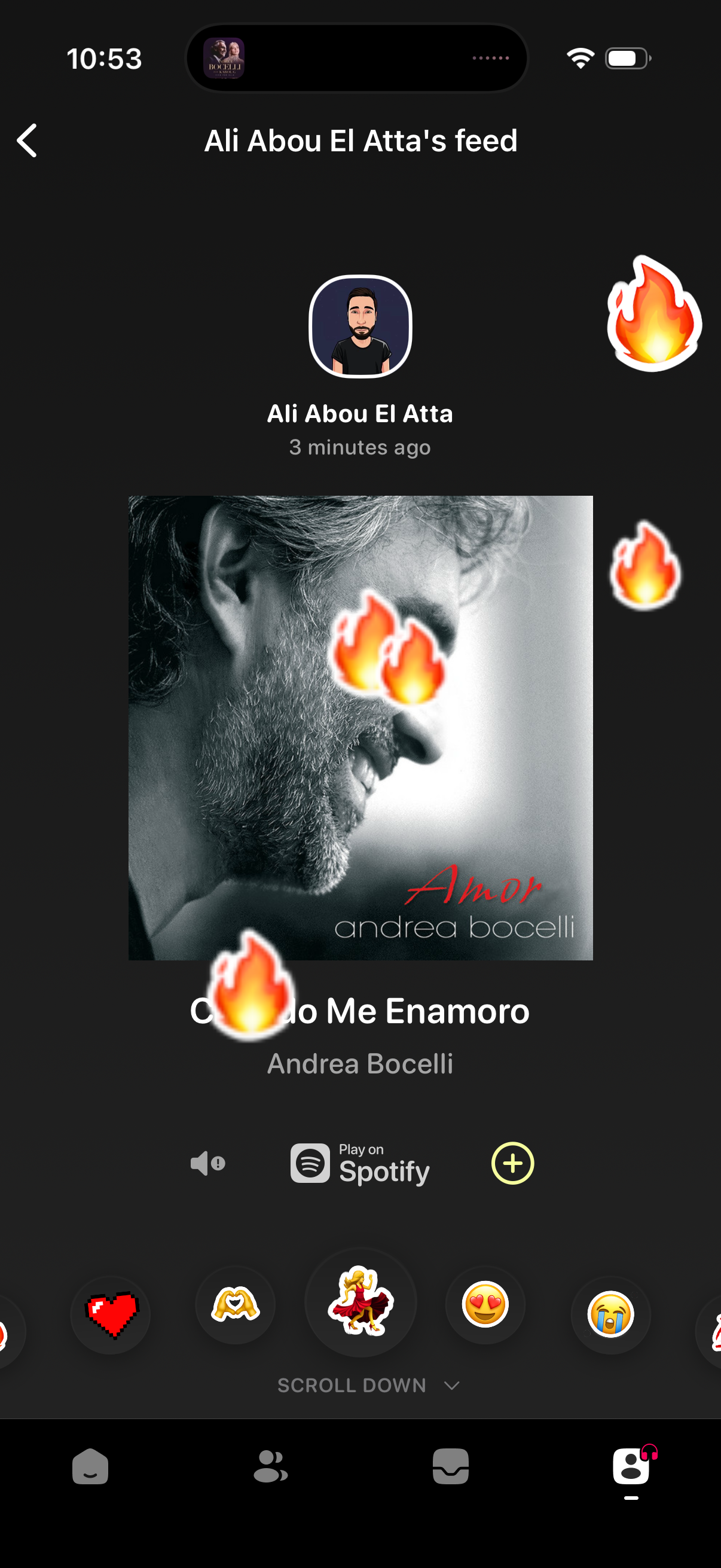
User feed screen in a social music app showing a friend’s recently shared song with album art, track title/artist, and a “Play on Spotify” action. Users can react with emoji/sticker buttons (hearts, fire, etc.
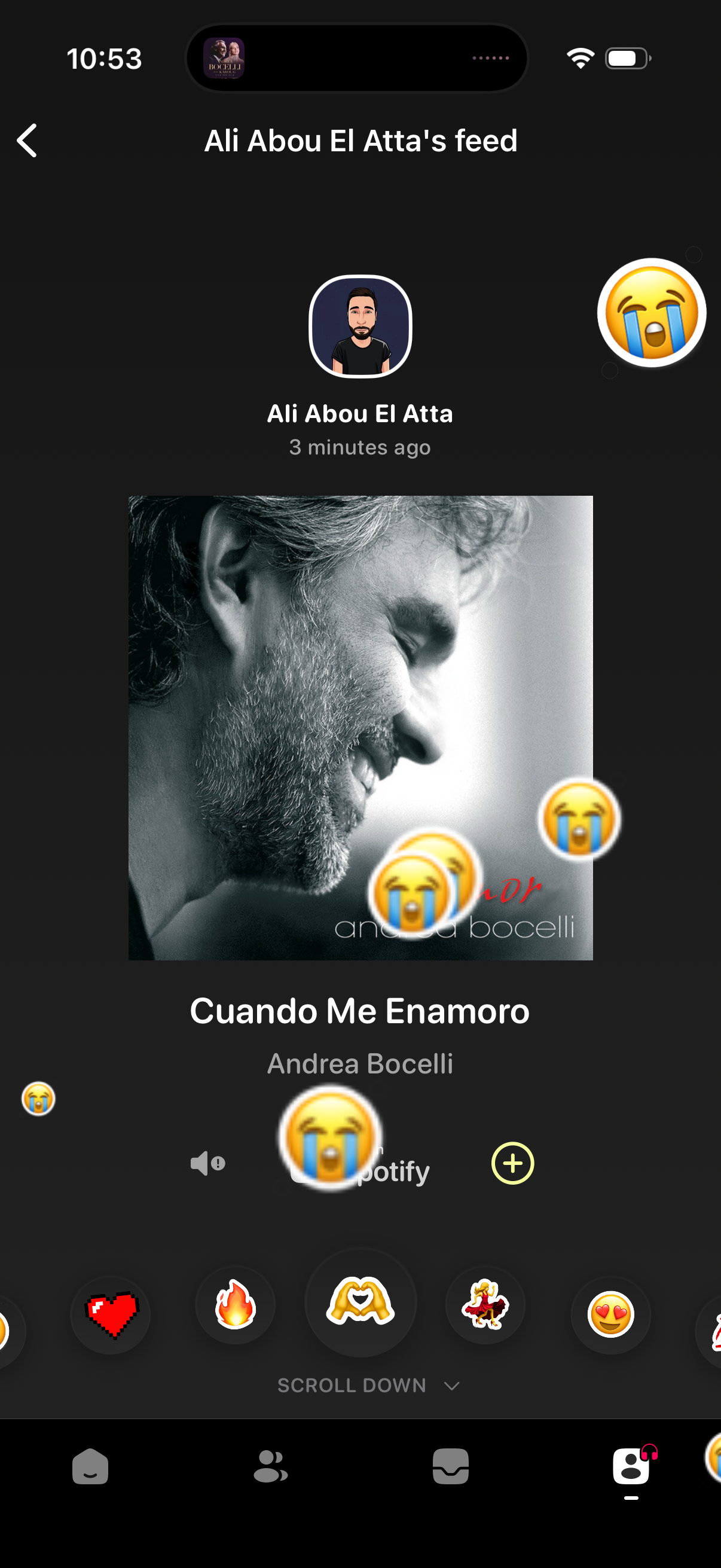
A social music feed post screen showing a user’s recent share of a Spotify track with album art, song title, and artist. Users can react with emoji overlays, open/controls for the track, add it via a plus button, and scroll for more posts.