connect music provider
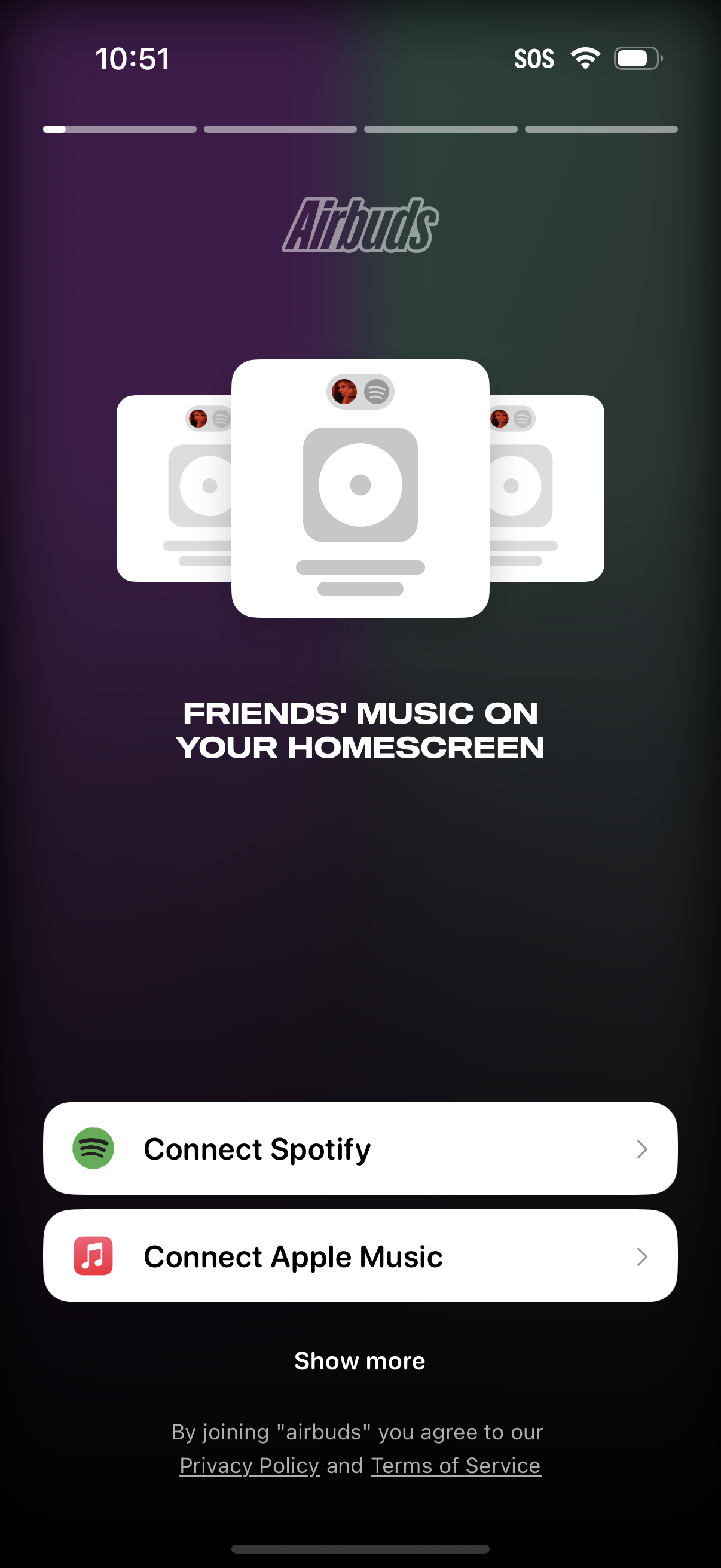
Onboarding screen for a social music app promoting “friends’ music on your homescreen,” with primary actions to connect a streaming service. Users can connect Spotify or Apple Music, optionally view more options, and see links to privacy policy and terms of service.
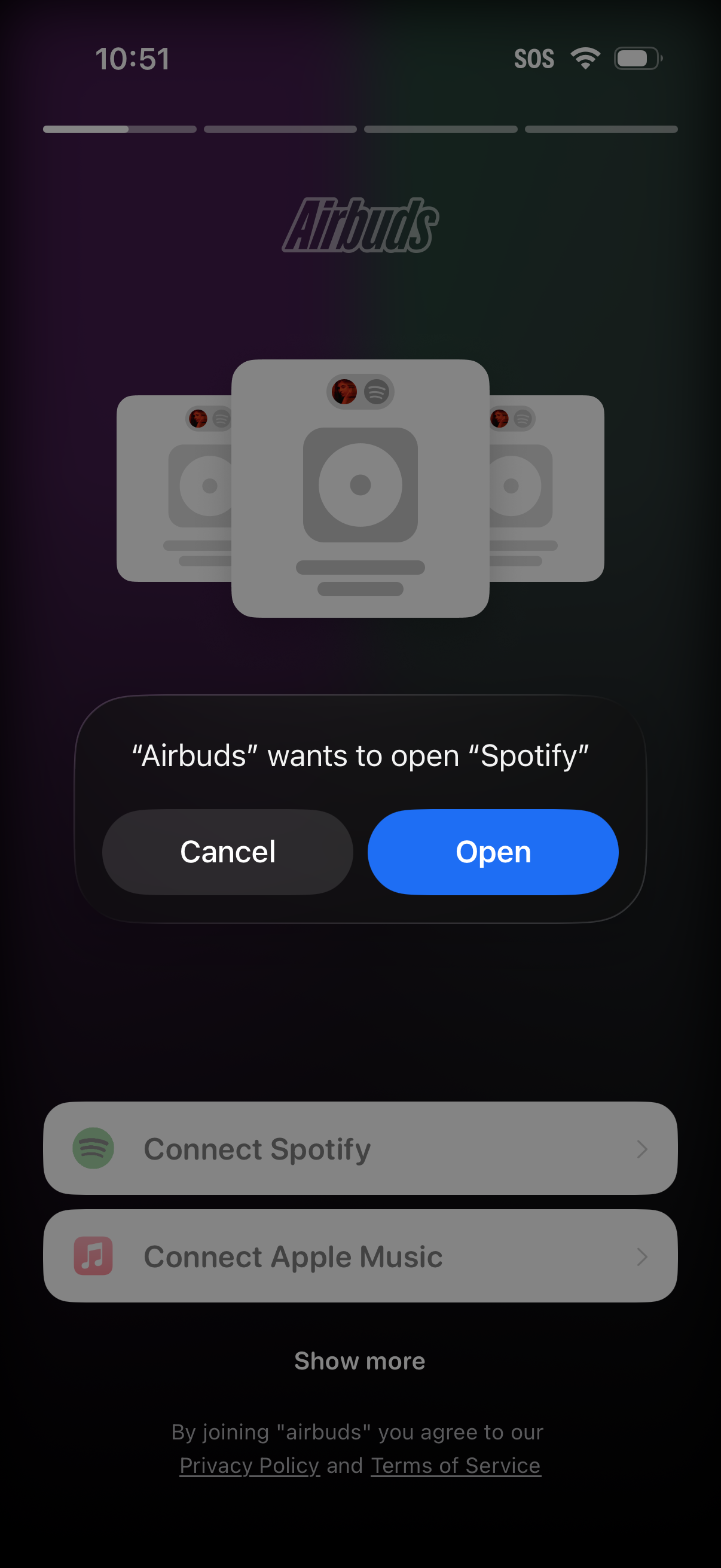
An iOS system permission alert asking to allow the Airbuds app to open Spotify, with primary actions to Cancel or Open. In the background, an onboarding screen prompts users to connect a music service (Spotify or Apple Music), with a “Show more” option and links to privacy policy and terms.

Splash/loading screen for a music streaming app showing the centered Spotify logo on a dark background, indicating the app is launching or connecting before reaching the main content.
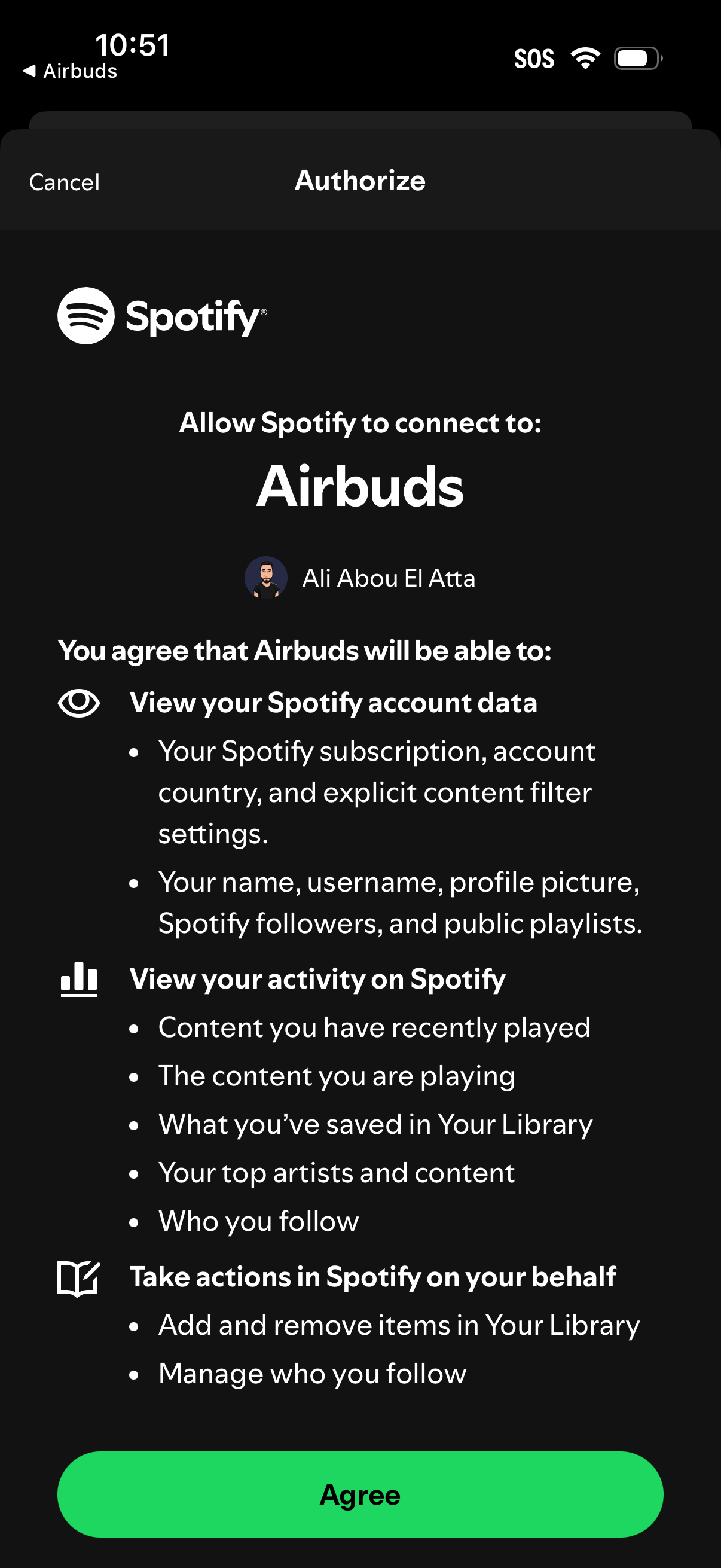
OAuth authorization consent screen for connecting a third-party app to a Spotify account, listing requested permissions such as viewing account data, listening activity, and managing library/follows. Provides primary action to Agree and a Cancel option to deny access.
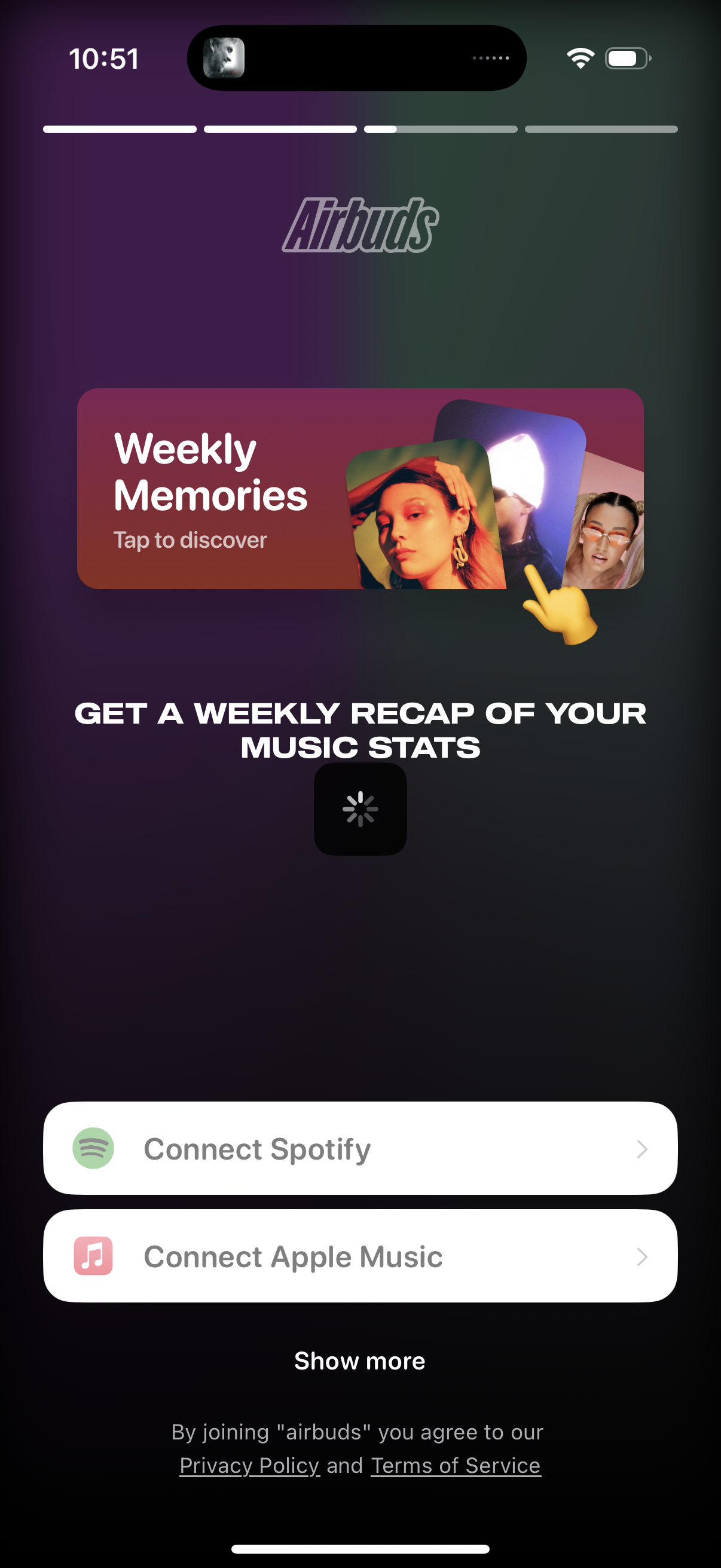
Onboarding/feature intro screen promoting “Weekly Memories” and a weekly recap of music listening stats. Users can connect a music streaming account via primary buttons for Spotify or Apple Music, with an option to show more providers and links to privacy policy and terms.