upgrade to messaging
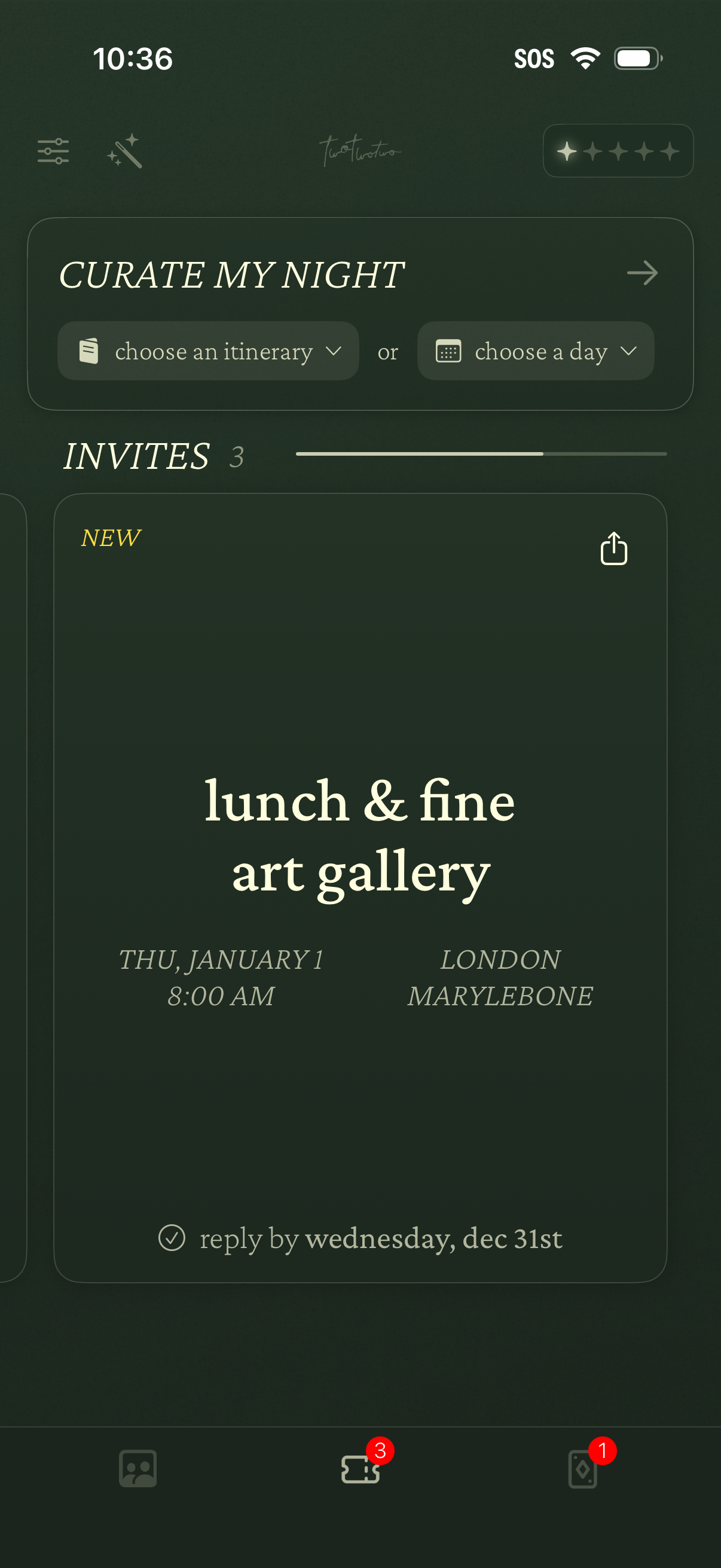
Event planning home screen for curating a night out, with dropdown actions to choose an itinerary or select a day. Displays an Invites section with event cards showing title, date/time, location, RSVP deadline, and a share option, plus bottom navigation with badge counts.
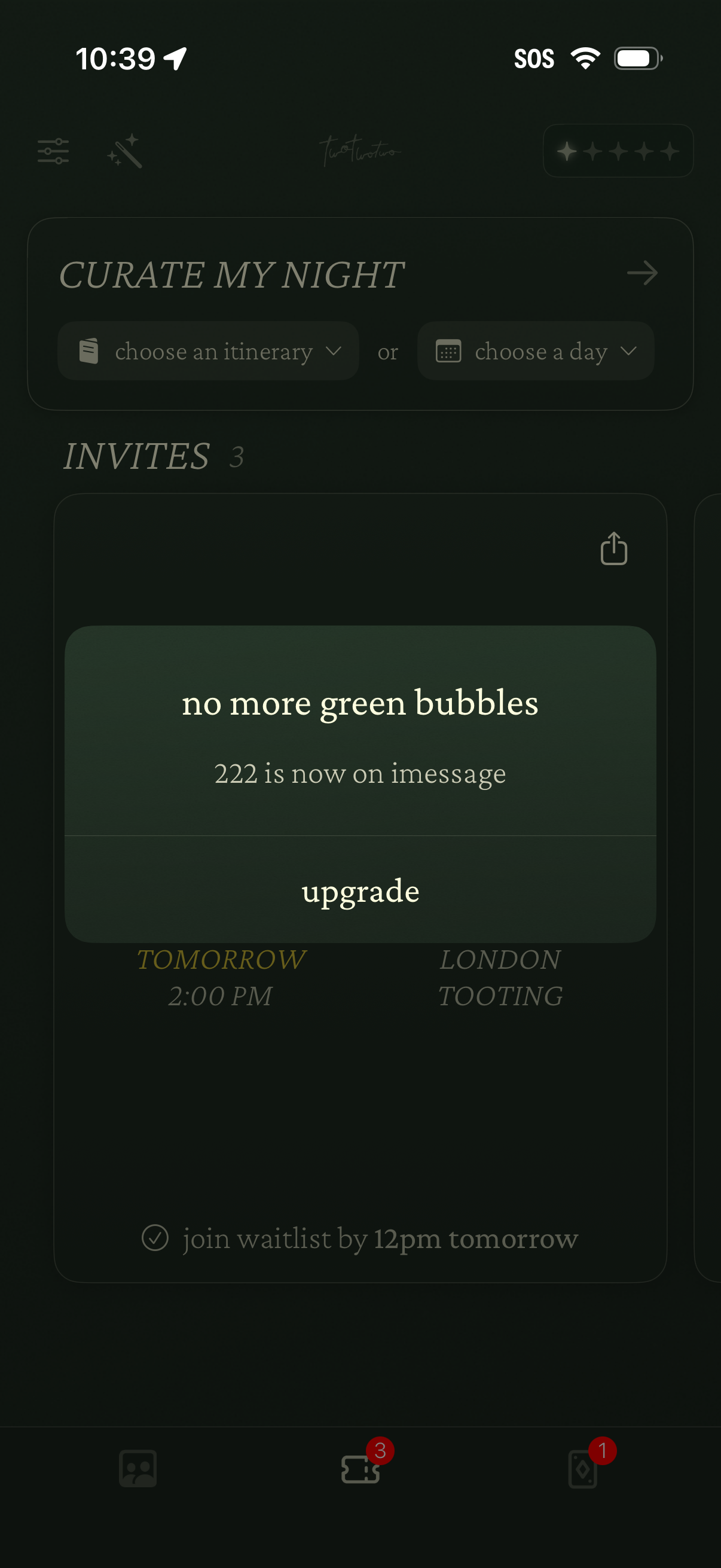
Nightlife planning home screen that lets users curate a night by choosing an itinerary or selecting a day, with an Invites section listing upcoming event invitations. Includes an upsell modal prompting users to upgrade for iMessage integration and a share action on invite cards.
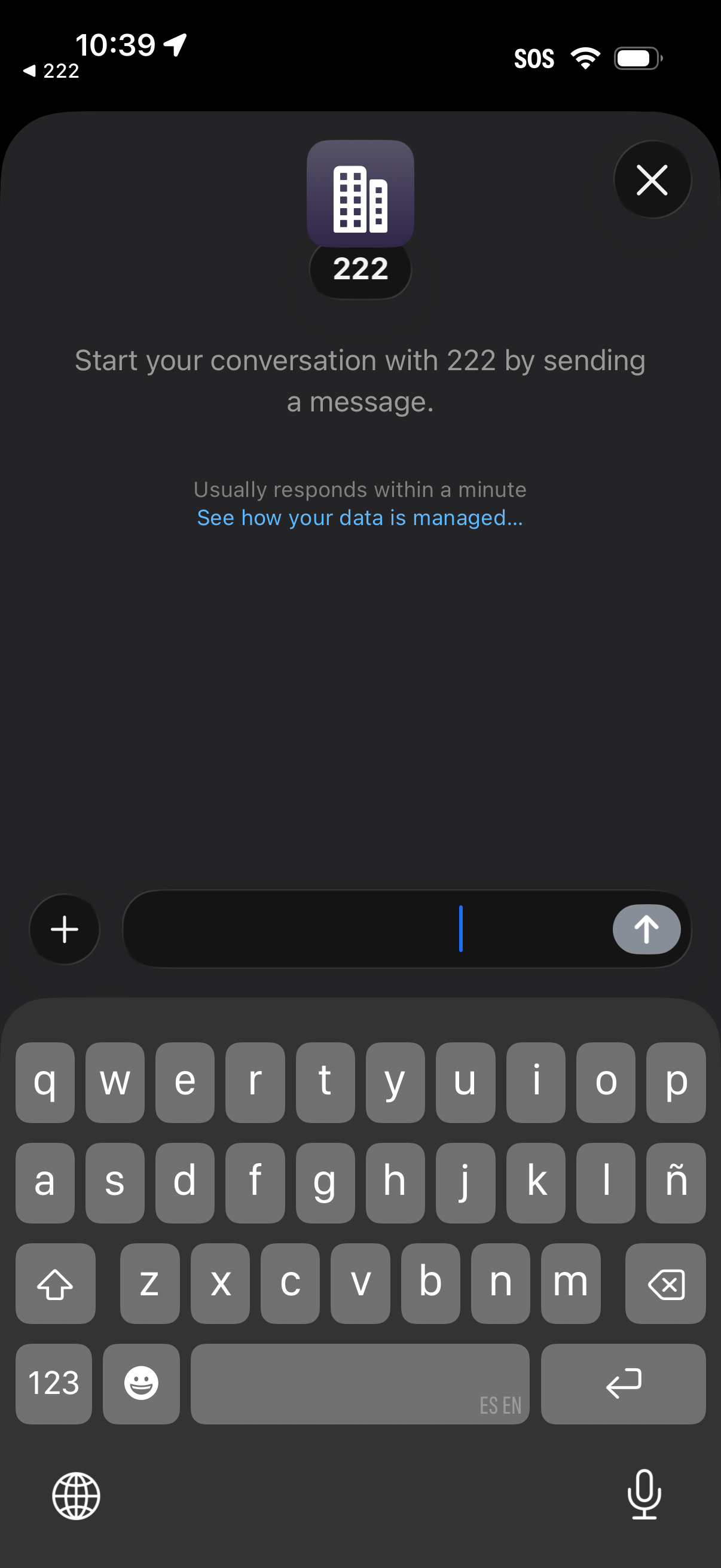
New direct message chat screen with an organization/contact profile icon and prompt to start the conversation by typing a message, showing expected response time and a link to data/privacy management. Includes a message composer with attachment/add button, send button, and a close (X) to exit the chat.