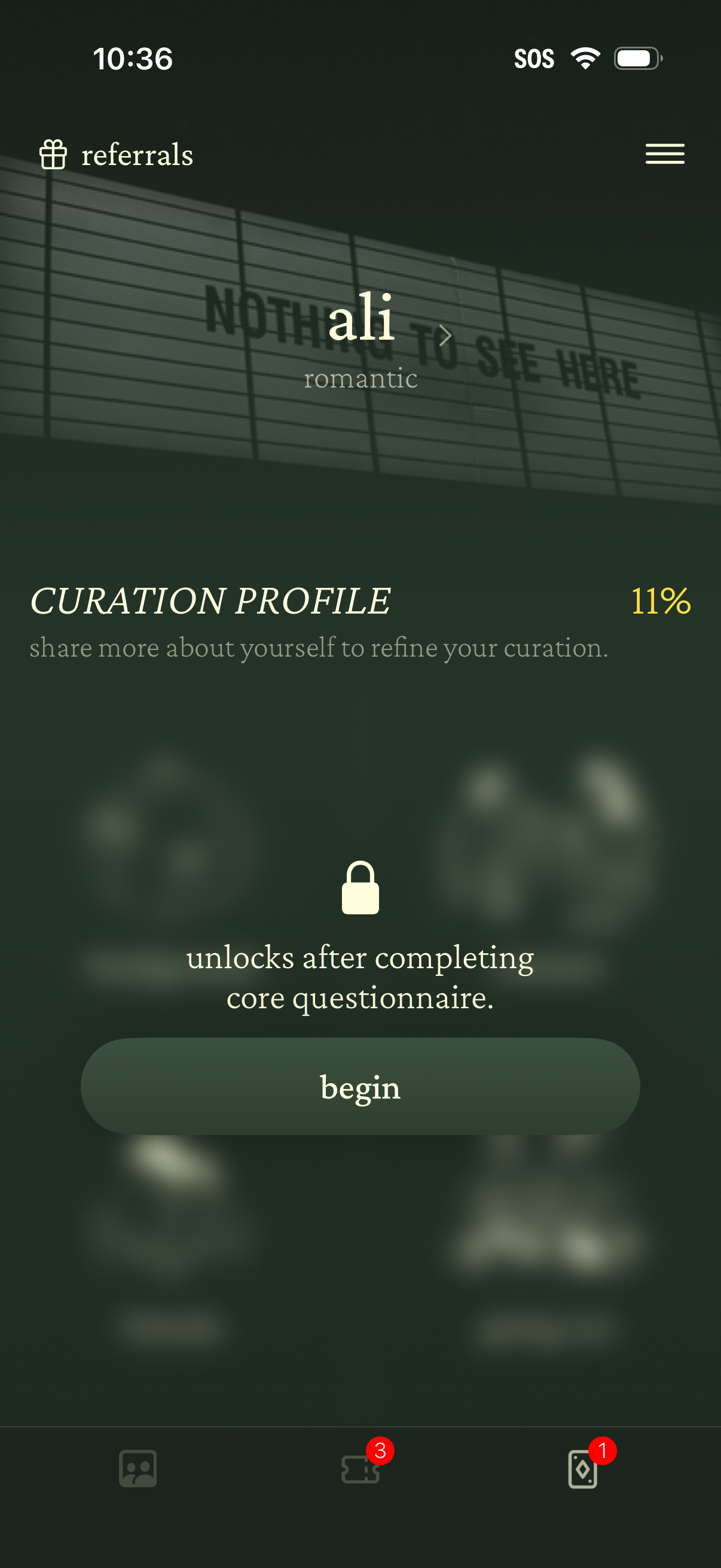
Profile onboarding screen for a personalization/curation app showing a “Curation Profile” setup with 11% progress, prompting the user to answer a core questionnaire to refine recommendations. A locked state message explains it unlocks after completion, with a primary “Begin” button and access to referrals and a menu.
Introductory onboarding screen explaining that a set of questions will be used to curate and match who the user will meet at their first experience. Minimal text-only layout with a back navigation option.
Intro onboarding screen explaining a short questionnaire used to curate and match who the user will meet at their first experience, noting answers are saved as they progress and it takes under 10 minutes. Minimal text-only layout with a back navigation control.
Introductory onboarding screen explaining a short questionnaire used to curate who the user will meet for their first experience, noting answers are saved and it takes under 10 minutes. Minimal text-only layout with a back button and “tap to continue” prompt to proceed.

Minimal loading or transition screen for a Preferences/settings section, showing only the “preferences” title on a blank background with no visible controls or options.
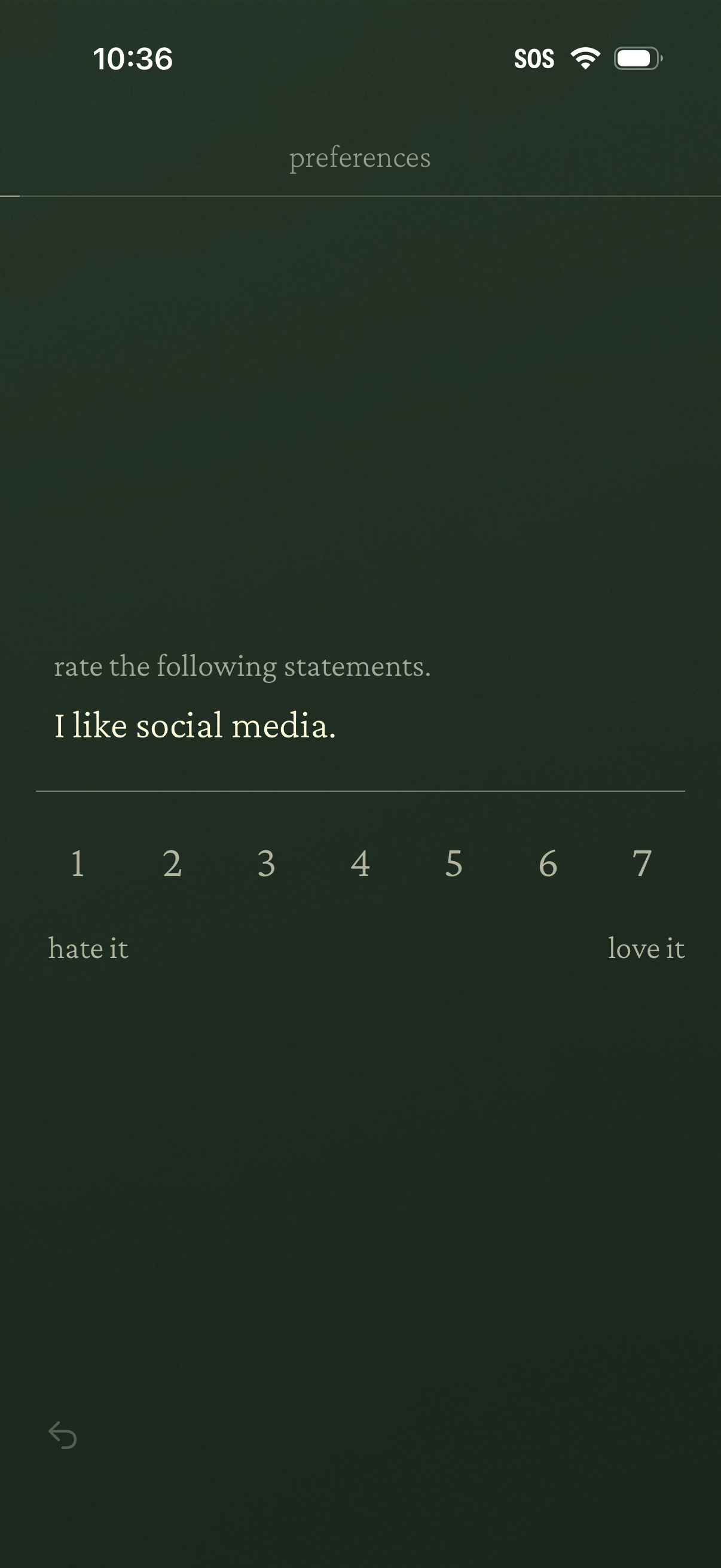
Preferences survey screen prompting the user to rate a statement (“I like social media”) on a 1–7 Likert scale from “hate it” to “love it,” with a back navigation control.
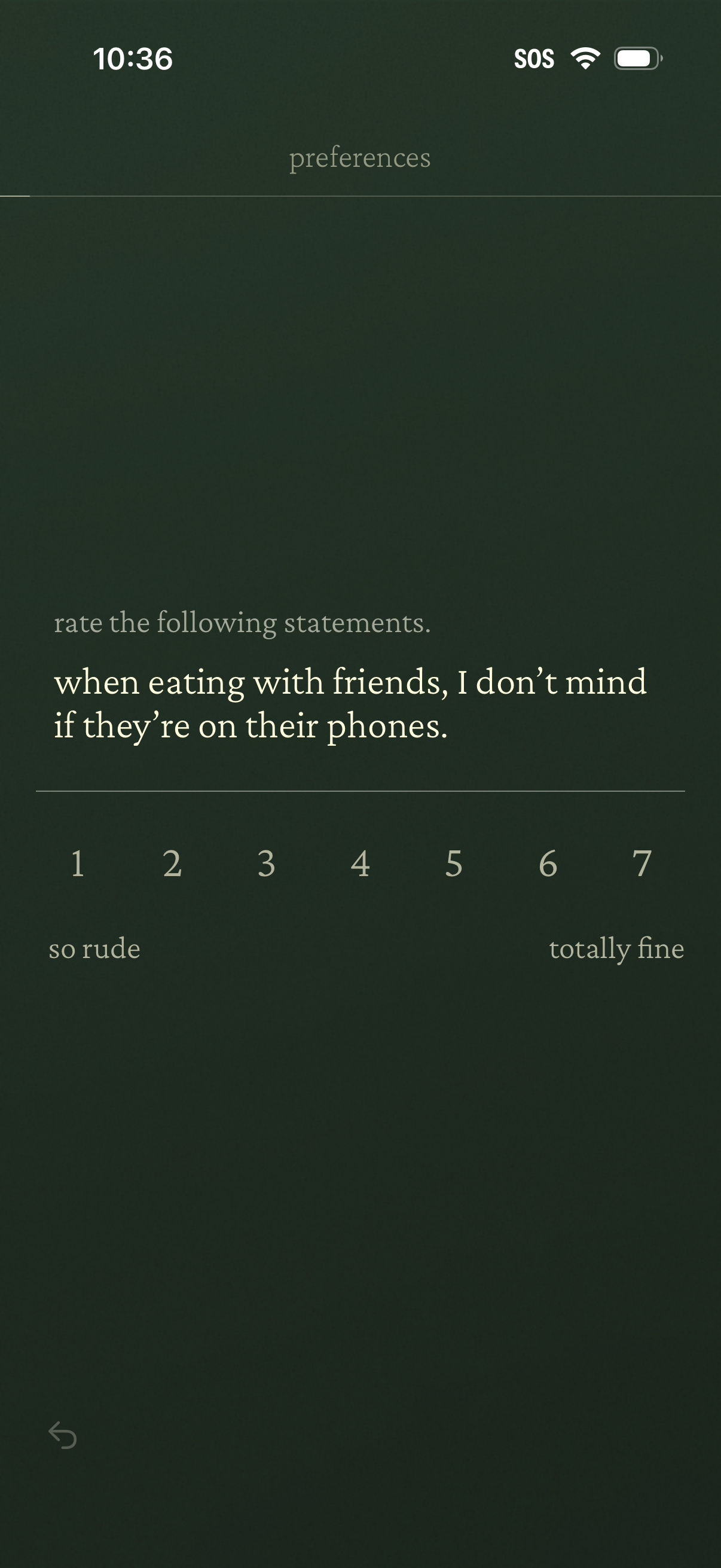
Preferences questionnaire screen prompting the user to rate a statement on a 1–7 Likert scale, with labeled endpoints from “so rude” to “totally fine. ” Used to capture personal attitudes for profile or matching preferences, with a back navigation control.
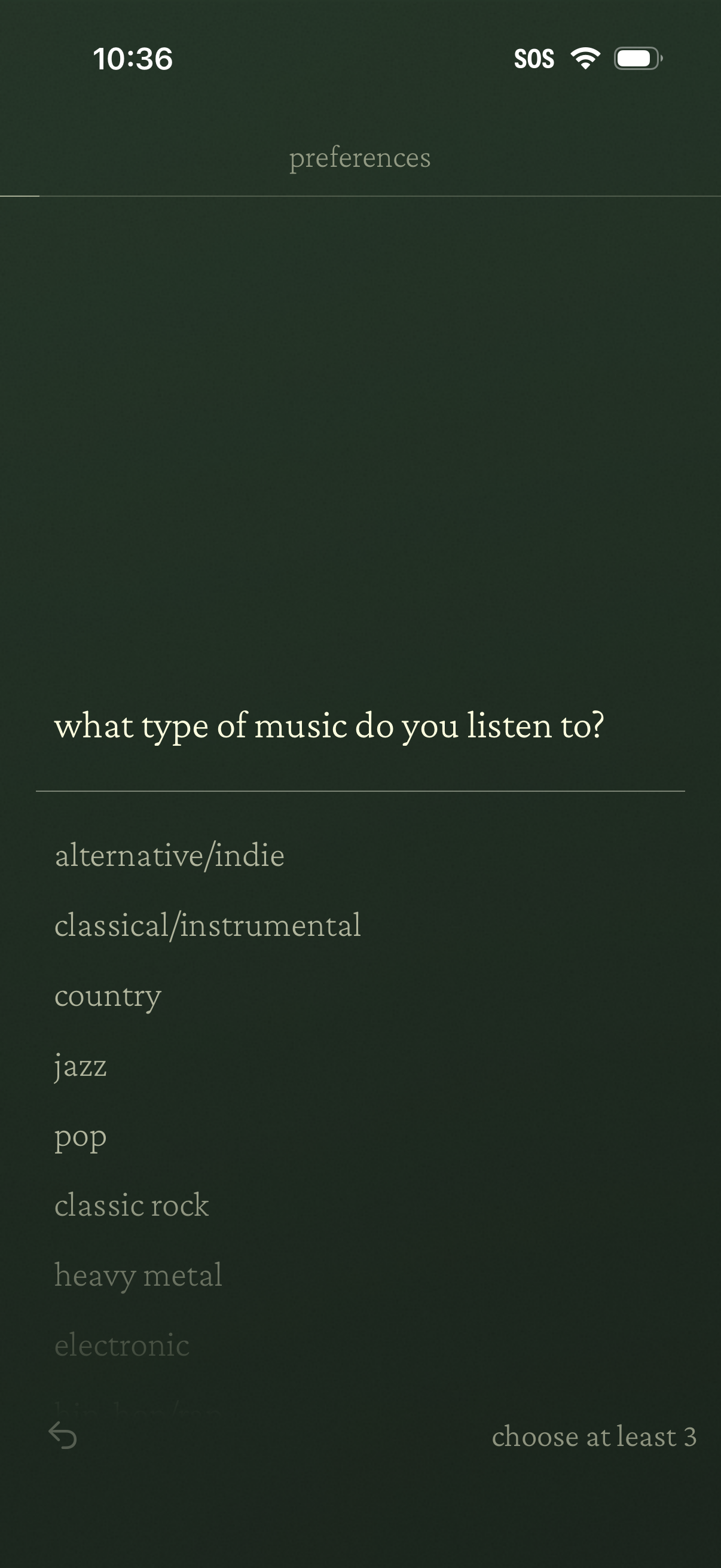
User preferences onboarding screen asking “what type of music do you listen to? ” with a scrollable list of genre options (e.
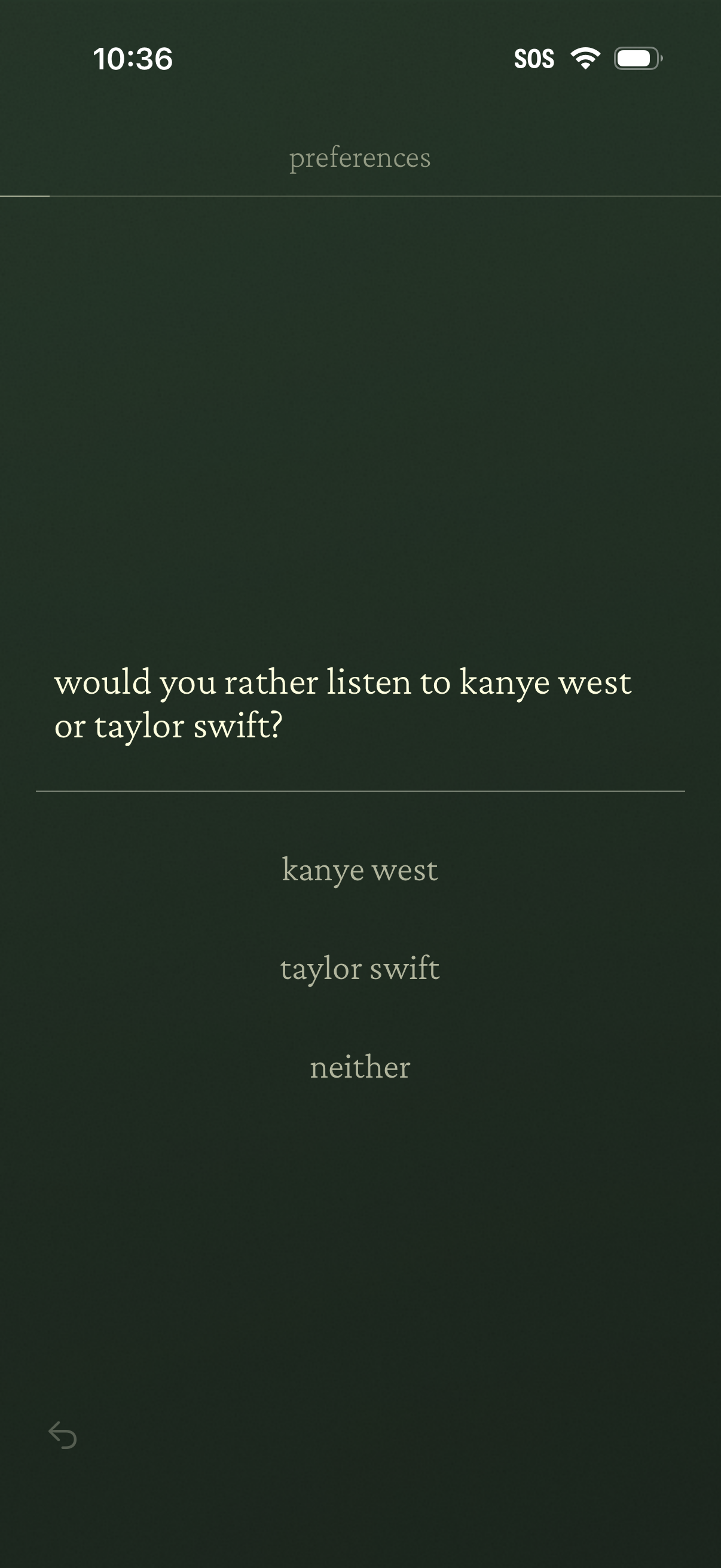
Preferences setup screen that asks a “would you rather” question to personalize content, offering multiple-choice options and a “neither” selection. Users tap one of the listed answers to indicate their music preference.
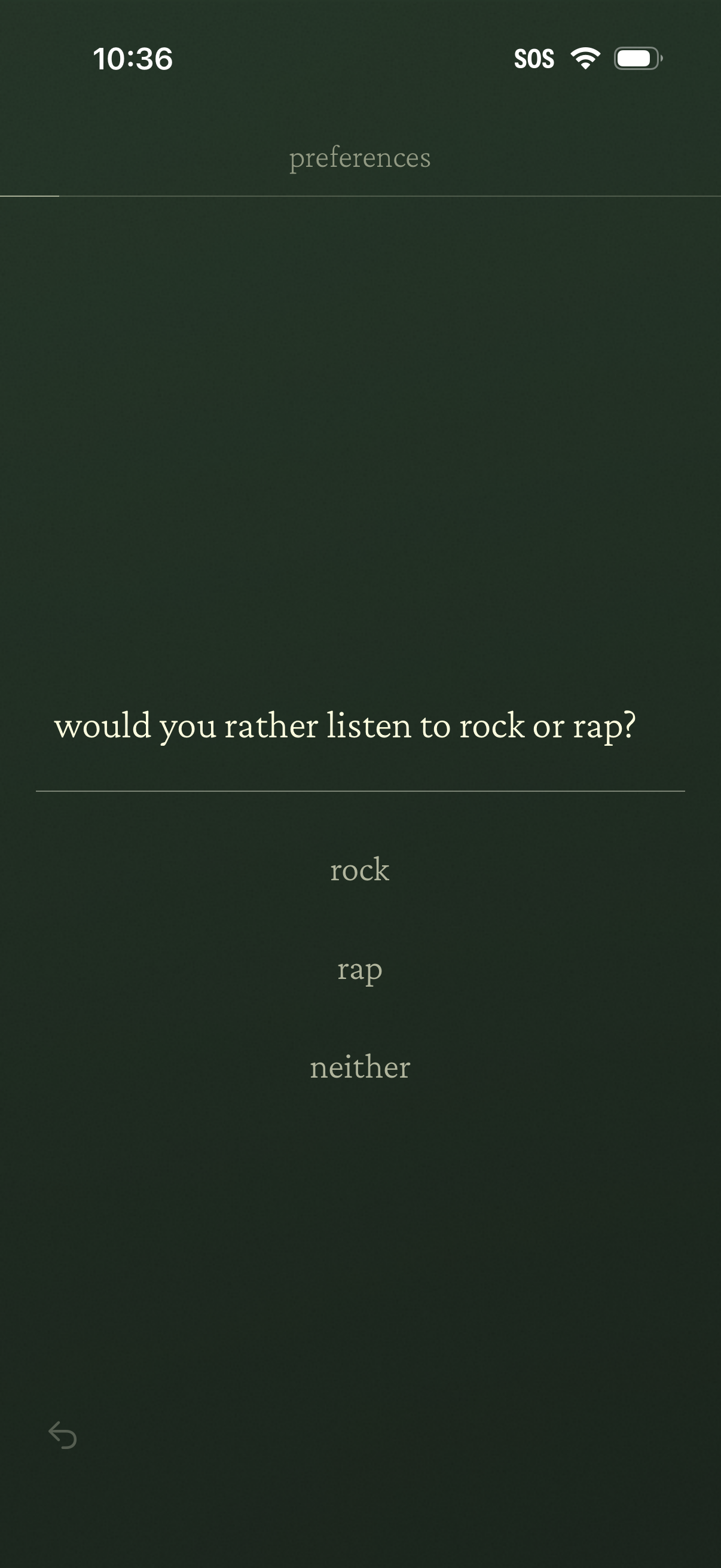
Preferences questionnaire screen asking the user to choose between music genres with a “would you rather listen to rock or rap? ” prompt.
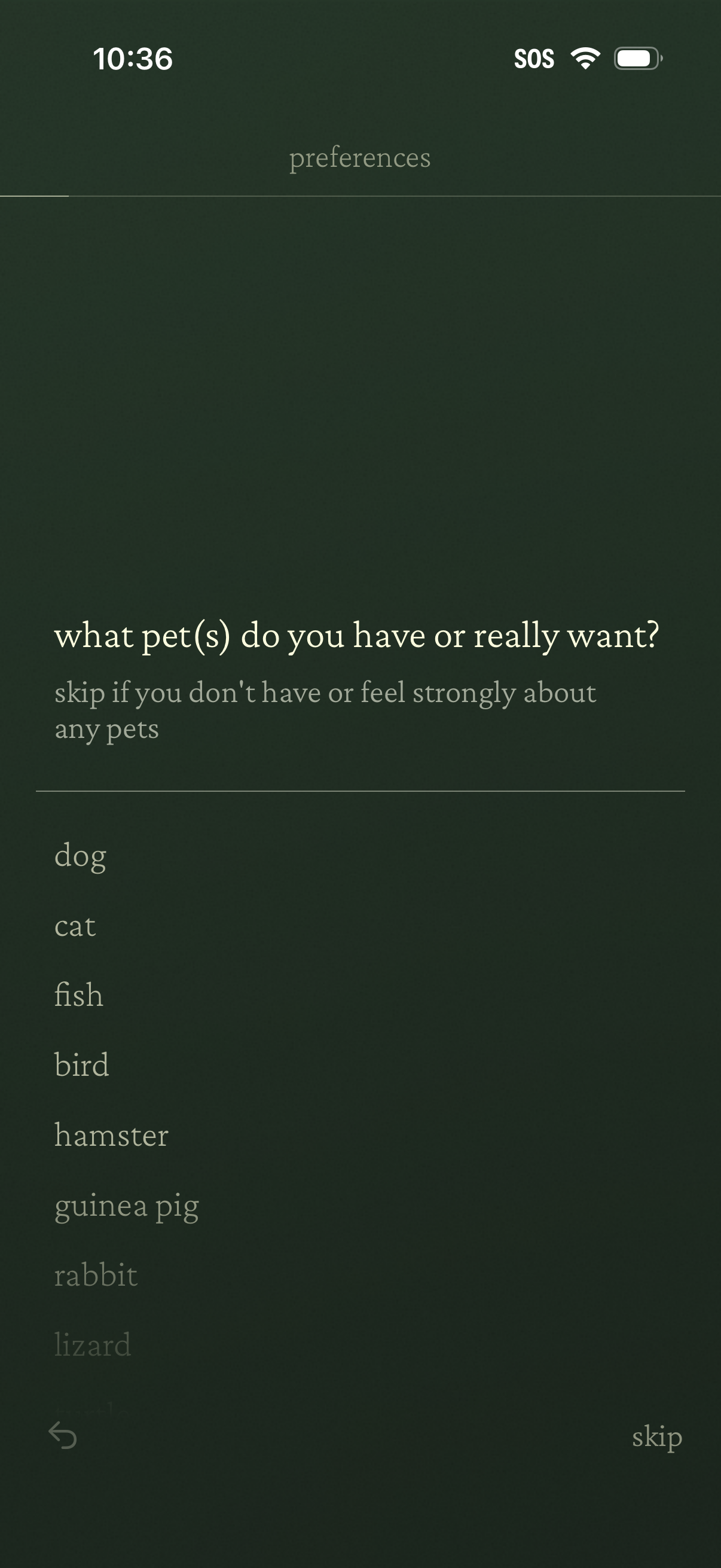
Preferences questionnaire screen asking the user what pets they have or really want, with a selectable list of pet types (dog, cat, fish, bird, hamster, guinea pig, rabbit, lizard). Includes navigation controls with a back button and a “skip” action if the user doesn’t have or feel strongly about pets.
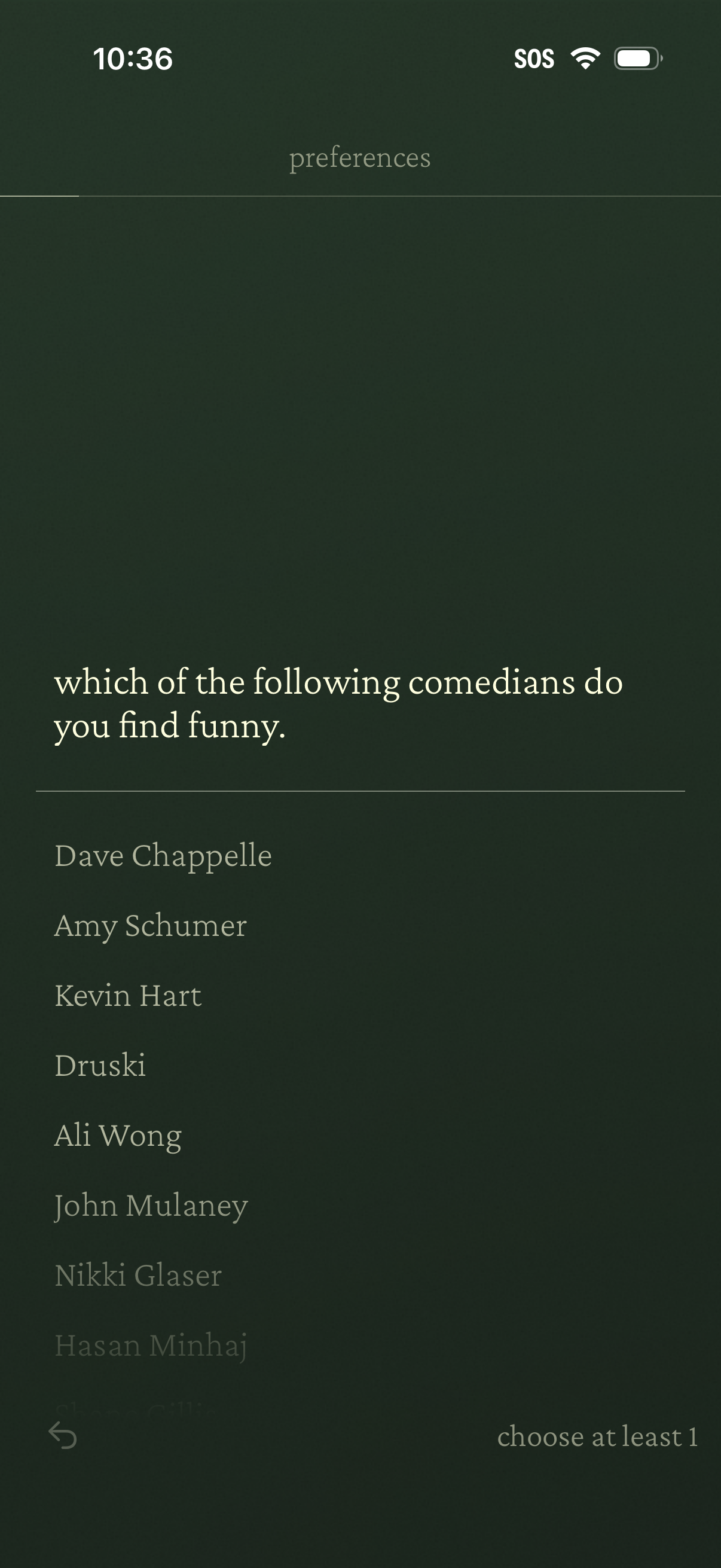
Preferences onboarding screen asking the user to select which comedians they find funny, showing a scrollable list of comedian names for multi-select. Includes a back arrow and a “choose at least 1” requirement to continue.
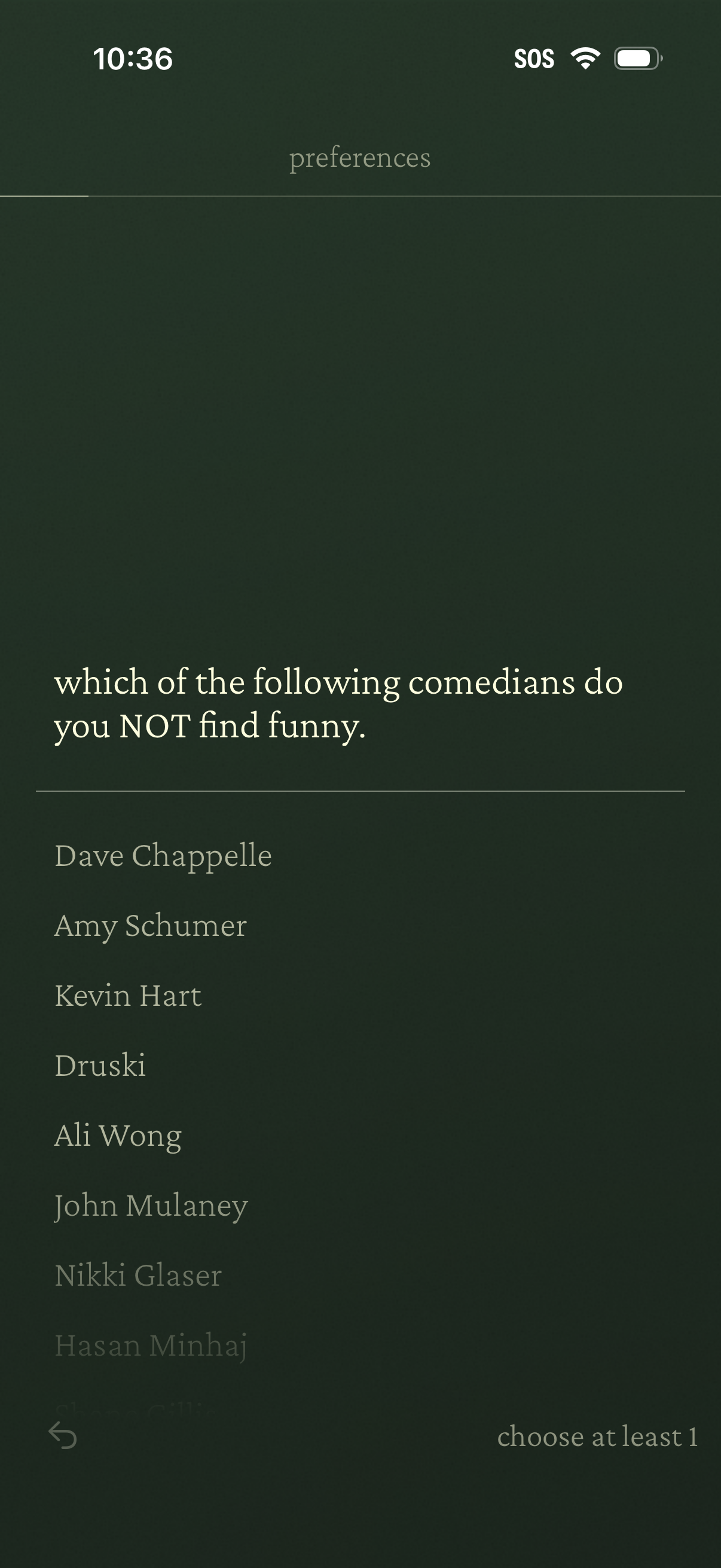
Preferences survey screen asking the user to select which comedians they do NOT find funny, showing a scrollable list of names with a requirement to choose at least one. Includes a back navigation control and minimal, dark-themed layout for onboarding or profile personalization.
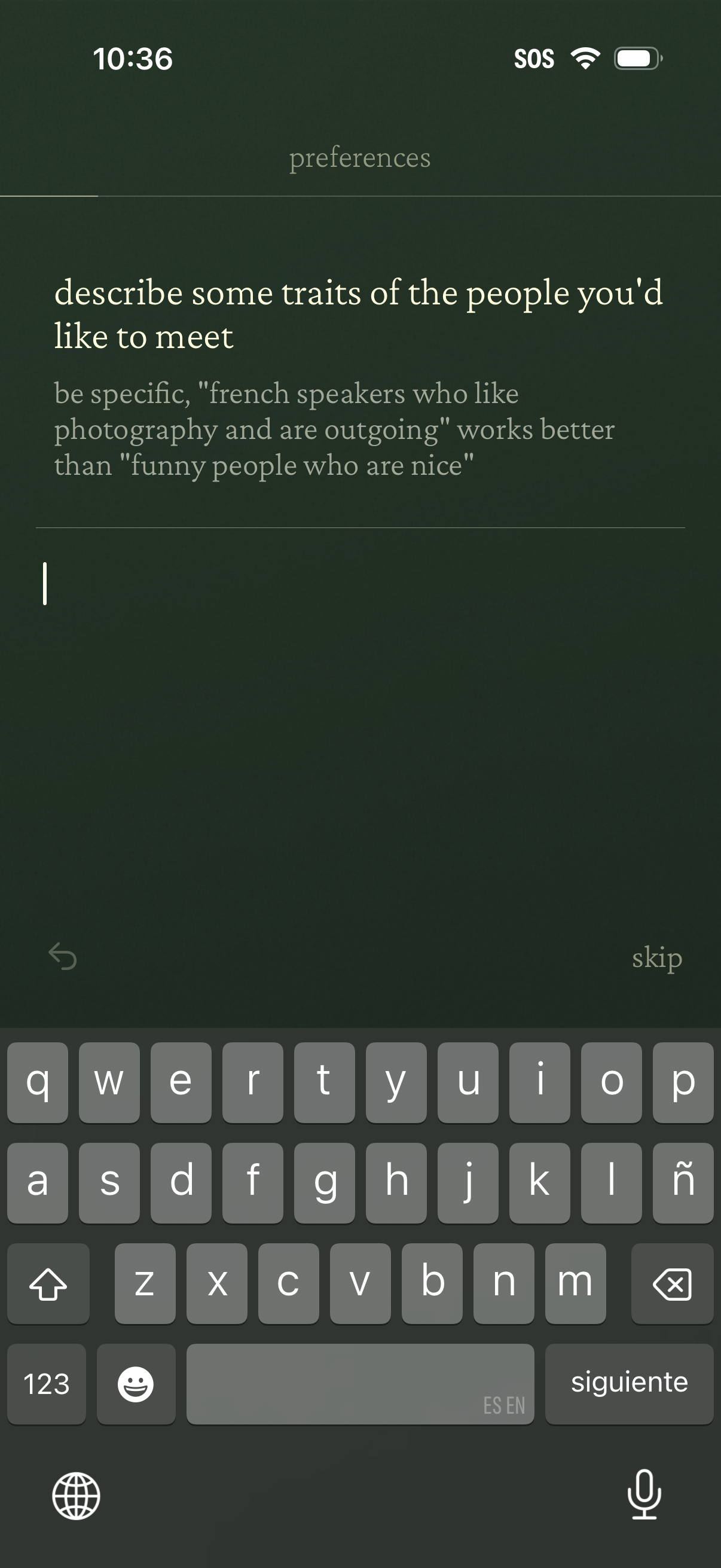
Preferences setup screen that prompts the user to type a free-text description of traits they’d like in people they want to meet, with guidance to be specific via example. Includes a text input field with back navigation and a skip option.