skip friend selection
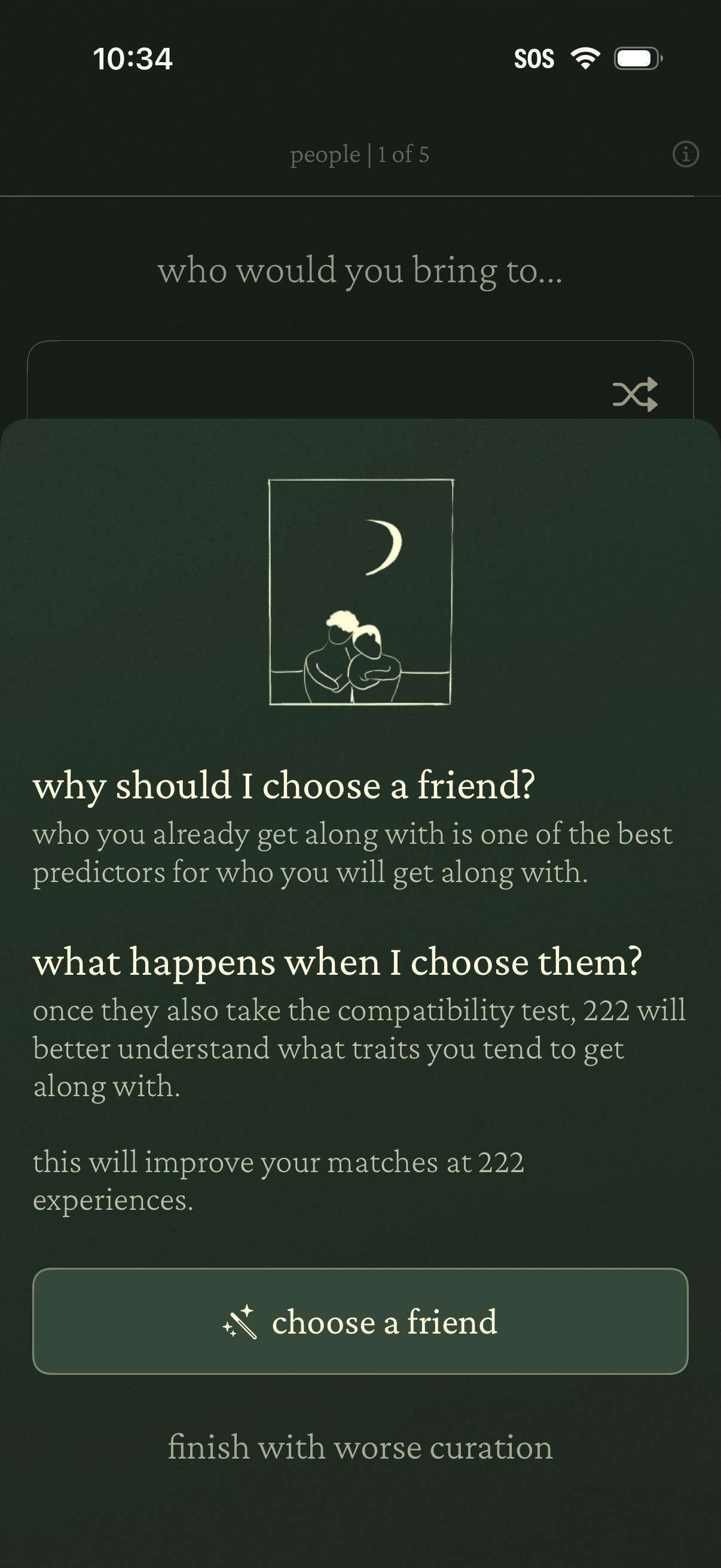
Onboarding questionnaire step asking “who would you bring to…” with an educational card explaining why to choose a friend and what happens after selecting them for better compatibility matching. Primary action is a “choose a friend” button with an alternate option to finish without friend curation and a skip/shuffle control.
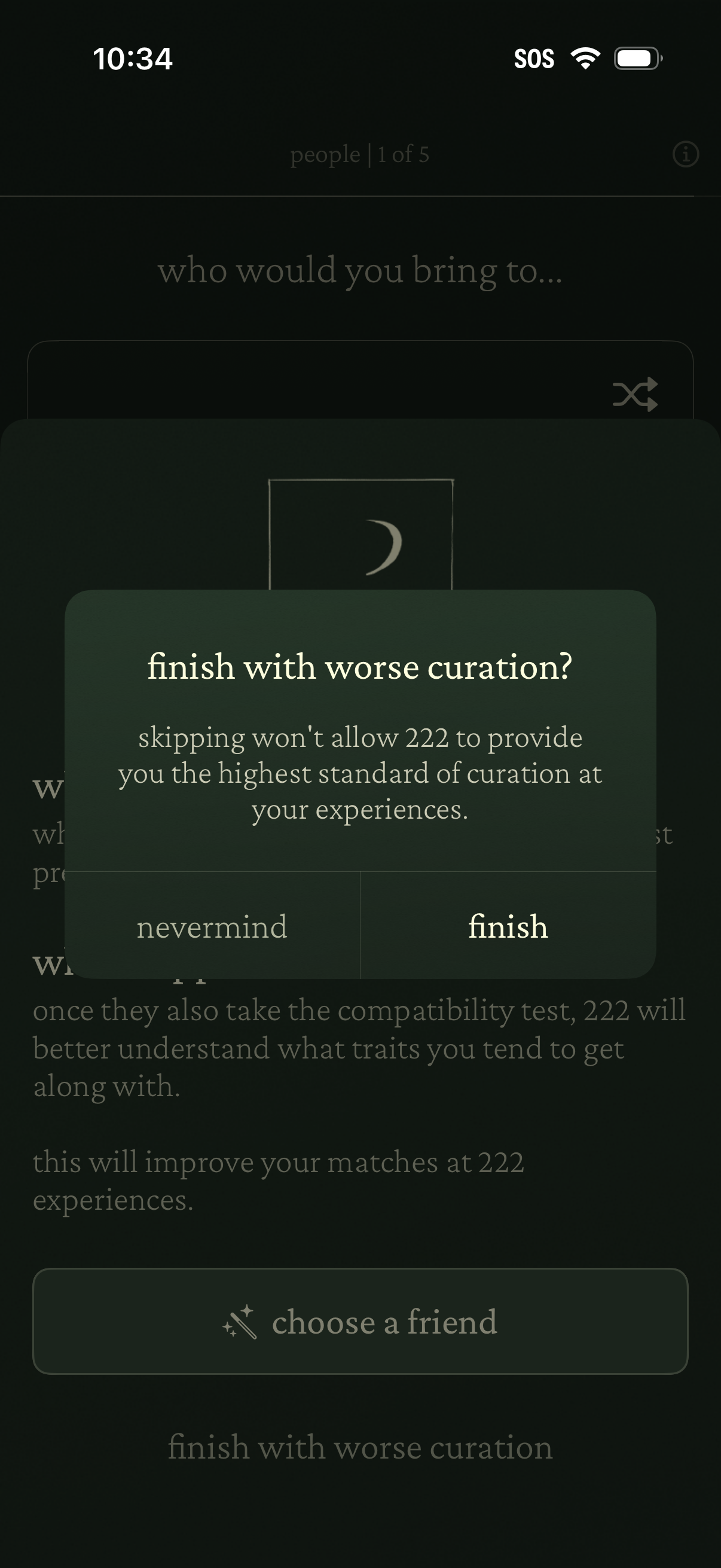
A modal confirmation dialog warns that skipping a step will result in worse curation, prompting the user to either go back (“nevermind”) or proceed to finish. The underlying onboarding flow asks who you would bring and includes a primary action to choose a friend, suggesting a multi-step compatibility or recommendation setup.

Minimal splash/loading screen with a dark gradient background and a small centered illustration of overlapping photo frames, showing no navigation or actionable controls. Used as an app launch or transition state while content loads.

Minimal result-ready notification screen that addresses the user by name and informs them their outcome/results are ready, prompting them to tap anywhere to continue to the next step.