edit curation profile
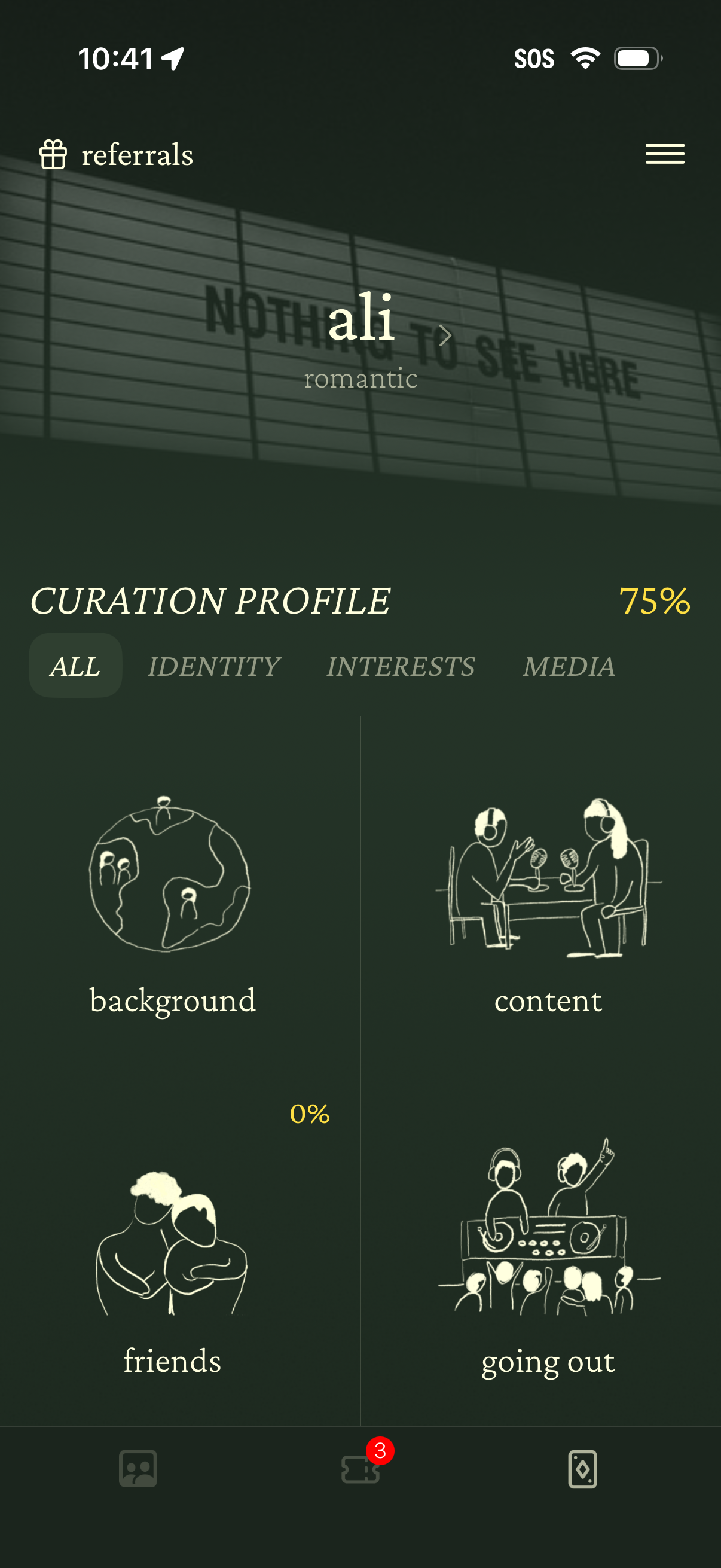
Profile curation dashboard showing completion progress and tabbed sections (All, Identity, Interests, Media) for building a dating/social profile. Users can open editable tiles like background, content, friends, and going out, with access to referrals and a navigation menu.
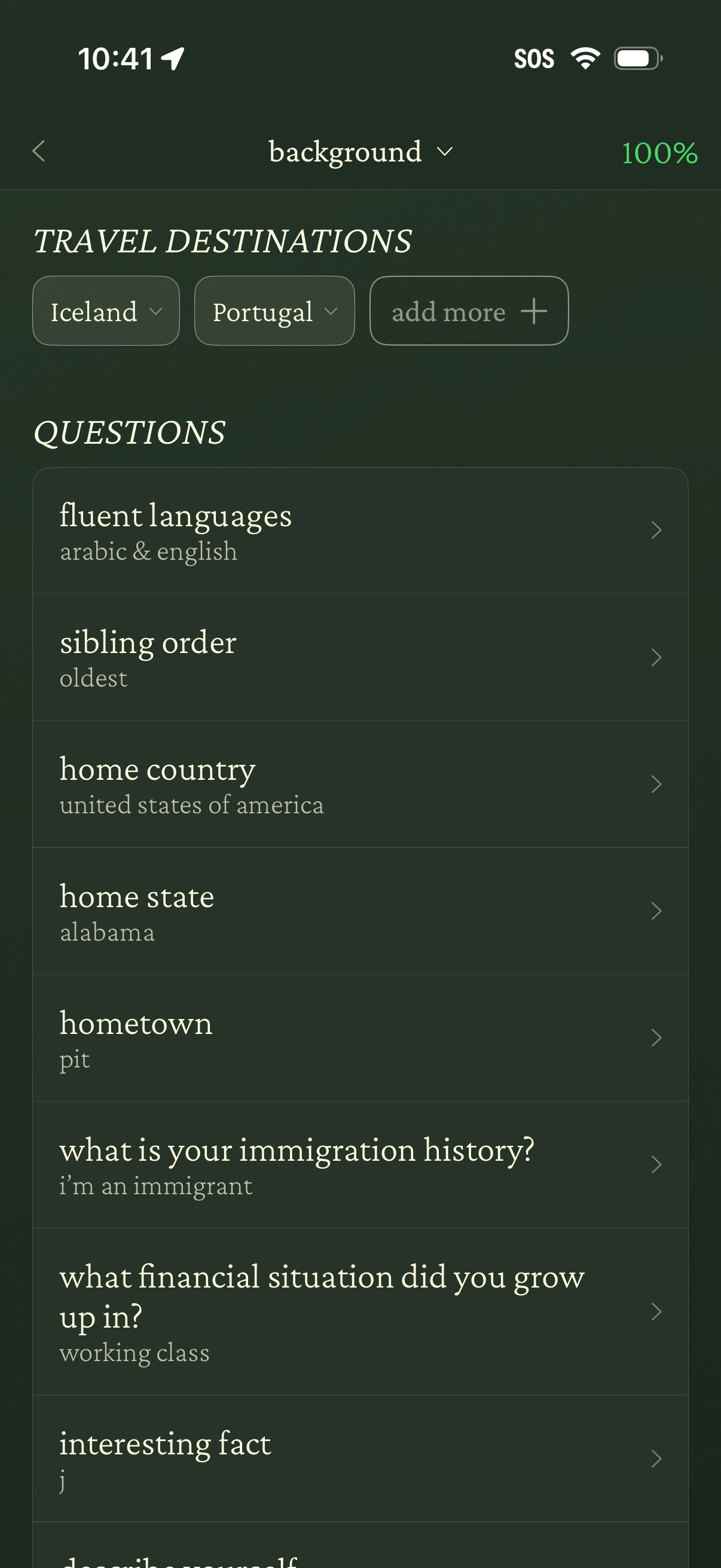
Profile editing screen for setting background details, with travel destination selection chips and an “add more” button. Below is a list of personal Q&A fields (languages, sibling order, home country/state/hometown, immigration history, financial upbringing, interesting fact) where each row shows the current answer and opens a detail editor.
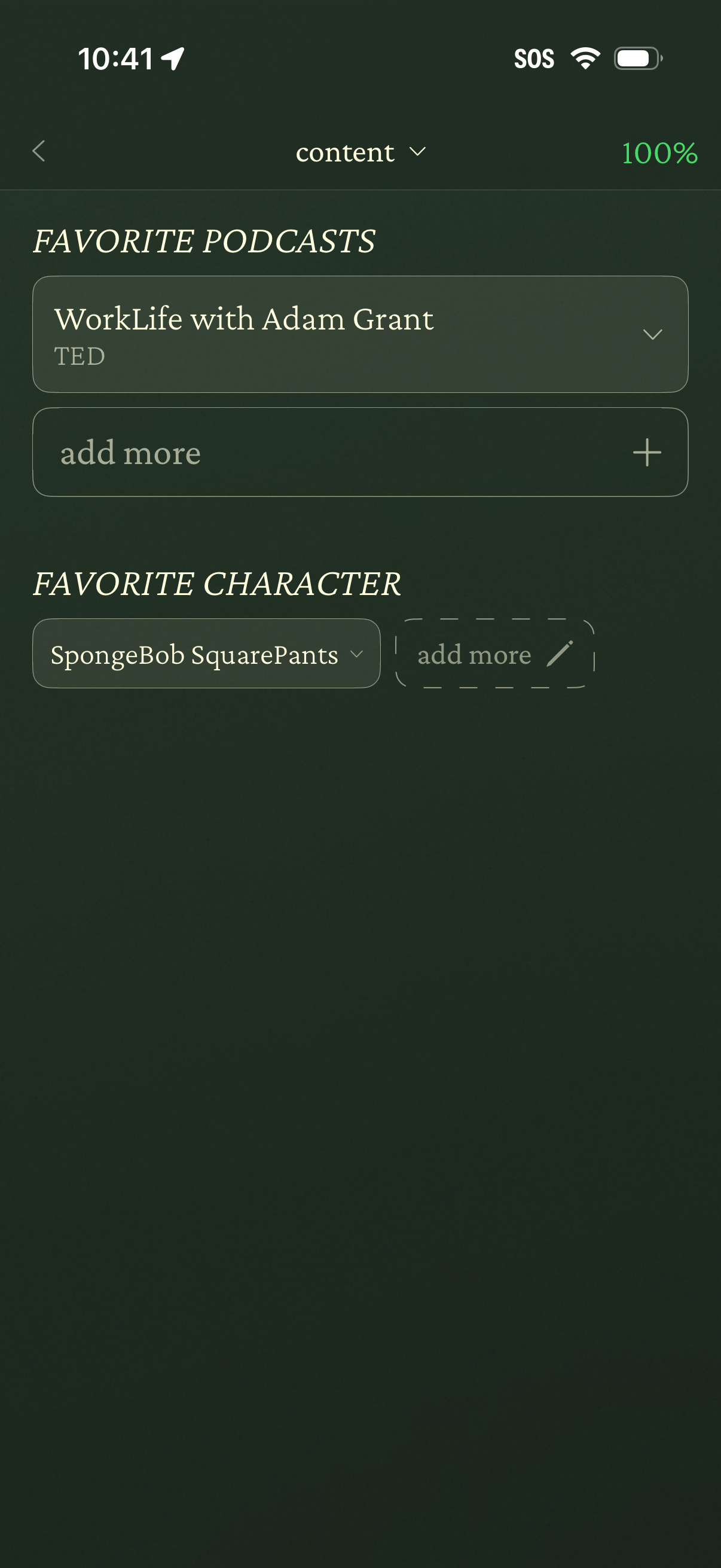
A profile preferences screen for managing content favorites, showing sections for favorite podcasts and a favorite character. Users can select existing favorites from dropdown fields and add more items using plus/add controls.
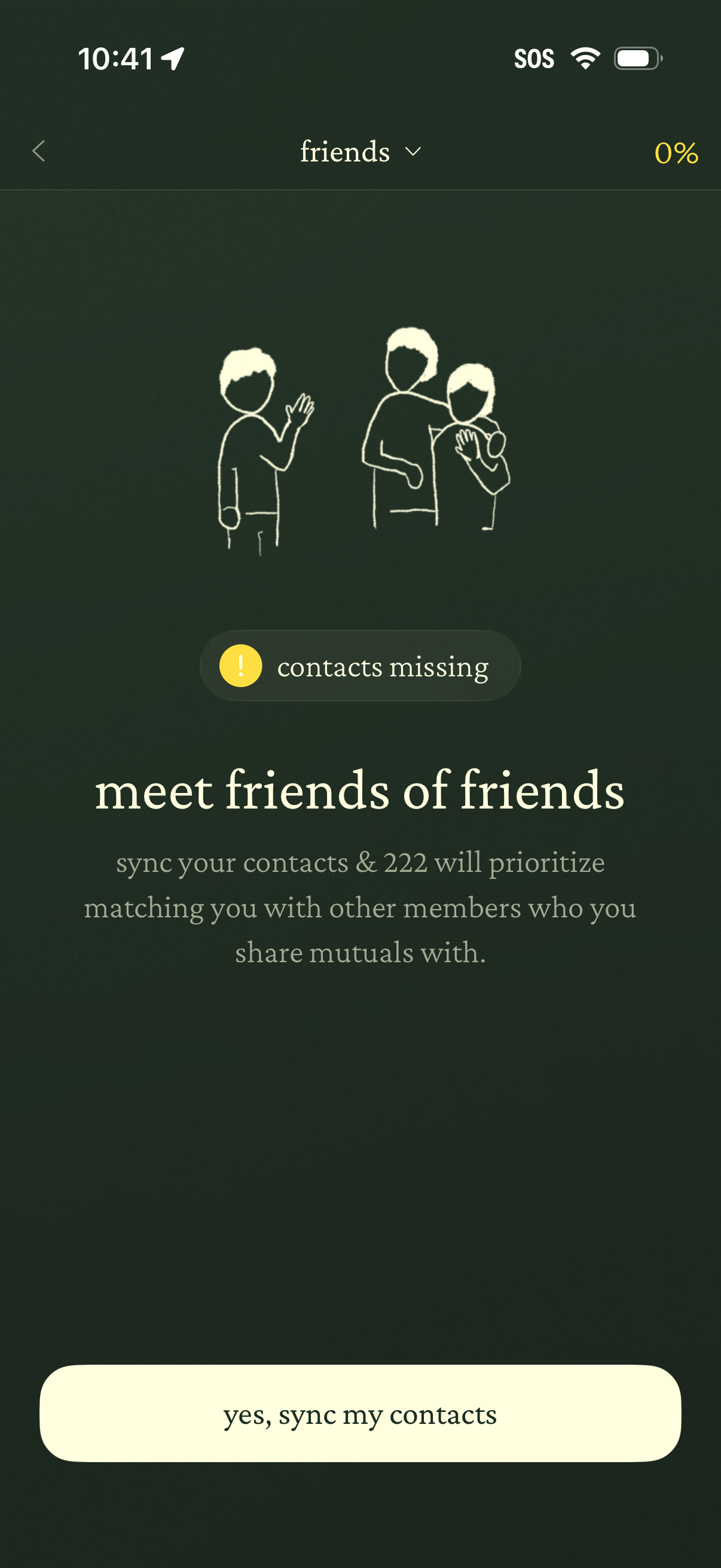
Contacts sync prompt within a “friends” section encouraging users to sync their phone contacts to meet friends of friends and improve mutual matching. Screen shows a “contacts missing” warning and a primary CTA button to “yes, sync my contacts,” with back navigation and progress indicator.
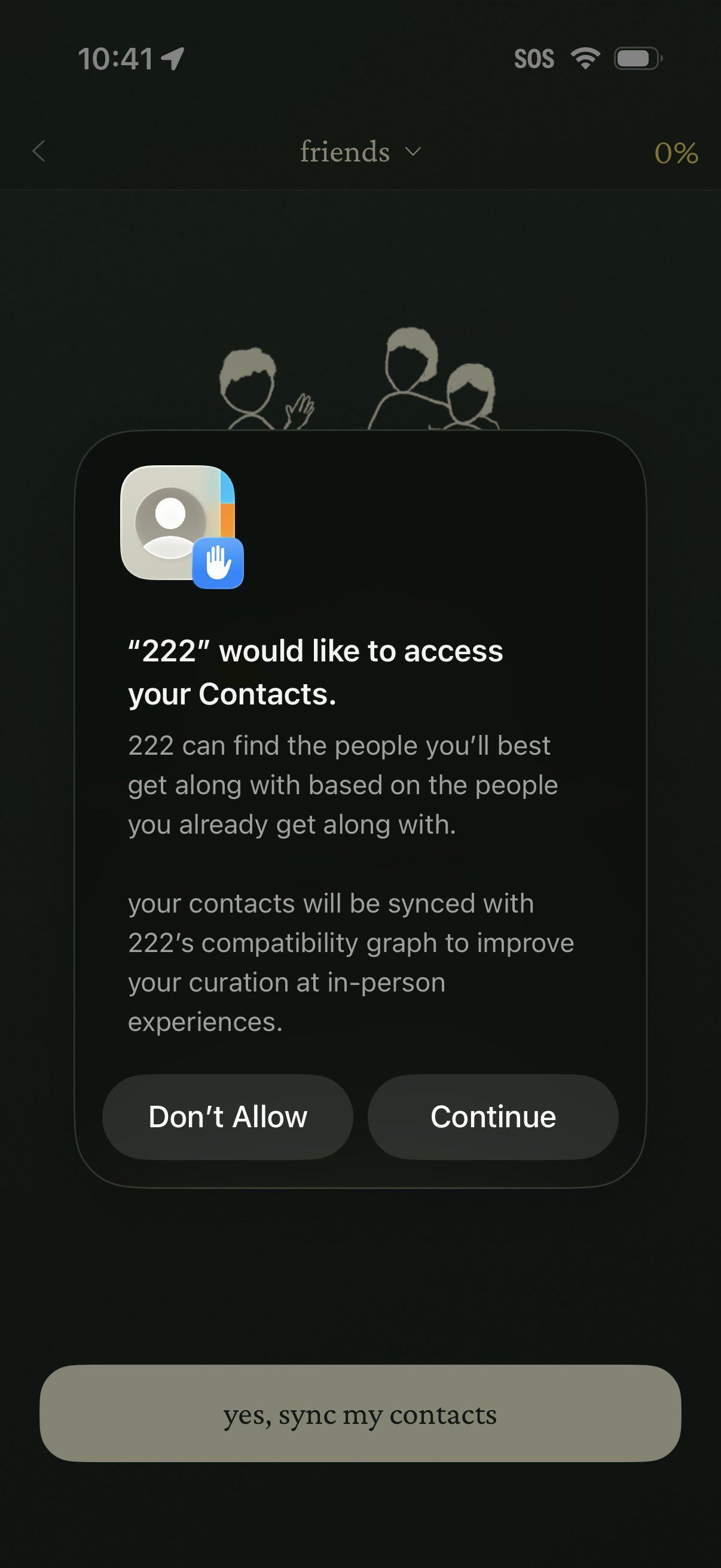
A contacts access permission modal is shown on a friends onboarding screen, explaining that syncing contacts will help find compatible people and improve recommendations. Primary actions are to allow/continue contact syncing or deny access.
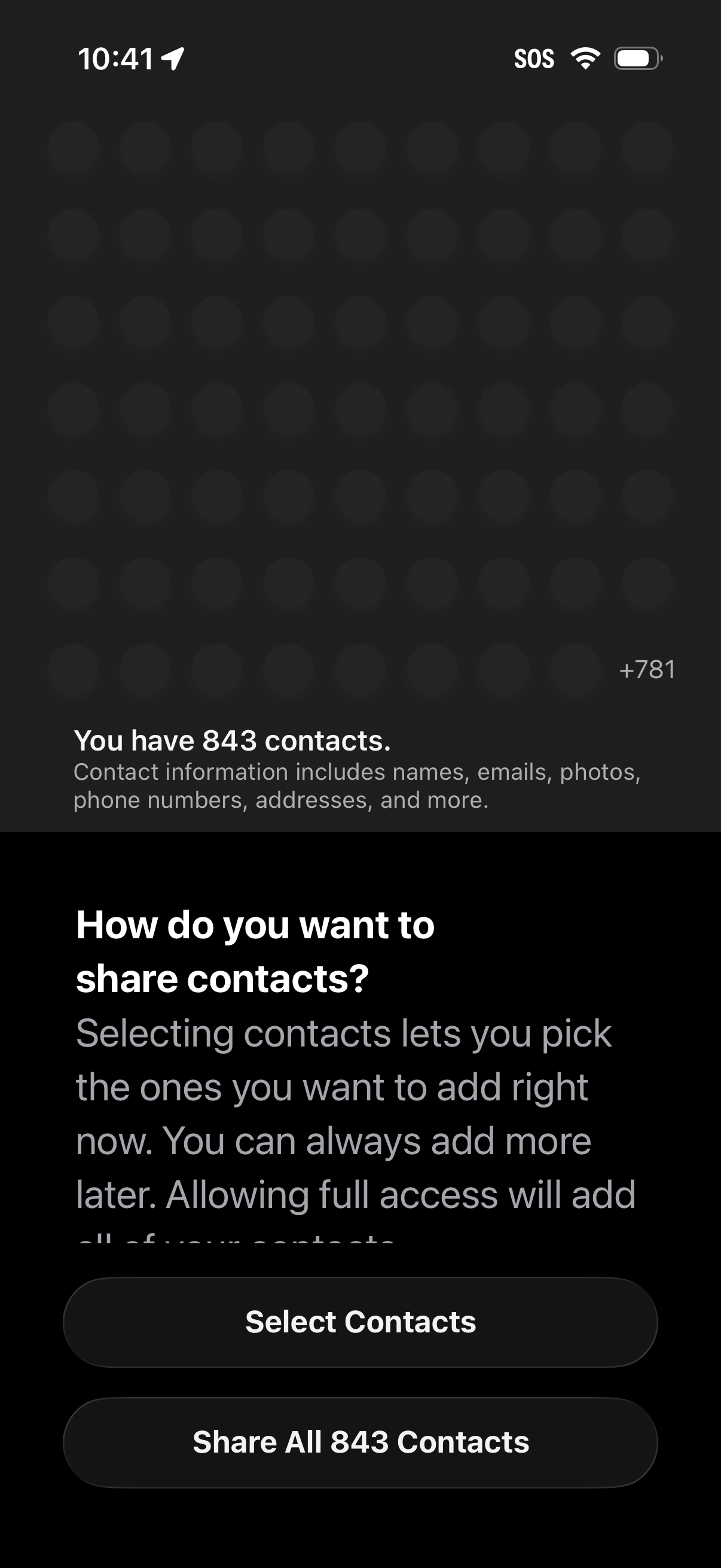
iOS contacts permission screen asking how to share address book data with an app, showing the total number of contacts and explaining what contact info includes. Provides primary actions to either select specific contacts to share or grant full access by sharing all contacts.
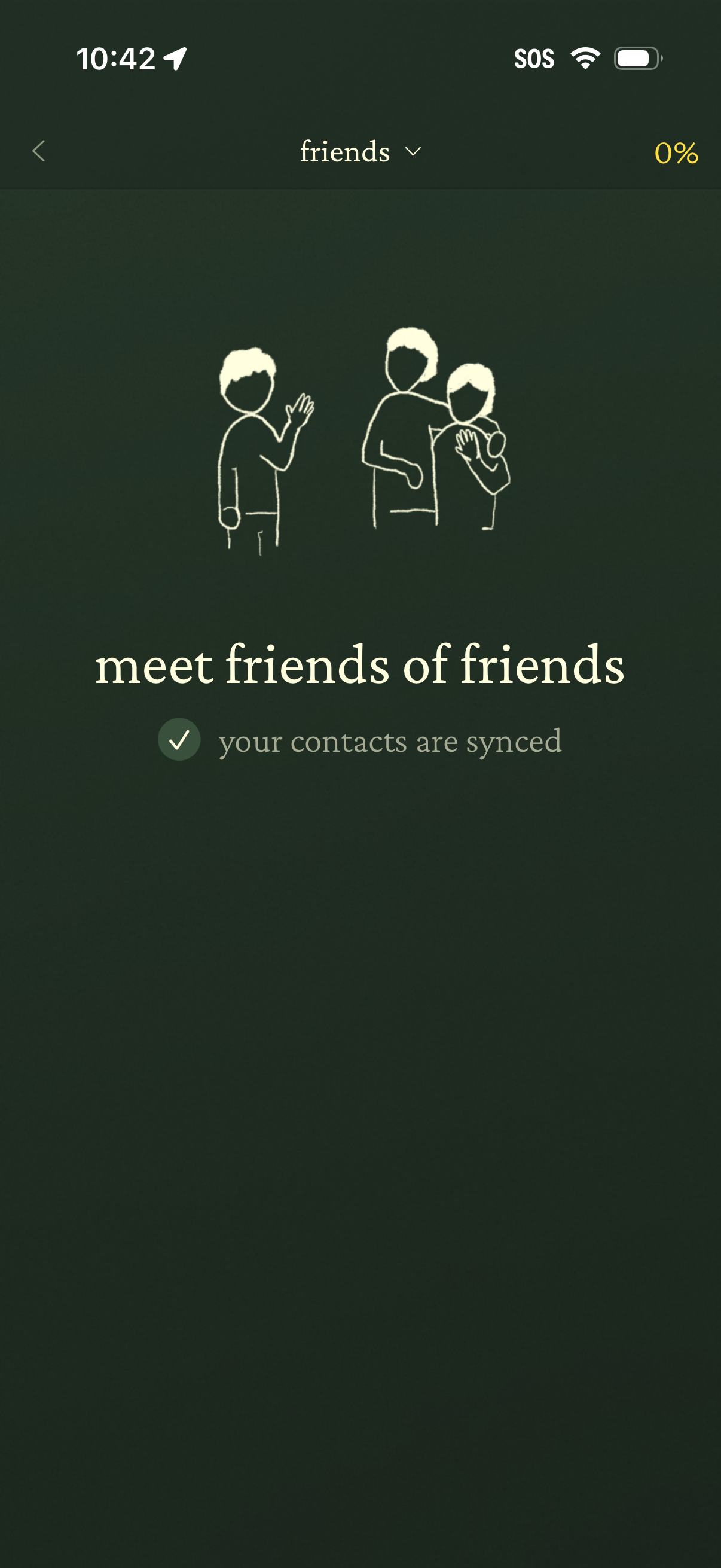
Social discovery “Friends” screen showing an onboarding state for meeting friends of friends, confirming that the user’s contacts have been synced. Includes a back button, a dropdown to switch friend views, and a progress indicator.
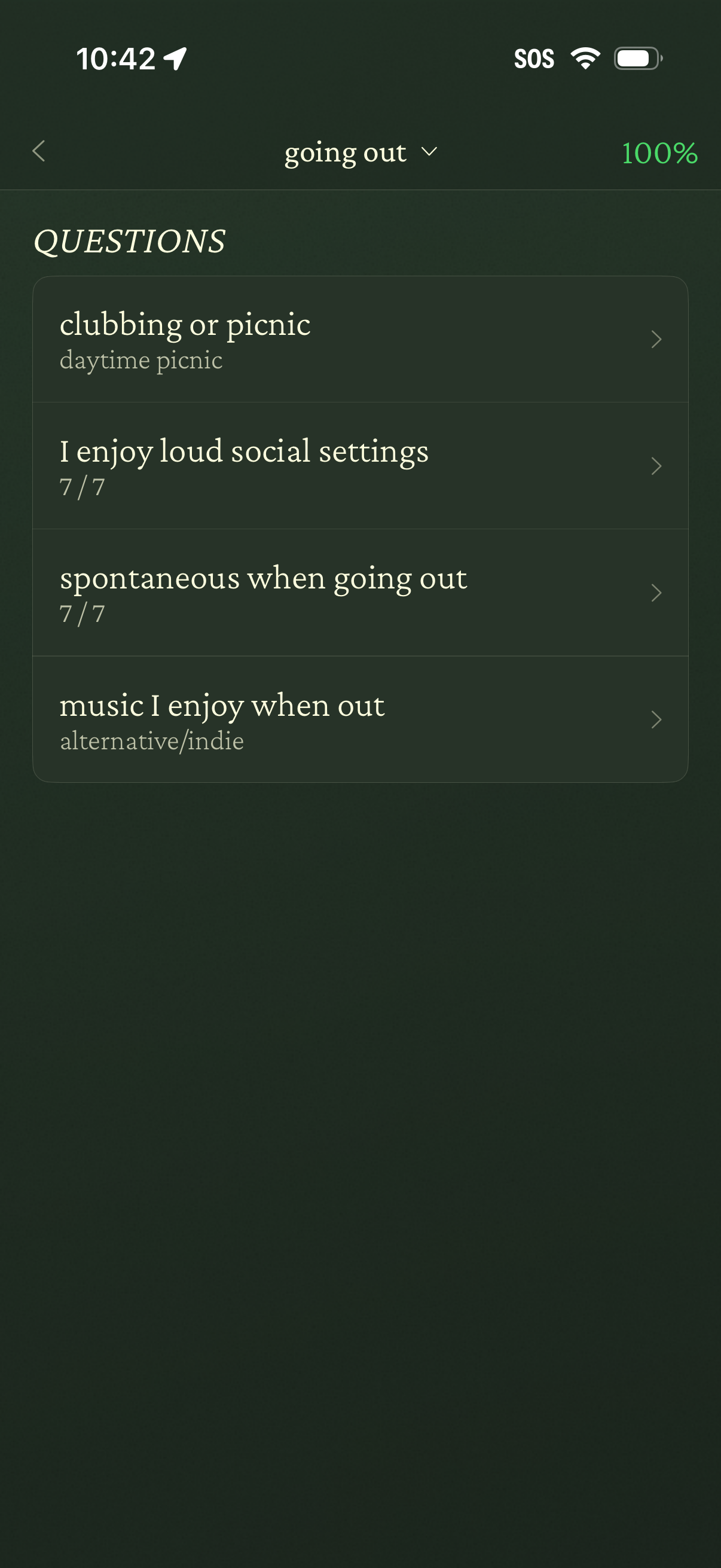
Questionnaire/preferences screen for a “going out” category showing a list of profile questions with current answers and ratings (e. g.
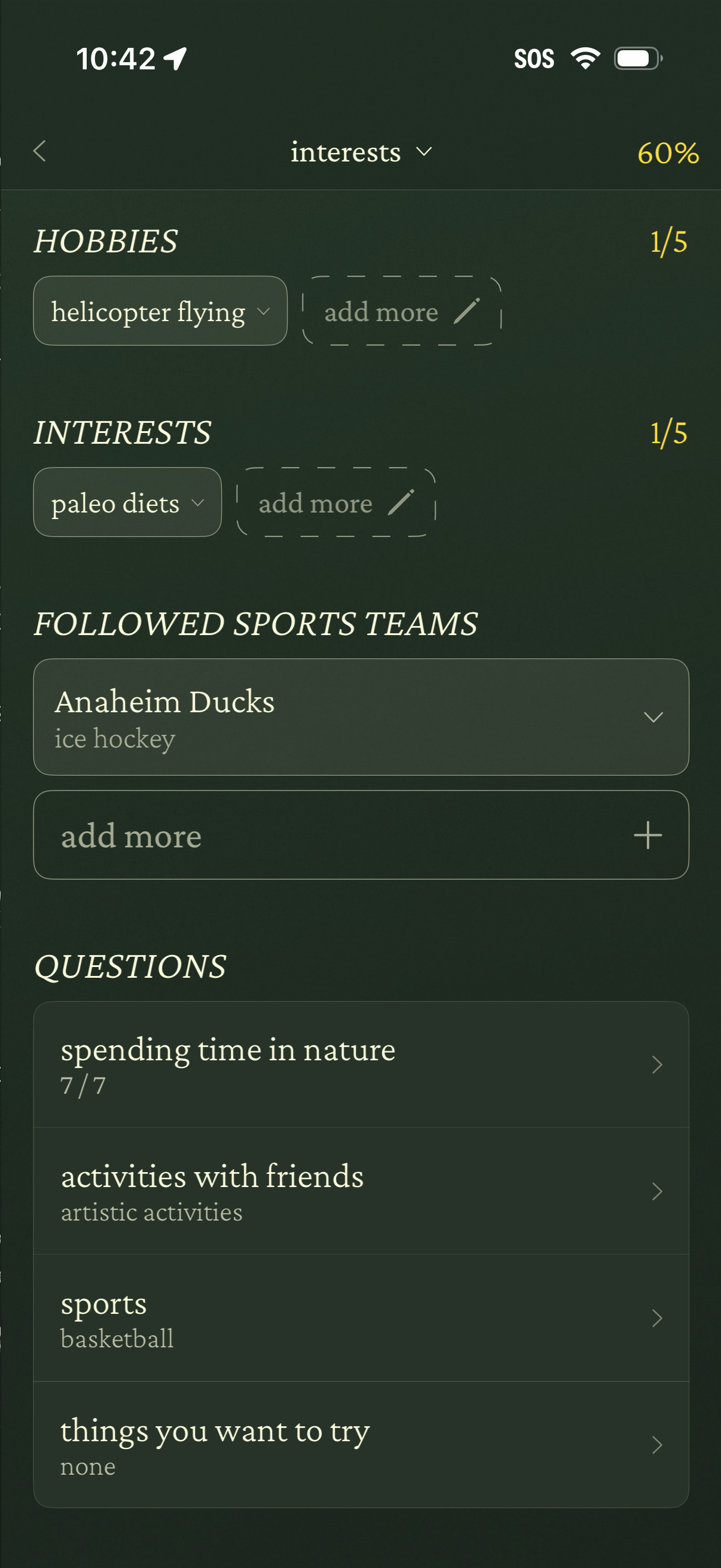
Profile setup or edit “Interests” screen showing progress completion, where users add and manage hobbies and interests via dropdown chips and “add more” fields, plus select followed sports teams with an expandable list. A questions section lists interest prompts (e.
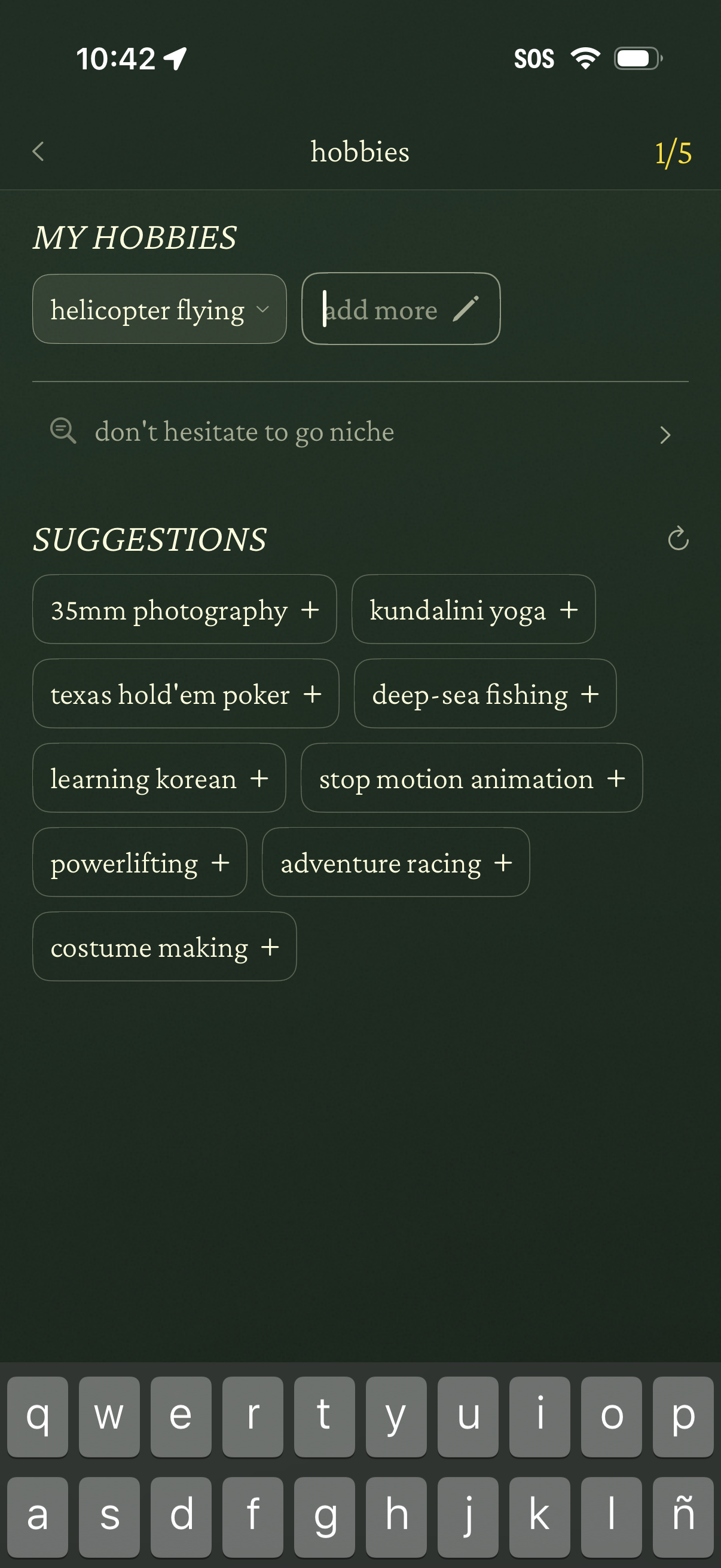
Profile setup screen for selecting and adding hobbies, showing existing hobby chips with an “add more” input, a searchable prompt to go niche, and a list of suggested hobbies with plus buttons to quickly add. Includes step progress (1/5) and refresh option for new suggestions.
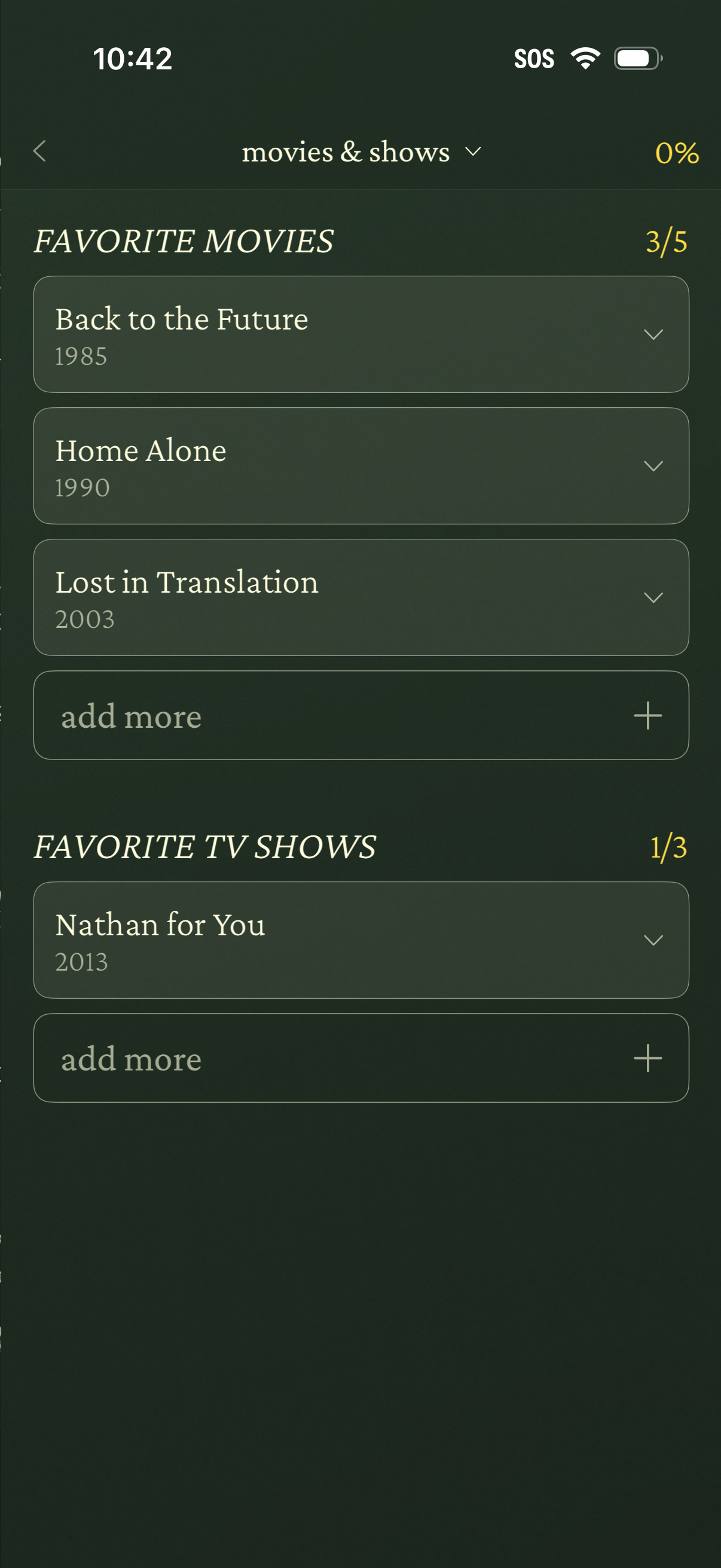
Profile preferences screen for selecting favorite movies and TV shows, showing editable lists with titles and release years and progress counters for how many items are added. Users can expand an item via a dropdown control or tap “add more” with a plus button to add additional favorites.
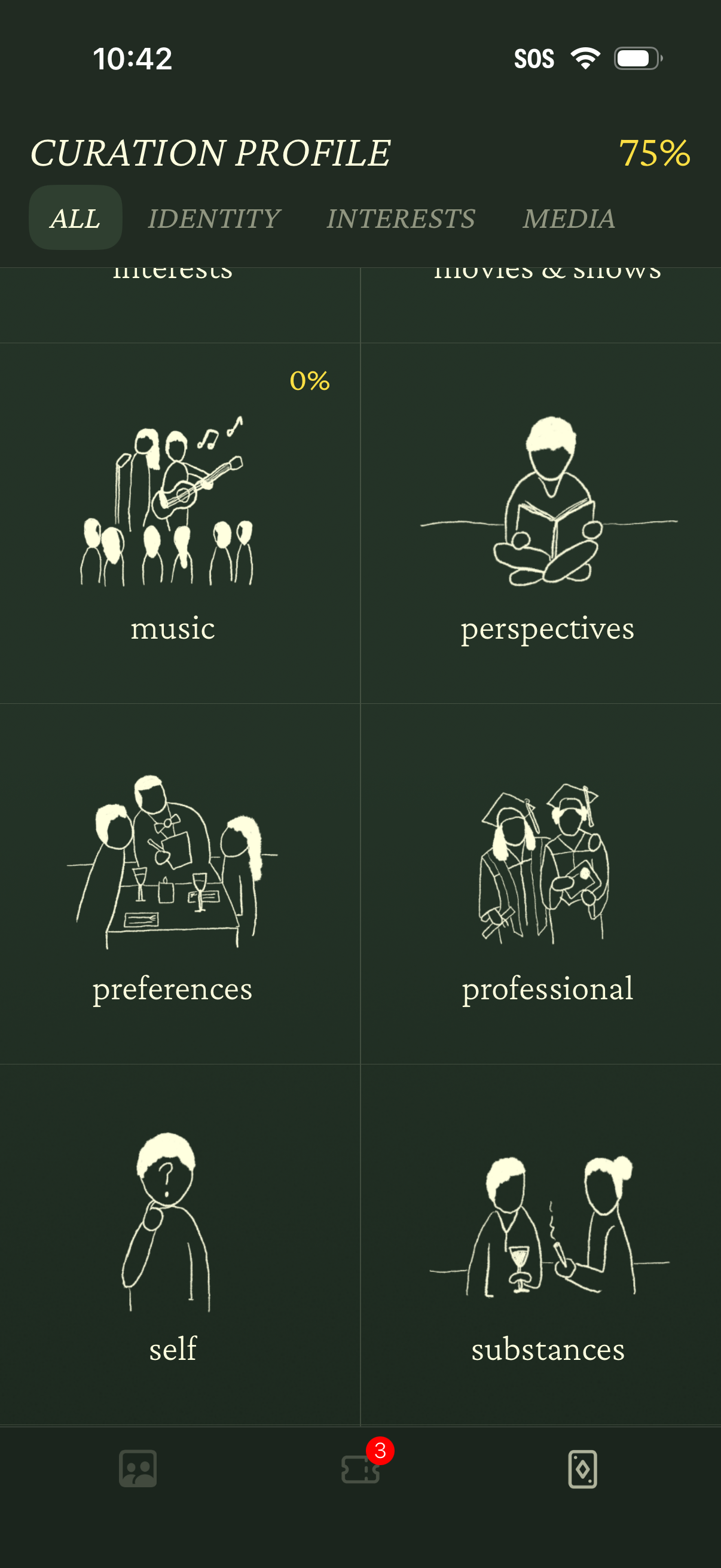
Curation profile dashboard showing profile completion progress and tabbed sections (All, Identity, Interests, Media) for managing personalization. The main content is a grid of topic categories (e.
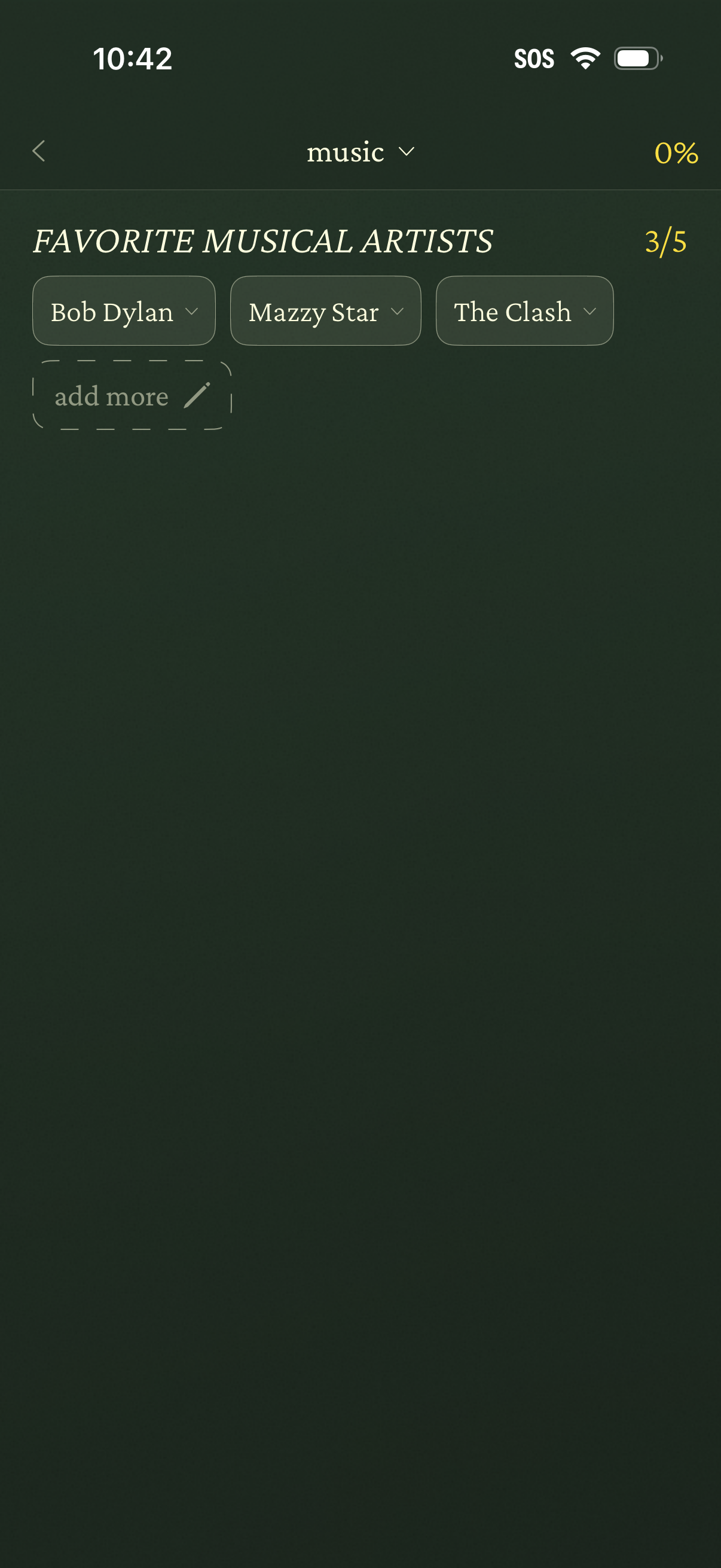
Profile preferences setup screen for selecting favorite musical artists, showing chosen artists as removable dropdown chips and an “add more” input to add additional selections. Includes navigation back, a music category selector, and step/progress indicators (e.
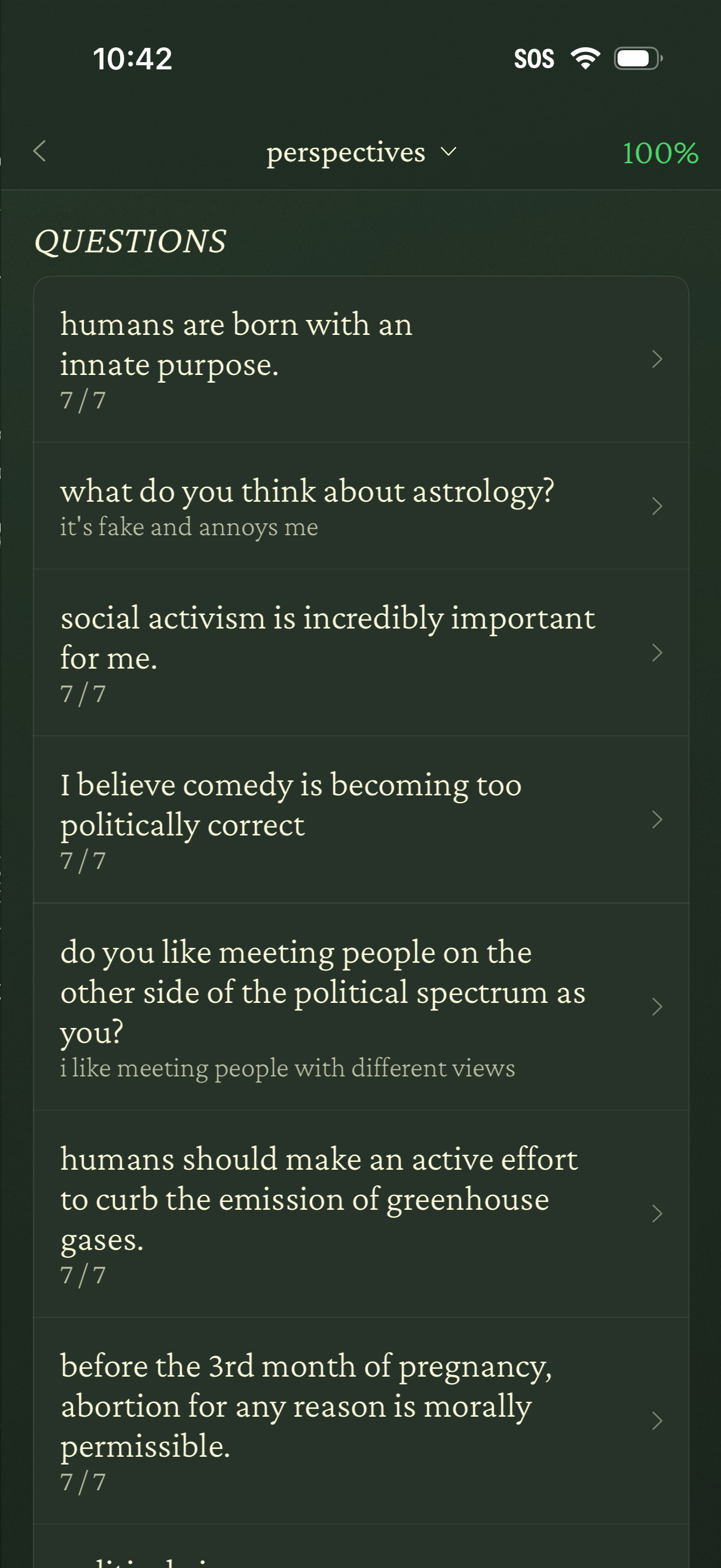
A “Perspectives” questions list screen showing a scrollable set of opinion prompts and statements (e. g.
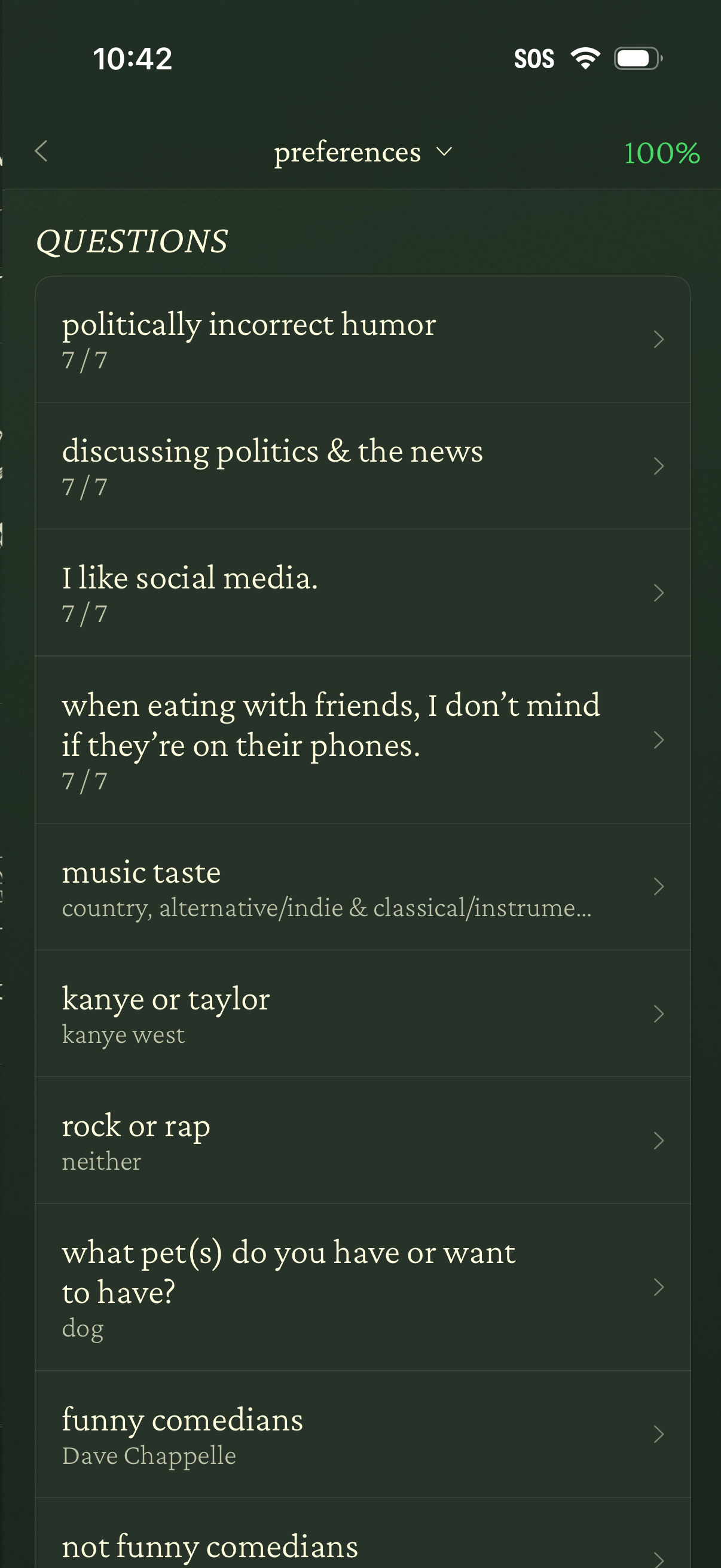
Preferences questionnaire screen showing a scrollable list of profile questions and prompts with completion counts and selected answers (e. g.
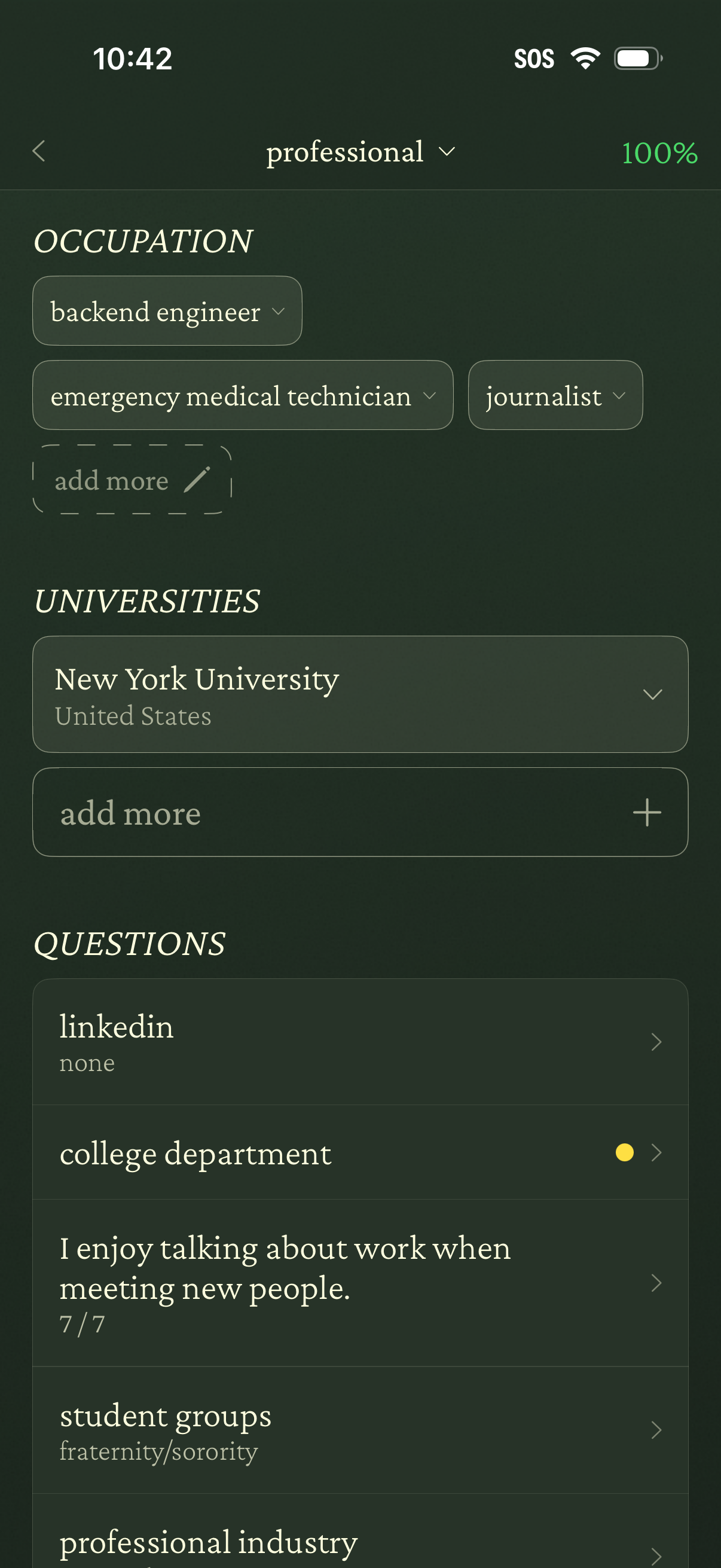
Profile setup/edit screen for a “professional” section where users add occupations as selectable tags, choose universities/education, and answer profile questions (e. g.
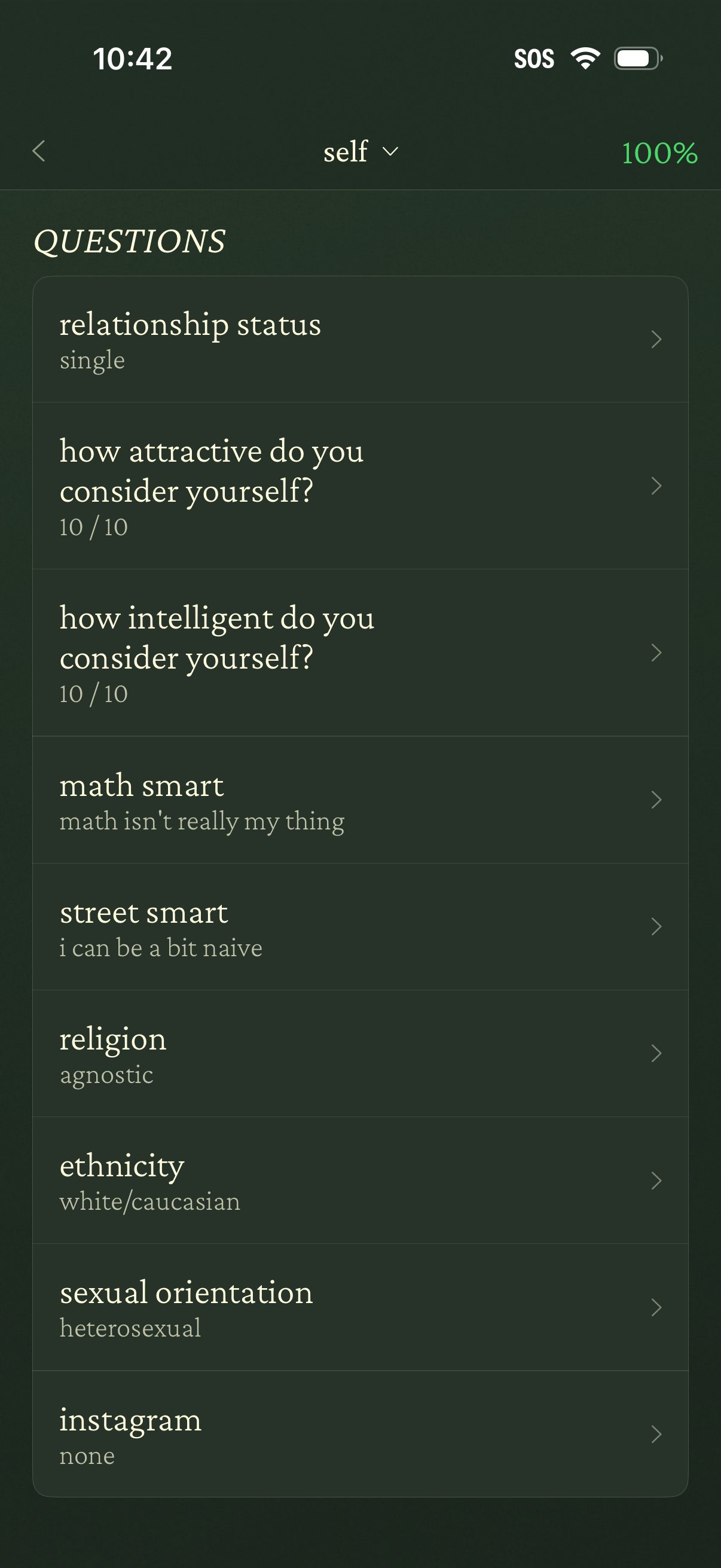
Profile questionnaire settings screen showing a scrollable list of personal questions and current answers (e. g.
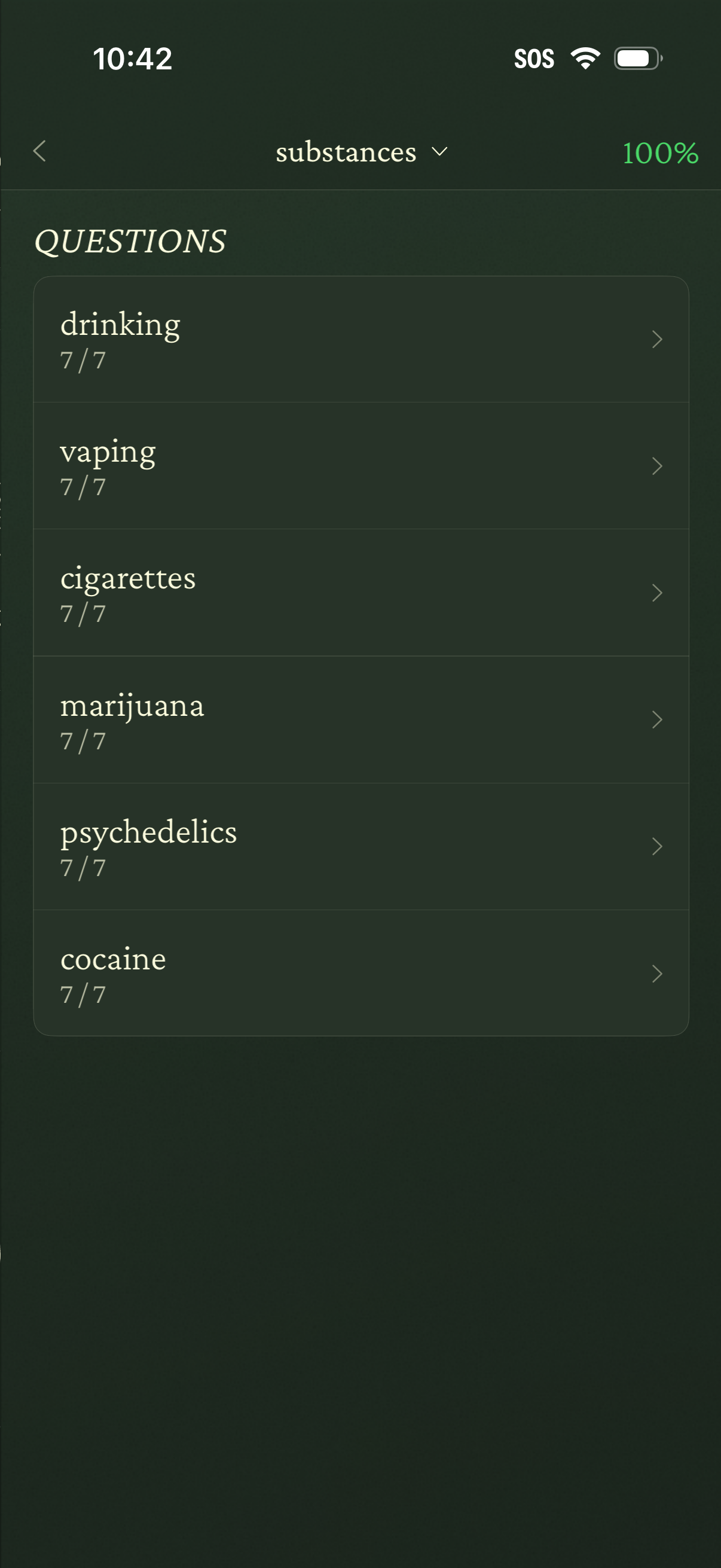
Health or habit tracking app screen showing a “Substances” questionnaire section with a checklist-style list of topics (drinking, vaping, cigarettes, marijuana, psychedelics, cocaine), each showing completion progress and a chevron to open the detailed questions. A top progress indicator shows the section is 100% complete, with back navigation and a dropdown to switch categories.
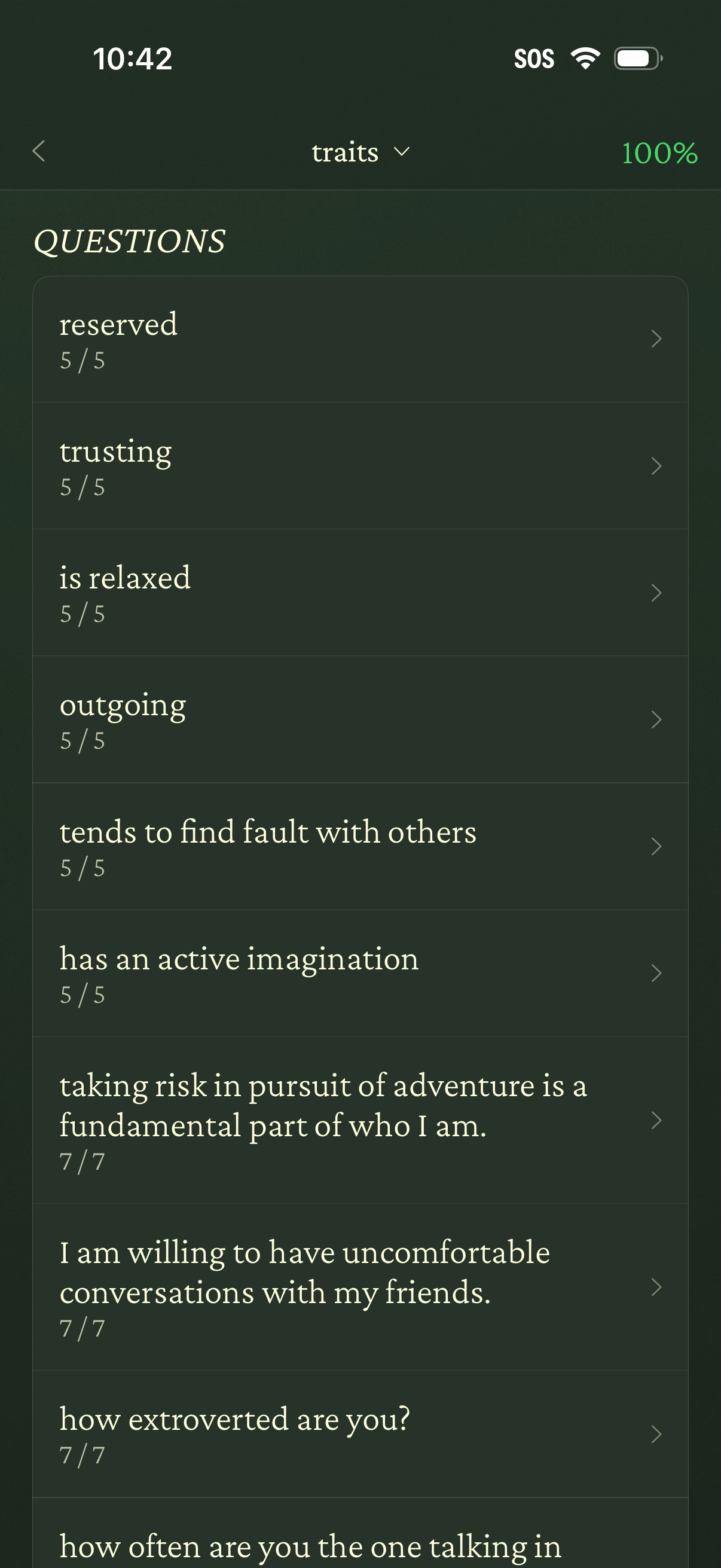
Personality traits questionnaire overview screen showing a scrollable list of question prompts with completion counts (e. g.
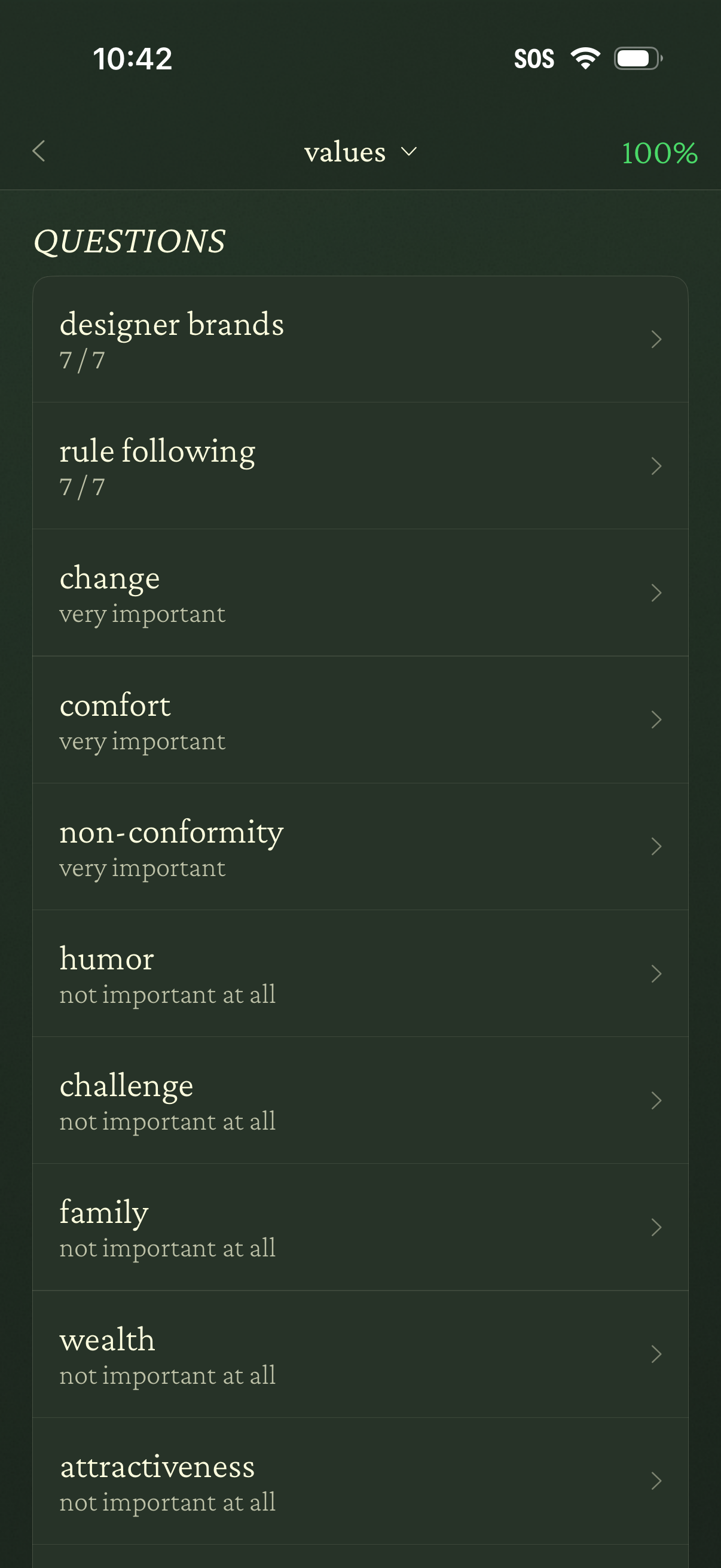
A “Values” questionnaire progress screen showing 100% completion, with a scrollable list of value topics and their selected importance levels (e. g.
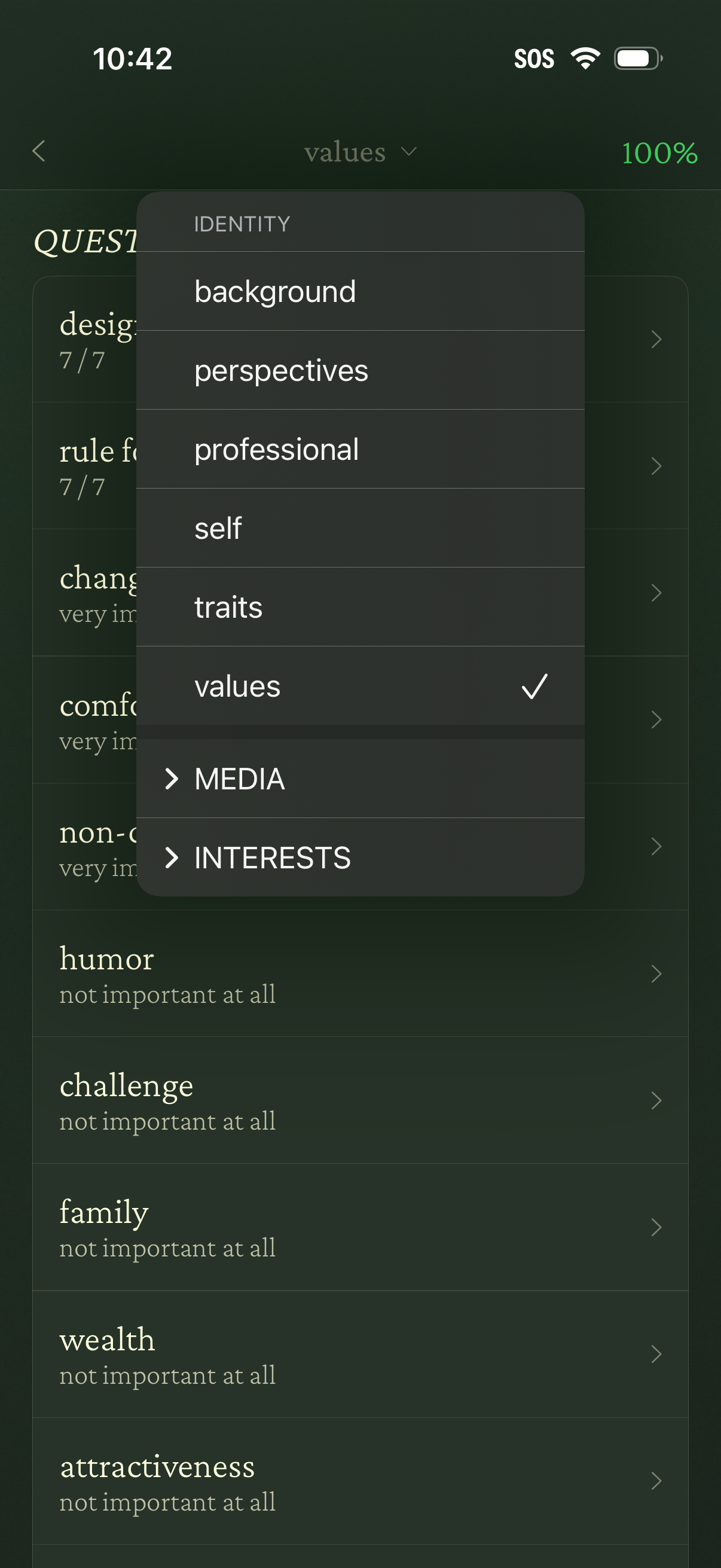
A personal profile preferences screen showing a list of values with importance ratings, with a dropdown filter overlay to switch categories like identity (background, perspectives, professional, self, traits, values) and expandable sections for media and interests. Users can select a category from the menu, see completion/progress, and tap list items to adjust or view their importance.
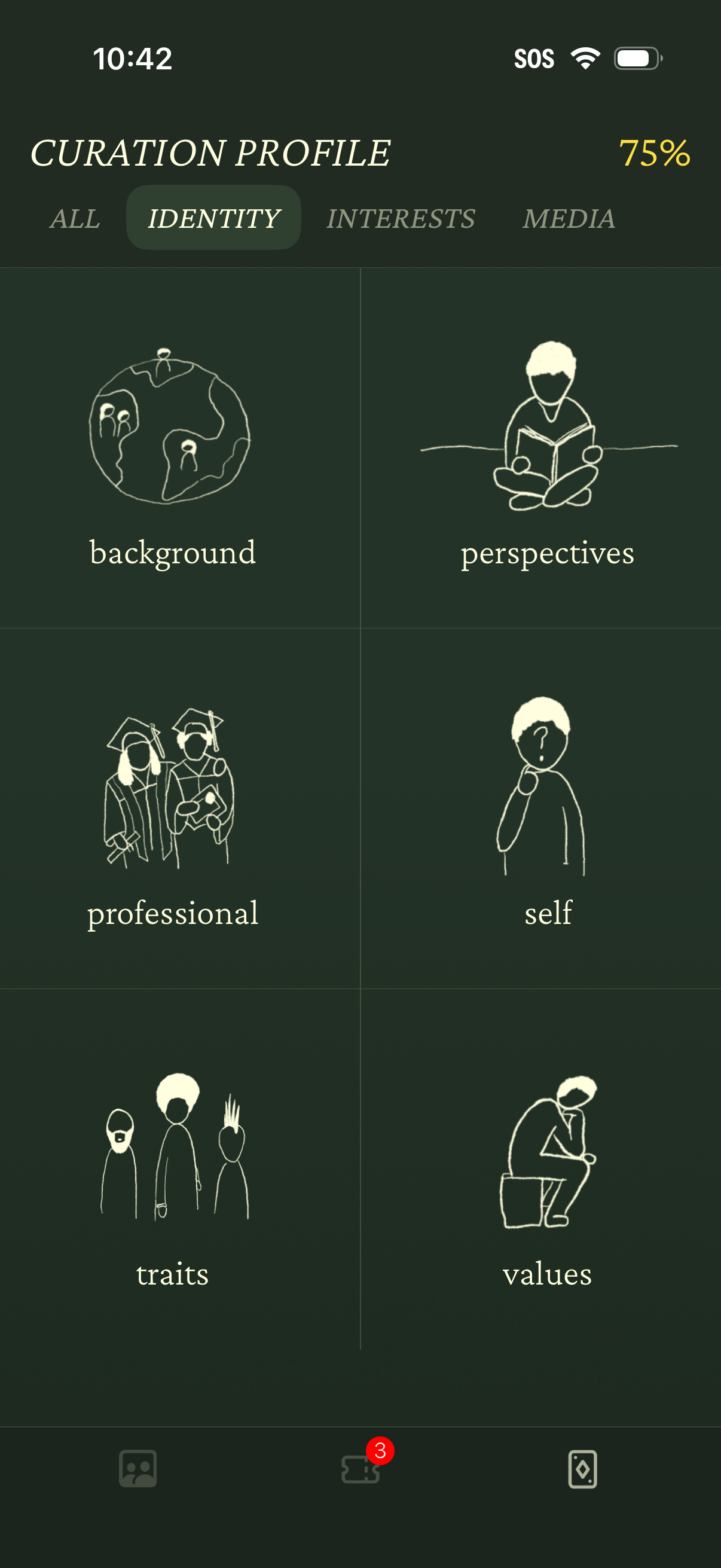
A “Curation Profile” setup screen showing a 75% completion indicator with tab navigation (All, Identity, Interests, Media) and the Identity section selected. Users can choose identity subtopics from a grid of cards—background, perspectives, professional, self, traits, and values—to refine personalization or content recommendations.
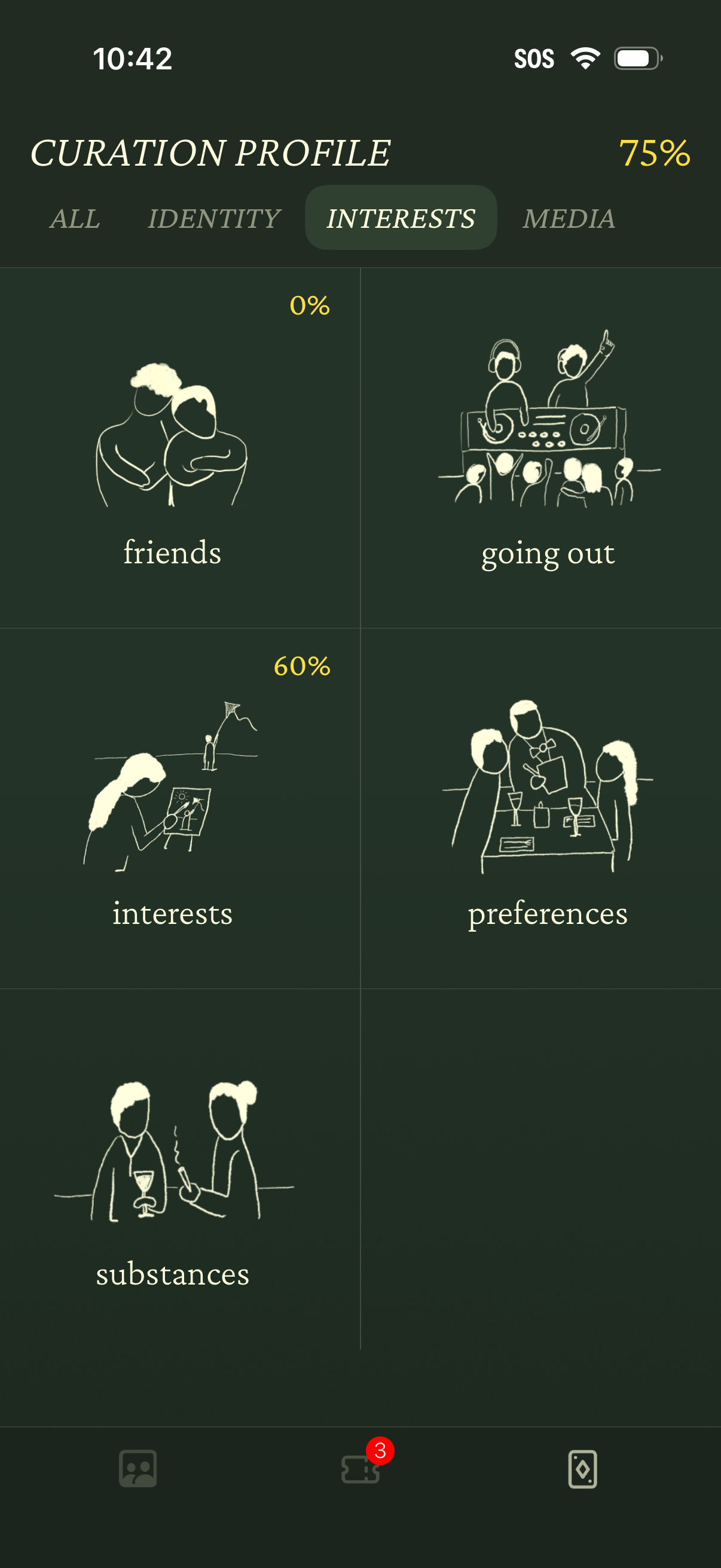
Profile curation screen focused on selecting user interests, with tabs for All, Identity, Interests, and Media and an overall completion percentage indicator. Displays a grid of interest categories (friends, going out, interests, preferences, substances) with per-category progress percentages to guide profile setup.
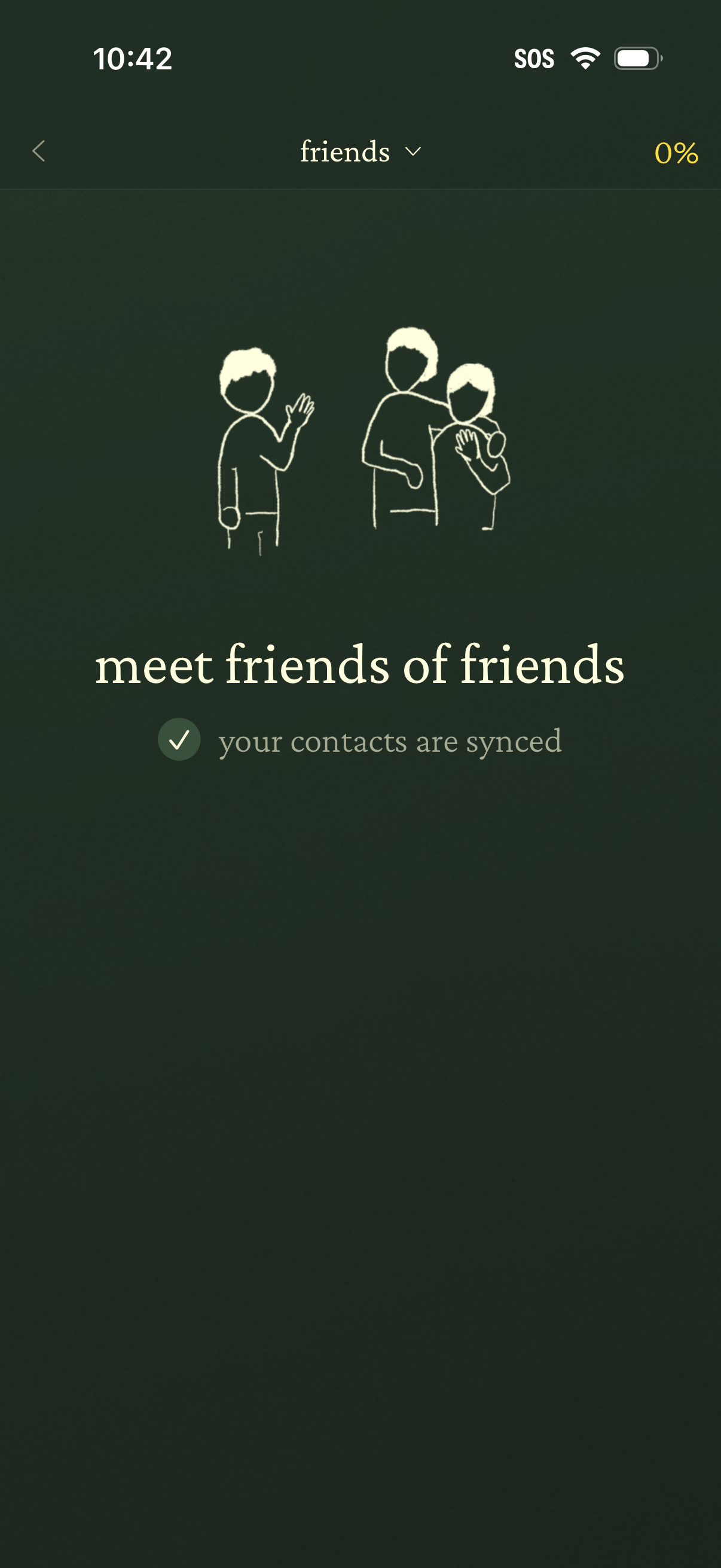
Social discovery onboarding screen for a “Friends” feature that encourages meeting friends of friends and confirms that the user’s contacts have been synced, with back navigation and a progress indicator.
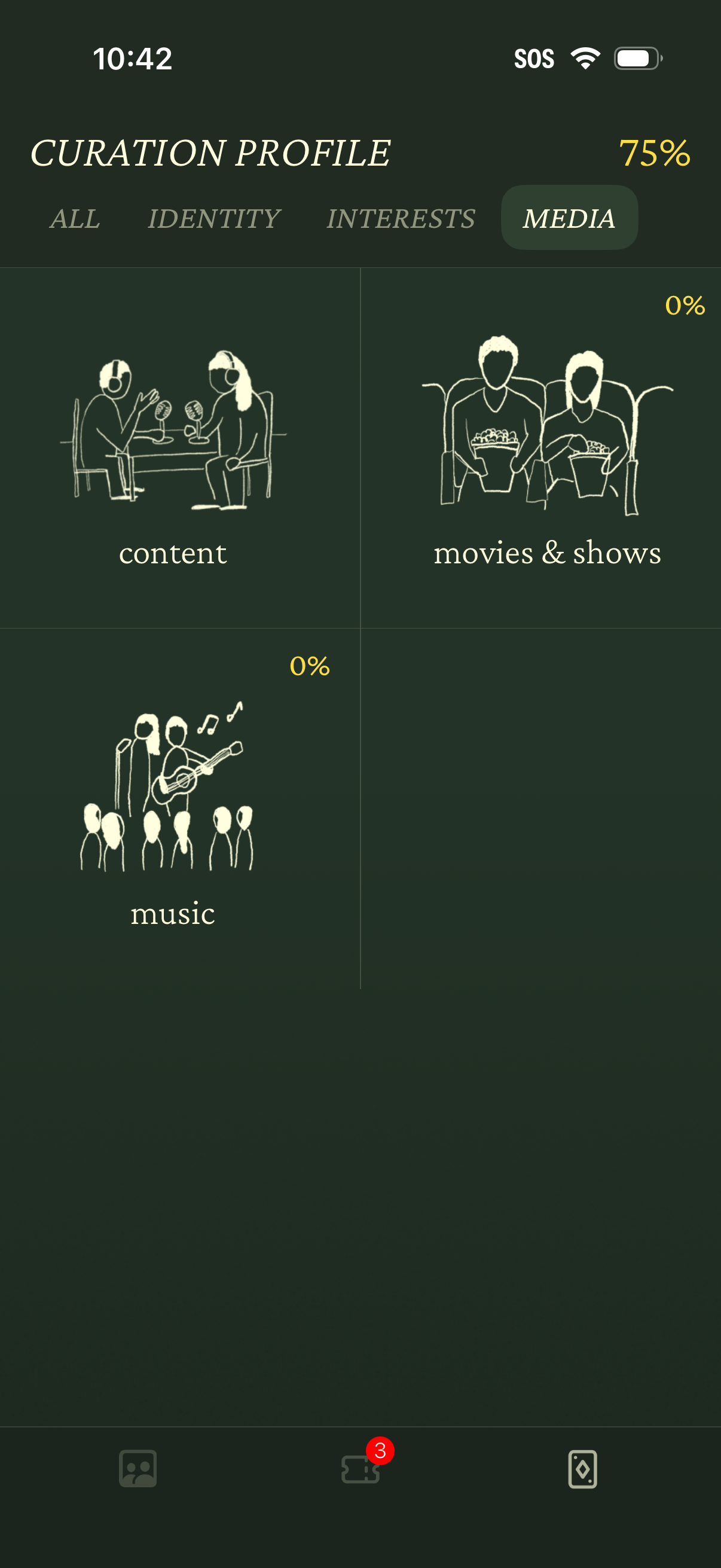
Media section of a “Curation Profile” setup showing profile completion progress and tabs for All, Identity, Interests, and Media. Users select media preference categories in a grid (content, movies & shows, music) with percentage indicators for each category’s completion.