answer personality scale
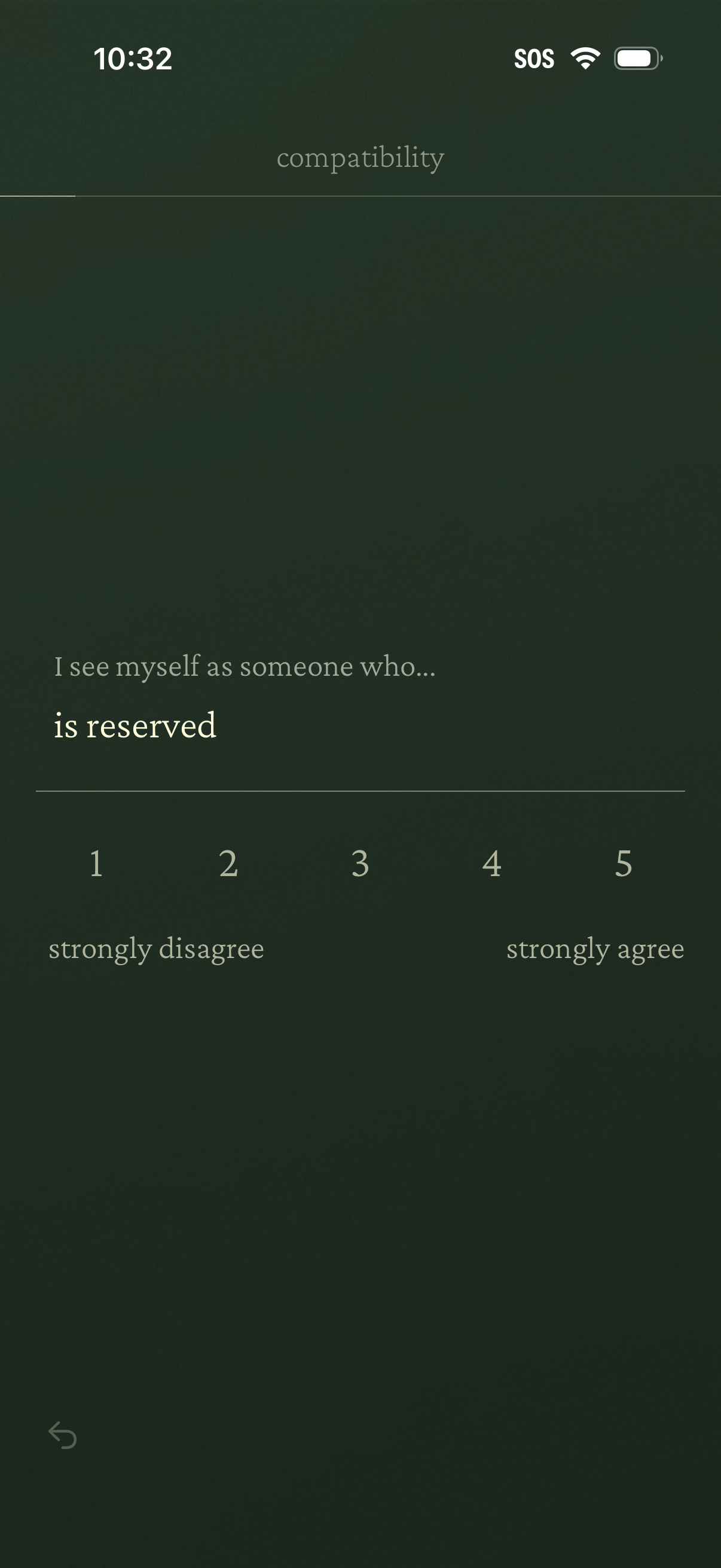
Personality compatibility questionnaire screen asking the user to rate the statement “I see myself as someone who is reserved” on a 1–5 Likert scale from strongly disagree to strongly agree, with a back navigation option.
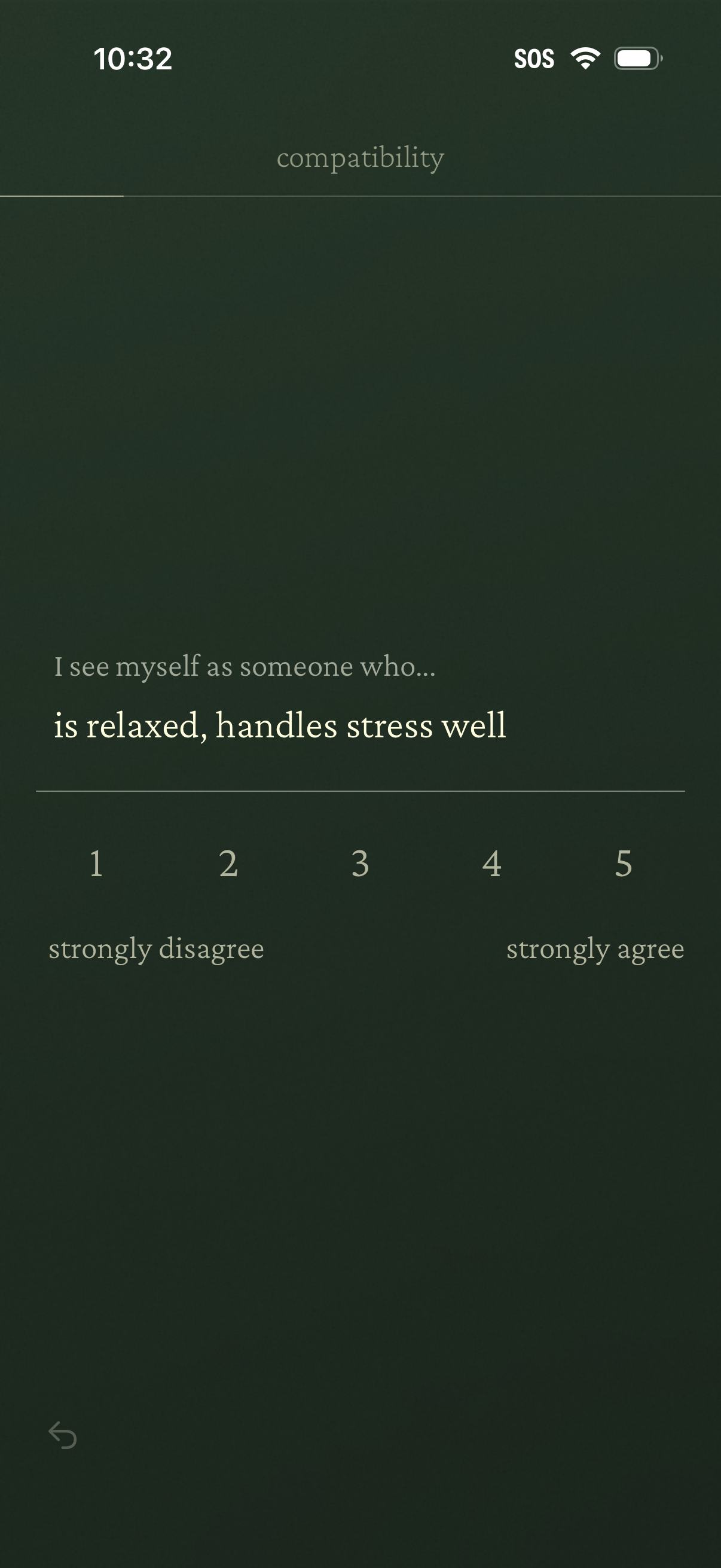
Compatibility assessment survey screen asking the user to rate a self-description statement (“I see myself as someone who is relaxed, handles stress well”) on a 1–5 Likert scale from strongly disagree to strongly agree, with a back navigation control.
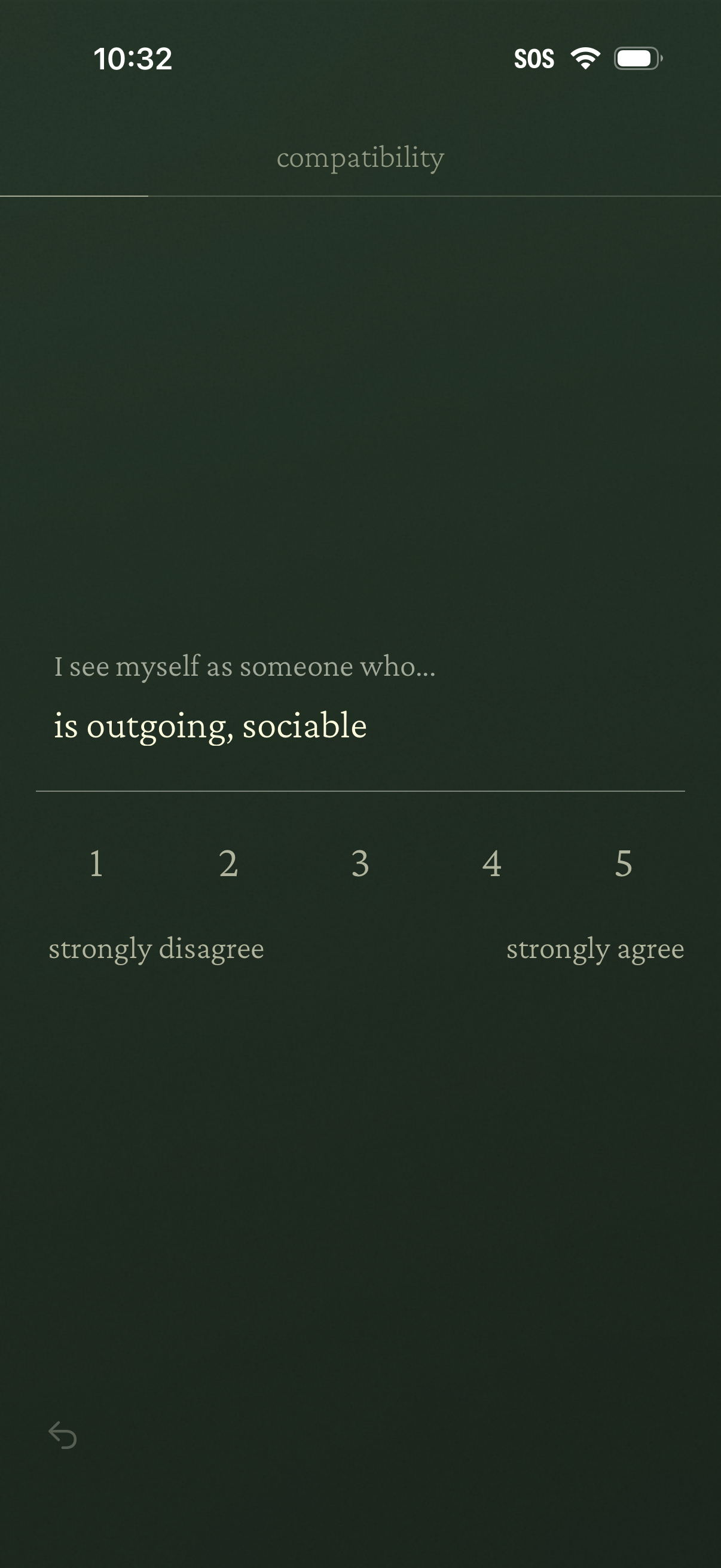
Compatibility questionnaire screen prompting the user to rate a personality statement (“I see myself as someone who… is outgoing, sociable”) using a 1–5 Likert scale from strongly disagree to strongly agree, with a back navigation control.
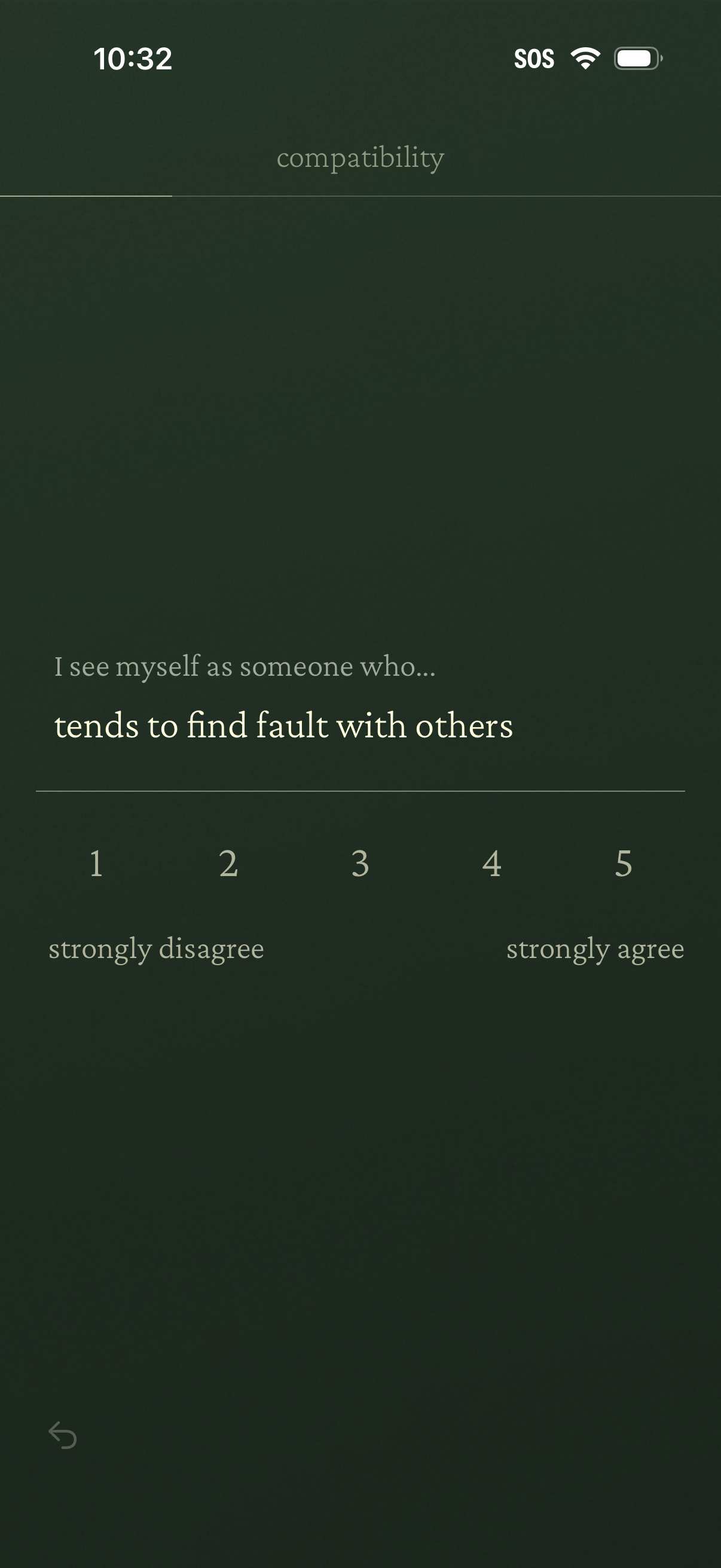
Personality/compatibility questionnaire screen asking the user to rate a self-description statement on a 1–5 Likert scale from strongly disagree to strongly agree, with a back navigation control.
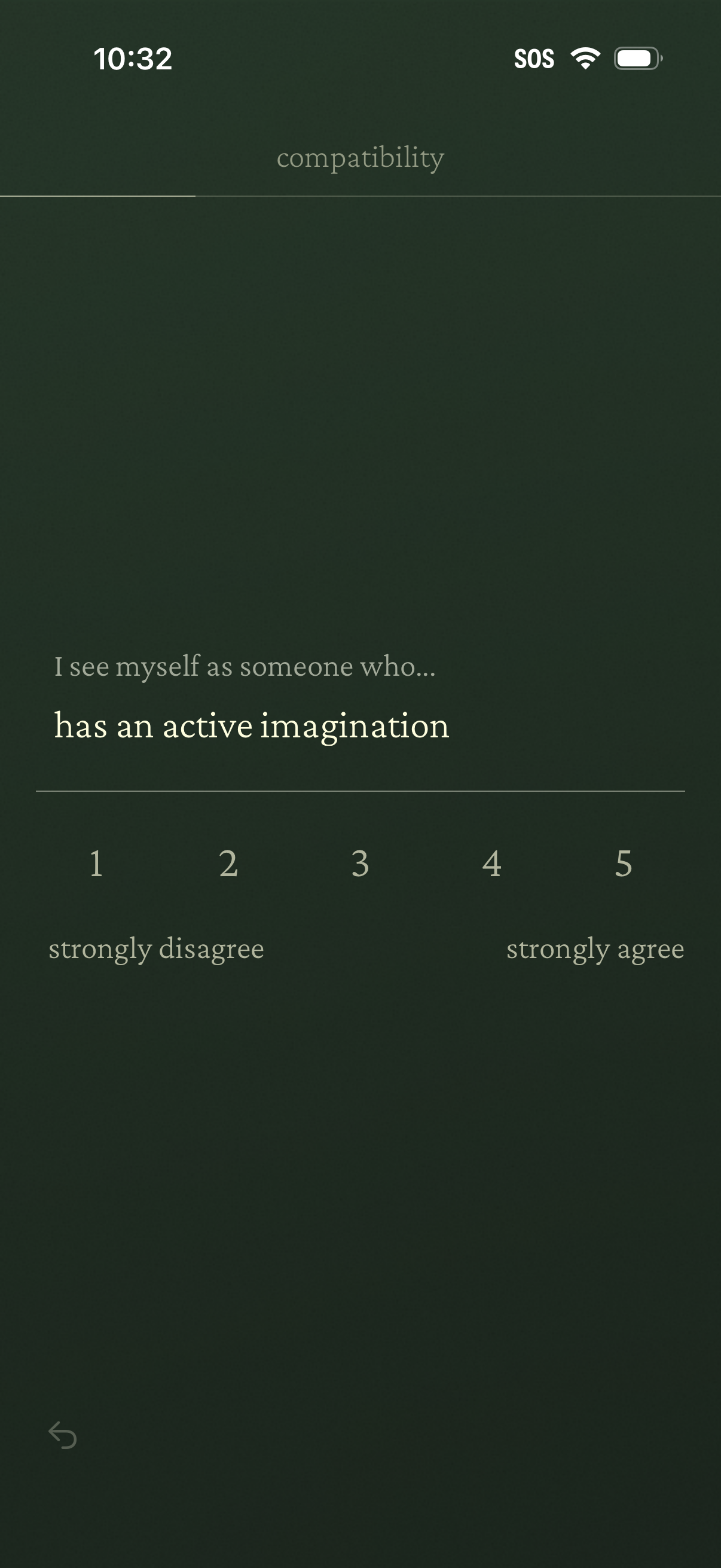
Personality/compatibility questionnaire screen asking the user to rate a self-description statement (“I see myself as someone who has an active imagination”) on a 1–5 Likert scale from strongly disagree to strongly agree, with a back navigation control.
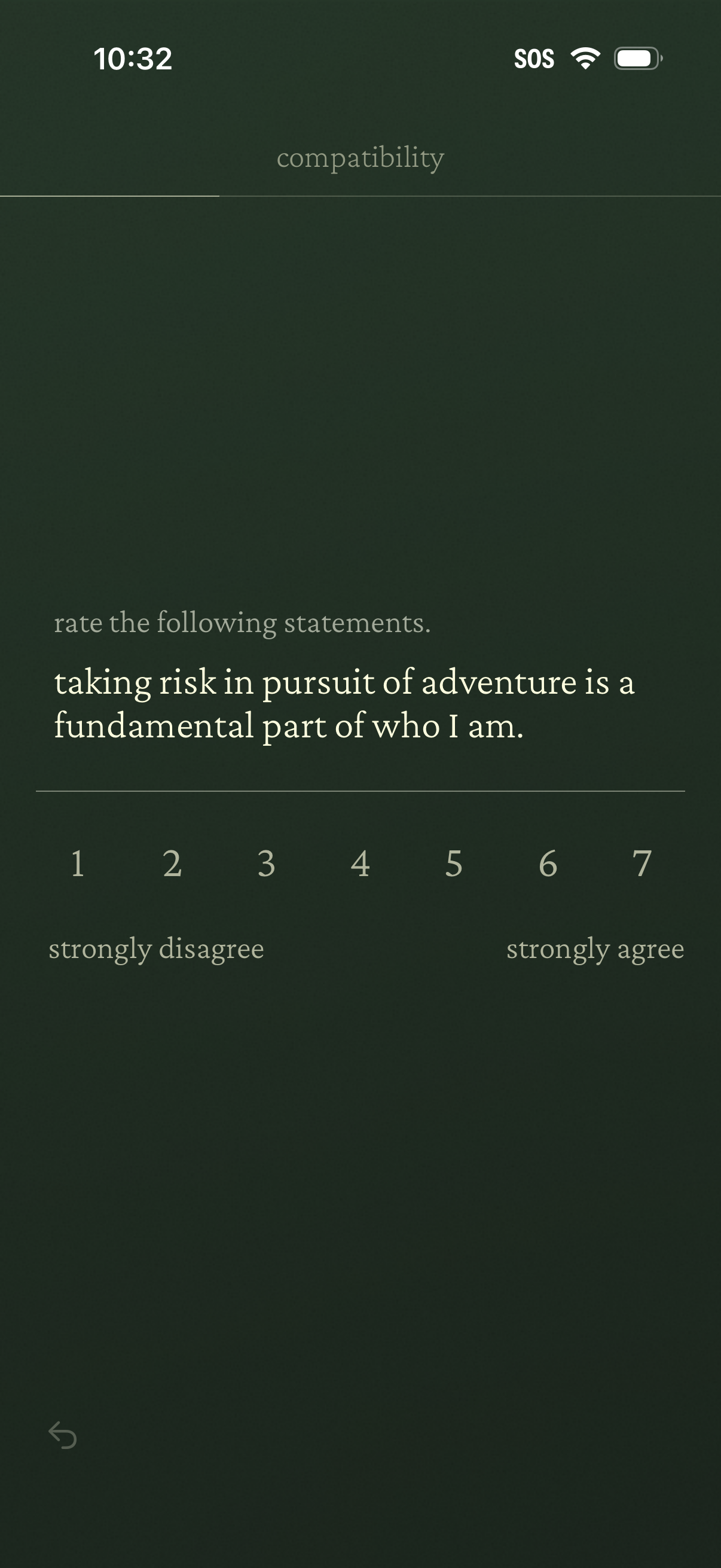
Personality or compatibility questionnaire screen asking the user to rate a statement using a 1–7 Likert scale from strongly disagree to strongly agree. Users select a numeric response to indicate agreement with a self-description about risk-taking and adventure.
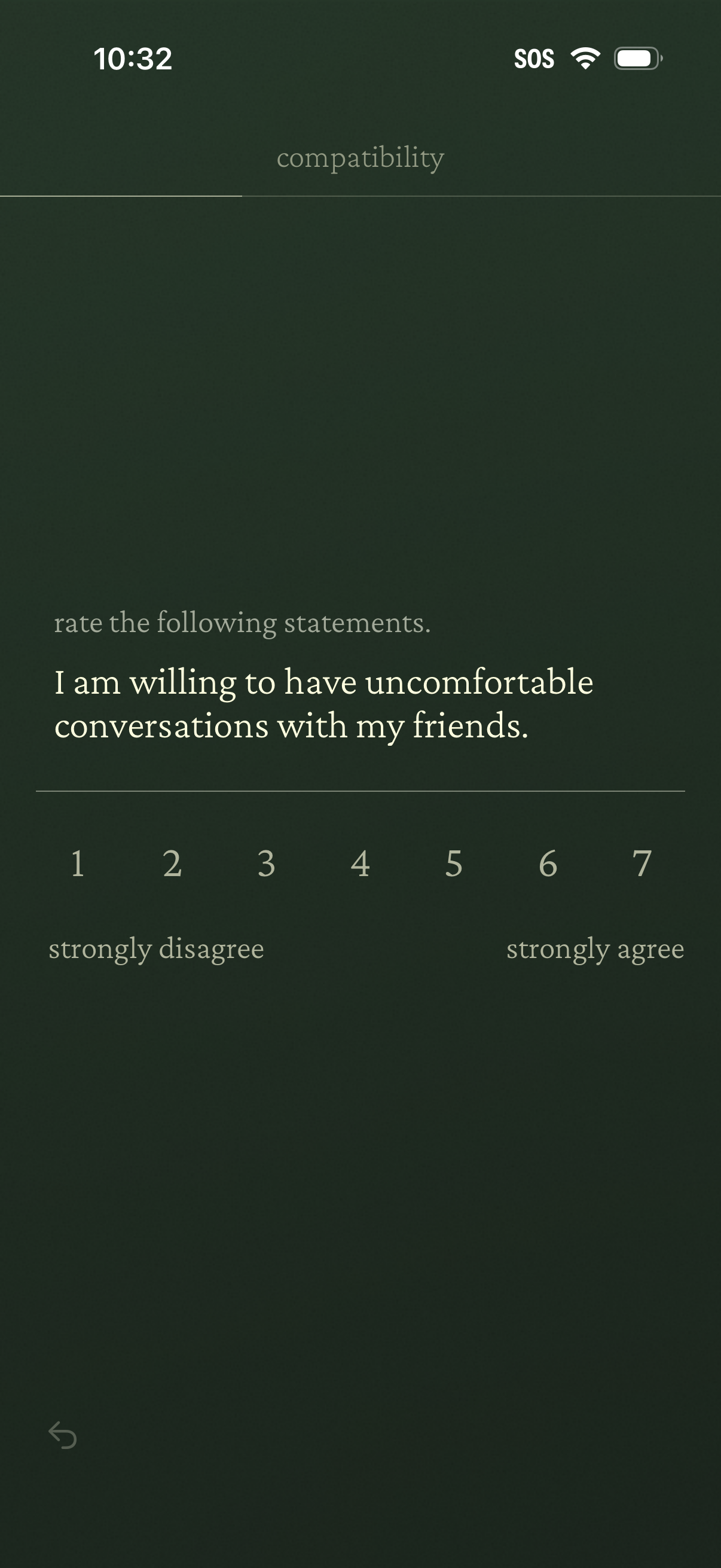
Compatibility questionnaire screen asking users to rate a statement on a 1–7 Likert scale from strongly disagree to strongly agree. The primary action is selecting a numeric response to indicate agreement with the prompt about having uncomfortable conversations with friends, with a back navigation control.
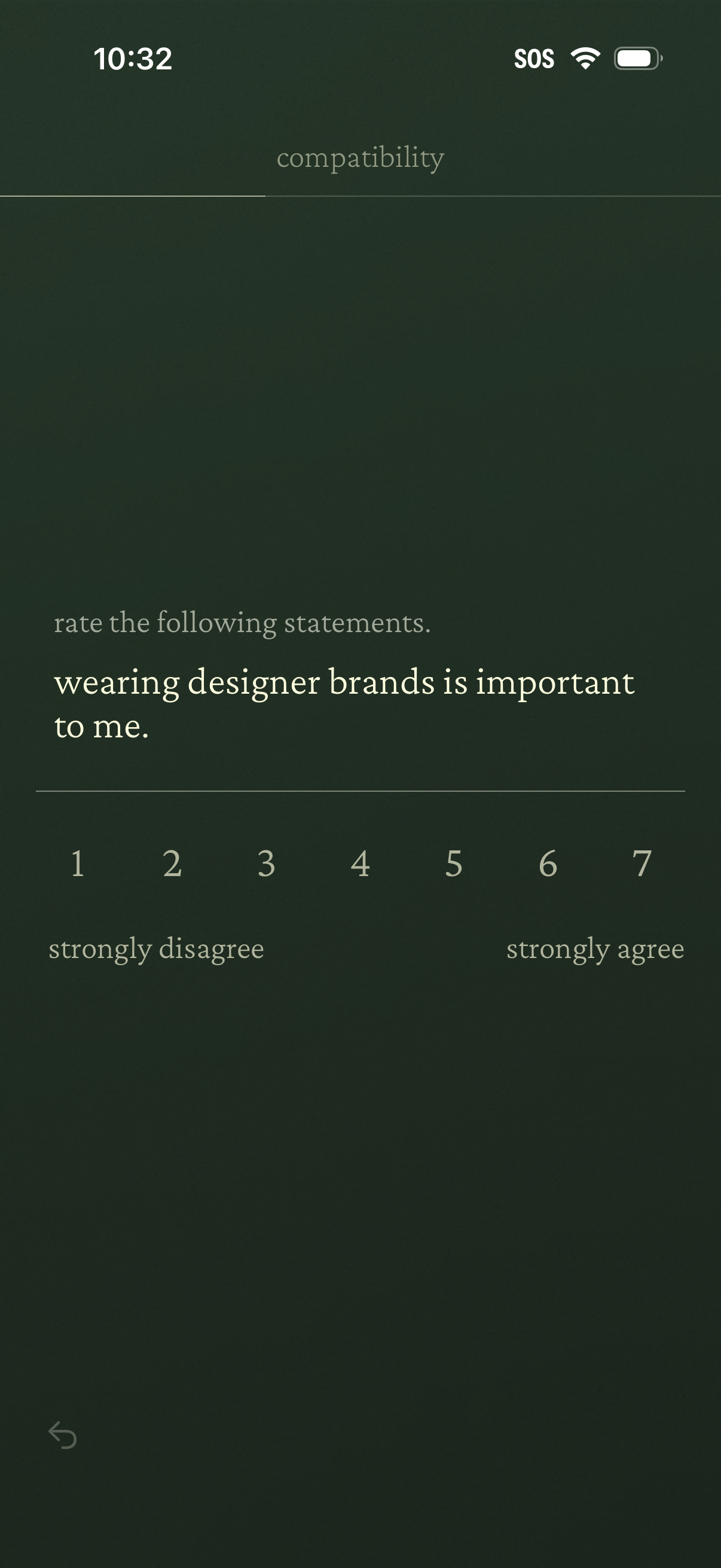
Compatibility questionnaire screen prompting the user to rate a statement using a 1–7 Likert scale from strongly disagree to strongly agree. Used for onboarding or profile matching by collecting preferences through single-question rating input with a back navigation option.
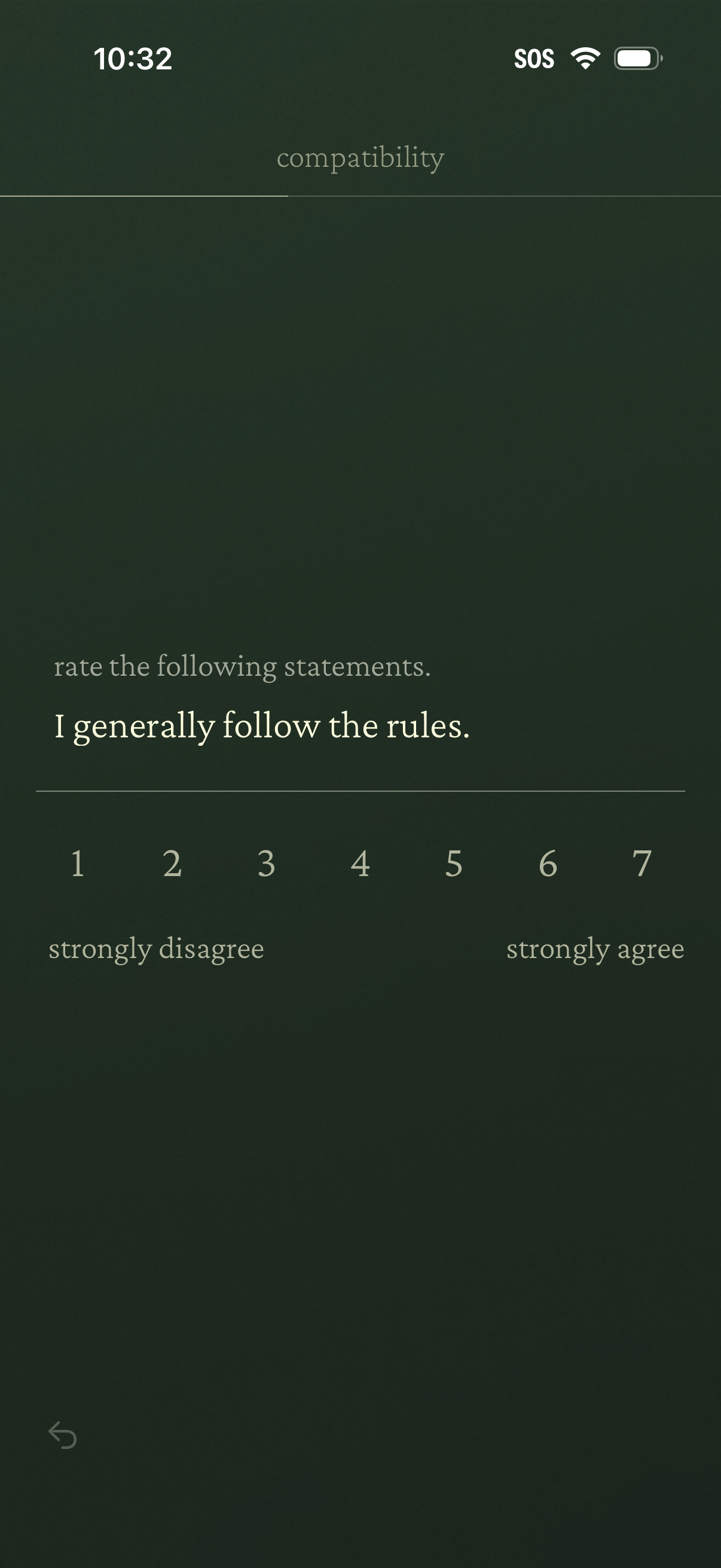
Compatibility questionnaire screen asking the user to rate a statement (“I generally follow the rules”) on a 1–7 Likert scale from strongly disagree to strongly agree. Includes a back navigation icon for returning to the previous question.
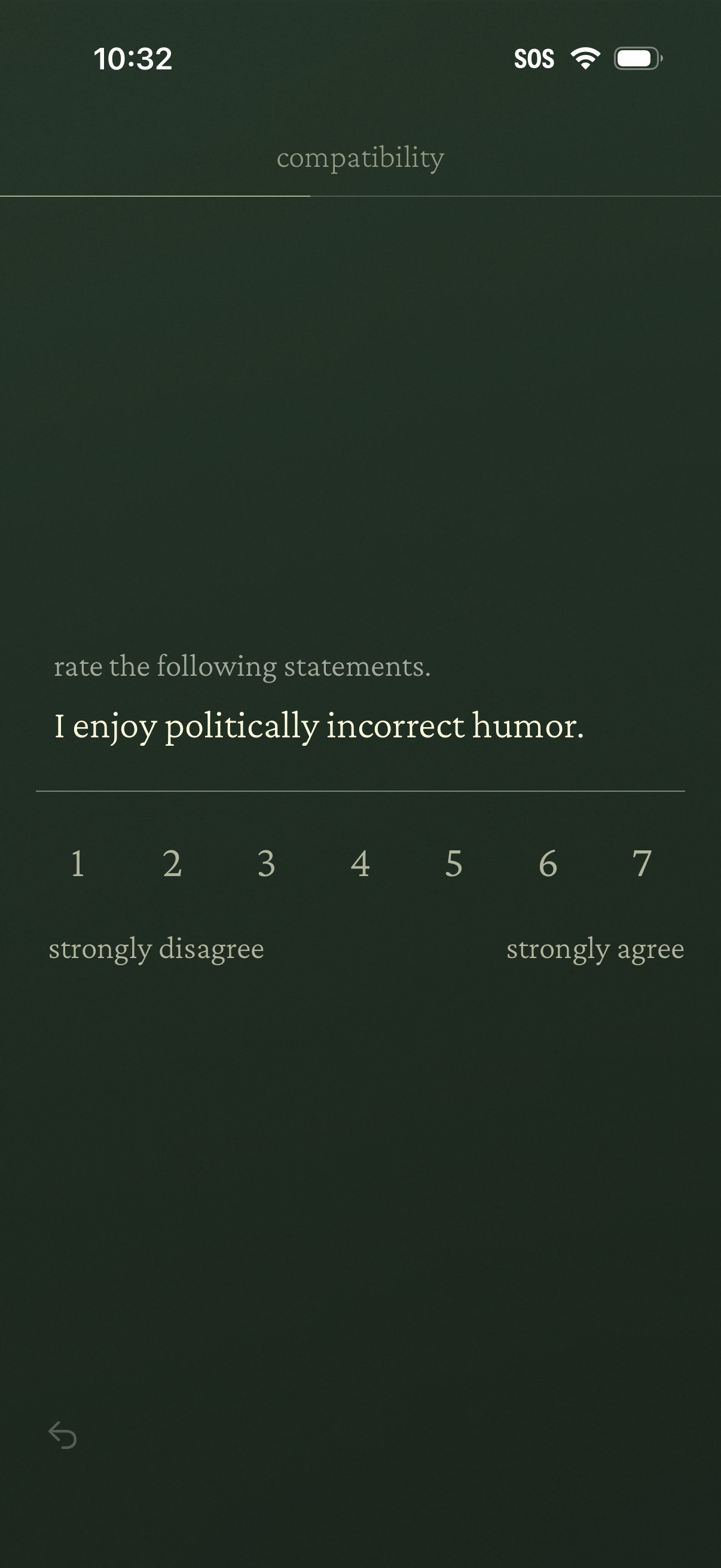
Compatibility questionnaire screen prompting the user to rate a statement using a 1–7 Likert scale from strongly disagree to strongly agree. Includes a back button for navigation while answering personality or preference assessment questions.
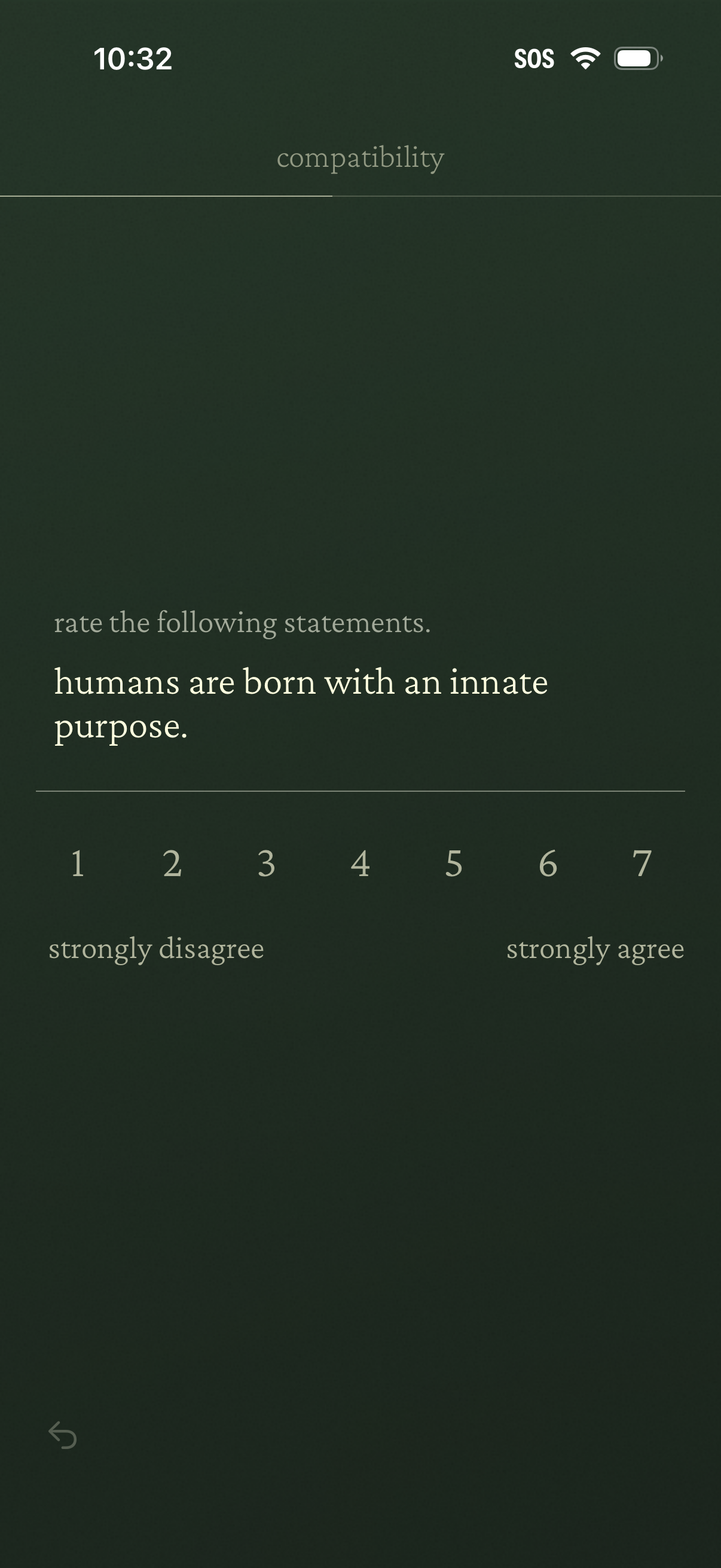
Compatibility questionnaire screen asking the user to rate a statement using a 1–7 Likert scale from strongly disagree to strongly agree, with a back navigation control for moving through the assessment.
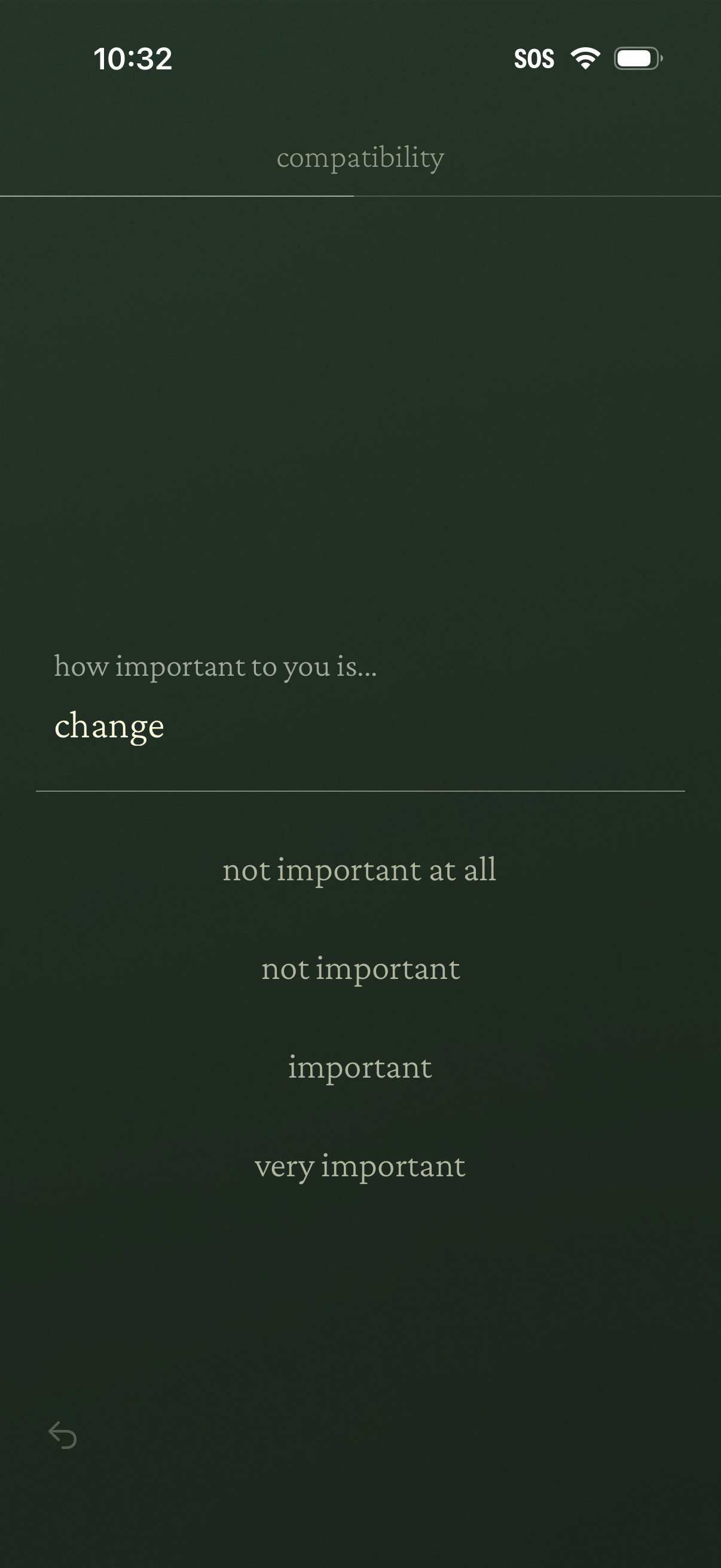
A compatibility preferences question screen asking the user how important “change” is to them. Users select one option from a four-level importance scale (not important at all to very important) with a back navigation control.
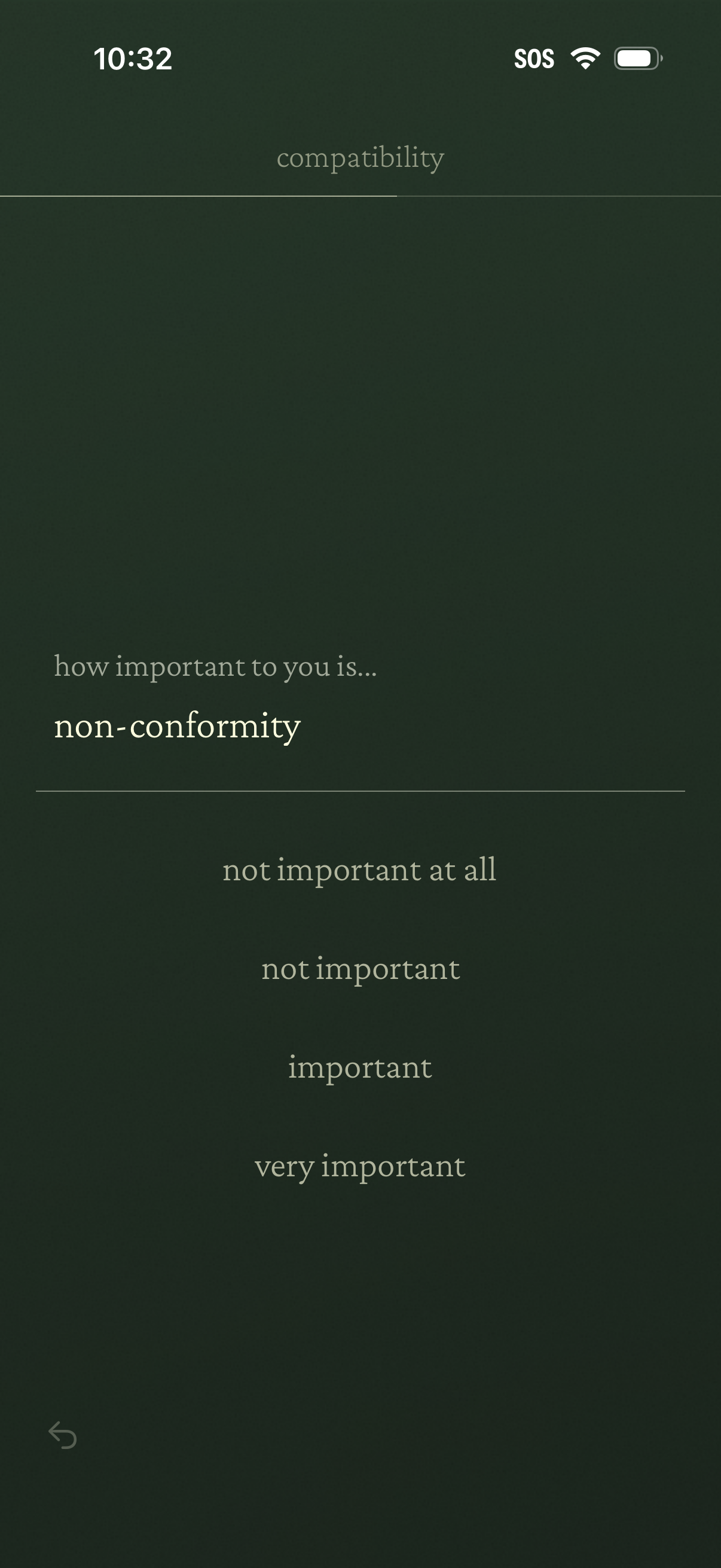
Compatibility questionnaire screen asking the user how important a specific trait (e. g.
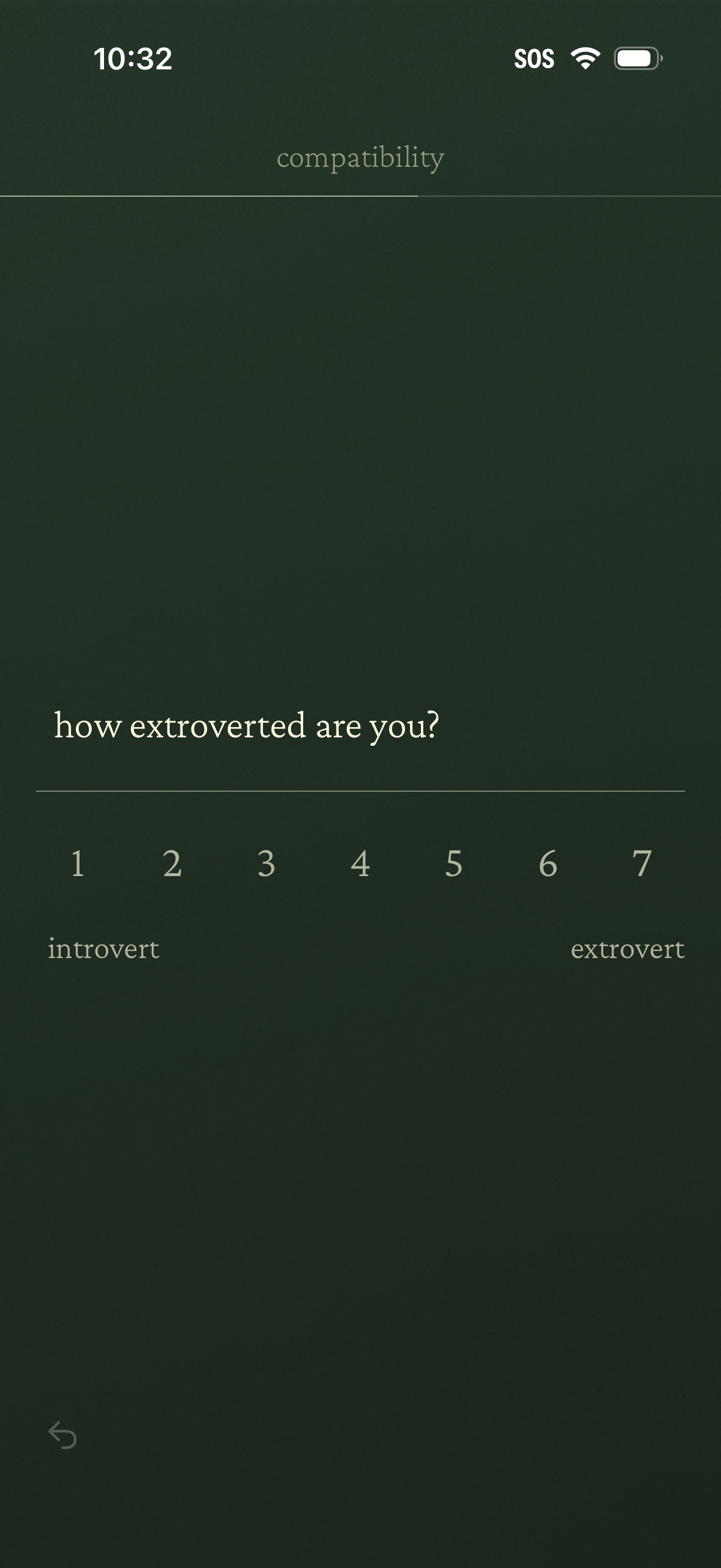
Personality/compatibility questionnaire screen asking “how extroverted are you? ” with a 1–7 Likert scale slider labeled from introvert to extrovert for selecting a self-assessment rating.
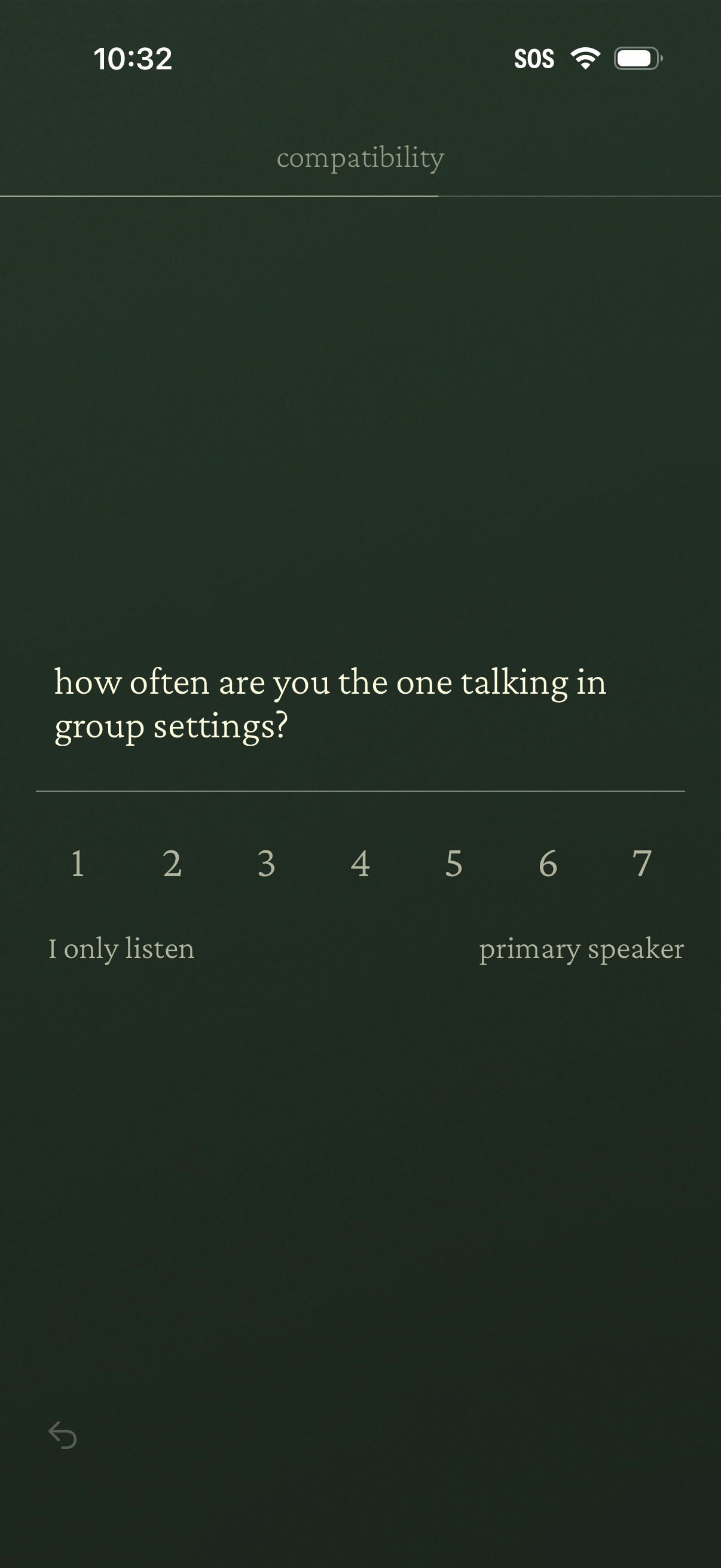
Personality/compatibility questionnaire screen asking how often the user talks in group settings, using a 1–7 Likert scale slider with endpoints labeled “I only listen” and “primary speaker,” and a back navigation control.