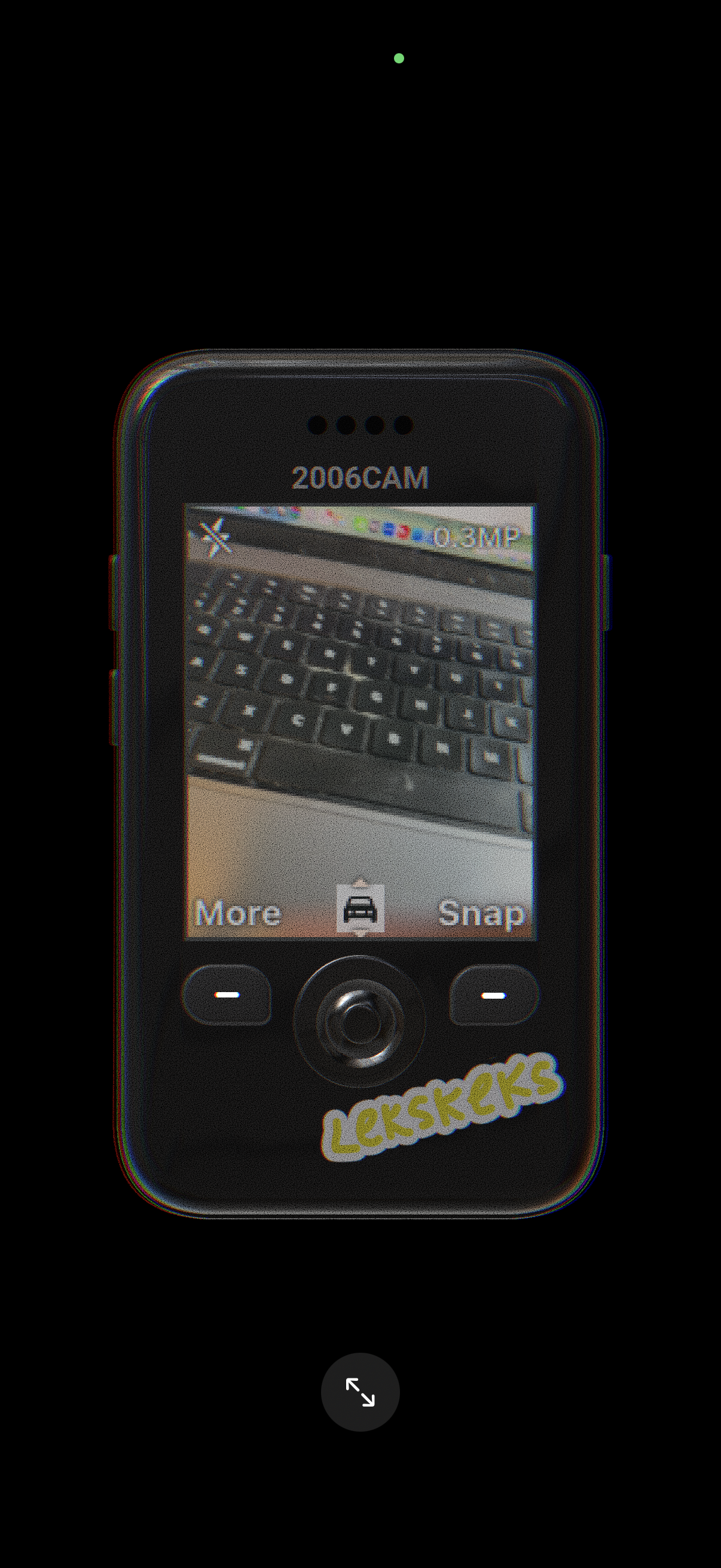
Camera viewfinder screen with a live preview and top controls for closing the camera and showing capture quality/resolution. Bottom action bar provides “More” options, a gallery/photos shortcut, and a primary “Snap” button to take a photo.
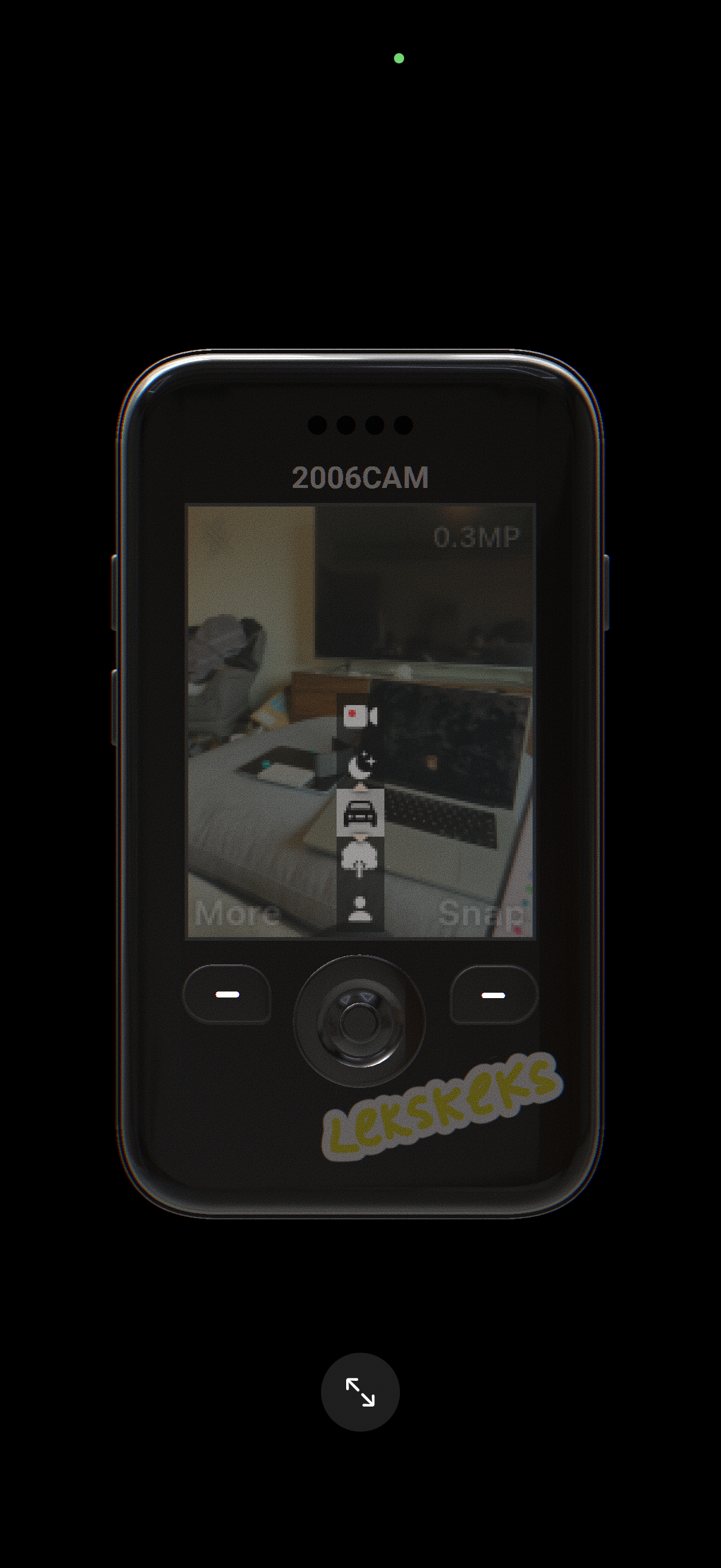
Retro-style camera viewfinder screen showing a live preview with an on-screen vertical toolbar for camera controls (video/record, night mode/flash, and other settings). Bottom actions include a “More” options button and a “Snap” shutter button for taking a photo.
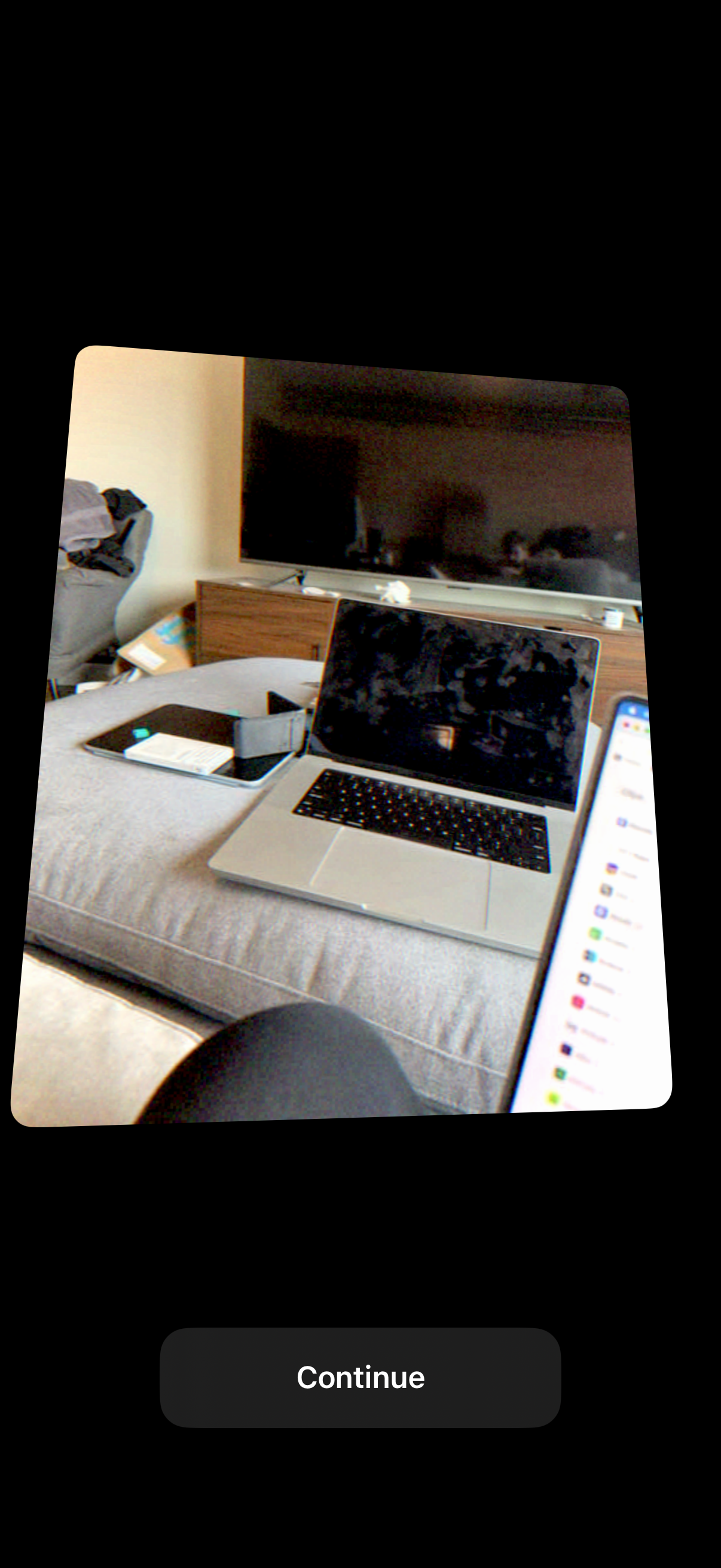
An onboarding or permission prompt showing a camera-captured preview image on a dark background, with a single primary call-to-action button labeled “Continue” to proceed. This screen is used to confirm the captured photo/scan before moving to the next step.