grant permissions
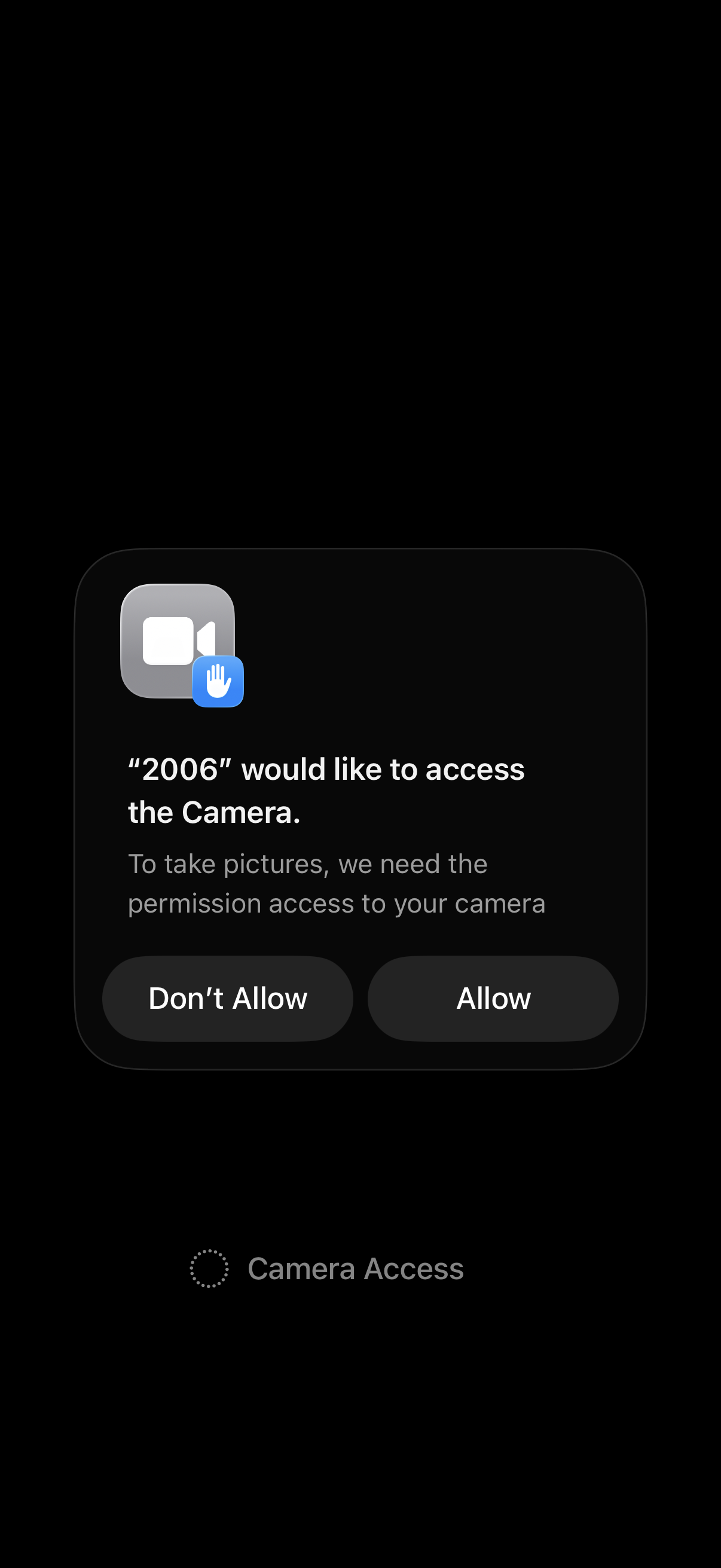
iOS system permission pop-up requesting access to the device camera so the app can take photos, offering primary actions to Allow or Don’t Allow camera access.
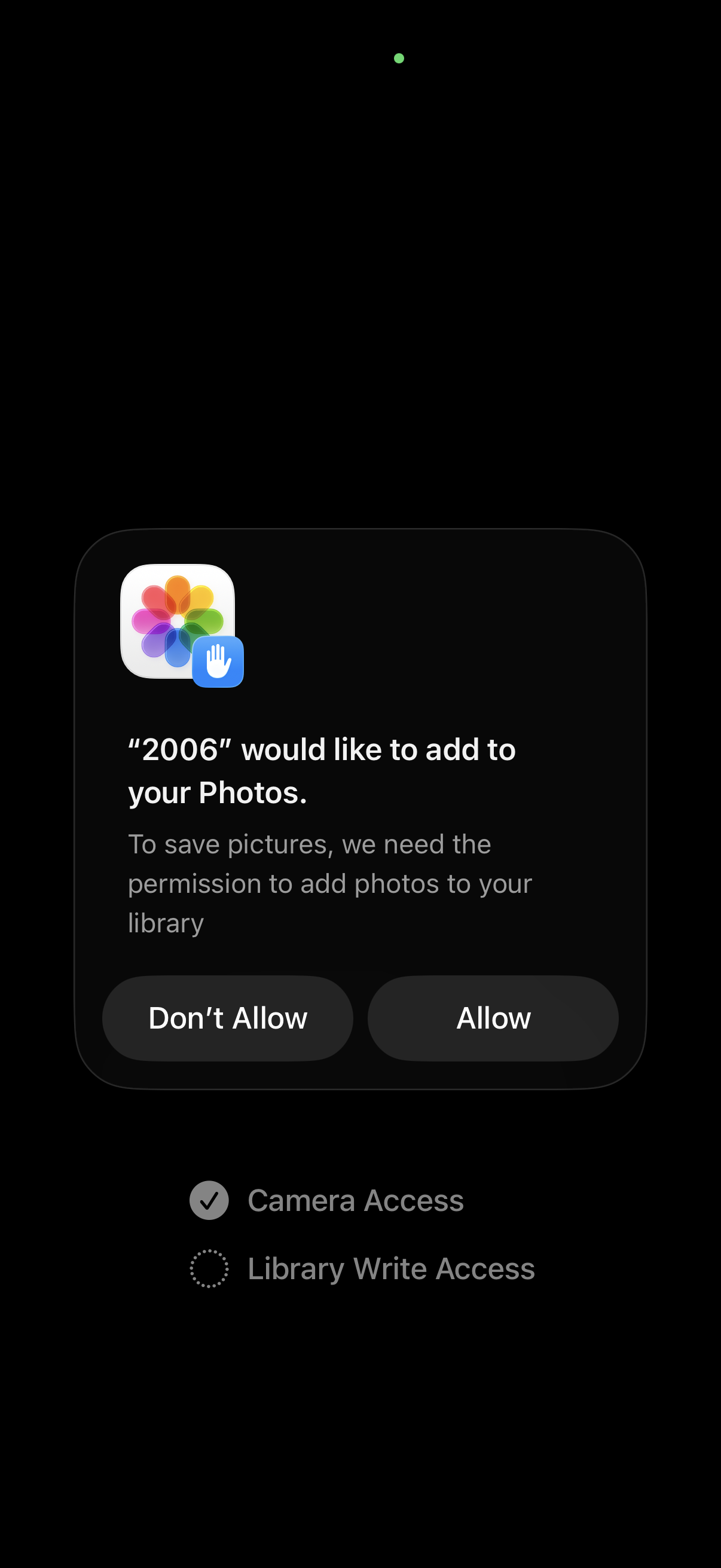
iOS permission dialog requesting access to add photos to the user’s Photos library so the app can save pictures, with primary actions to Allow or Don’t Allow. The underlying screen indicates a setup or onboarding step showing granted Camera Access and pending Library Write Access.
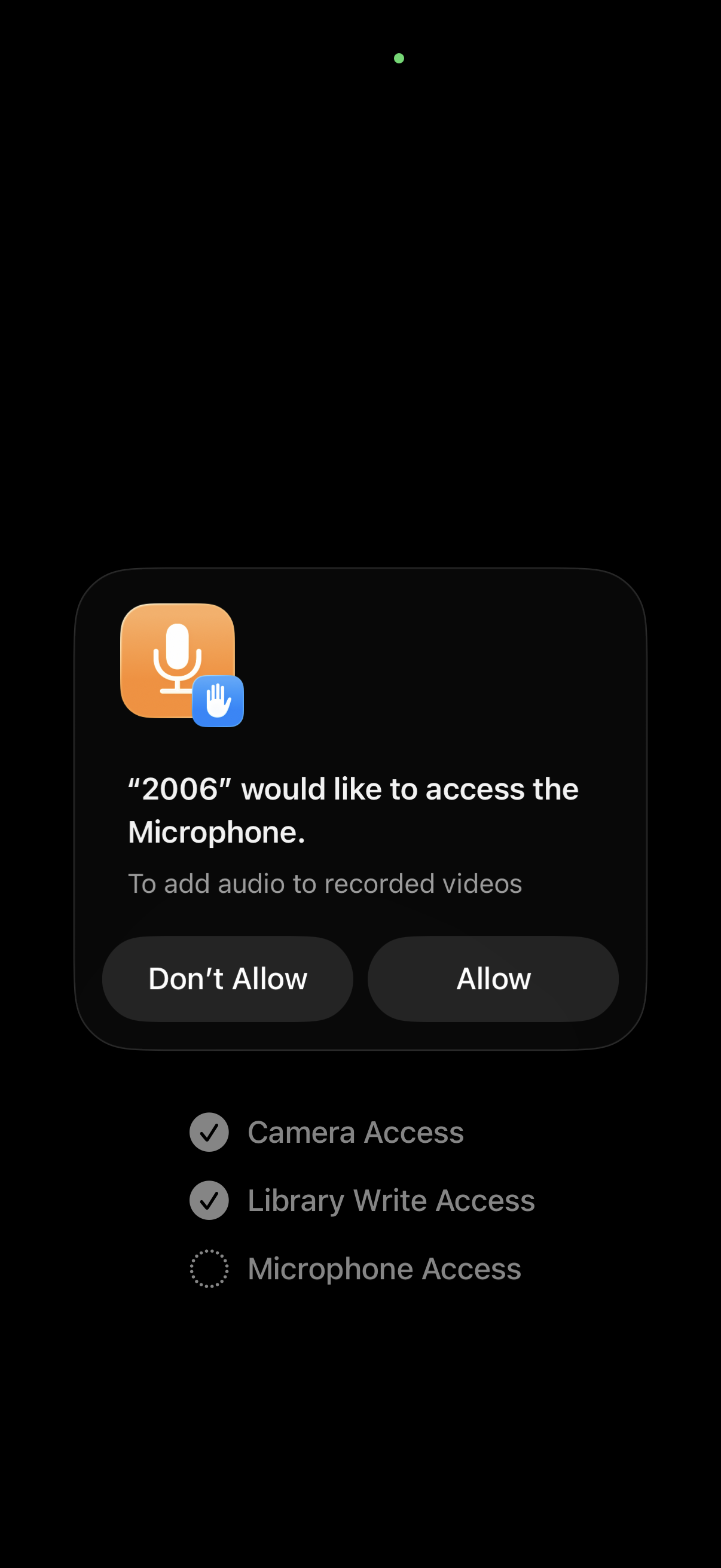
iOS system permission prompt asking to allow microphone access so the app can add audio to recorded videos, with primary actions to Allow or Don’t Allow. Background shows an onboarding-style permissions checklist with completed camera and photo library write access and the microphone step pending.

Minimal onboarding or start screen with a single primary call-to-action button labeled “Begin” to launch the app experience, shown on a dark background with no other navigation or options.