
Your landing page’s weakest score is Trust.
How Cardboard ranks
71Growth scoreupdated
category scores
category scoresShowHide
Score over time
Trust
48PoorProof that the product is real, competent, and safe to try.

| Trust read | |
|---|---|
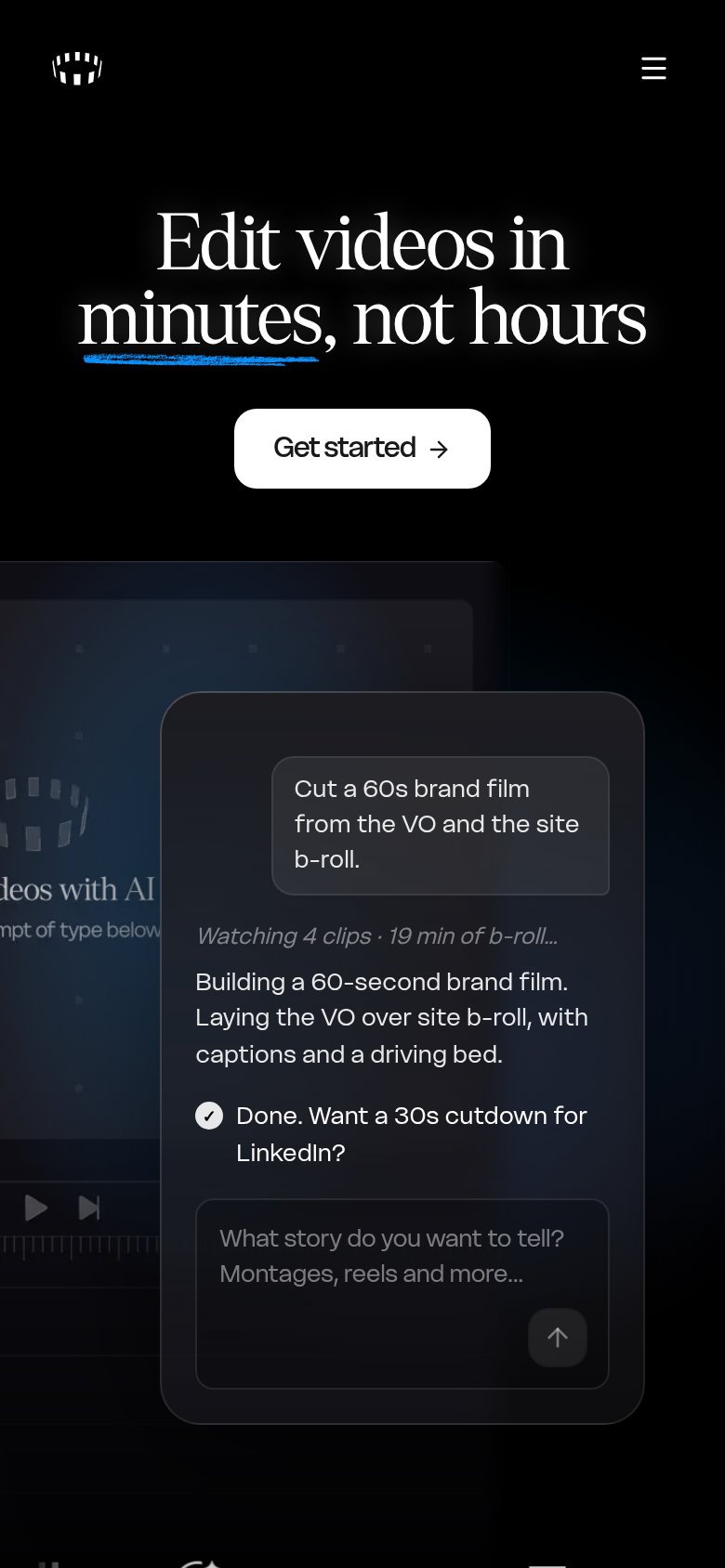
| Cardboard | Mobile AI-director demo: "Cut a 60s brand film from the VO and the site b-roll" with "Watching 4 clips · 19 min of b-rol |
| Underlord AI chat panel showing a real editing workflow: "I see there are some repeated takes and long pauses. I'll remo | |
| Interactive prompt box with "Attach Media" button and media thumbnails showing the real product input UI | |
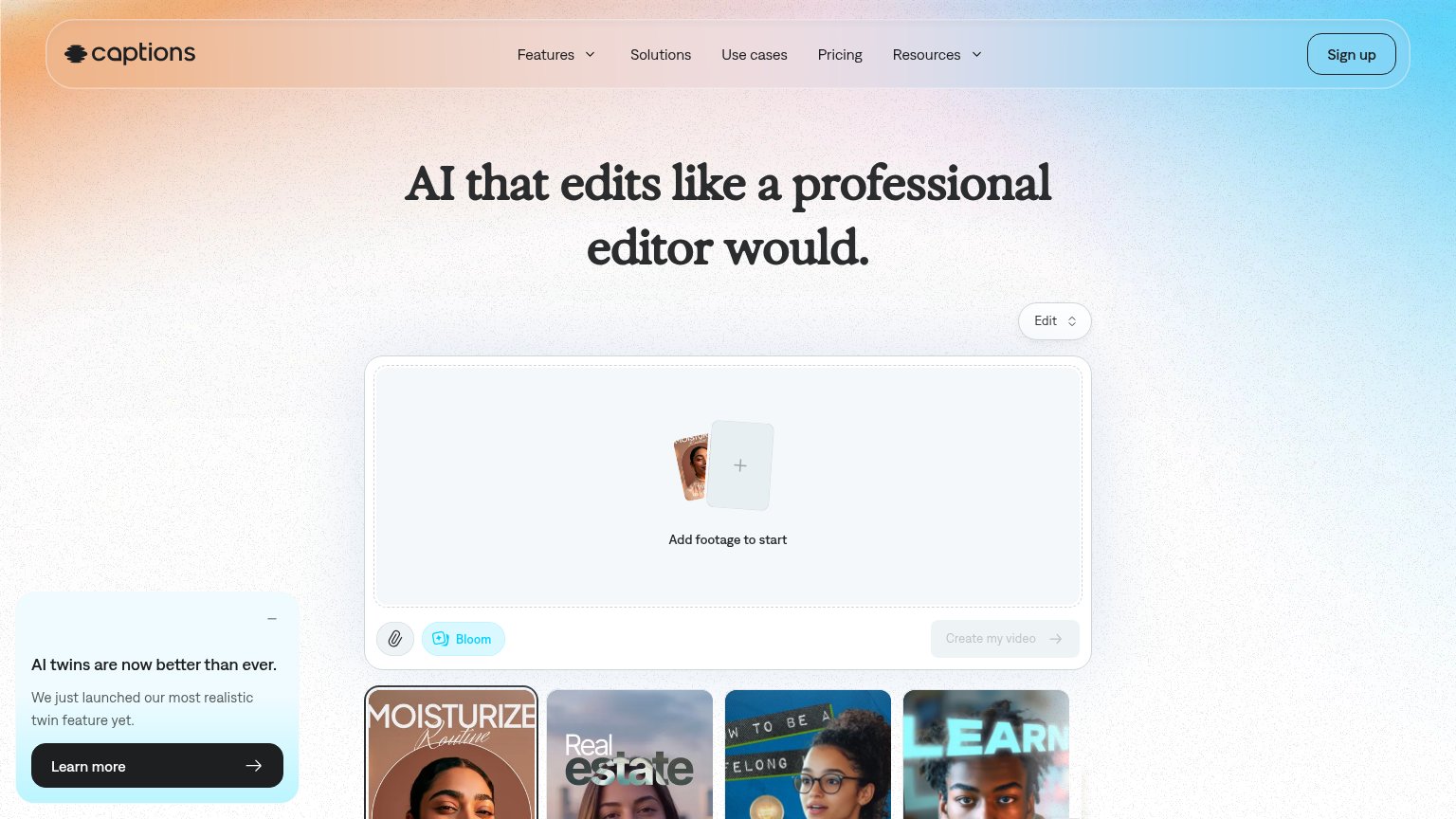
| Embedded editor widget: "Add footage to start" with "Create my video" button and example output thumbnails | |
| Product editor screenshot with timeline UI and rendered video output below the hero | |
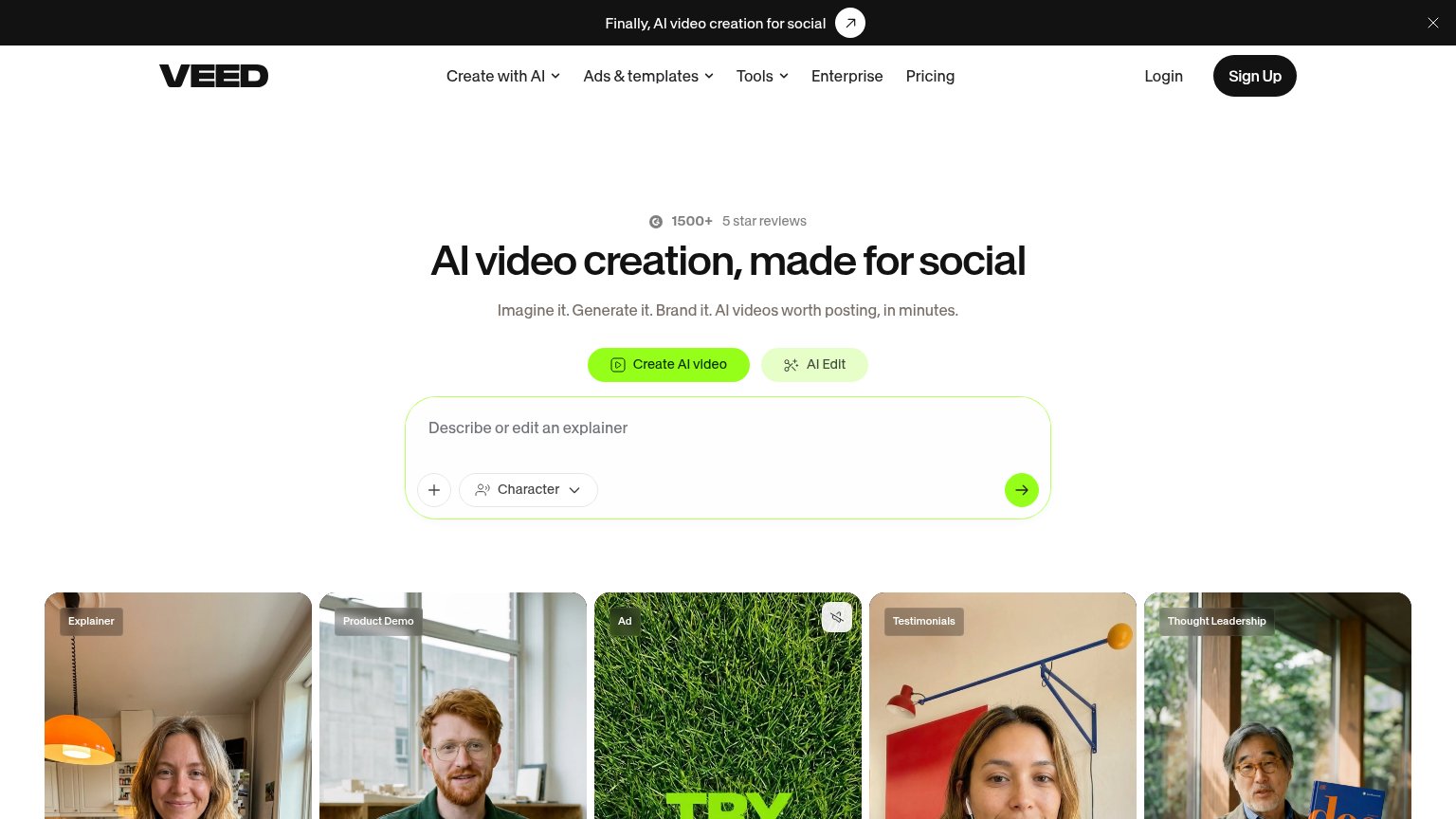
| G2 badge "1500+ 5 star reviews" above the hero headline |
Value props
72FairTitle, subtitle, hero — do they sell the product's true value?
Cardboard’s headline undersells
Edit videos in minutes, not hours
Working
- Time-saving outcome, not features
- Mobile demo shows real AI prompt flow
- Concrete detail: 60s film, 19 min b-roll
Could improve
- No subhead explaining how it works
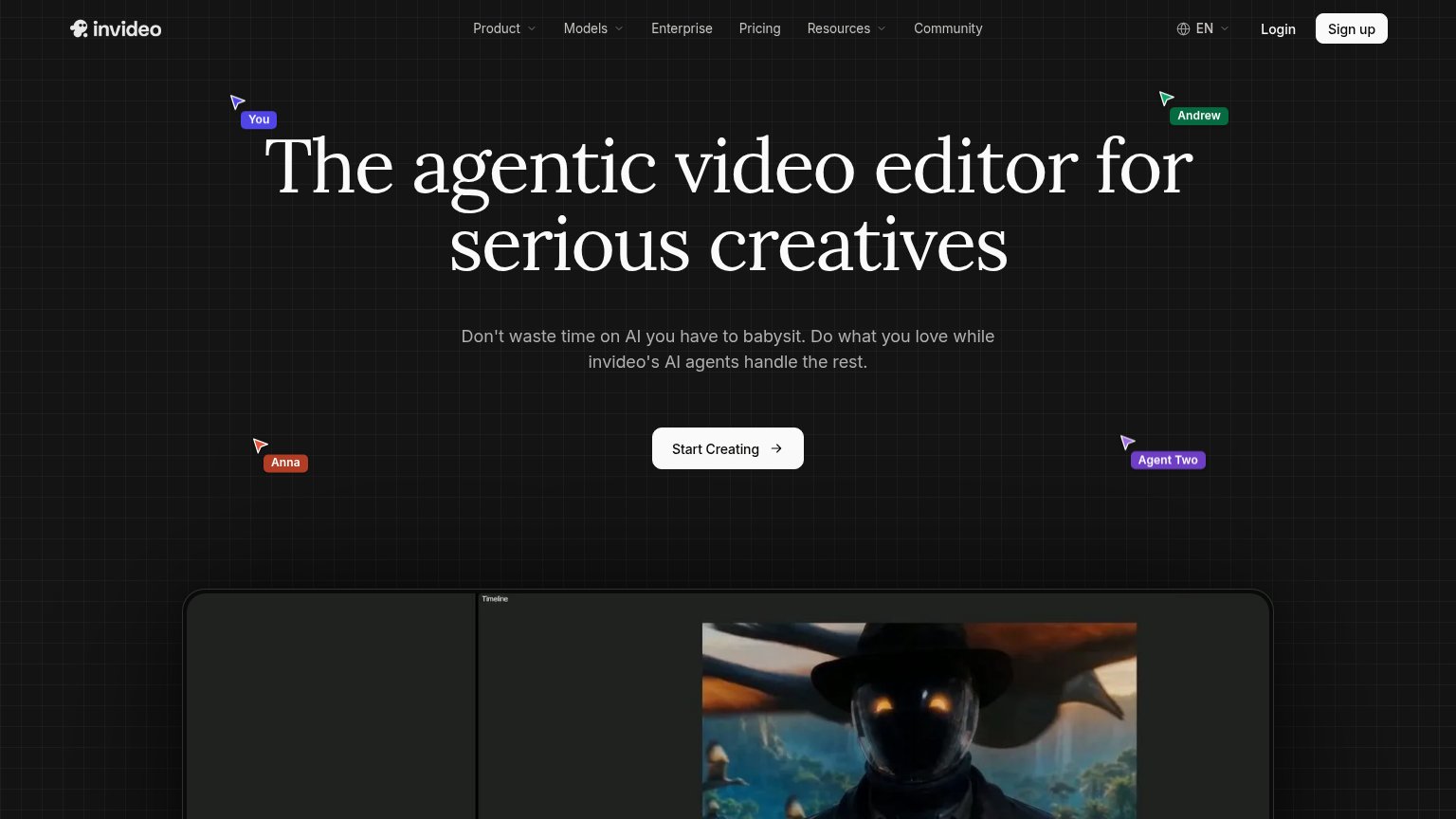
- Desktop editor mockup is empty
- AI angle invisible on desktop fold
CTA
76FairCopy, size, verb, cost-feel — does the primary CTA earn the click?


Problems
- generic label, no product payoff
- no header echo of 'minutes'
- prompt box visible but not the CTA
Information hierarchy
78FairDoes the design help or inhibit what the page is trying to say?
123- Learn more button — Same size and position weight as the primary CTA, splitting the hero click two ways.
- Duplicate nav Get started — Second identically labeled CTA in the nav competes with the hero button instead of reinforcing it.
- Edge-cropped film thumbnails — Half-cut clips at the viewport edges read as rendering glitches rather than intentional brand texture.
Mobile web
82StrongThe phone experience as a first-class citizen.
12- Get started button — Floats at partial width; mobile allows a near-full-bleed, thumb-friendly CTA.
- Clipped preview text — Background copy is cut mid-word ("deos with AI"), making the crop look broken.