sign up with email
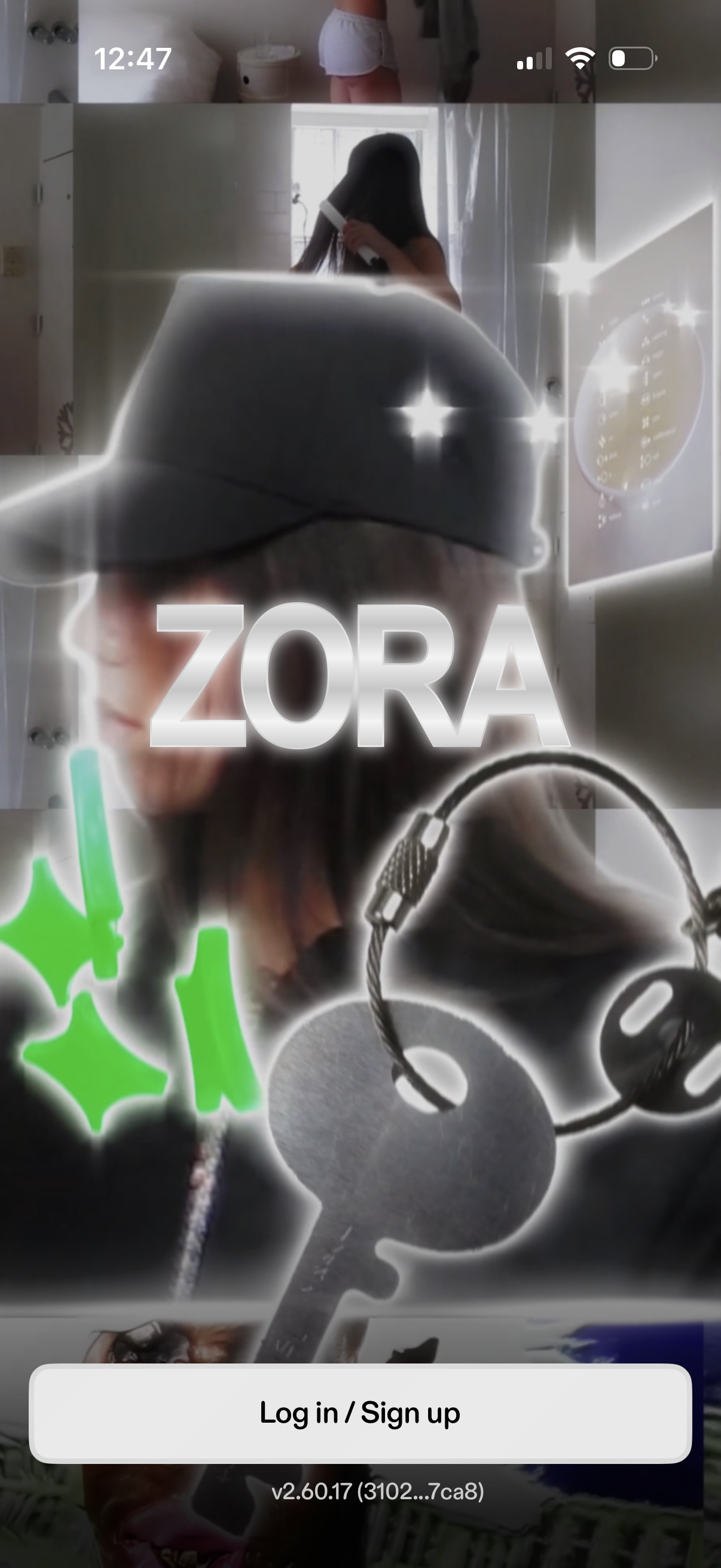
App splash/landing screen with a branded background image and large “Log in / Sign up” call-to-action button at the bottom for user authentication and account creation. Includes the app name/logo prominently centered with version info shown near the bottom.
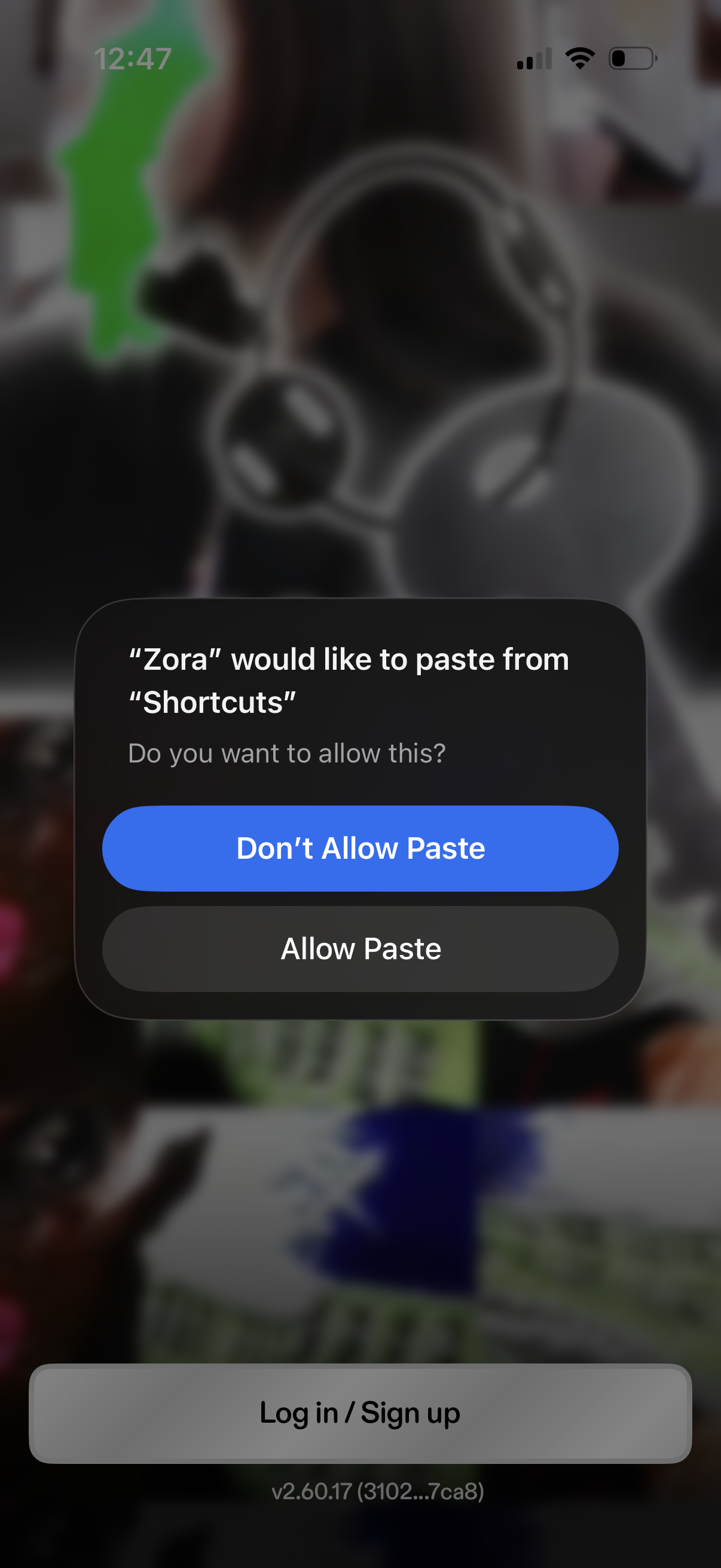
An iOS system privacy permission alert asking to allow an app to paste clipboard content from another app (Shortcuts), with actions to “Allow Paste” or “Don’t Allow Paste,” displayed over a login/sign up screen.
App splash/welcome screen featuring the brand name/logo over a full-screen background image, with a primary call-to-action button to Log in / Sign up at the bottom. Designed as the entry point to authentication for new or returning users.
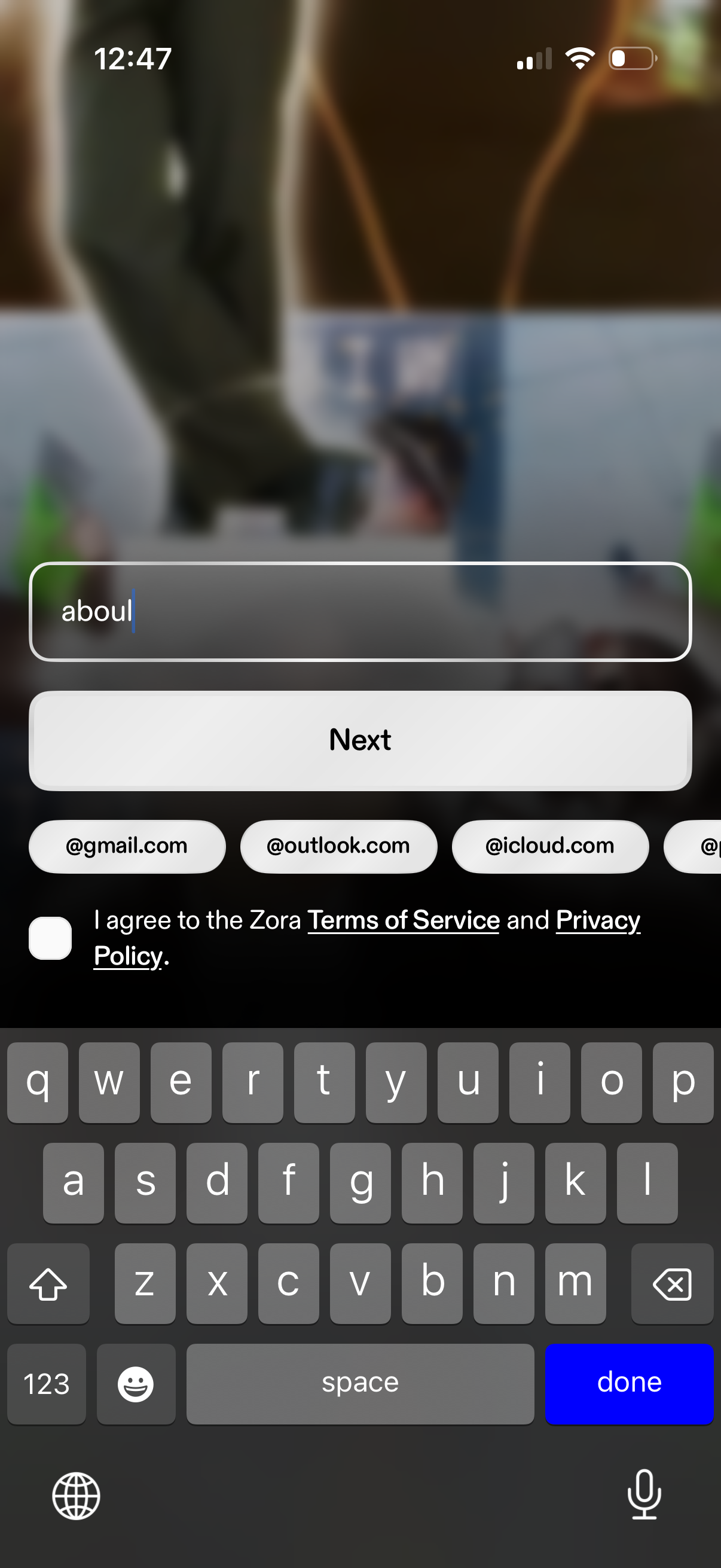
Email sign-up screen with a text field to enter an email address, quick domain suggestion chips (gmail, outlook, icloud), and a primary Next button. Includes a required checkbox to agree to Terms of Service and Privacy Policy before continuing.
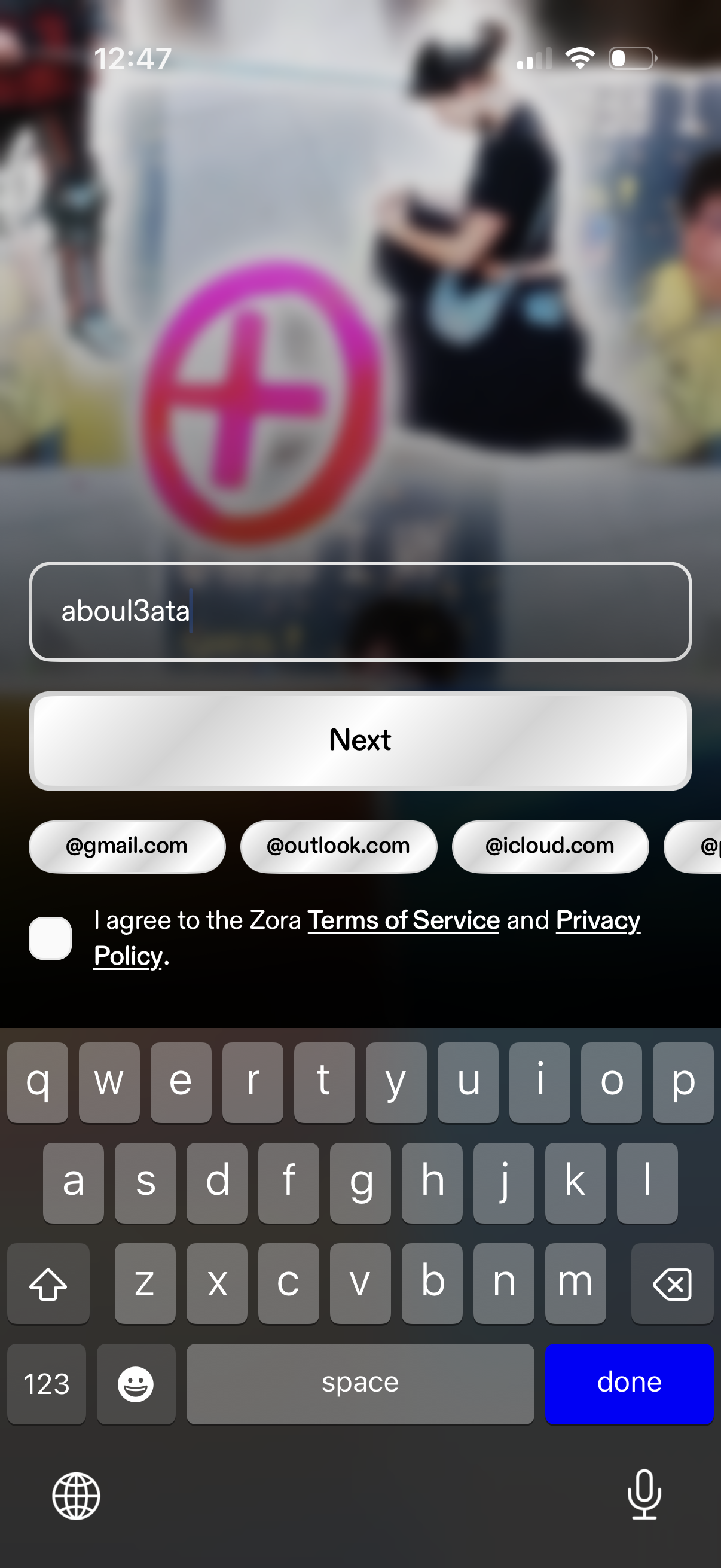
Email sign-up screen with a single text field to enter an email address, quick domain suggestions (Gmail, Outlook, iCloud), and a primary “Next” button to continue. Includes a required checkbox to agree to the Terms of Service and Privacy Policy before proceeding.
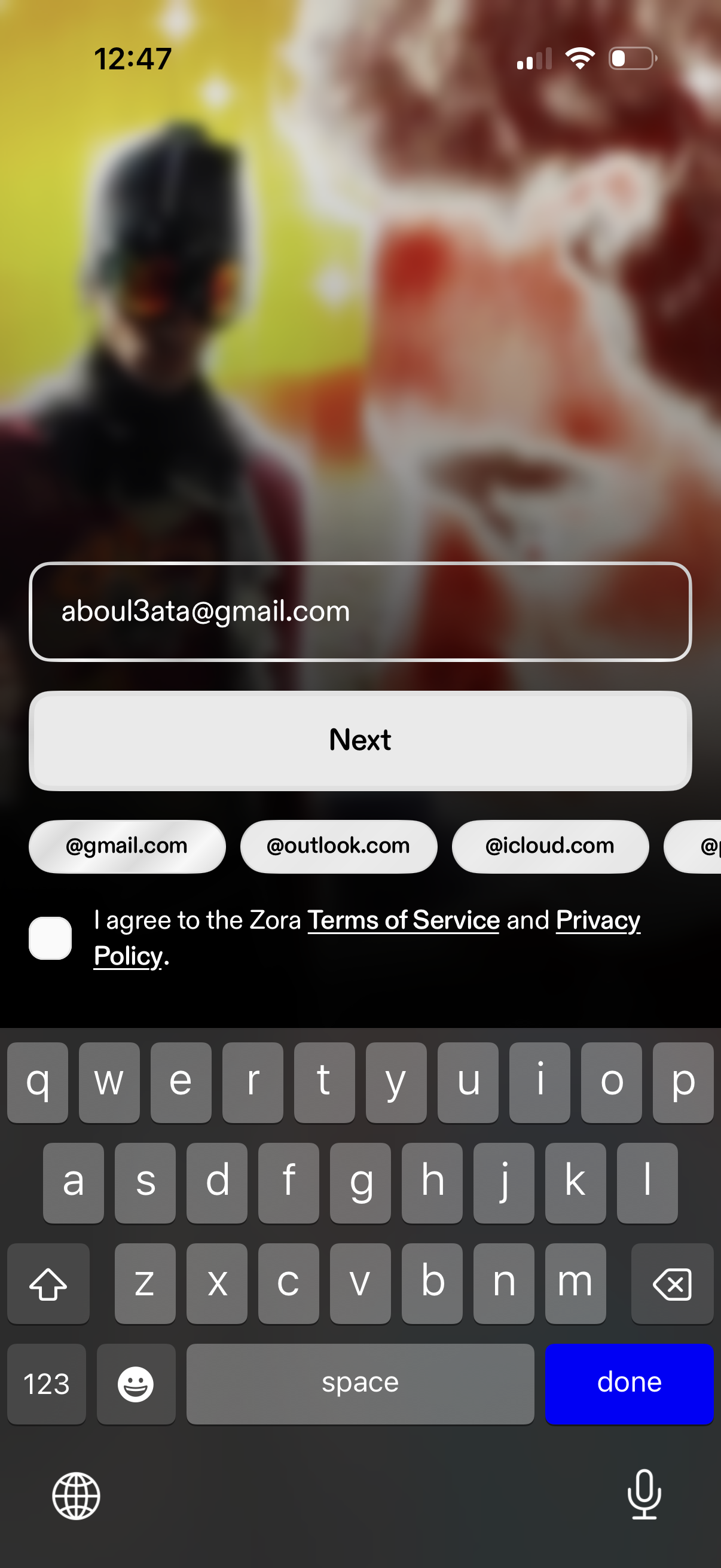
Email sign-up/login screen with a single email address input and a primary “Next” button to continue. Includes quick domain suggestion chips (gmail, outlook, icloud) and a required checkbox to agree to Terms of Service and Privacy Policy.
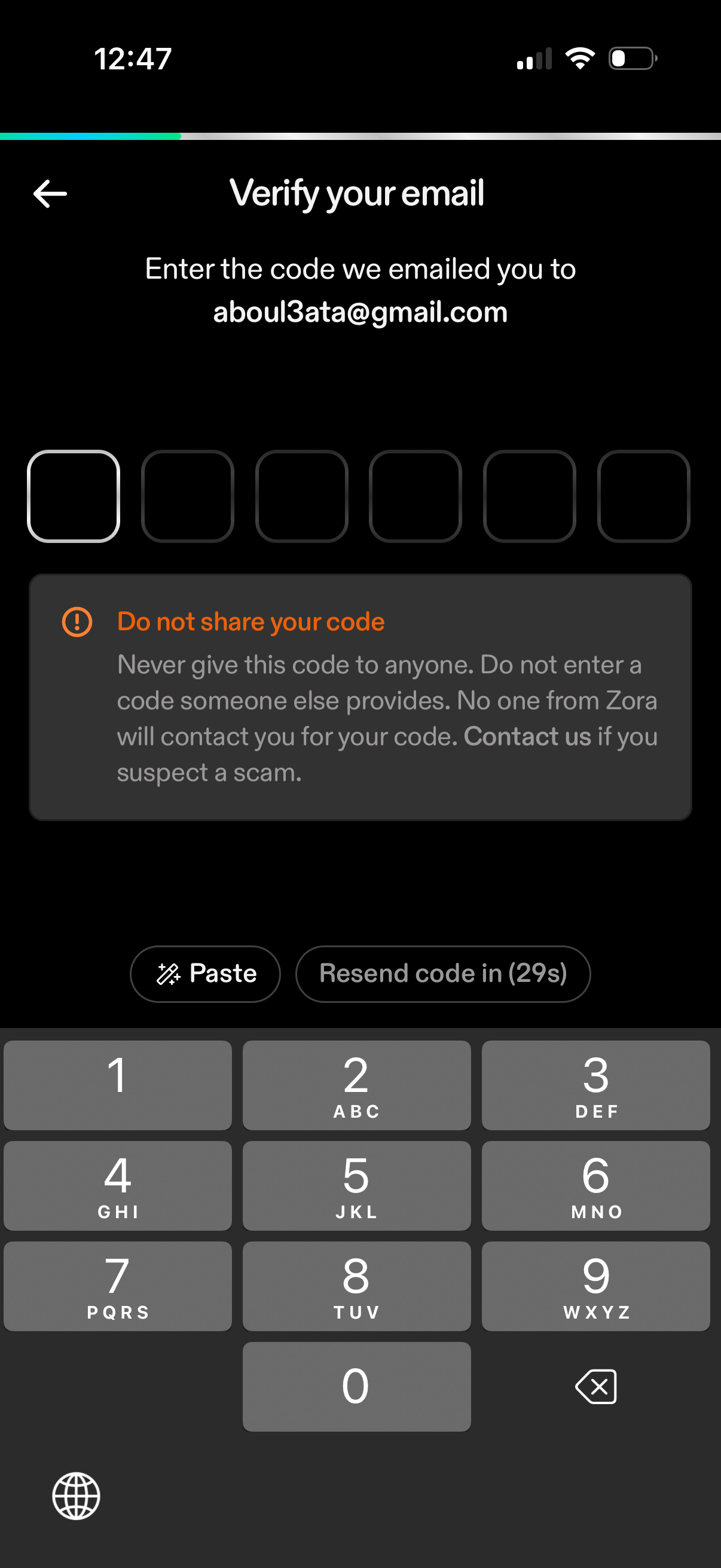
Email verification OTP screen prompting the user to enter a 6-digit code sent to their email address, with code input boxes and a back navigation option. Includes security warning not to share the code, plus actions to paste the code and resend after a countdown timer.
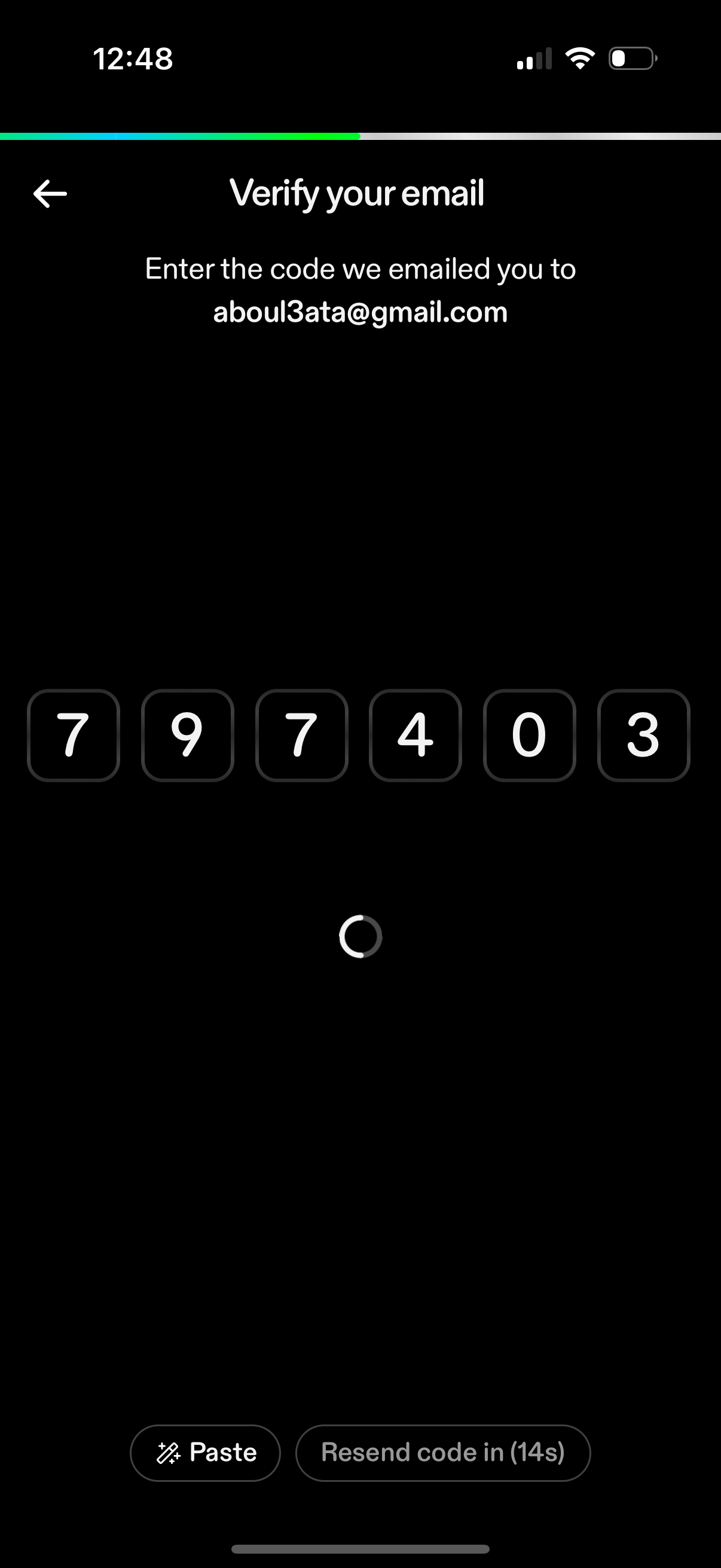
Email verification screen prompting the user to enter a 6-digit code sent to their email address, with auto-filled code input boxes and a loading indicator while validating. Includes a Paste action and a disabled “Resend code” button with a countdown timer, plus a back navigation option.