generate image with prompt
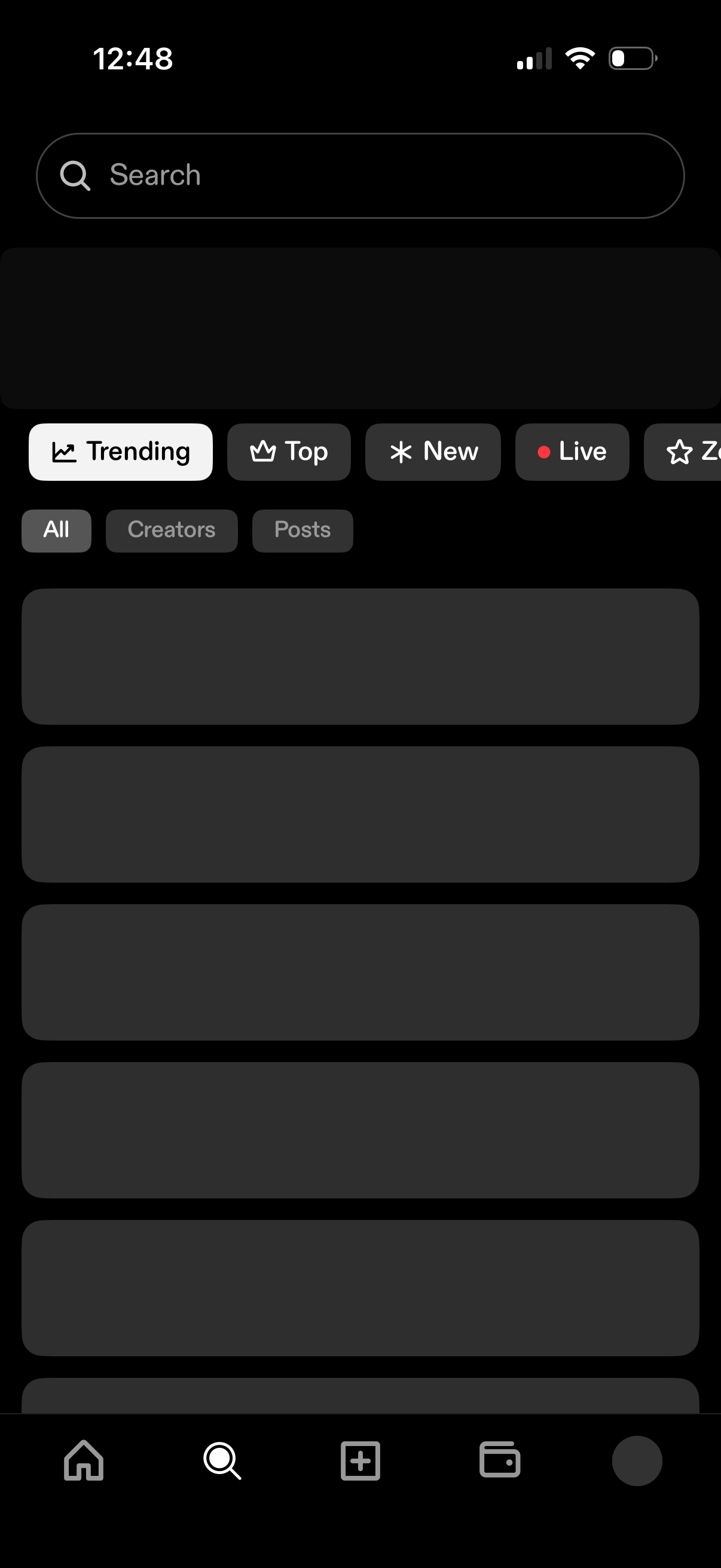
Search and discovery screen with a prominent search bar and category tabs to browse content by Trending, Top, New, and Live. Includes secondary filters for All, Creators, or Posts and a scrolling list of results in a dark theme.
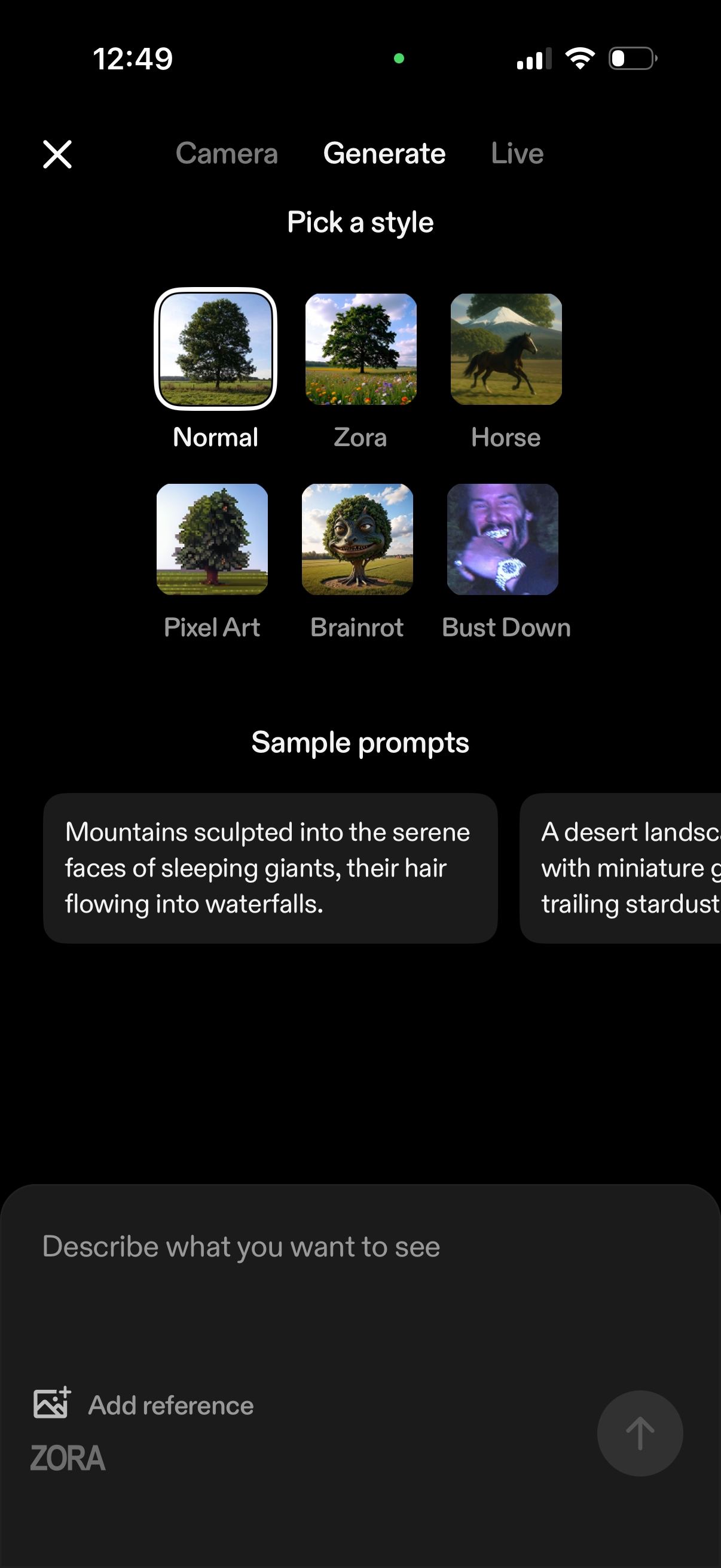
AI image generation screen where users pick a visual style from a grid of presets (e. g.
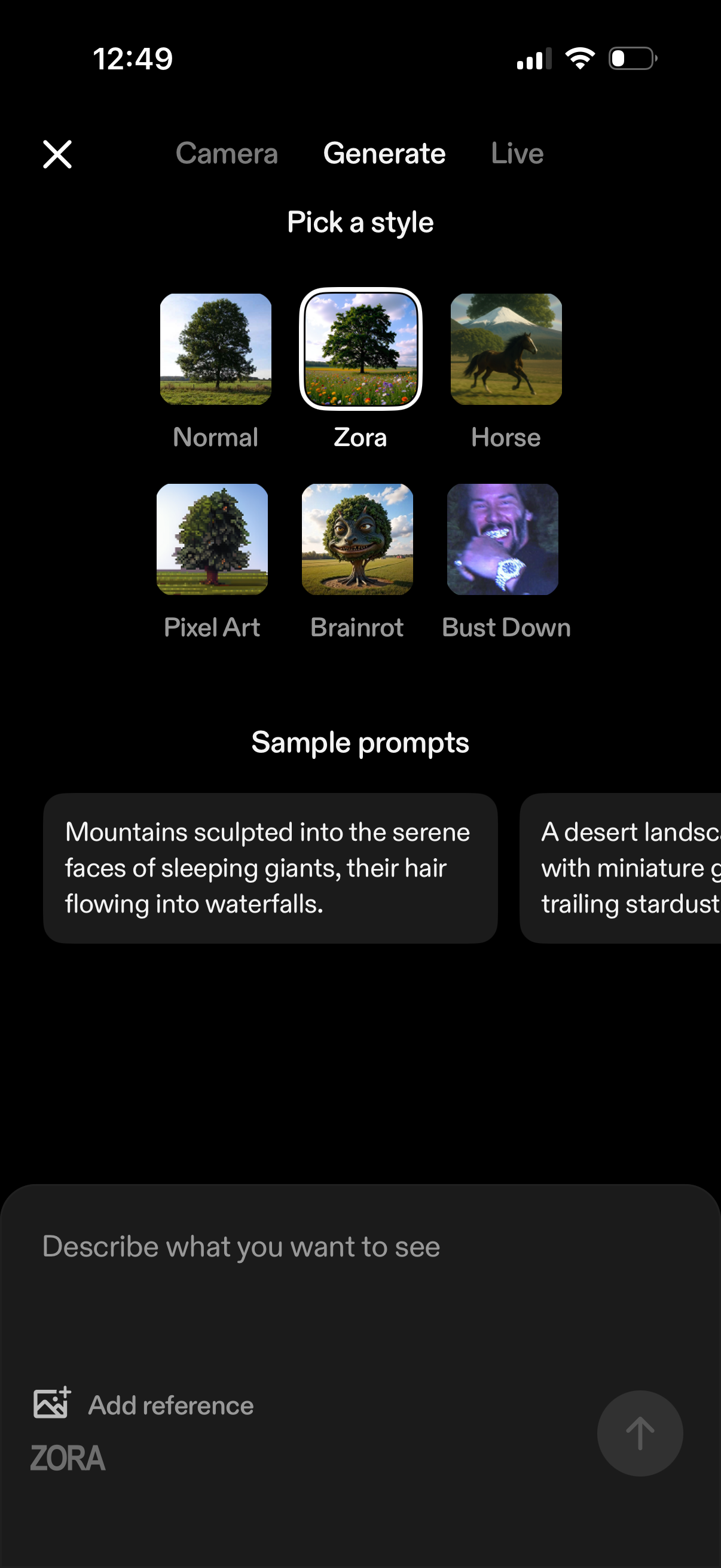
AI image generation screen where users pick a visual style preset (e. g.
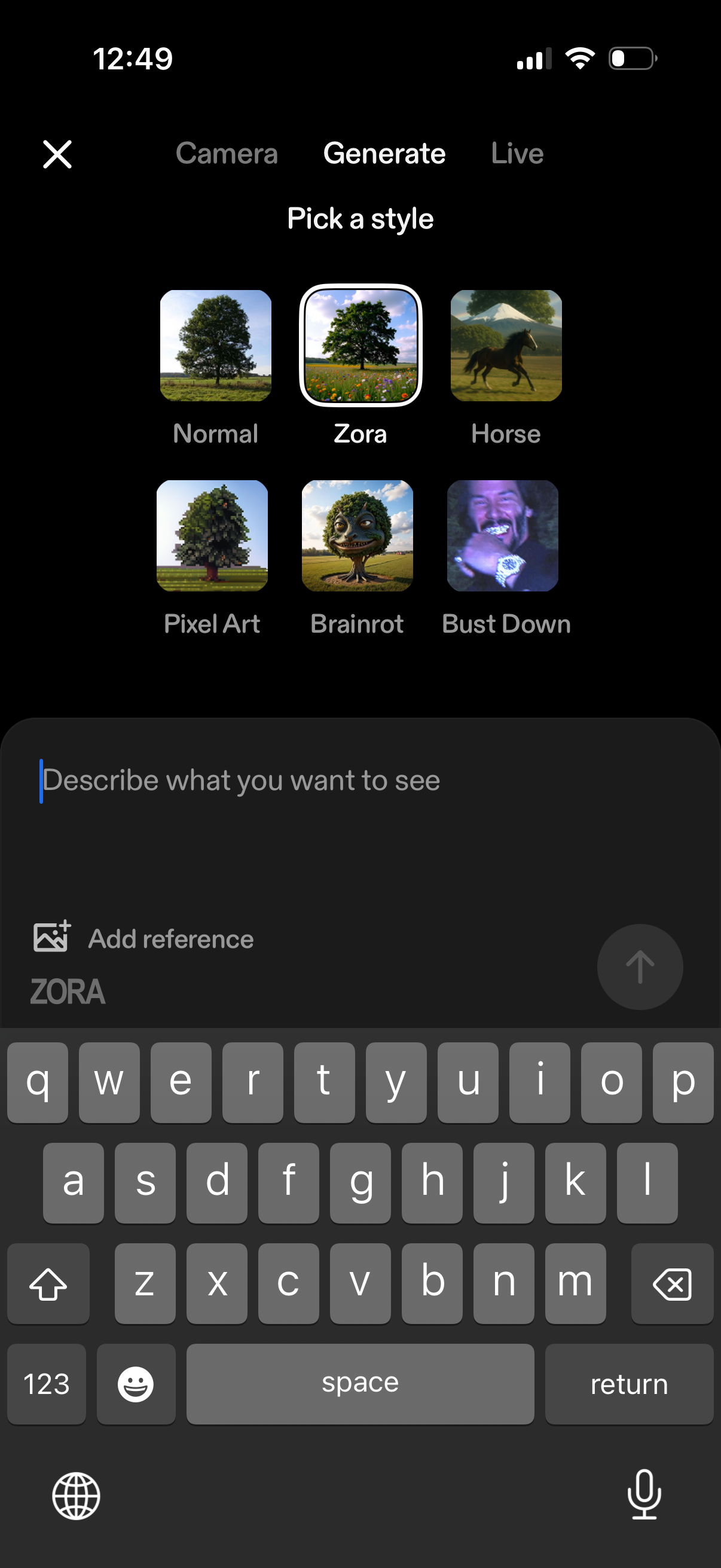
AI image generation screen where users pick a visual style preset (e. g.
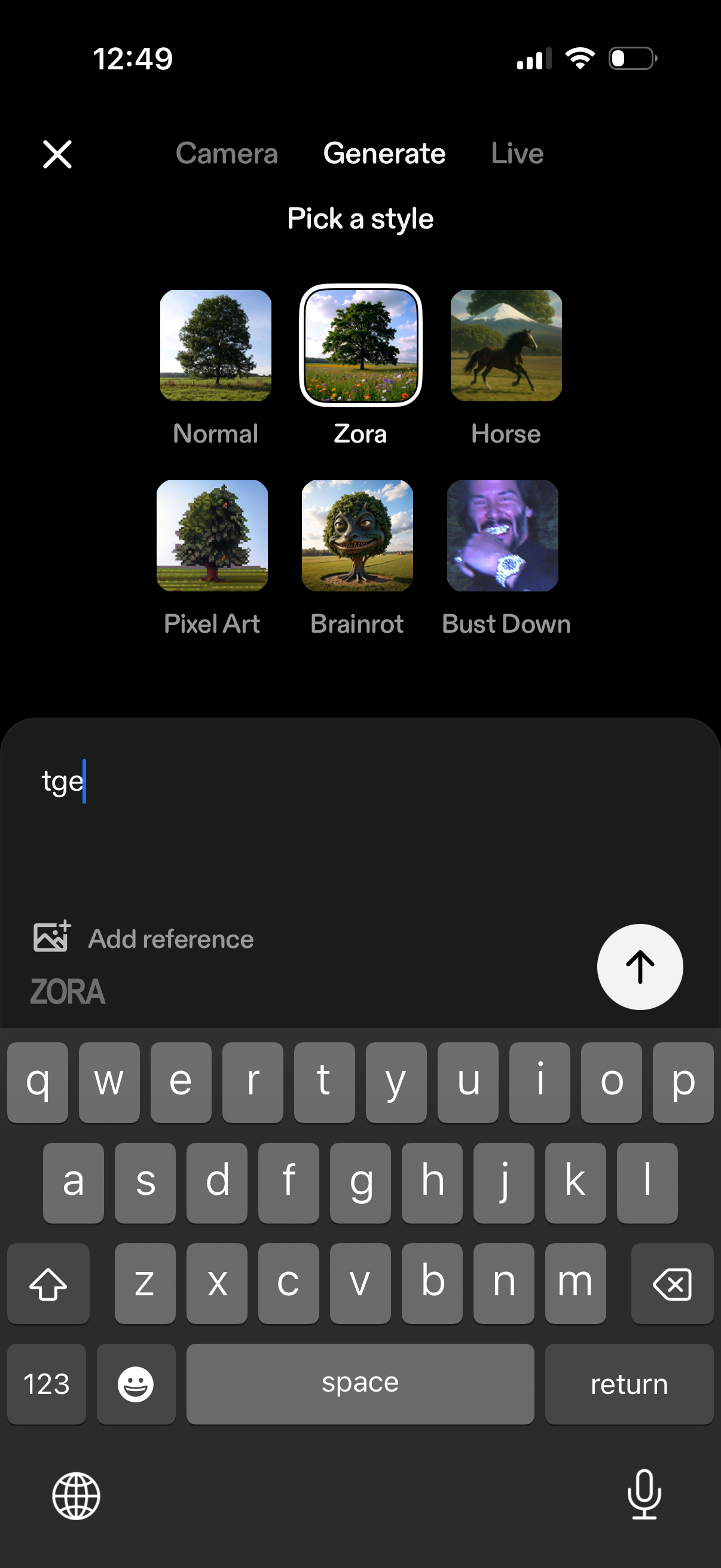
AI image generation screen where the user picks a visual style preset (e. g.
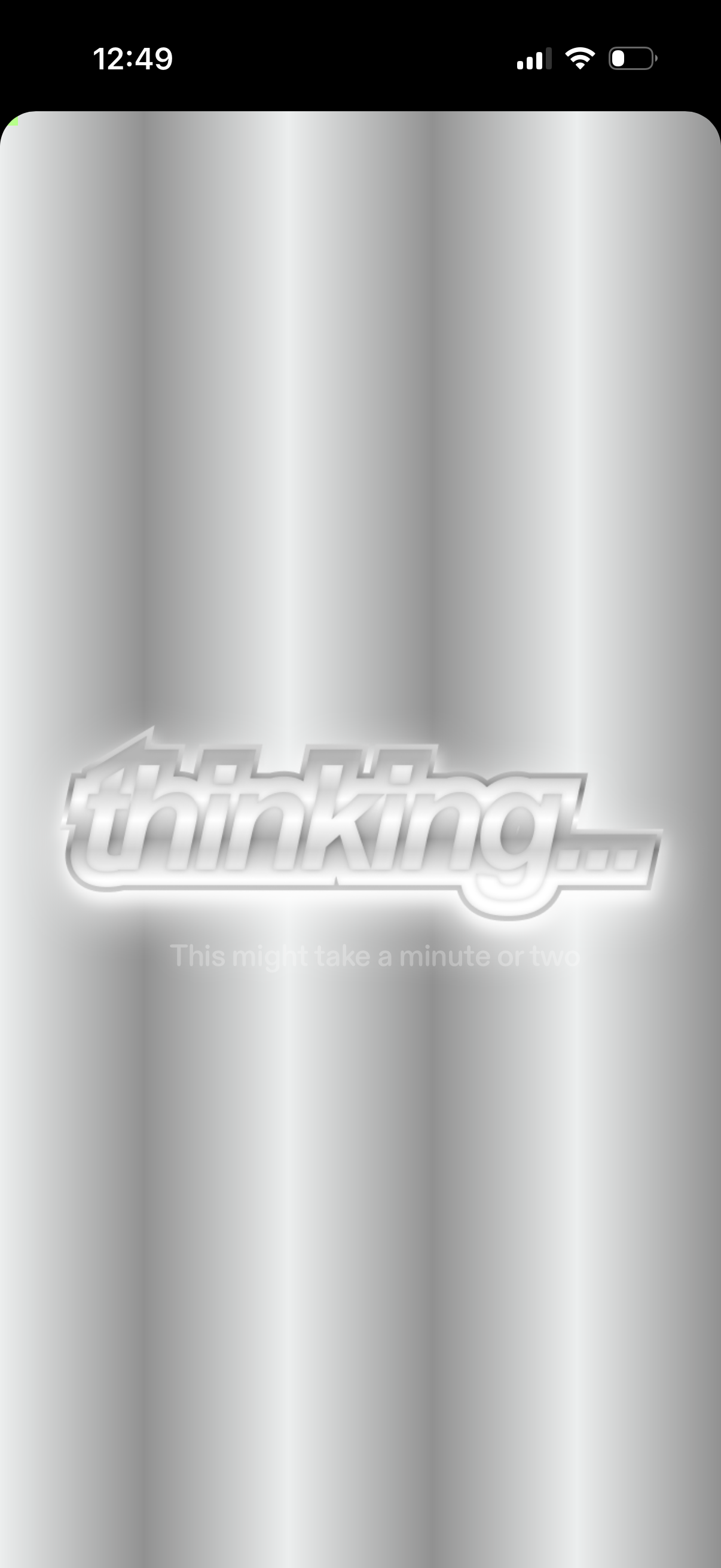
A full-screen loading state with a “thinking…” message and subtle background animation, indicating the app is processing a request and may take a minute or two. No user actions are available besides waiting.
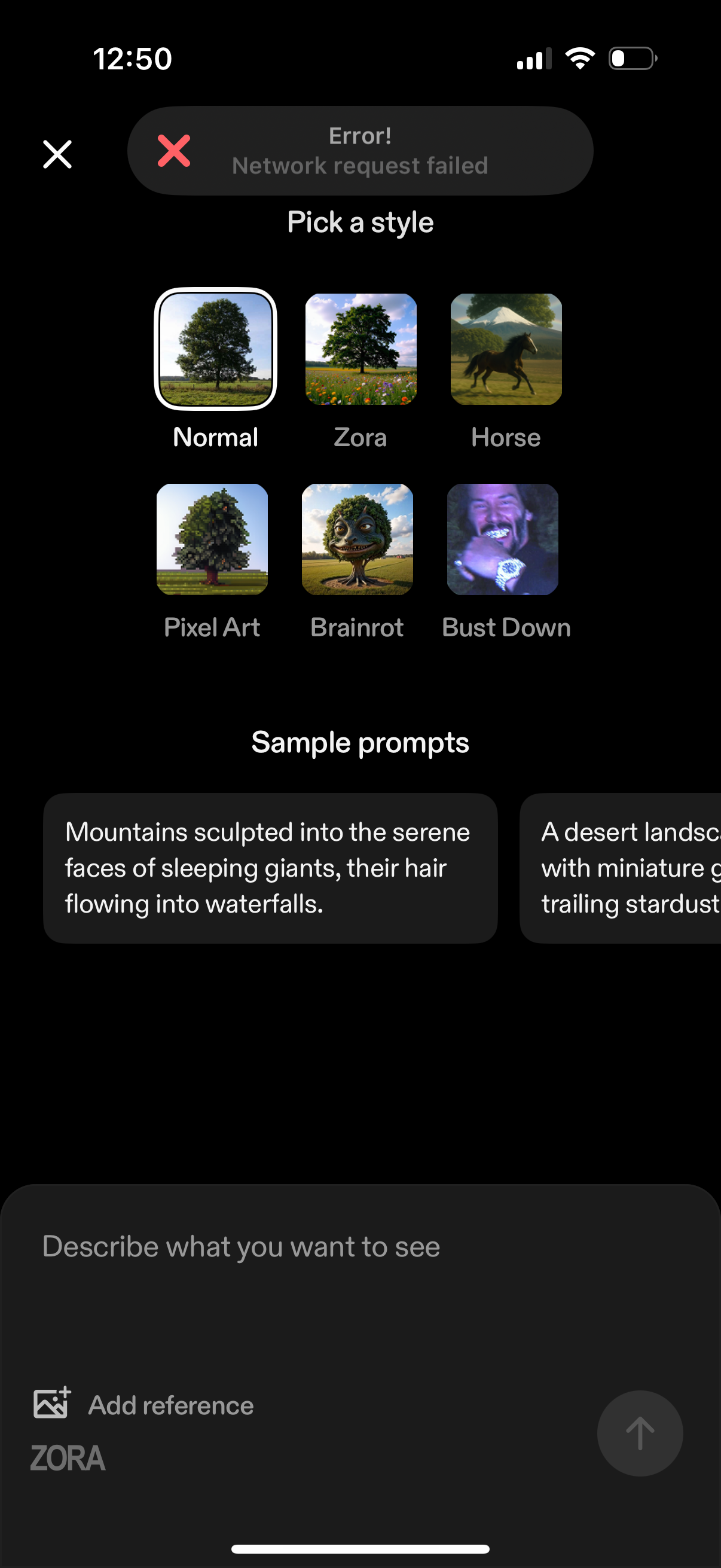
AI image generation prompt screen where users pick a visual style from a grid of preset filters (e. g.