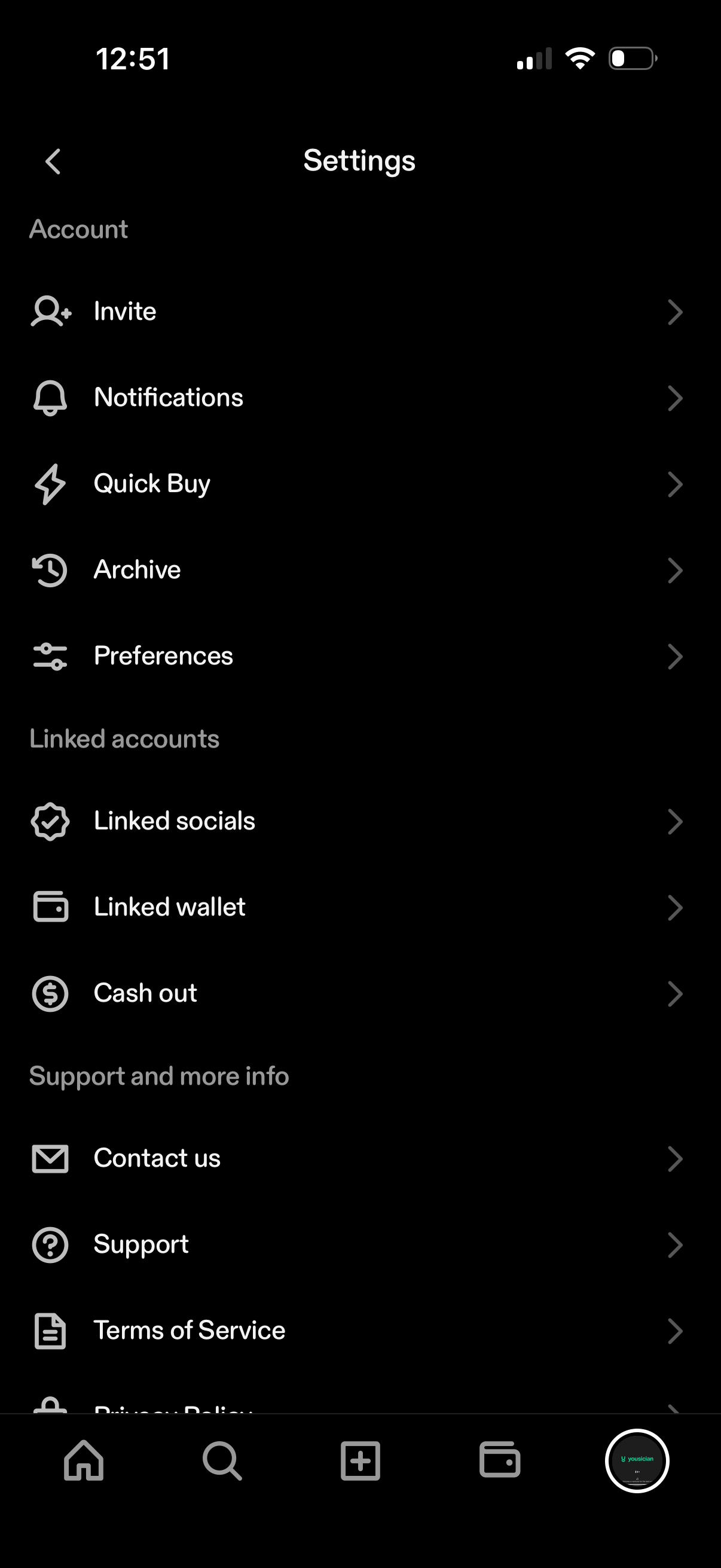
Settings menu screen with grouped sections for Account, Linked accounts, and Support, listing navigation options like Invite, Notifications, Quick Buy, Archive, Preferences, Linked socials, Linked wallet, and Cash out. Includes help and legal links such as Contact us, Support, and Terms of Service.
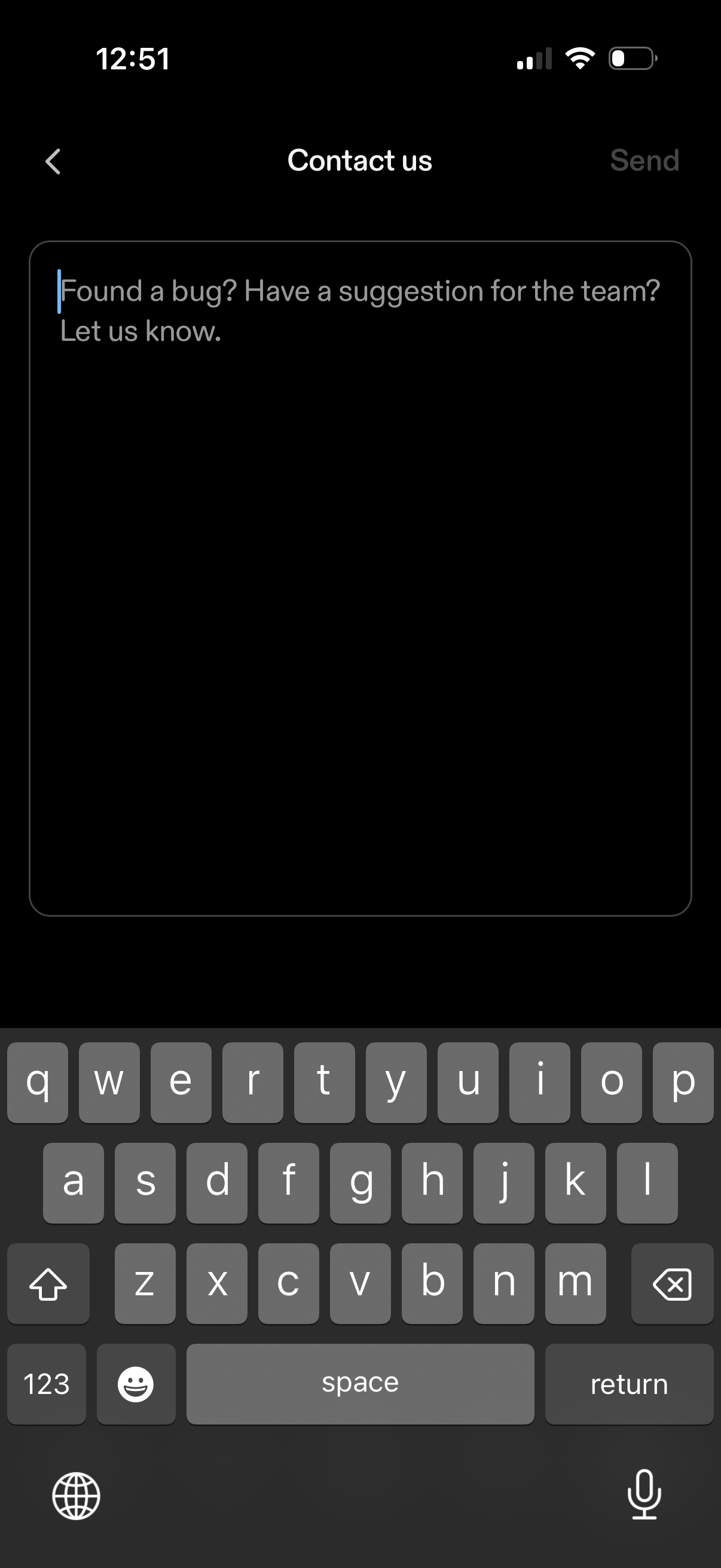
Contact us feedback screen with a large multiline text field prompting users to report a bug or send a suggestion, with a back button and a Send action in the top navigation. Users can type their message and submit it directly from this form.
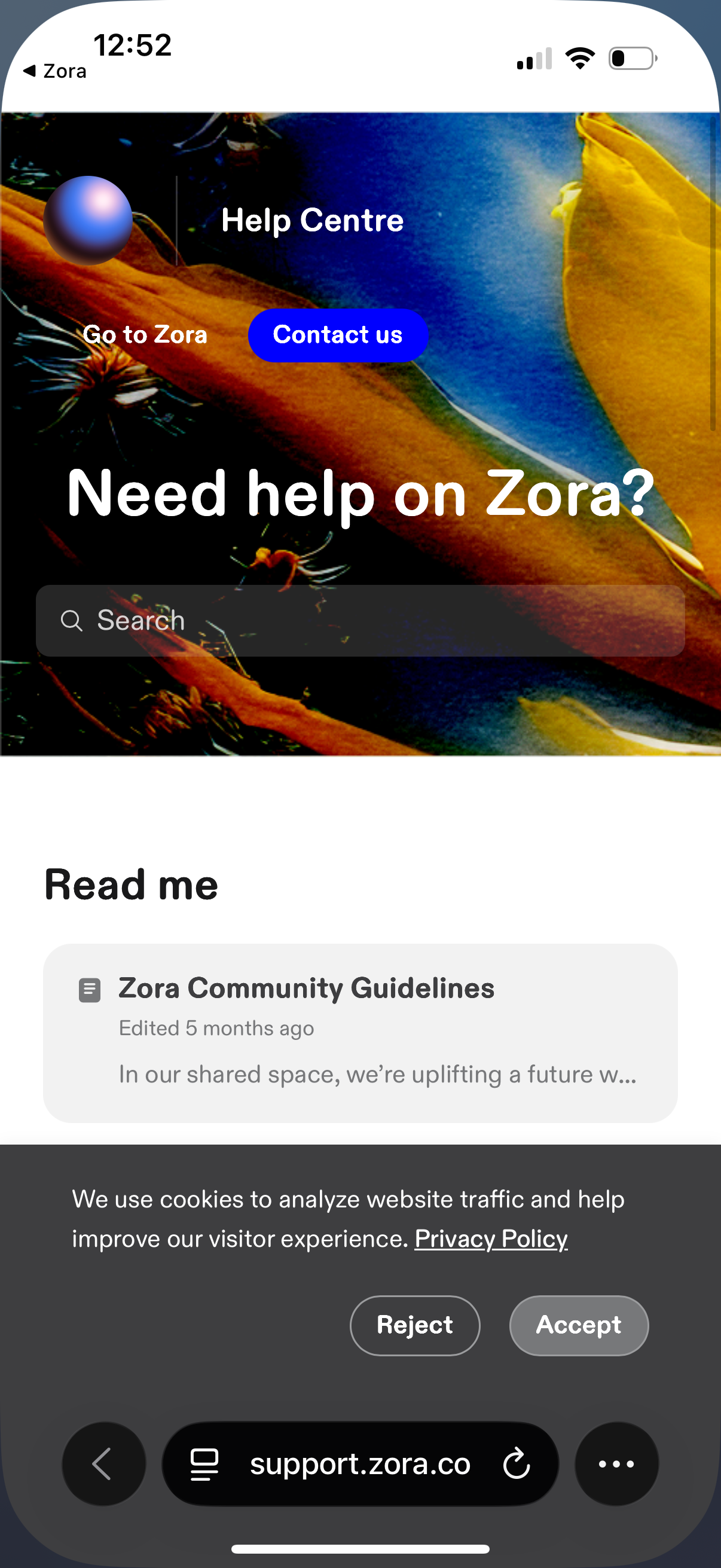
Help Center support landing page with a prominent “Contact us” button and a search bar for finding help articles. Below, it surfaces key resources like community guidelines and includes a cookie consent banner with Accept/Reject actions.