browse trending lists
Search and discovery screen with a prominent search bar and category tabs to browse content by Trending, Top, New, and Live. Includes secondary filters for All, Creators, or Posts and a scrolling list of results in a dark theme.
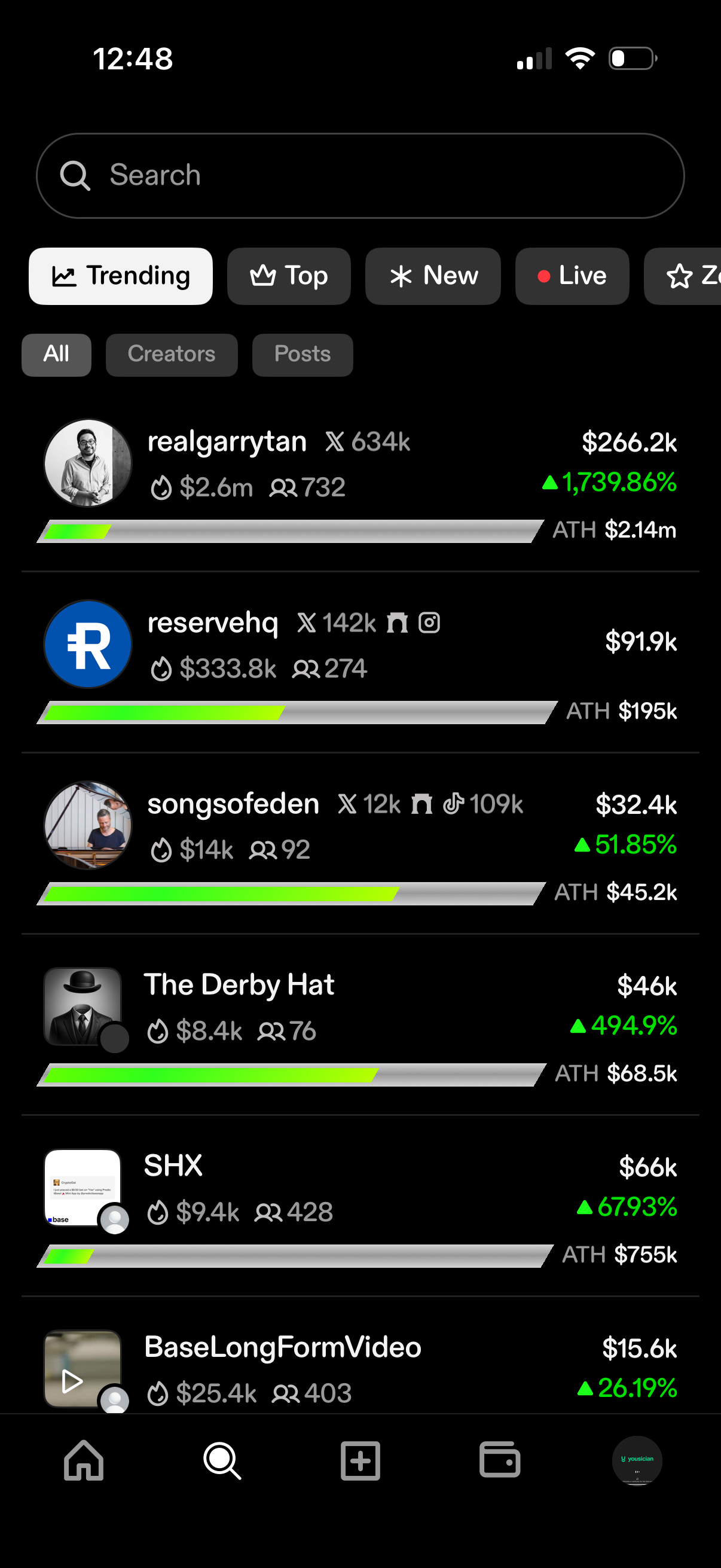
Explore/discover leaderboard screen with a search bar and category chips (Trending, Top, New, Live) plus filters for All, Creators, and Posts. Displays a ranked list of creator tokens with profile icons, follower/holders stats, market cap/price values, percentage growth, all-time-high info, and progress bars.
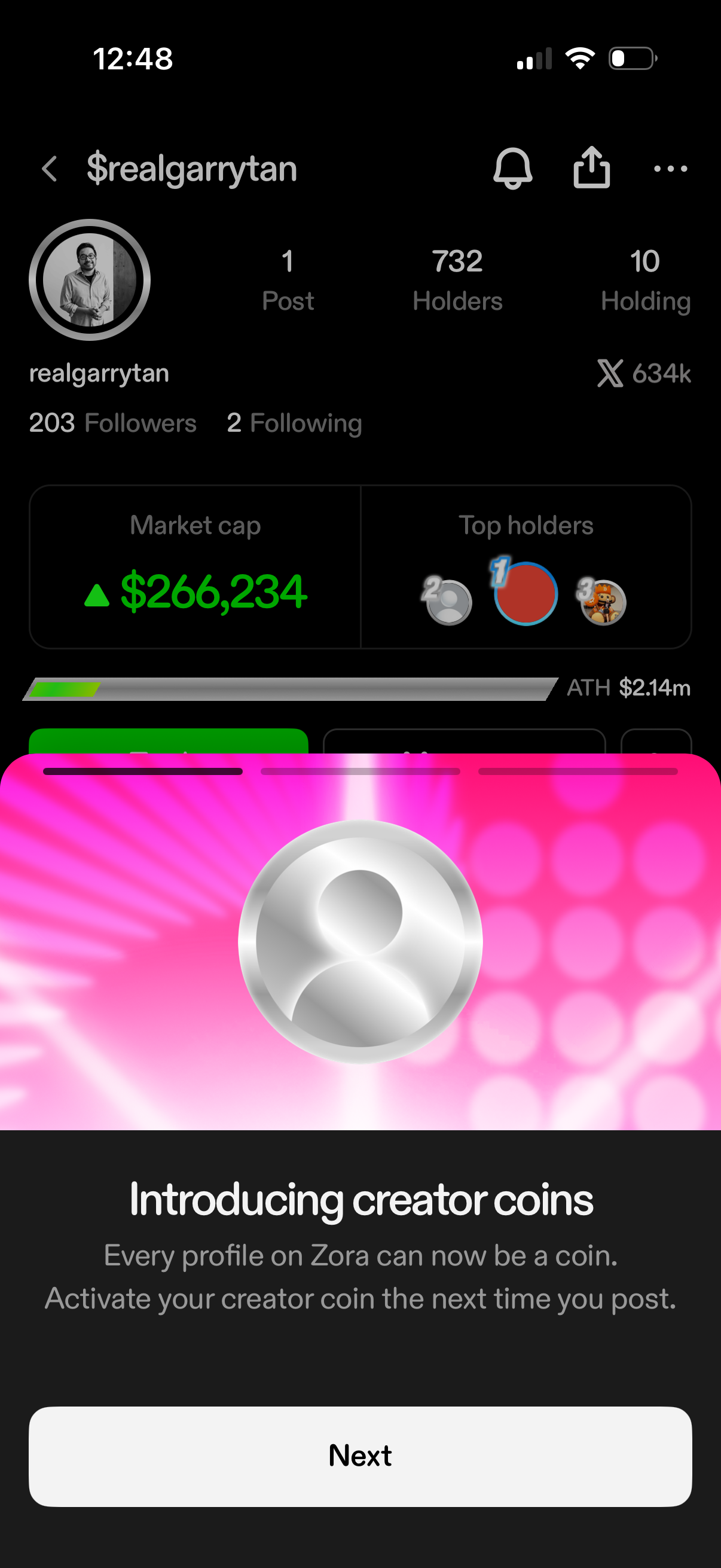
Crypto social profile screen showing creator coin stats such as market cap, number of holders, holdings, and top holders, with notification/share actions in the header. A promotional bottom sheet announces “Introducing creator coins” with explanatory text and a primary “Next” button to continue onboarding.
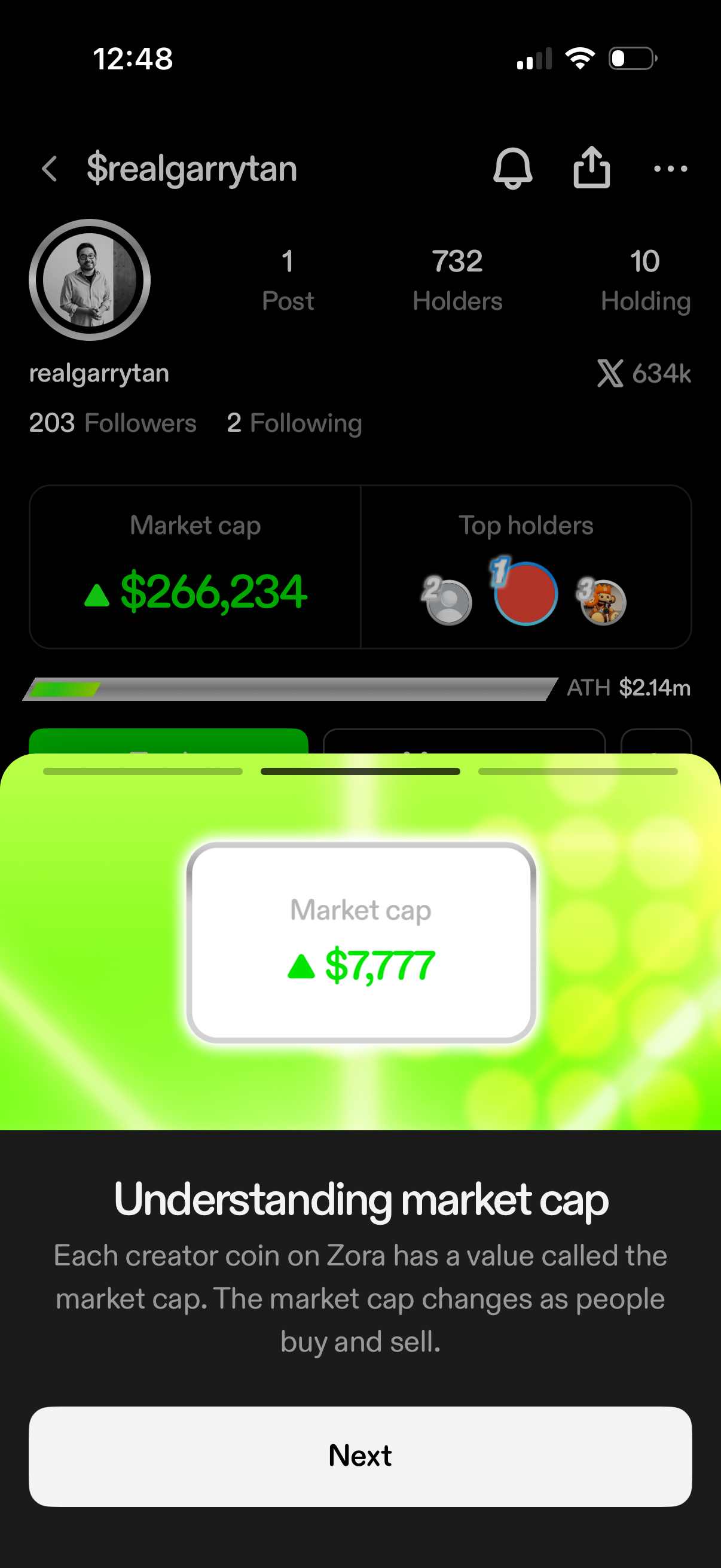
Creator coin profile and stats screen showing user account info with follower counts, number of holders and holdings, plus market cap and top holders. An educational onboarding overlay explains “Understanding market cap” with a Next button to continue.
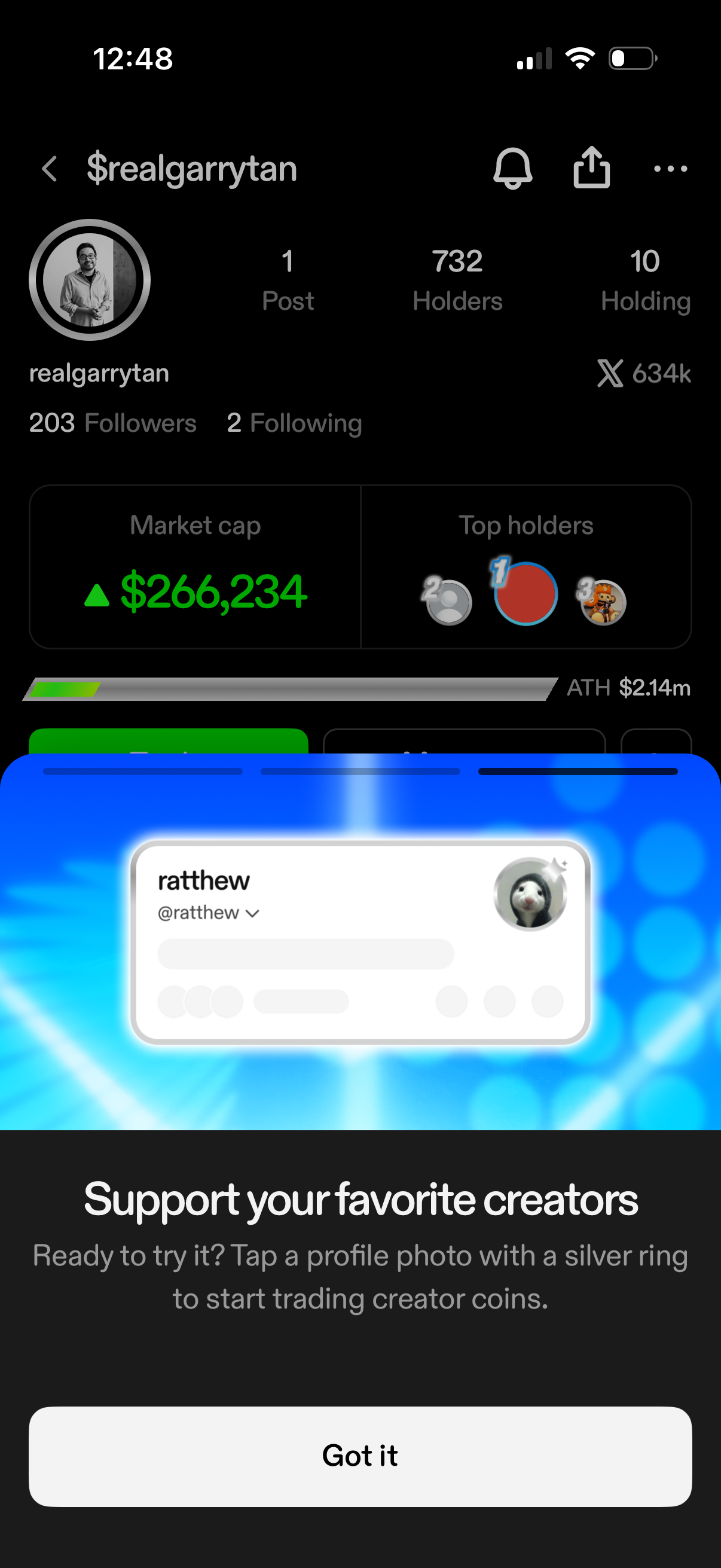
Creator profile and coin stats screen showing avatar, follower/following counts, posts, holders/holding metrics, market cap, top holders, and an all‑time‑high indicator with notification/share actions. A bottom onboarding modal explains how to support creators by trading creator coins and includes a “Got it” dismiss button.
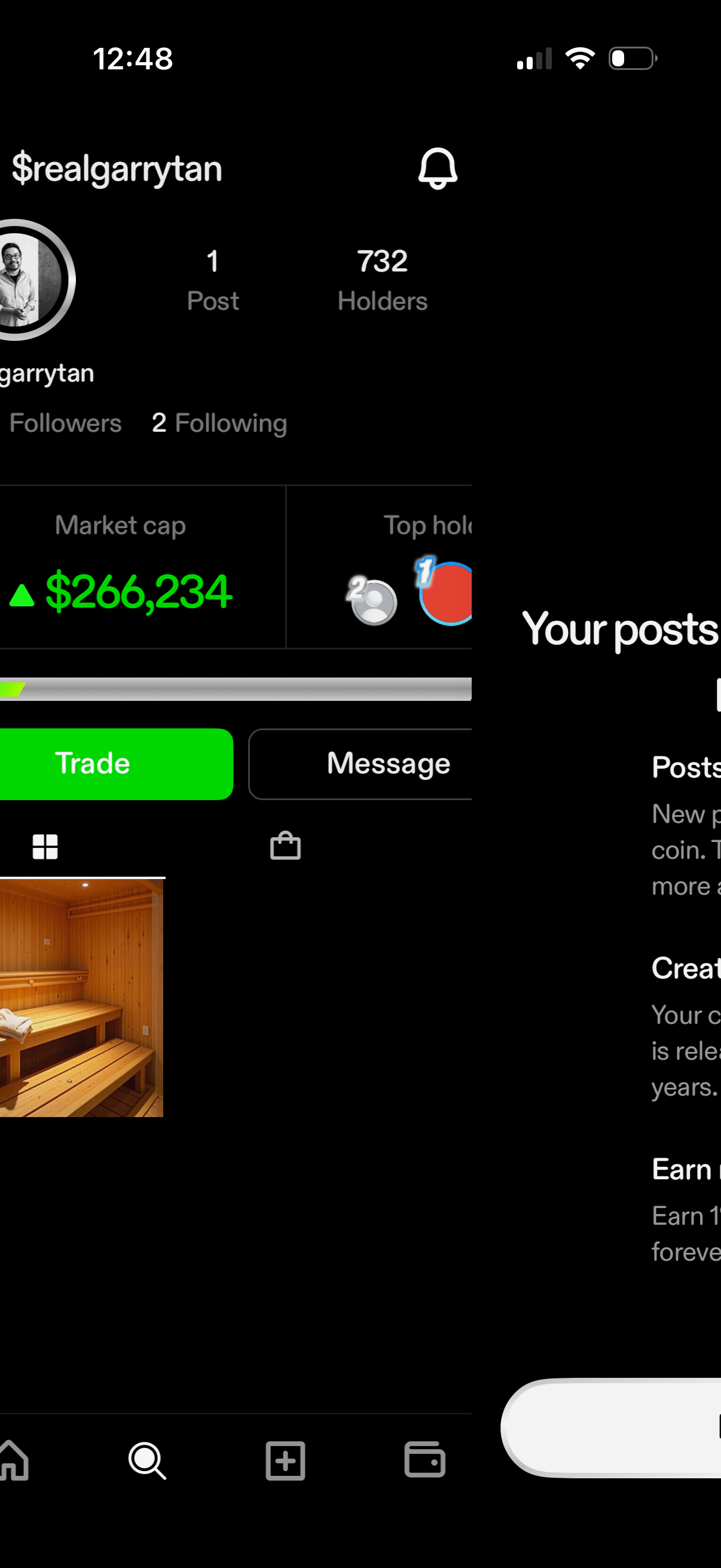
User profile page in a social crypto app showing avatar, username, posts and followers/following counts, holder count, and token stats like market cap and top holders. Primary actions include Trade and Message buttons, a notification icon, and a tabbed grid/feed for viewing the user’s posts.
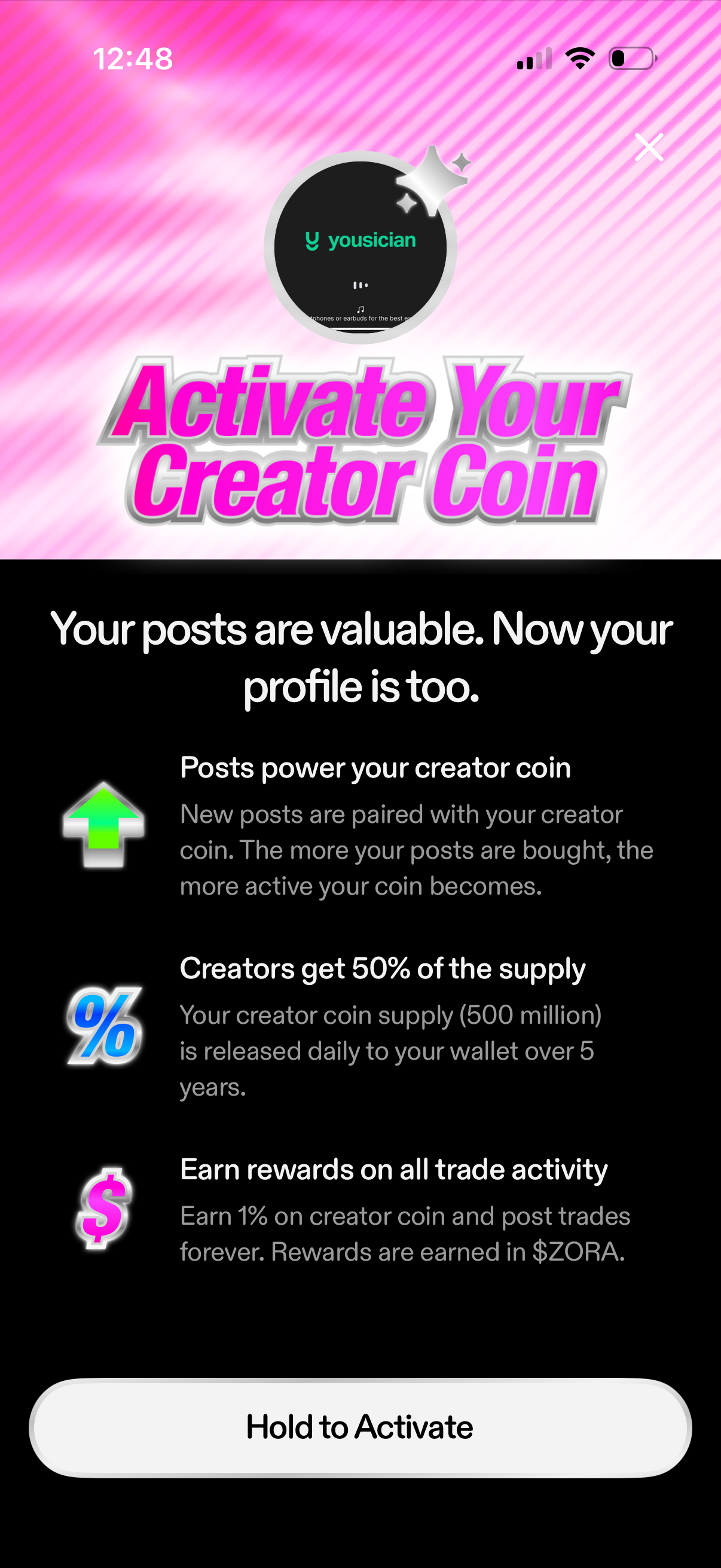
Onboarding paywall-style screen prompting creators to activate their creator coin, explaining how posts power the coin, supply distribution, and trading rewards. Primary action is a “Hold to Activate” confirmation button with an option to close.
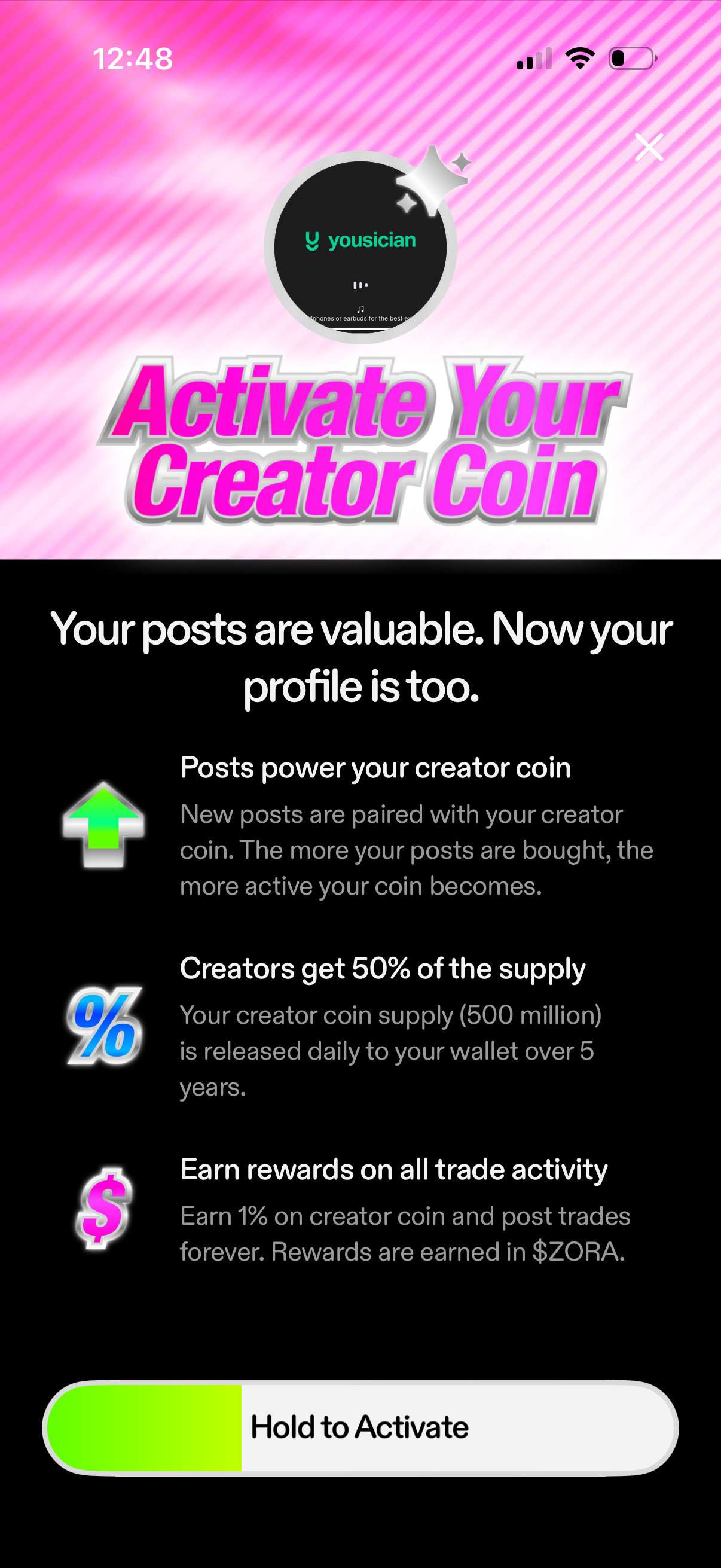
Onboarding explainer screen for activating a creator coin tied to a user’s profile and posts, outlining how posts power the coin, revenue share/supply release, and rewards from trading activity. Primary CTA is a “Hold to Activate” slide/hold button with a close icon to dismiss.
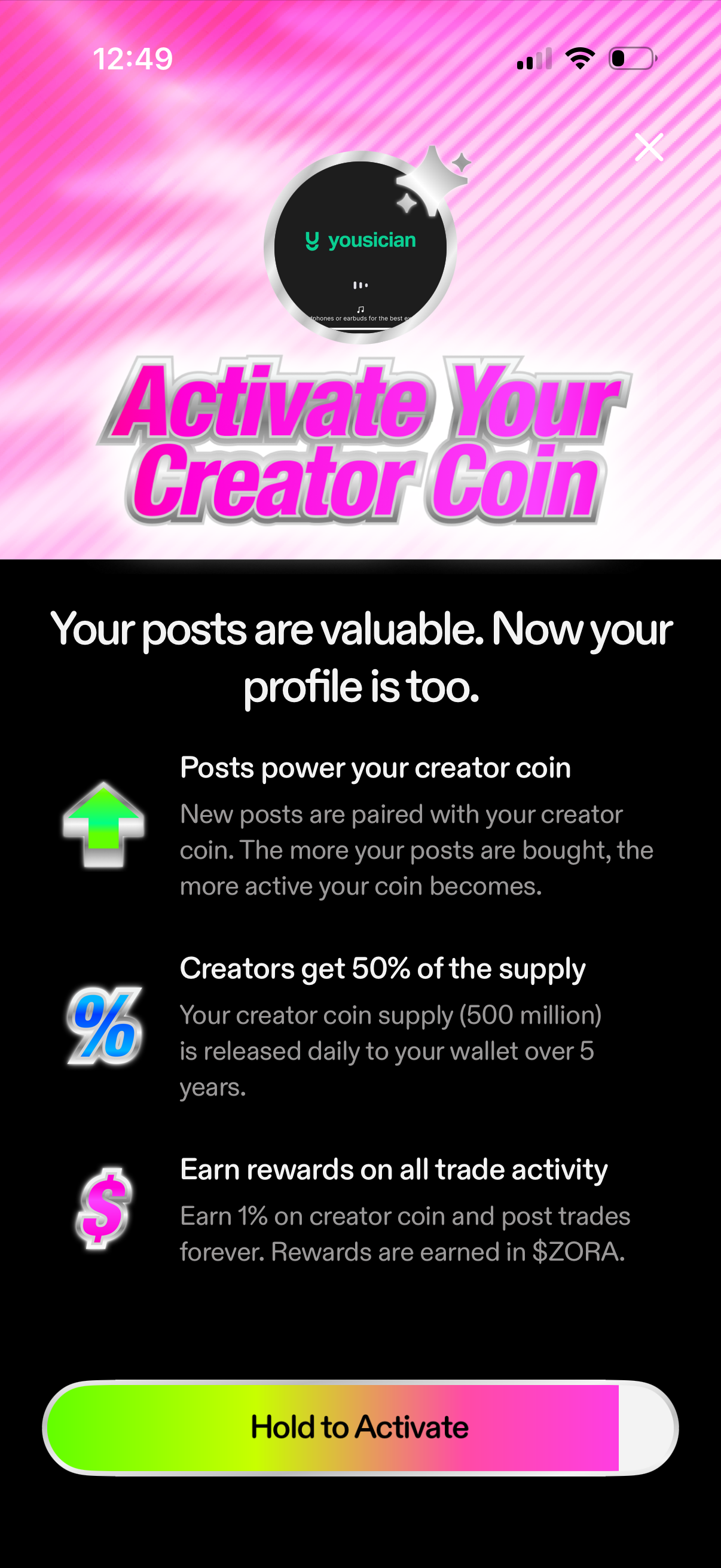
Activation onboarding screen for enabling a creator coin tied to a user’s profile, explaining how posts power the coin, supply distribution, and rewards on trade activity. Includes a prominent “Hold to Activate” slider-style CTA and a close button to dismiss.
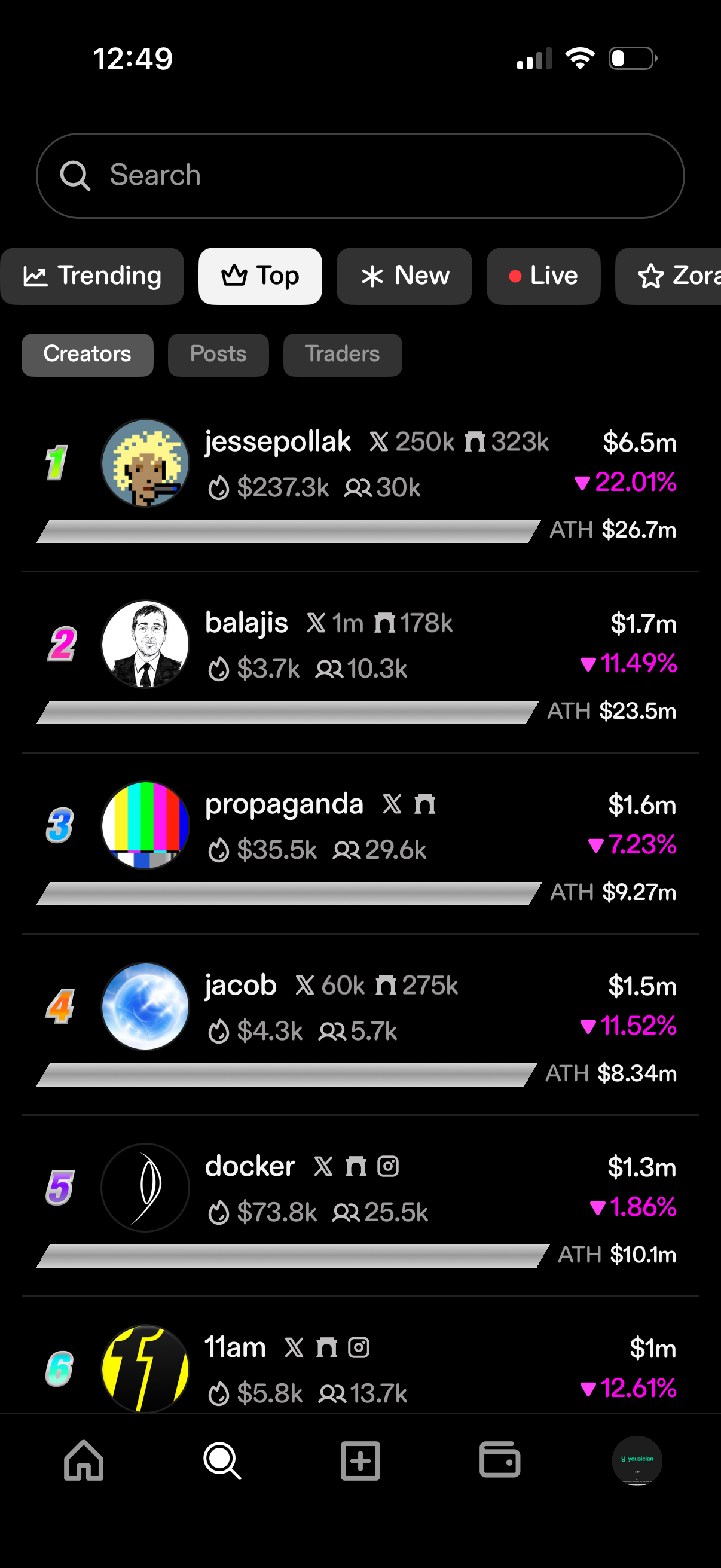
A leaderboard-style discovery screen for a crypto/social trading app showing top creators with rankings, avatars, follower/holder metrics, market cap or value, percent change, and all-time-high (ATH) figures. Includes a search bar and filter tabs for Trending/Top/New/Live plus category toggles (Creators, Posts, Traders) to browse and compare performers.
Search and discovery screen with a top search bar and segmented tabs to browse Trending, Top, New, and Live content. Additional filter chips let users narrow results by All, Creators, Posts, and Last Traded, displaying a scrollable list of content cards below.
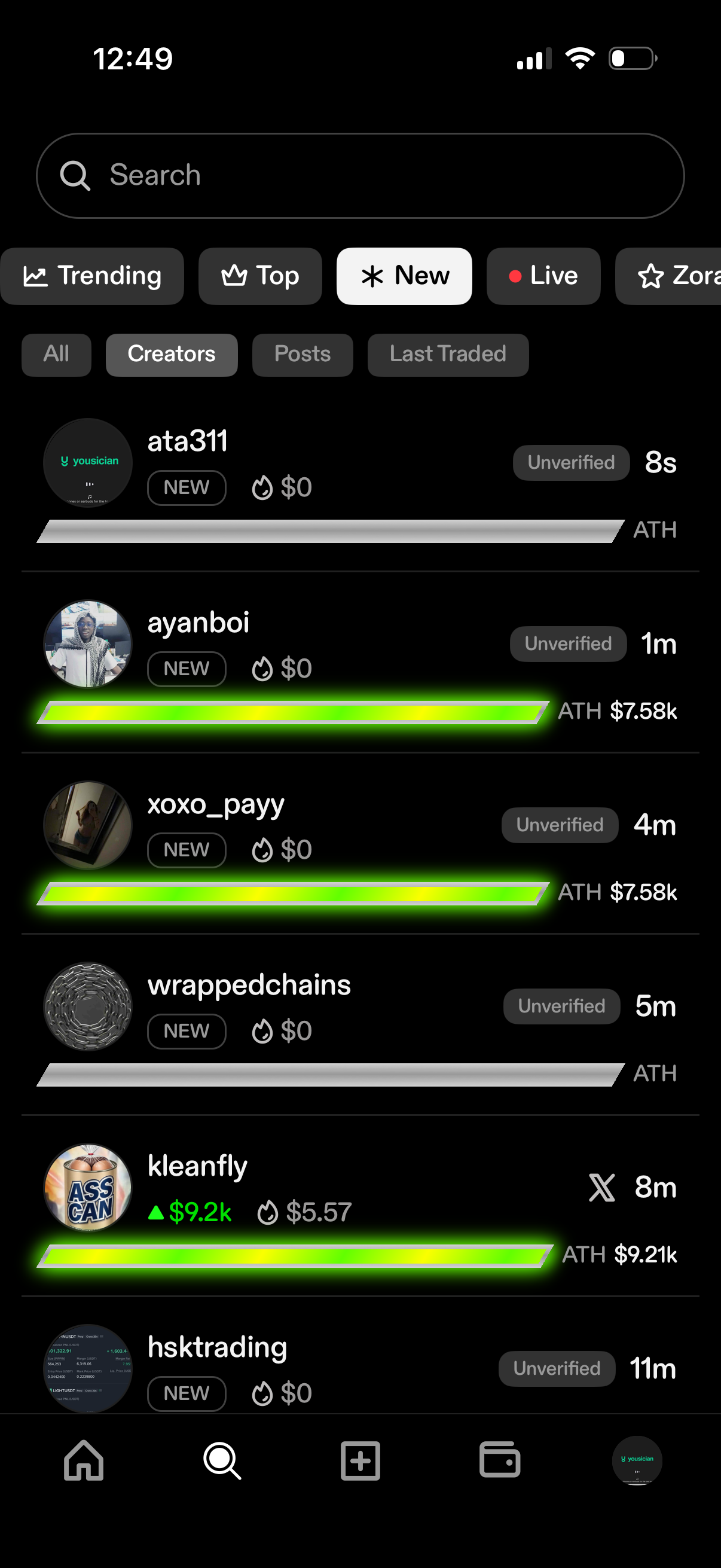
Search and discovery screen listing new creators/tokens with filter tabs like Trending, Top, New, and Live plus subfilters for All, Creators, Posts, and Last Traded. Each result shows an avatar and name, verification status, time since creation/trade, and key performance metrics such as price change and all‑time high (ATH) with a progress bar.
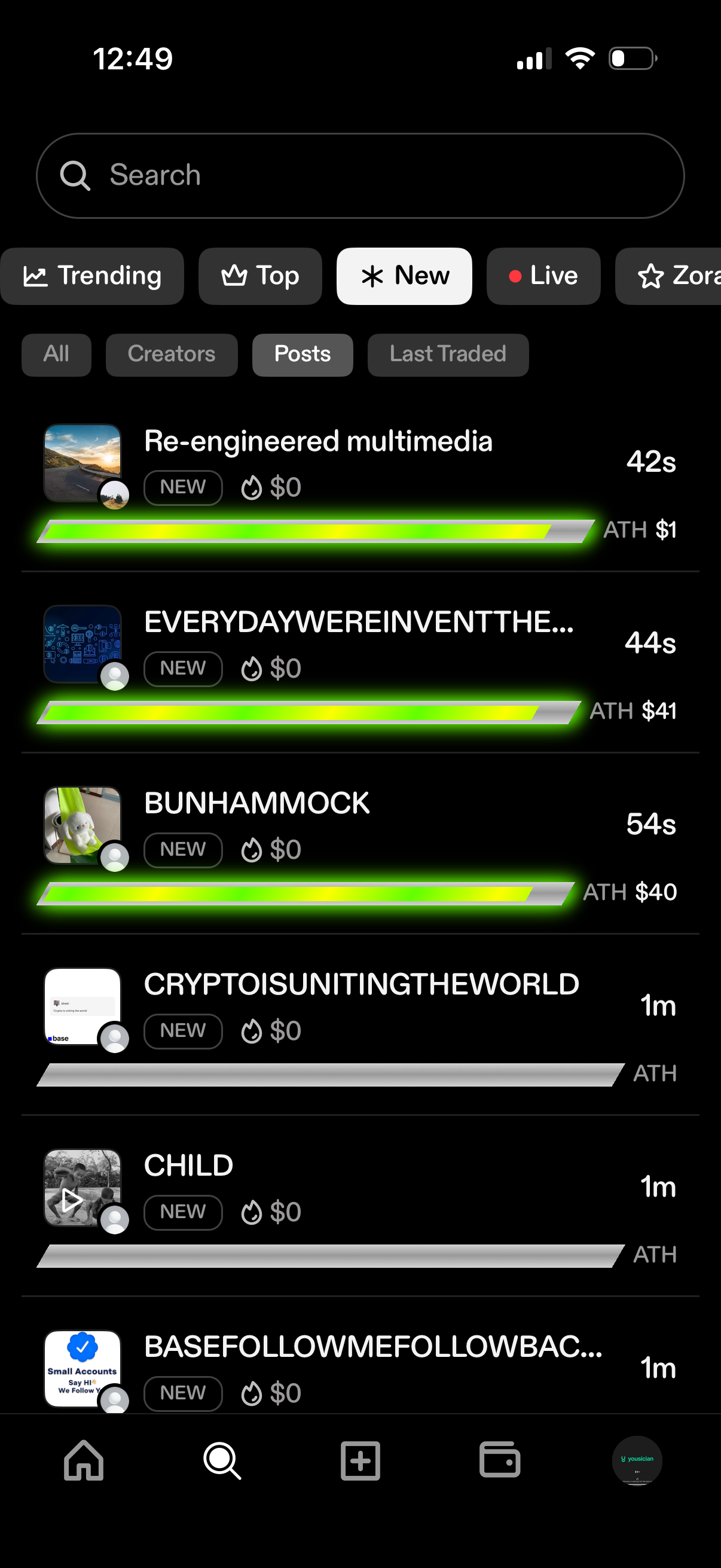
Search and discovery feed for crypto/social posts with a search bar and filter tabs for Trending, Top, New, and Live plus subfilters like All, Creators, Posts, and Last Traded. Displays a scrolling list of new posts/tokens with thumbnails, “NEW” badges, price/ATH stats, time since posted, and progress bars indicating activity or performance.
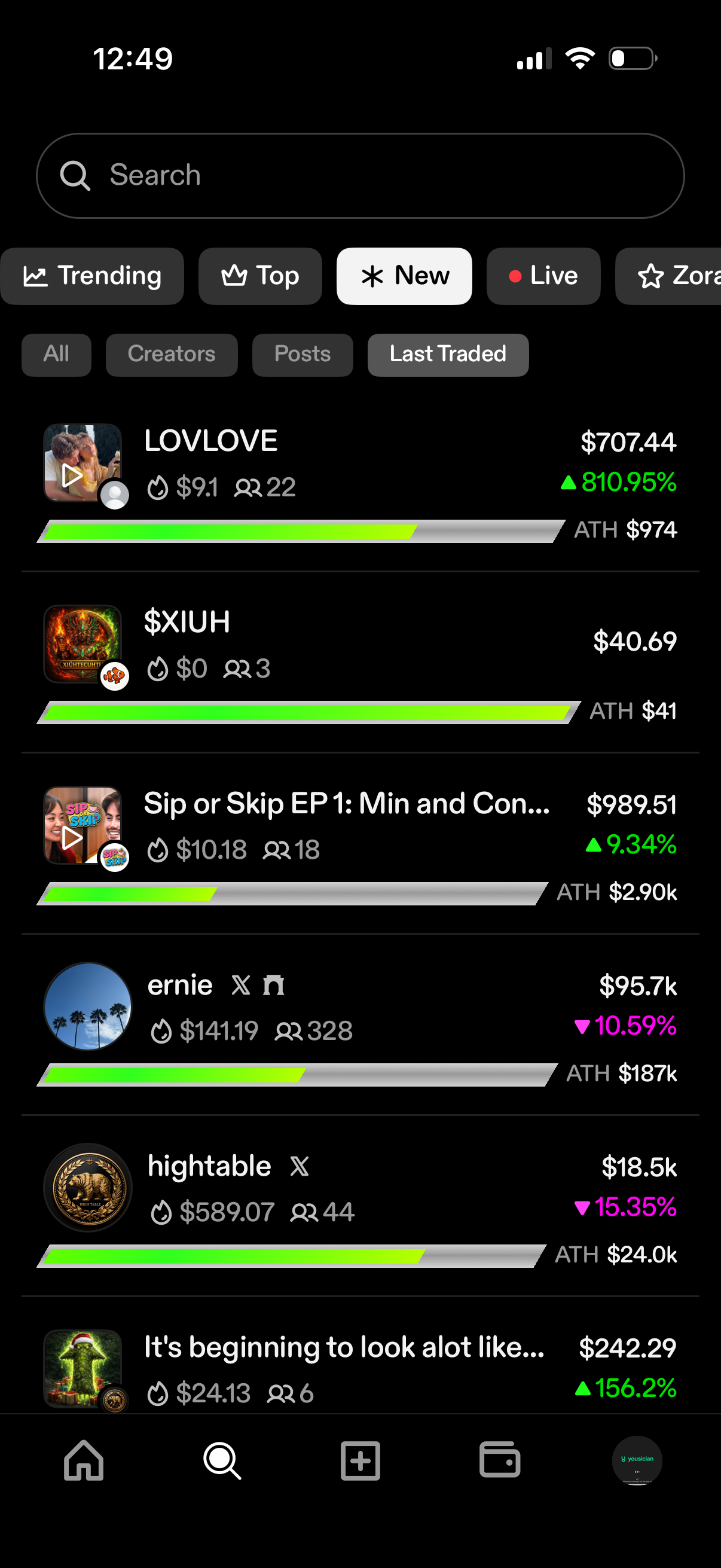
Search and discovery screen for browsing tradable creator/content tokens with a search bar and category filters (Trending, Top, New, Live) plus tabs for All, Creators, Posts, and Last Traded. A ranked list shows each item’s thumbnail, name, current price, percent change, all-time-high value, and a progress bar, allowing users to scan market performance and pick an item to view or trade.
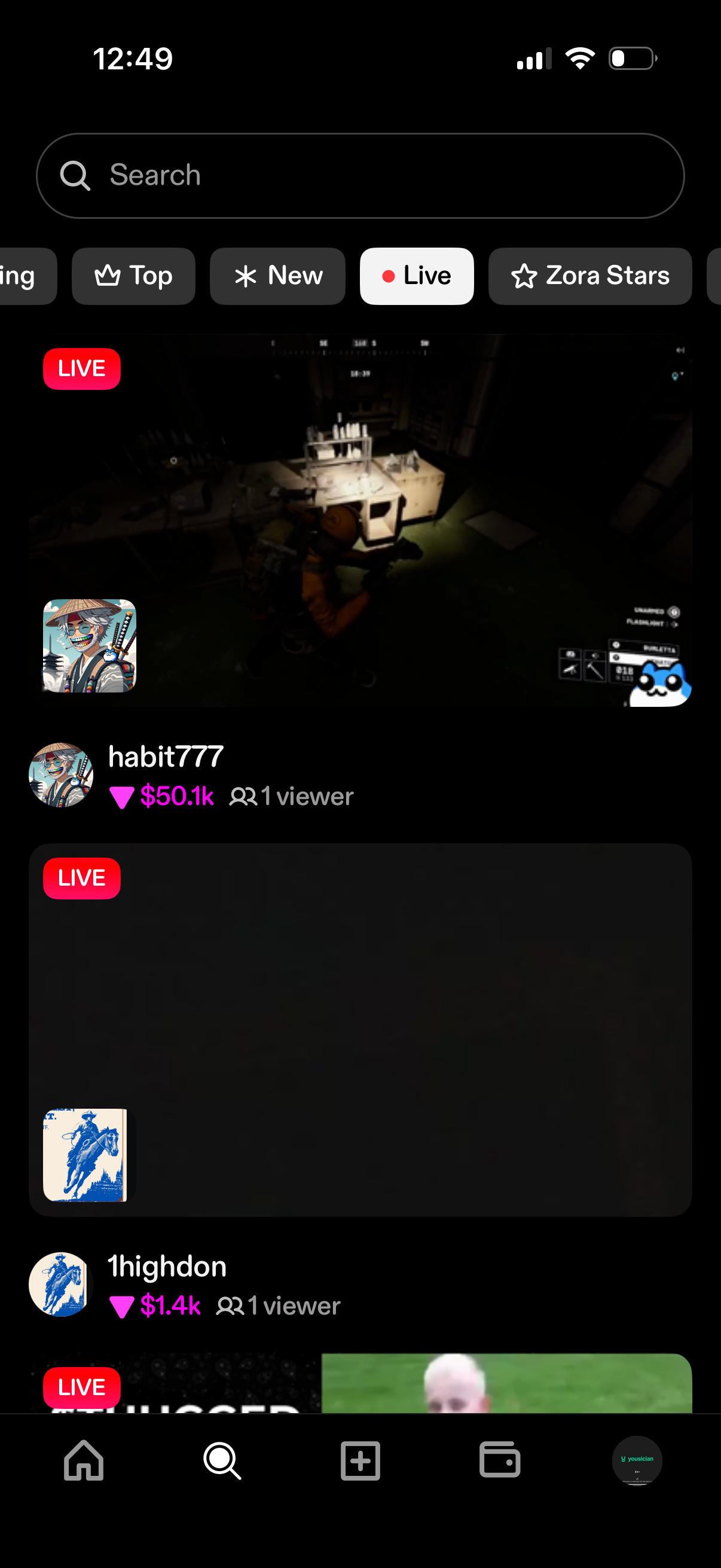
Live streaming discovery feed with a search bar and category chips (Top, New, Live, Stars) for browsing creators. Each live stream card shows a preview thumbnail with a LIVE badge plus creator name, earnings/amount, and current viewer count, with bottom tab navigation for switching sections.
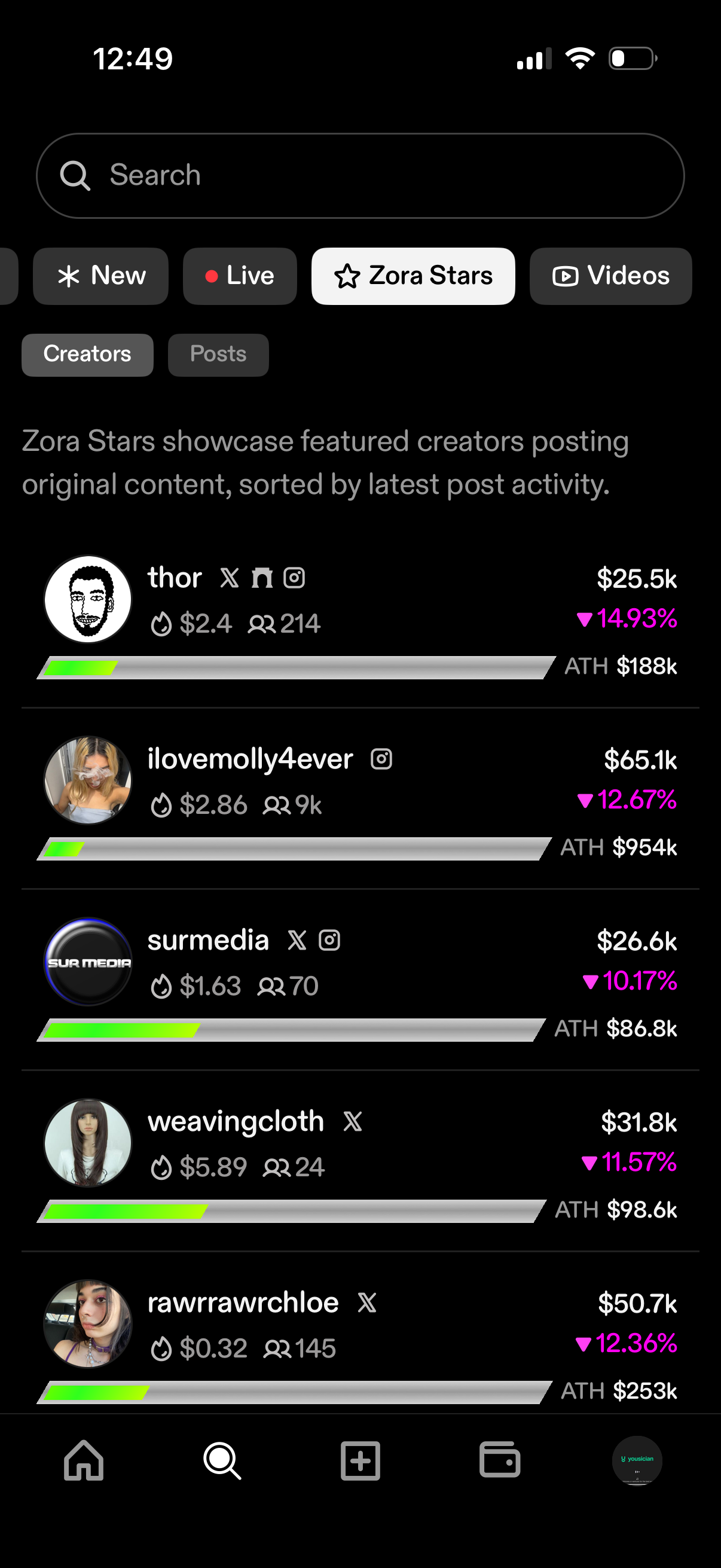
Search and discovery screen with tabs/filters for New, Live, Zora Stars, and Videos, plus toggles to browse Creators or Posts. The Zora Stars section lists featured creators with avatars and social links, showing key metrics like earnings/value, percentage change, all-time-high, and a progress bar to compare performance.
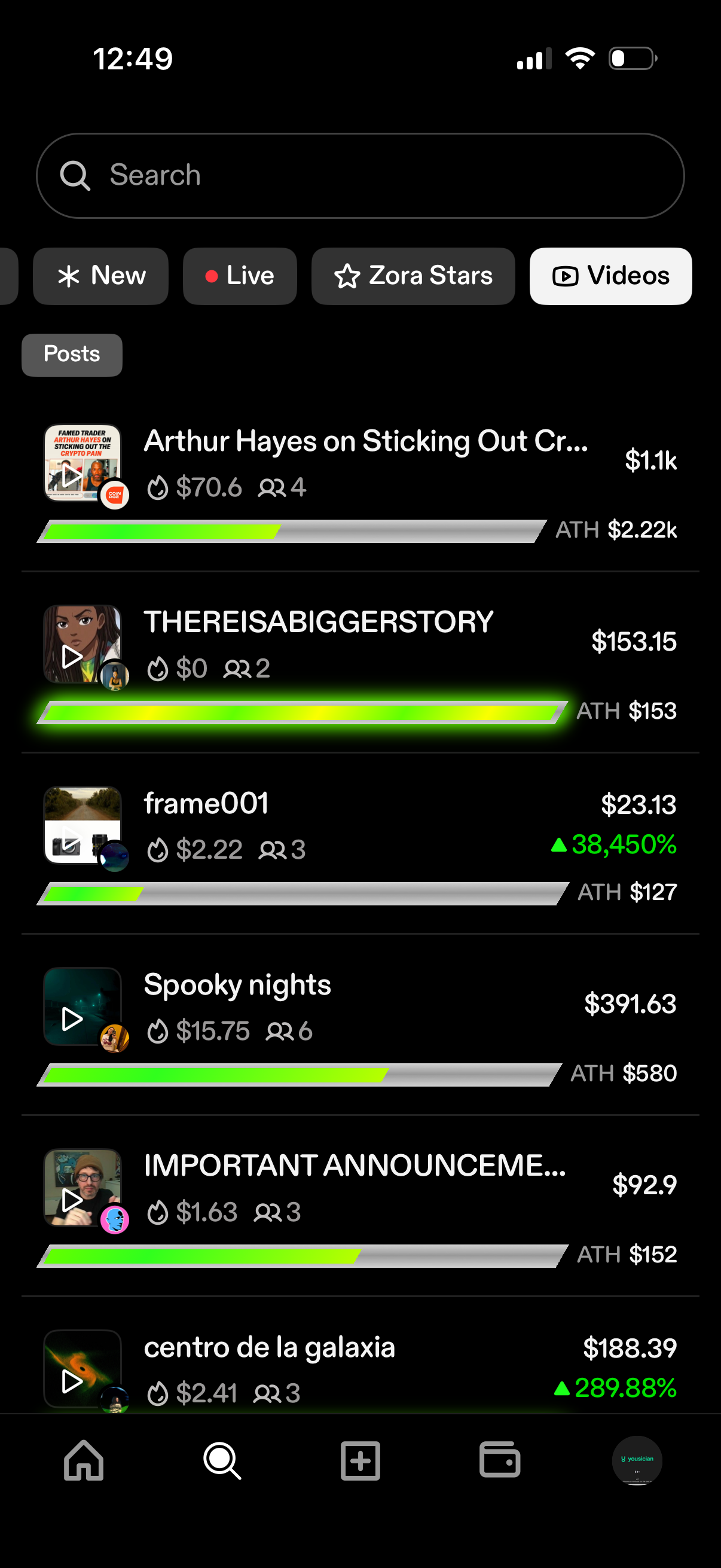
Search and discovery feed for video/posts with filter chips (New, Live, featured creators, Videos) and a scrollable list of content cards. Each card shows a thumbnail with play icon plus marketplace-style stats like current price, all-time-high (ATH), percentage change, and counts/engagement indicators.