set post location
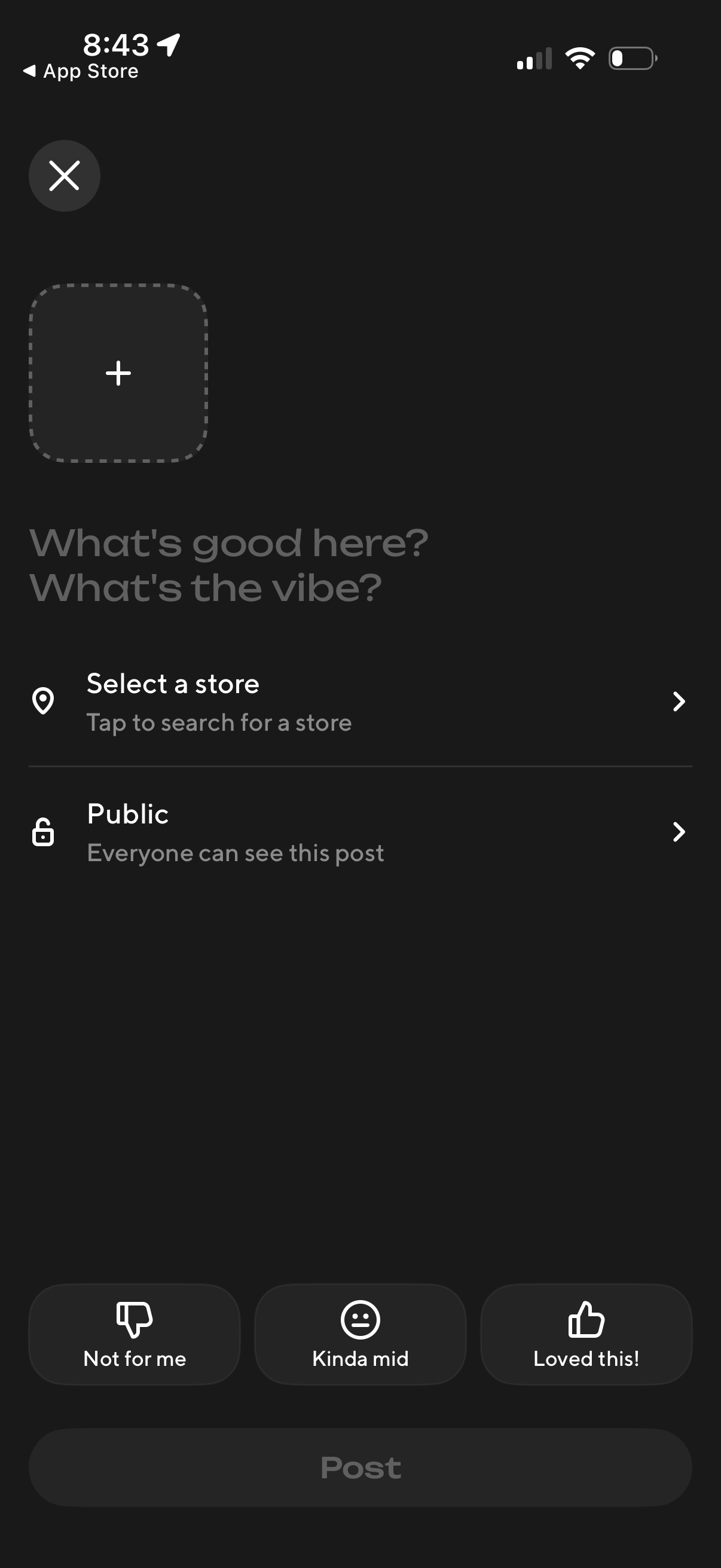
Post creation screen for sharing a store recommendation, with an option to add a photo, write a short prompt about the vibe, select a store location, and set post visibility (public). Includes quick reaction buttons (not for me, kinda mid, loved this) and a final Post button to publish.
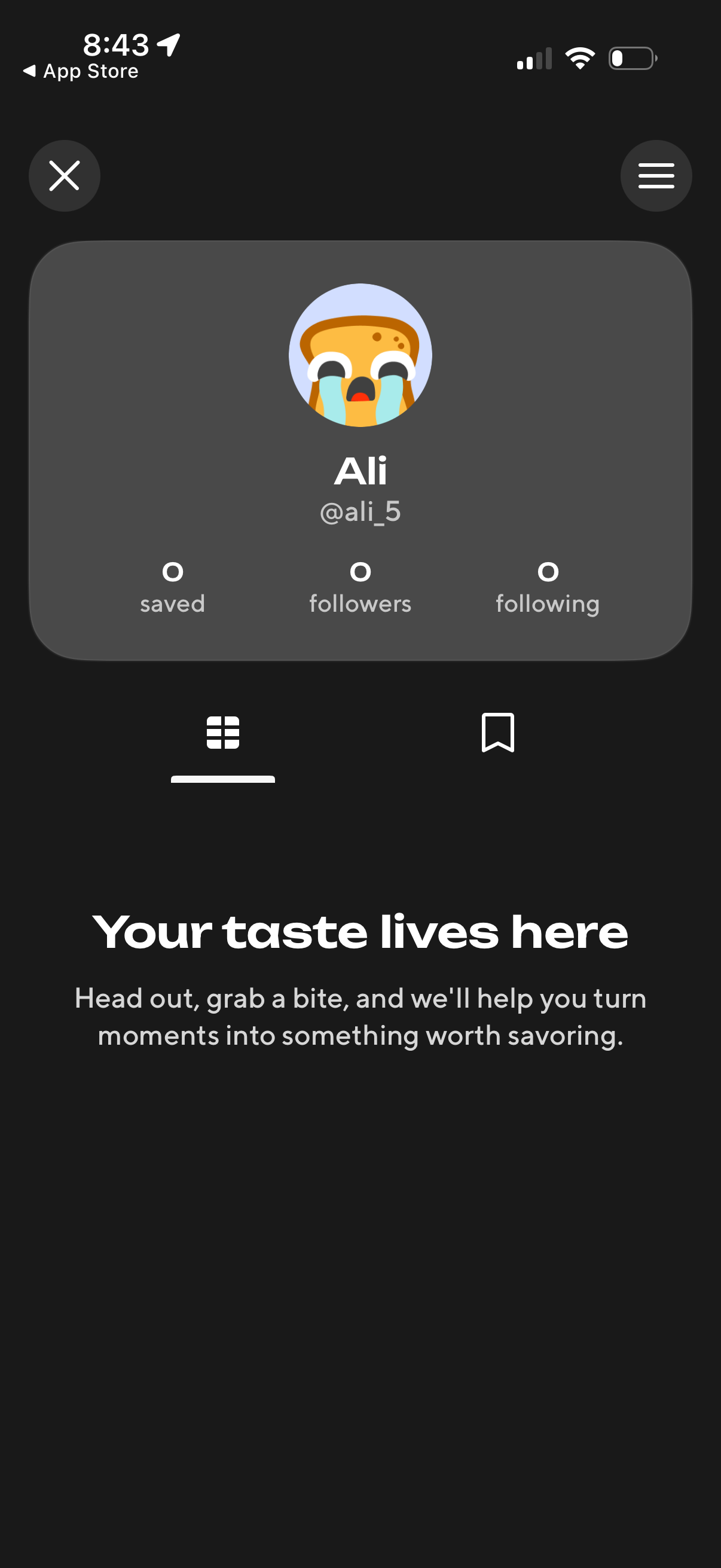
User profile screen with avatar, display name and username, plus stats for saved items, followers, and following, with a menu icon for account settings and an empty-state message encouraging the user to start saving content. Tab controls switch between viewing the user’s posts in a grid and their saved/bookmarked items.
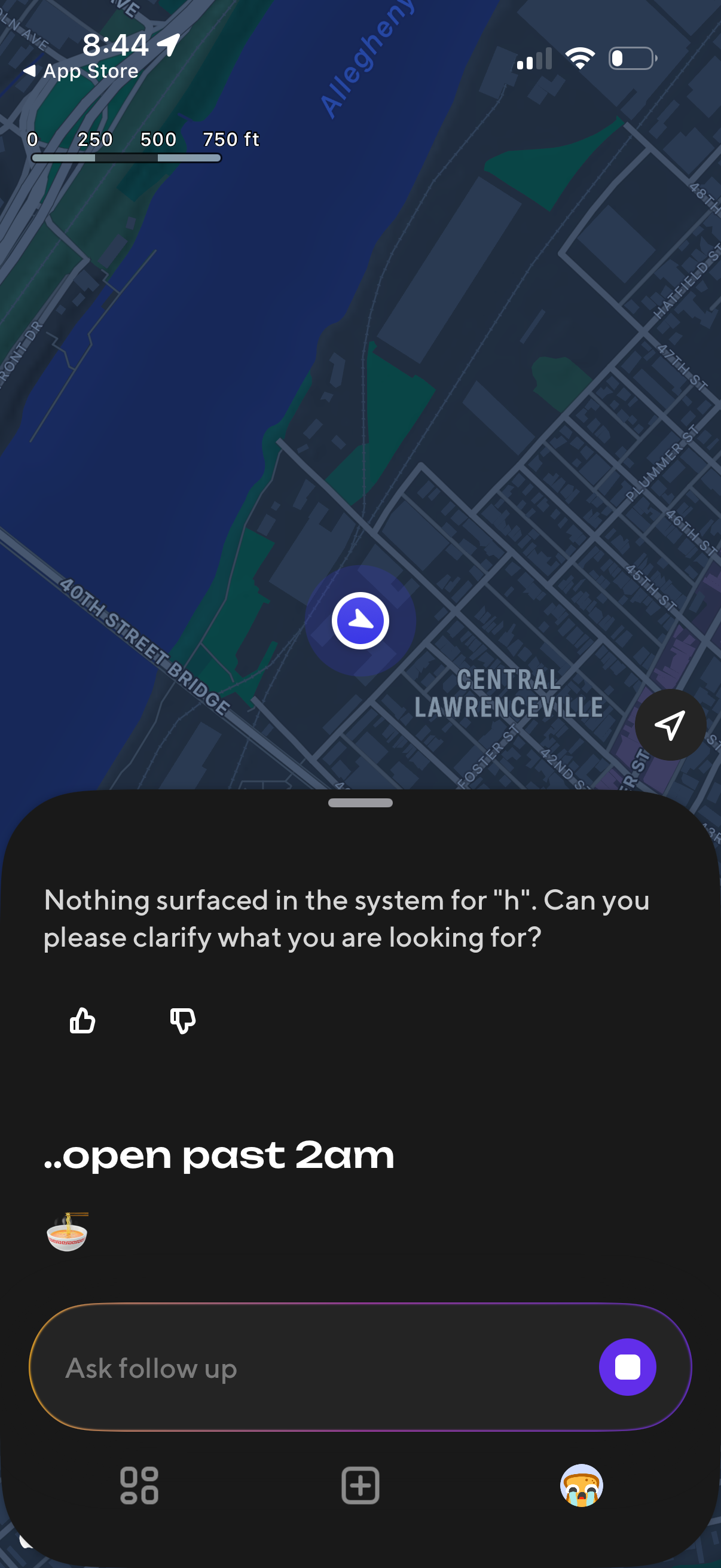
Map-based local search screen with a bottom-sheet chat assistant showing an error/clarification message when no results are found for a query, plus thumbs up/down feedback. Users can ask a follow-up question via text input and access additional actions from quick buttons while viewing their current location on the map.
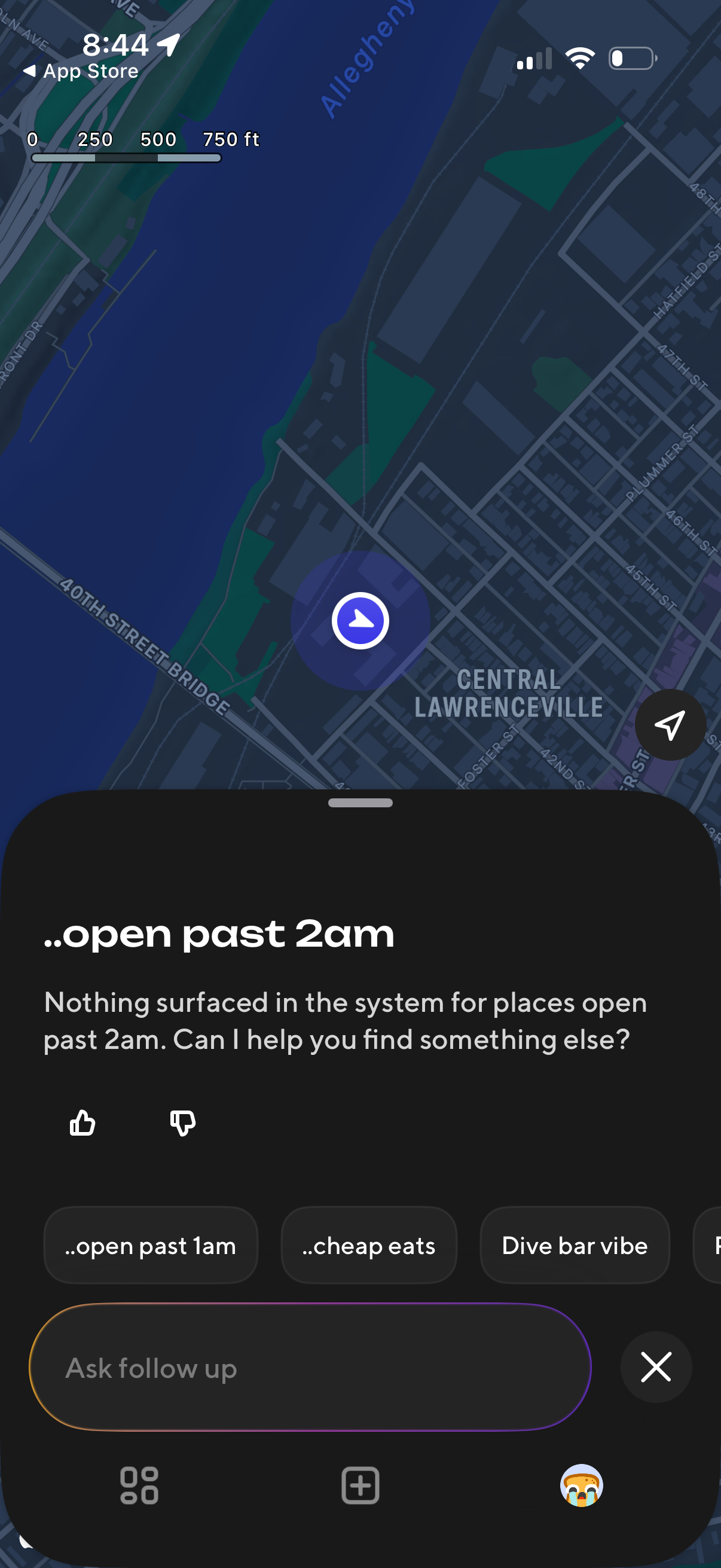
Map-based local search screen showing an AI assistant response that no results were found for a query like “open past 2am,” with thumbs up/down feedback and suggested follow-up chips (e. g.
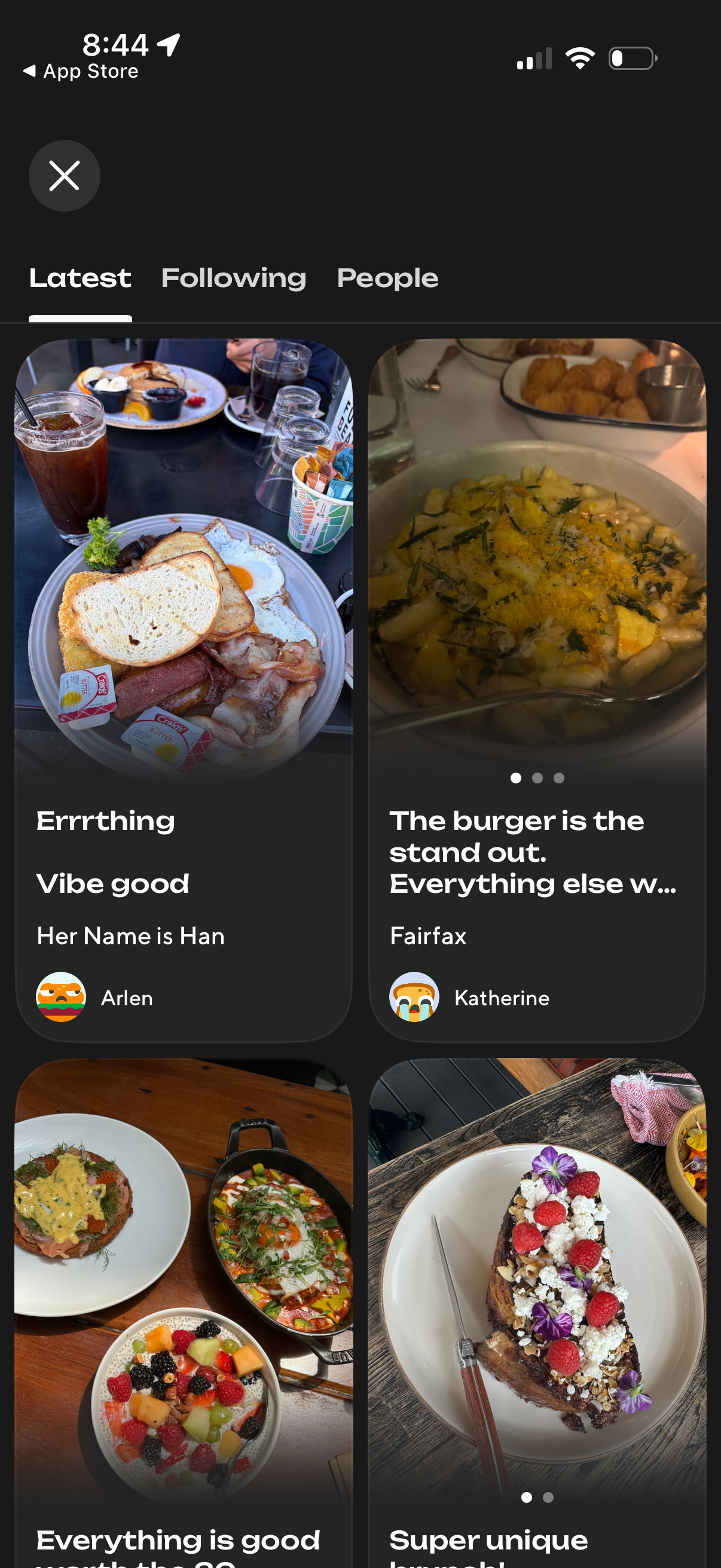
Social discovery feed showing the Latest tab with a grid of large photo cards for restaurant/food reviews, each card displaying a dish image, review headline/snippet, location, and reviewer avatar/name. Top navigation lets users switch between Latest, Following, and People, with a close button to exit the feed.
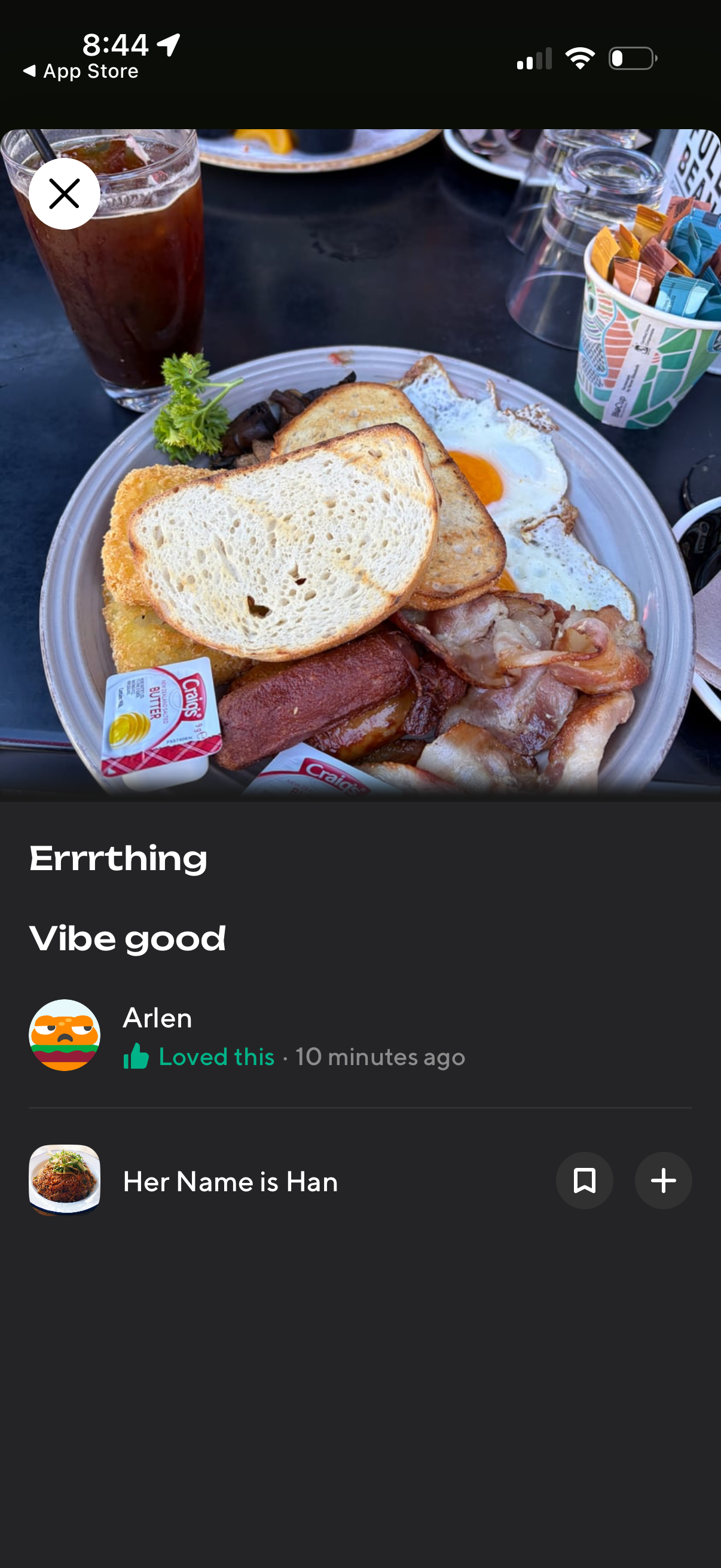
Full-screen photo detail view for a restaurant dish showing the image, title/caption and short note, plus the user who posted it with reaction status and timestamp. Includes actions to close the viewer, bookmark/save, add to a list, and navigate to the associated restaurant.
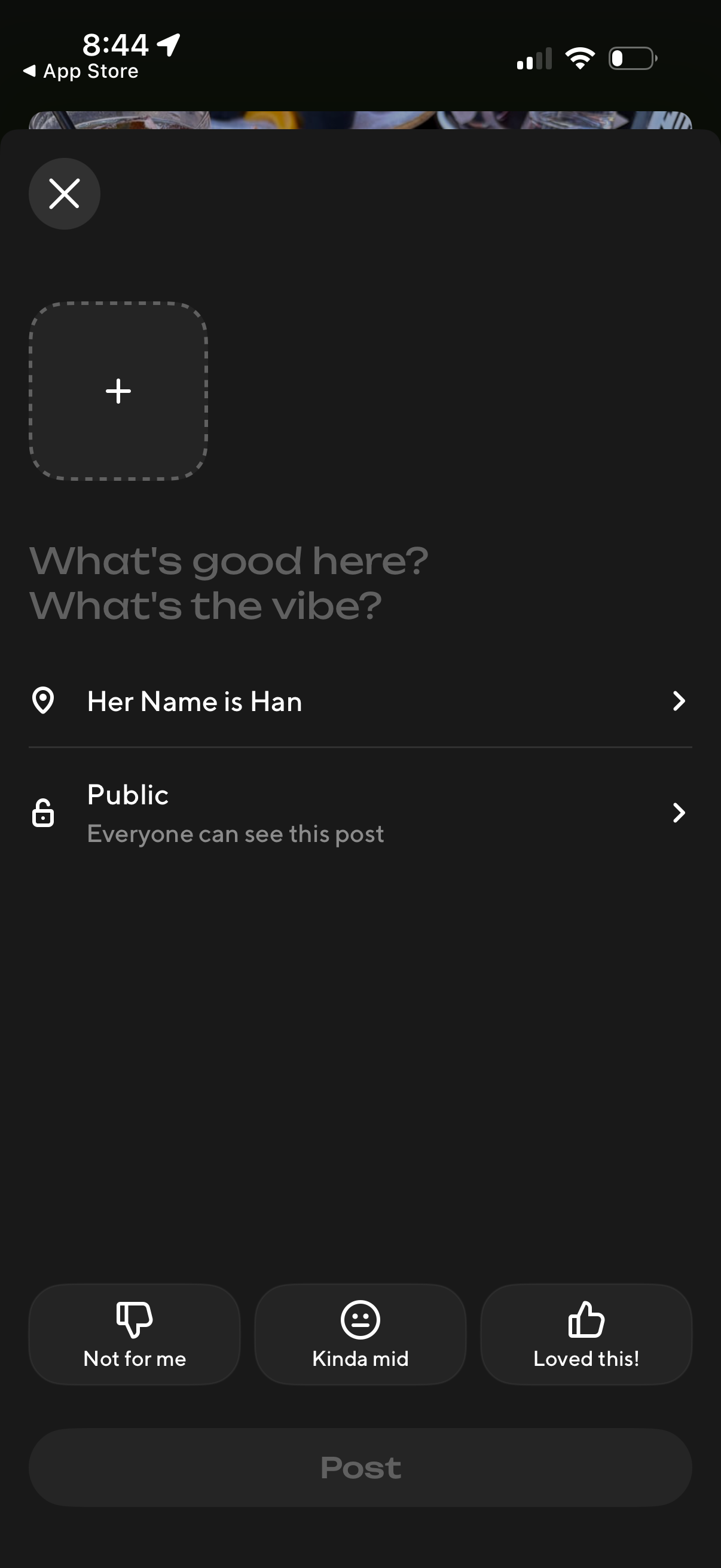
Create-a-post composer screen where users add a photo, write a short caption about a venue (“What’s good here? What’s the vibe?