Passkey

Yelp app splash/loading screen showing the Yelp logo on a red gradient background while the app launches. No interactive elements or actions are available on this screen.
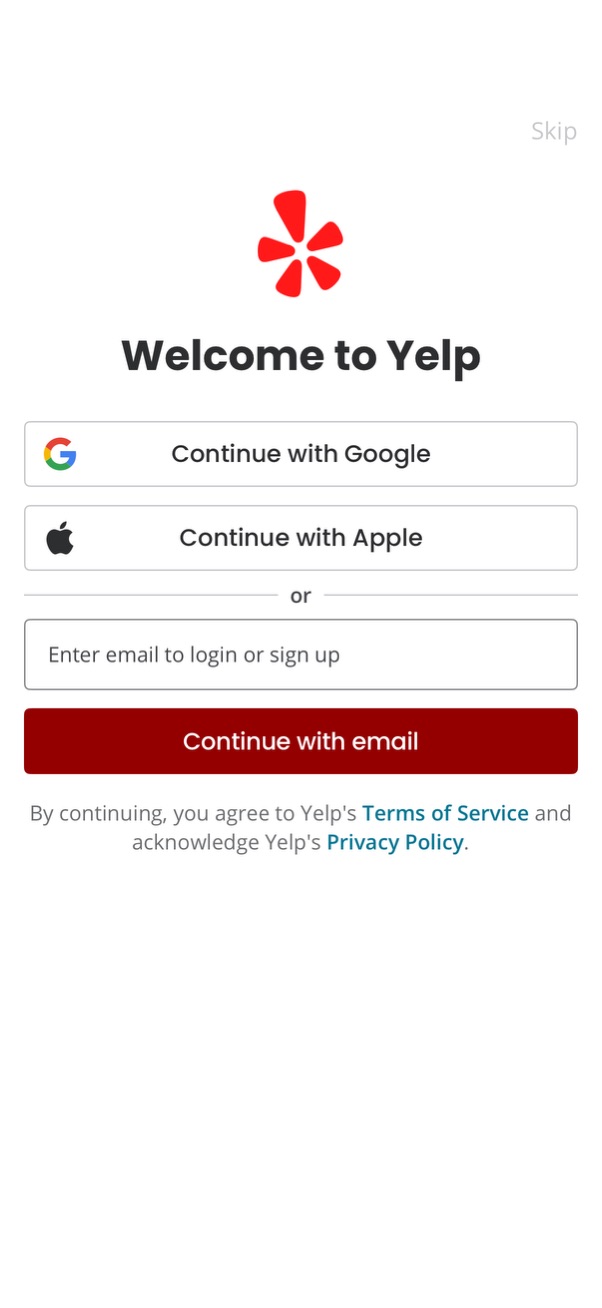
Welcome/login screen offering account access options with social sign-in buttons for Google and Apple, plus an email field and “Continue with email” CTA to log in or sign up. Includes a skip link and legal consent text linking to Terms of Service and Privacy Policy.
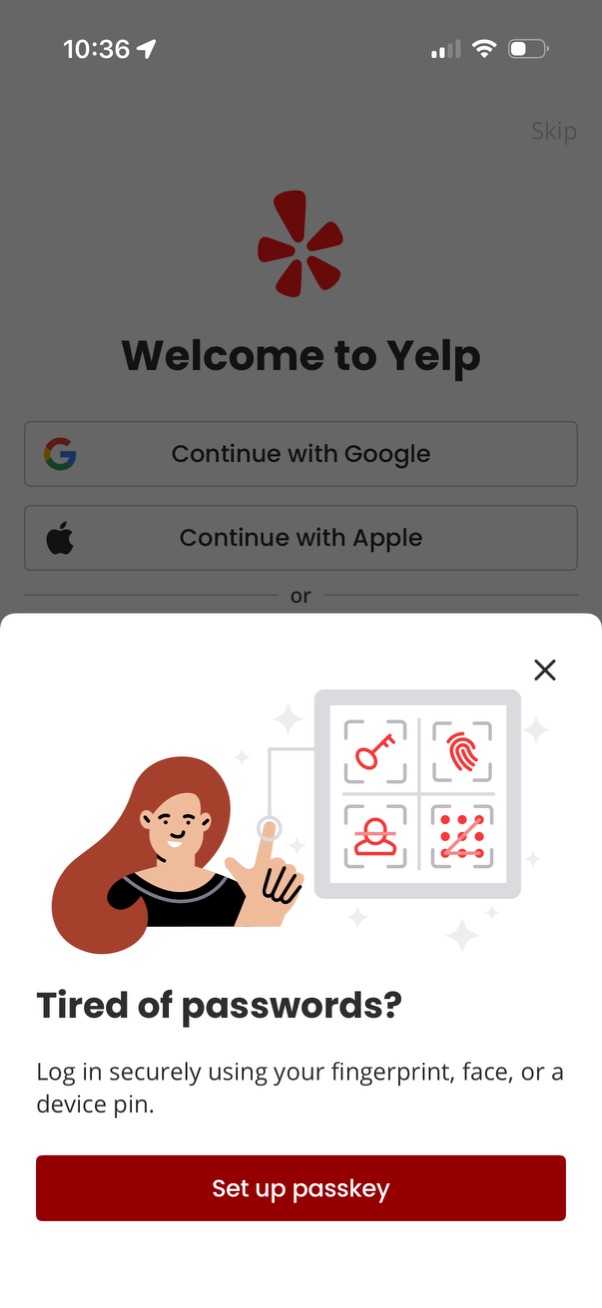
Welcome/login screen for an app with third-party sign-in options (Continue with Google and Continue with Apple) and a dismissible bottom-sheet prompt promoting passwordless authentication. The modal explains using fingerprint/face/device PIN and provides a primary CTA to “Set up passkey,” with an option to close and skip.

Login screen showing an iOS passkey prompt for Yelp during sign-in, explaining passkeys as a secure alternative to passwords and indicating the passkey will be saved in Passwords. The modal includes a loading “Signing in” state with options to save on another device or close the dialog.