Onboarding

Onboarding welcome screen for an AI art generator app featuring a hero illustration, social proof (ratings, user count, app rank), and a prominent “Continue” call-to-action to start. Includes a brief value proposition tagline and links to Privacy and Terms for consent before proceeding.
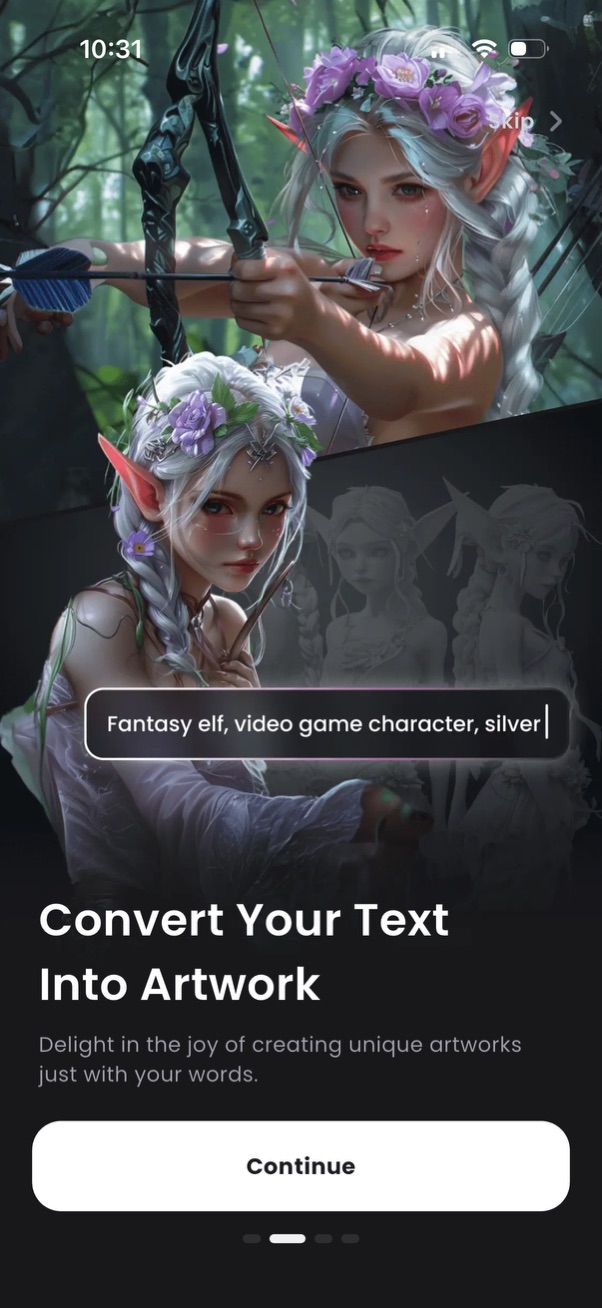
Onboarding splash screen for an AI text-to-image art generator showing a sample fantasy character image and a prompt input field to describe the artwork. Primary actions include a large Continue button to proceed and a Skip option, with pagination dots indicating multiple intro slides.
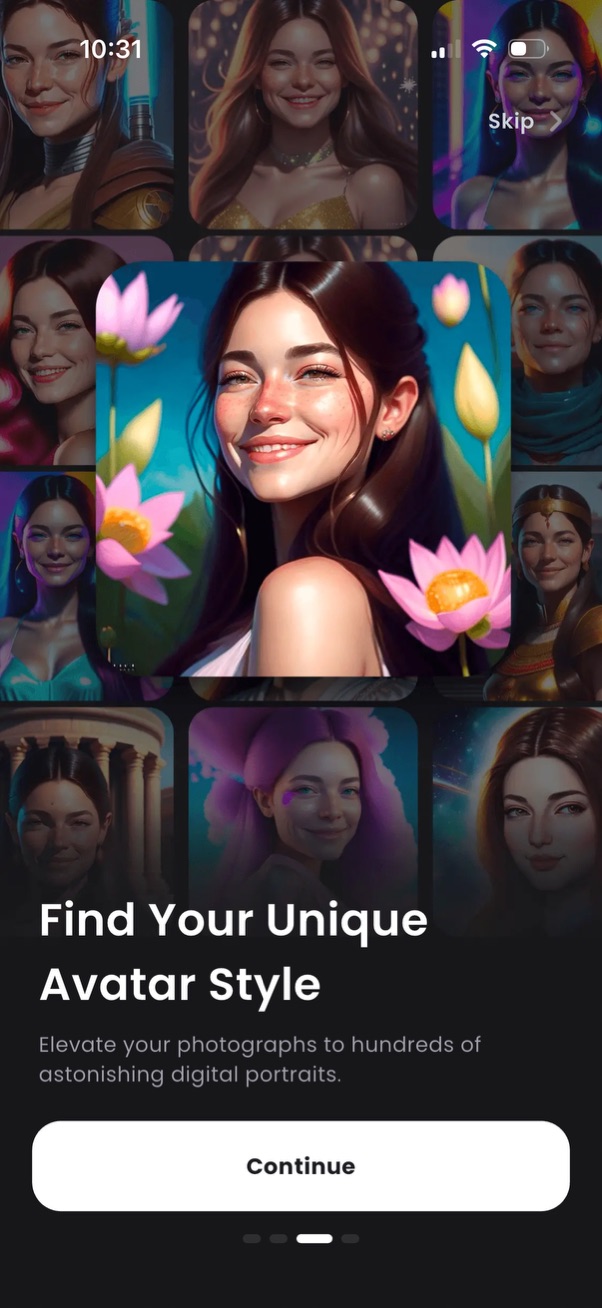
Onboarding screen for an AI avatar/portrait generator showcasing a gallery of different avatar styles with a headline “Find Your Unique Avatar Style. ” Includes a prominent primary CTA button to Continue and a Skip option to bypass the intro.
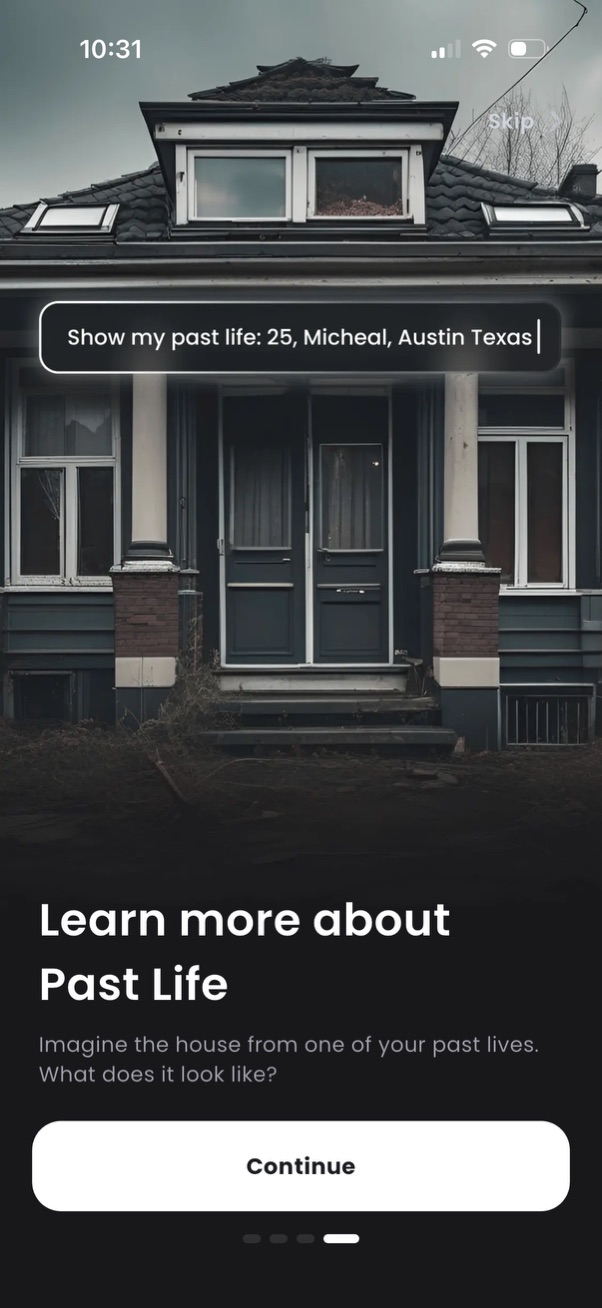
Onboarding tutorial screen introducing a “Past Life” feature with a background image, short explanatory copy, and a “Continue” call-to-action plus optional “Skip. ” Includes an example prompt in a floating text bubble to illustrate how to use the feature.
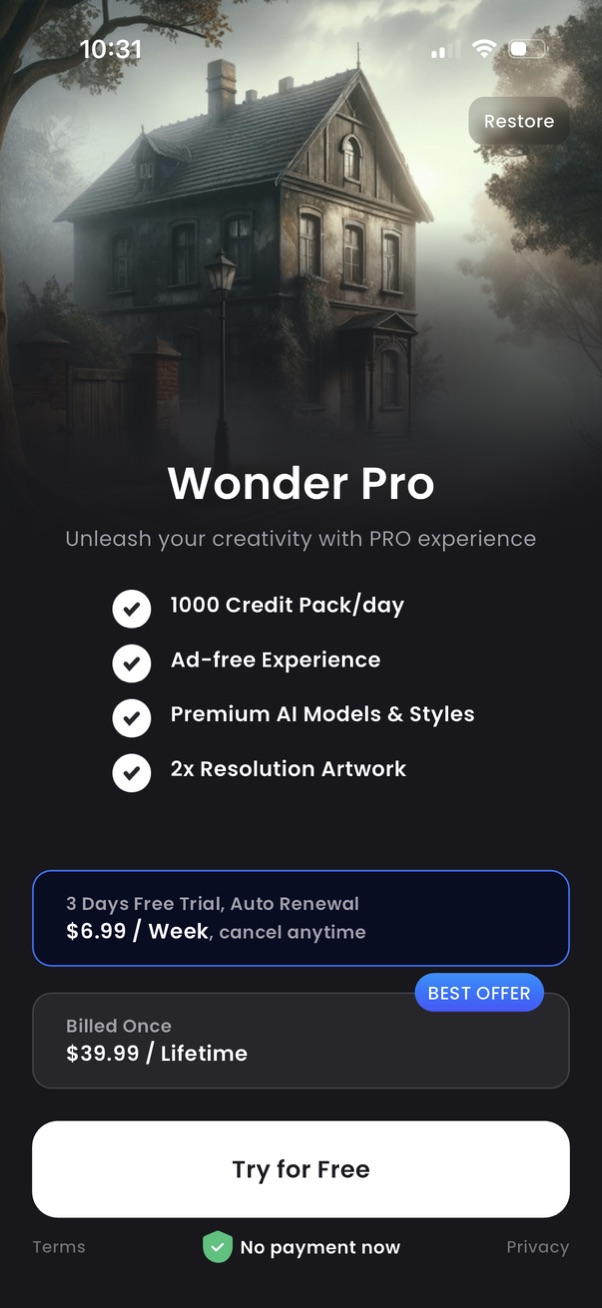
Subscription paywall screen for upgrading to a Pro plan, highlighting benefits like daily credits, ad-free experience, premium AI models/styles, and higher-resolution artwork. Offers selectable pricing options (weekly free trial with auto-renew and lifetime purchase), a Restore purchases action, and a primary “Try for Free” CTA with terms/privacy links and “no payment now” note.