Trip Details
1
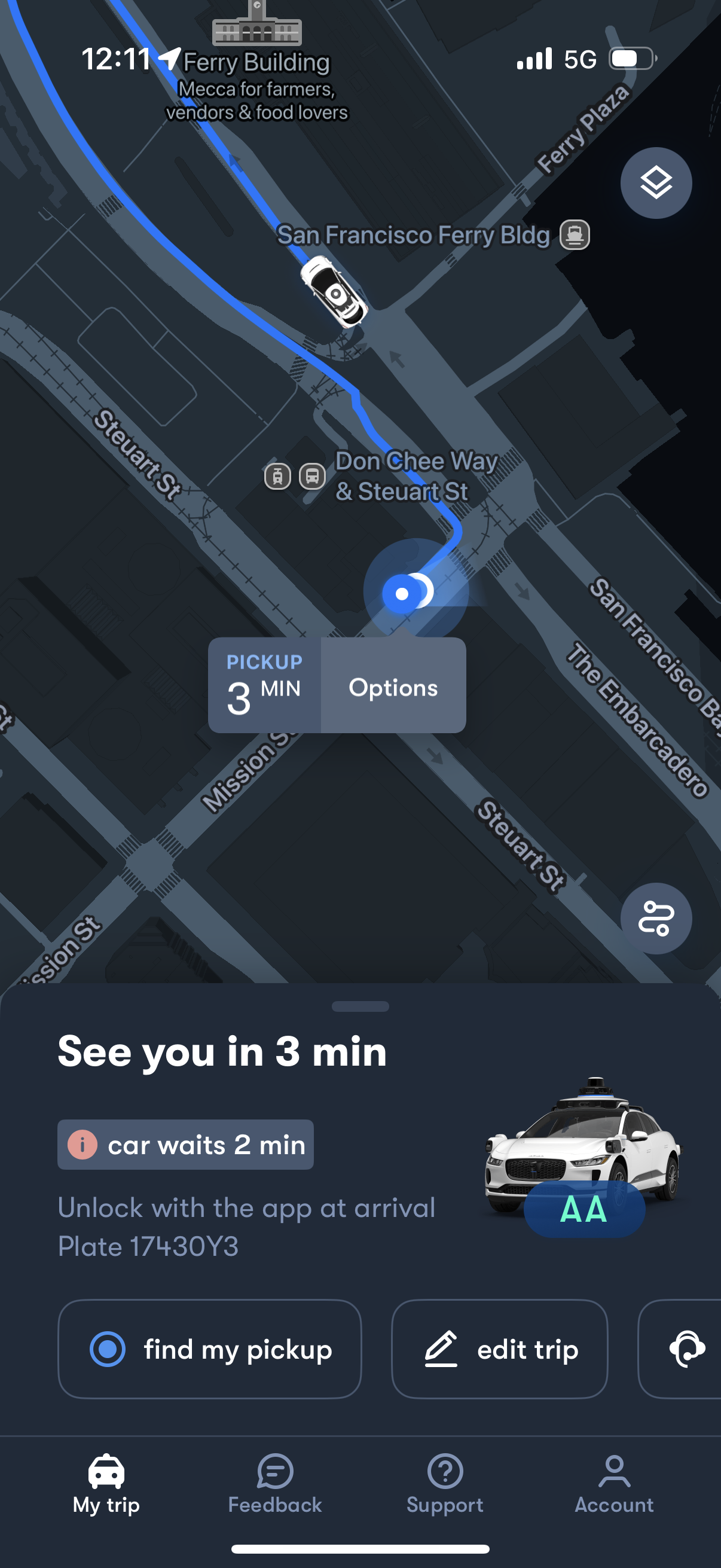
Ride-hailing trip status screen showing a live map with route and car location, pickup ETA in minutes, and a card confirming arrival time and wait time. Includes actions to view pickup location, edit the trip, open options, and access feedback, support, and account tabs.
2
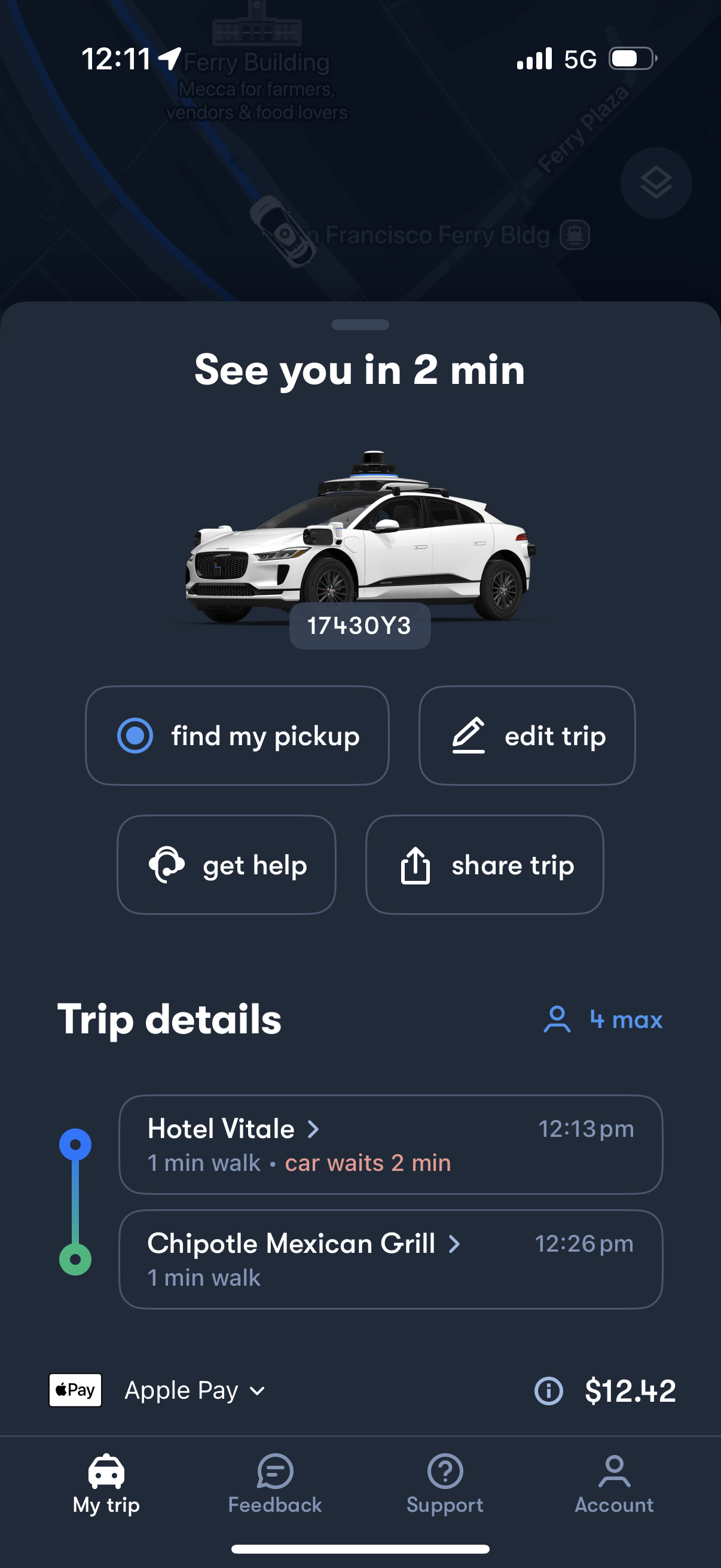
Ride-hailing trip status screen showing ETA (“See you in 2 min”) with vehicle image and car number, plus quick actions to find pickup location, edit trip, get help, and share trip. Displays trip details with pickup/drop-off stops, walking and wait time, passenger capacity, payment method (Apple Pay), and total fare.