Onboarding or welcome screen for a driving/automotive app featuring a full-screen branded hero image and tagline, with a prominent primary “Continue” button to proceed to the next step.

Account selection screen for signing in with Google, prompting the user to choose an existing Google profile (showing avatar, name, and email) or add another account to continue. Includes a remove/close option next to the listed account.

OAuth sign-in flow showing a “Choose an account” screen for selecting a Google account to use with an app. An iOS permission alert asks to allow the app to use google.

Legal consent onboarding screen prompting users to review and agree to the Terms of Service and Privacy Policy and confirm they are at least 18 years old before using an autonomous ride service. Includes informational copy about driverless vehicle operation and a primary “I agree to all” button to continue.
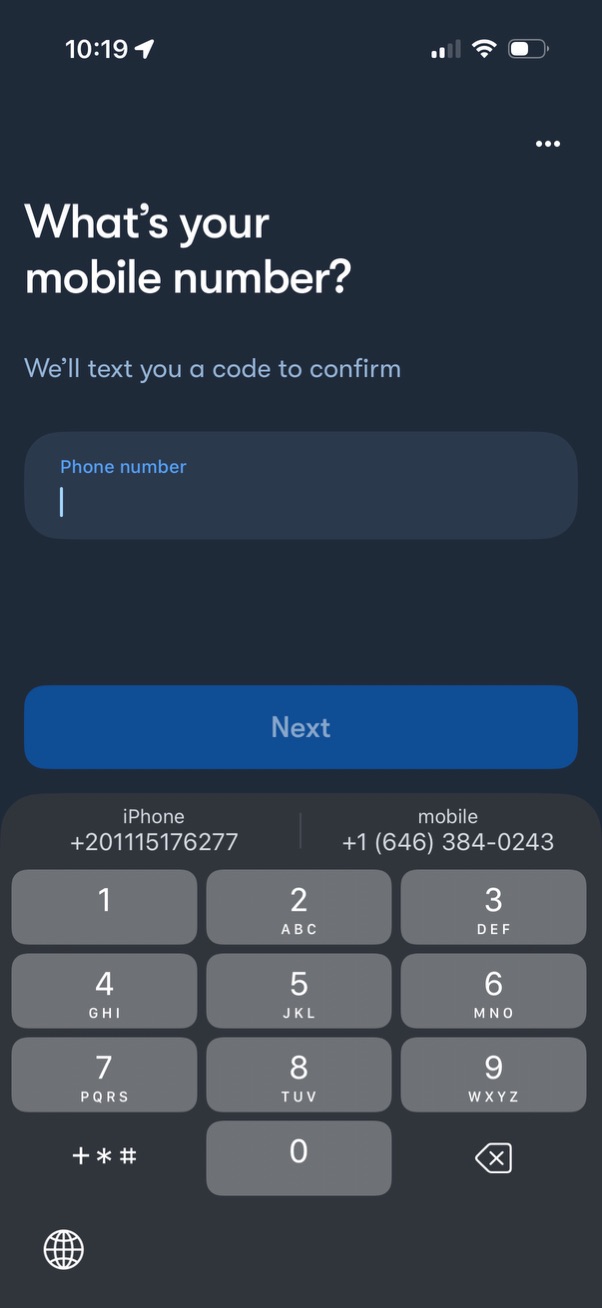
Phone number entry screen for signup/login that asks for a mobile number and explains an SMS verification code will be sent to confirm it. Includes a single phone number input field and a primary “Next” button to continue to OTP verification.
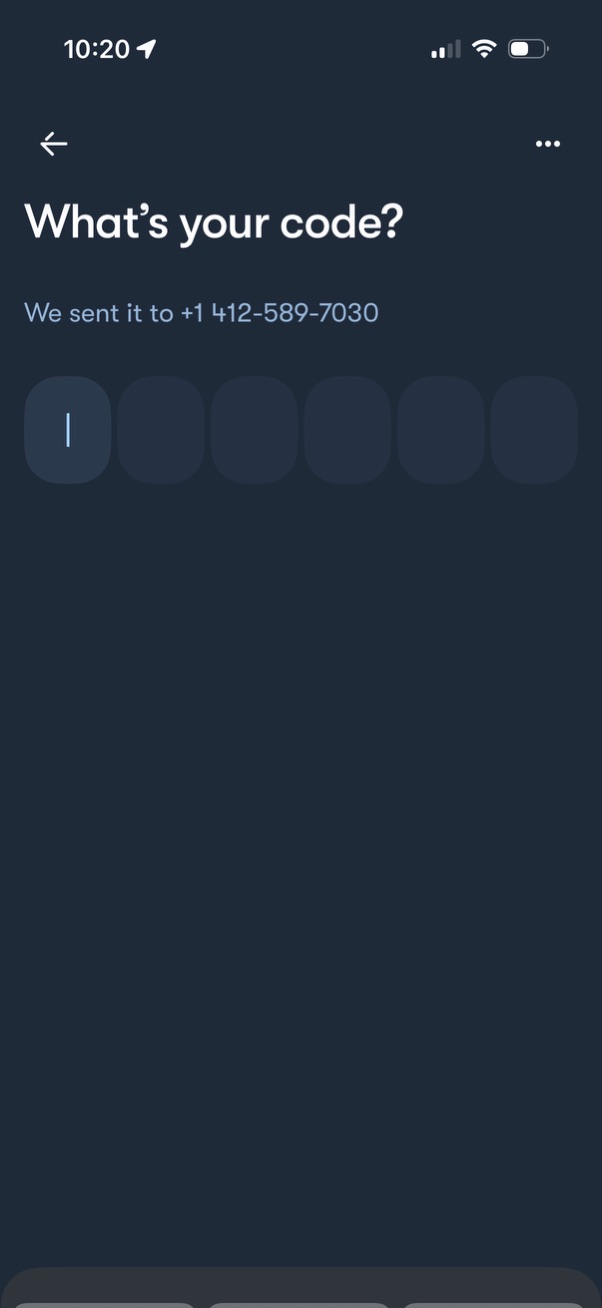
Phone number verification screen prompting the user to enter a multi-digit one-time passcode sent via SMS, with separate code input fields and navigation options like back and more actions.