Sign up
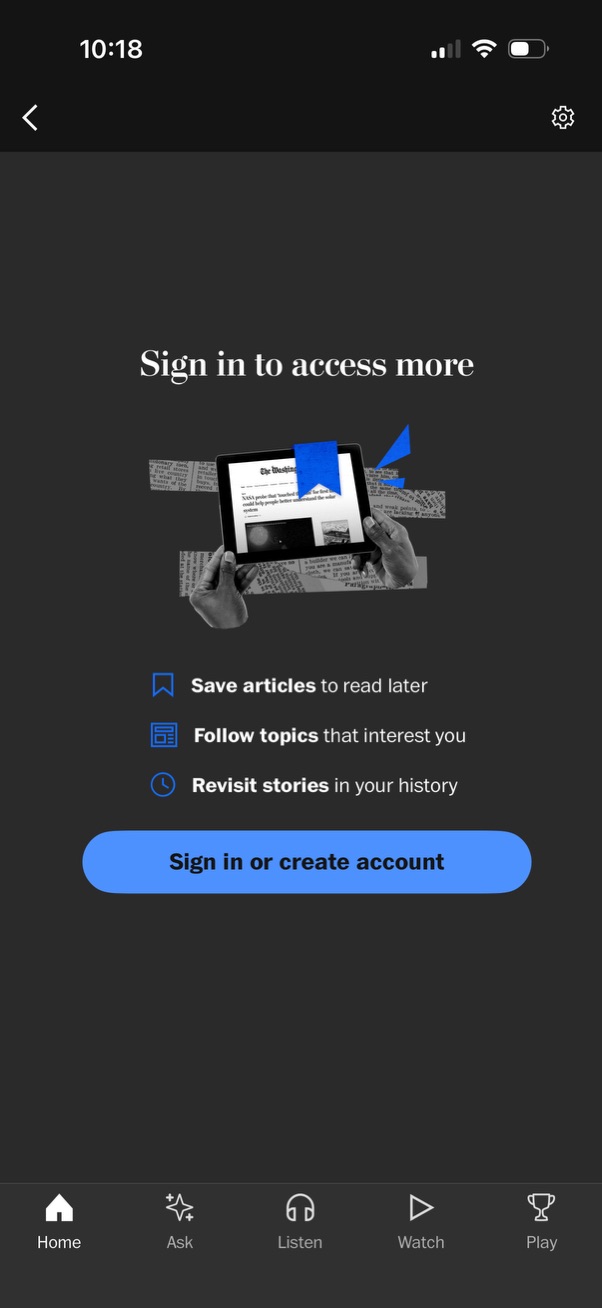
Prompt screen encouraging users to sign in to access more features in a news/content app, highlighting benefits like saving articles for later, following topics, and revisiting reading history. Primary CTA is a “Sign in or create account” button with back and settings icons and a bottom navigation bar.

Authentication screen to sign in or create an account using an email address with a “Next” button, plus alternative social login options (Amazon, Facebook, Google, Apple). Includes a link for work/school single sign-on (SSO) and a cancel action to exit the flow.

Sign in or create account screen with an email address field and Next button plus social login options to continue with Google or Apple and a link for SSO. An iOS permission dialog overlays the page asking to allow the app to use google.

Google OAuth “Sign in with Google” consent screen for signing into a website, showing the selected Google account and the personal info (email address) the site will access. Provides links to privacy policy/terms and primary actions to Cancel or Continue to authorize the login.
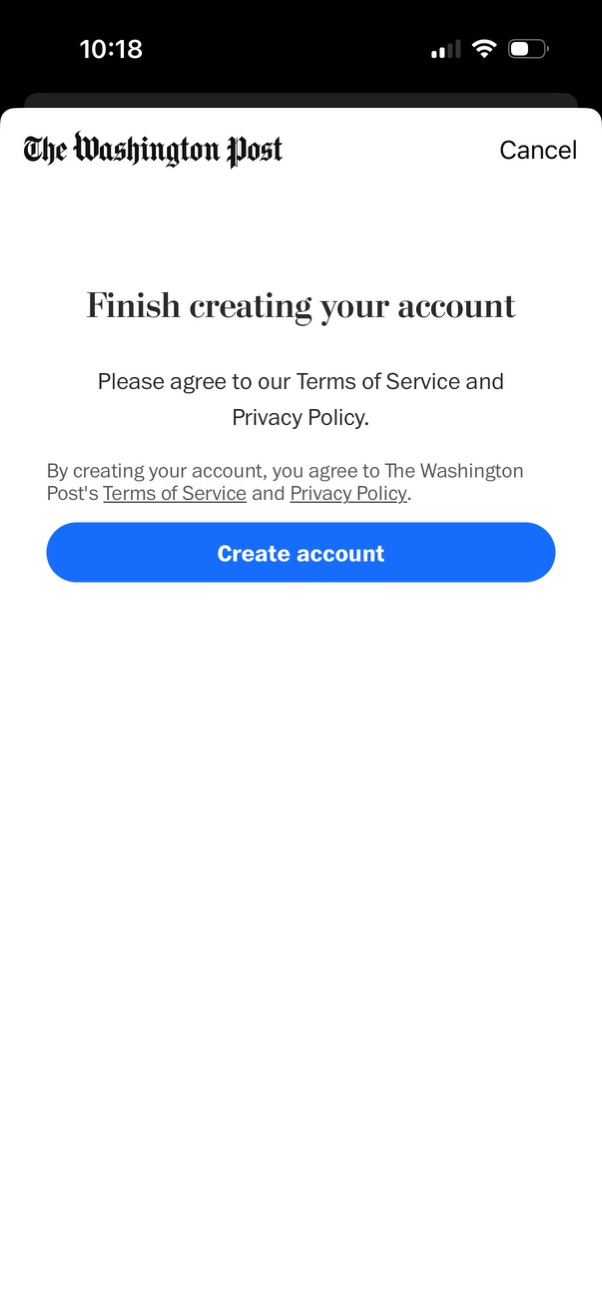
Account creation completion screen prompting the user to agree to the Terms of Service and Privacy Policy, with links to view those documents. Primary action is a prominent “Create account” button, with a “Cancel” option to exit the signup flow.

Welcome/onboarding screen for a news app prompting returning users to “pick up where you left off,” with a primary Continue button to proceed into the app and a Cancel option to dismiss.

Onboarding prompt encouraging users to personalize their news experience by setting content preferences. Provides primary and secondary actions with “Get started” to begin personalization and “Maybe later” to skip.

Onboarding step for setting up news notification alerts, showing categorized topics (Latest, Only From The Post) with toggle switches to opt in to Breaking News, daily briefings, editors’ picks, special reports, and games. Users can continue with a Next button or skip with a “Choose later” link.

Onboarding notification setup screen for a news app where users choose alert topics, triggering the iOS permission dialog to enable push notifications. The modal offers actions to Allow, Allow in Scheduled Summary, or Don’t Allow while the background shows alert category toggles and a Next button to continue.

Onboarding personalization screen (step 2 of 3) that asks users to select interest topics to tailor content recommendations, showing category cards like world news, video games, and television with a “+ Select” action. Includes a primary “Next” button to continue and a “Choose later” option to skip.
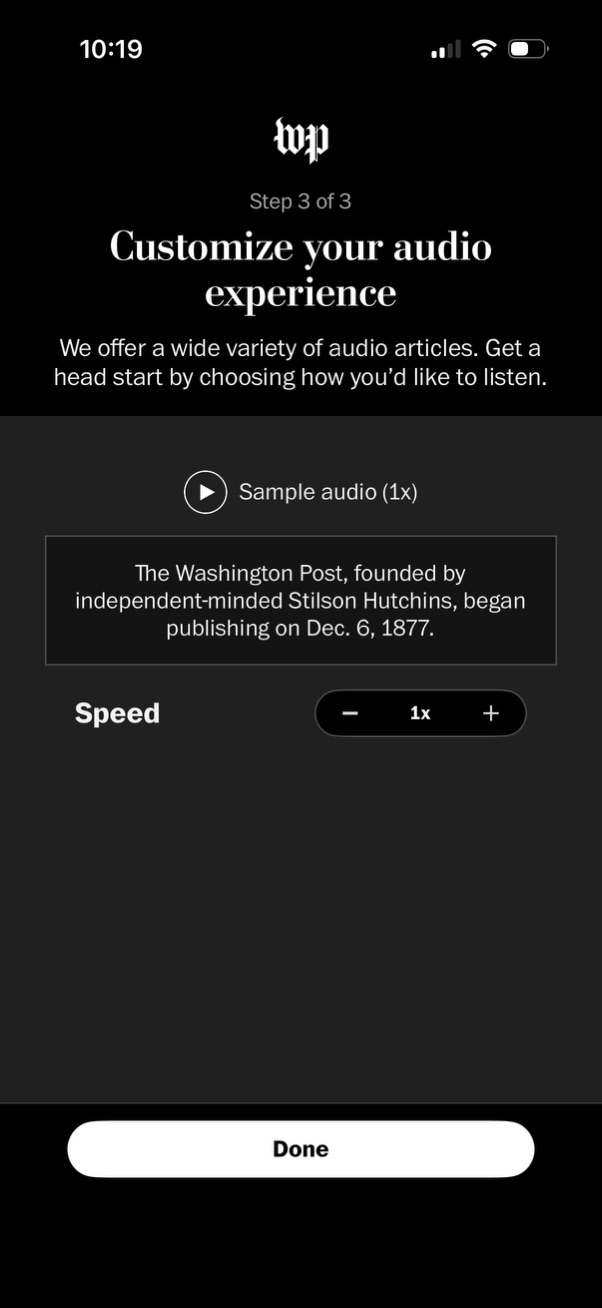
Onboarding step to customize an audio listening experience for articles, offering a play button to sample audio and a speed control to adjust playback rate (minus/plus around 1x). A prominent Done button completes the setup.

Personalized “My Post” hub screen with horizontal tabs (All, Topics, History, Saved Stories, Authors) and a Topics section listing followed interests with plus buttons to follow/add more, plus a “View more” action. Includes a promotional “Birthday front page” card with a CTA button and access to recently explored history, with settings and bottom navigation for switching app sections.