learn to use contactless
1
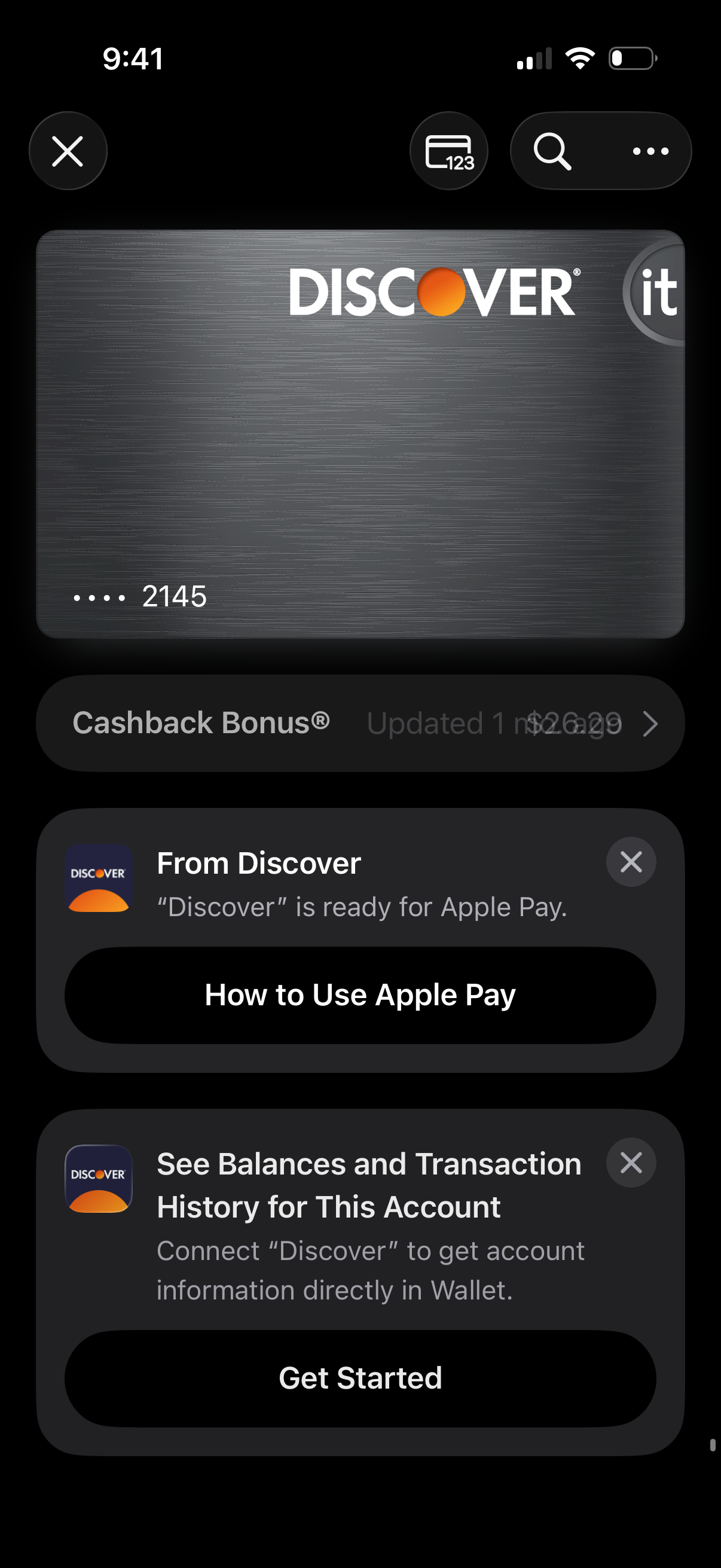
Digital wallet card detail screen showing a credit card preview with actions to view card number, search, and more options. Below are promotional and onboarding cards prompting the user to learn how to use Apple Pay and connect the card account to view balances and transaction history, with primary CTA buttons.
2
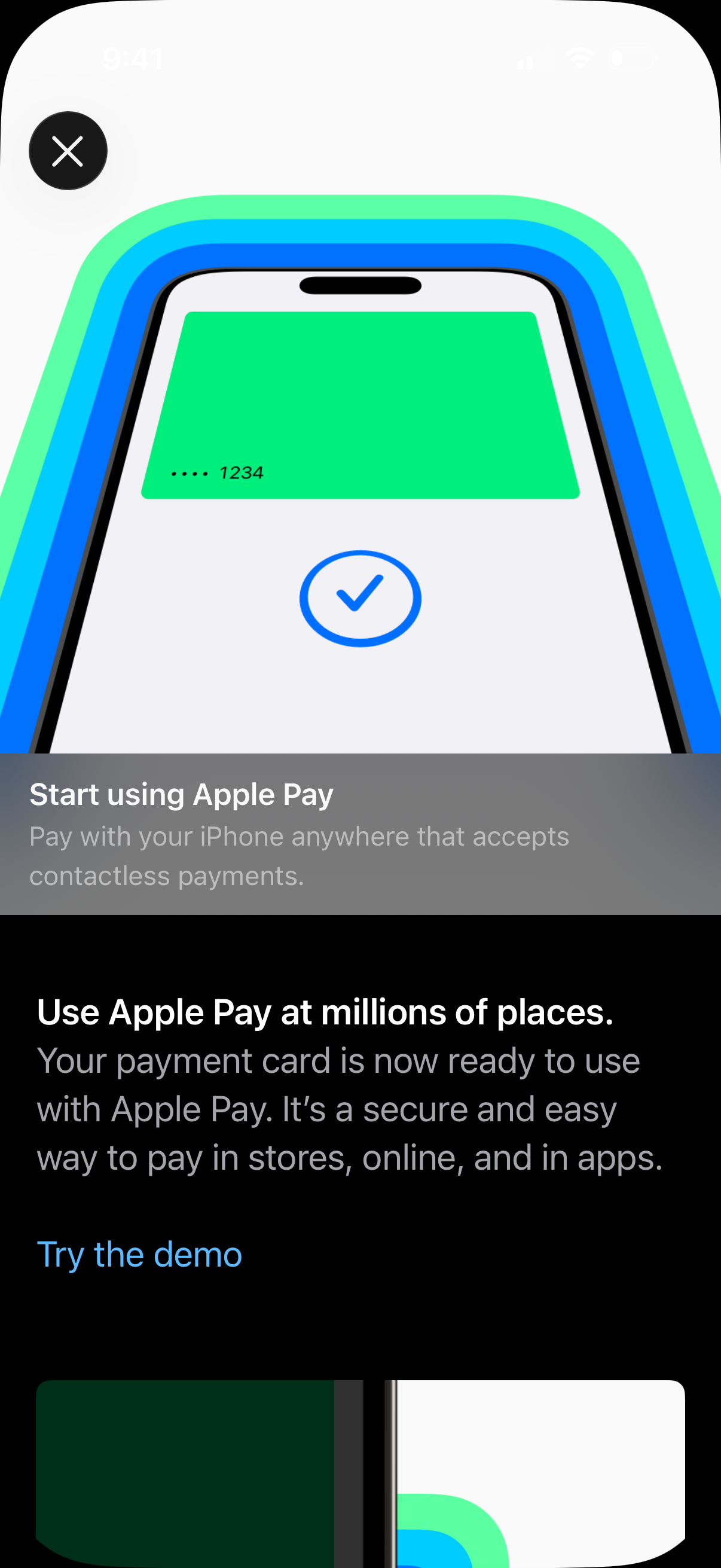
Apple Pay onboarding/education screen confirming a payment card is ready to use, explaining contactless payments in stores, online, and in apps. Includes a “Try the demo” call to action and a close (X) button to dismiss the setup info.