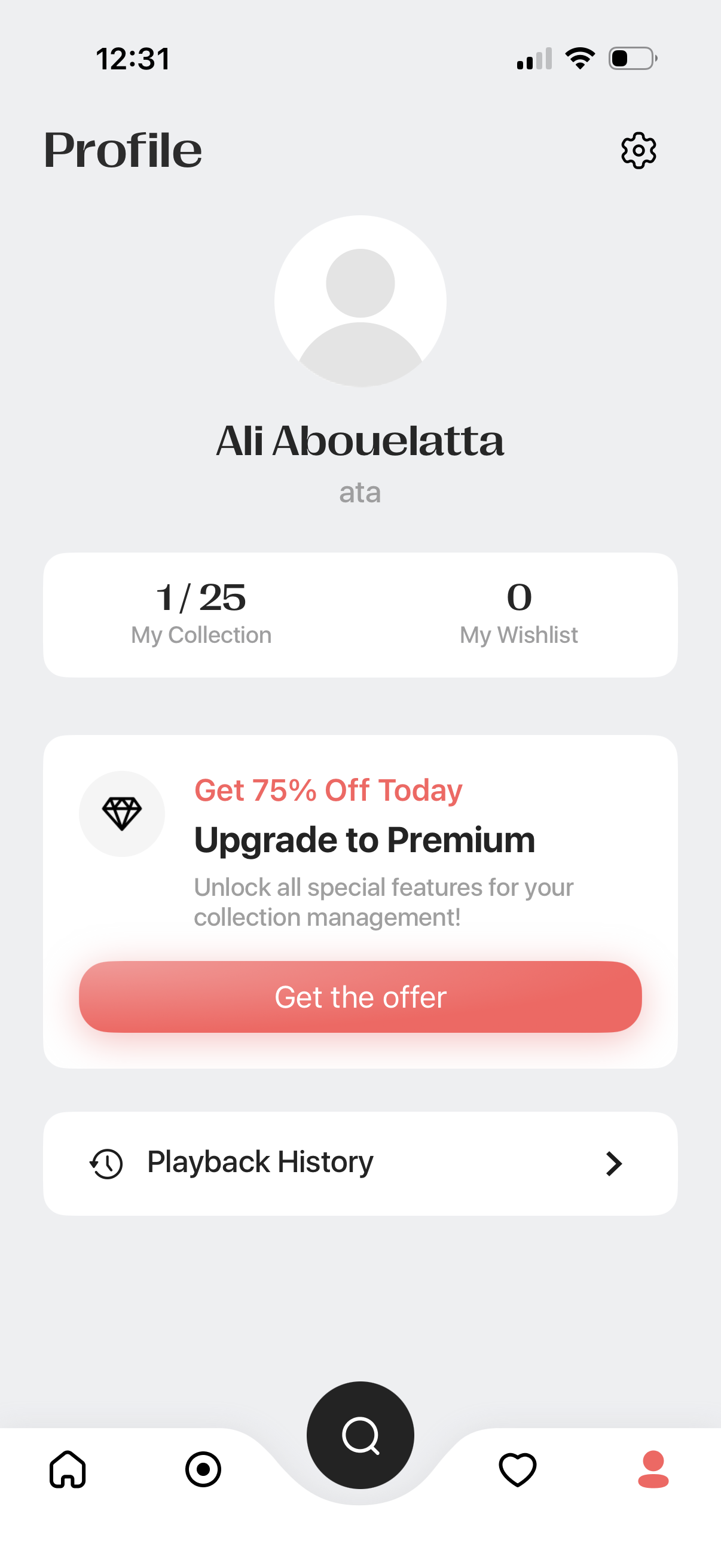
User profile dashboard showing avatar, username, and quick stats for “My Collection” and “My Wishlist,” with a settings button. Includes a promotional card to upgrade to Premium with a CTA button and a navigation link to view playback history, plus a bottom tab bar.
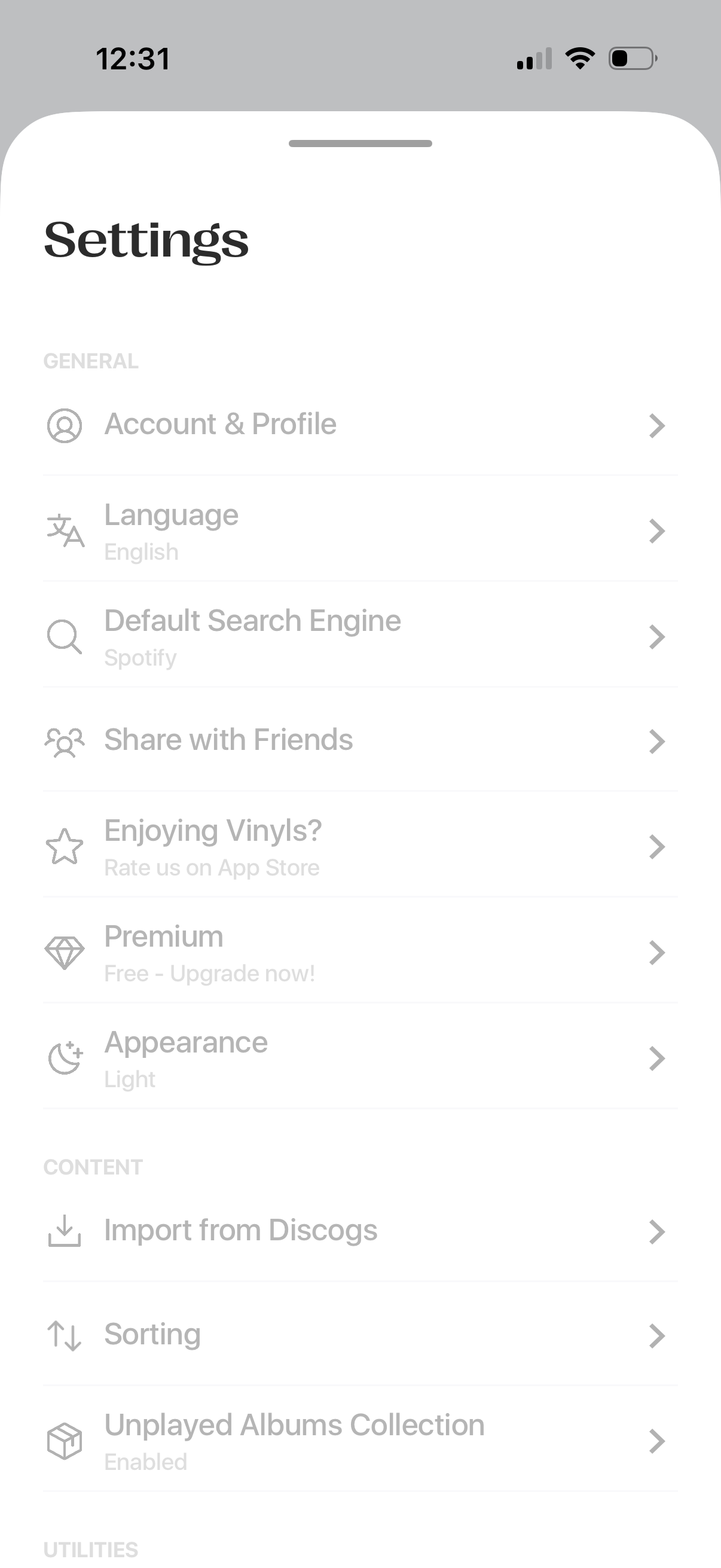
Settings screen with a list of navigation options for general preferences like account & profile, language, default search engine, sharing with friends, app rating, premium upgrade, and appearance/theme. Includes content management settings such as importing from Discogs, sorting preferences, and enabling an unplayed albums collection.
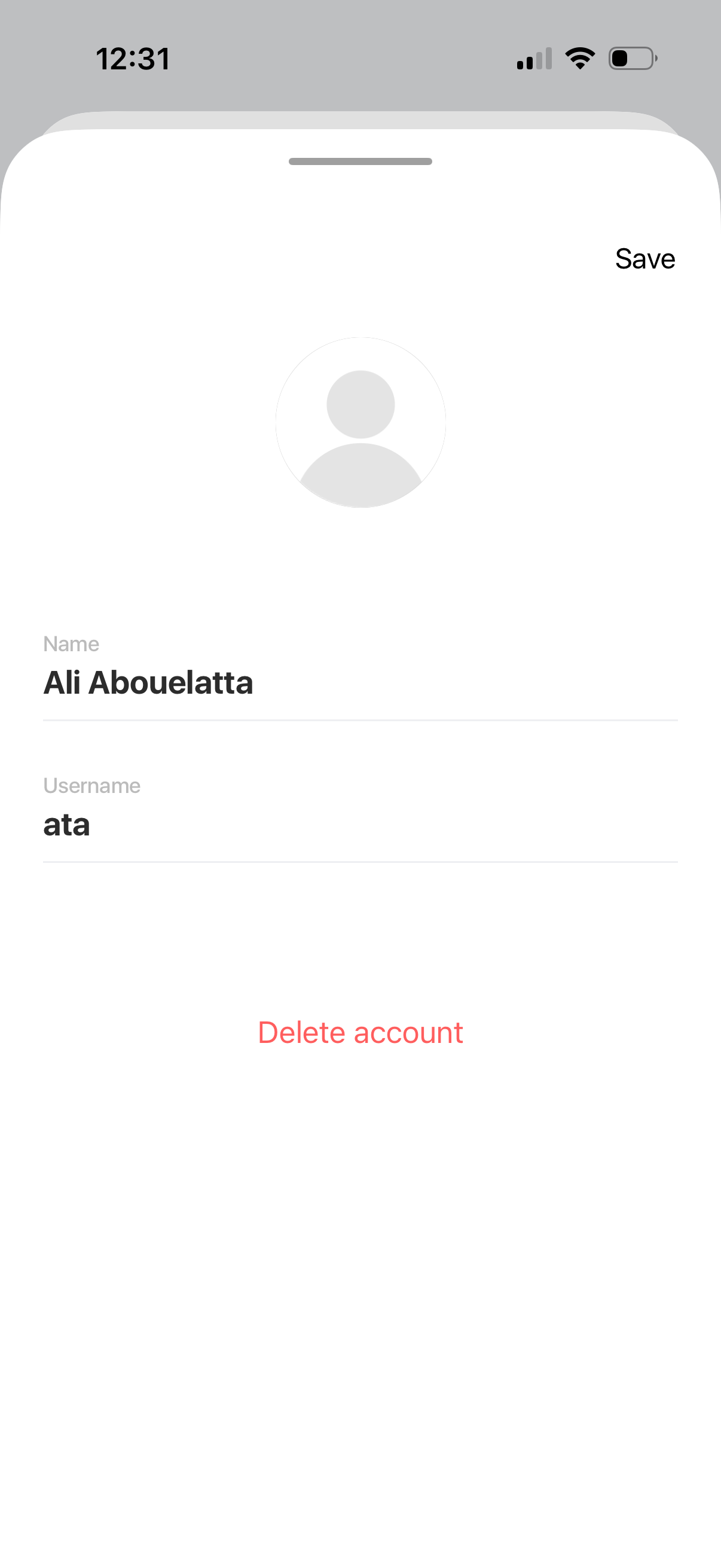
Account settings screen for editing a user profile, showing an avatar placeholder with editable name and username fields and a Save action. Includes a prominent destructive option to delete the account.