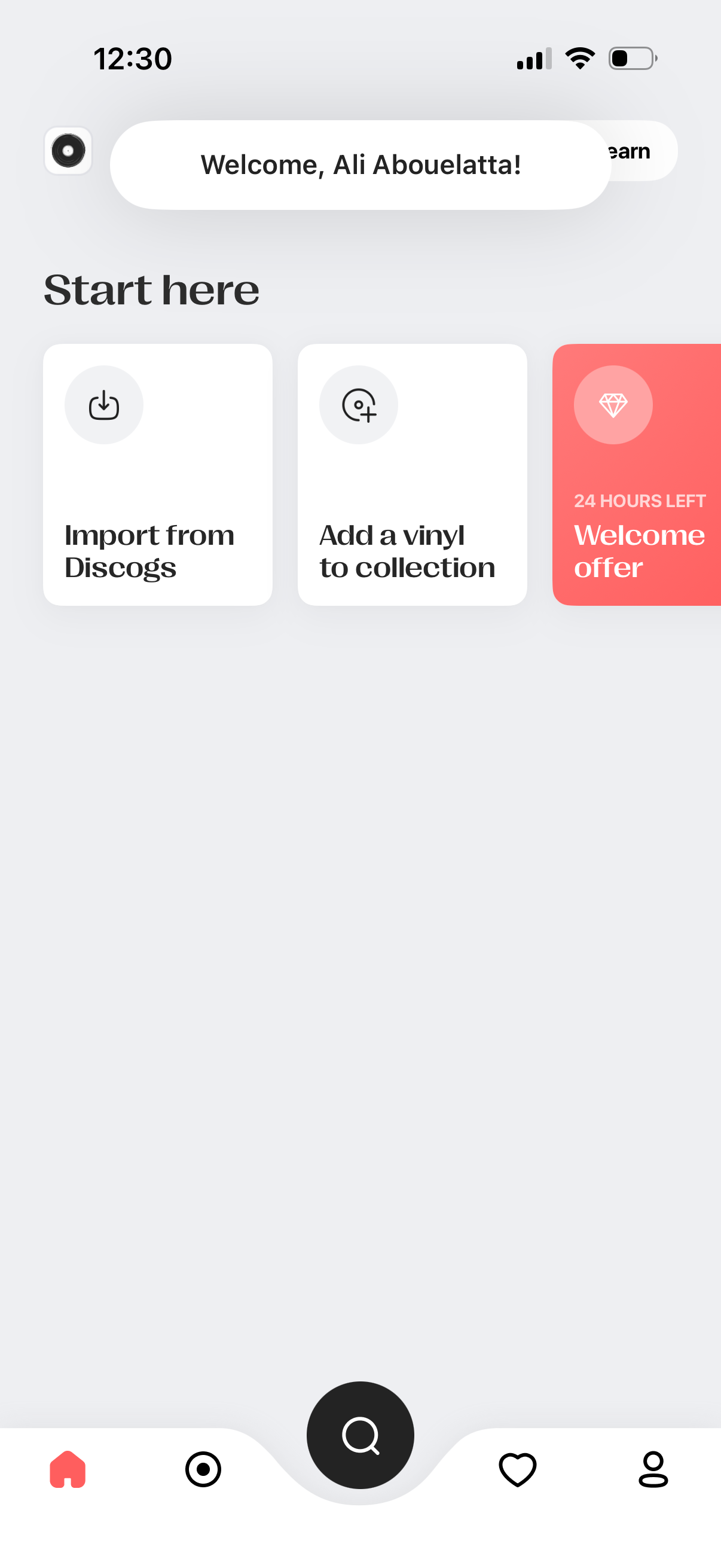
Home onboarding screen for a vinyl record collection app, welcoming the user and offering quick-start cards to import a collection from Discogs or add a vinyl manually. Includes a limited-time welcome offer promo card and a bottom navigation bar with a prominent central search button.
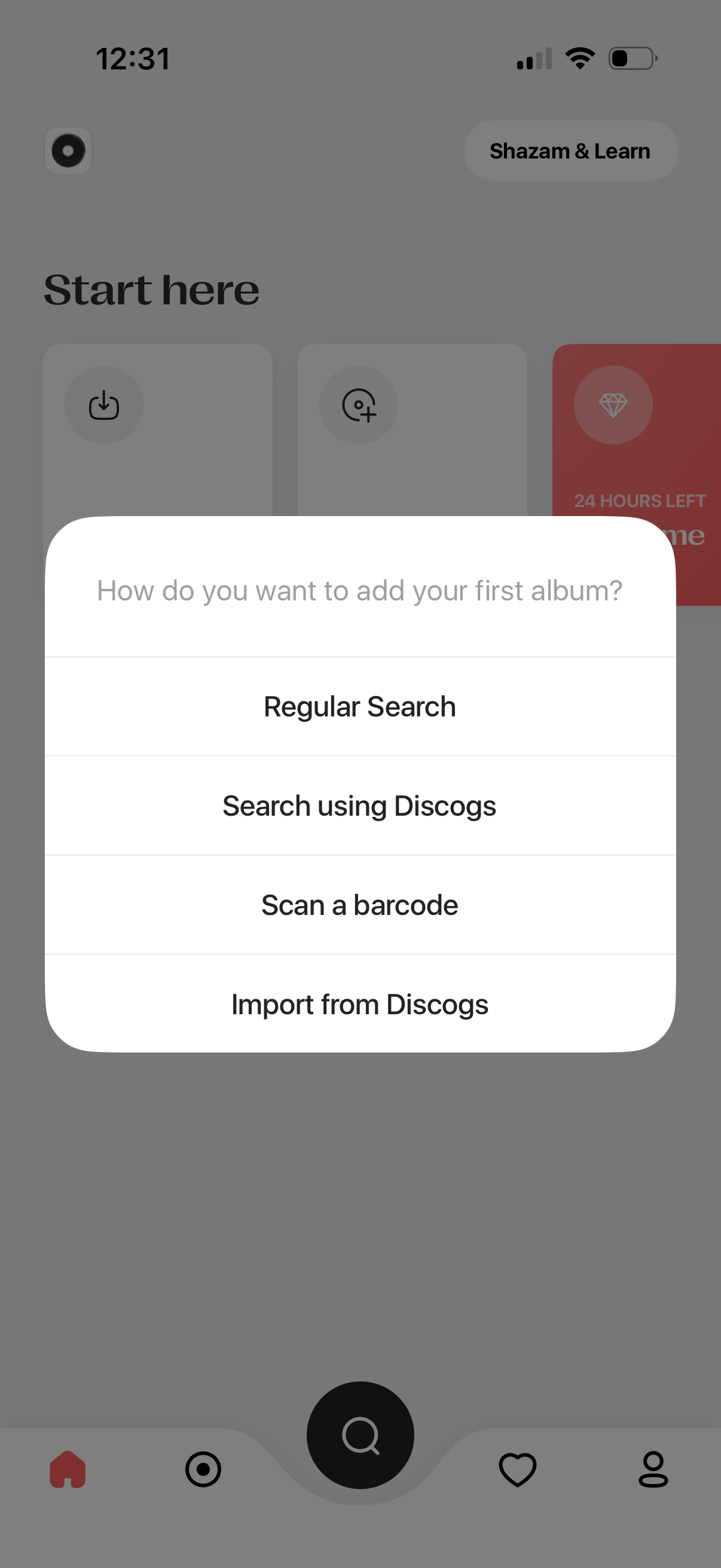
An action sheet modal prompts the user to add their first album and choose a method: regular search, search using Discogs, scan a barcode, or import from Discogs. The background shows the app’s start/home screen with bottom navigation while the modal focuses the user on selecting an add/import flow.
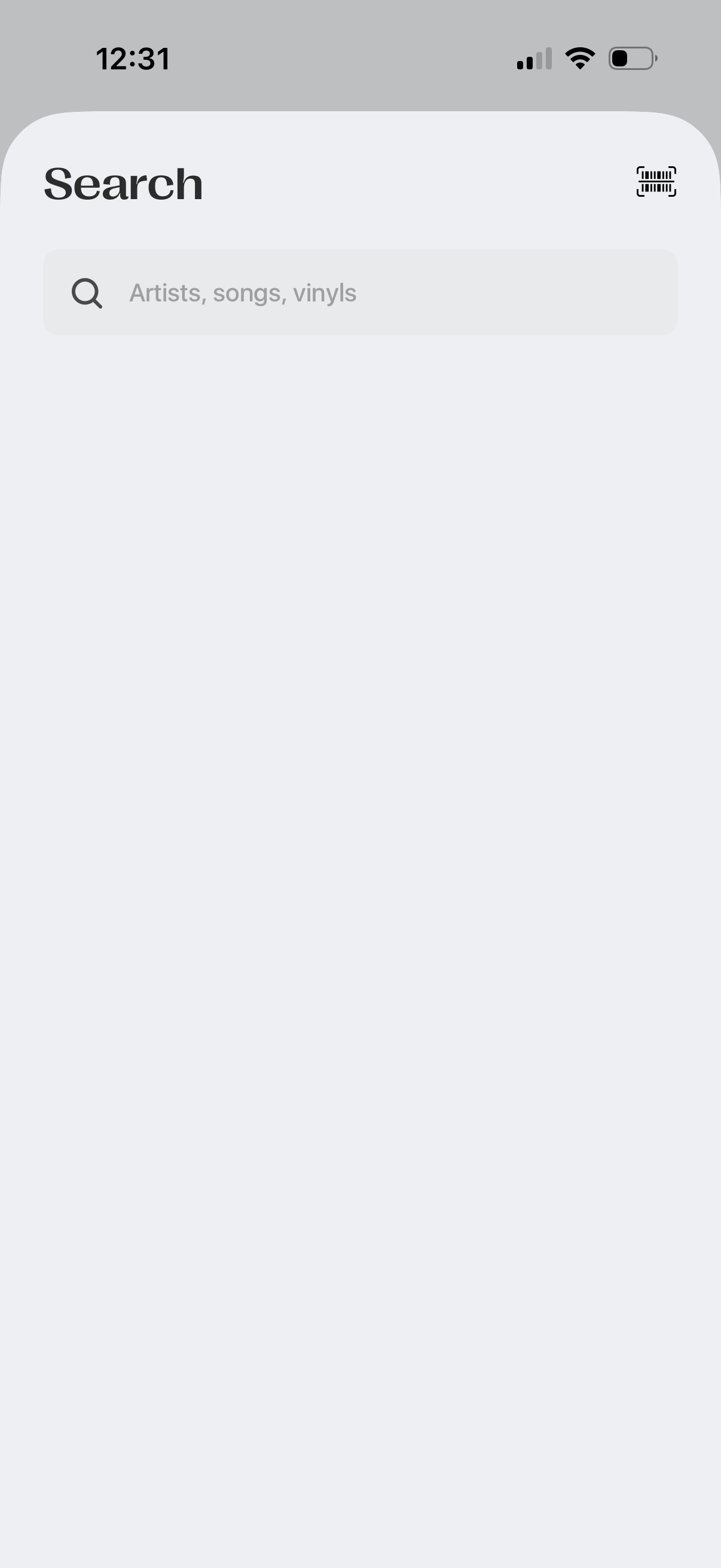
A music discovery search screen with a prominent search bar for finding artists, songs, and vinyl records. Includes a barcode/scan icon in the top corner for scanning items instead of typing.
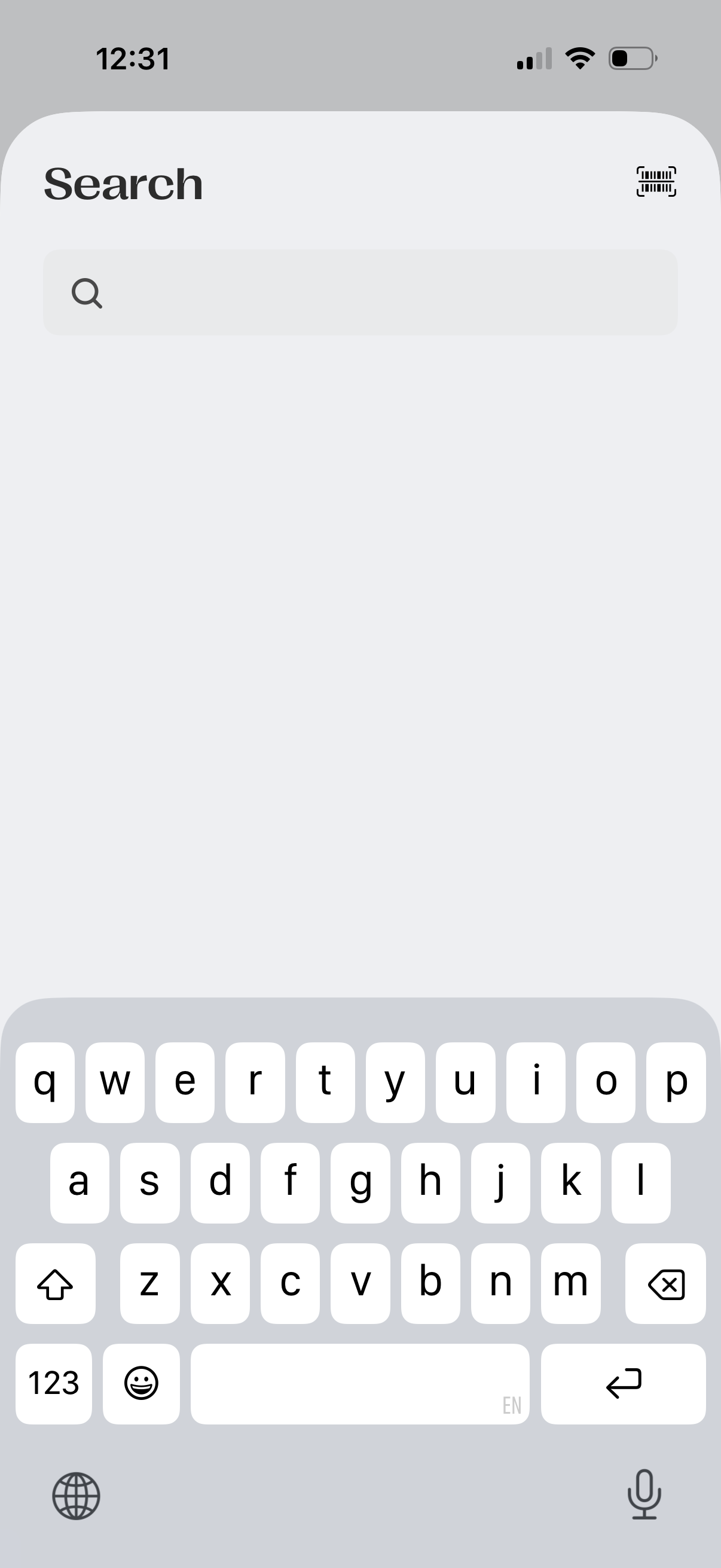
Minimal search screen with a large header and an empty search input field for typing queries, showing the keyboard active. Includes a barcode/QR scan icon in the top right for searching by scanning a code.
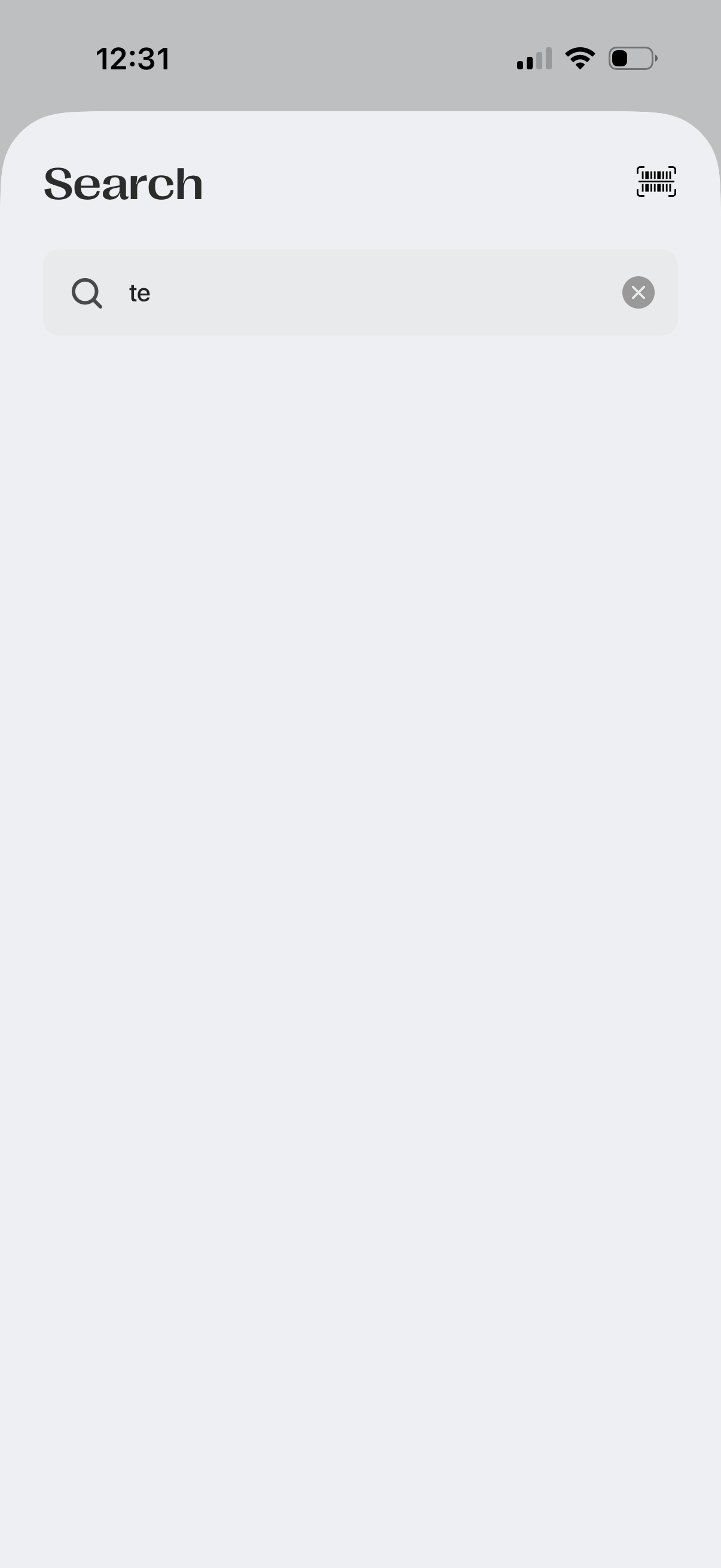
Minimal search screen with a prominent search bar for typing a query, including a magnifying glass icon, clear-text button, and an additional action icon in the header for alternate search options like scanning or filters. The results area is empty, indicating the user is entering a new search.
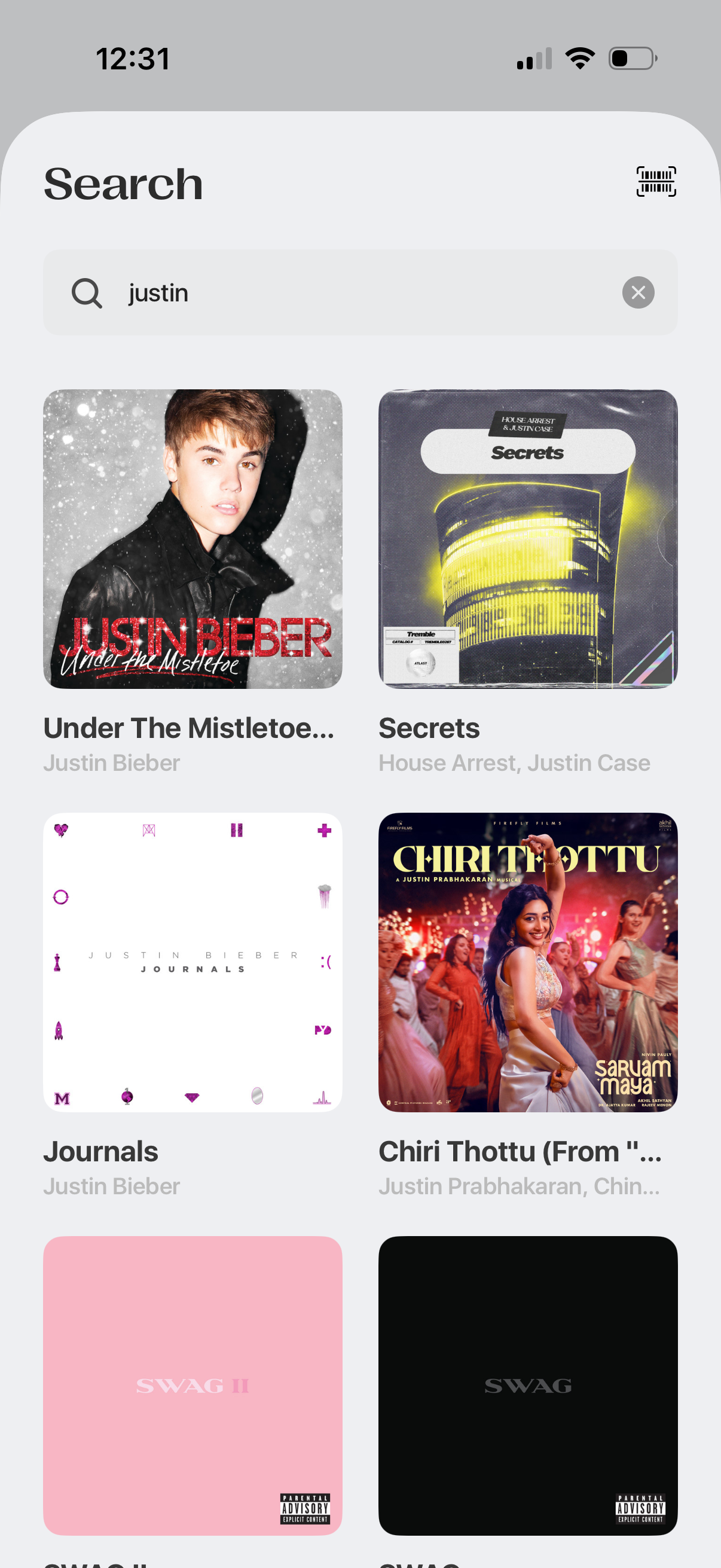
Music app search results screen with a search bar for typing a query and clearing it, plus an action icon for scanning. Results are shown as a grid of album/song cards with cover art, title, and artist names for quick selection.
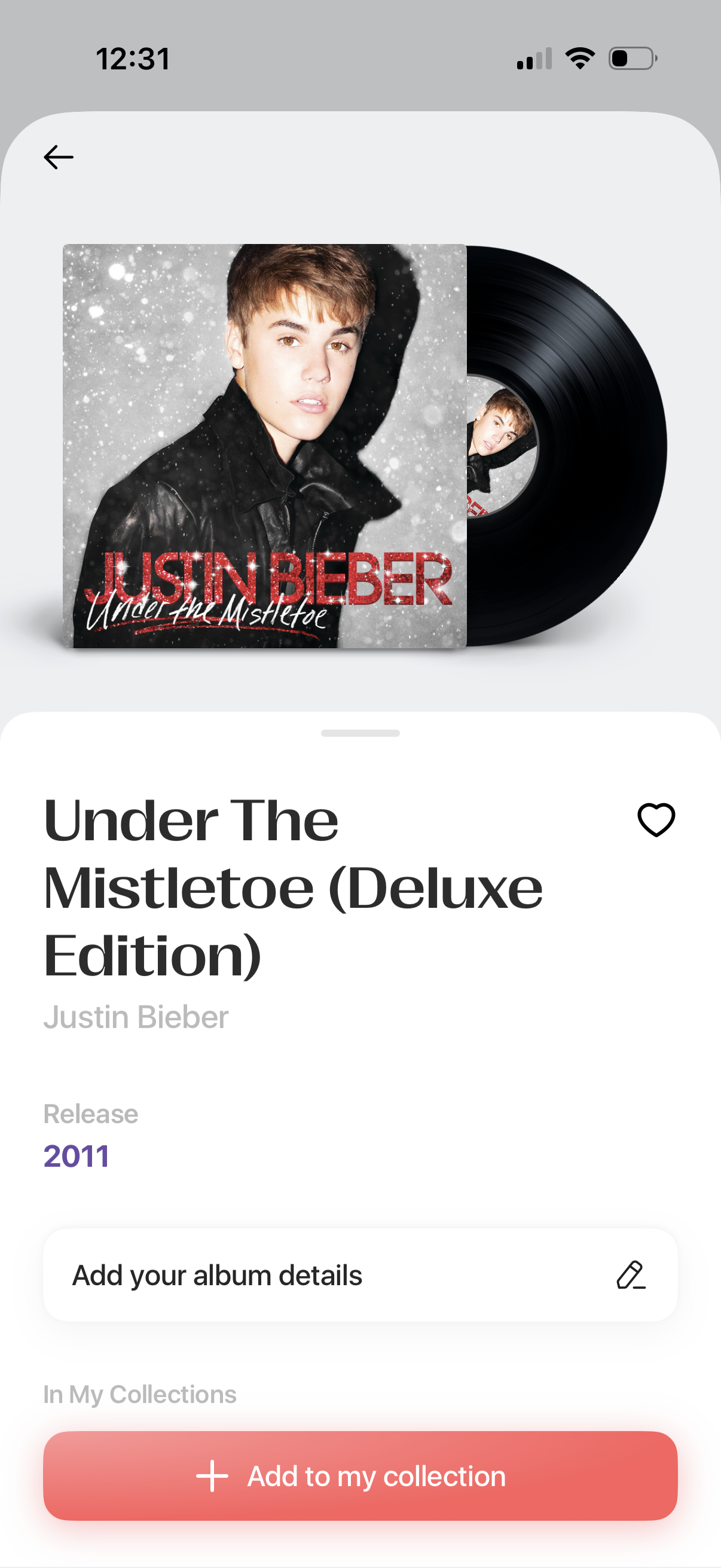
Music album detail screen showing large album artwork, album title and artist, and release year, with actions to favorite/like the album, edit or add album details, and add the album to a personal collection. Includes a back navigation arrow and a prominent “Add to my collection” button.