browse home feed
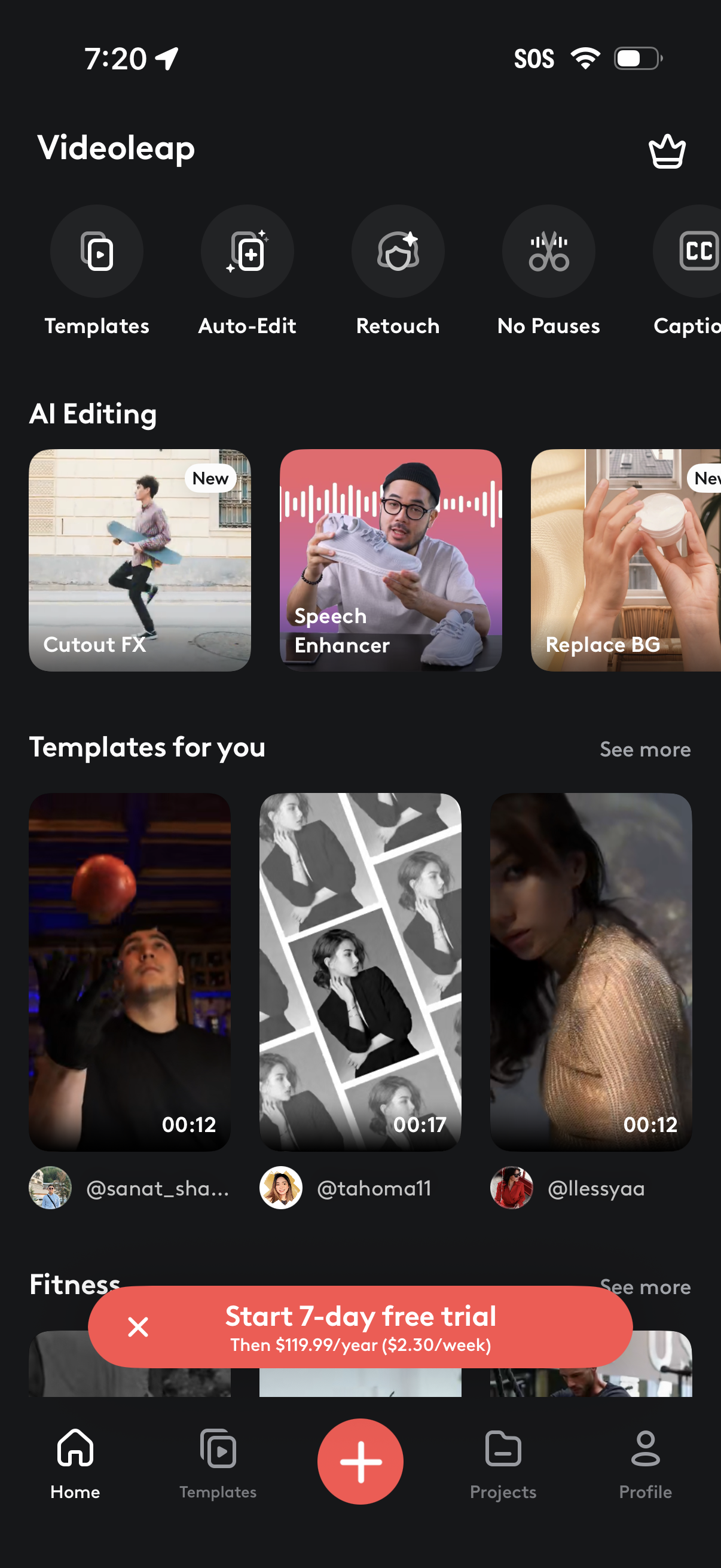
Home screen of a video editing app showcasing quick-access tools like Templates, Auto-Edit, Retouch, No Pauses, and Captions, plus an AI Editing section with features such as Cutout FX, Speech Enhancer, and Replace Background. Includes a scrollable “Templates for you” feed, a prominent “Start 7-day free trial” upsell banner, and bottom navigation with a central create (+) button, Projects, and Profile.
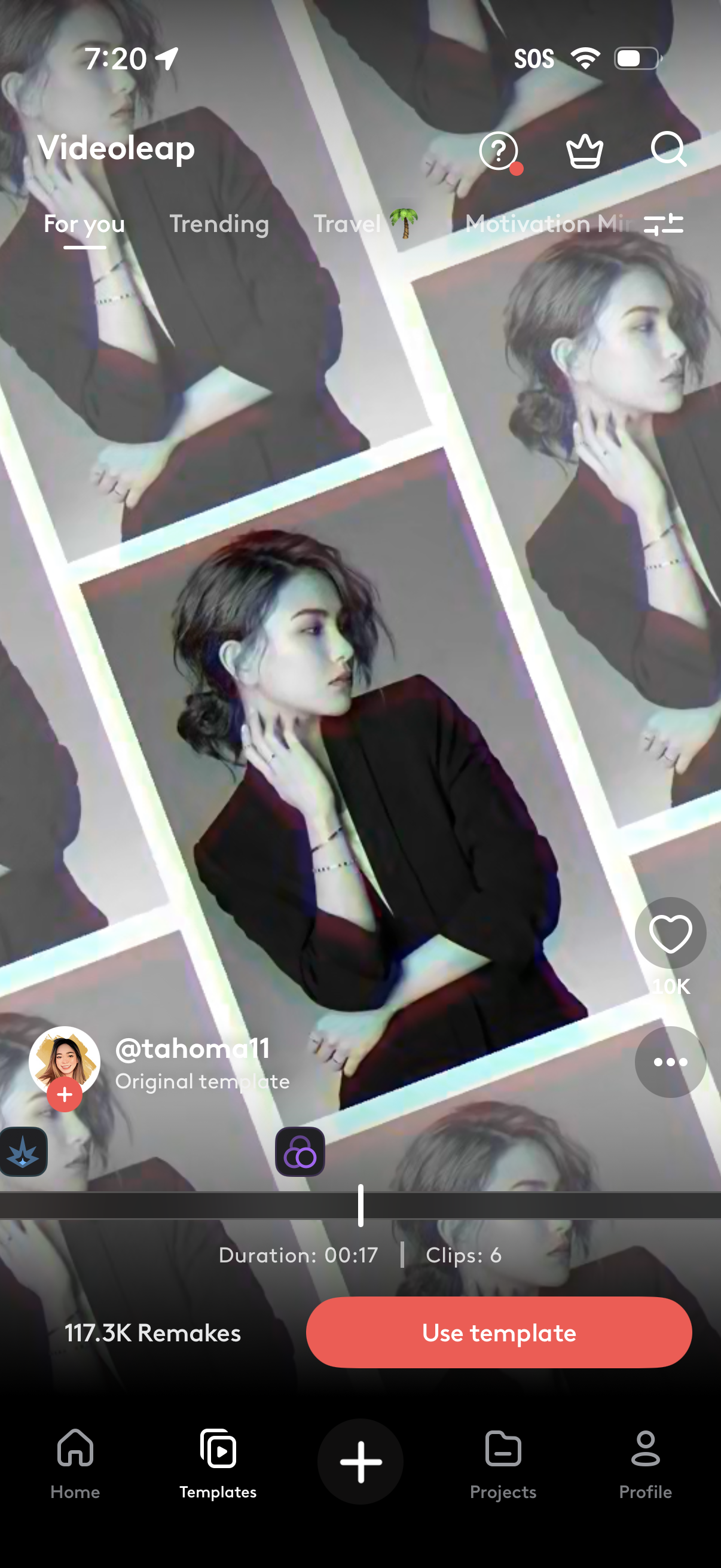
Video editing app template detail screen showing a preview of the selected template with creator info, likes, and remix count, plus timeline controls indicating duration and number of clips. Main actions include using the template, favoriting, opening more options, and navigating template categories with search and filters.
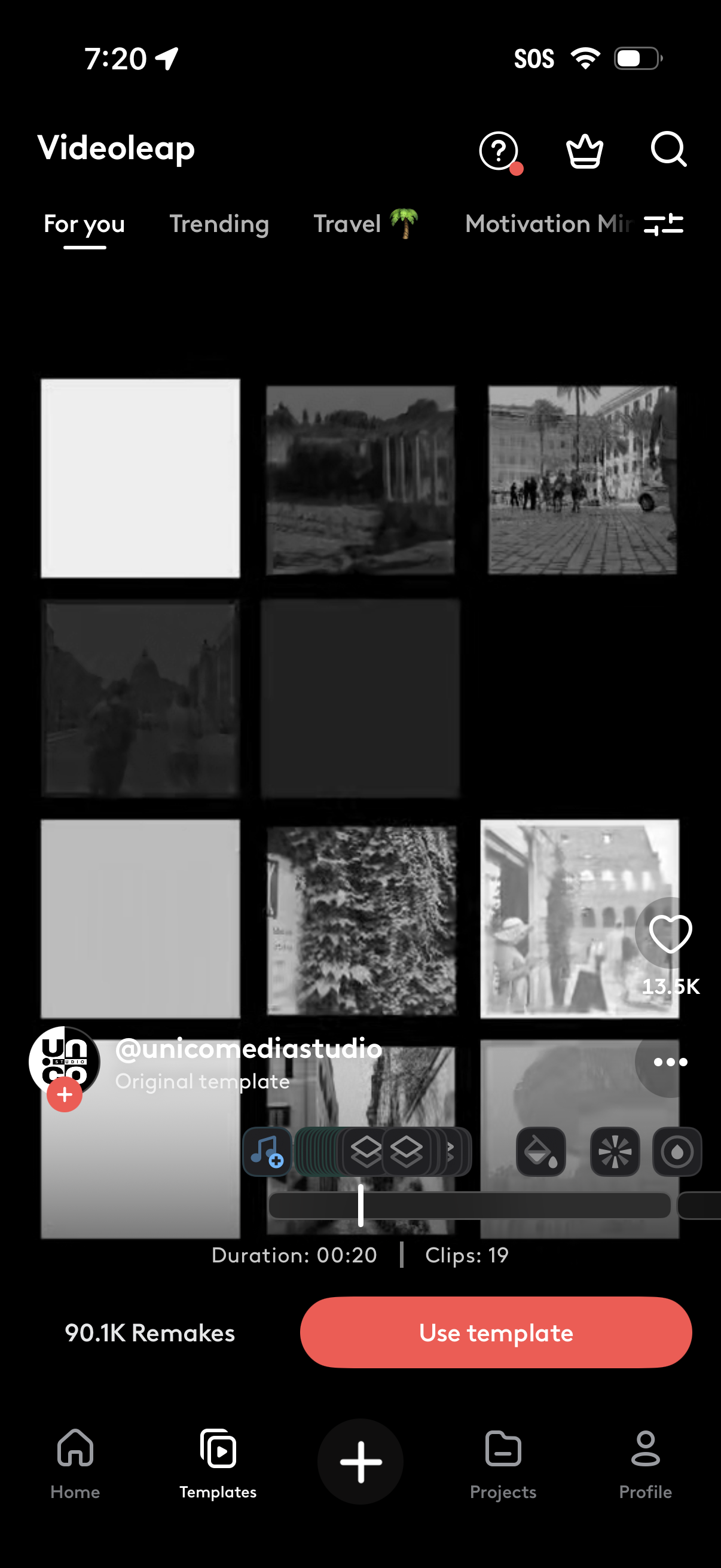
Video editing templates browsing screen showing a grid preview of an original template with category tabs (For you, Trending, Travel), search and filter controls, and template details like duration, clip count, likes, and remakes. Primary action is a large “Use template” button to start creating a video from the selected template, with bottom navigation for Home, Templates, Create, Projects, and Profile.