adjust timeline and reminder

Settings screen for an app with sections for Cosmetics and General, offering customization options like pattern gallery, themes, and app icons plus controls for tweaks, tag management, sound and haptics toggles, backups, and unlocking all features. Also includes Help & feedback links such as widget guide and contact/support via email or Twitter.
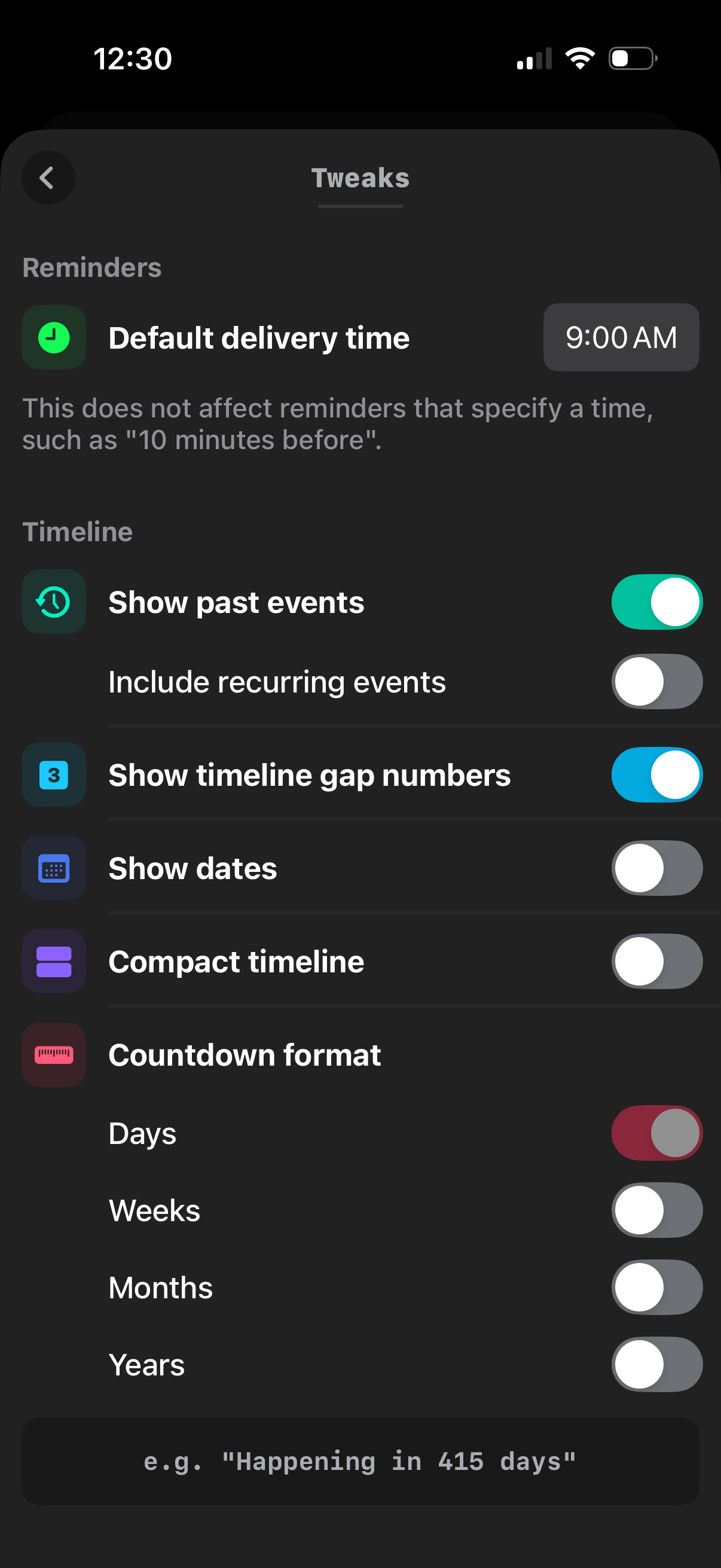
Settings “Tweaks” screen for a calendar/reminders app where users set a default reminder delivery time and configure timeline display options like showing past events, recurring events, gap numbers, dates, and compact mode. Includes a countdown format section with toggle choices for displaying time remaining in days, weeks, months, or years.

Settings “Tweaks” screen for a calendar/reminders app that lets users set a default reminder delivery time and customize timeline display options. Controls include toggles for showing past events (including recurring), showing timeline gap numbers, showing dates, enabling a compact timeline, and choosing countdown format units (days, weeks, months, years).
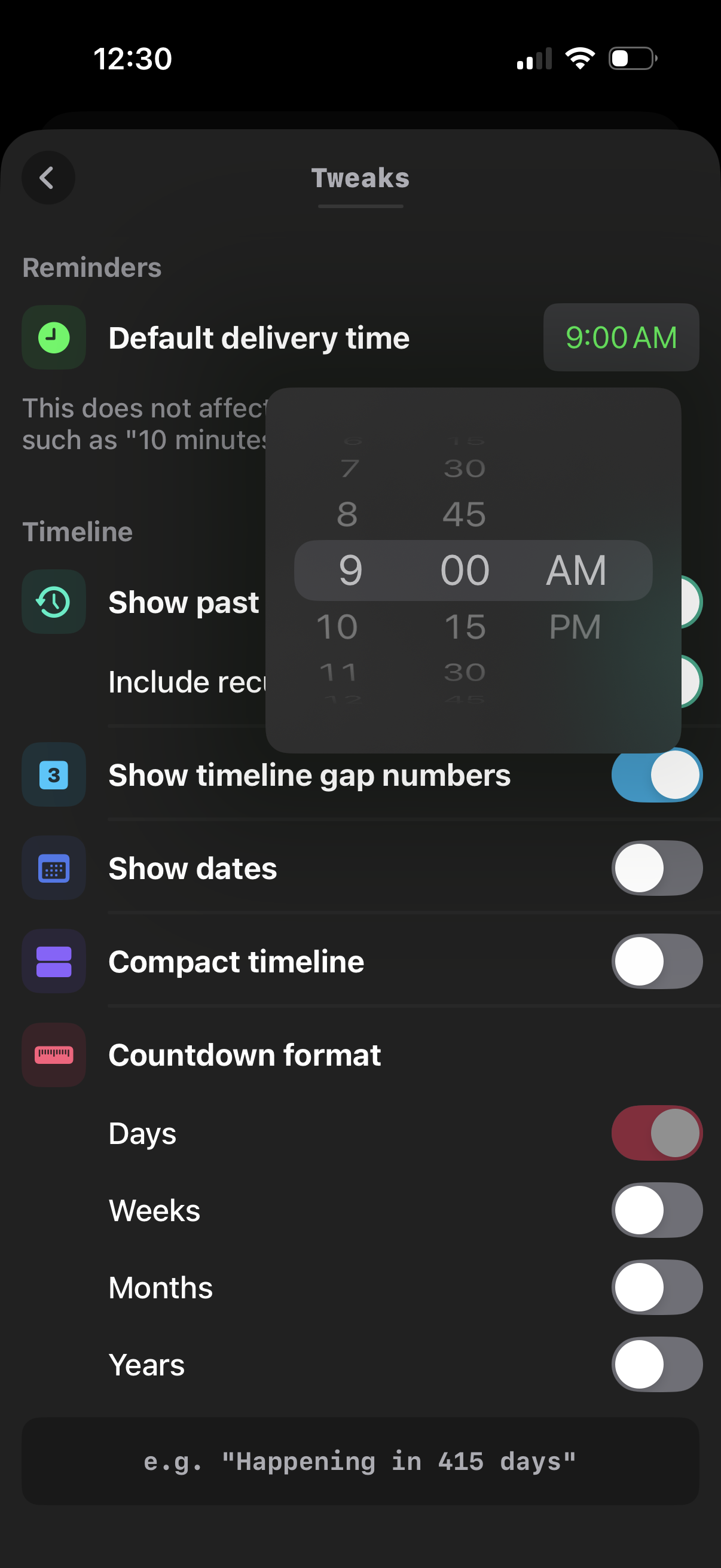
Settings “Tweaks” screen for a reminders/timeline app where users set a default delivery time using an iOS wheel time picker and toggle timeline display options like showing past items, gap numbers, dates, and compact timeline. It also includes countdown format preferences with switches for days, weeks, months, and years.

Settings “Tweaks” screen for a calendar/reminder app that lets users set a default reminder delivery time and customize timeline display options like showing past events (including recurring), gap numbers, dates, and compact timeline. Also includes countdown format preferences with toggles for units (days, weeks, months, years) and an example preview text.
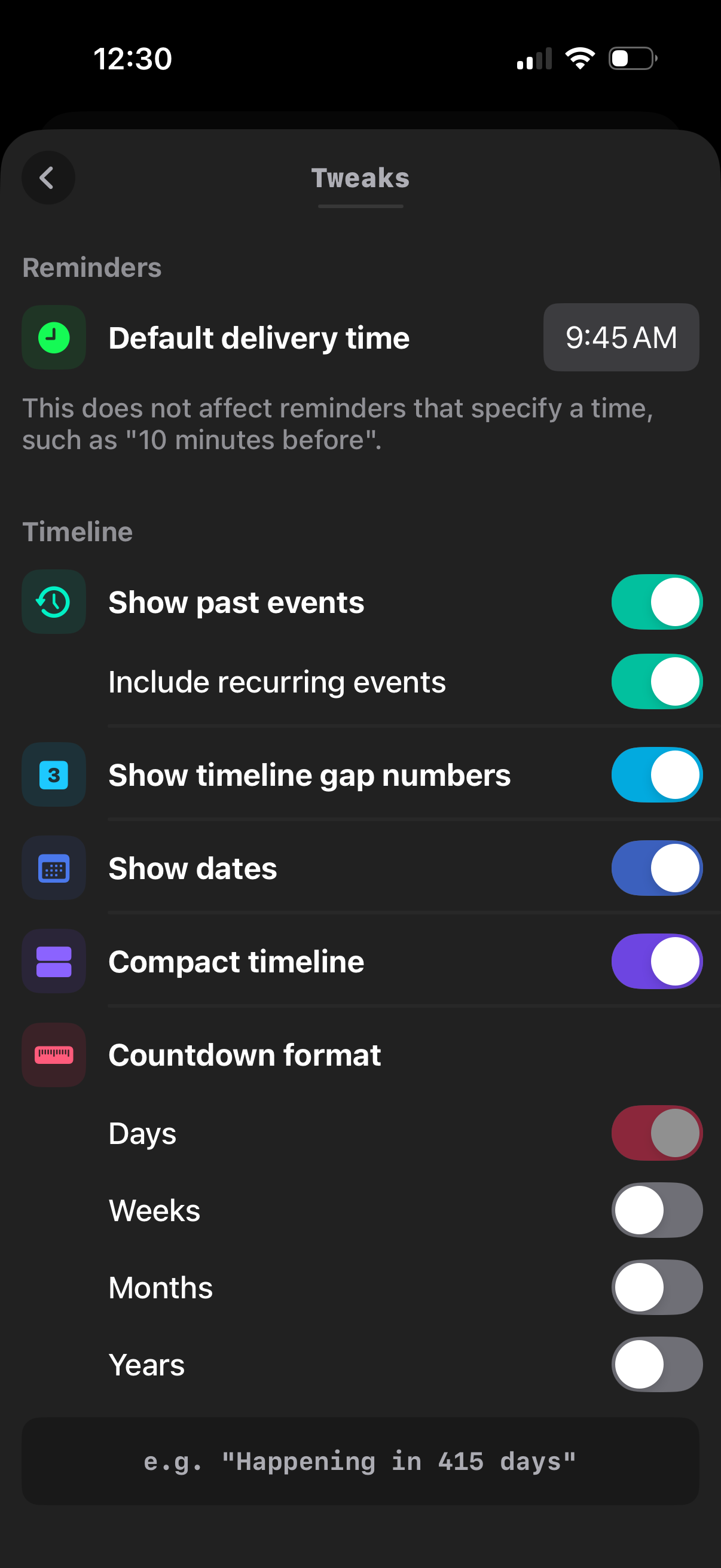
Settings “Tweaks” screen for a reminders/timeline app where users set a default reminder delivery time and customize timeline display options. Includes toggles to show past events and recurring events, show timeline gap numbers, show dates, enable a compact timeline, and choose countdown format units (days/weeks/months/years).
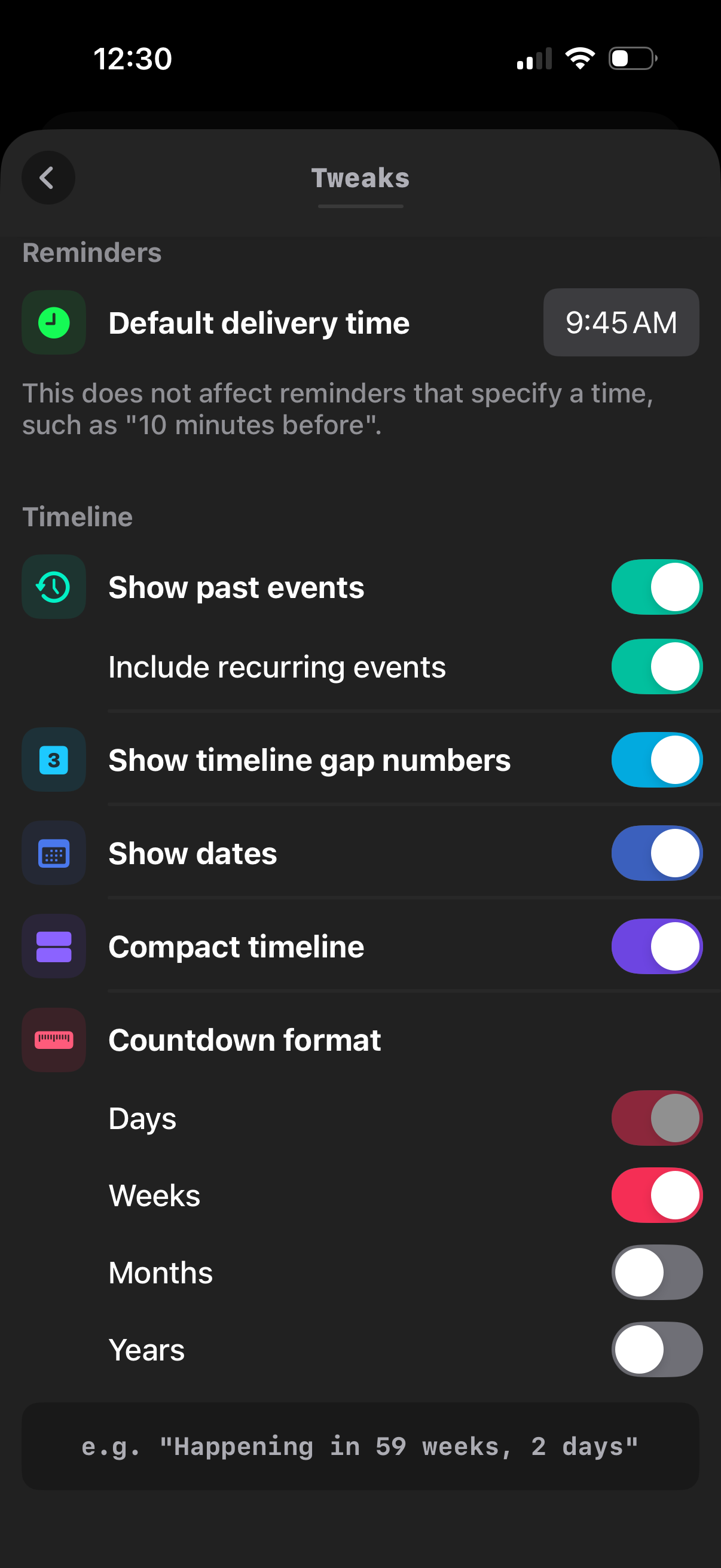
Settings “Tweaks” screen for a calendar/reminders app, letting users set a default reminder delivery time and customize timeline display options. Includes toggles for showing past and recurring events, timeline gap numbers, dates, compact timeline, and selecting countdown units (days, weeks, months, years).
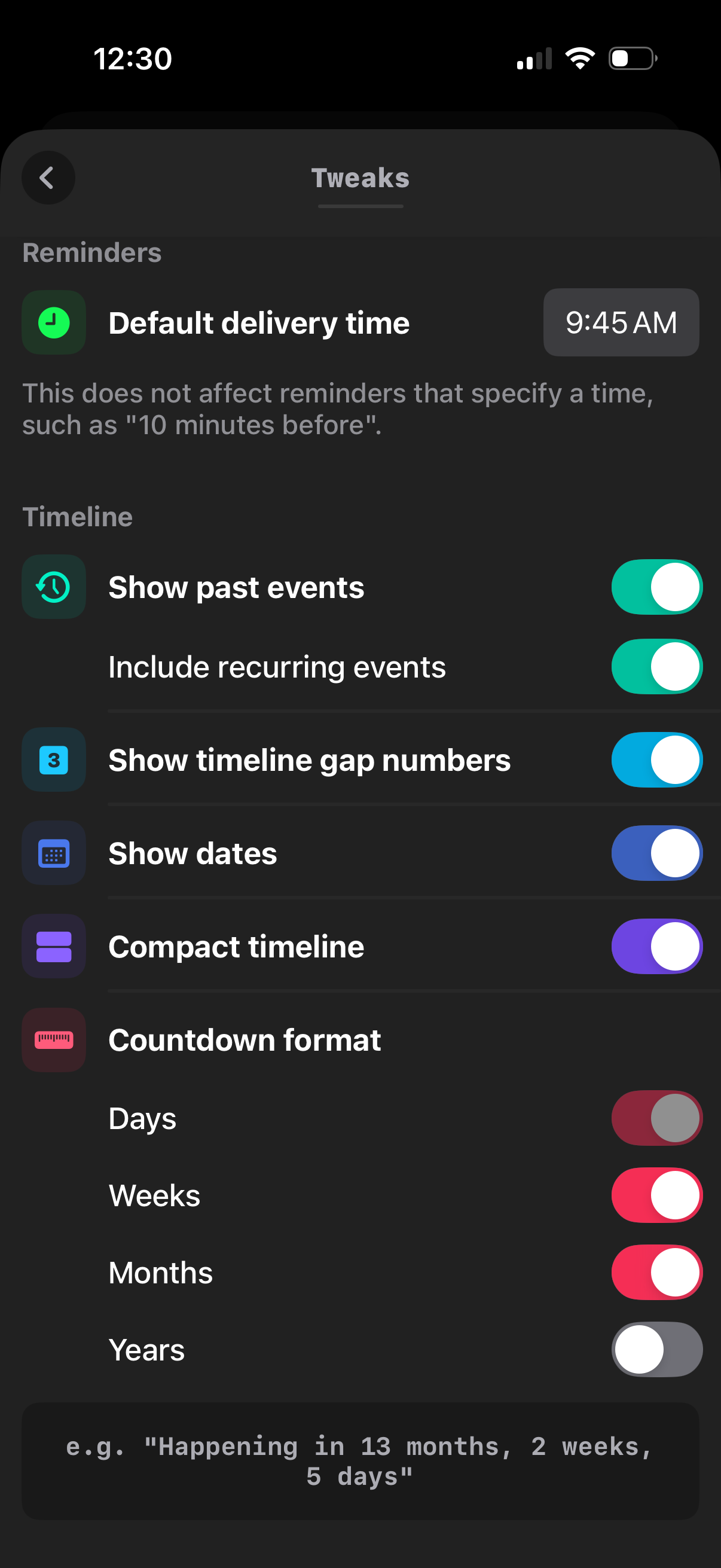
Settings “Tweaks” screen for a calendar/reminders app where users set a default reminder delivery time and customize the timeline display. Includes toggles for showing past events (and recurring events), showing timeline gap numbers, showing dates, enabling a compact timeline, and configuring countdown format units (days, weeks, months, years).
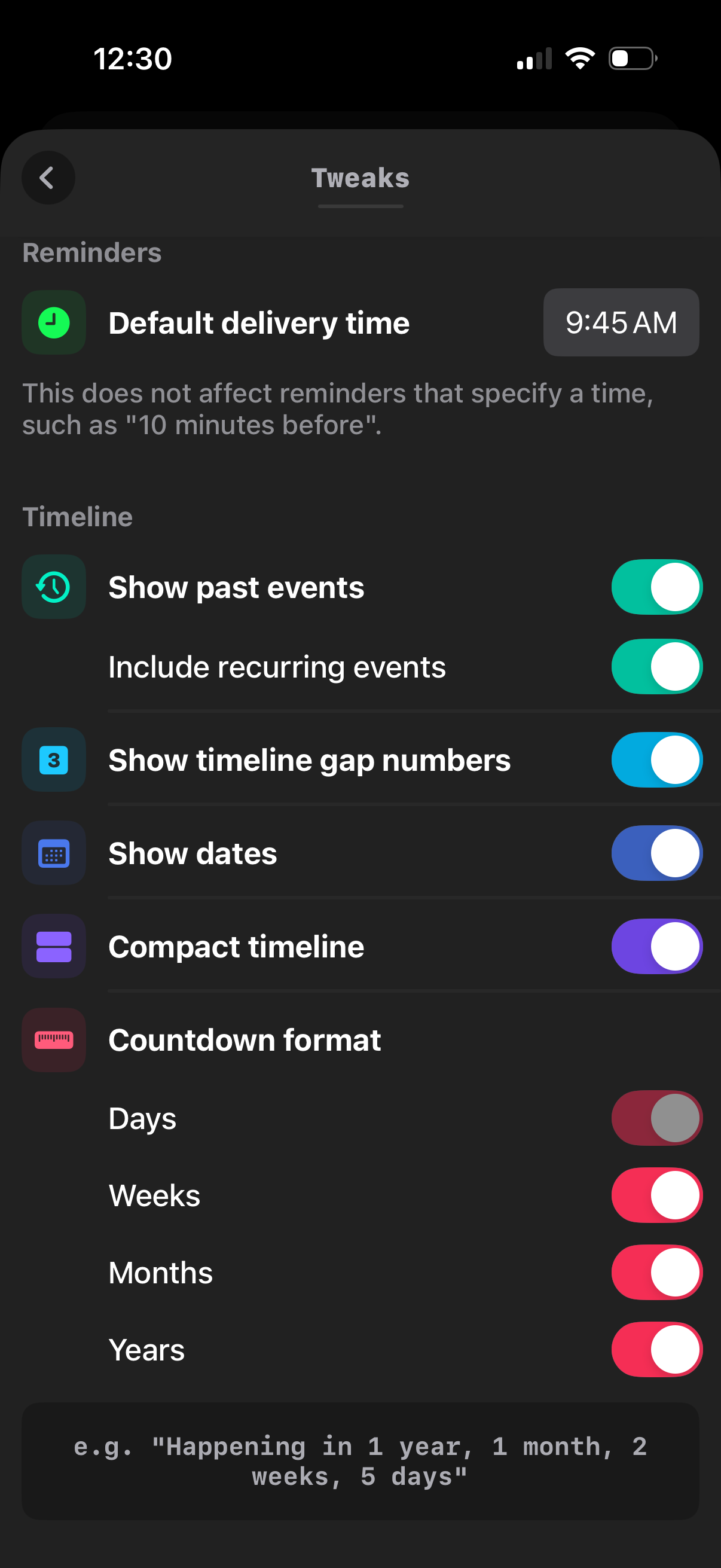
Settings “Tweaks” screen for a reminders/timeline app where users set a default reminder delivery time and customize timeline display options via toggles, including showing past events, recurring events, gap numbers, dates, and compact layout. It also lets users configure countdown format units (days, weeks, months, years) with on/off switches.