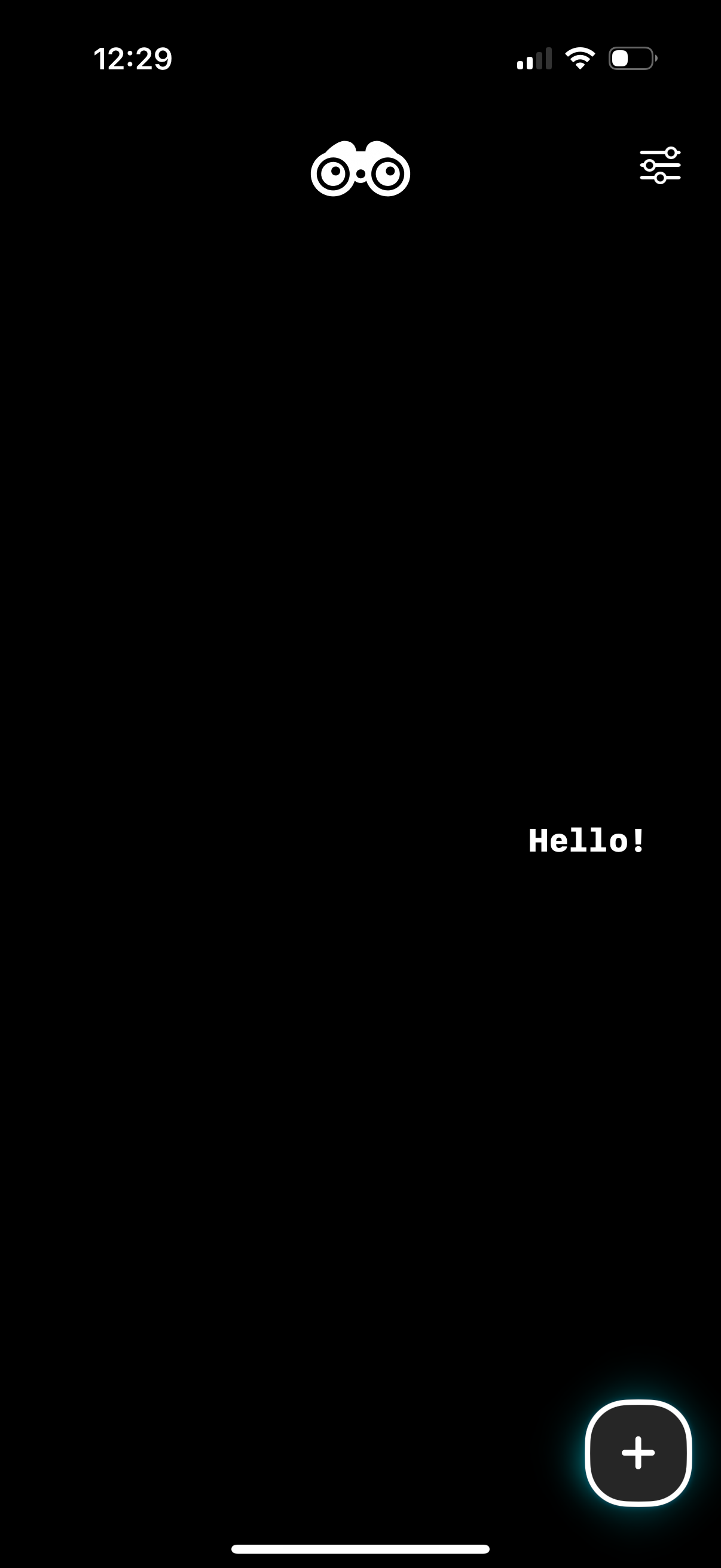
Minimal dark-themed home screen for a social or messaging app showing an empty state greeting (“Hello! ”) with a prominent floating plus button to create or add new content.

Event creation screen for a calendar app where the user enters an event name, selects a date, chooses an icon category, and picks a color. Additional options let the user add patterns, reminders, tags, and attachments, with an Add button to save and a close button to cancel.

New event creation form for a calendar or reminder app where the user enters an event name, selects a date, chooses an event icon from a grid with a “More…” option, and picks a color before tapping Add to save. The header includes a close/cancel button and quick action icons (like favorite or repeat) alongside the date field.
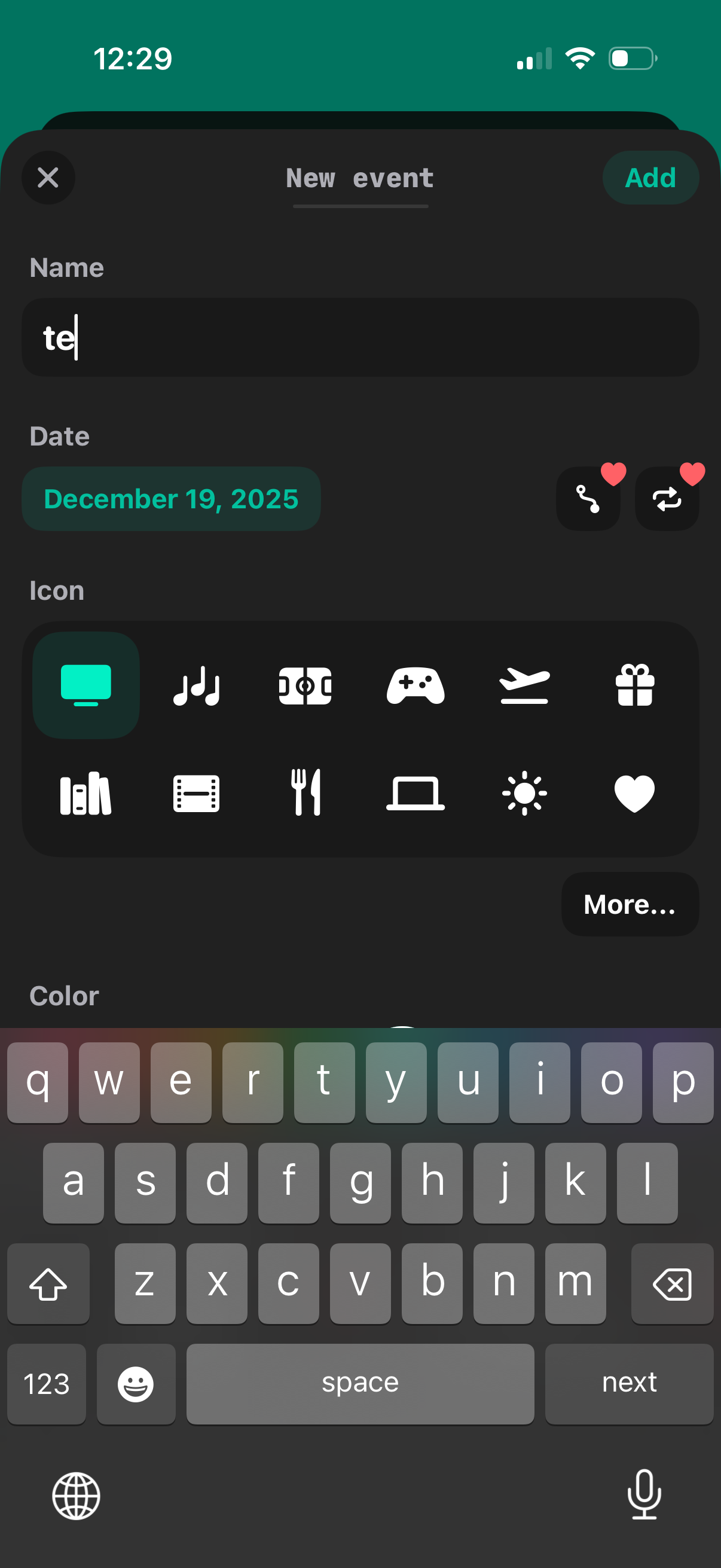
New event creation form where users enter an event name, pick a date, choose an icon category (with a More option), and set a color theme. Includes close/cancel and Add actions to save the event.
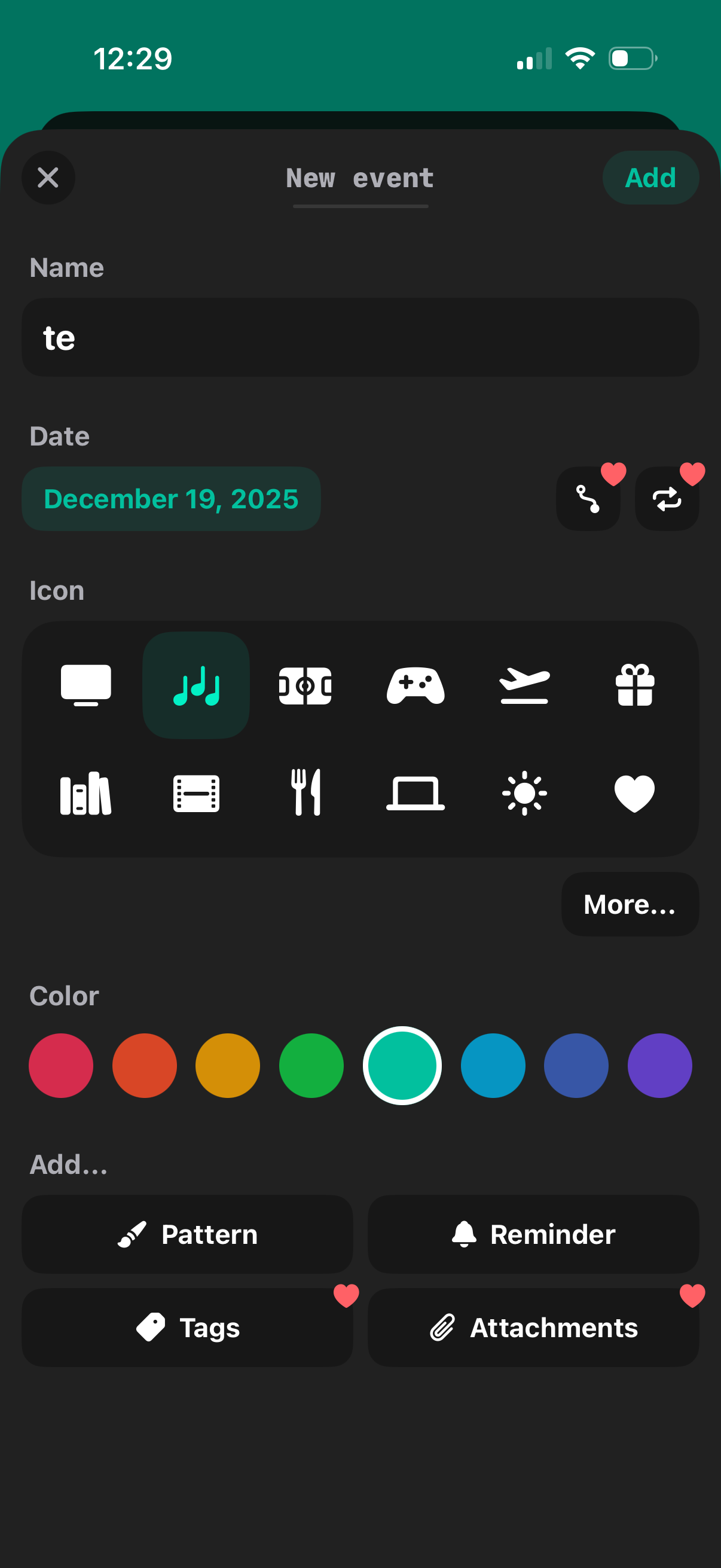
Event creation form for a calendar, letting users enter an event name and date, choose an icon category, and pick a color label. Includes shortcuts to add recurrence pattern, reminder notifications, tags, and attachments, with an Add button to save and a close control to cancel.