Sign-In Flow
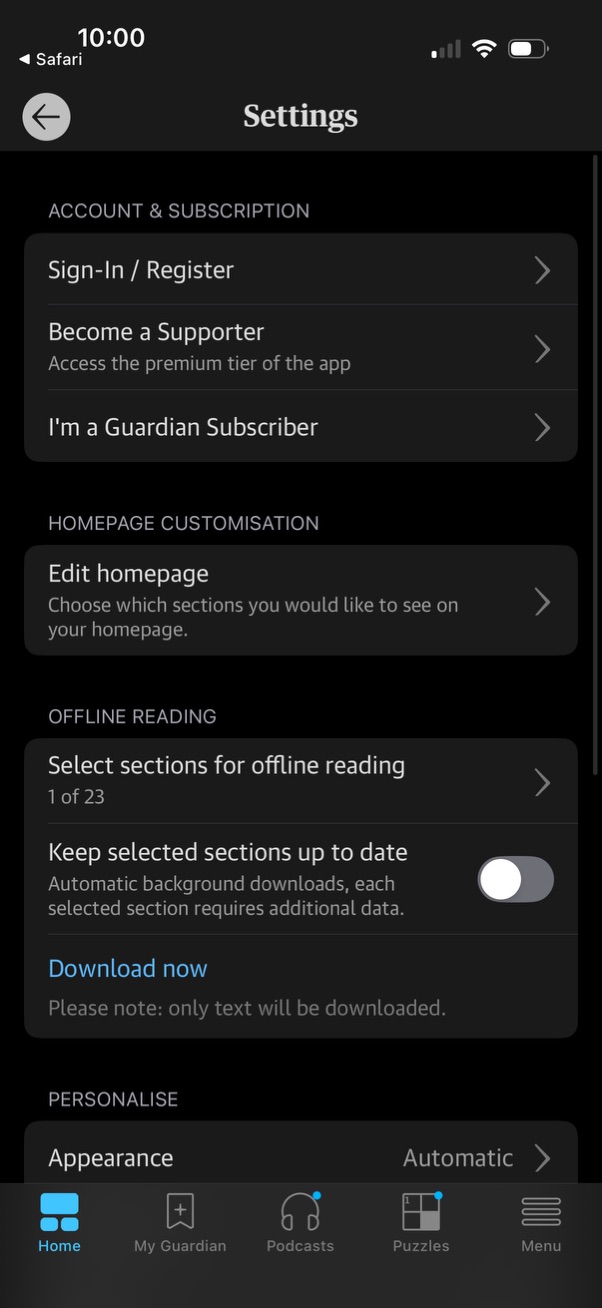
Settings screen for a news app with account and subscription options (sign in/register, become a supporter, subscriber status), homepage customization to edit visible sections, and offline reading controls to select sections, toggle automatic background updates, and trigger a “Download now. ” Includes personalization settings like appearance mode.
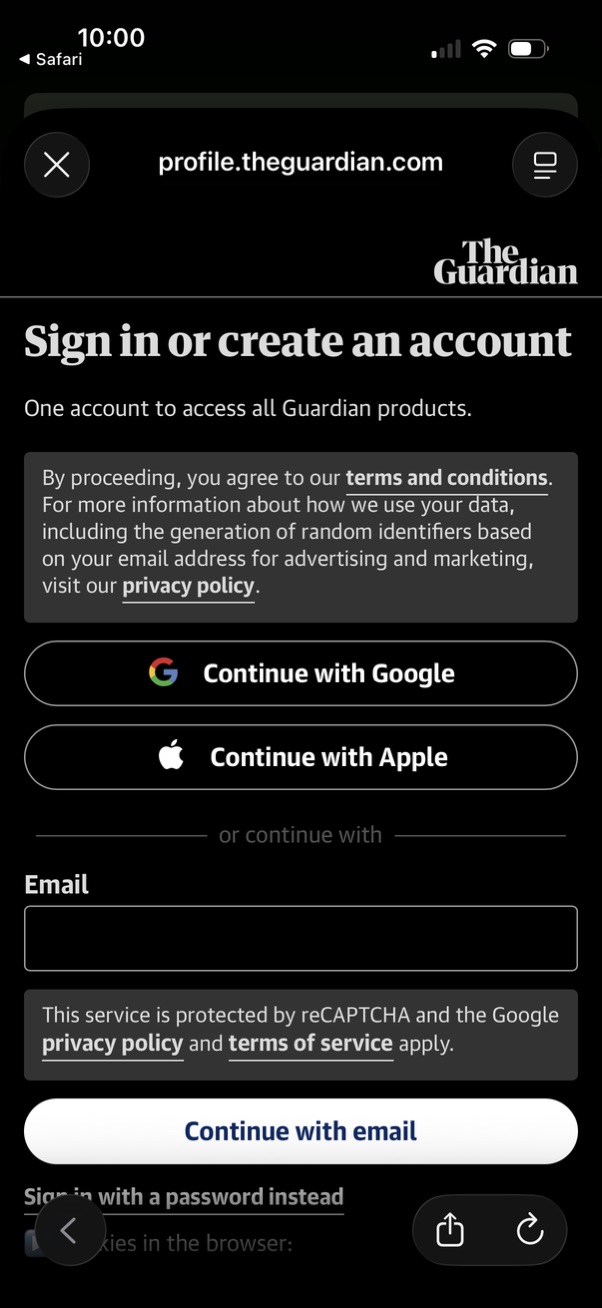
Sign in or create account screen for a publisher service offering authentication options via Continue with Google, Continue with Apple, or entering an email to continue. Includes terms and conditions and privacy policy consent messaging, reCAPTCHA notice, and navigation controls to close the modal.
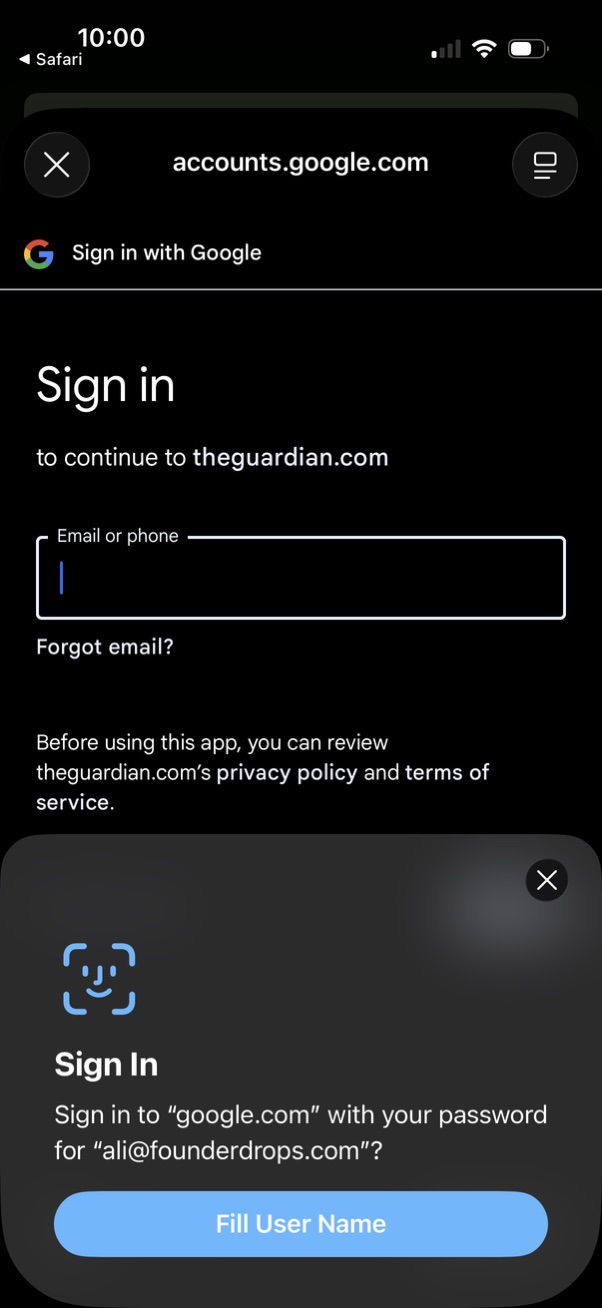
Google “Sign in with Google” authentication screen prompting the user to enter an email or phone number with a “Forgot email? ” link and privacy/terms notice to continue to a third‑party site.
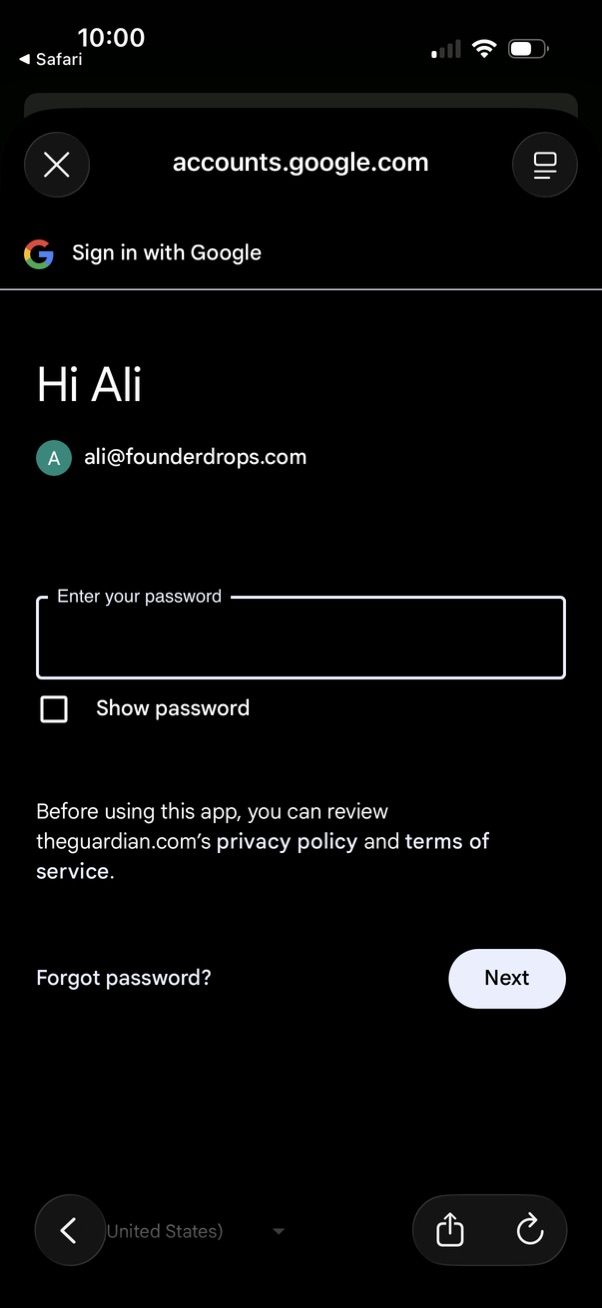
Google account sign-in password screen that greets the user and shows the selected email, prompting them to enter their password. Includes a “Show password” checkbox, “Forgot password?
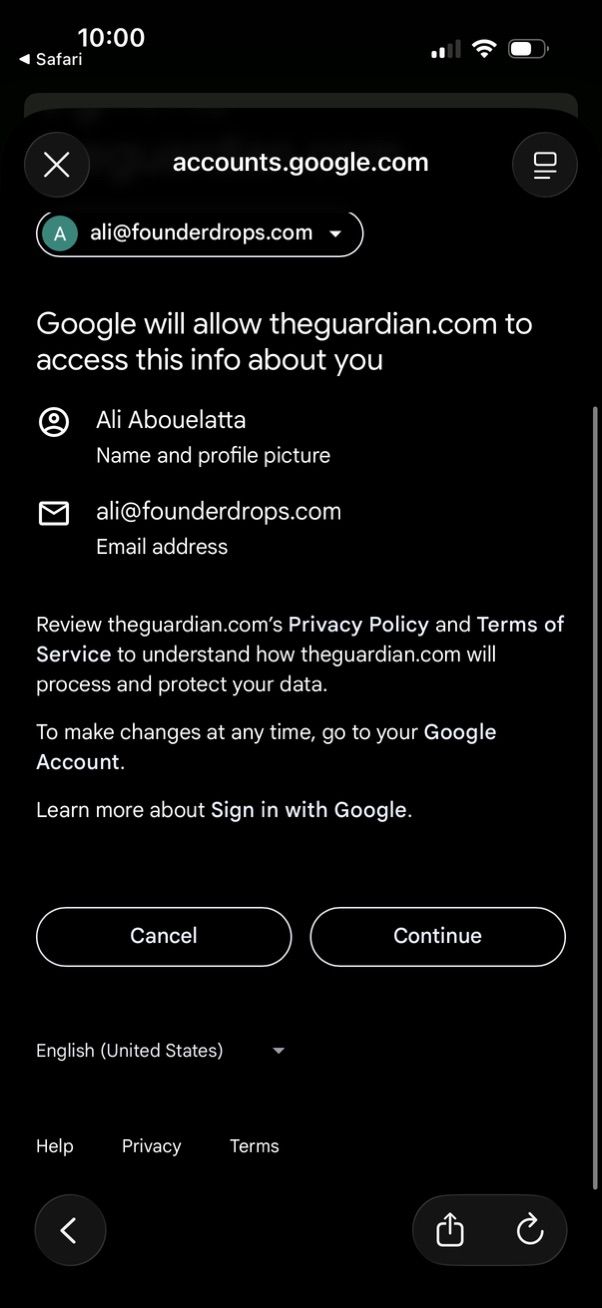
Google Sign in consent screen in a mobile browser showing what account data a third-party site will access (name/profile photo and email address), with links to privacy policy and terms. Primary actions are Cancel or Continue to authorize access.
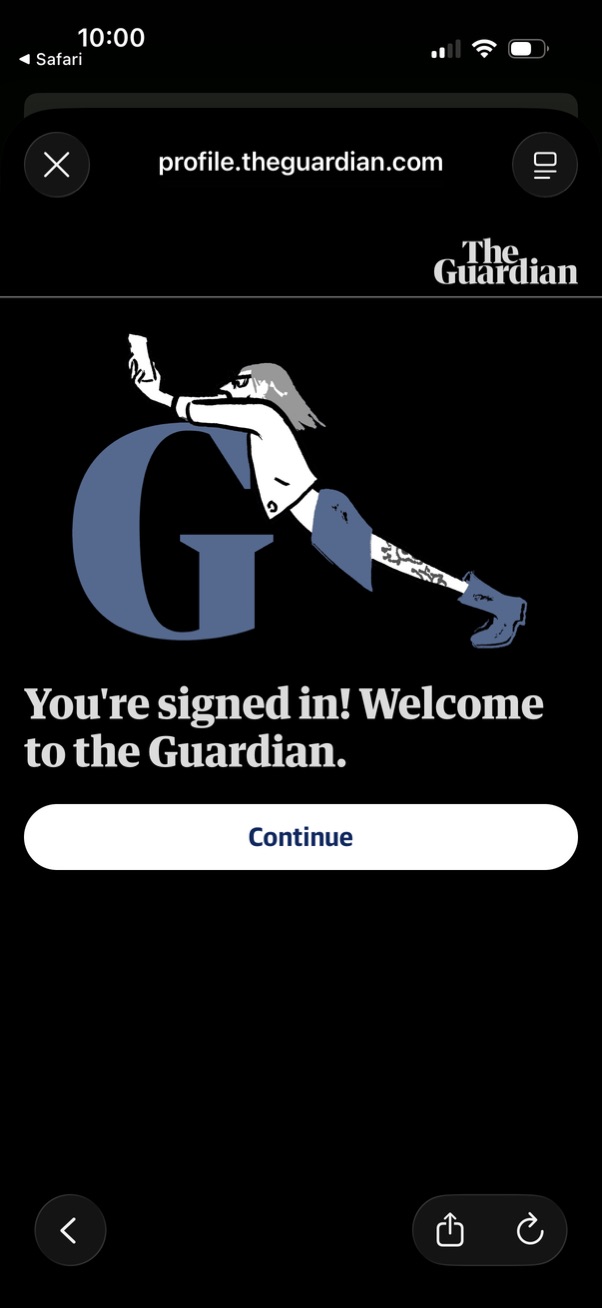
Post-login confirmation screen in a mobile web view showing a “You’re signed in” welcome message and a primary Continue button to proceed into the app or account, with an option to close the modal.
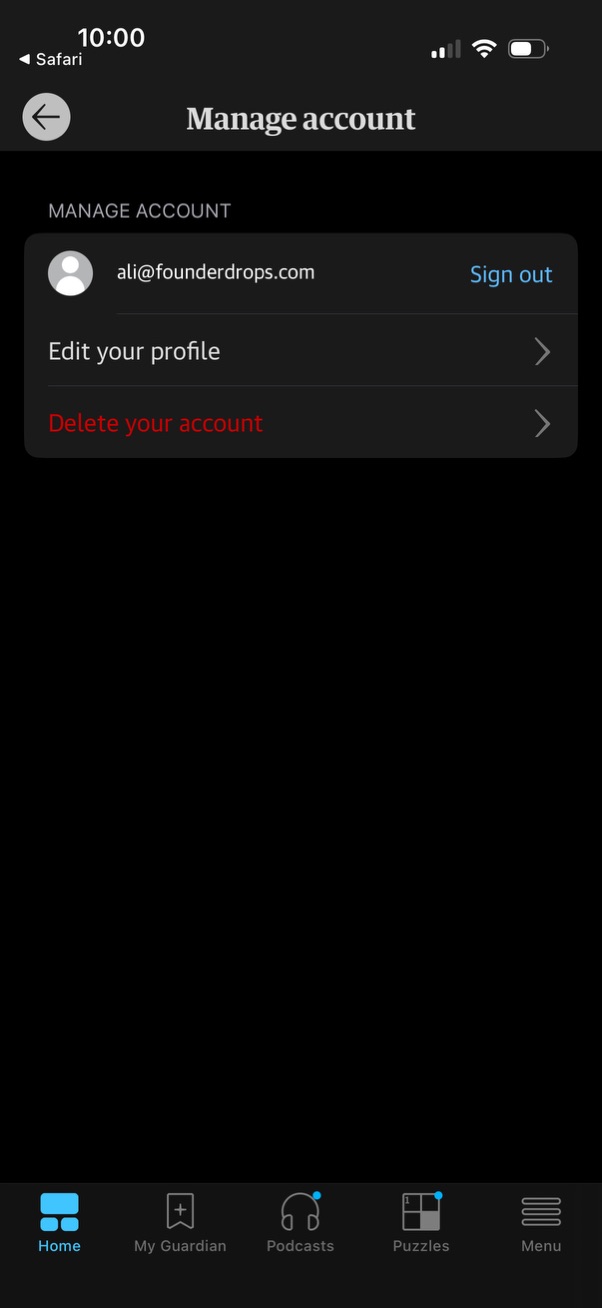
Account management settings screen showing the signed-in email with a Sign out action and menu options to edit profile or delete the account. Includes back navigation and a bottom tab bar for switching between main app sections.