Sign up
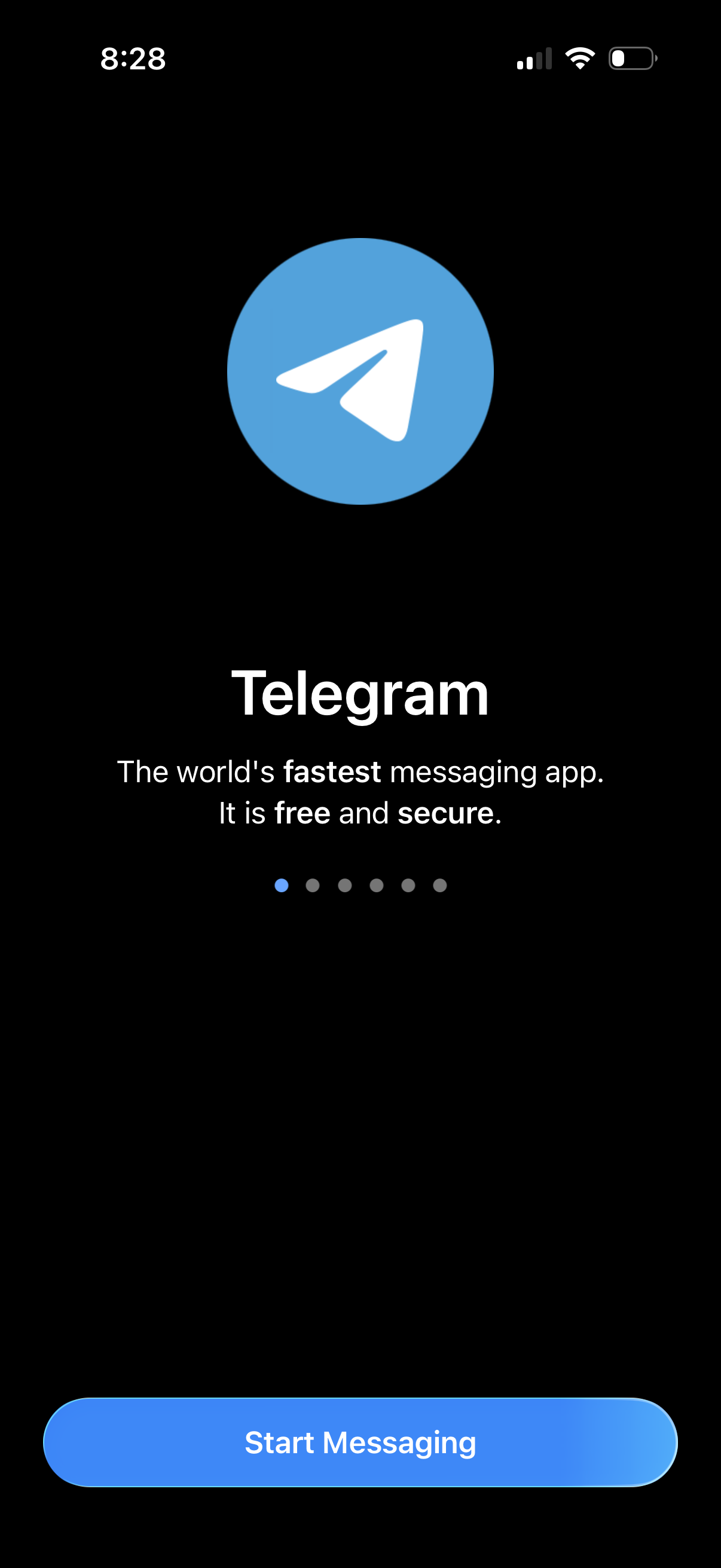
Messaging app onboarding welcome screen with app logo, brief value proposition about being fast, free, and secure, and a swipeable carousel indicator. Primary call-to-action button at the bottom to “Start Messaging” to begin signup/login and enter the chat experience.
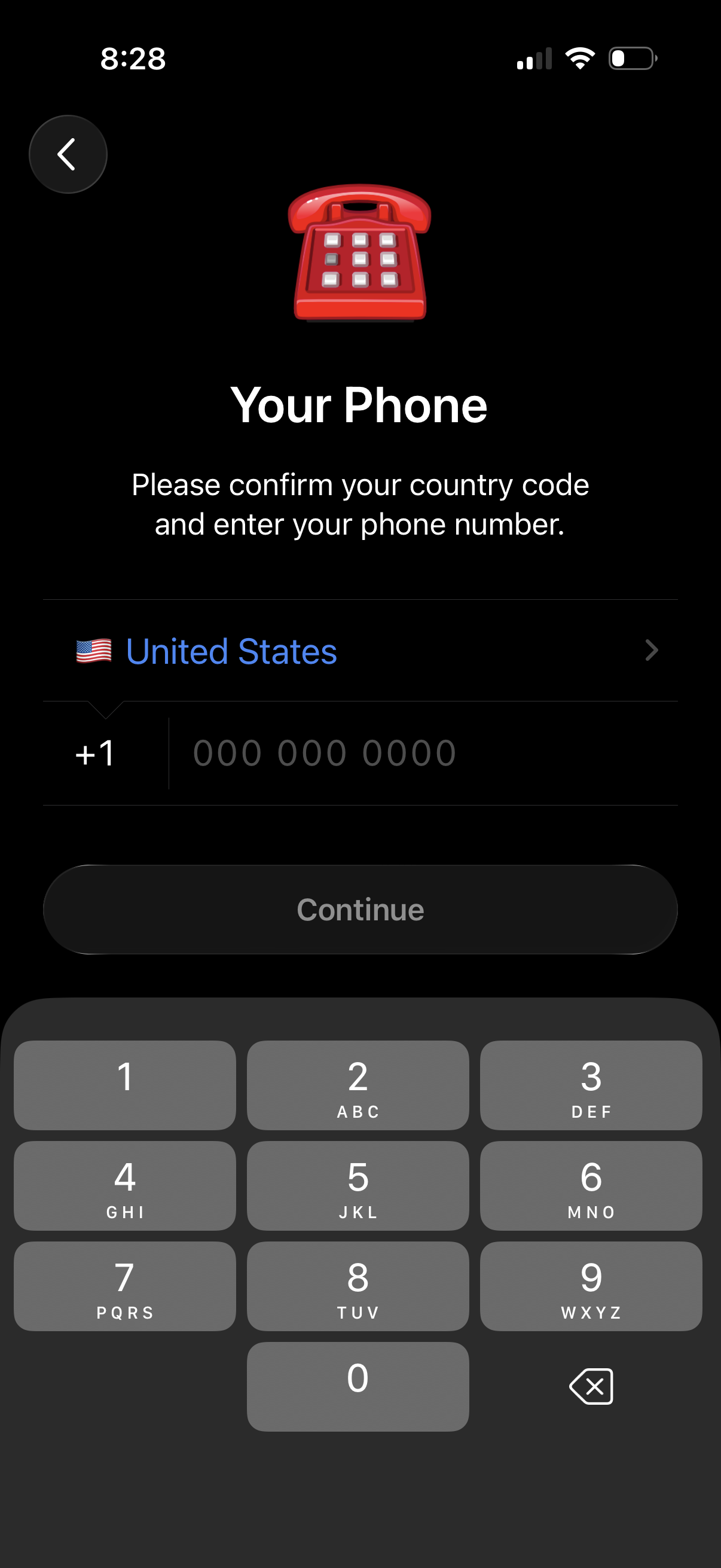
Phone number entry screen for account sign-in or onboarding, prompting the user to confirm/select their country code and enter a mobile number. Includes a country picker row, formatted phone input field, and a disabled Continue button until valid input is provided.
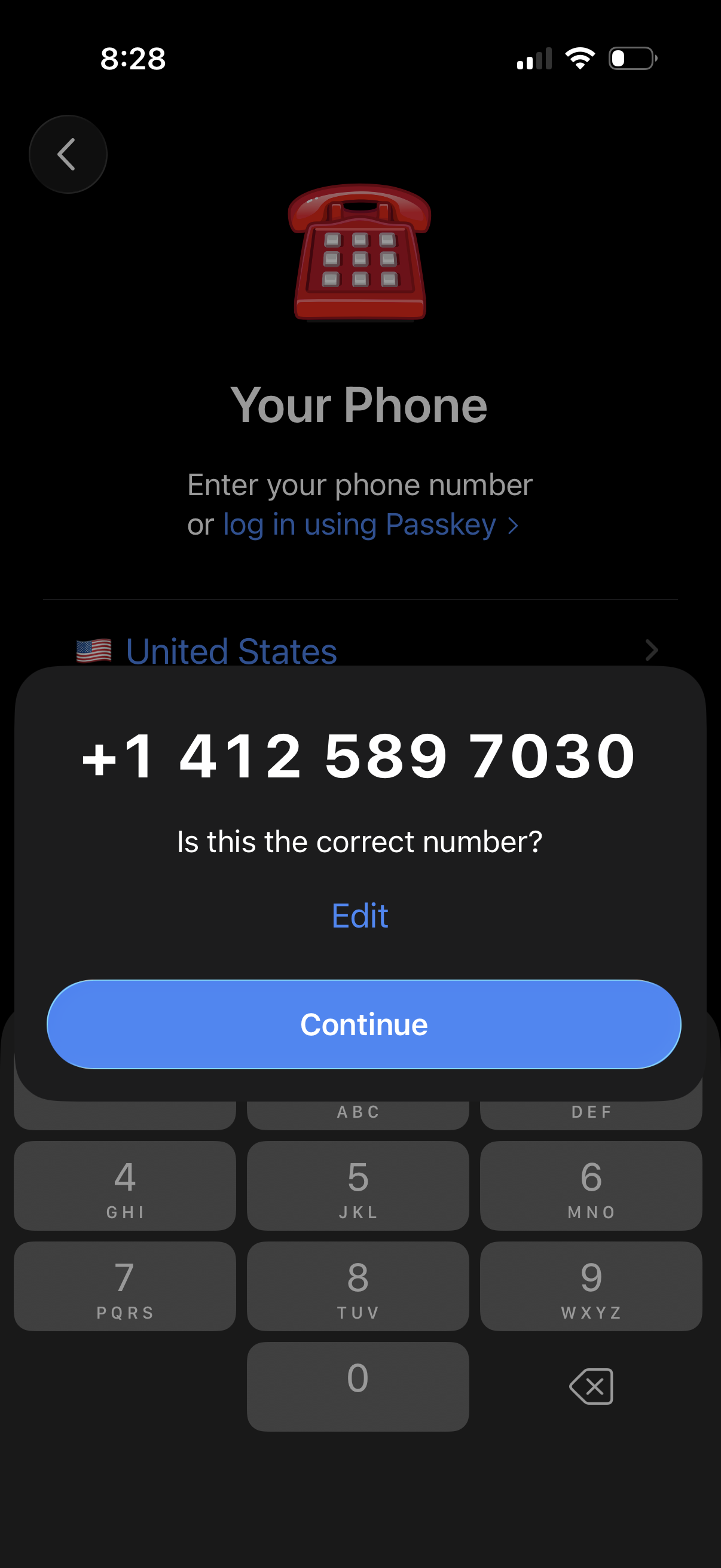
Phone number login/sign-up screen with country selector and option to log in using a passkey, showing a modal to confirm the entered phone number with actions to Edit or Continue. Includes numeric keypad for entering the phone number.
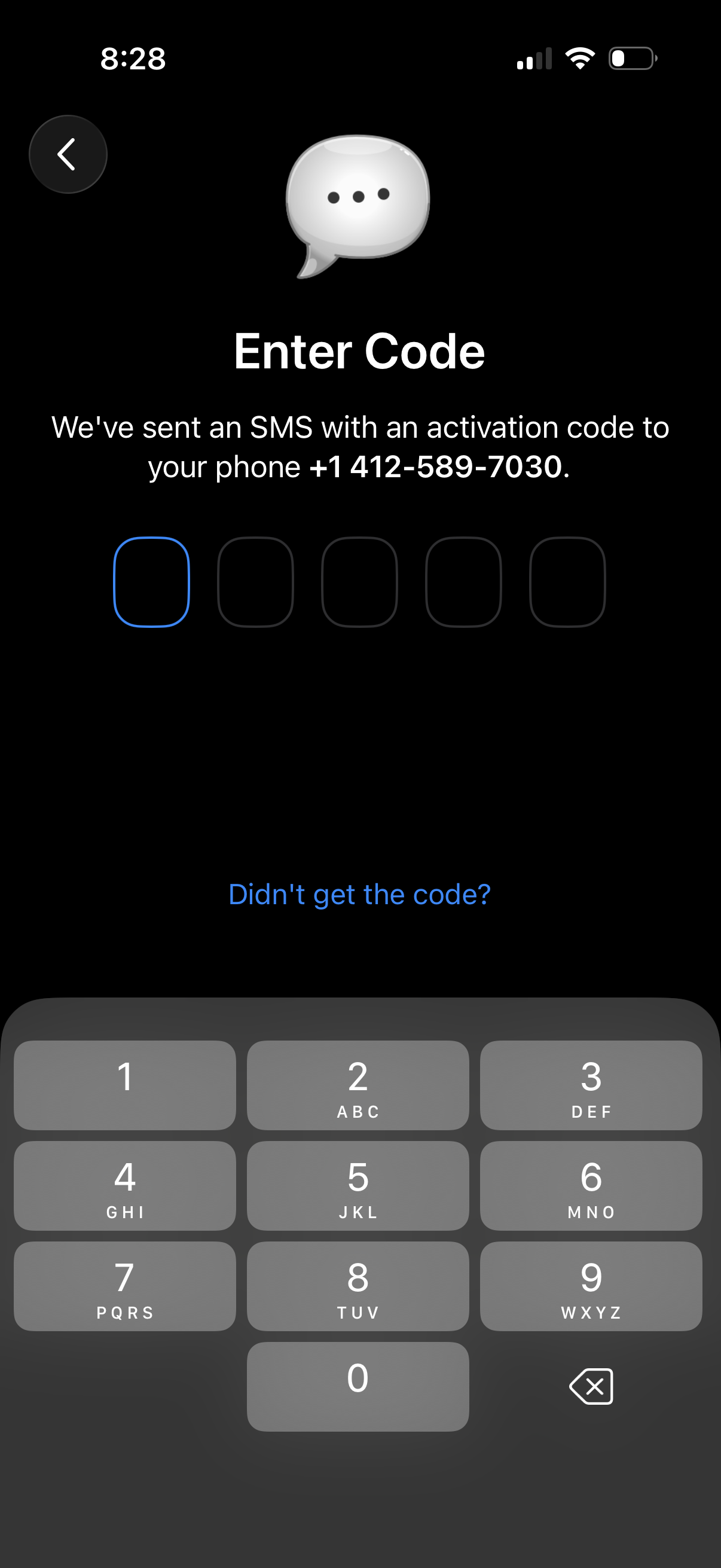
SMS verification screen prompting the user to enter a multi-digit activation code sent to their phone number, with separate code input boxes and a numeric keypad. Includes a back button and a “Didn’t get the code?
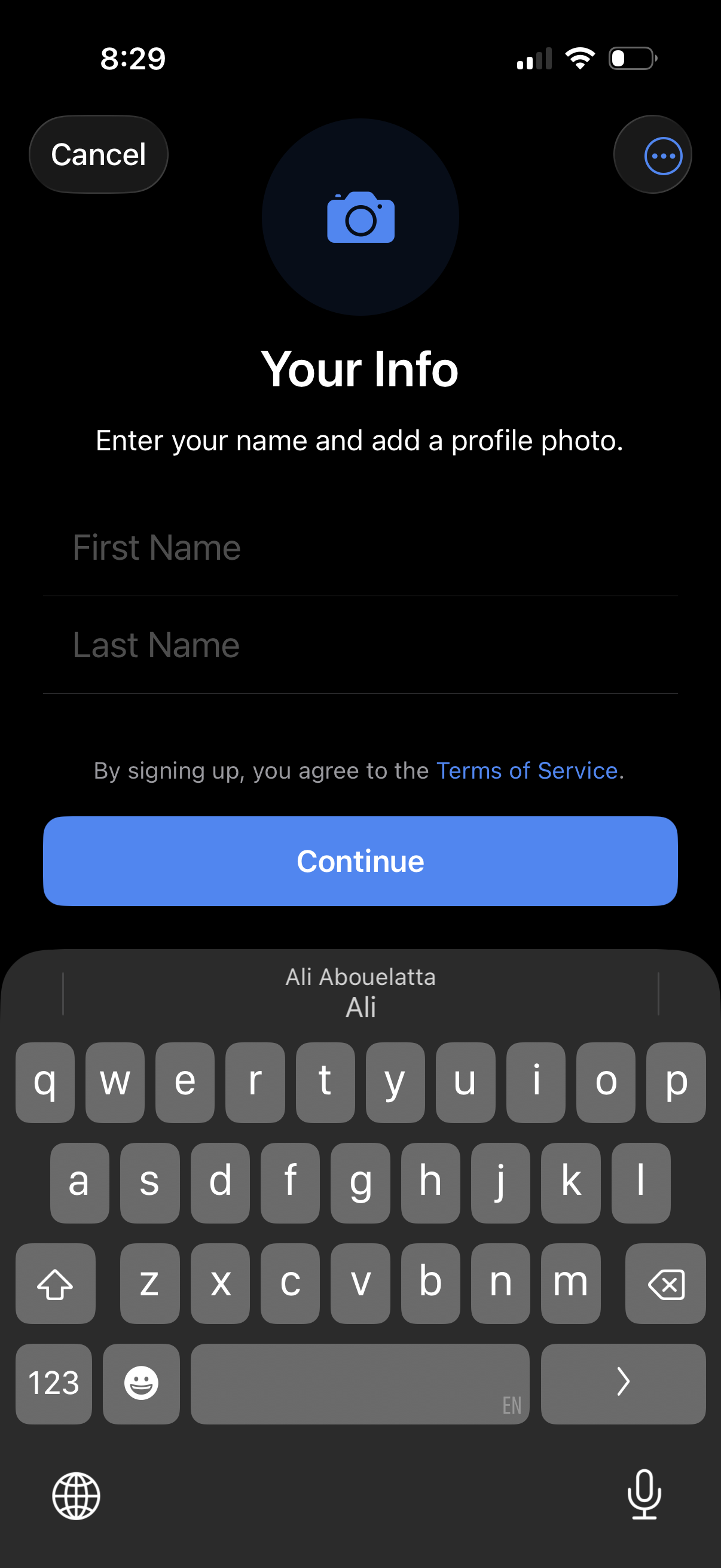
Sign-up onboarding screen for entering personal profile information, prompting the user to add a profile photo and type first and last name. Includes a Terms of Service link, Cancel and overflow menu actions, and a primary Continue button to proceed.