Account Creation

Minimal full-screen splash/loading screen on a dark background displaying a centered brand logo icon, used as an app launch or startup placeholder before entering the main experience.
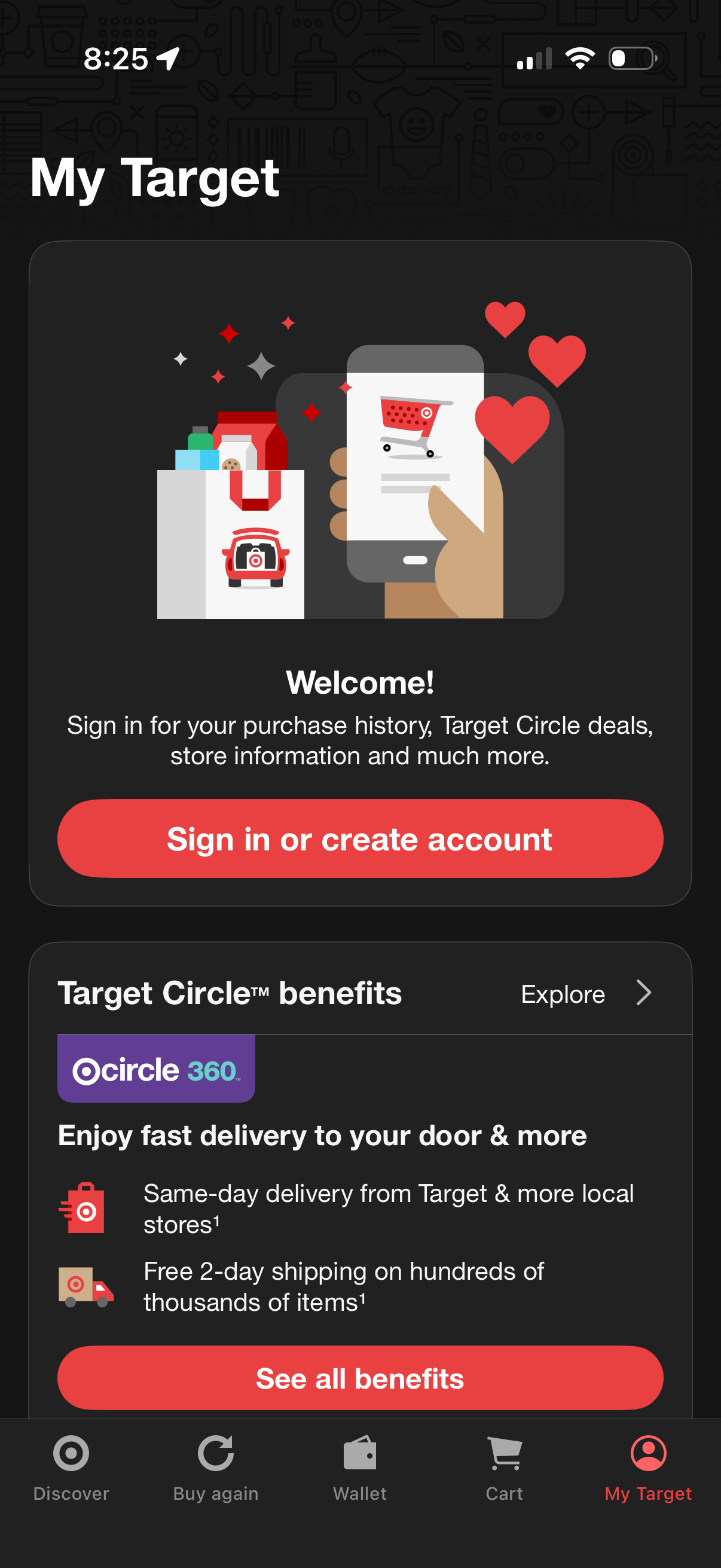
Account landing screen for a retail shopping app’s “My Target” tab prompting users to sign in or create an account to access purchase history, personalized deals, and store information. It also highlights loyalty program (Target Circle) delivery and shipping benefits with links to explore and see all benefits.
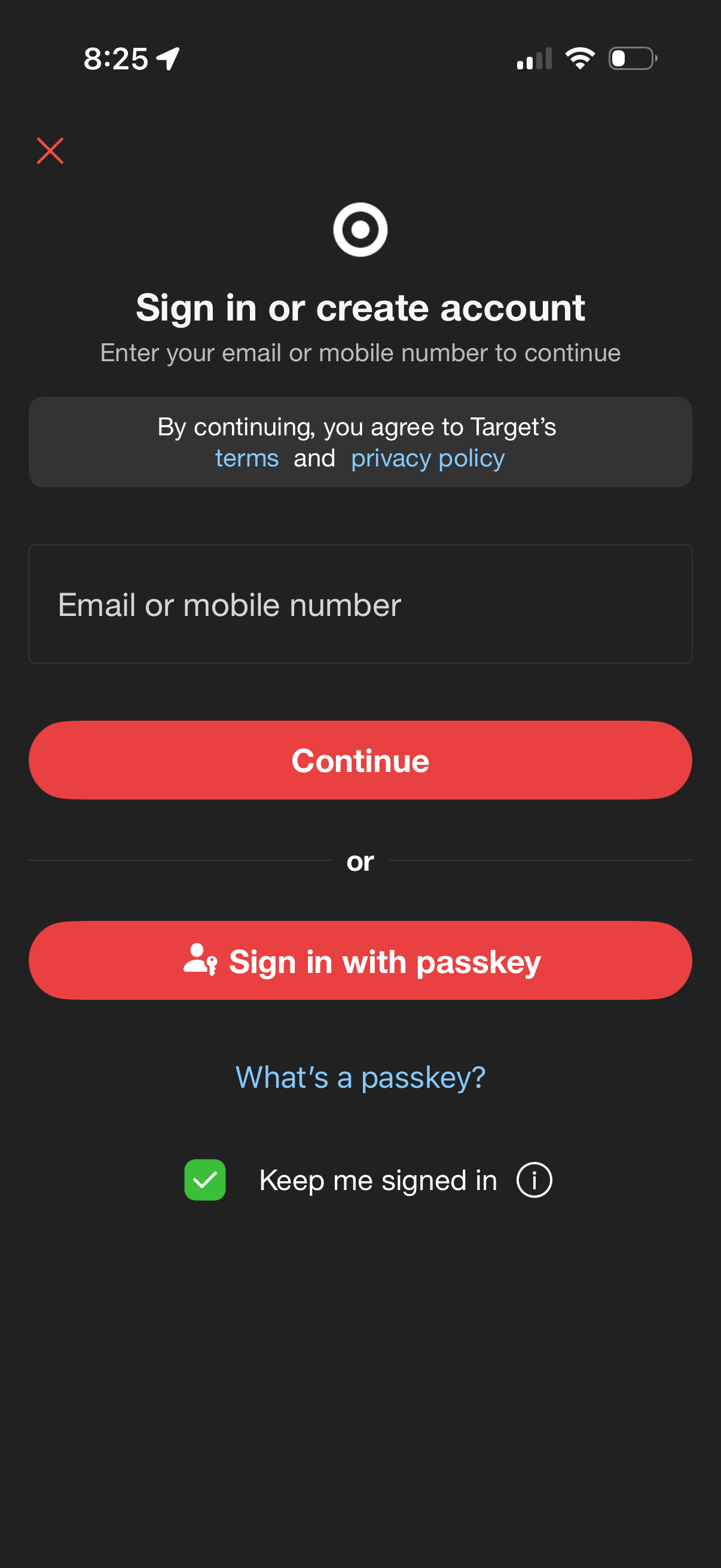
Authentication screen prompting users to sign in or create an account by entering an email address or mobile number and tapping Continue, with links to terms and privacy policy. Offers an alternative “Sign in with passkey” option, a “Keep me signed in” checkbox, and a dismiss/close icon.
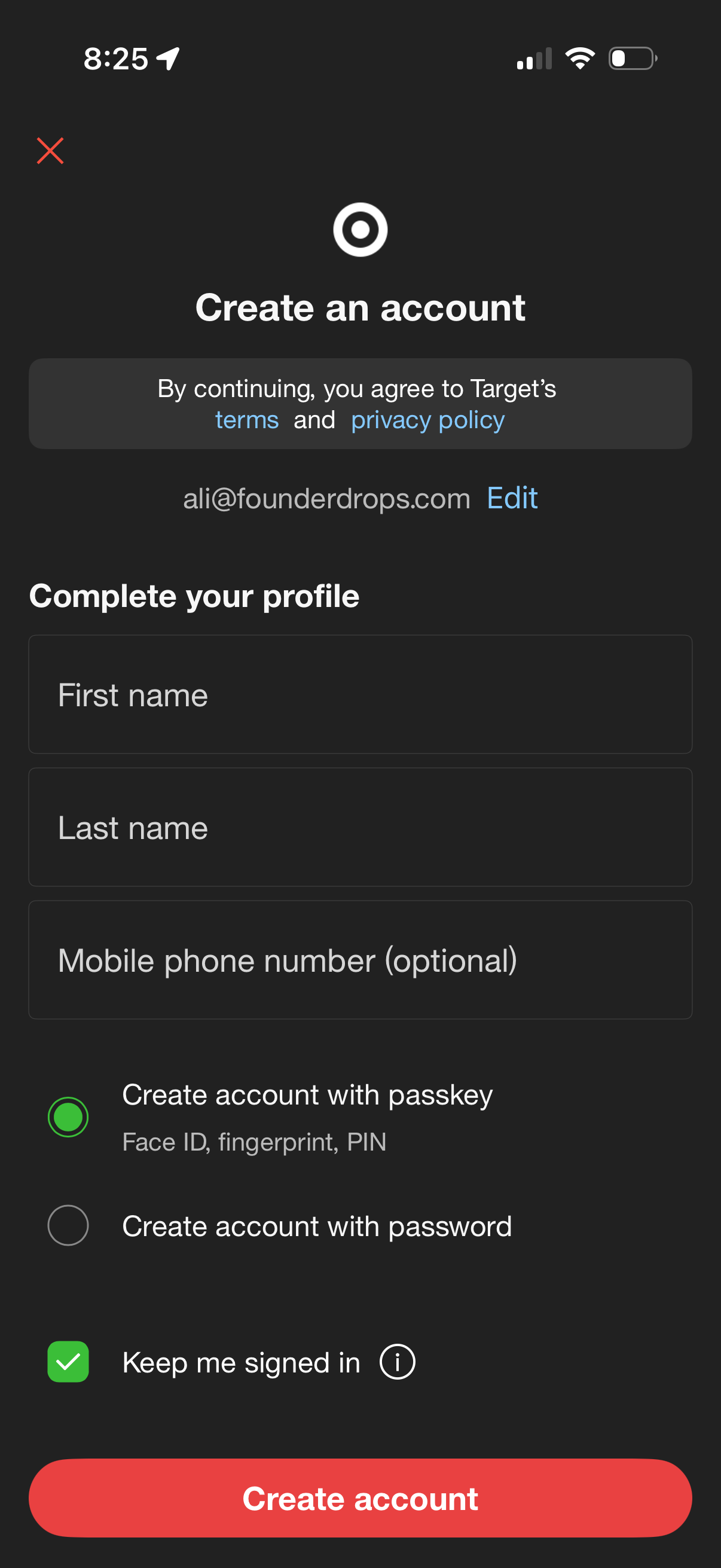
Account creation screen that lets users complete their profile with first name, last name, and optional mobile number, with an option to edit the email address and links to terms and privacy policy. Users choose between creating an account with a passkey (Face ID/fingerprint/PIN) or a password, toggle “keep me signed in,” and submit via a primary “Create account” button.
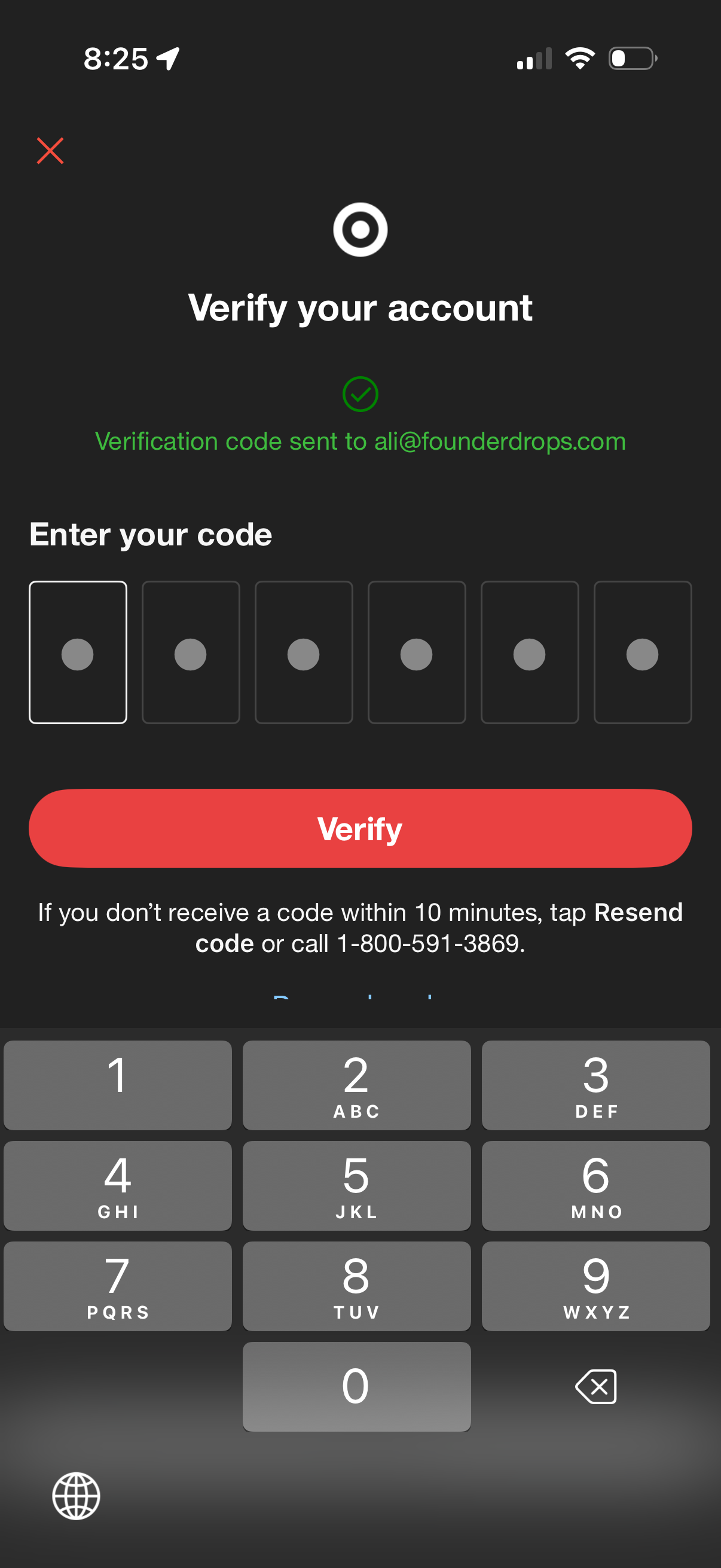
Account verification screen prompting the user to enter a 6-digit email verification code, with a primary “Verify” button and option to resend the code if it isn’t received. Includes a close icon to exit the flow and uses a numeric keypad for OTP entry.
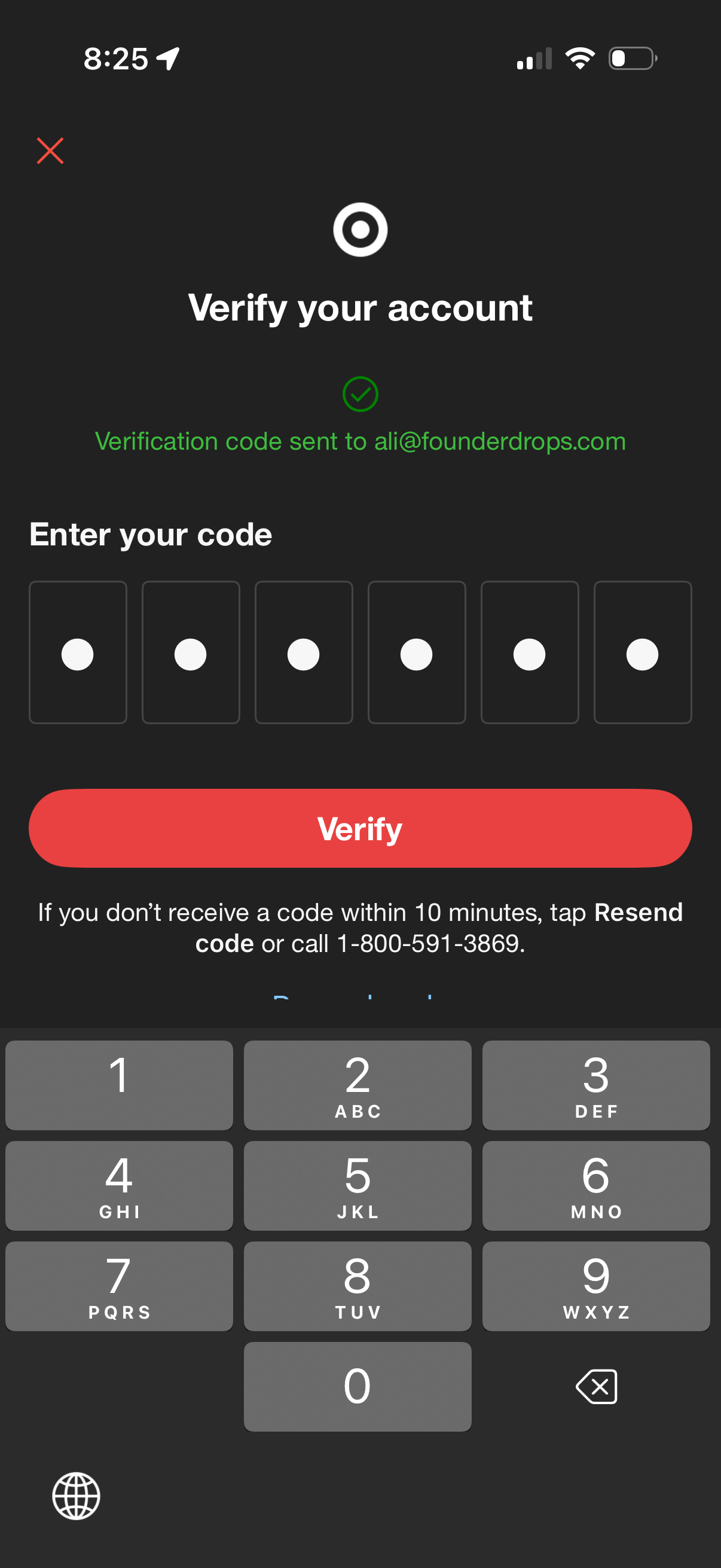
Account verification screen prompting the user to enter a 6-digit email verification code sent to their address, with a numeric OTP input field and a primary “Verify” button. Includes options for resending the code or calling support, plus a close icon to exit the flow.
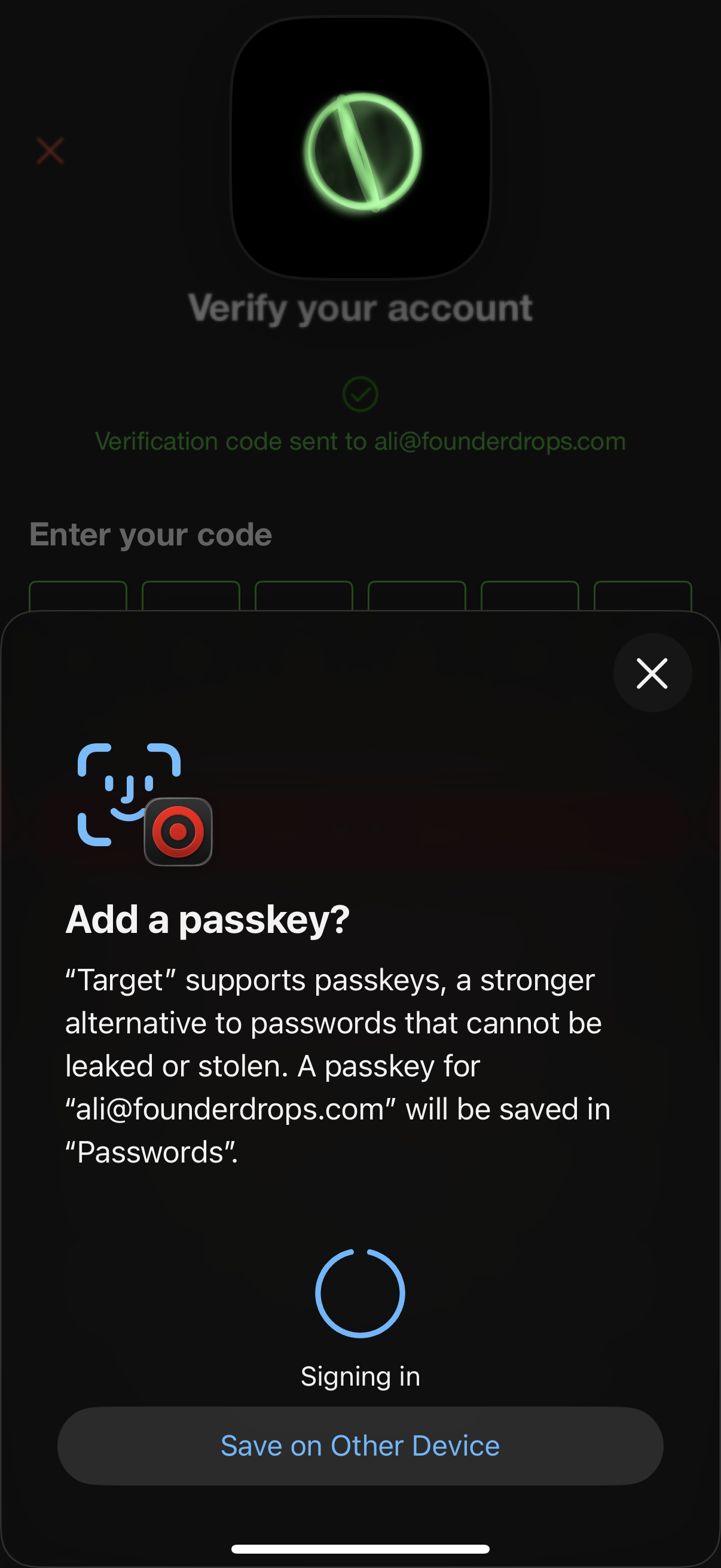
Account verification screen prompting the user to enter an emailed verification code, with an iOS modal encouraging the user to add a passkey as a stronger login method. The passkey sheet shows a signing-in loader, options to save the passkey on another device, and a close button to dismiss.
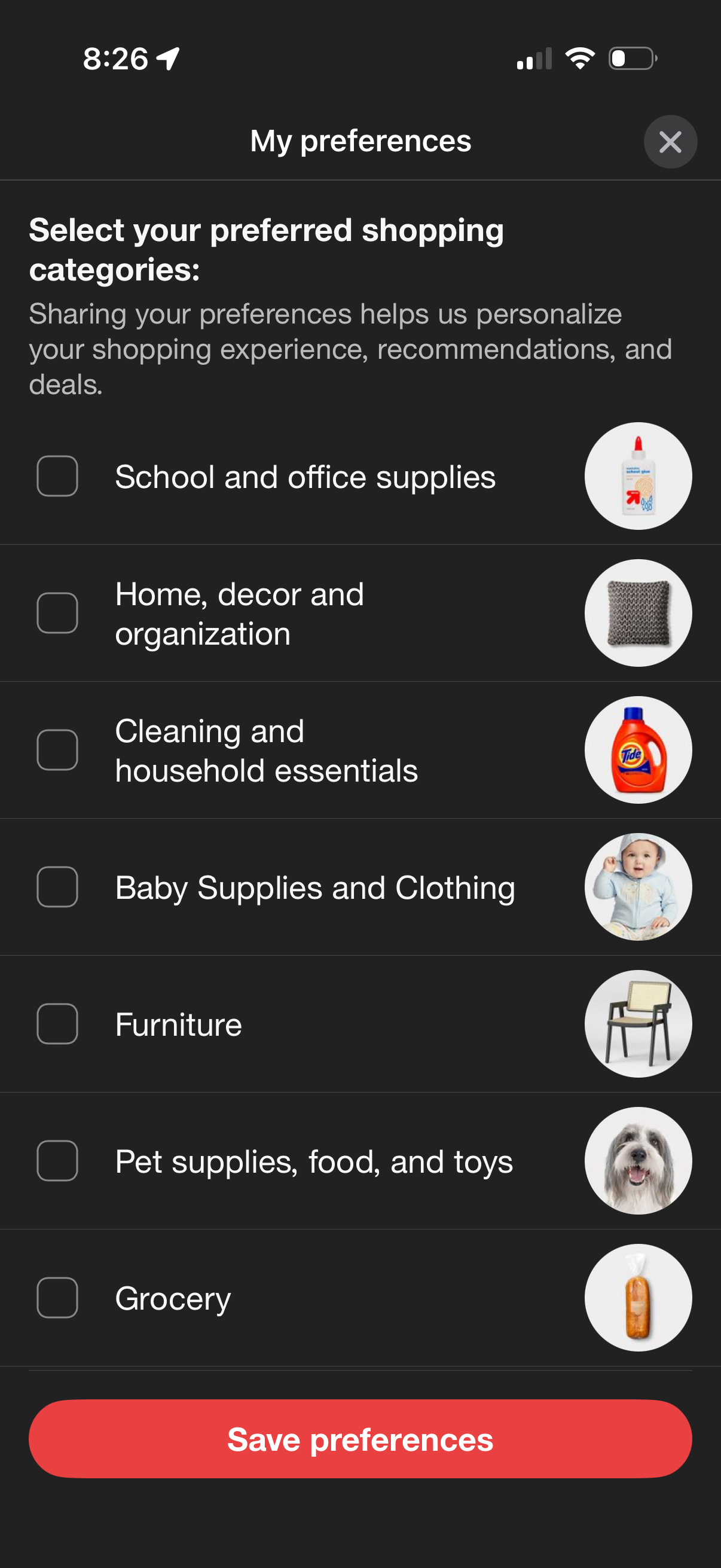
Preference selection screen for a shopping app where users choose preferred product categories via checkboxes (e. g.