play follow mode
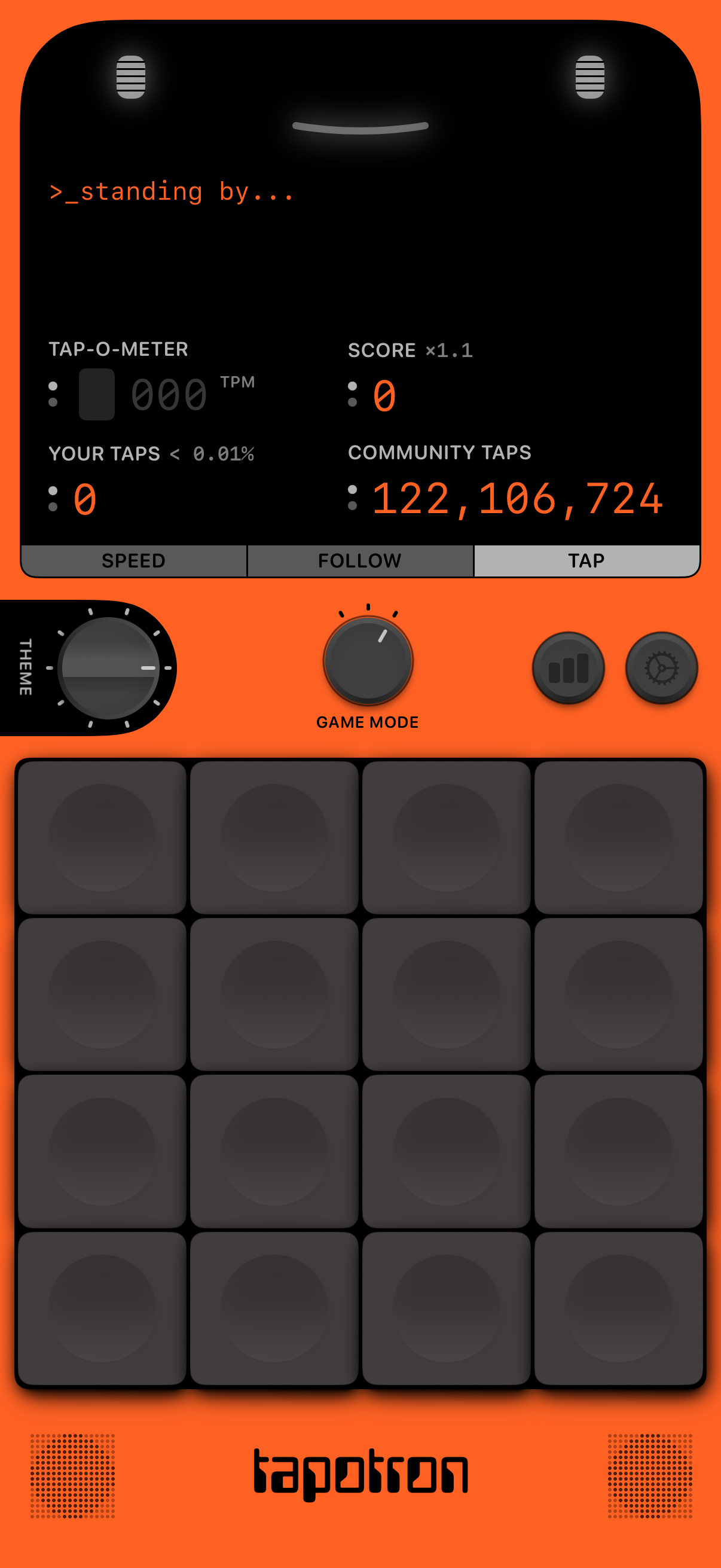
Rhythm or tapping game main screen showing a “standing by” status with live metrics like tap-o-meter (TPM), score multiplier, personal tap count, and total community taps. Users can switch between Speed, Follow, and Tap modes, adjust theme and game mode via knobs, view stats/settings icons, and tap on a 4x4 pad grid to play.
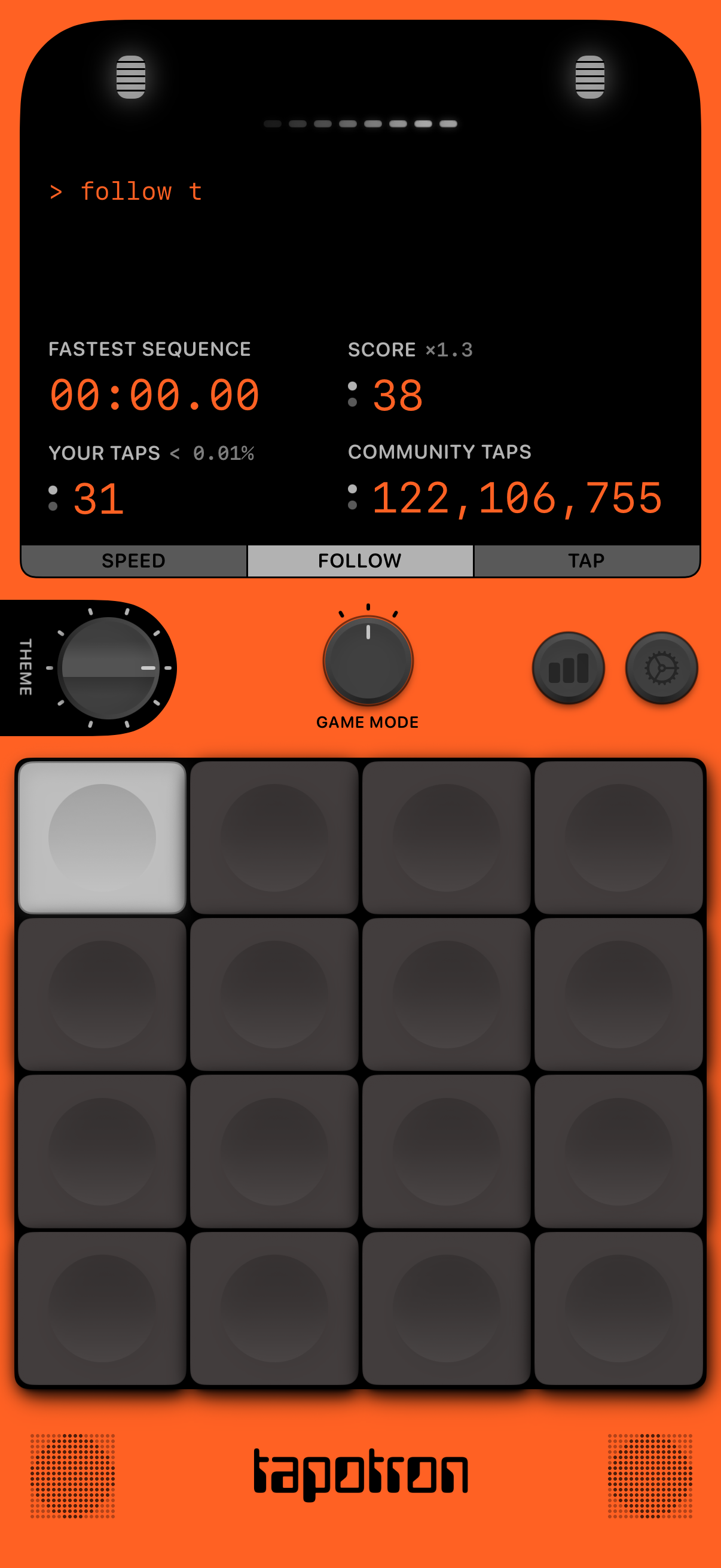
Rhythm/tap game screen showing a prompt to follow a sequence and a large pad grid for tapping, with controls to switch modes (speed/follow/tap) and adjust theme/game mode. Performance stats are displayed including fastest sequence time, score multiplier, your tap count and percentile, and community tap totals, with shortcuts to stats and settings.
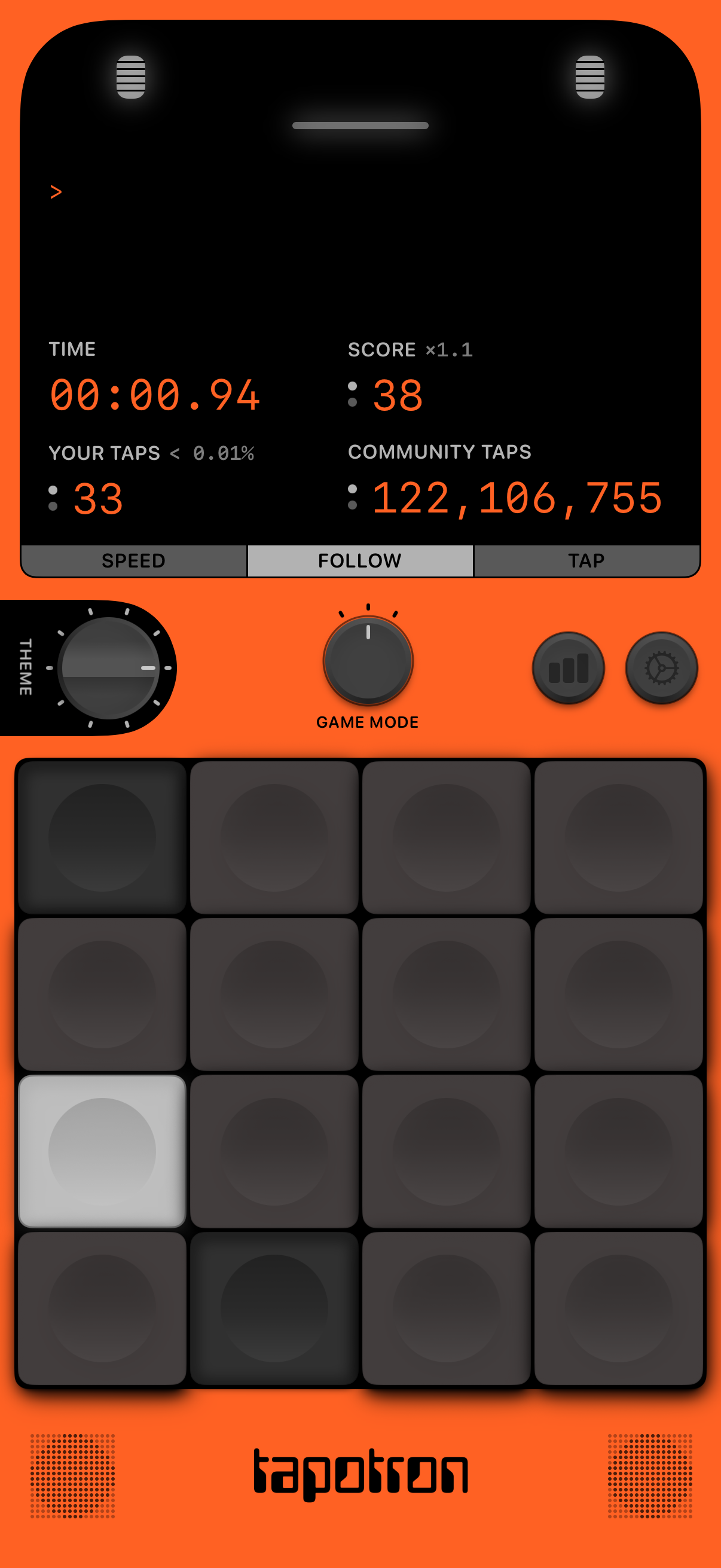
Rhythm/tapping game play screen showing a timer, score multiplier, and counters for your taps versus community taps. Users interact with a grid of tappable pads and can switch modes via tabs (Speed, Follow, Tap) plus controls for theme, game mode, stats, and settings.