
Minimal app launch splash screen with a centered brand logo on a plain white background, used as a loading/boot screen before onboarding or the main experience.

Location permission onboarding screen prompting the user to drop or share their location to enable accurate pricing and show nearby availability. Includes a primary CTA button to proceed with selecting location (“Make your choice”) and explanatory privacy text about how location data is used.
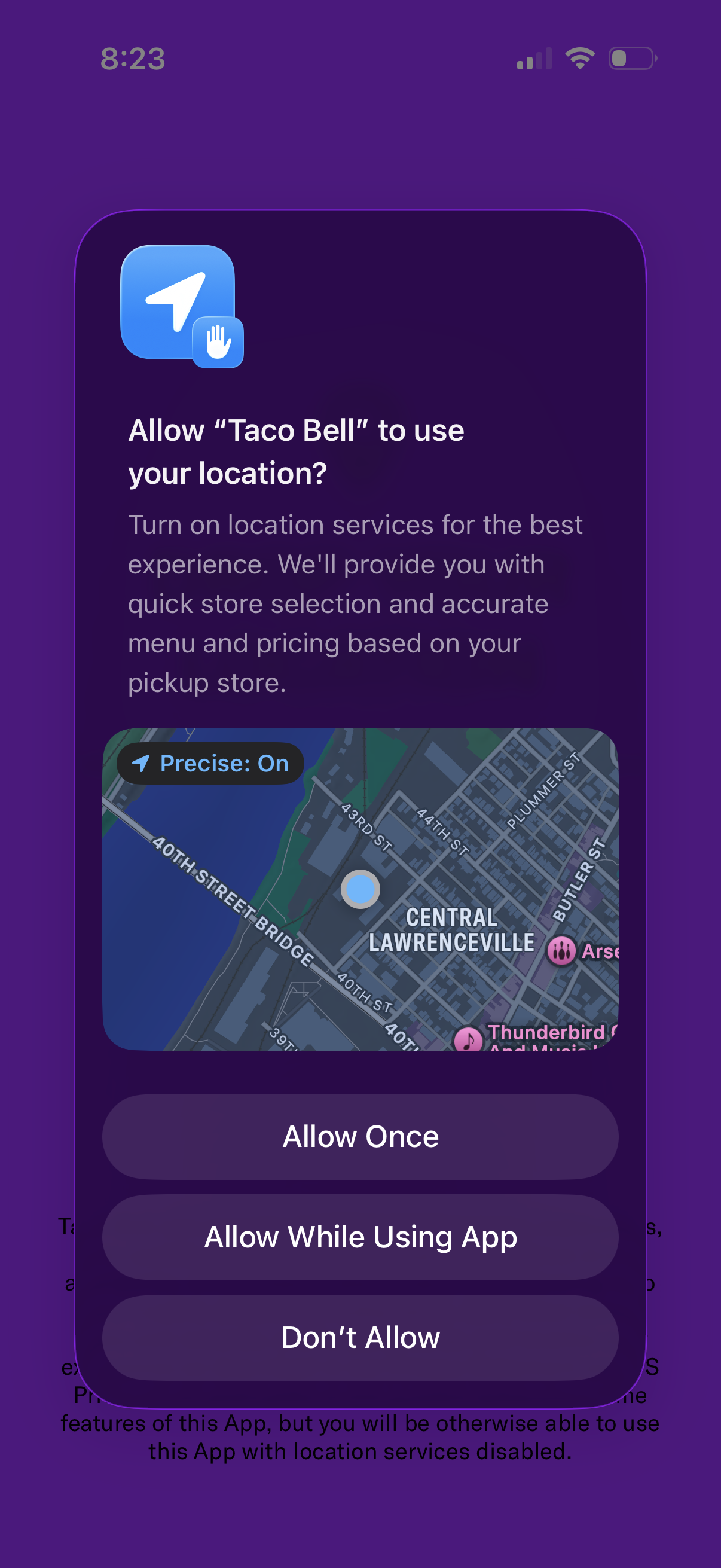
System location permission modal asking to allow the app to use the user’s location for a better experience, with a map preview and “Precise: On” indicator for accurate store selection and local menu/pricing. Provides action buttons to Allow Once, Allow While Using App, or Don’t Allow.
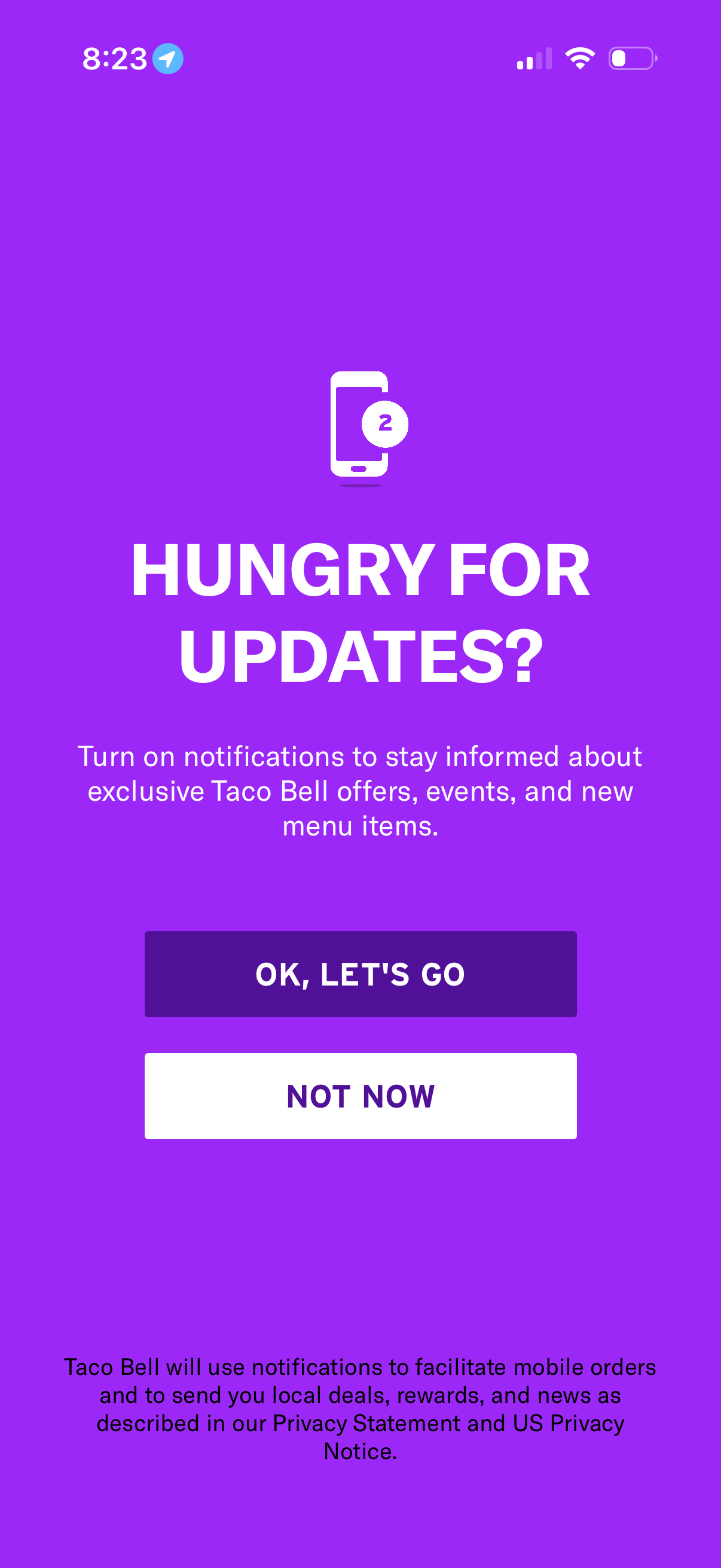
Push notification opt-in prompt encouraging users to enable notifications for offers, events, rewards, and new items, with supporting privacy copy. Provides primary CTA to turn on notifications and a secondary “Not now” option to dismiss.
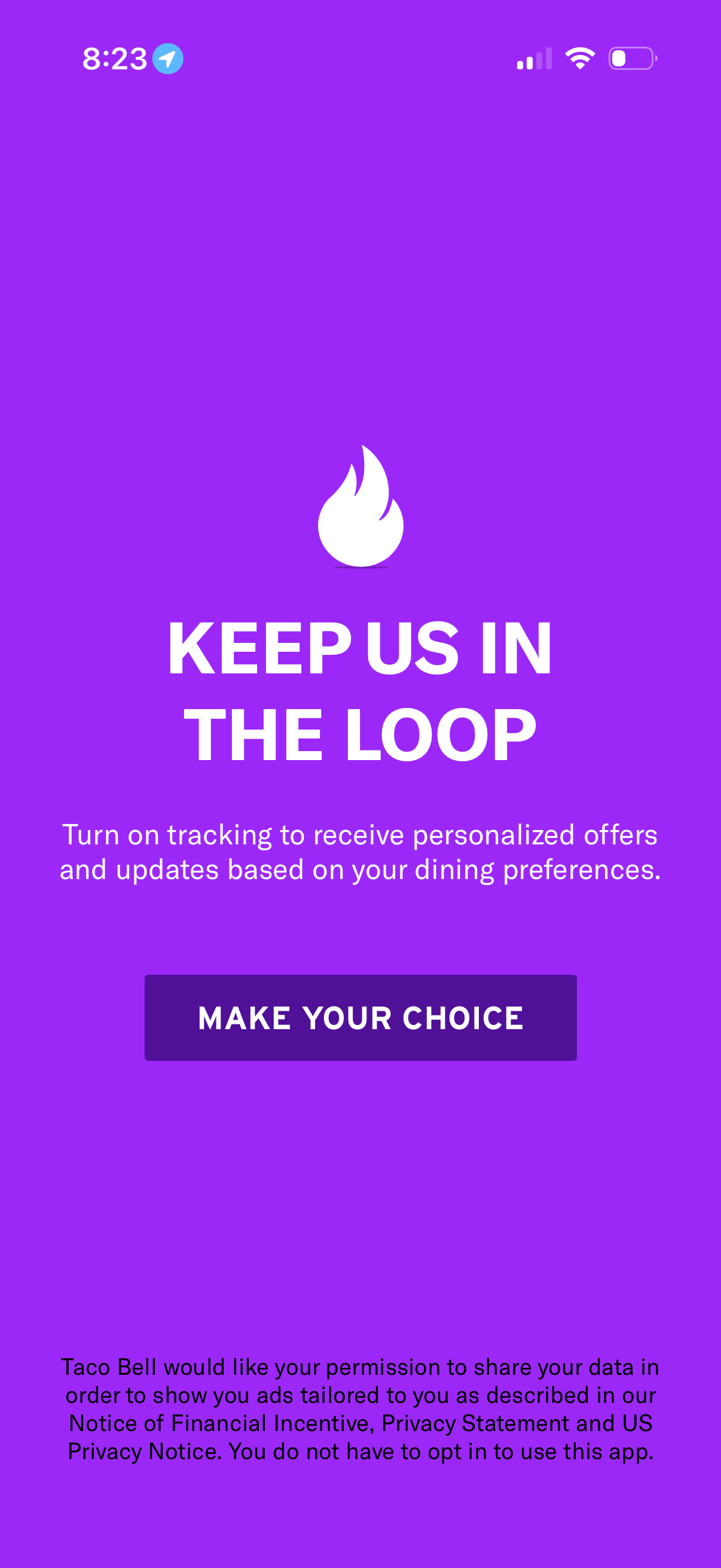
Privacy consent prompt asking the user to turn on tracking so the app can use data to deliver personalized offers and updates based on dining preferences. Includes a primary CTA button (“Make your choice”) to manage tracking/ad personalization permission and disclosure text about data sharing.