Onboarding
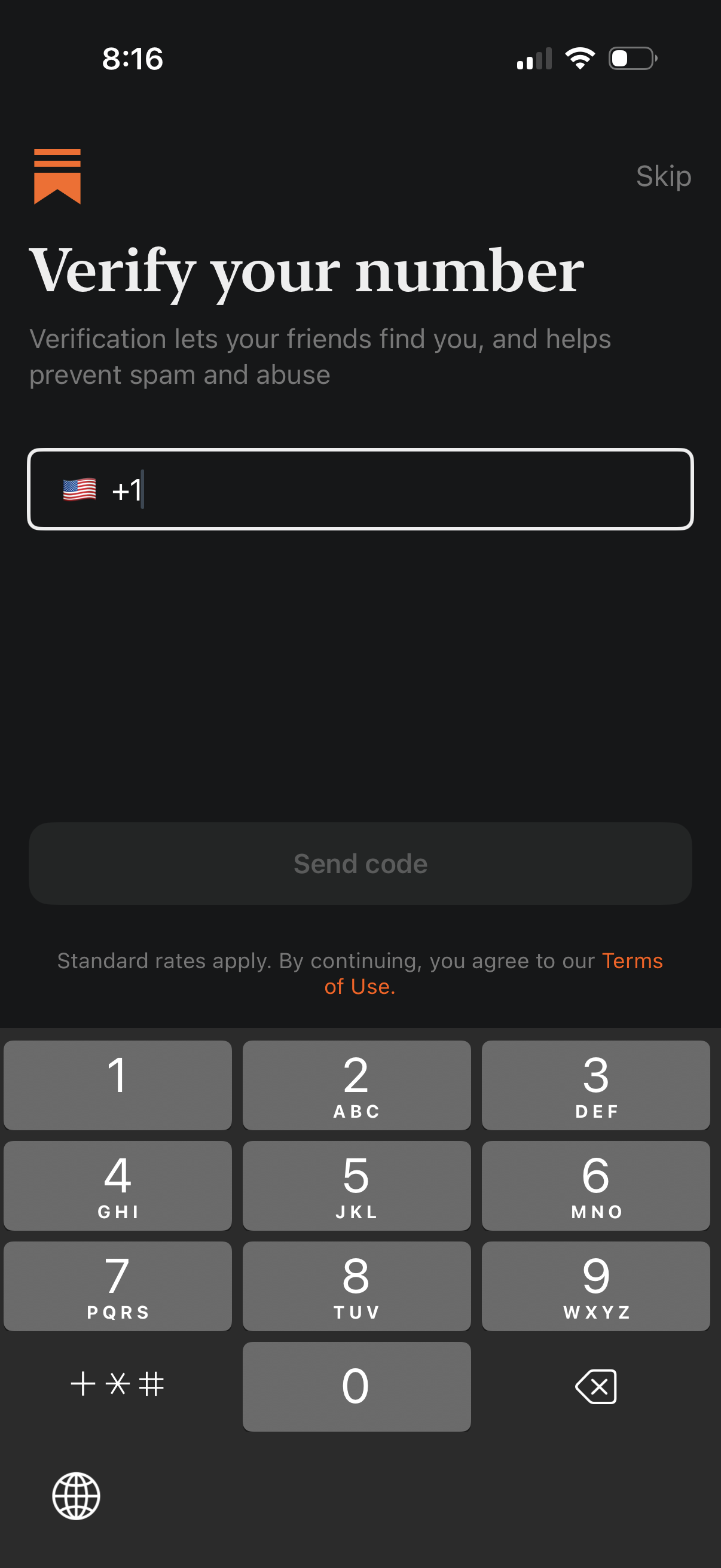
Phone number verification screen prompting the user to enter their mobile number with a country code selector and flag, plus a Skip option. Includes a disabled “Send code” CTA that becomes active after input and a Terms of Use link for SMS verification consent.
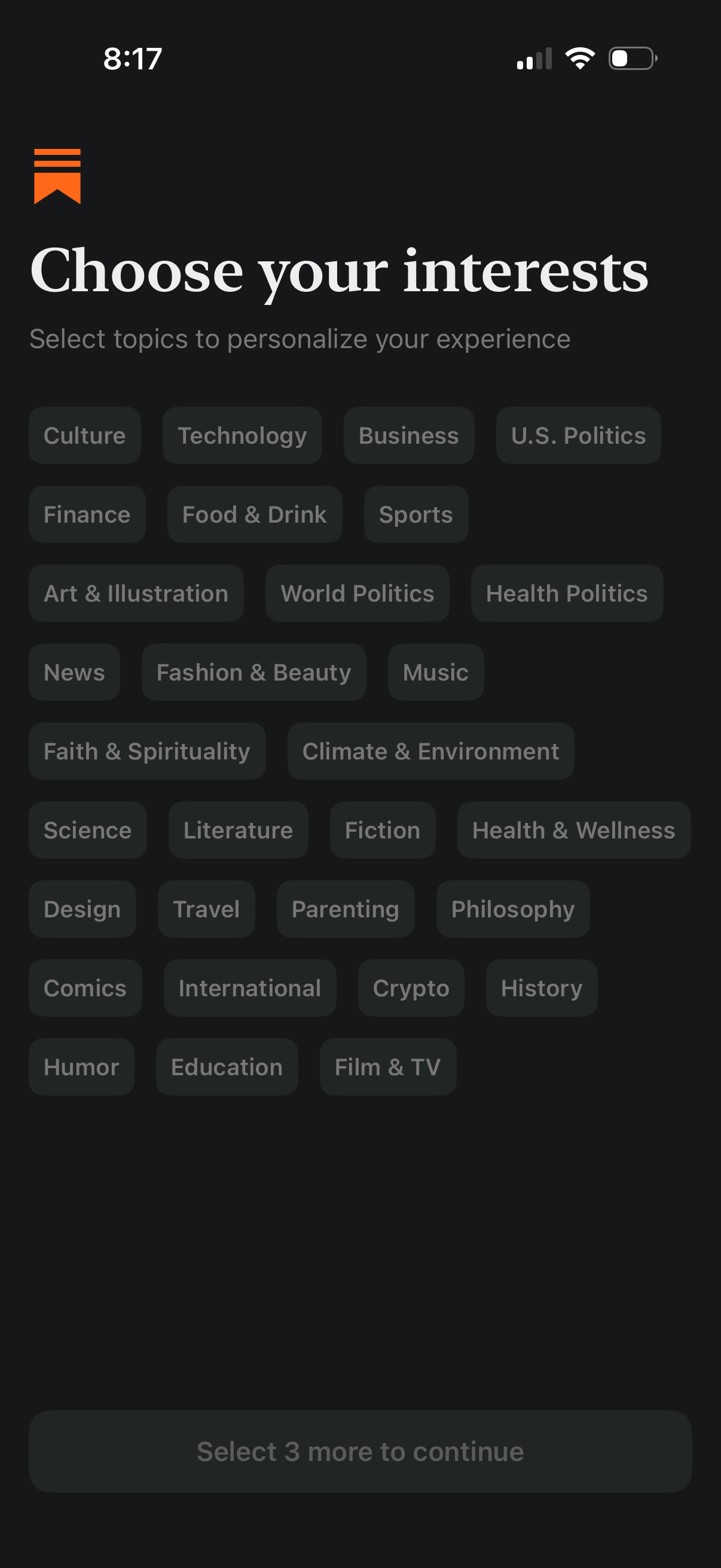
Onboarding personalization screen prompting users to choose their interests by selecting multiple topic tags (e. g.
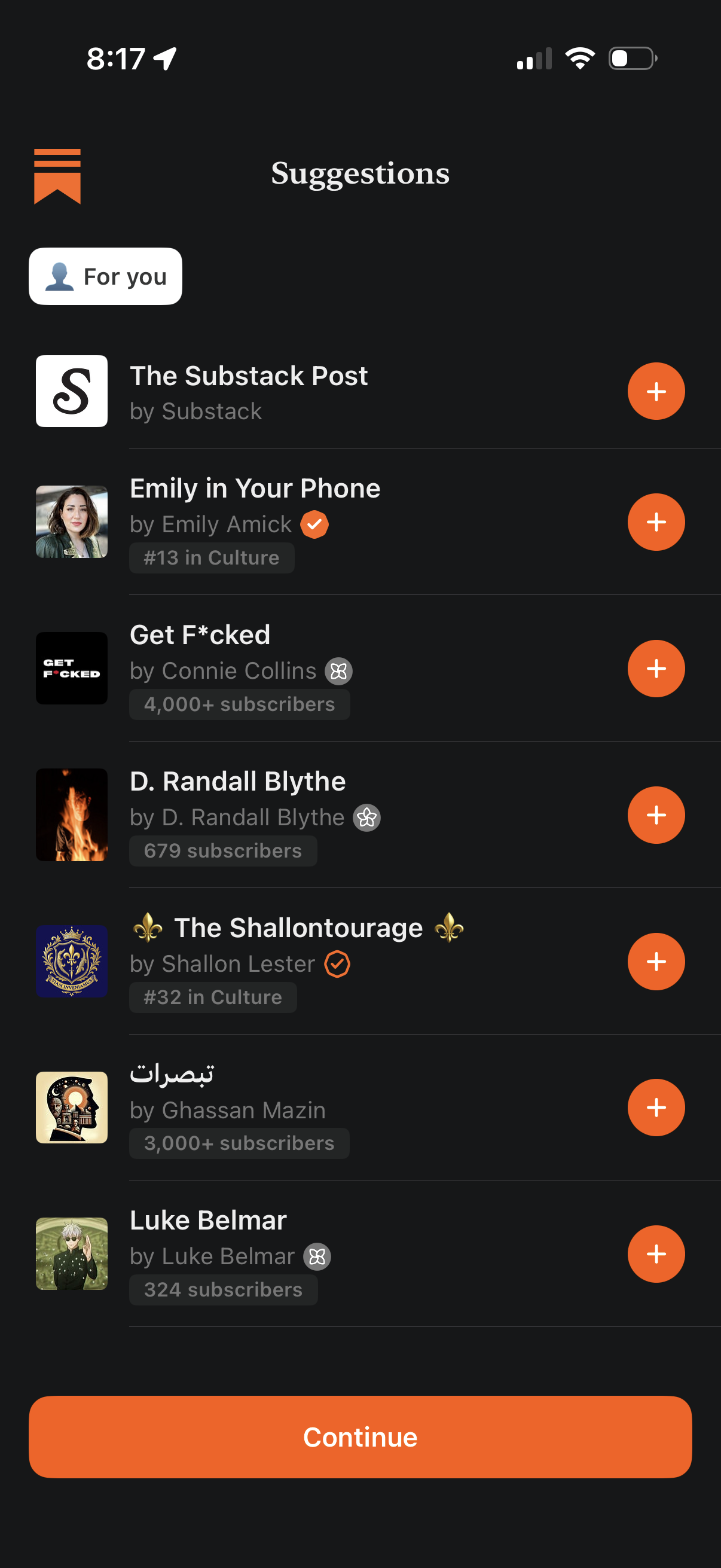
Personalized “Suggestions” screen for discovering newsletters/publications, showing a list of recommended accounts with avatars, author names, category/rank and subscriber count, and a plus button to follow/subscribe to each. A bottom “Continue” CTA advances after selecting subscriptions for onboarding.
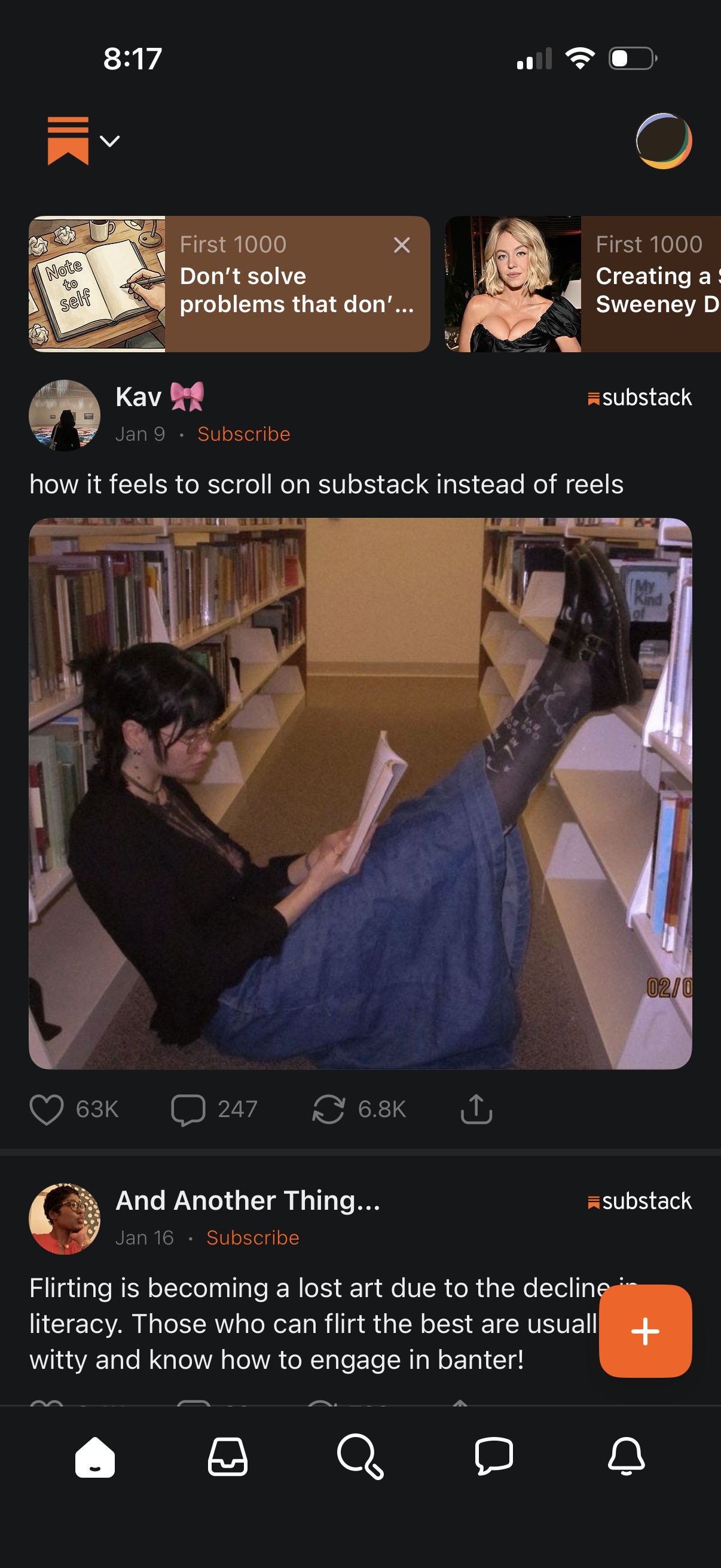
Social reading feed showing Substack-style posts with author info, date, and a Subscribe button, featuring image and text previews as you scroll. Each post includes engagement actions (like, comment, repost) and share, with a bottom navigation bar and a floating compose/create (+) button for publishing.