Onboarding
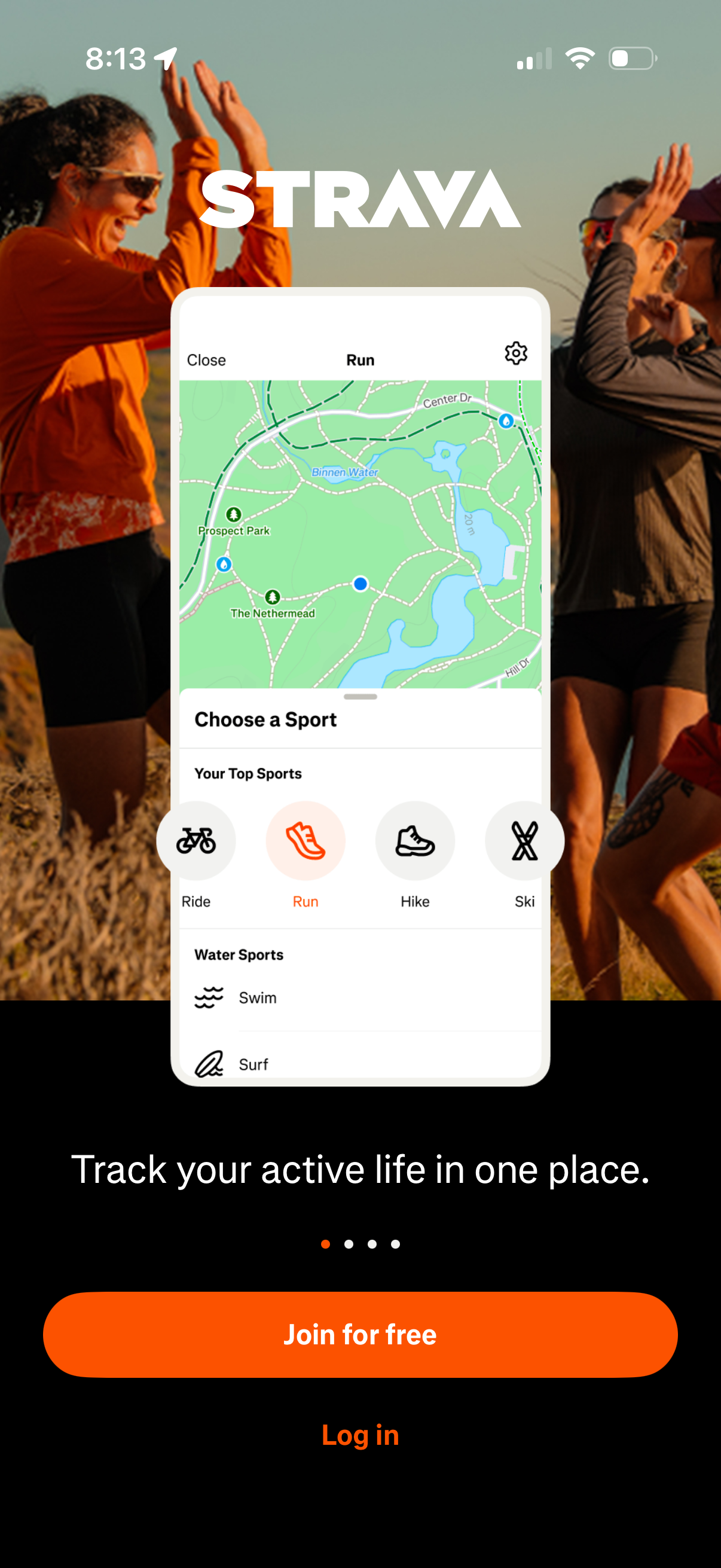
Fitness activity tracking app onboarding/signup screen showcasing a map-based activity recorder with a “Choose a Sport” selector (ride, run, hike, ski, swim) and primary CTA to “Join for free” plus a secondary “Log in” option. The screen highlights tracking your active life in one place and includes onboarding pagination dots.
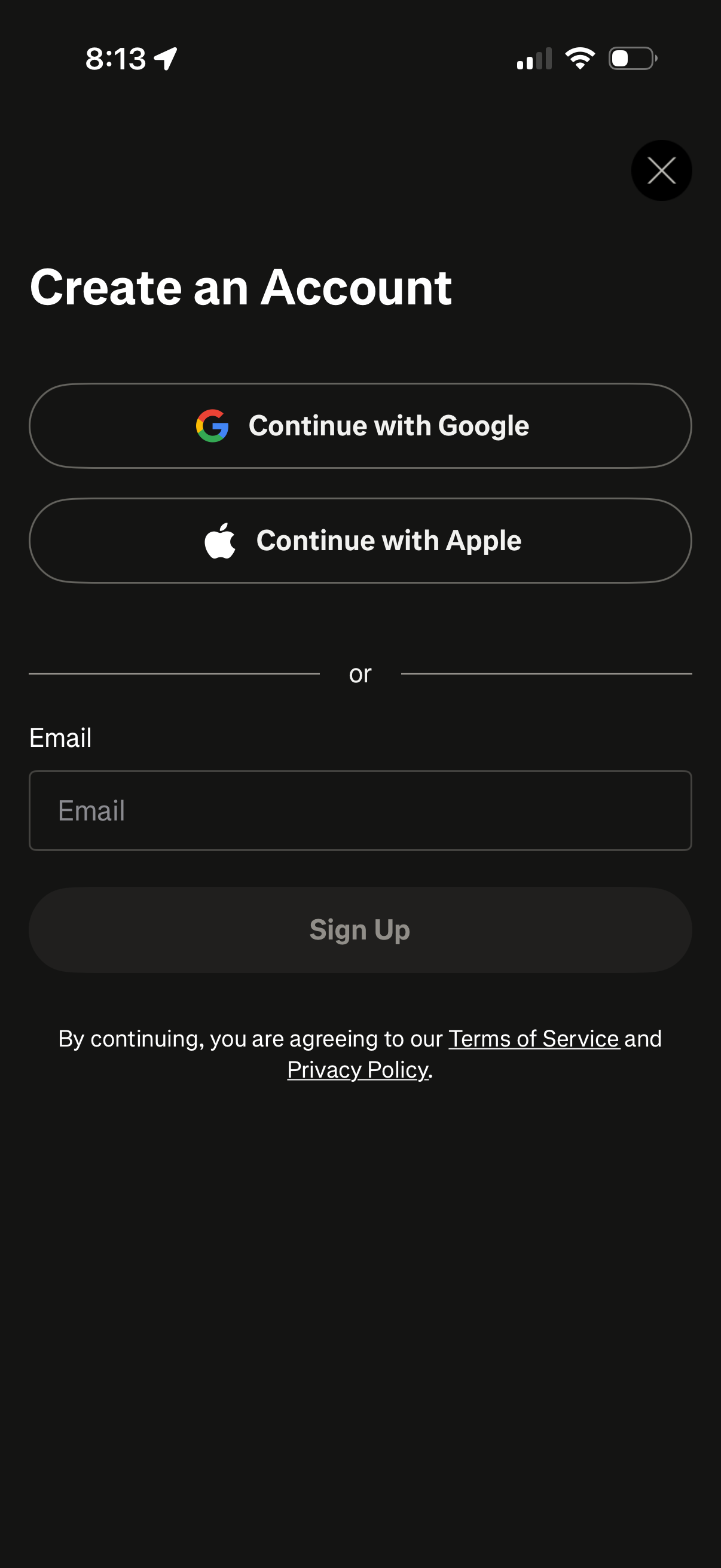
Account creation screen offering single sign-on options to continue with Google or Apple, or sign up with an email address. Includes an email input field, a primary Sign Up button, close icon, and links to Terms of Service and Privacy Policy.
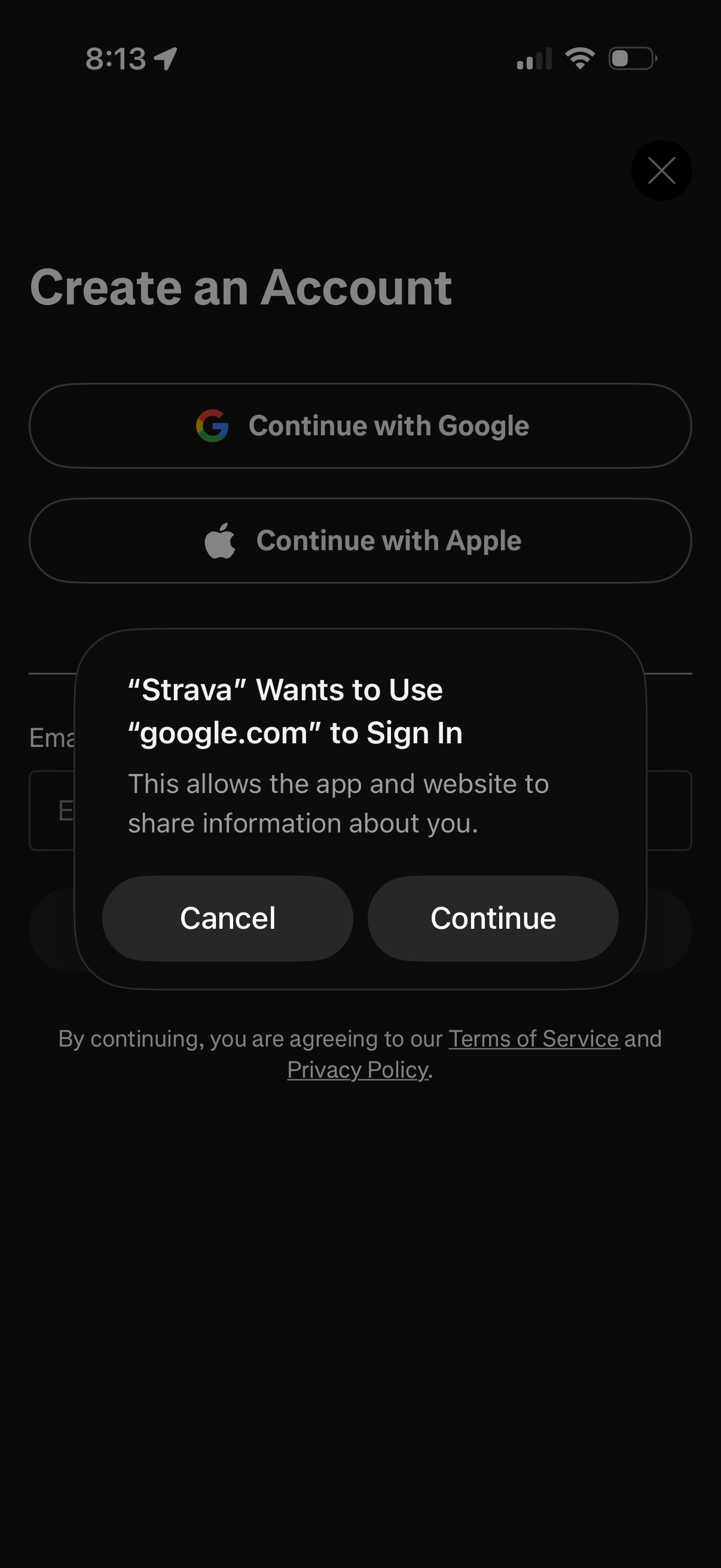
Account creation/sign-in screen offering social authentication options to continue with Google or Apple, with terms and privacy policy links. An iOS permission alert overlays the page asking to allow using google.
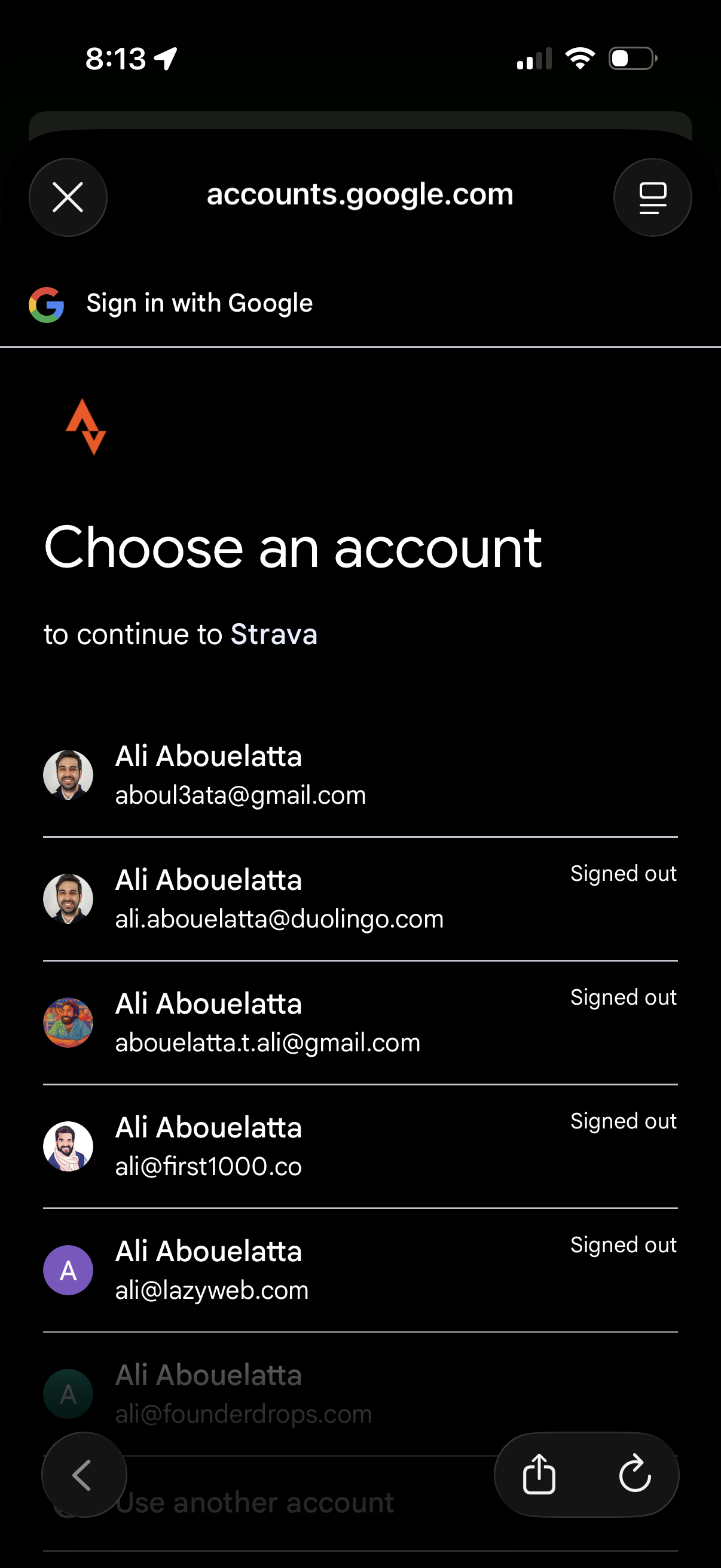
Google OAuth sign-in screen prompting the user to choose an existing Google account to continue to a third-party app, showing a list of saved accounts with avatars, email addresses, and signed-out status. Includes options to select an account, use another account, or close the sign-in flow.
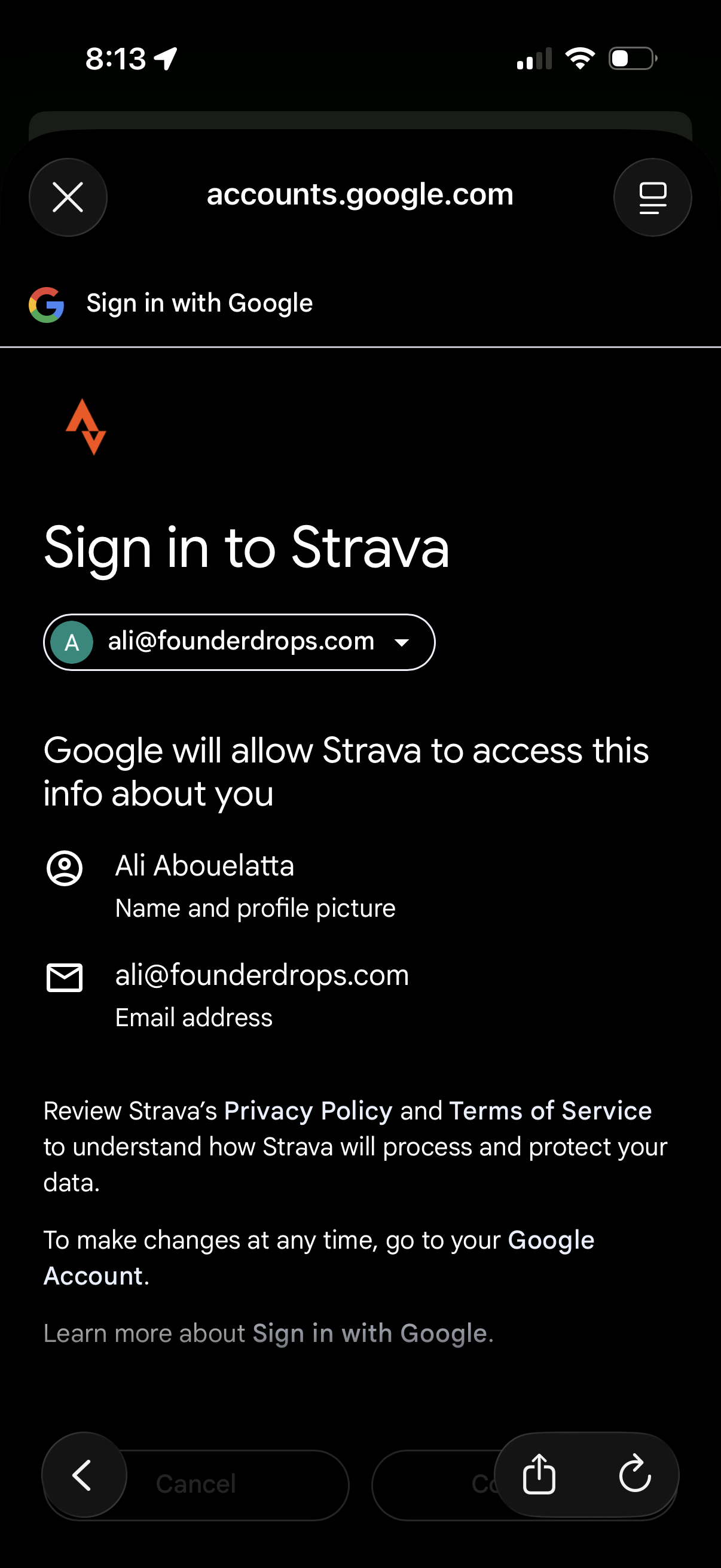
Google OAuth consent screen for signing in to Strava, showing the selected Google account dropdown and the list of profile and email information Strava will be allowed to access. Includes links to review privacy policy/terms and actions to continue or cancel authentication.
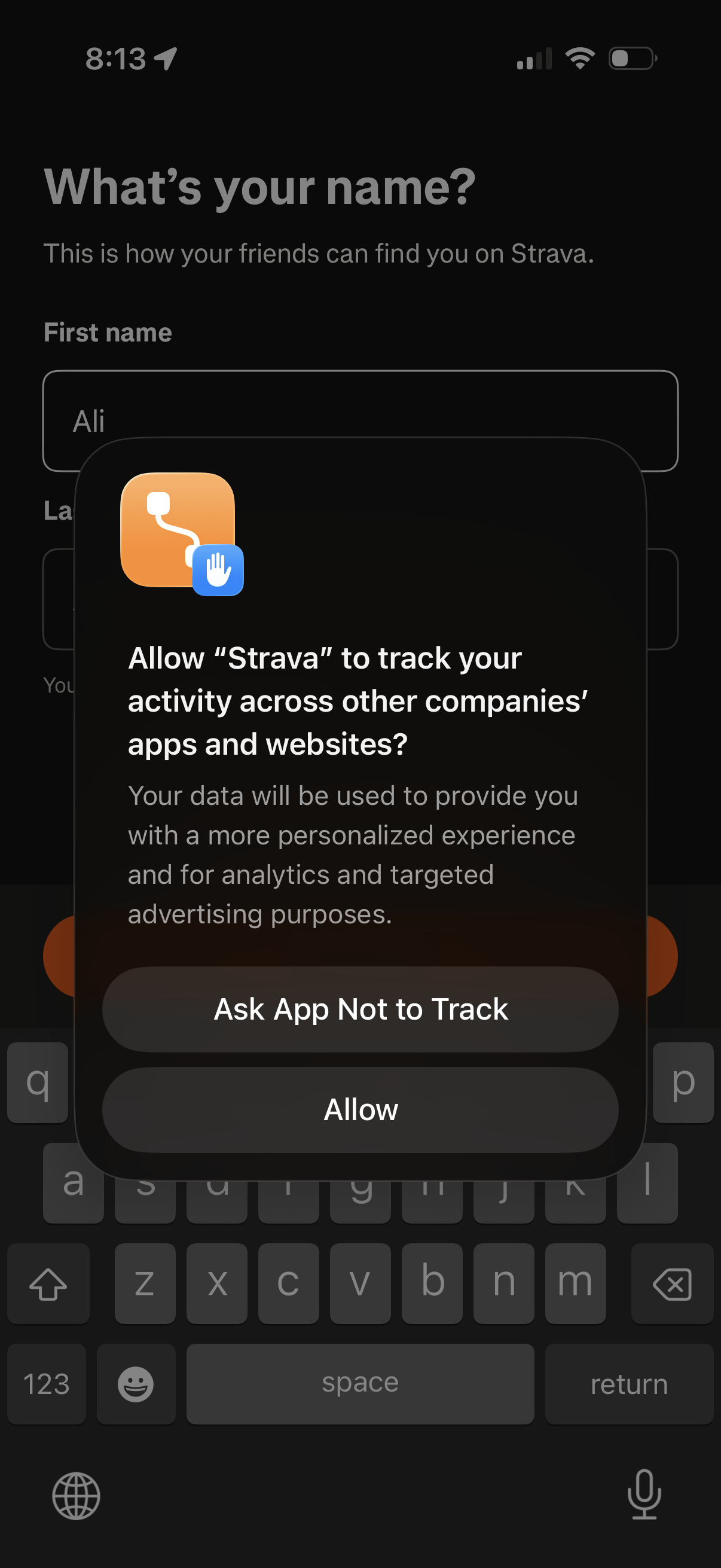
Account signup profile screen asking for the user’s name with first and last name text fields, overlaid by the iOS App Tracking Transparency permission modal requesting whether to allow the app to track activity across other companies’ apps and websites with options to Allow or Ask App Not to Track.
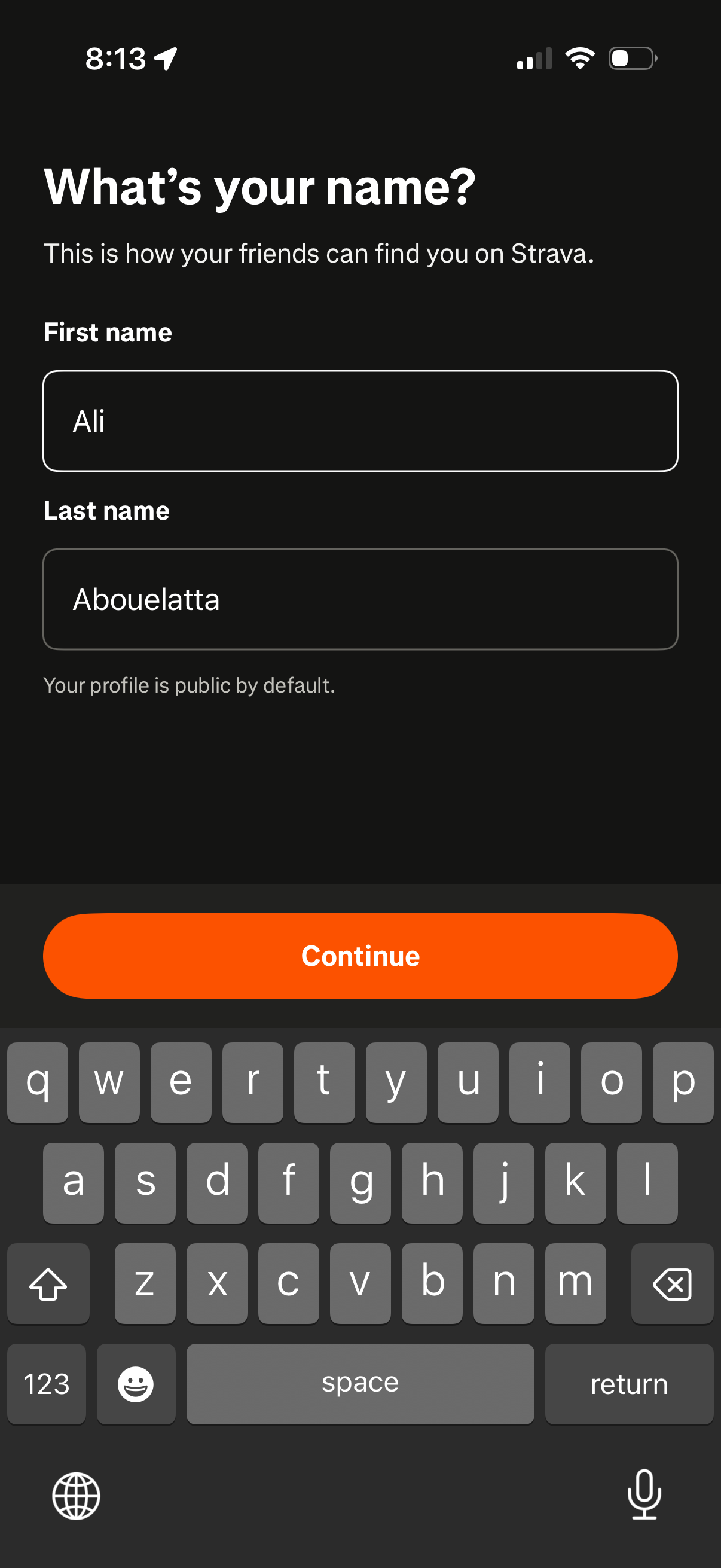
Onboarding profile setup screen asking the user to enter their first and last name so friends can find them, with a note that the profile is public by default. Includes two text fields and a prominent “Continue” button to proceed.
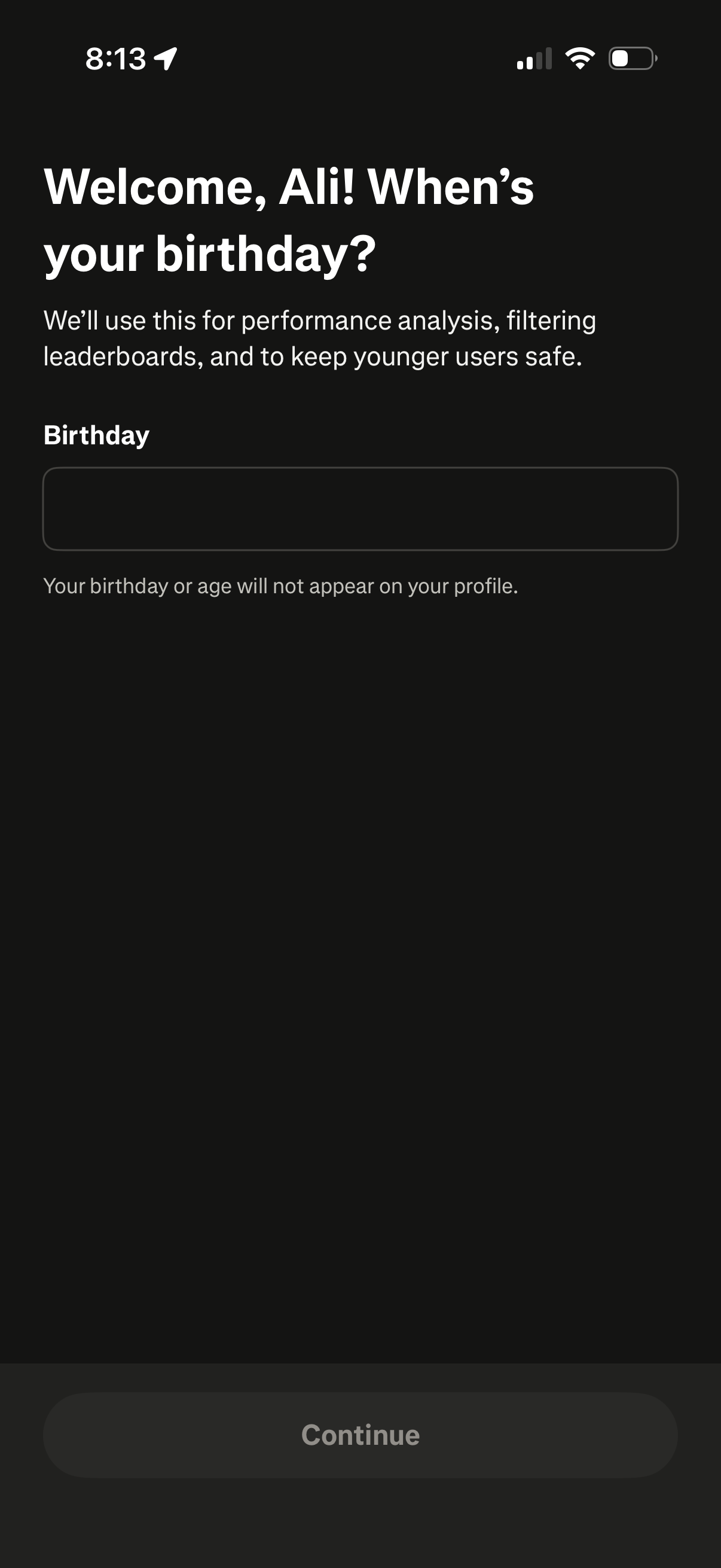
Onboarding profile setup screen asking the user to enter their birthday for age verification and safety purposes, noting the date won’t appear on the public profile. Includes a single birthday input field and a disabled Continue button until a valid date is provided.
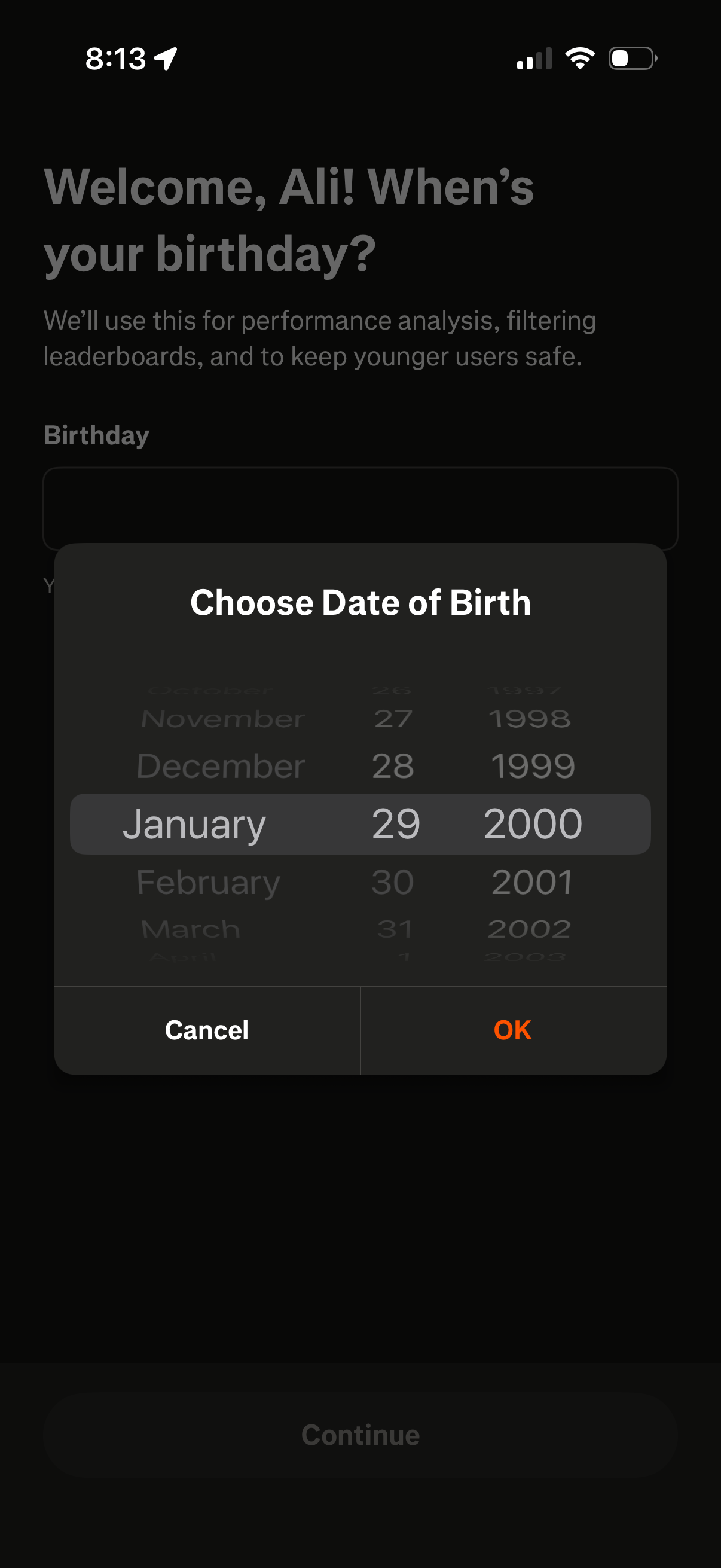
Onboarding profile screen asking the user for their birthday, explaining it’s used for analytics, filtering leaderboards, and keeping younger users safe. A modal date-of-birth picker lets users select month/day/year with Cancel and OK actions before continuing.
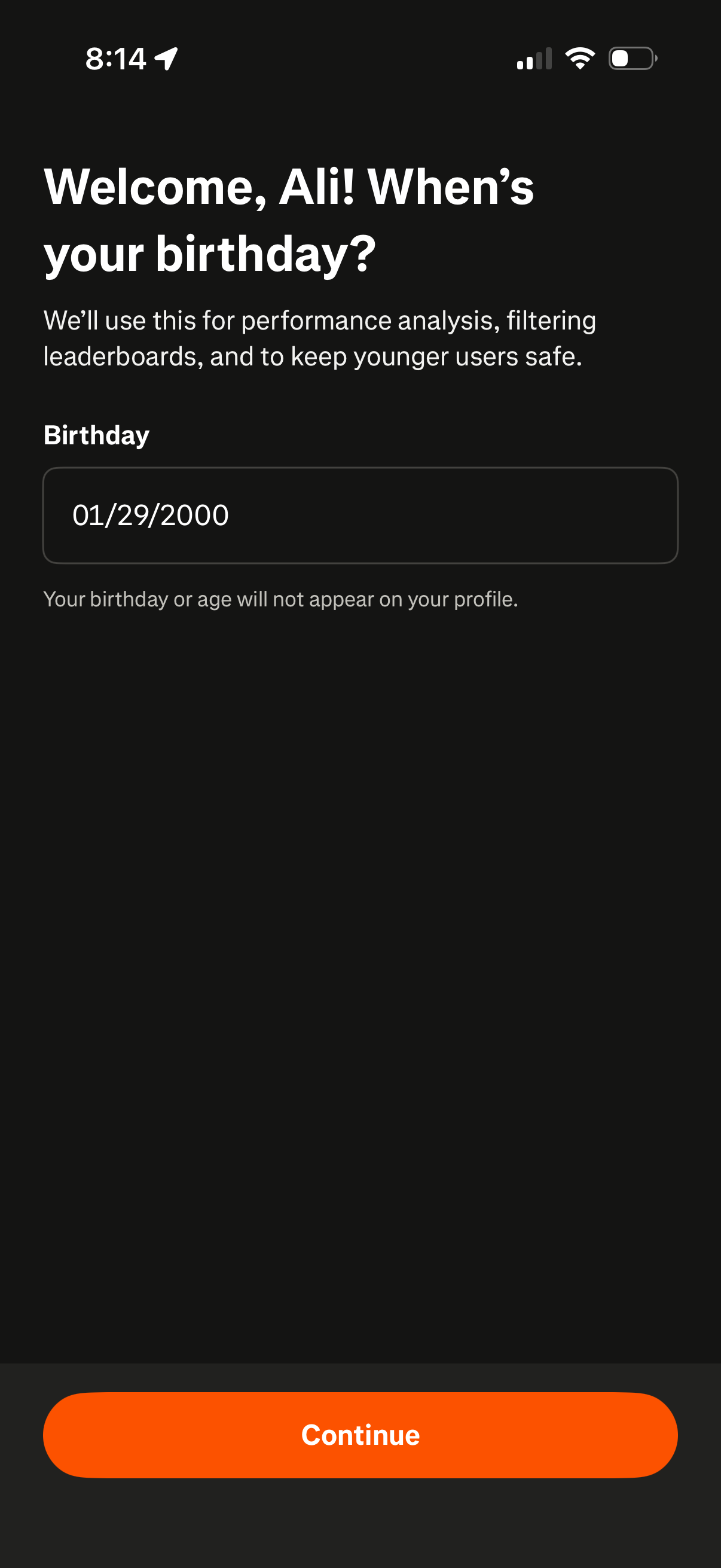
Onboarding profile setup screen prompting the user to enter their birthday for age verification, safety, and analytics, with a date input field and privacy note that it won’t appear on the profile. A primary “Continue” button advances to the next step.
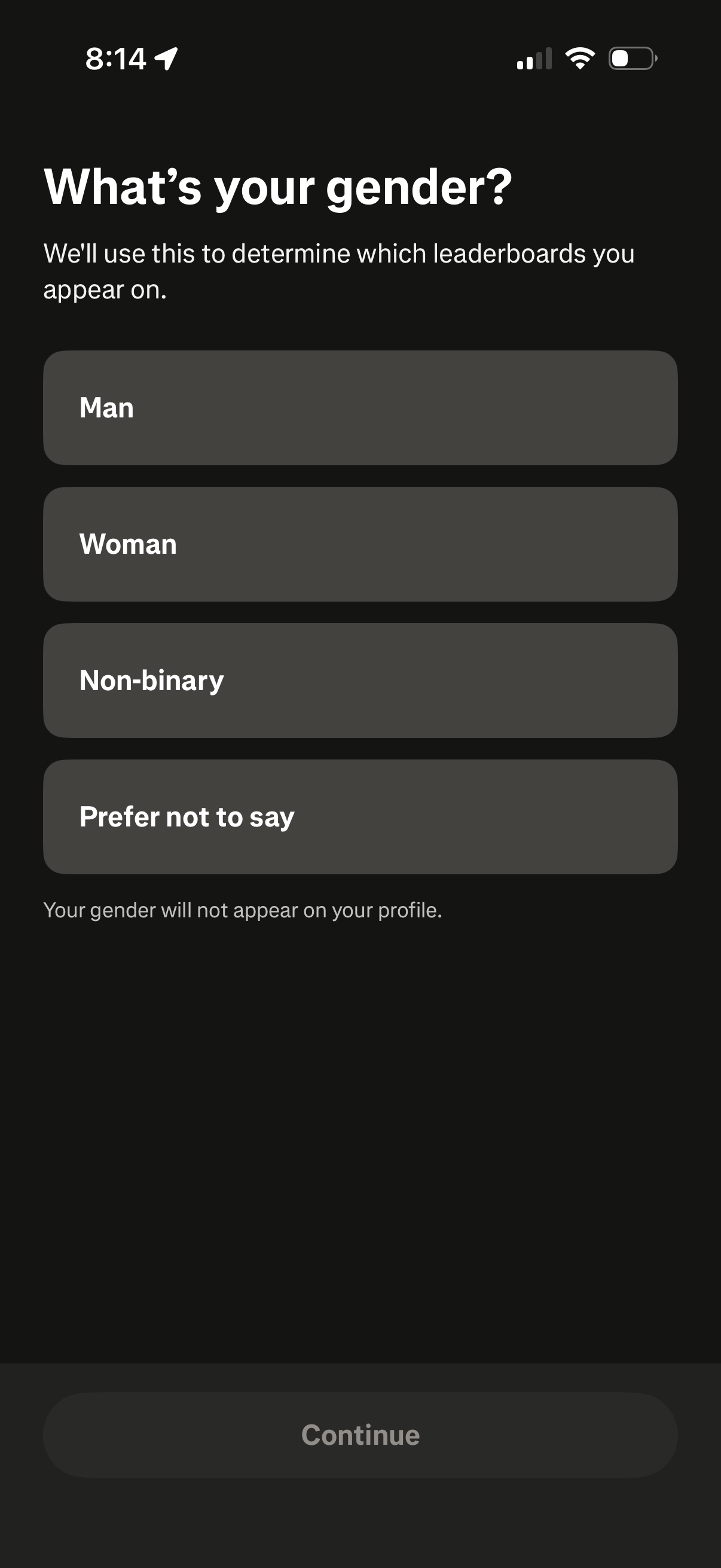
Onboarding profile setup screen asking the user to select their gender for leaderboard placement, with options for Man, Woman, Non-binary, and Prefer not to say plus a note that it won’t appear on their profile. A disabled Continue button at the bottom indicates the user must choose an option to proceed.
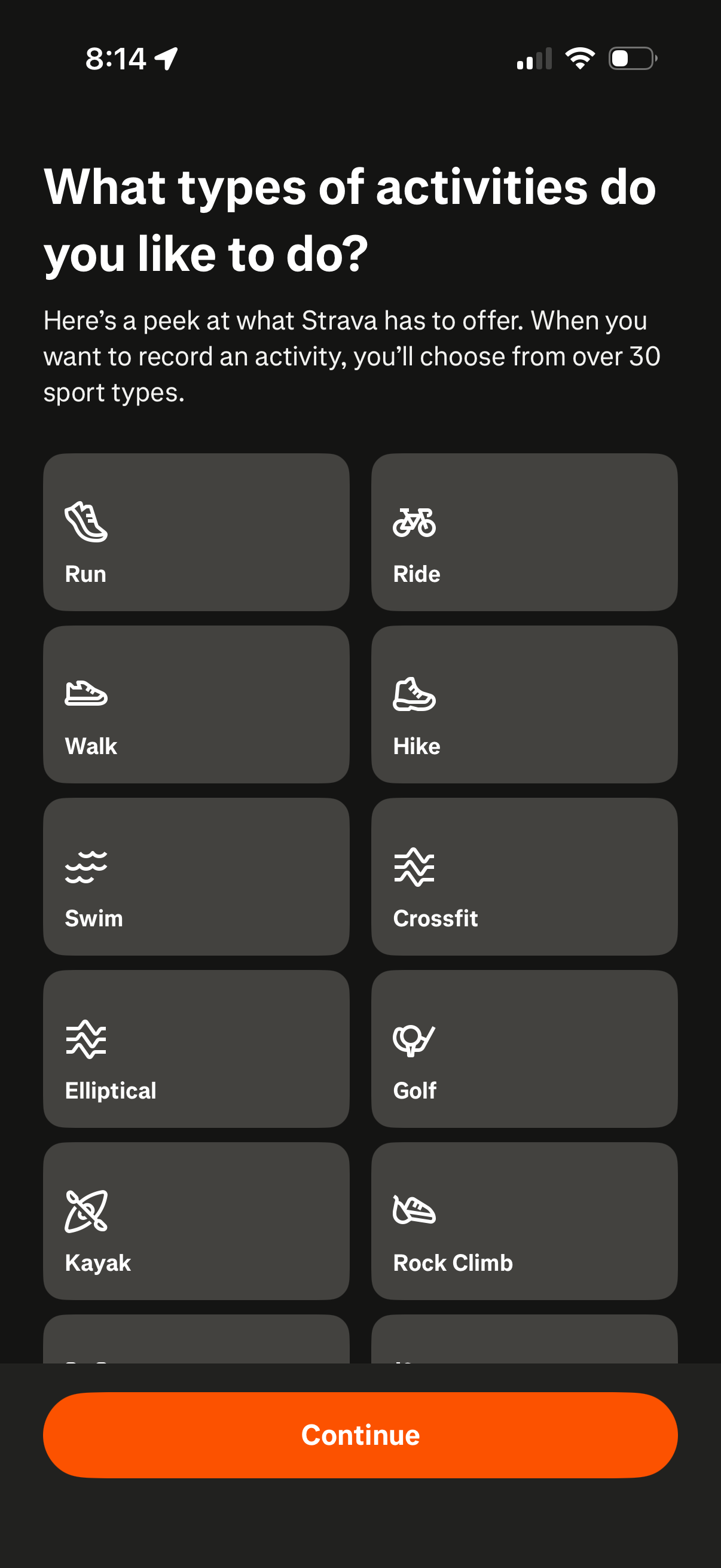
Onboarding preference selection screen for a fitness/activity tracking app asking users what activities they like to do, showing a grid of sport type tiles (e. g.
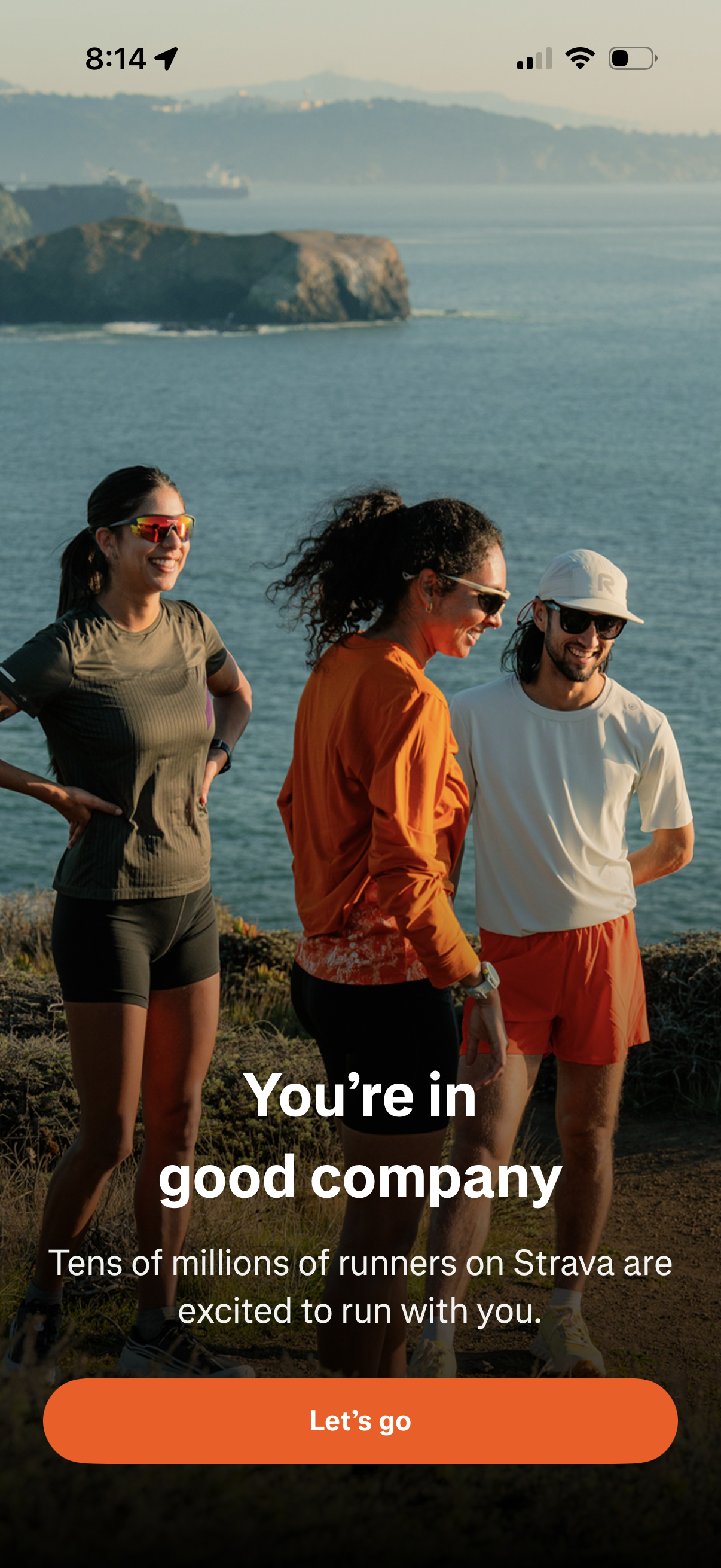
Fitness app onboarding welcome screen promoting the community aspect of running, with a full-screen lifestyle photo and headline text encouraging the user to join millions of runners. A prominent primary CTA button (“Let’s go”) starts setup or continues into the app.
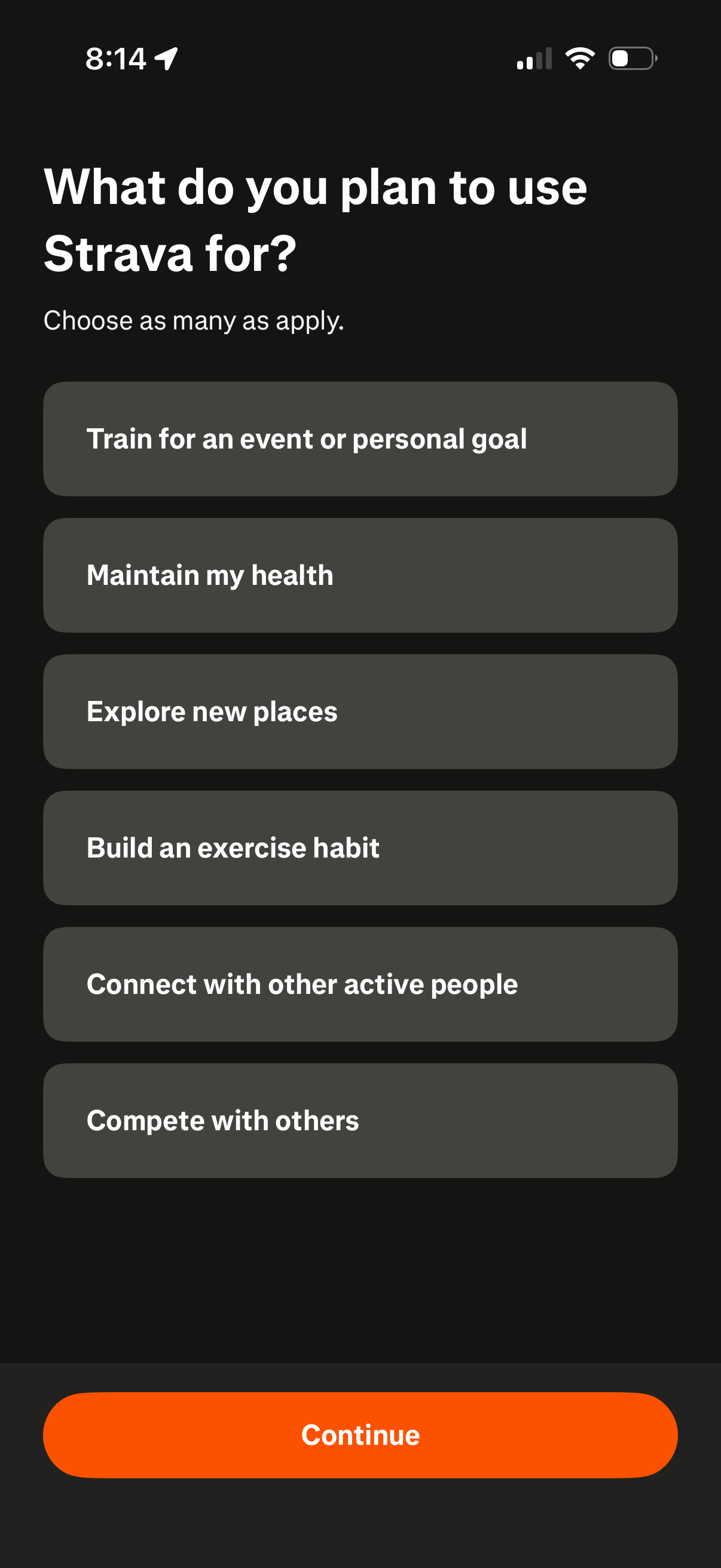
Onboarding preferences screen asking what the user plans to use Strava for, with multi-select goal options such as training for an event, maintaining health, exploring new places, building an exercise habit, connecting with others, and competing. Includes a primary Continue button to proceed after selecting interests.
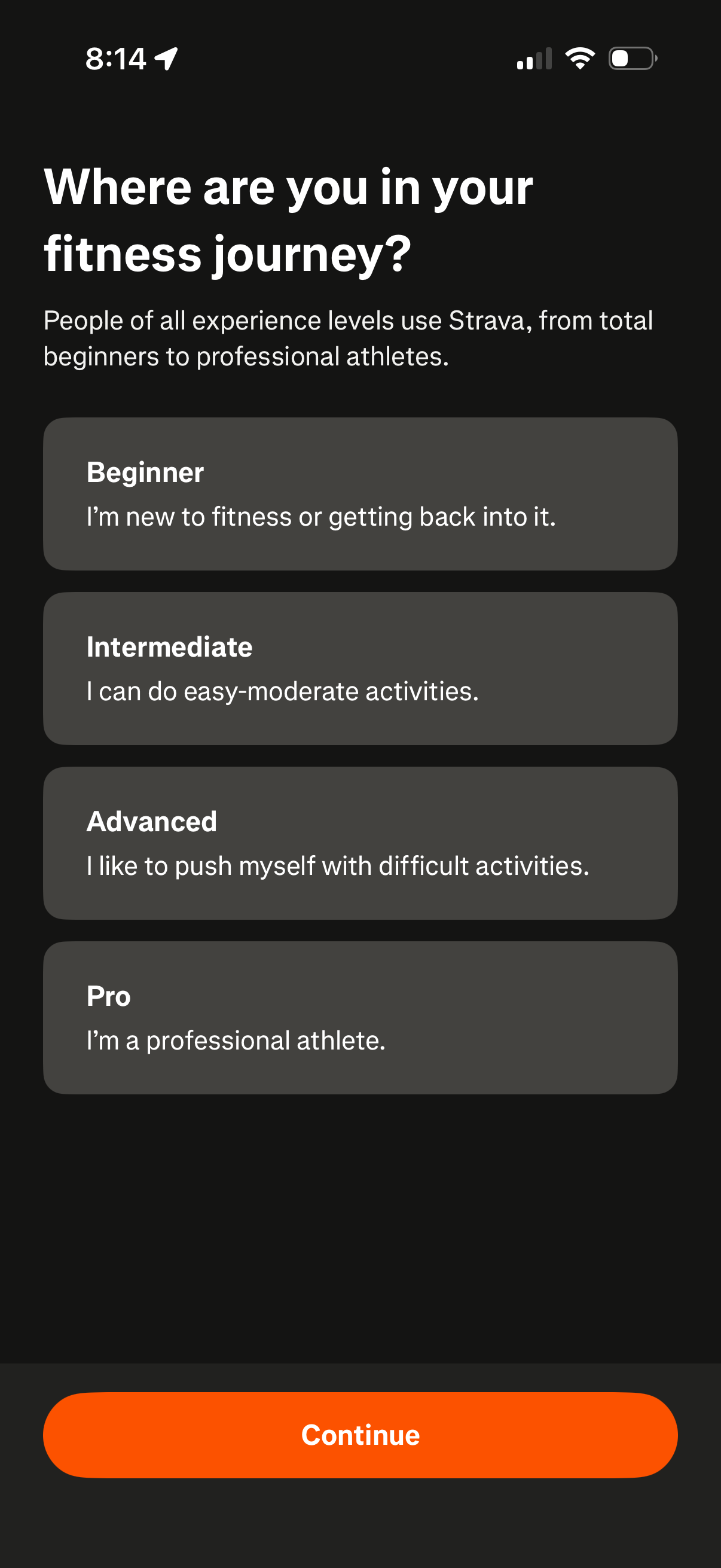
Onboarding survey screen asking users to select their fitness experience level in their fitness journey, with selectable options for Beginner, Intermediate, Advanced, or Pro. Includes a primary “Continue” button to proceed after choosing a level.
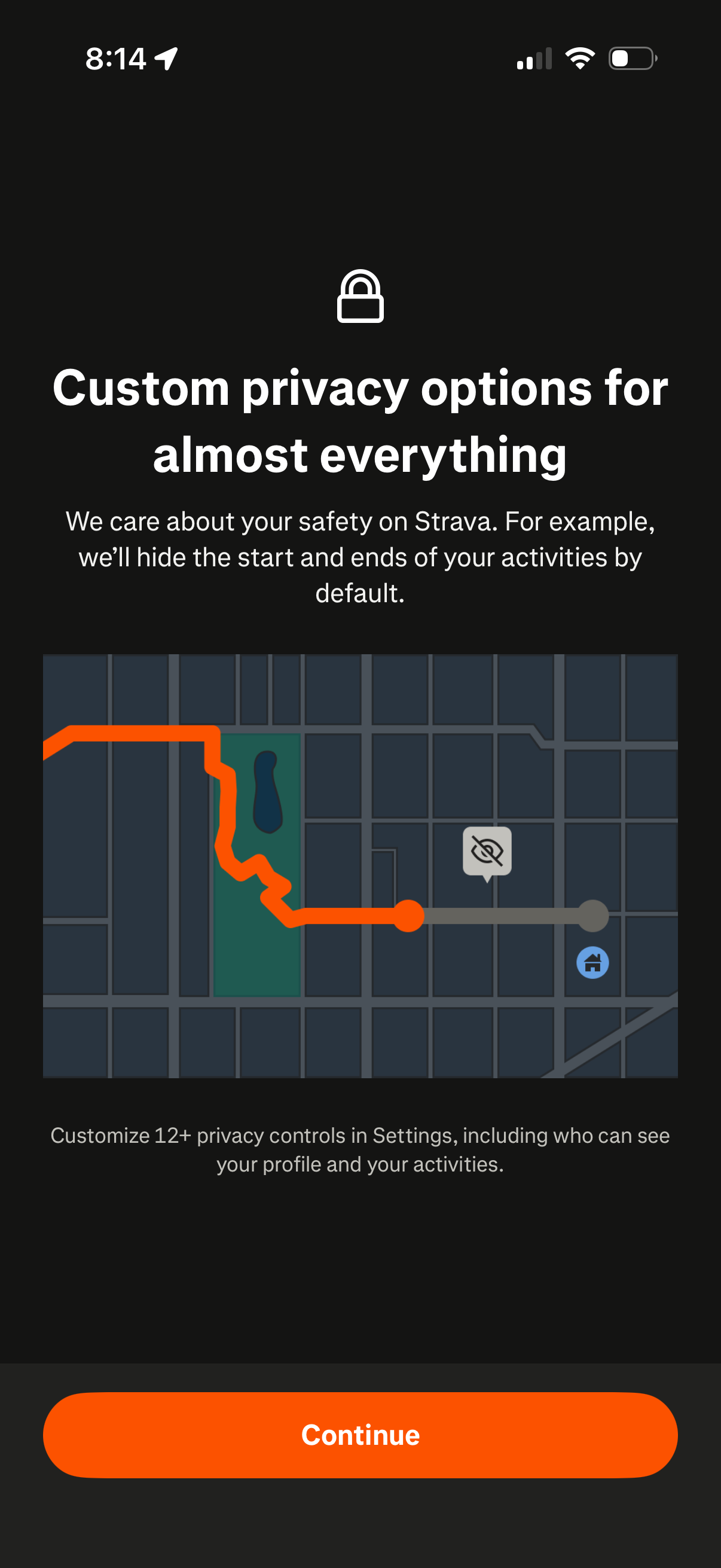
Onboarding privacy education screen explaining customizable privacy options and default safety features like hiding the start and end points of recorded activities on a map. Includes a prominent Continue button to proceed to privacy settings or the next step.
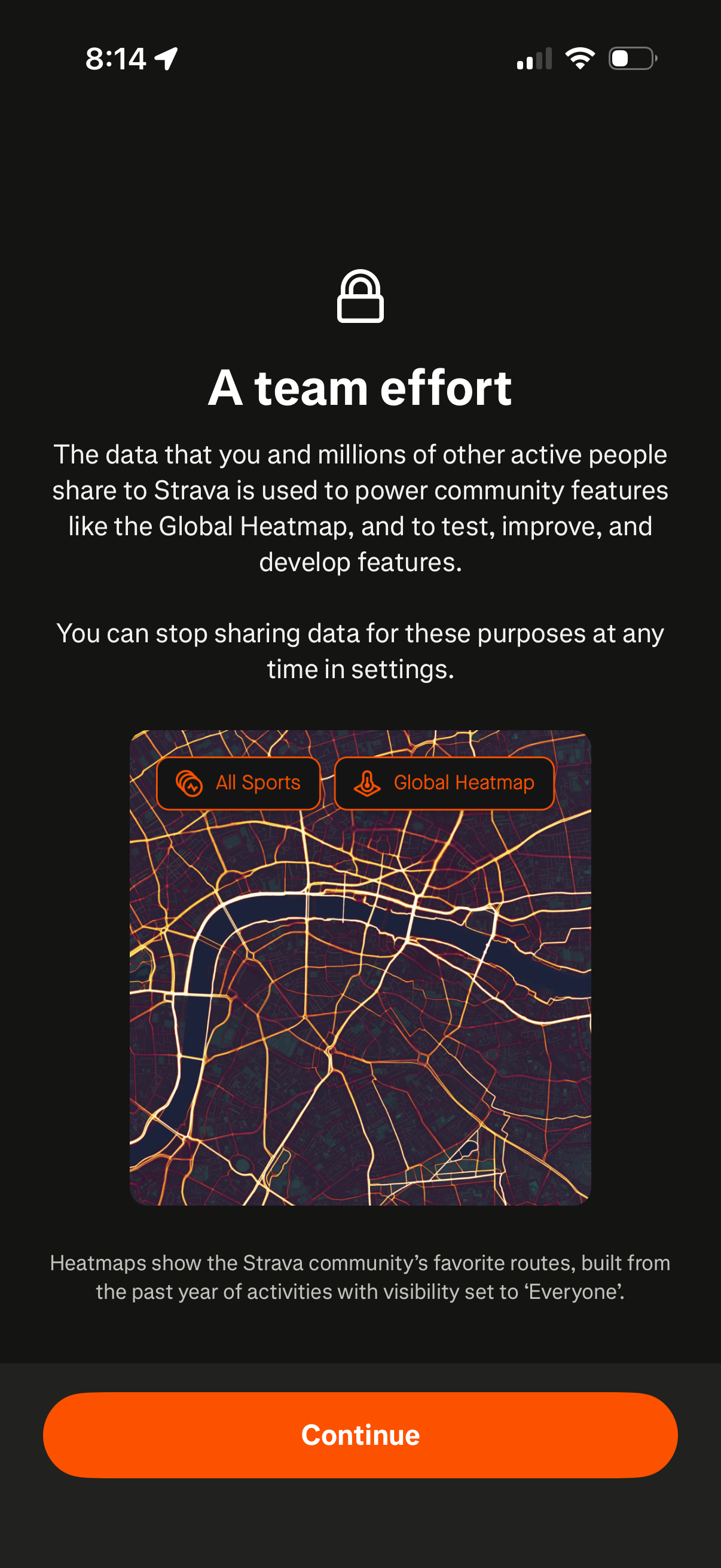
Privacy onboarding screen explaining how shared activity data is used to power community features like the Global Heatmap and to test and improve features, with a note that data sharing can be turned off in settings. Includes a preview heatmap image with sport filters and a primary “Continue” button to proceed.
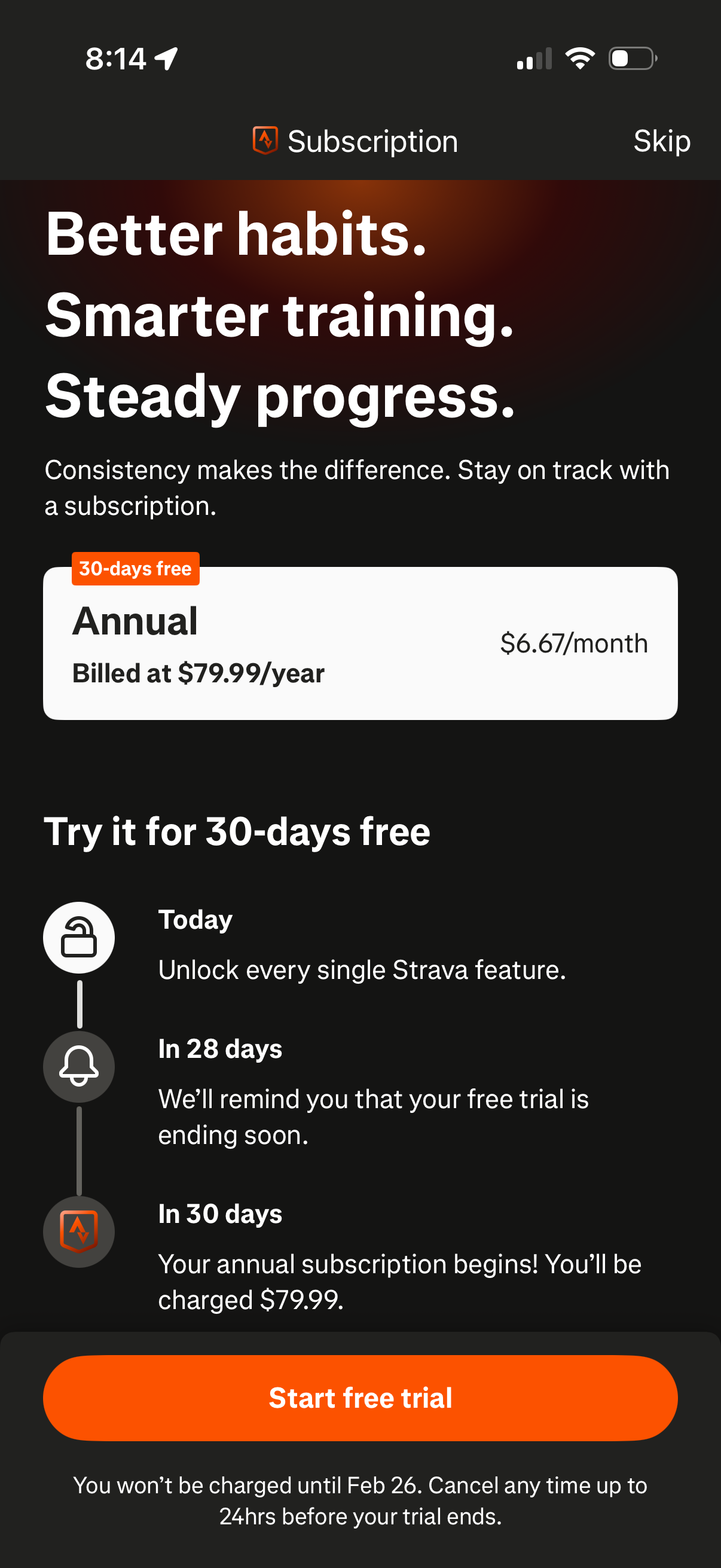
Subscription paywall screen promoting a 30-day free trial with an annual plan option showing yearly and monthly pricing, plus a timeline explaining when features unlock, a trial-ending reminder, and when billing starts. Primary action is “Start free trial” with a “Skip” link and cancellation/billing terms.
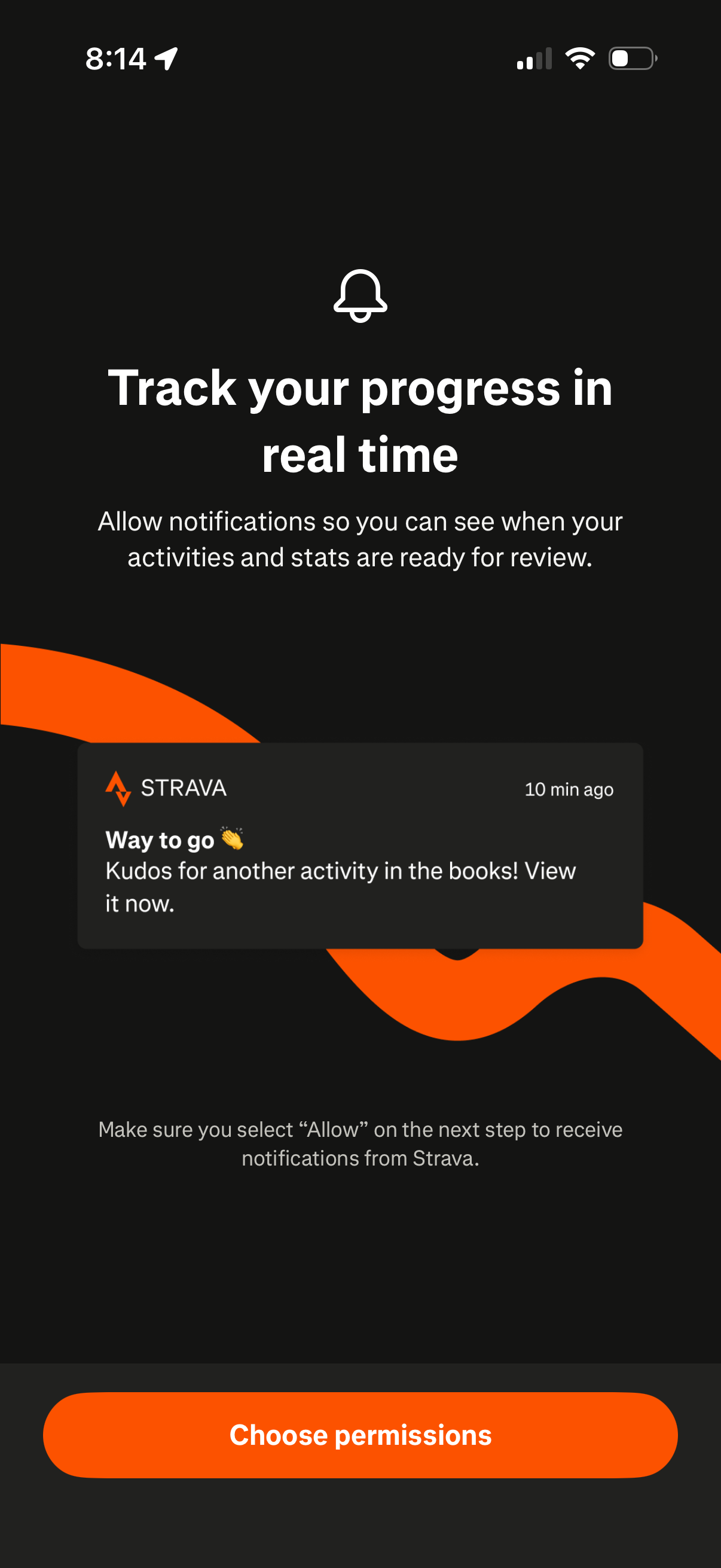
Notification permission prompt onboarding screen encouraging users to enable real-time progress updates for activities and stats, illustrated with a sample push notification preview. Includes a primary CTA button to choose/allow notification permissions on the next step.
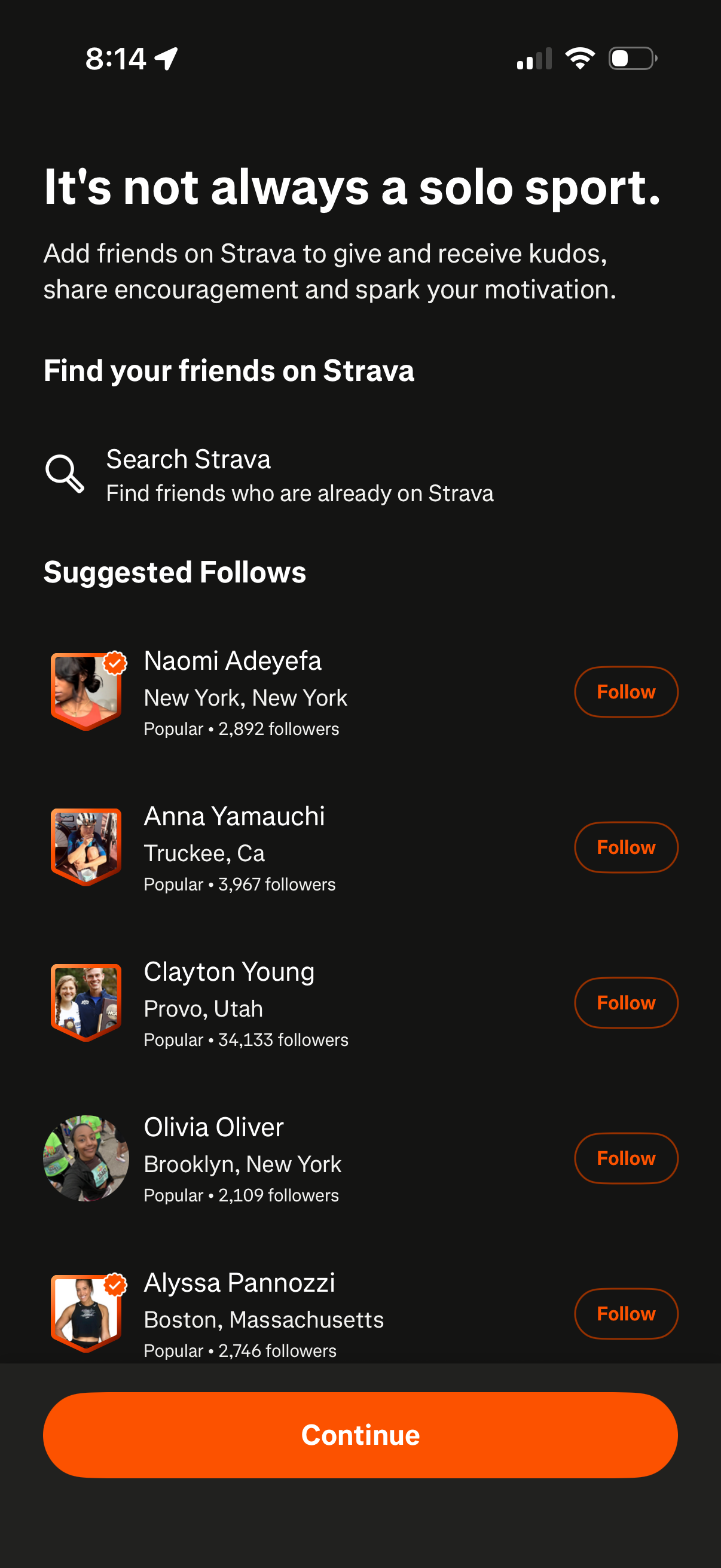
Friend discovery and onboarding screen that prompts users to find friends on Strava, offering a “Search Strava” option and a list of suggested accounts with profile details and Follow buttons. Includes a primary Continue CTA to proceed after choosing people to follow.
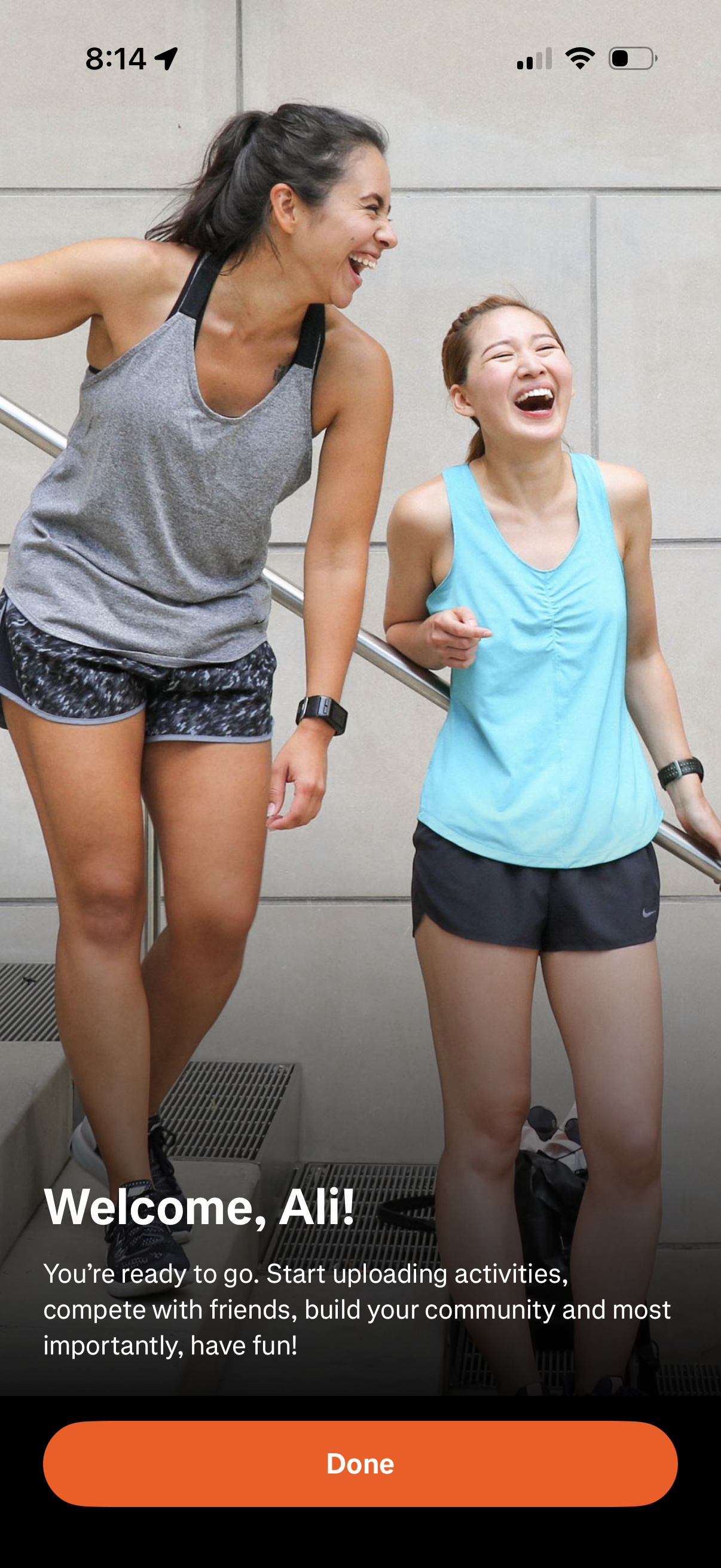
Welcome/onboarding completion screen for a fitness or activity tracking app, greeting the user and explaining they can upload activities, compete with friends, and build a community. Features a full-screen photo background with a prominent “Done” button to finish onboarding and enter the app.
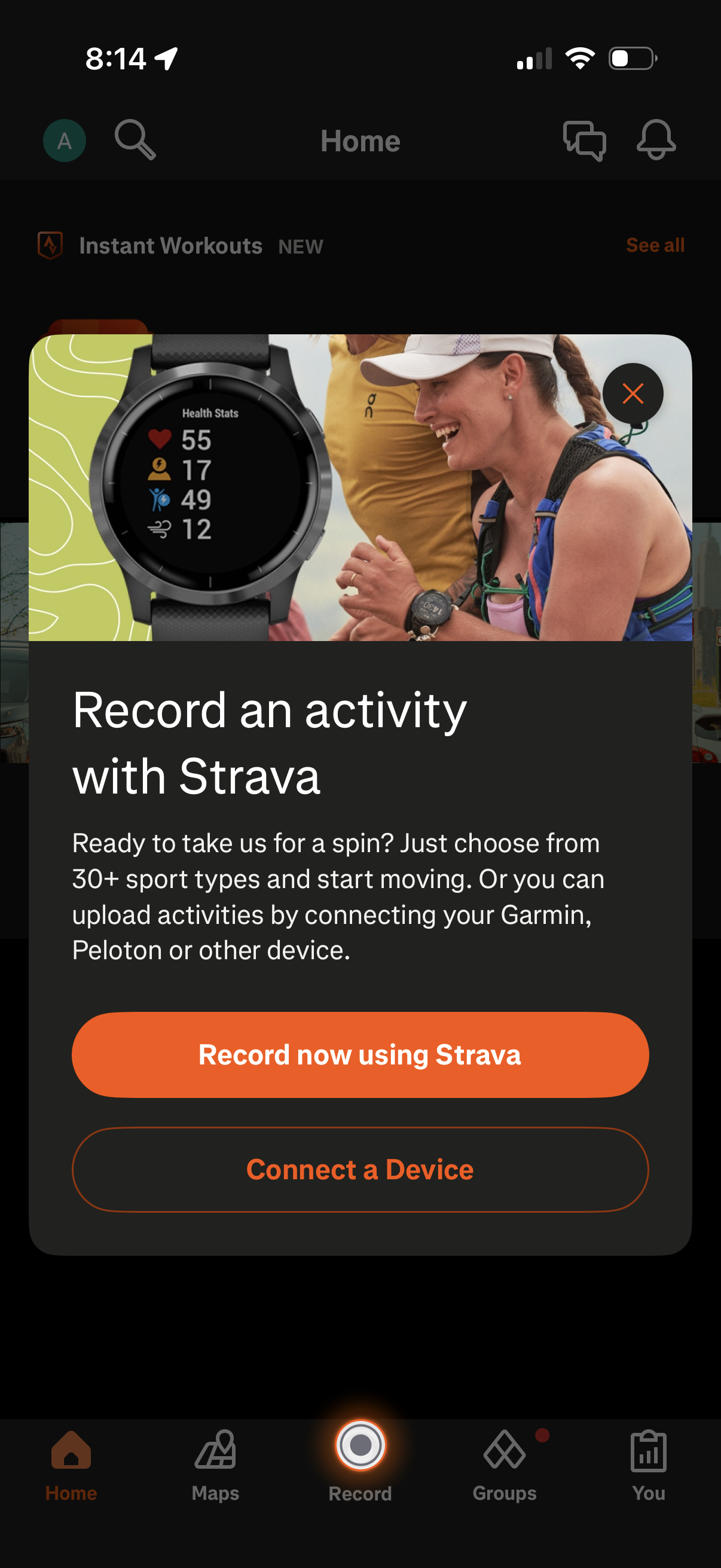
Promotional modal overlay on a fitness tracking app home screen prompting users to “Record an activity with Strava,” explaining starting workouts from 30+ sport types or uploading activities by connecting devices like Garmin or Peloton. Primary actions include a CTA to record now using Strava, a secondary button to connect a device, and an option to close the modal.